The Largest Curatorial Library
With Web Html

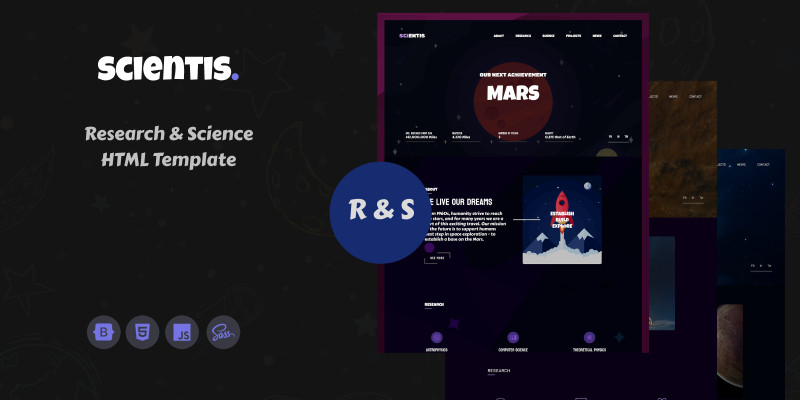
Scientis - HTML Web Template by OxygenThemes

Scientis - HTML Web Template by OxygenThemes

From the cradle of the humanity to the modern day, our society progressed from first success of light the fire, to the robotic rovers on the Mars. And every new day, we strive to improve our lives, to break the borders. That's because we are curious, we want to push progress forward, we work hard to invent new technologies. And, in background of whole of our progress is the science, which gives to us powerful tools to improve our society, and to reach the stars. When we talk about science, there are many research labs and complexes around the world, and all of these need quality presentation on the internet, and that's an answer on the question - why we have created Scientis - HTML Web Template. Scientis offers the best experience for users, for people who work with the science, for people who improve and make comfortable our life. We tailored this template with using of cutting edge technologies, to give the best experience to the users.
Login Form

Login Form

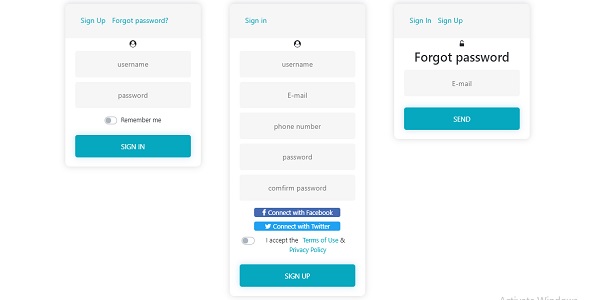
Login Form is a form for websites. FEATURES: - Forgotten password handling - Customizable inputs (switch login – email) - IE version (with no placeholders) - No images - It’s very fast and intuitive! Including login page, registration page and forgot password page. Beautiful design and animations. Very easy to use. Responsive Login Form with empty input validation is ready for Desktop, tablet and mobile devices. Simple to implement. Just copy the included files. You can easily edit, change and customize them for yourself.

Header Underline Active Item Using CSS

Header Underline Active Item Using CSS

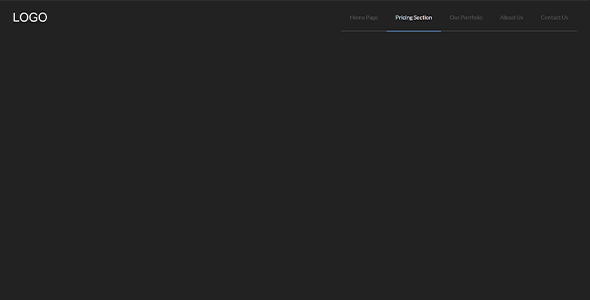
Create an Indicate Active Link program. Basically, there is a dummy text for LOGO and 5 navigation items or links. Below the navigation items, there is a light color line with the first item to last item placement. But the selected or active nav link has a blue underline, it helps to detect the currently active link. When you will click on another link then the blue underline will go and active that selected nav item. Also, the hover effect is similar, on hover the hovered item’s underline will blue and all other items will fade.