The Largest Curatorial Library
With Mobile Website To App

MightyWeb Flutter Webview - Convert Your Website To An App + Admin Panel

MightyWeb Flutter Webview - Convert Your Website To An App + Admin Panel

Flutter is an open-source mobile application development SDK created by Google. It is used to develop applications for Android and iOS, as well as being the primary method of creating applications for Google Fuchsia, Flutter widgets incorporate all critical platform differences such as scrolling, navigation, icons and fonts to provide full native performance on both iOS and Android.

Created Apr 19, 2021 · Updated Feb 6, 2026 · ★ 4.69 (158) · 1.3K sales

WebX - Configurable Web View Mobile Application | Convert Website To Flutter App

WebX - Configurable Web View Mobile Application | Convert Website To Flutter App

WebX is your go-to solution for effortlessly turning web content into a customizable mobile app. Our cutting-edge Flutter application, compatible with both Android and iOS, ensures easy access to your business and services via mobile devices. Transform your website into a mobile app in just seconds. With WebX, you can customize onboard screens, manage multiple ads, and personalize navigation bars, floating buttons, and menus including multiple items. It also allows you to enable and disable all the features through general settings and many more customization. Delegate yourself to WebX’s user-friendly controls, allowing you to adjust your app experience. It’s easy and convenient, led by regular updates, services, and top-notch customer support. Whether you’re an individual or a business owner, WebX is the perfect mobile app solution for you. Get your copy now and watch your business expand, connecting with your audience through mobile convenience.

Created Sep 13, 2023 · Updated Sep 14, 2025 · 53 sales

CBWebview for iOS - Universal Webview App to convert any Website to App (No Coding Skills Required)

CBWebview for iOS - Universal Webview App to convert any Website to App (No Coding Skills Required)

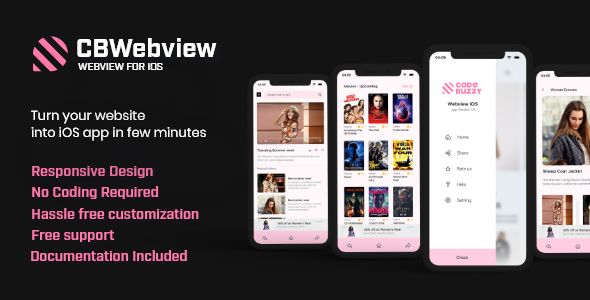
CbWebview is an iOS app template to create your own app on Apple Store. It is made for everyone who is looking to take their business online through an app. All you need is your own responsive business website. It requires no coding language in order to change any option to create the iOS app you want. It is compatible with any type of website whether it may be e-Commerce, news, Video streaming, Blogs, Fashion galleries, WordPress sites, Flight booking, etc. This only requires a few minutes to edit and you are ready to upload it on the Appstore.

Created Dec 24, 2025

Weboox Convert - Website to app Android Native

Weboox Convert - Website to app Android Native

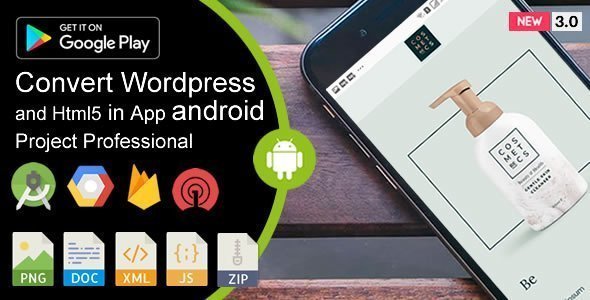
Hello how are you? This is a professional design made with React Java + PWA Progressive technology by Weboox Company, for those who want to offer their customers their website, online store or CRM system in the Android application format with native functions. The project comes with 3 opening screens, an internet or page not found screen, animated icon with page transition, Onesignal – Firebase notifications and many other benefits. Clean and light with no complications or unexpected errors. Talk to our support (www.weboox.com.br).

Created Dec 24, 2025

Web To App - Android Web View

Web To App - Android Web View

Designed as a universal app builder, WebToApp combines the power of the WebView with native features to create a Web App which feels native with less effort. With this web to app template, your Android App can have 4 different Navigation Menus, increasing your flexibility. Moreover, the template is feature packed with Admob banner ads, interstitial ads, Ratebolt, Push Notifications & much more!

Created Jun 6, 2018 · Updated May 8, 2020 · ★ 4.00 (4) · 96 sales

Applab - A Web to iOS App Generator

Applab - A Web to iOS App Generator

Applab is built with PHP and Swift. It’s an IOS app generator. Admin can set up the configuration from the backend. Admin can generate the configuration file in two ways. 1. By generating the config file, 2. By the APIs. To use the first method admin have to paste the config folder in the project in Xcode. Admin doesn’t need to upload the backend to the live server, and Admin can generate the config file from localhost. For the second method, the Admin has to put the API link and API token in the setting page in Xcode. To use this method admin have to upload the backend to a live server.

Created Jun 17, 2019 · Updated Oct 31, 2022 · ★ 0.00 (1) · 8 sales