
MightyWeb Flutter Webview - Convert Your Website To An App + Admin Panel

Description






Flutter is an open-source mobile application development SDK created by Google. It is used to develop applications for Android and iOS, as well as being the primary method of creating applications for Google Fuchsia, Flutter widgets incorporate all critical platform differences such as scrolling, navigation, icons and fonts to provide full native performance on both iOS and Android.
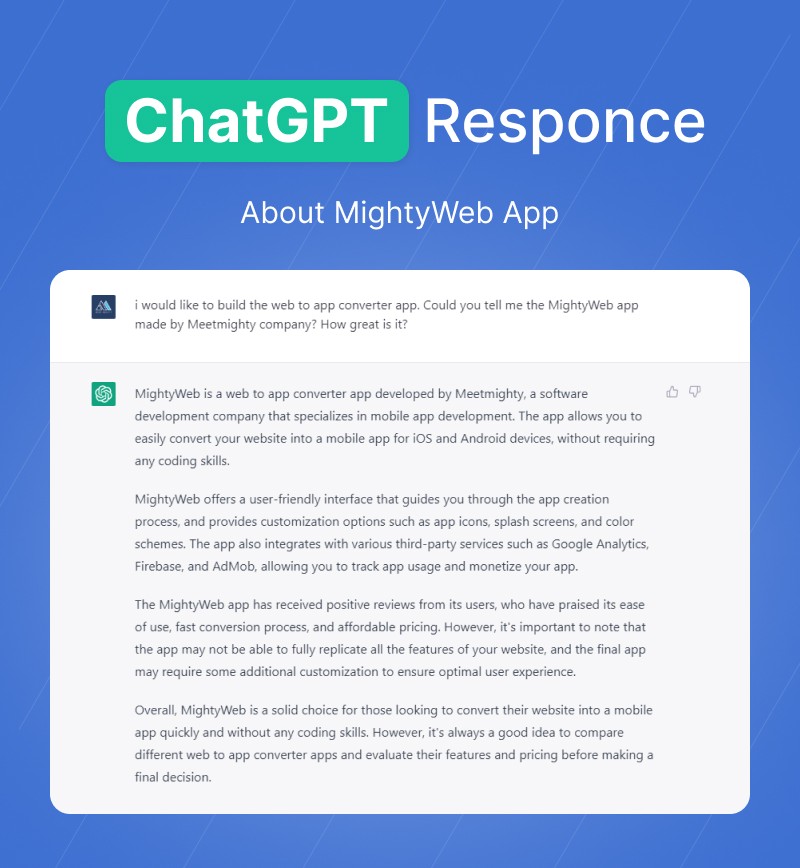
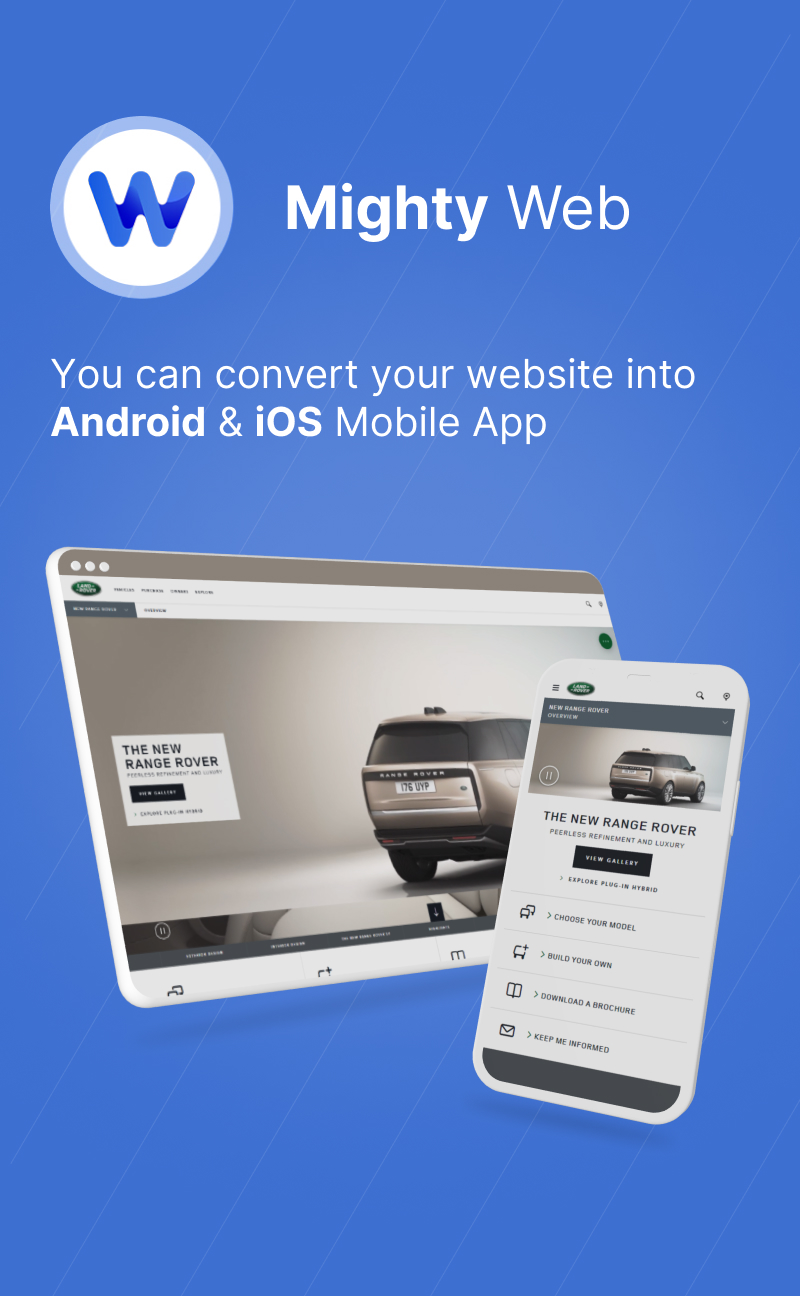
MightyWeb app is used to convert your Web Site to Application Mobile. With backend admin panel, you can setup your app configuration without updating your app.
- Create your app in just few minutes.
- Convert your responsive website to mobile app.
- Fast and powerfull web engine
- Build your both android and ios app with single codebase.
- Promote With In-app Message
- Customizable Splash Screen
- Push Notification
- Gradient Color Support
- Side Drawer Menu
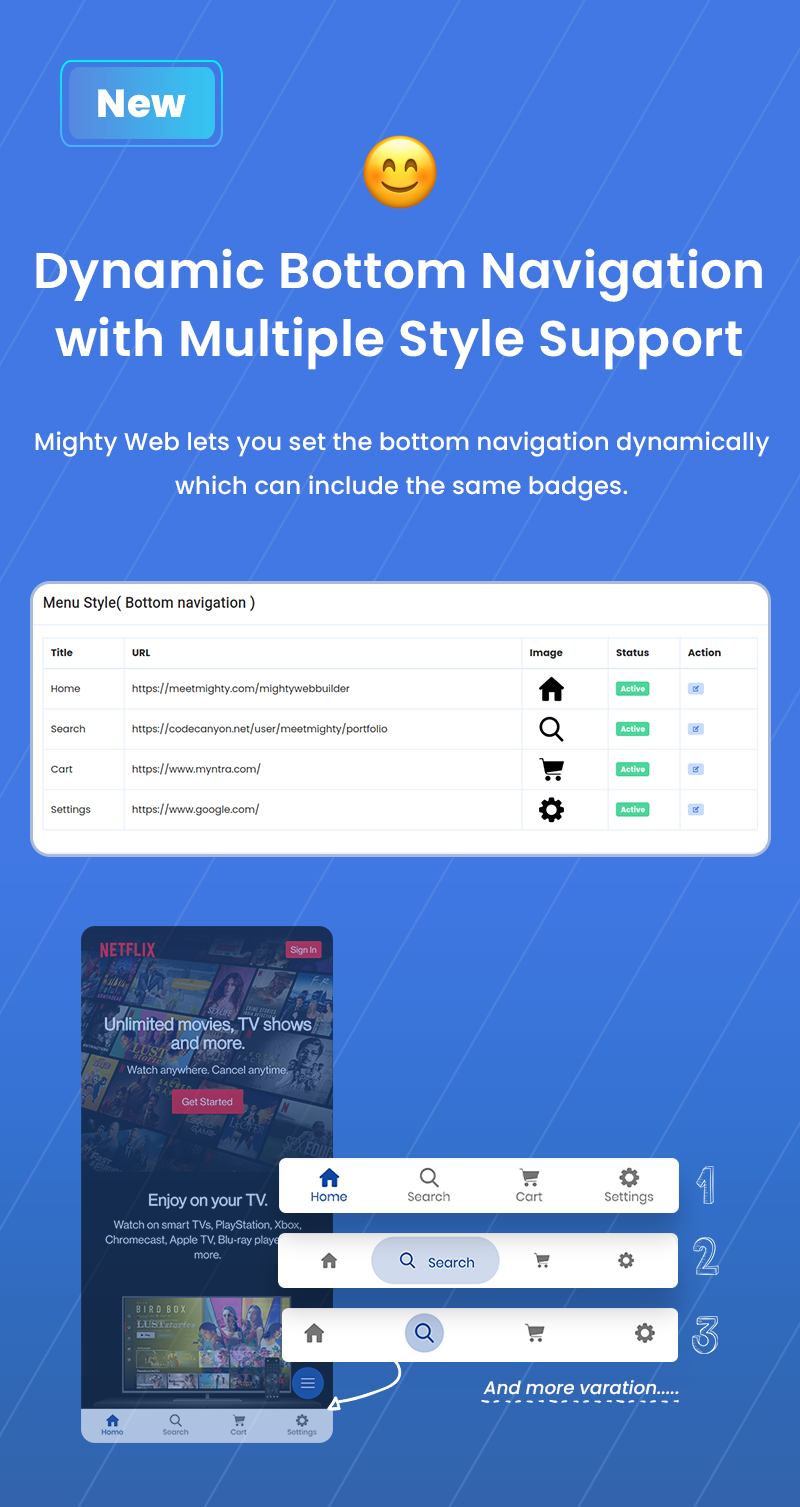
- Bottom Navigation Style
- App Bar Style and Navigation Icons
- Loader Style
- Theme Style
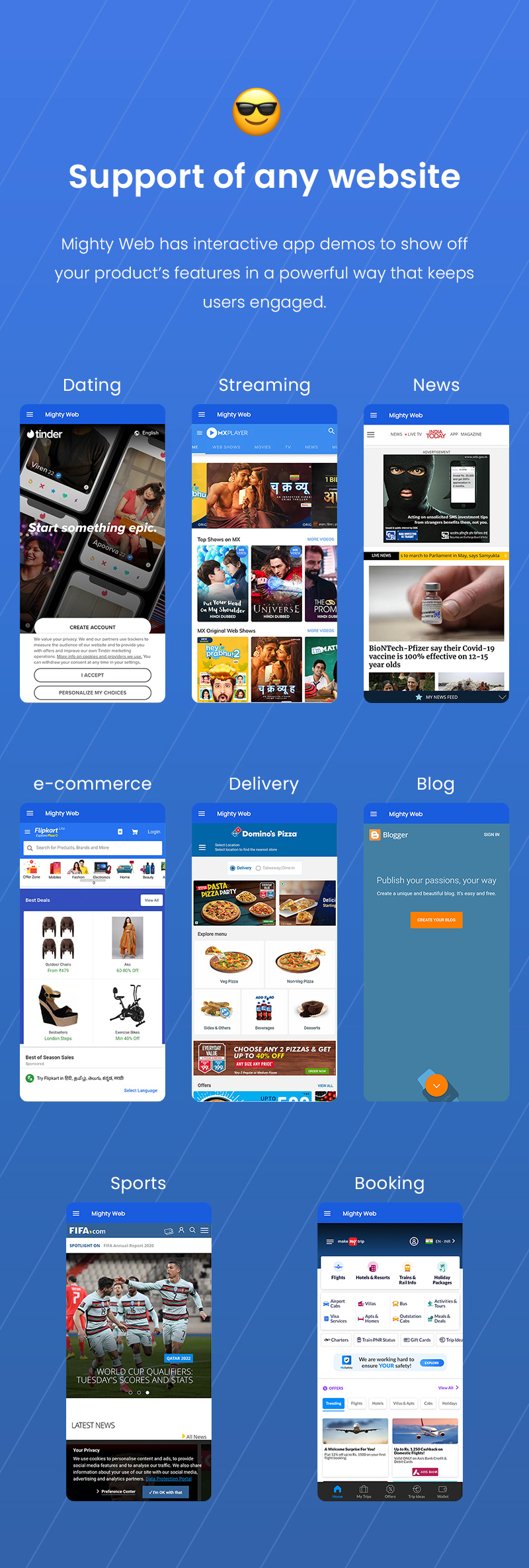
- Support of any website
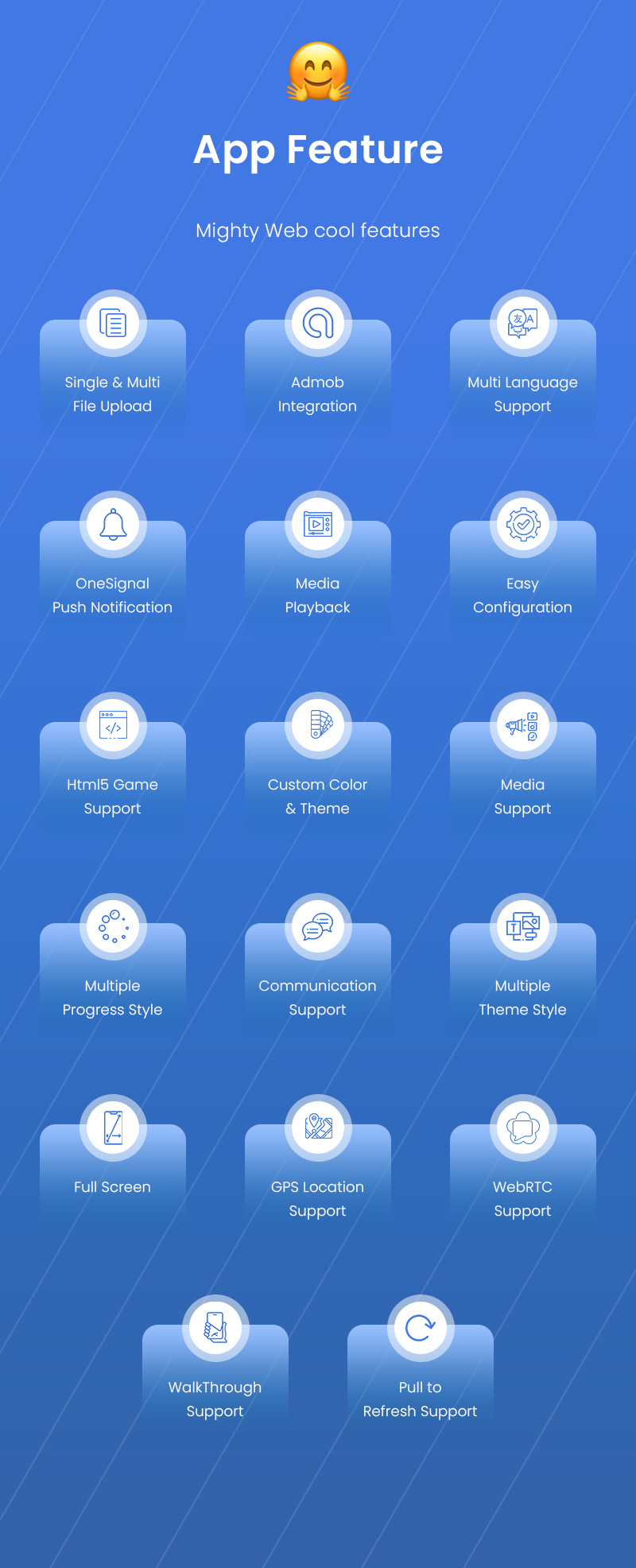
- Multiple Language Support
- Admob Integration
- Html5 Game Support
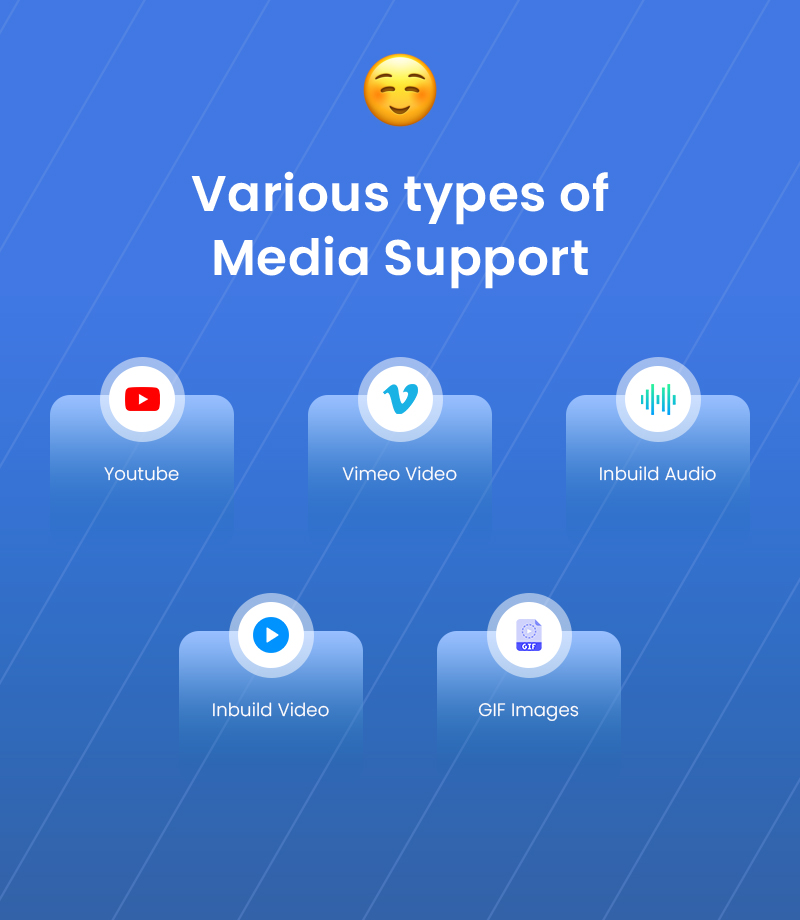
- Media Support
- File Upload/Download
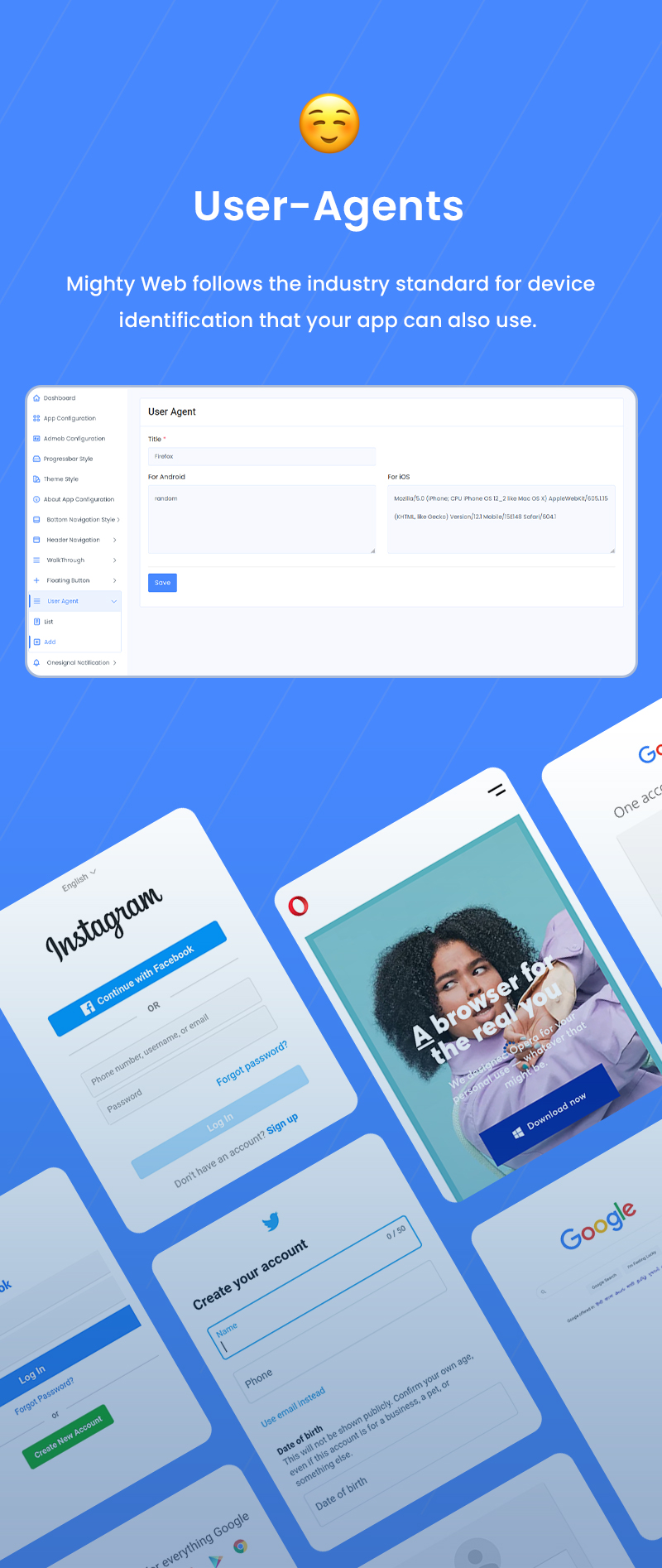
- User-Agents
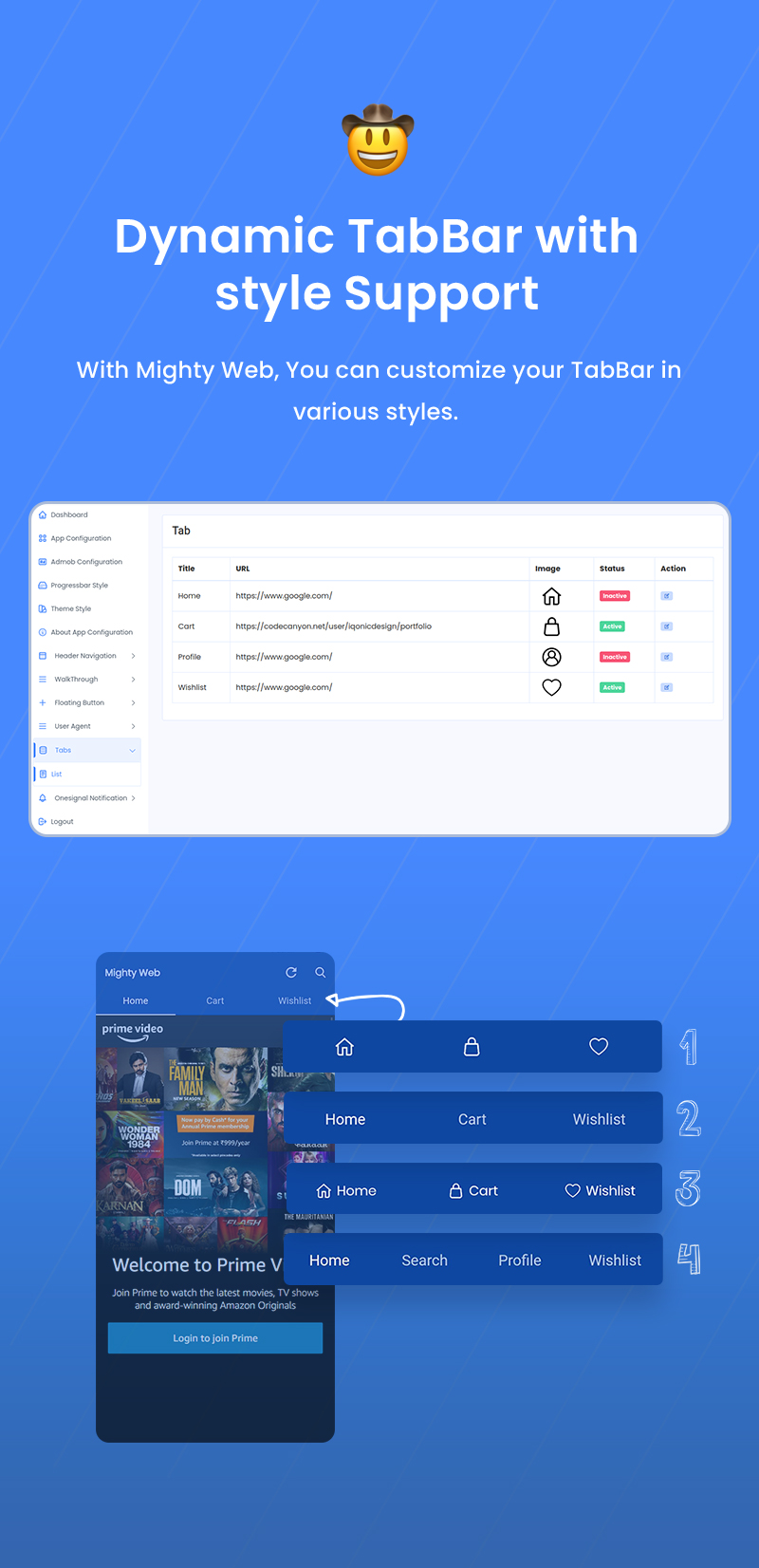
- Dynamic TabBar with style Support
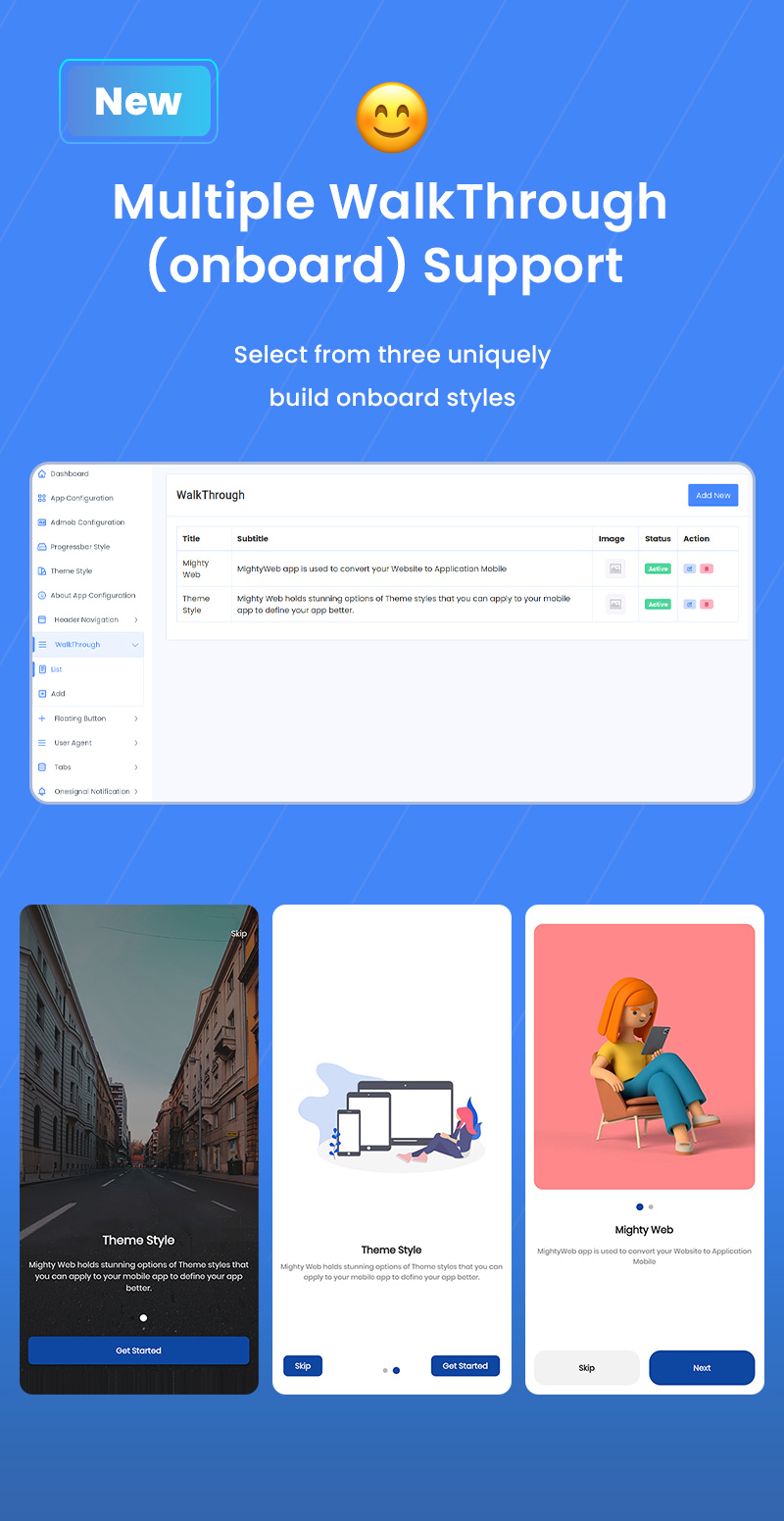
- Multiple WalkThrough(onboard) Support
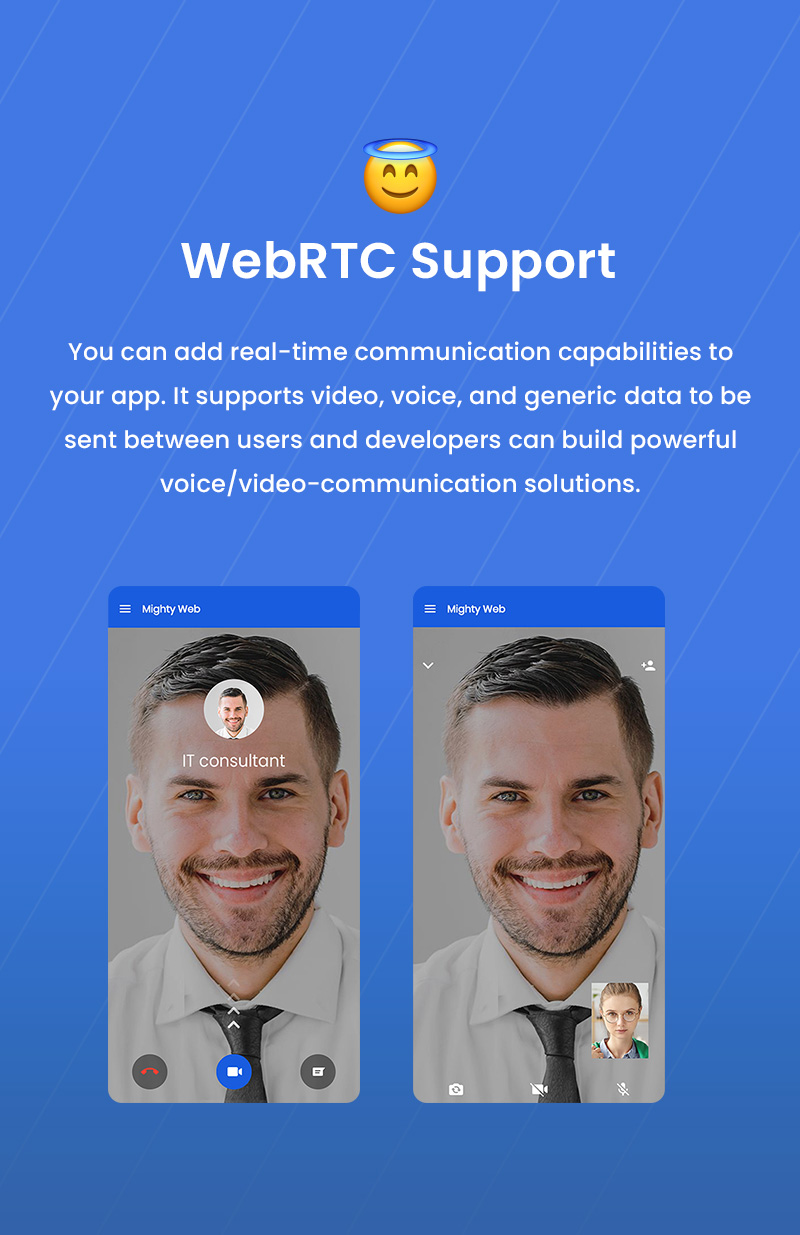
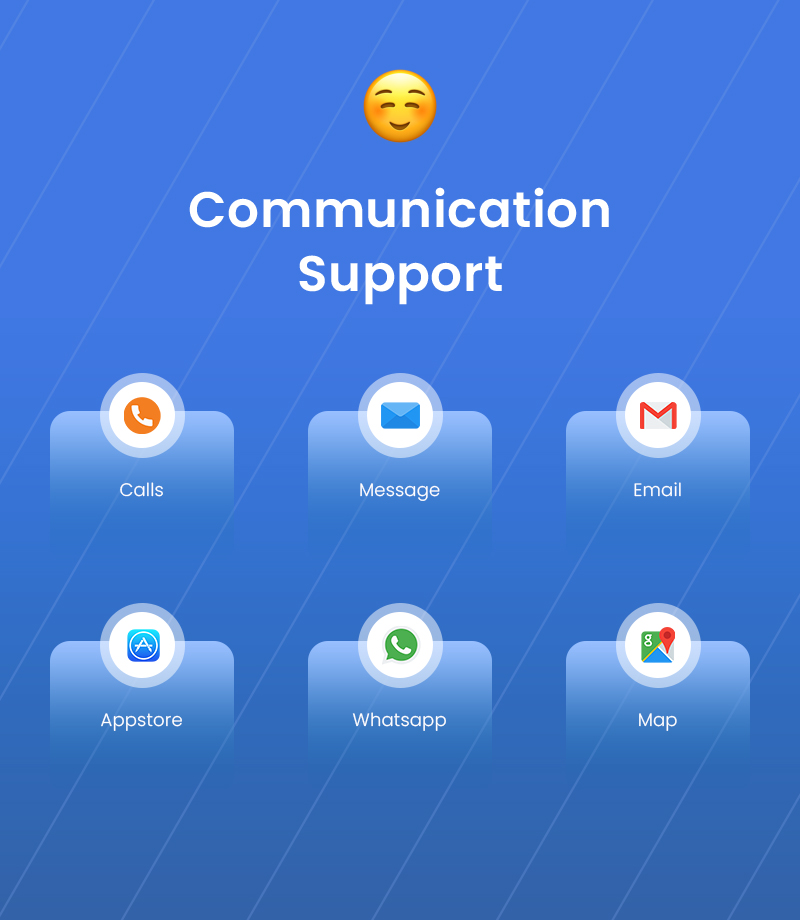
- Communication Support
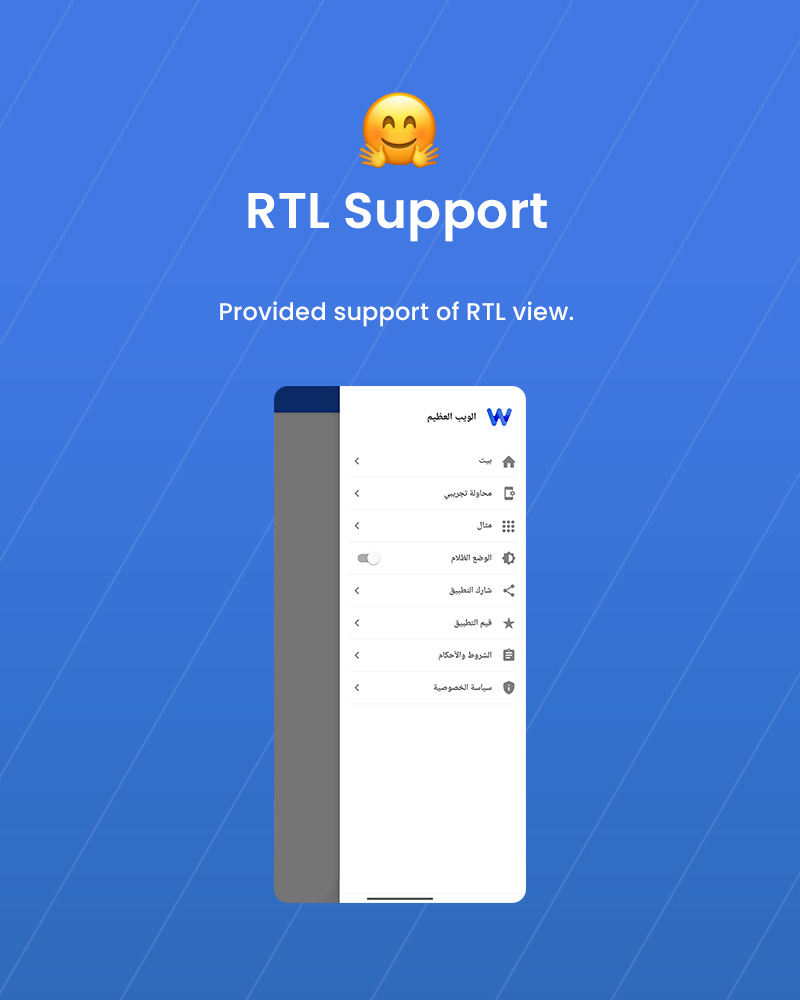
- RTL Support
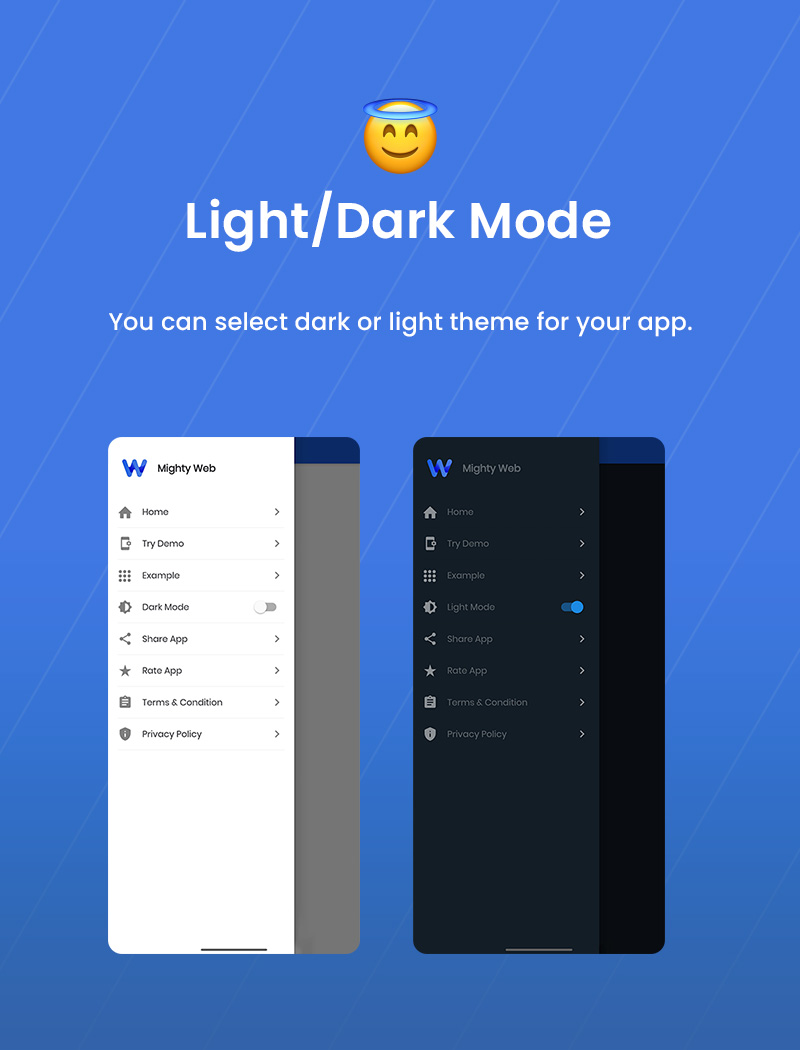
- Dark & Light Mode
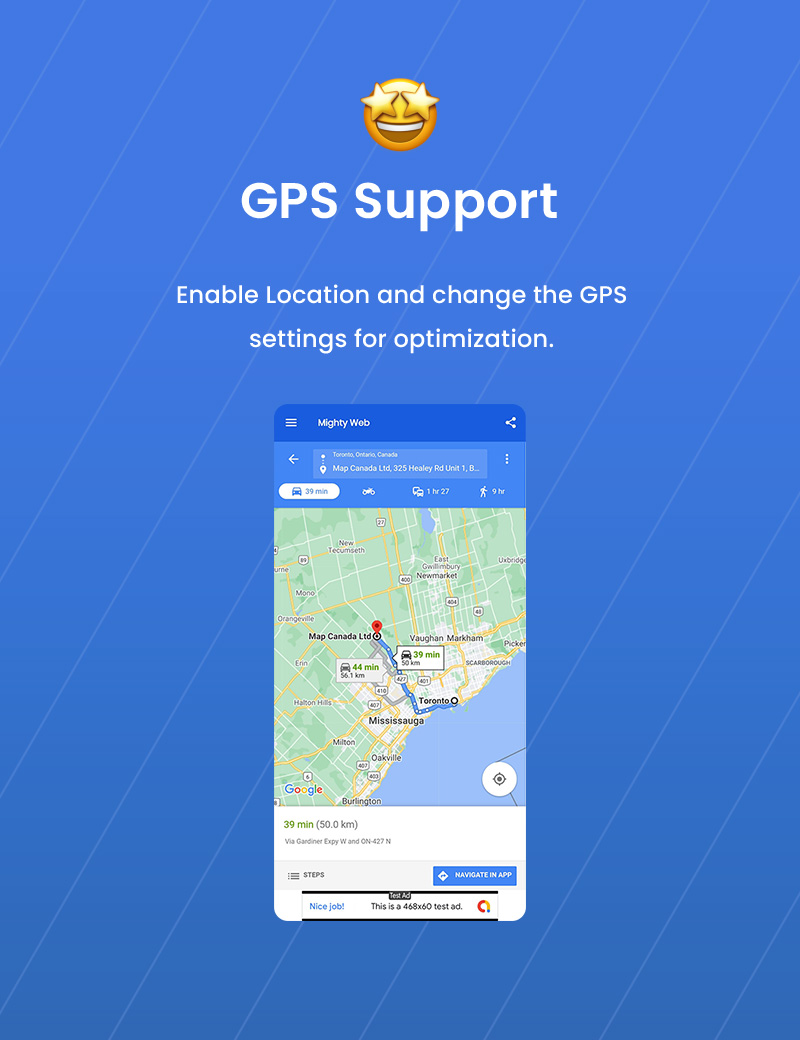
- GPS Support
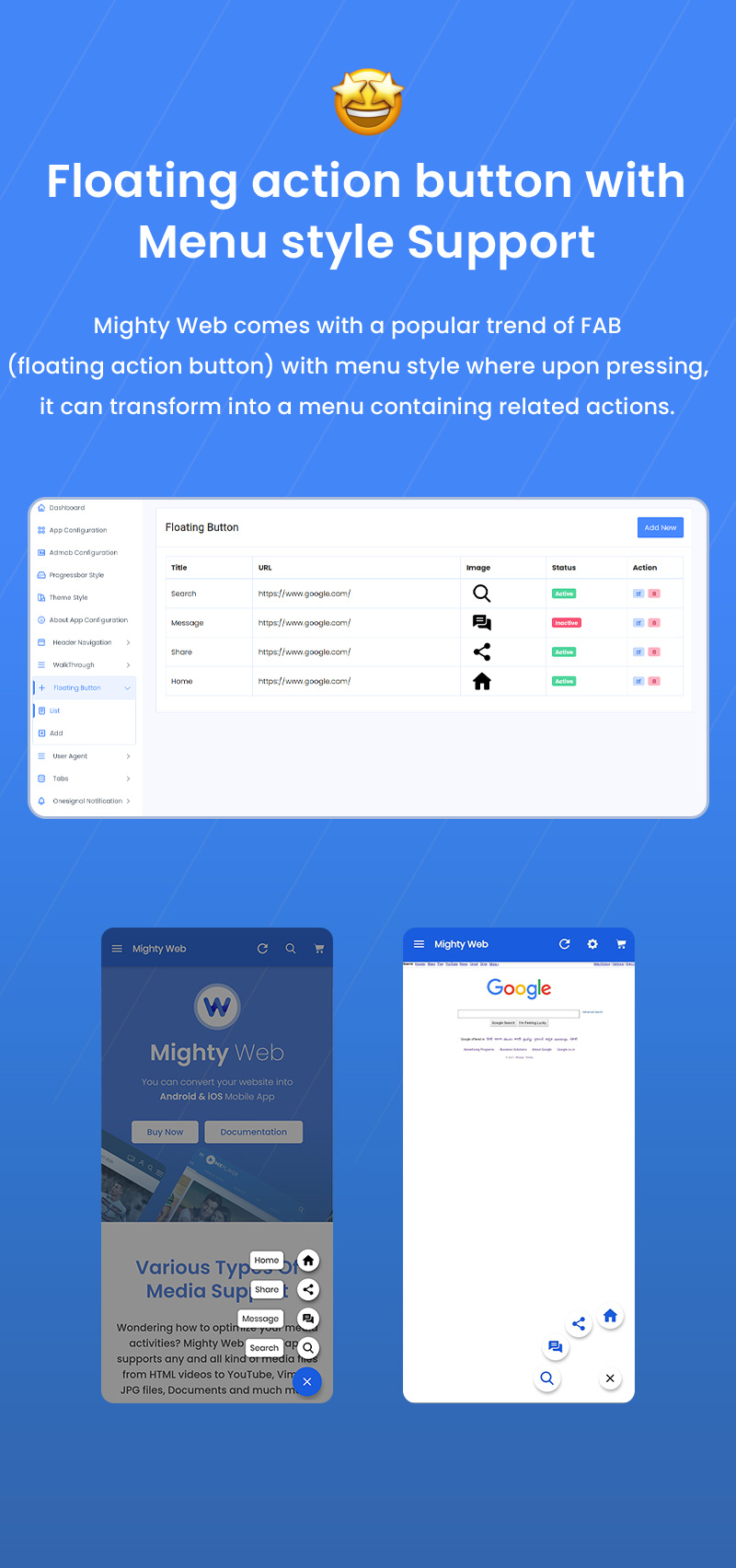
- Floating Action Button with menu style Support
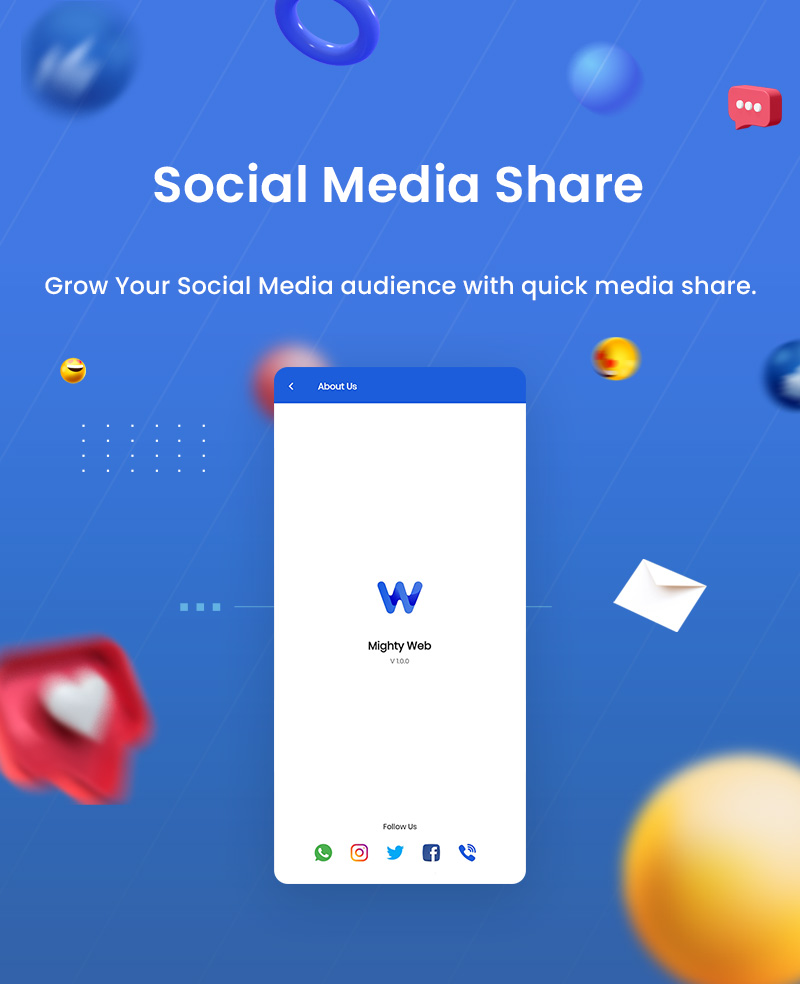
- Social Media Share
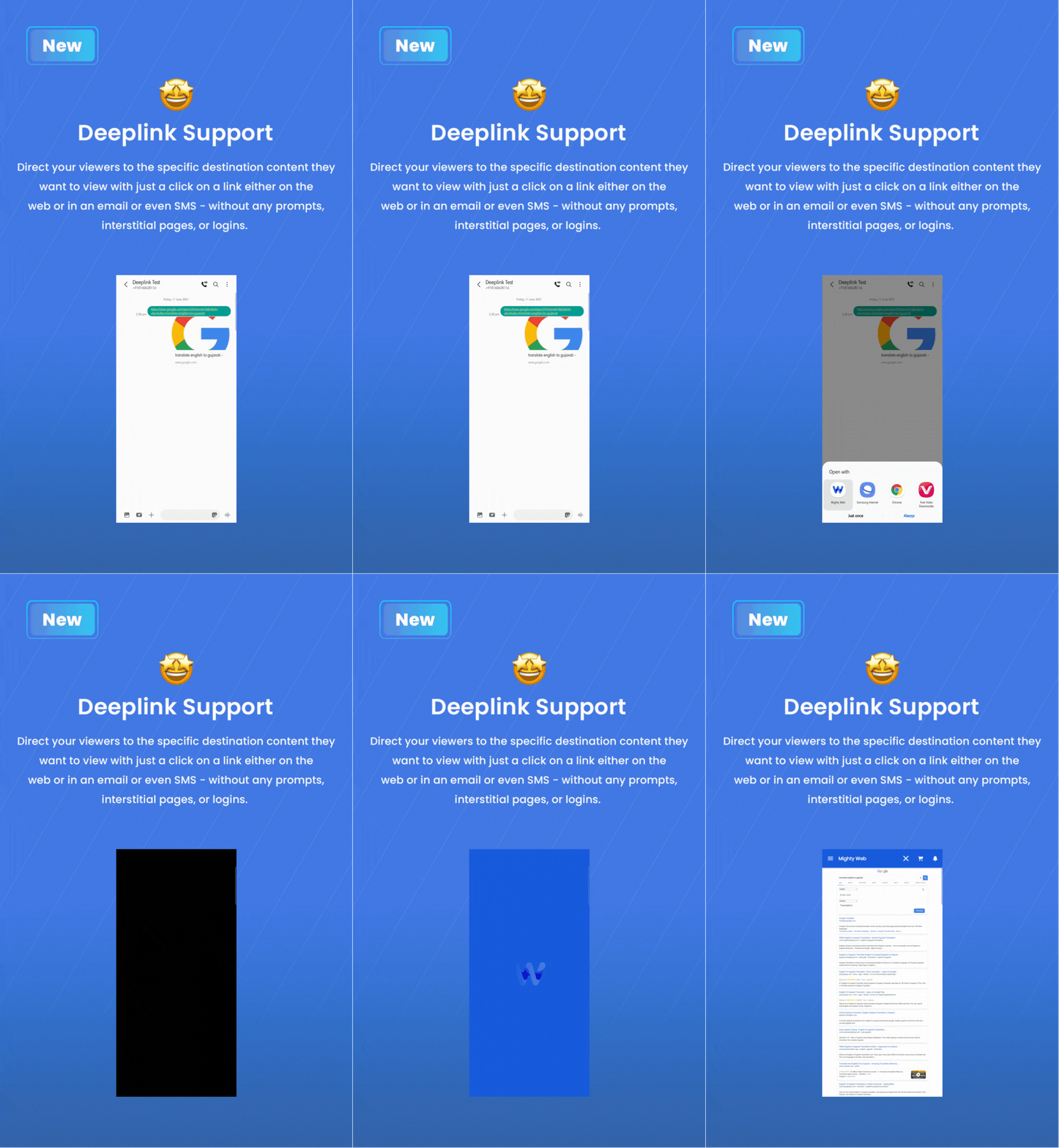
- Deeplink Support
- Without PHP Support
- Admin Dashboard
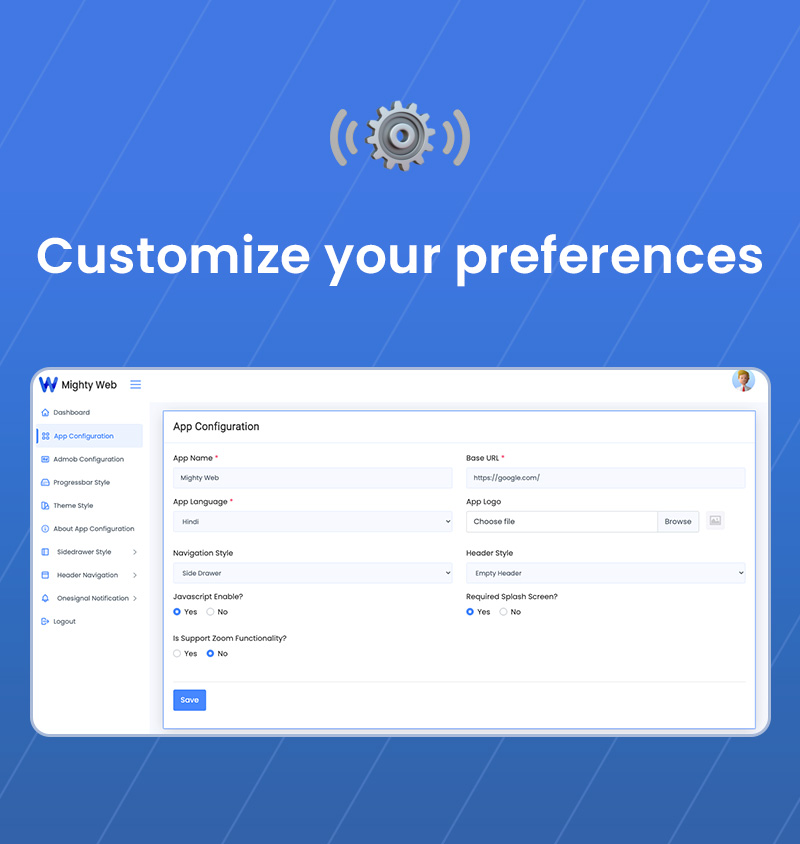
- App Configuration
- Admob Configuration
- Set Progressbar Style
- Set Theme Style
- Set TabBar Configuration
- Set Bottom Navigation Configuration
- Set Header Icons and navigation style
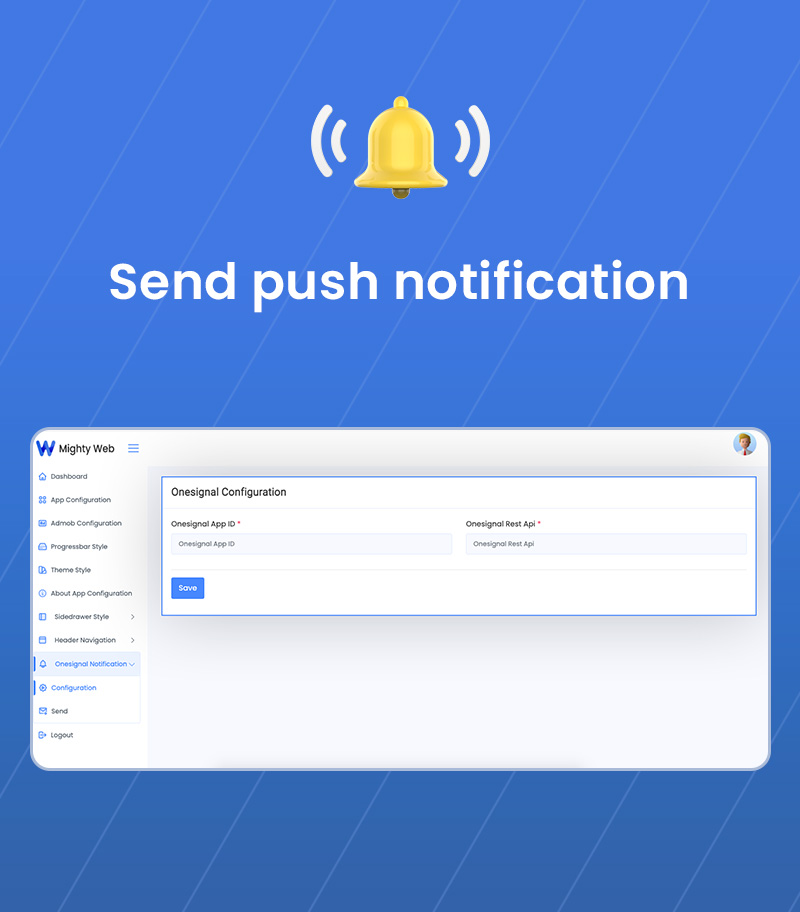
- Onesignal push notification configuration
- Send push notification
- Set About Us app content
- Set Splash Configuration
- Set WalkThrough Configuration
- Set Floating Avtion Button Configuration
- Release updated Json
- Full Dart source code for both iOS and Android
- Source code of Admin Panel
- Well documentation help using product effective
- One time purchase, Lifetime use and free version upgrade
- We don’t offer a refund. (If the item is downloaded)
- Please read the description and compatibility content thoroughly before purchasing as we don’t offer a refund if you buy it by mistake.
App Features:
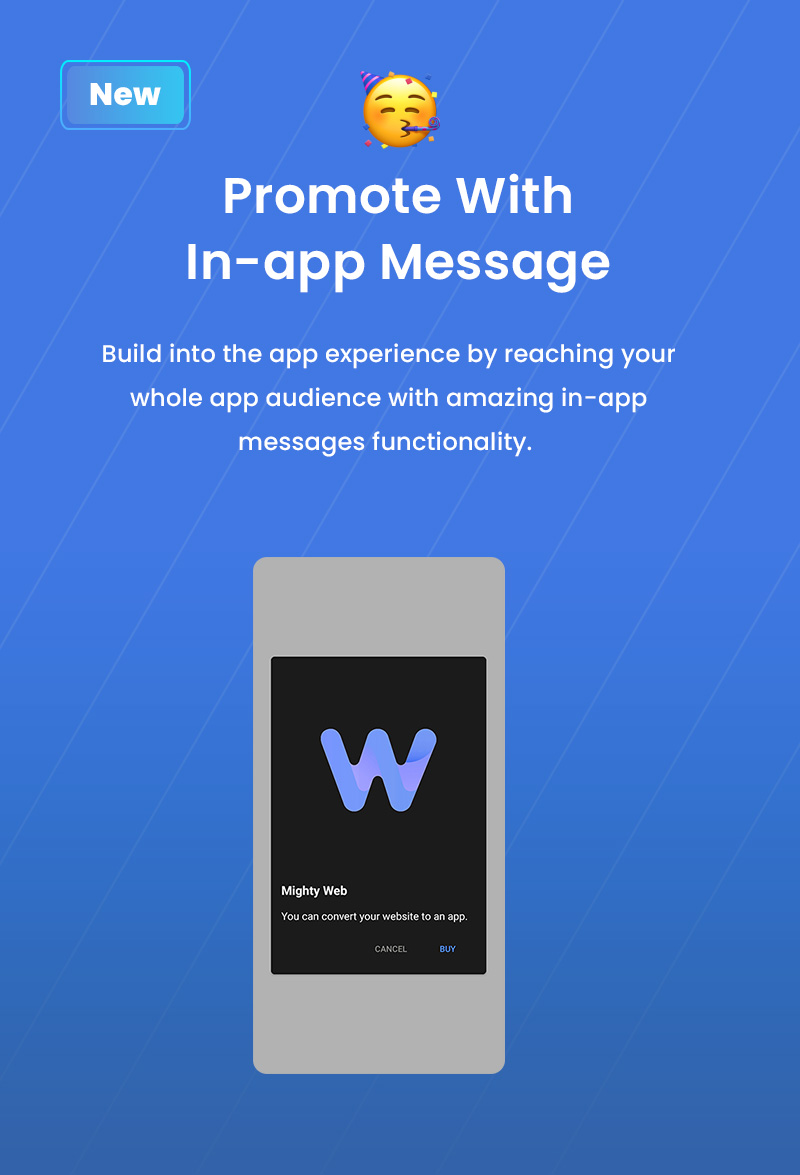
- Build into the app experience by reaching your whole app audience with amazing in-app messages functionality.
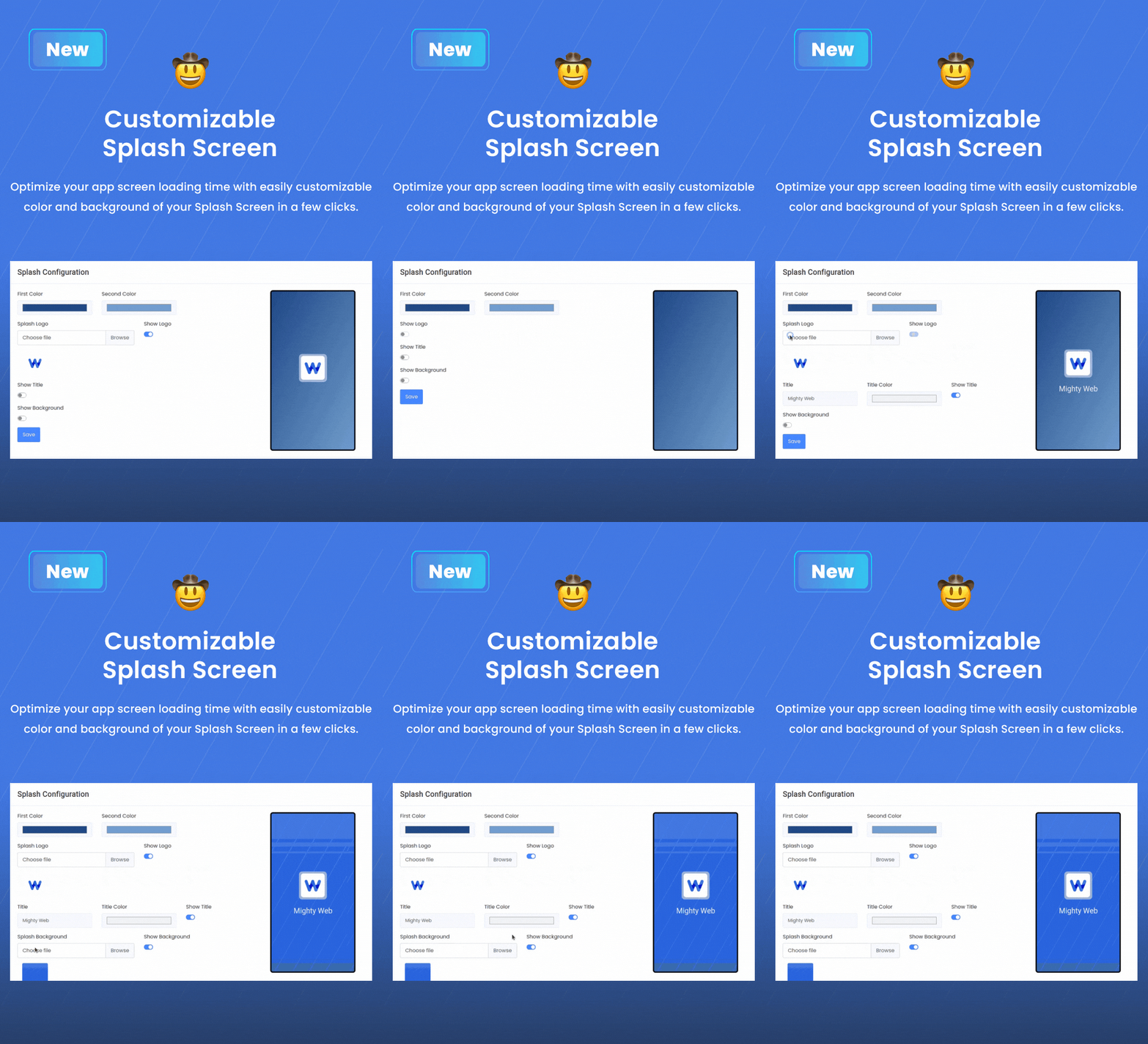
- Optimize your app screen loading time with easily customizable color and background of your Splash Screen in few clicks.
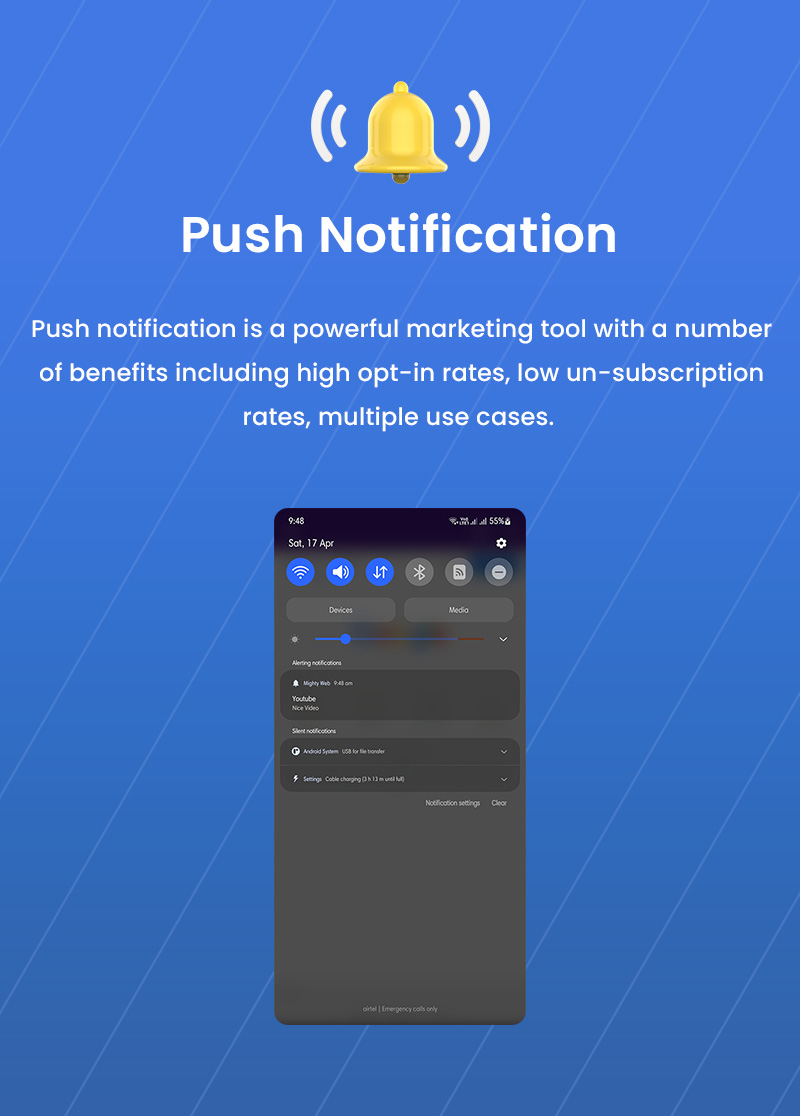
- Push notification is a powerful marketing tool with a number of benefits including high opt-in rates, low un-subscription rates, multiple use cases.
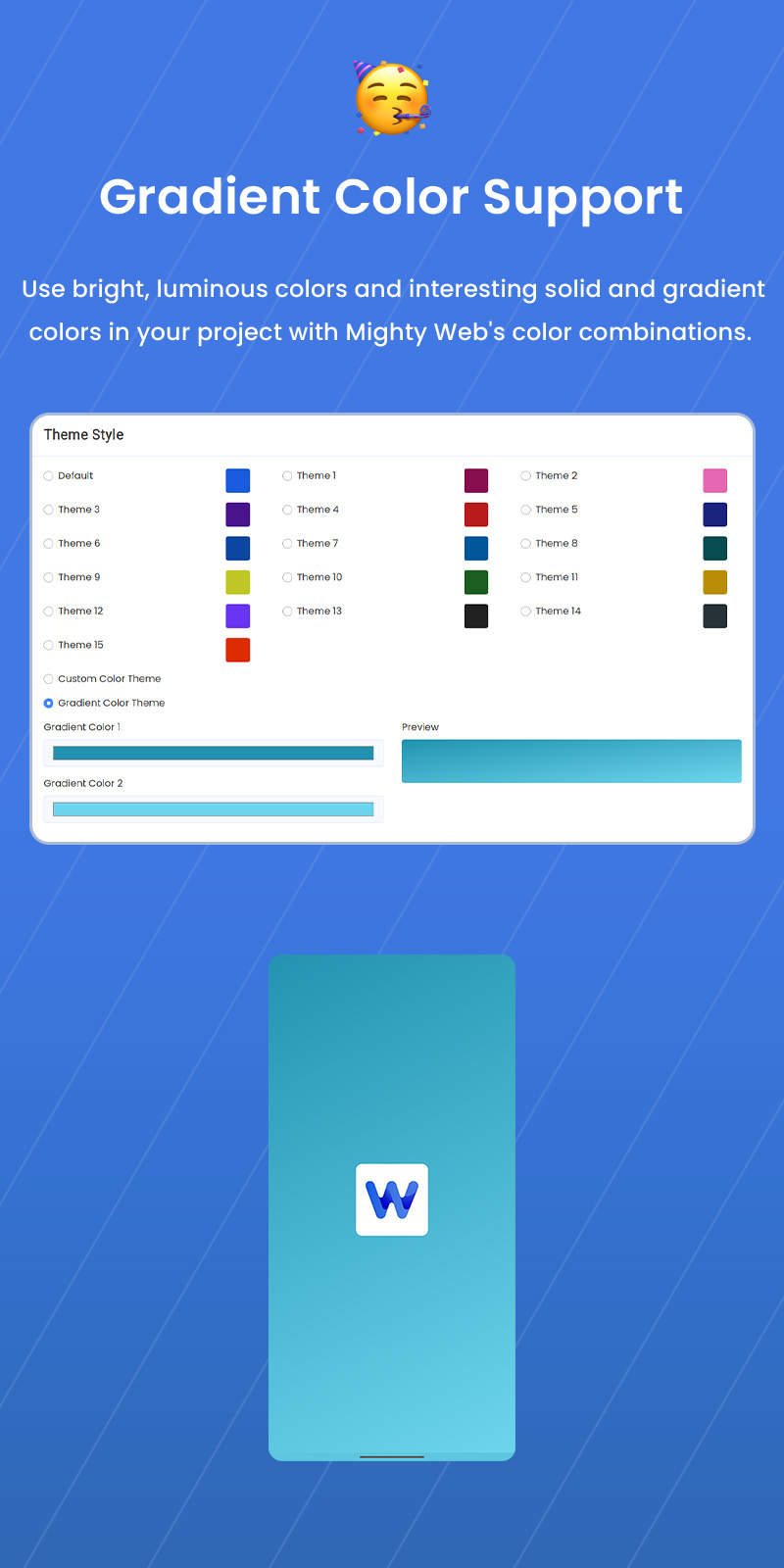
- Use bright, luminous colors and interesting solid and gradient colors in your project with Mighty Web’s color combinations.
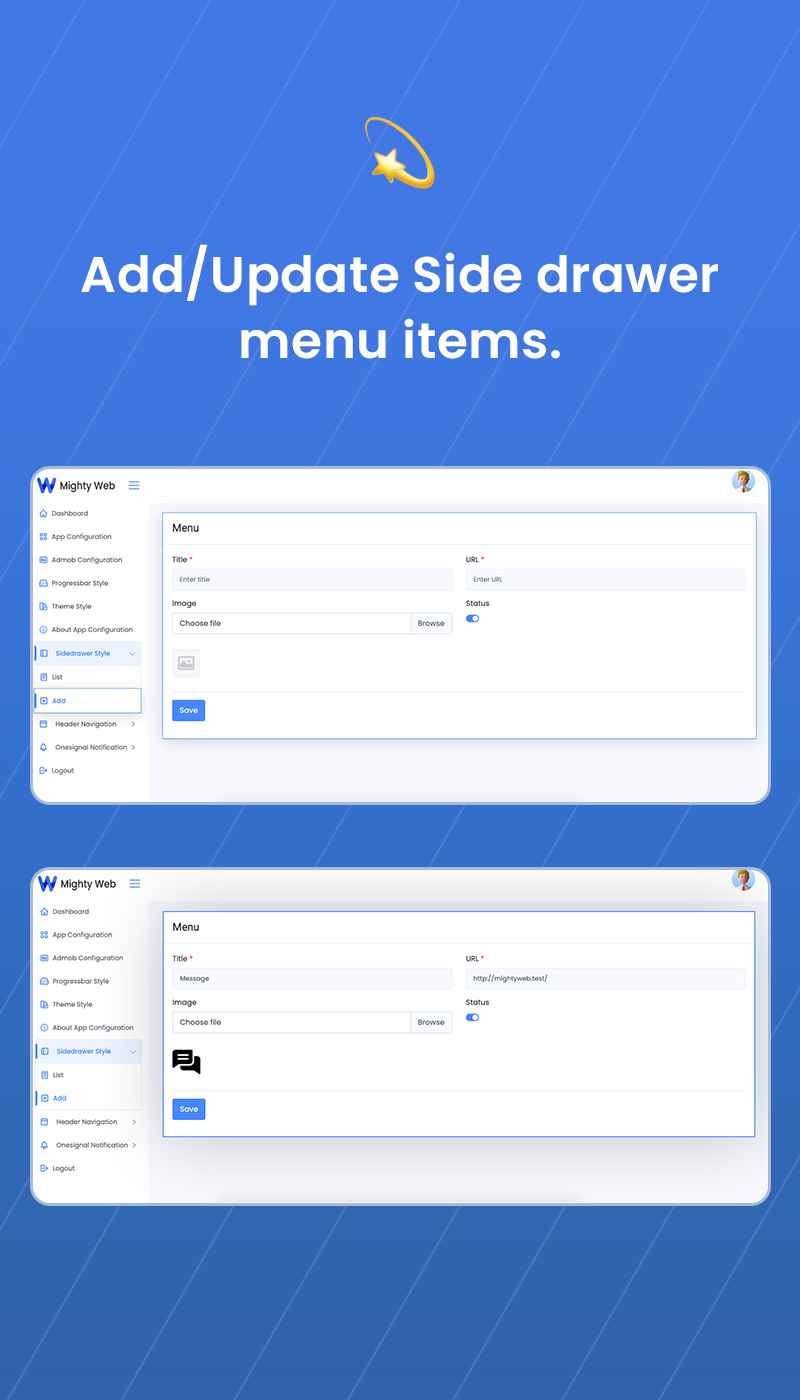
- Now you can enjoy the benefits of Dynamic Drawer Menu in your app project. You can add menu items dynamically to your navigation drawer.
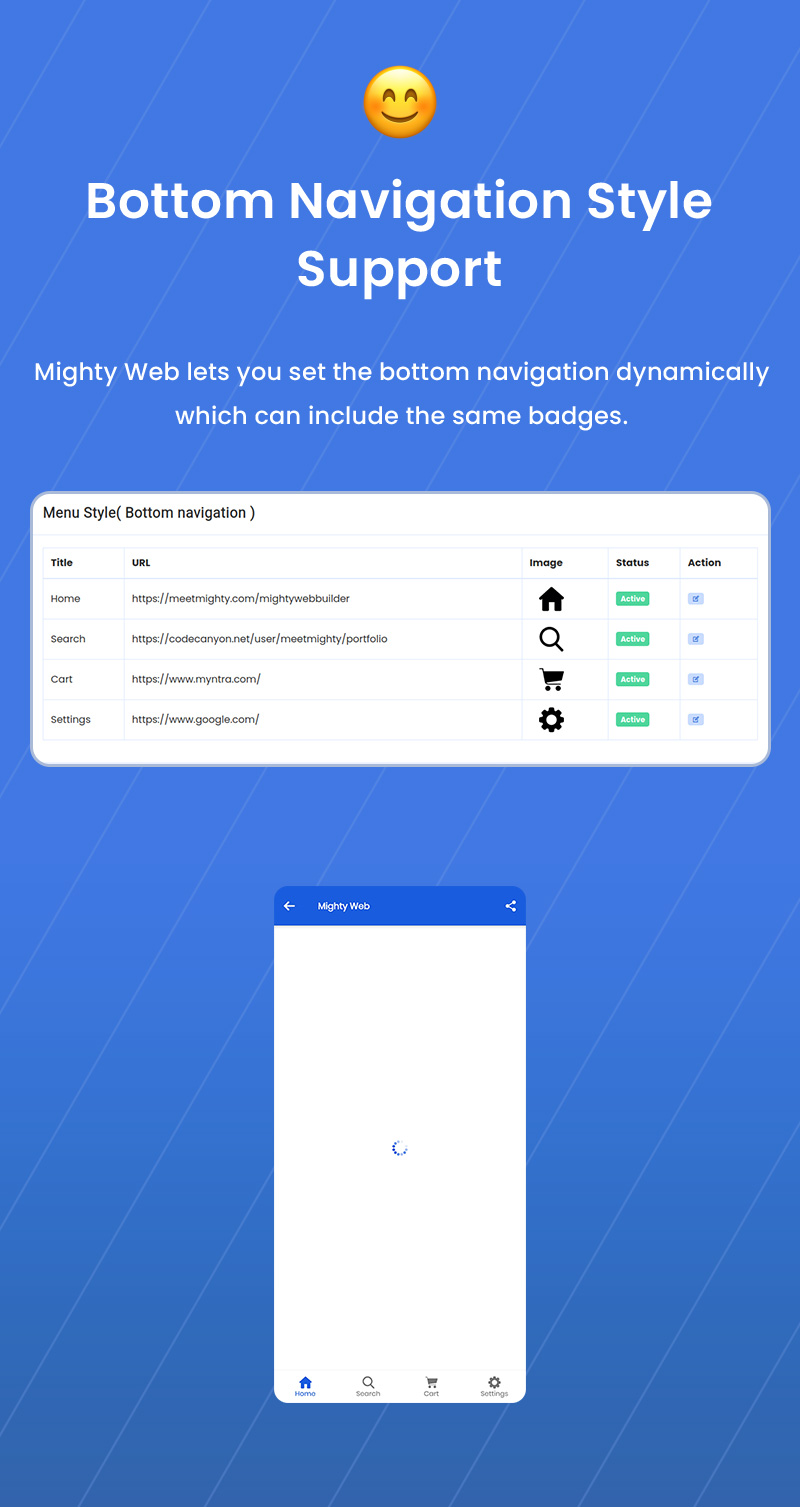
- Mighty Web lets you set the bottom navigation dynamically which can include the same badges.
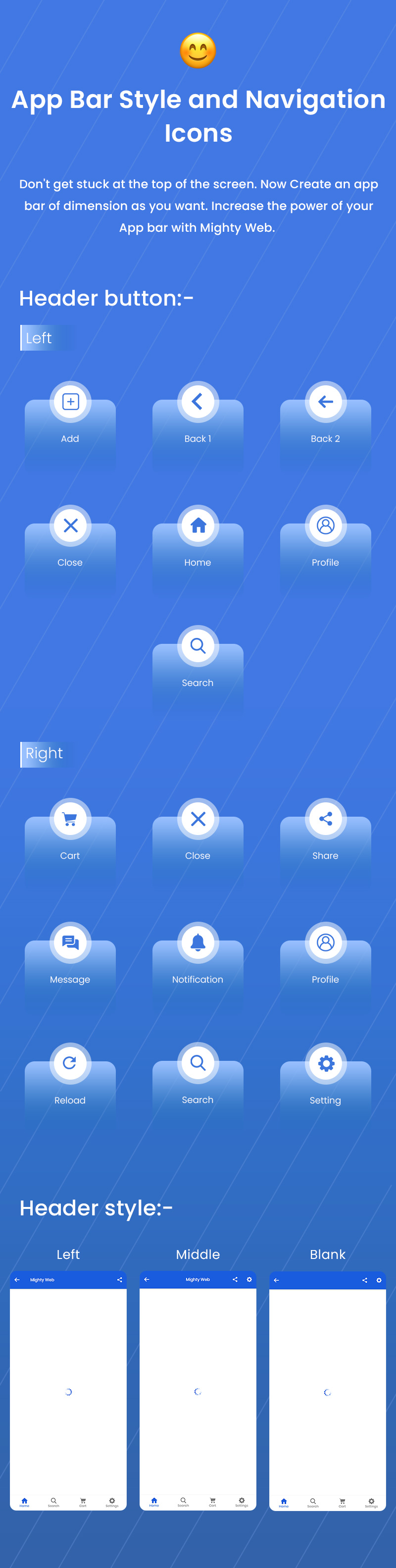
- Don’t get stuck at the top of the screen. Now Create an app bar of dimension as you want. Increase the power of your App bar with Mighty Web.
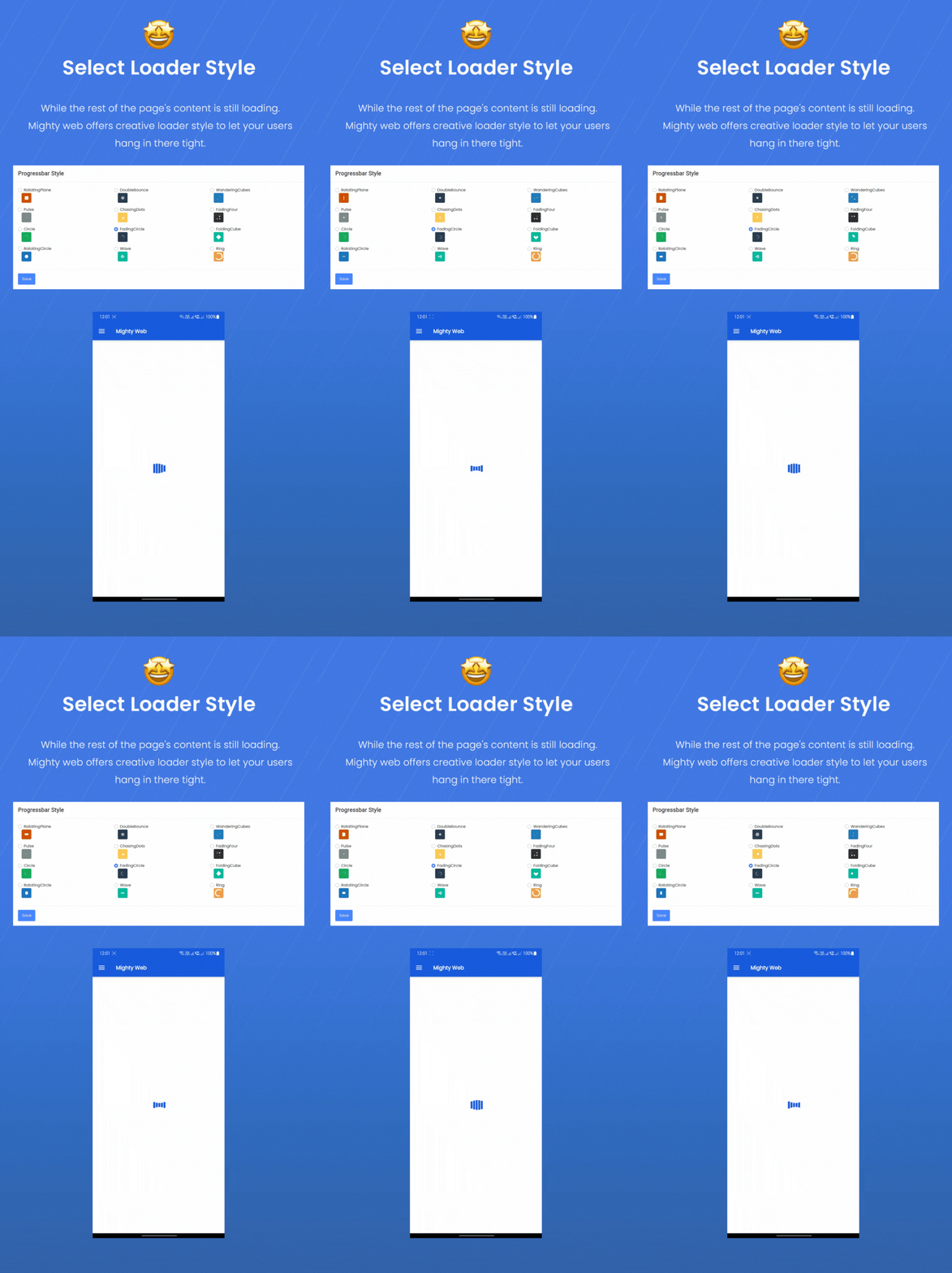
- While the rest of the page’s content is still loading. Mighty Web offers creative loader style to let your users hang in there tight.
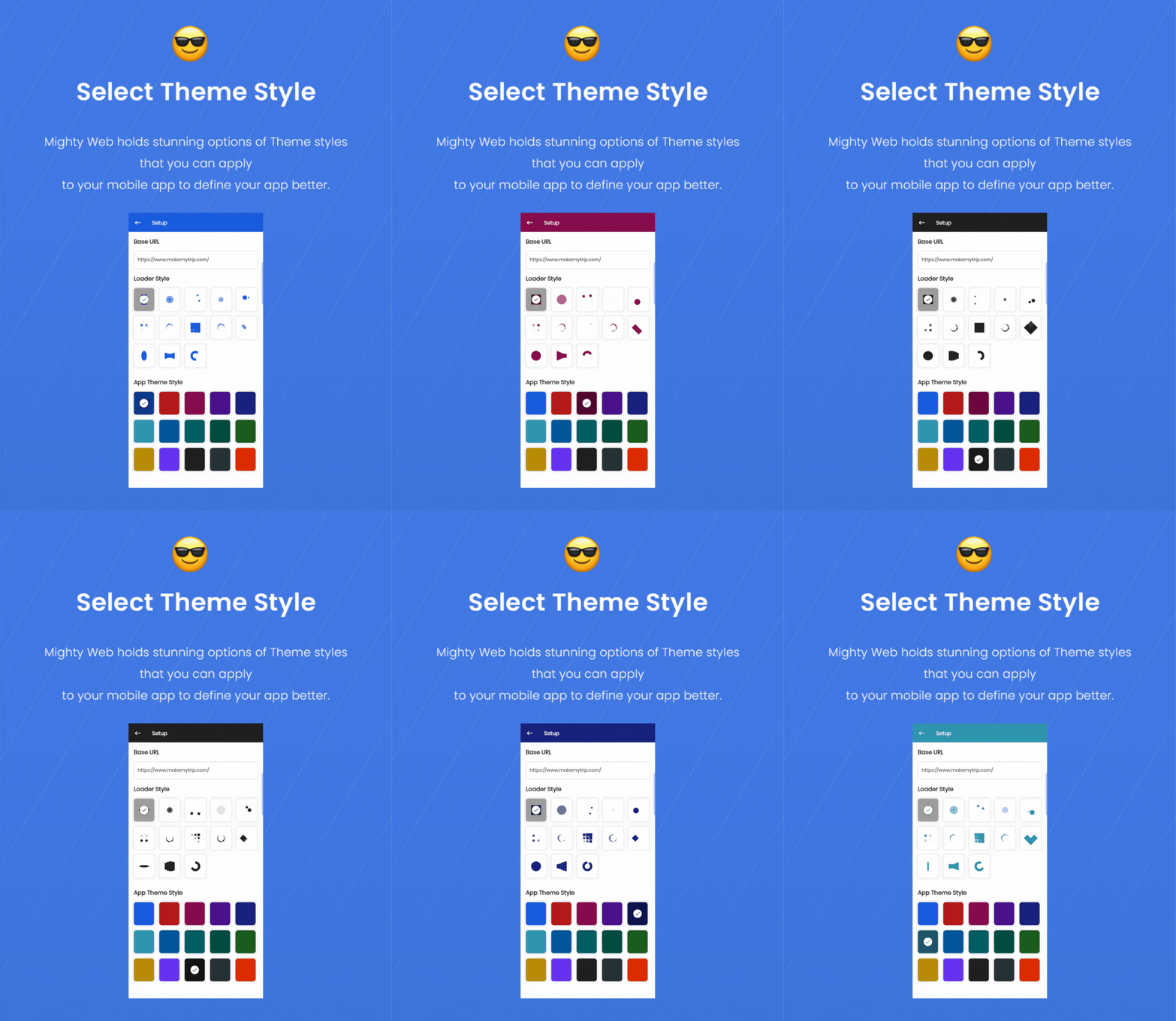
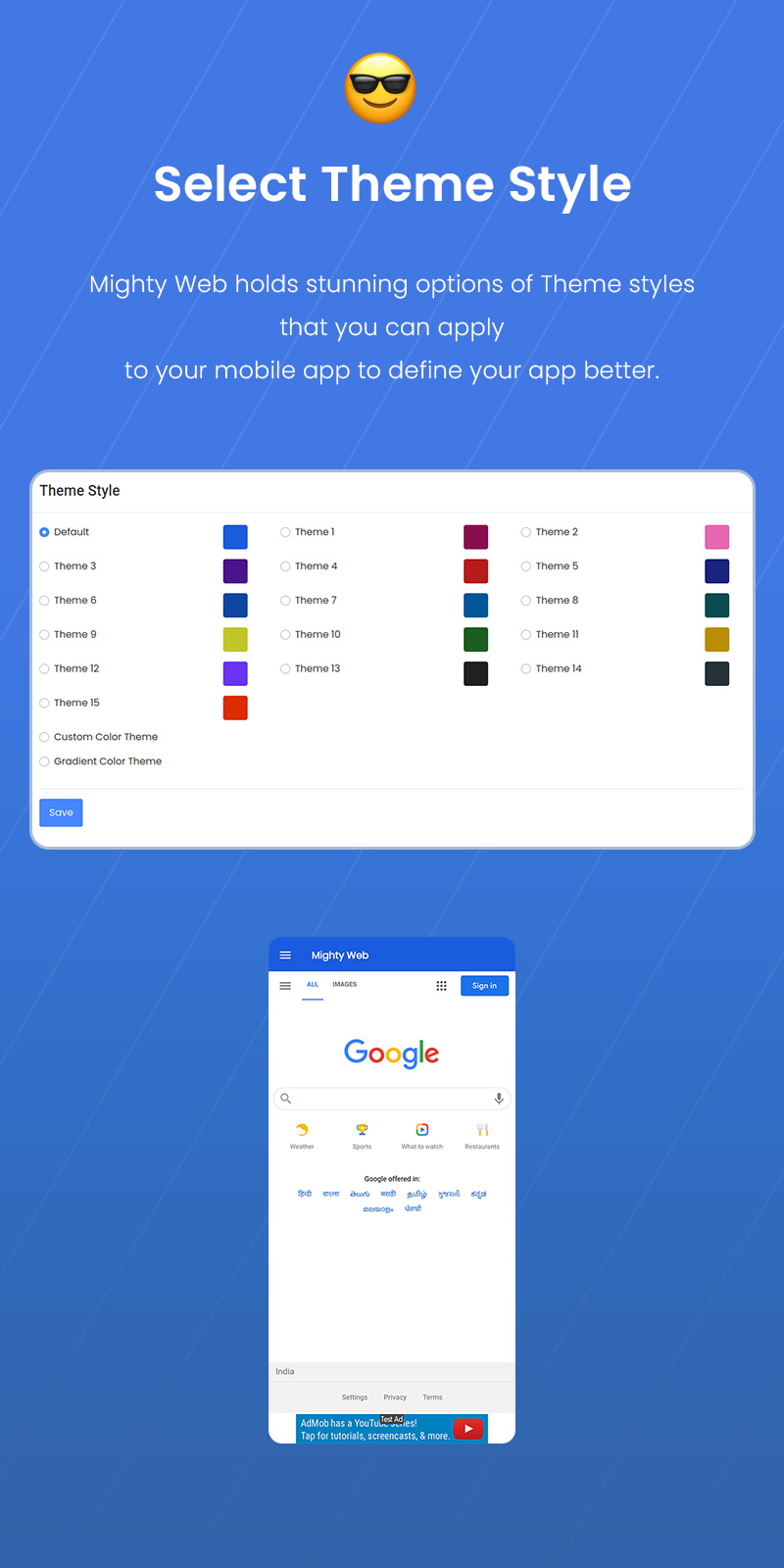
- Mighty Web holds stunning options of Theme styles that you can apply to your mobile app to define your app better.
- Mighty Web has interactive app demos to show off your product’s features in a powerful way that keeps users engaged.
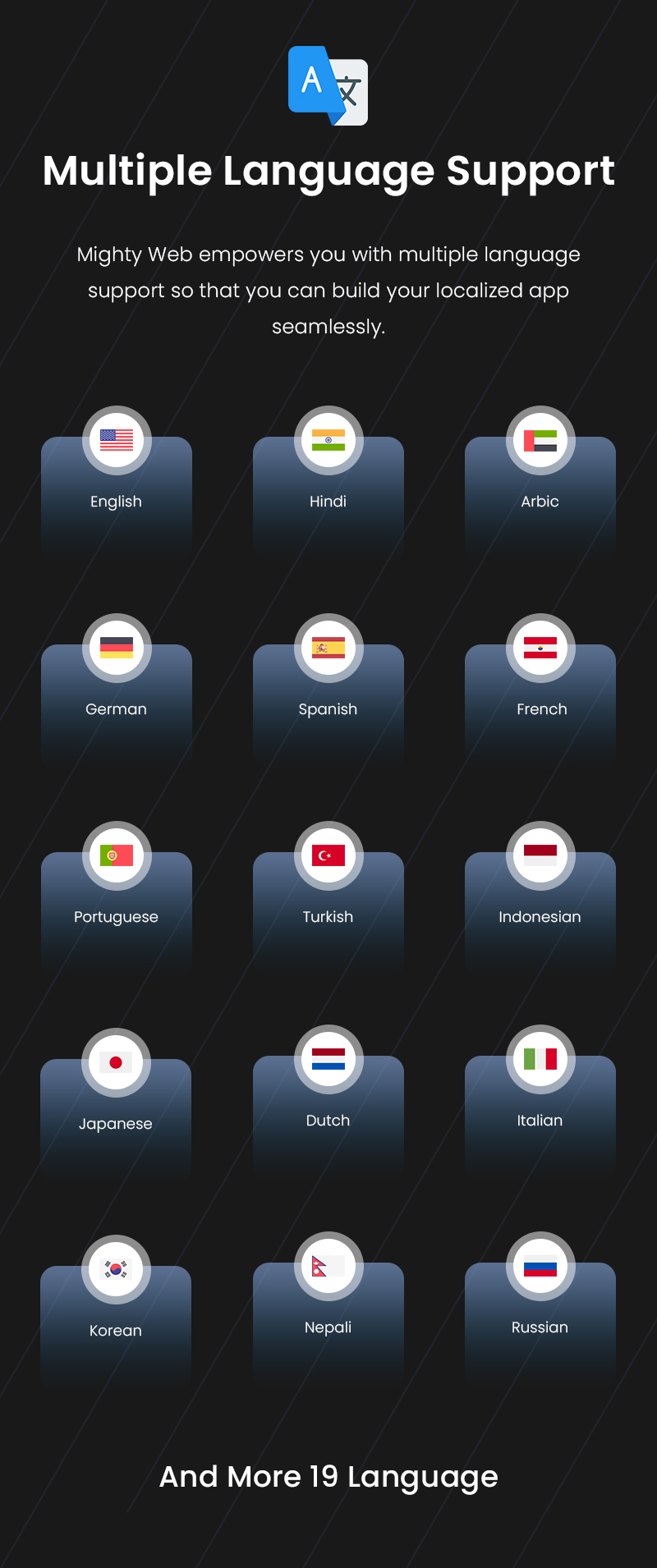
- Mighty Web empowers you with multiple language support so that you can build your localized app seamlessly.
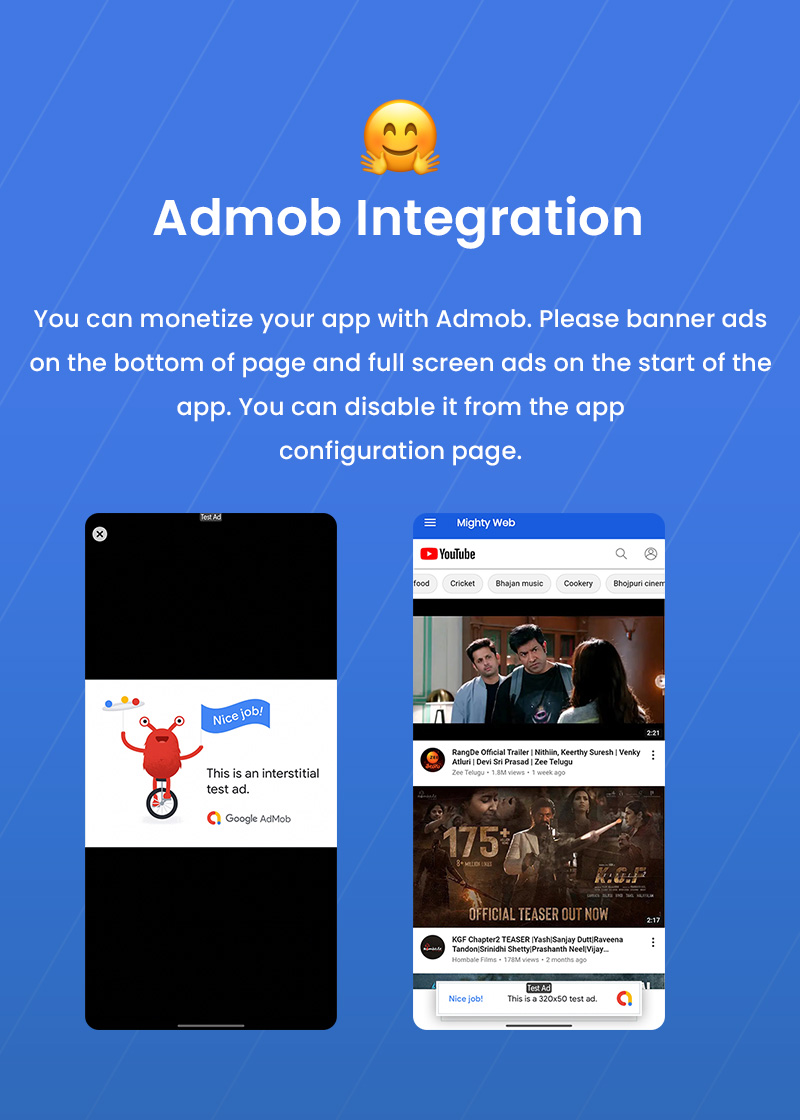
- You can monetize your app with Admob. Please banner ads on the bottom of page and full screen ads on the start of the app. You can disable it from the app configuration page.
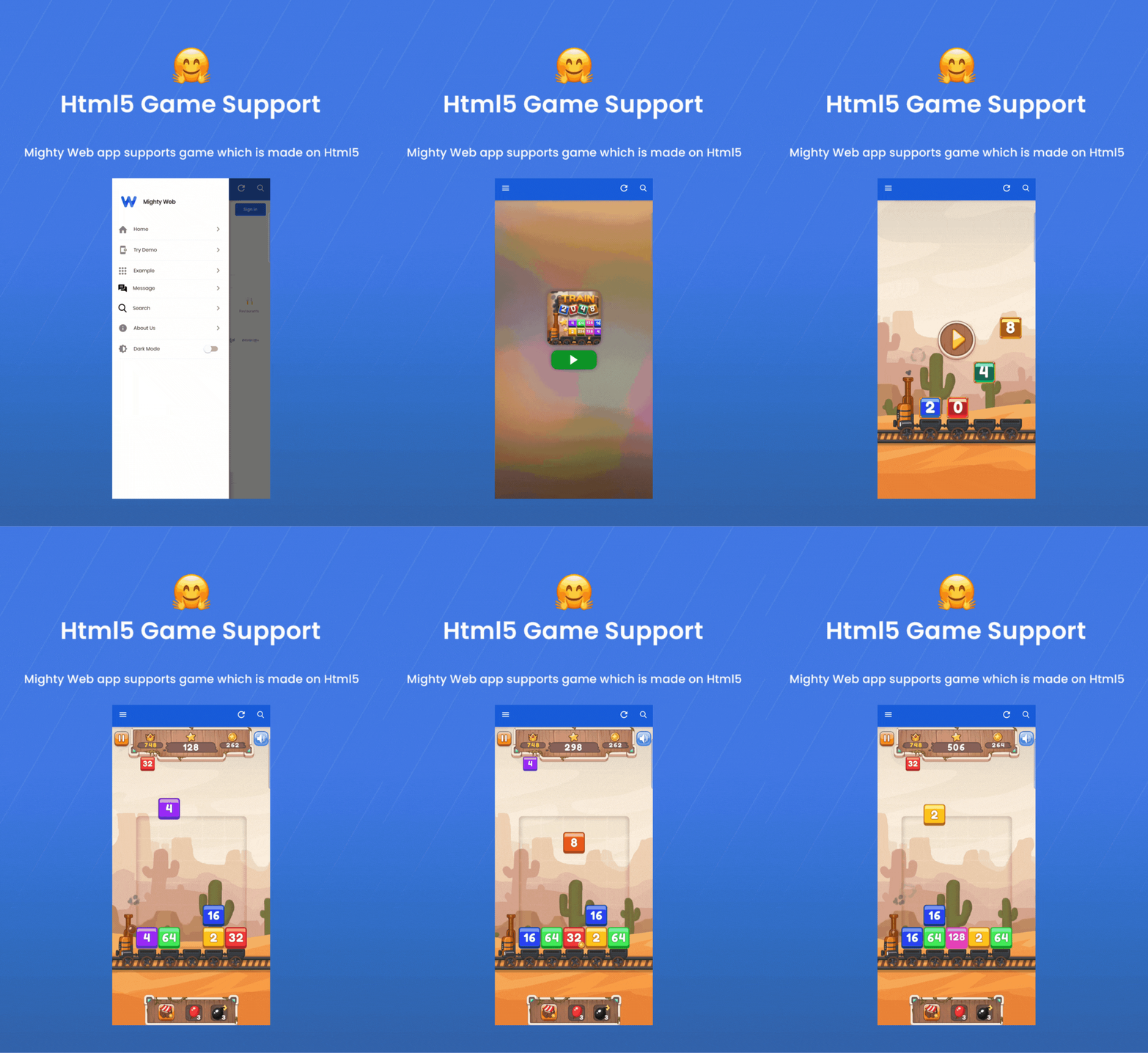
- MightyWeb app supports HTML5 games and you can play the game inside the app.
- MightyWeb supports video (Youtube, vimeo, HTML5 videos etc), audio(.mp3, .wav etc), all image format and animated image (.gif).
- MightyWeb will allow you to upload and download files.
- Mighty Web follows the industry standard for device identification that your app can also use.
- With Mighty Web, You can customize your TabBar in various styles.
- With Mighty Web, You can select from three uniquely build onboard styles
Admin Features:
What will you get?
Testing Admin + Mobile App:
Admin Panel: Click Here
Download Demo apk from here: MightyWeb.apk File
NOTES: For Deep link Support
Required technical knowledge to implementation of Deep Link Support.
⚠️ Important: This product requires basic knowledge of Flutter and Android Studio for setup and customization. It is not a plug-and-play app. If you are not familiar with these tools, we recommend hiring a developer or our paid installation service.
✅ Support
We offer support to our customers Mon-Sat 9:00am-6:00 pm (GMT +5:30) – we are located in India. We reply on all questions within 2 working days.
Send your issues or queries to our support email: hello@meetmighty.com
Here is our support policy: Support Policy
If you found any missing file then contact our support team.
✅ Refund Policy

| Type | Flutter App |
|---|---|
| Author | MeetMighty |
| Category | Mobile / Flutter |
| Price | $89 |
| Sales | 1,340 |
| Rating | 4.69 from 158 ratings |
| Published | Apr 19, 2021 |
| Last Update | Feb 6, 2026 |
| Compatible Software | Flutter 3.x |
| Mobile Files Included | Dart, YAML, JavaScript JS, CSS, PHP, HTML |
Categories
Tags
External listing. code.market does not sell this product and does not process payment for it. Pricing, payment, delivery, licensing, refunds, and support are handled by the third-party merchant on its own website. We may earn an affiliate commission from a referral. Details.
Products of the Week.
Submit🥇

STOP GUESSING WHAT TO POST
AI that learns your brand voice and builds a month of consistent, on-brand social content: carousels, posts and hooks that sound like you, not like everyone else's AI.
SaaS · 4,287 views · 38 clicksSaaS · Week 45 · 4,287 views · 38 clicks
🥈

Conversational Backlinks for Busy Founders
Place Backlink Relevant Conversation for your domain across Forums and Conversations
Website · 41,998 views · 223 clicksWebsite · Week 45 · 41,998 views · 223 clicks
🥉

upvote.club
Free Social Media Engagement that Helps Boost Your Content. Upvote Club supports 19 social networks with 100+ engagement actions in one dashboard. Add links to your posts and get free engagement from real users.
SaaS · 40,039 views · 117 clicksSaaS · Week 45 · 40,039 views · 117 clicks
#4

Substack Posting API
Onboard your Agent to Substack. Write Publish on Substack via API
SaaS · 59,049 views · 198 clicksSaaS · Week 45 · 59,049 views · 198 clicks
#5

Seenshot App
Free, Fast, MacOS Screenshot app. Make Screenshot cmd+shift+2 and send it via link
Desktop App · 28,423 views · 122 clicksDesktop App · Week 45 · 28,423 views · 122 clicks
#6

Hand-Placed Backlinks $9.99 per link. Flat rate.
Buy hand-placed forum, Q-A and directory backlinks. Flat $9.99 per link, no subscriptions — you only pay for approved listings.
Website · 4,258 views · 19 clicksWebsite · Week 45 · 4,258 views · 19 clicks
#7

Free Invoice Generator - PDF Invoices in Your Browser, No Sign-Up
A free invoice maker for freelancers and small businesses: fill in the invoice, check the live preview, and download a PDF that looks exactly like it. Any currency, tax per item, three templates, no sign-up, and nothing leaves your device.
2,935 views · 17 clicksWeek 45 · 2,935 views · 17 clicks
#8

Merge PDF Files Free - Combine PDFs in Your Browser, No Upload
A free PDF merger for office workers, students, and freelancers: combine PDFs and images into one file in the browser, reorder files and pages, pick page ranges, keep bookmarks, and open password-protected PDFs. Nothing is uploaded, no sign-up, no watermark.
2,711 views · 13 clicksWeek 45 · 2,711 views · 13 clicks