The Largest Curatorial Library
With Blog Magazine

StoryHub - React Gatsby Blog Template

StoryHub - React Gatsby Blog Template

StoryHub is a blog template powered by React & Gatsby JS. It’s completely functional static blog template. It’s very fast, optimized for quick render. SEO friendly, complete markdown format supported. You will able to host it into anywhere like GitHub, s3, now.sh, etc. It’s very easy to use, it provides better performance than WordPress. We created reusable react components and modern mono repo architecture, so you can build multiple apps with common components

Created Jun 12, 2019 · Updated Sep 2, 2022 · ★ 4.94 (17) · 919 sales

Nextpage - Magazine & Newspaper HTML Template

Nextpage - Magazine & Newspaper HTML Template

NextPage is a premium, next-generation Blog, Magazine & Newspaper HTML Template purpose-built for modern digital publications, content platforms, and media outlets that demand a polished, high-converting online presence. Packed with all the tools and features needed to create a super-fast, fully responsive publication website, NextPage delivers an exceptional UI and UX experience that keeps readers engaged and coming back for more.

Created Oct 19, 2020 · Updated Feb 19, 2025 · ★ 4.33 (3) · 74 sales

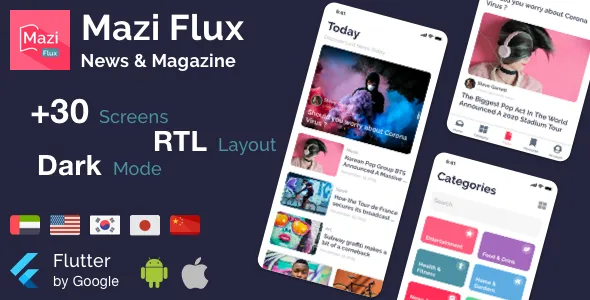
Mazi - News & Magazine for React Native mobile template

Mazi - News & Magazine for React Native mobile template

Mazi is a mobile React Native UI KIT for fast development with mobile applications like Shopping Cart app, E-commerce, News & Magazine, Cryptocurrency, Wallets, Podcast & Music. The project has made full sample screens with a unique design style. So that you can reuse and implement this project to boost your working faster and provide good quality products to your end customers.

Created Feb 24, 2020 · Updated Dec 14, 2024 · ★ 4.40 (10) · 401 sales

Newsmaker - News & Editorial UI KIT

Newsmaker - News & Editorial UI KIT

How To Use Sketch Files You just need to download some appropriate images from the image bank or given below links (www.shutterstock.com or www.pexels.com ). Just place the images into sketch file. You can also edit any text, Navigation Menu, color or any font file by double click and change the same. Make sure your image sizes are as per the mentioned sizes in the sketch file. You can also download the trial version of sketch from here. https://www.sketchapp.com/ Sketch Version 40+ Graphic Used Many thanks for these great images to: www.shutterstock.com Note: All images are just used for Preview Purpose Only. They are not part of the website template and NOT included in the final purchase files.

Created Jun 11, 2018 · 8 sales

Top 24 Blog Magazine News Blogging tools with live demo and interactive preview off all time