YellowPencil - Visual CSS Style Editor
Description
YellowPencil – Visual CSS Editor
Version 7.5.8 is out! – The last update was released on 20 November 2022
YellowPencil is a WordPress CSS style editor plugin that allows you to customize your website design in real-time.
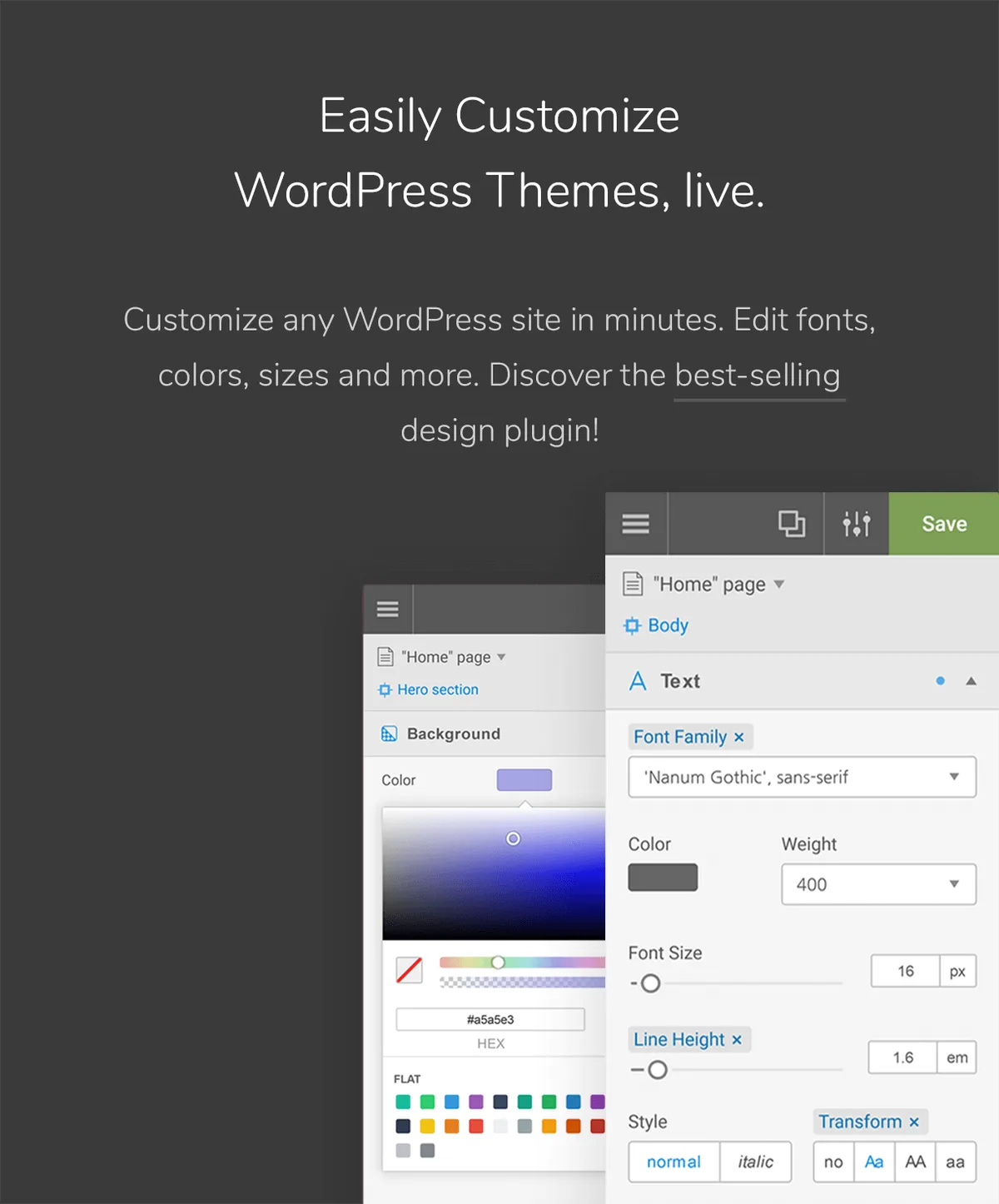
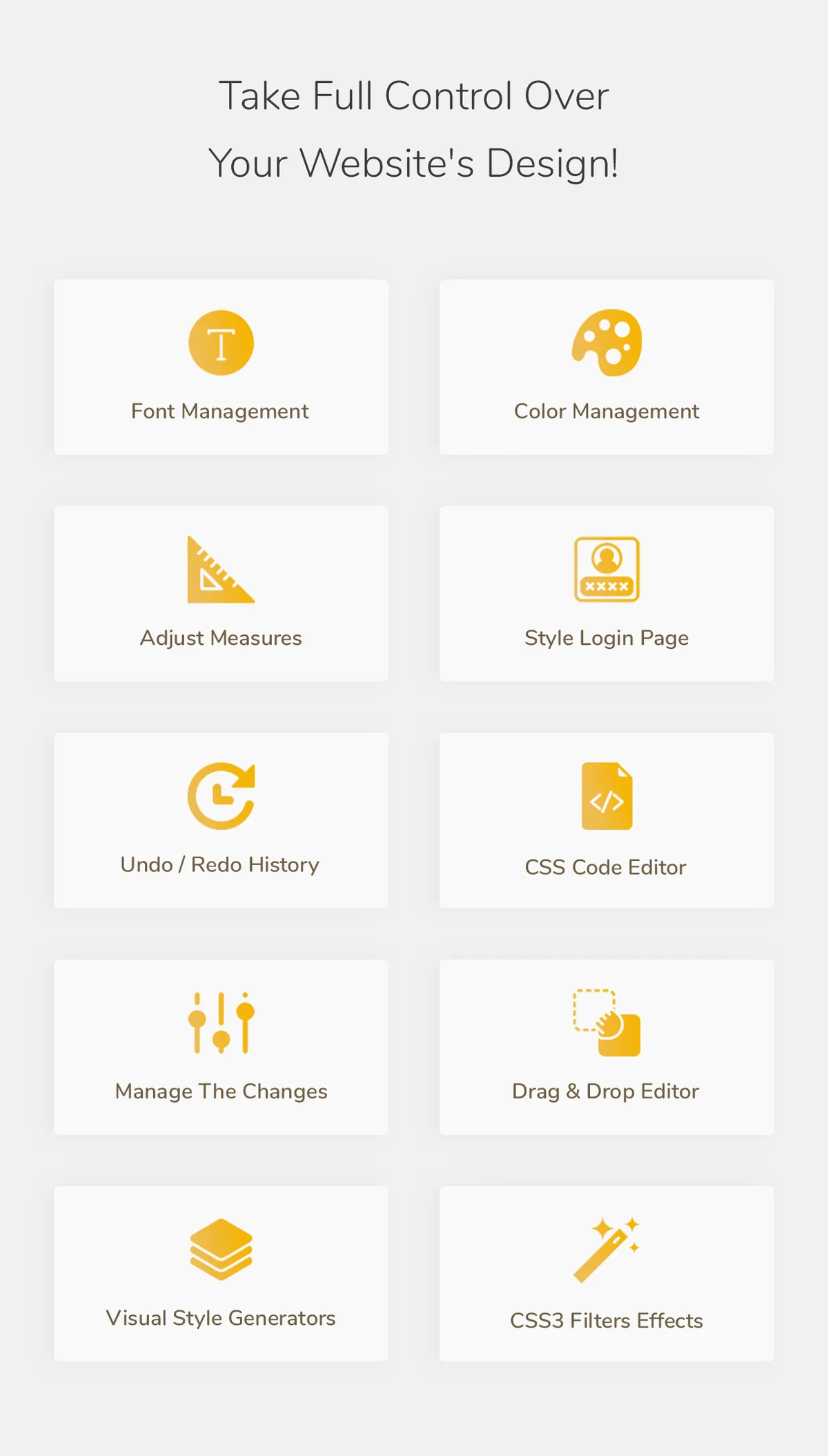
The plugin allows you to customize any page and theme without coding. Click on an element and start visual editing. Adjust colors, fonts, sizes, positions, and a lot more. Take full control over your website’s design with more than 60 style properties.

Visual CSS Editor
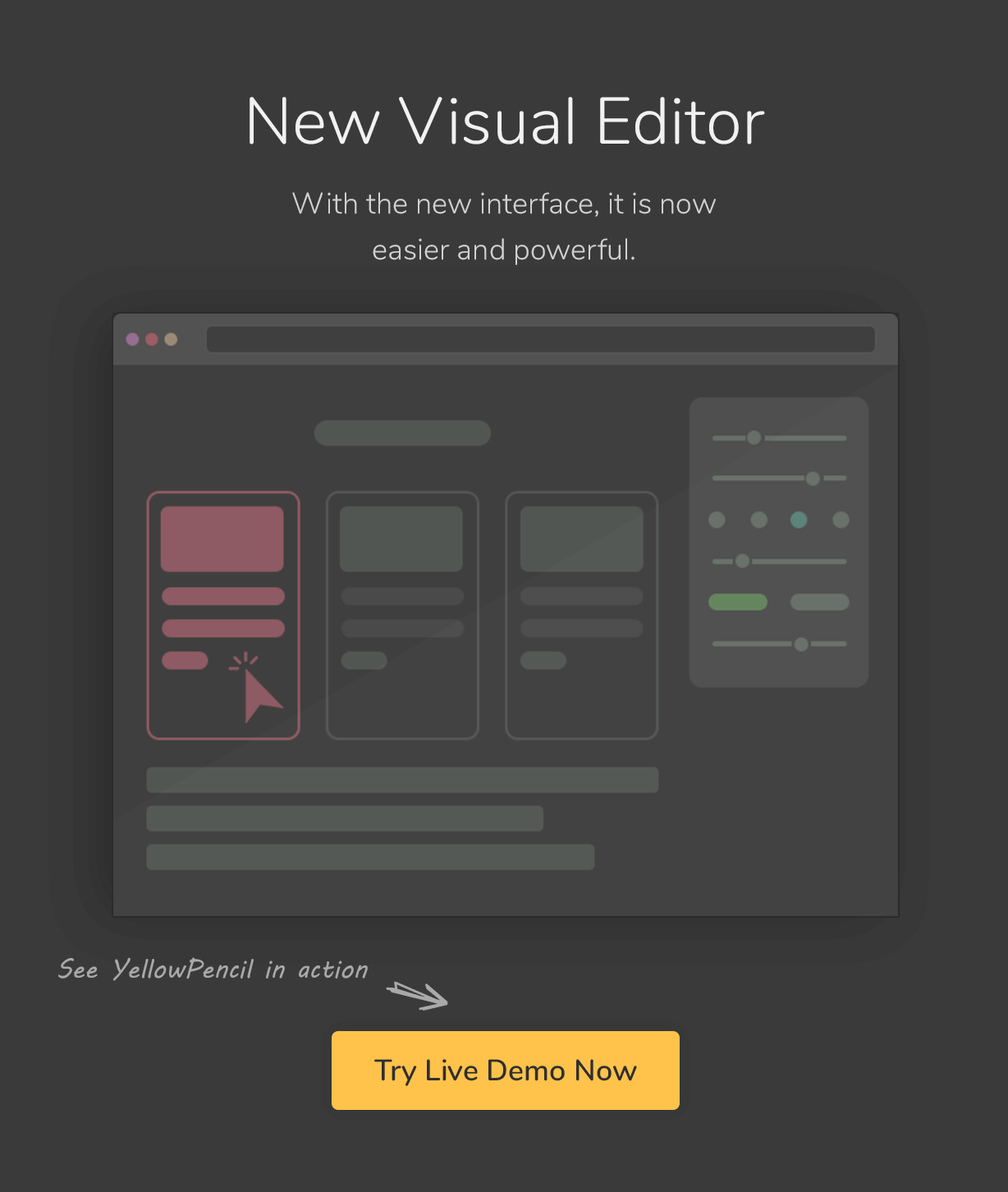
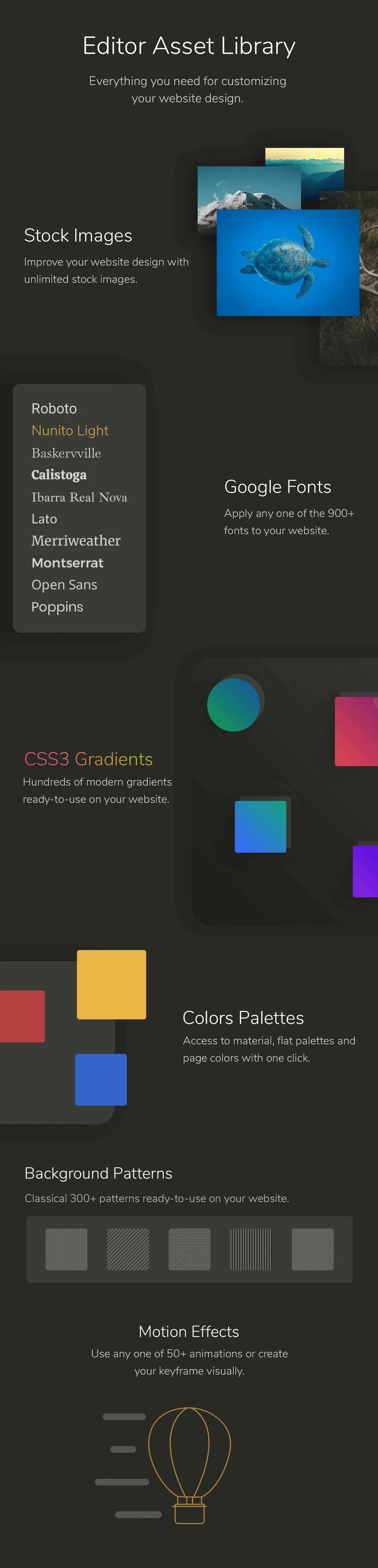
YellowPencil provides everything that you need for customizing your site design. The plugin comes with advanced features like visual resizing, drag & drop, measuring tool as well as a ton resource that background patterns, google fonts, and trend color palettes also it has an advanced responsive tool which allows you to customize your site for any screen size.
Key Features
- Customize any page, any element
- Customize WordPress login page
- Automatic CSS selectors
- 60+ CSS properties
- Visual Drag & Drop
- Visual Margin & Padding editing
- Live CSS editor
- Live preview
- Manage the changes
- Undo / Redo history
- Export stylesheet file
Design Tools
The plugin provides you advanced tools and ready-to-use libraries for styling your website effortlessly.
- Flexible element inspector
- Single element inspector
- Responsive tool
- Element search tool
- Measuring tool
- Wireframe view
- Design information tool
- Gradient generator
- Animation manager
- Animation generator
Design Assets
Reach many design assets with one click. Customize your website’s design to fit your needs!
- 900+ Google fonts
- 300+ Background patterns
- Unsplash background stock images
- Material and flat color palettes
- 50+ Animations
CSS Properties: Text
- Font Family
- Font Weight
- Color
- Text Shadow
- Font Size
- Line Height
- Font Style
- Text Align
- Text Transform
- Letter Spacing
- Word Spacing
- Text Decoration
- Text Indent
- Word Wrap
CSS Properties: Background
- Background Color
- Background Image
- Background Clip
- Background Blend Mode
- Background Position
- Background Size
- Background Repeat
- Background Attachment
Other CSS Properties
- Margin
- Padding
- Border
- Border Radius
- Position
- Width
- Height
- Lists
- Flexbox
- Animation
- Box Shadow
- Transition
- Filter
- Transform
- Opacity
- Display
- Cursor
- Float
- Clear
- Visibility
- Pointer Events
- Overflow
Compatible With Any Theme & Plugin
This works seamlessly with almost any WordPress theme and plugin. You can use it for editing the pages that you created with the page builders.
Compatible with All Page Builders
The plugin allows you to customize the pages created with Gutenberg block editor, Elementor, or another page builder. Re-design your website today.
How Does This Work?
The plugin generates CSS codes like a professional web developer in the background while you are editing the web page visually.
The plugin doesn’t modify any theme file, instead of it loads the generated CSS codes to the website in a dynamic way so that you can manage the changes anytime.
Documentation and Support
- For documentation and tutorials go to our Documentation.
- If you have any more questions, visit the Support forum.
- For more information, check out our website at YellowPencil Visual CSS Style Editor.
Community
Join Facebook Community for Discussion, feedback, and help.External listing. code.market does not sell this product and does not process payment for it. Pricing, payment, delivery, licensing, refunds, and support are handled by the third-party merchant on its own website. We may earn an affiliate commission from a referral. Details.
Products of the Week.
Submit🥇

STOP GUESSING WHAT TO POST
AI that learns your brand voice and builds a month of consistent, on-brand social content: carousels, posts and hooks that sound like you, not like everyone else's AI.
SaaS · 4,294 views · 38 clicksSaaS · Week 45 · 4,294 views · 38 clicks
🥈

Conversational Backlinks for Busy Founders
Place Backlink Relevant Conversation for your domain across Forums and Conversations
Website · 42,008 views · 223 clicksWebsite · Week 45 · 42,008 views · 223 clicks
🥉

upvote.club
Free Social Media Engagement that Helps Boost Your Content. Upvote Club supports 19 social networks with 100+ engagement actions in one dashboard. Add links to your posts and get free engagement from real users.
SaaS · 40,051 views · 117 clicksSaaS · Week 45 · 40,051 views · 117 clicks
#4

Substack Posting API
Onboard your Agent to Substack. Write Publish on Substack via API
SaaS · 59,060 views · 198 clicksSaaS · Week 45 · 59,060 views · 198 clicks
#5

Seenshot App
Free, Fast, MacOS Screenshot app. Make Screenshot cmd+shift+2 and send it via link
Desktop App · 28,437 views · 122 clicksDesktop App · Week 45 · 28,437 views · 122 clicks
#6

Hand-Placed Backlinks $9.99 per link. Flat rate.
Buy hand-placed forum, Q-A and directory backlinks. Flat $9.99 per link, no subscriptions — you only pay for approved listings.
Website · 4,269 views · 19 clicksWebsite · Week 45 · 4,269 views · 19 clicks
#7

Free Invoice Generator - PDF Invoices in Your Browser, No Sign-Up
A free invoice maker for freelancers and small businesses: fill in the invoice, check the live preview, and download a PDF that looks exactly like it. Any currency, tax per item, three templates, no sign-up, and nothing leaves your device.
2,944 views · 17 clicksWeek 45 · 2,944 views · 17 clicks
#8

Merge PDF Files Free - Combine PDFs in Your Browser, No Upload
A free PDF merger for office workers, students, and freelancers: combine PDFs and images into one file in the browser, reorder files and pages, pick page ranges, keep bookmarks, and open password-protected PDFs. Nothing is uploaded, no sign-up, no watermark.
2,719 views · 13 clicksWeek 45 · 2,719 views · 13 clicks