
WooCommerce Paint Color Swatches – Visual Product Color Picker Plugin

Description

The Custom Paint Color Swatches for WooCommerce plugin allows merchants to enhance their store by enabling customers to select paint colors directly from the product page. With this plugin, customers can choose colors using visually appealing swatches and preview their selection in a popup, which includes a demo of how the color would look on a wall. The plugin supports a full range of Benjamin Moore API categories and also provides additional color categories such as Caparol, NCS, RAL, and Standard. Merchants can add unlimited custom paint variations to both simple and variable products, ensuring flexibility for a wide range of offerings. Colors can be displayed as either swatches or images, providing a user-friendly and customizable experience.
The plugin includes two display modes for the frontend: a right side popup layout and a popup with category filters for easier browsing. Selected color swatches are saved throughout the cart, checkout, and admin order backend, enabling store owners to view customer selections and efficiently prepare orders. This powerful tool ensures that merchants can provide an interactive and seamless shopping experience, making it easier for customers to envision their chosen paint colors and complete their purchase confidently.


Features of Custom Paint Color Swatches for WooCommerce
- One-click import option for Caparol, NCS, RAL, Standard, and Benjamin Moore color ranges.
- Flexible category selection to organize and display color swatches efficiently.
- Support for displaying swatches as color blocks, images, or a combination of both.
- Customers can select colors directly from swatches or type in specific color codes.
- Fully compatible with simple and variable product types in WooCommerce.
- Real-time preview feature to apply selected colors to a virtual wall for better visualization.
- Responsive design ensures compatibility across all devices, including mobile and desktop.
- Selected color codes are saved in the cart, checkout, and visible in the admin backend order details.
- Ability to add new color ranges or custom swatches through custom development.
- Built-in popup and side popup display modes with advanced category filtering.
- Unlimited custom paint variations can be added to any product.
- Optimized for performance to provide a seamless user experience without slowing down the site.
- Multi-language and translation-ready to support global WooCommerce stores.
- Easy-to-use settings panel for managing swatches and customization without coding knowledge.
- Compatible with advanced WooCommerce themes and most major plugins.
Attached Categories to Product
From the product edit or add new page, you can configure the settings by adding a color category that becomes available after plugin activation. Simply select the categories you want to attach to a specific product and choose the layout type—either popup or side popup—directly from the right-hand side panel.


Pick a Colour or Type Colour Code
Users can choose their preferred method for selecting a color through the dropdown menu. By selecting “Pick,” customers can browse and select colors from categorized swatches displayed on the product page. Alternatively, by choosing “Type,” an input field appears, allowing customers to manually enter a specific color code. Both options seamlessly integrate with the cart, ensuring the selected or typed color is added to the order details for accurate processing.


Frontend Display of Images and Swatches
On the frontend, customers can view color options presented as either images or swatches, depending on the configuration set by the admin. The swatches are displayed in an intuitive layout that enhances the user experience, allowing customers to easily select their preferred colors. Users can filter colors by category, and the selected swatches dynamically update to show only the relevant options. The layout can be displayed in two modes—either as a popup or a side popup—ensuring flexibility to fit the store’s design. Each swatch or image is visually clear and responsive, providing a seamless experience across all devices.


Side Popup Layout of Displaying Swatches
The side popup layout offers a clean and user-friendly way to display color swatches. When users click to view swatches, a popup slides in from the side, showing all available color options, categorized by their respective color names. Each category is clearly labeled at the top of the popup for easy identification.

Additionally, when users hover over a color swatch or image, a preview of the selected color appears within the popup, giving them a better view of how the color would look. This layout keeps the product page organized while providing an interactive and responsive experience.

OneClick Import Pre Available Categories
With the One-Click Import feature, you can quickly import pre-existing color categories, including popular options like Caparol, NCS, RAL, Standard, and Benjamin Moore. This functionality streamlines the setup process, saving time for store owners by automatically adding a wide range of pre-configured categories. Once imported, these categories are ready to use, and you can easily attach them to your products. The one-click process eliminates the need for manual setup, allowing you to focus more on managing your store and providing an enhanced shopping experience for customers.

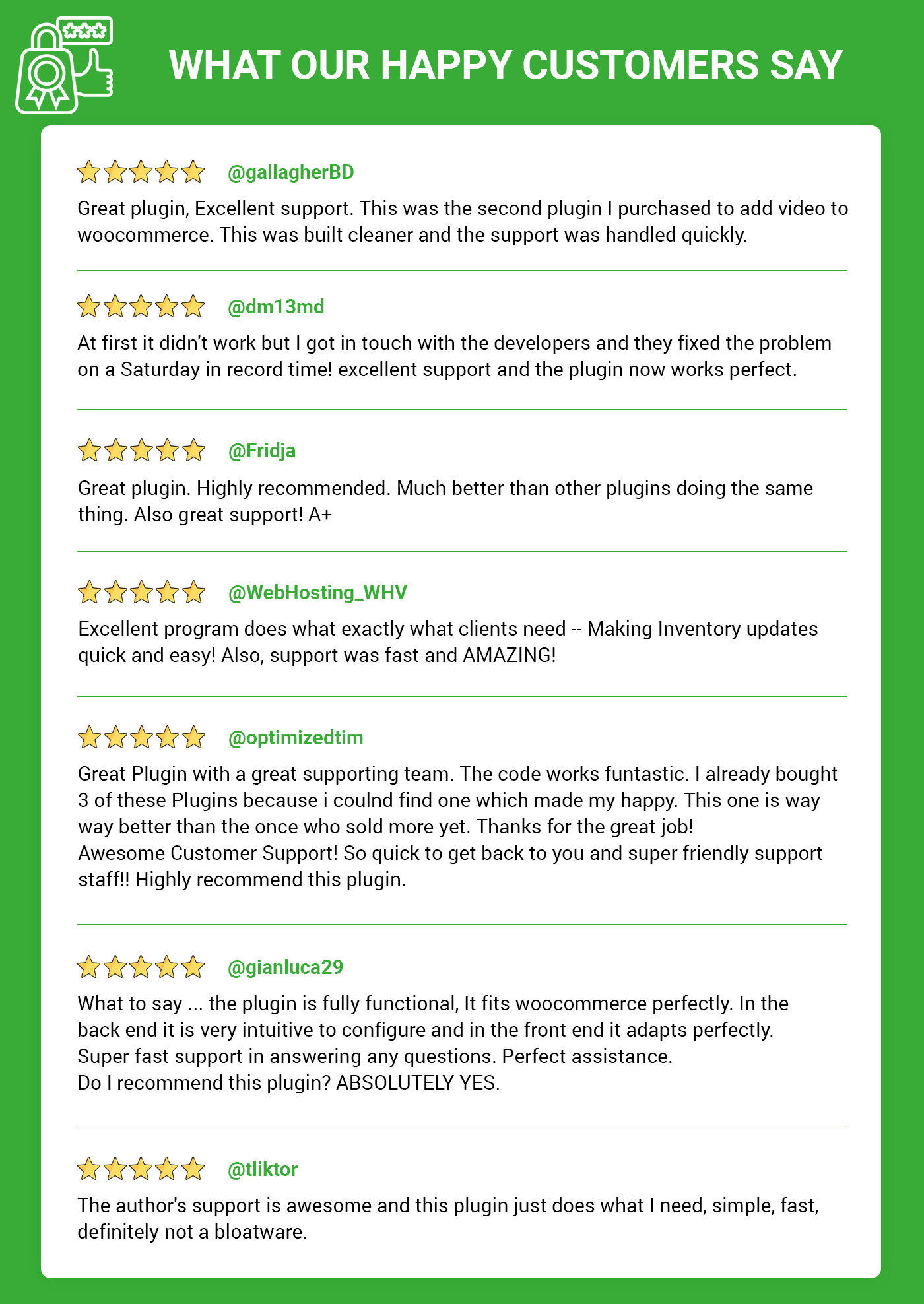
What our happy customers say!
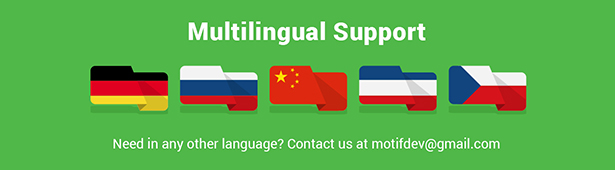
Pre-Translated Languages
Change log:
Version 1.0.9
Compatibility checks & fixes with the latest woo and wp
Version 1.0.8
OneClick Import of Benjamin Moore API categories and support for Caparol, NCS, RAL, and Standard color categories.
Enabled the import of pre-configured color categories with One-Click Import feature.
Provided two layout options for swatches display: Sidebar and Popup.
Introduced color swatches display options: image, swatch, or a combination of both.
Enhanced responsiveness to ensure compatibility across mobile, tablet, and desktop devices.
Introduced a customizable settings panel for managing categories, layouts, and swatches.
Version 1.0.7
Compatibility checks & fixes with the latest woo and wp
Version 1.0.5
Compatibility checks & fixes with the latest woo and wp
Version 1.0.4
Additional colors added for ncs, ral and standard
Compatibility checks & fixes with the latest woo and wp
Version 1.0.3
Compatibility checks & fixes with the latest woo and wp
Version 1.0.2
Compatibility checks & fixes with the latest woo and wp
Version 1.0.1
Compatibility checks & fixes with the latest woo and wp
High-Performance Order Storage Compatibility
Version 1.0.0
Initial release
| Type | WooCommerce Plugin |
|---|---|
| Author | MotifCreatives |
| Category | Wordpress / Ecommerce / Woocommerce |
| Price | $23 |
| Sales | 86 |
| Rating | 5.00 from 12 ratings |
| Published | Sep 1, 2022 |
| Last Update | Aug 21, 2026 |
| Compatible Browsers | Firefox, Safari, Opera, Chrome, Edge |
| Compatible Software | WordPress 7.0.x, WordPress 6.9.x, WordPress 6.8.x, WordPress 6.7.x, WordPress 6.6.x, WordPress 6.5.x, WordPress 6.4.x, WordPress 6.3.x, WordPress 6.2.x, WordPress 6.1.x, WordPress 6.0.x, WordPress 5.9.x, WordPress 5.8.x, WordPress 5.7.x, WordPress 5.6.x, WordPress 5.5.x |
| Compatible With | Elementor, Elementor Pro, WooCommerce 10.x.x, WooCommerce 9.x.x, WooCommerce 8.x.x, WooCommerce 7.x.x, WooCommerce 6.x.x |
| Gutenberg Optimized | Yes |
| Source Files Included | JavaScript JSON, HTML, XML, CSS, PHP, SQL, Layered PNG |
Categories
Tags
External listing. code.market does not sell this product and does not process payment for it. Pricing, payment, delivery, licensing, refunds, and support are handled by the third-party merchant on its own website. We may earn an affiliate commission from a referral. Details.
Products of the Week.
Submit🥇

STOP GUESSING WHAT TO POST
AI that learns your brand voice and builds a month of consistent, on-brand social content: carousels, posts and hooks that sound like you, not like everyone else's AI.
SaaS · 3,993 views · 35 clicksSaaS · Week 45 · 3,993 views · 35 clicks
🥈

Conversational Backlinks for Busy Founders
Place Backlink Relevant Conversation for your domain across Forums and Conversations
Website · 41,641 views · 222 clicksWebsite · Week 45 · 41,641 views · 222 clicks
🥉

upvote.club
Free Social Media Engagement that Helps Boost Your Content. Upvote Club supports 19 social networks with 100+ engagement actions in one dashboard. Add links to your posts and get free engagement from real users.
SaaS · 39,668 views · 114 clicksSaaS · Week 45 · 39,668 views · 114 clicks
#4

Substack Posting API
Onboard your Agent to Substack. Write Publish on Substack via API
SaaS · 58,696 views · 198 clicksSaaS · Week 45 · 58,696 views · 198 clicks
#5

Seenshot App
Free, Fast, MacOS Screenshot app. Make Screenshot cmd+shift+2 and send it via link
Desktop App · 28,079 views · 122 clicksDesktop App · Week 45 · 28,079 views · 122 clicks
#6

Hand-Placed Backlinks $9.99 per link. Flat rate.
Buy hand-placed forum, Q-A and directory backlinks. Flat $9.99 per link, no subscriptions — you only pay for approved listings.
Website · 3,938 views · 19 clicksWebsite · Week 45 · 3,938 views · 19 clicks
#7

Free Invoice Generator - PDF Invoices in Your Browser, No Sign-Up
A free invoice maker for freelancers and small businesses: fill in the invoice, check the live preview, and download a PDF that looks exactly like it. Any currency, tax per item, three templates, no sign-up, and nothing leaves your device.
2,615 views · 17 clicksWeek 45 · 2,615 views · 17 clicks
#8

Merge PDF Files Free - Combine PDFs in Your Browser, No Upload
A free PDF merger for office workers, students, and freelancers: combine PDFs and images into one file in the browser, reorder files and pages, pick page ranges, keep bookmarks, and open password-protected PDFs. Nothing is uploaded, no sign-up, no watermark.
2,434 views · 13 clicksWeek 45 · 2,434 views · 13 clicks