
WooCommerce Opayo (Sage Pay)

Description



Features
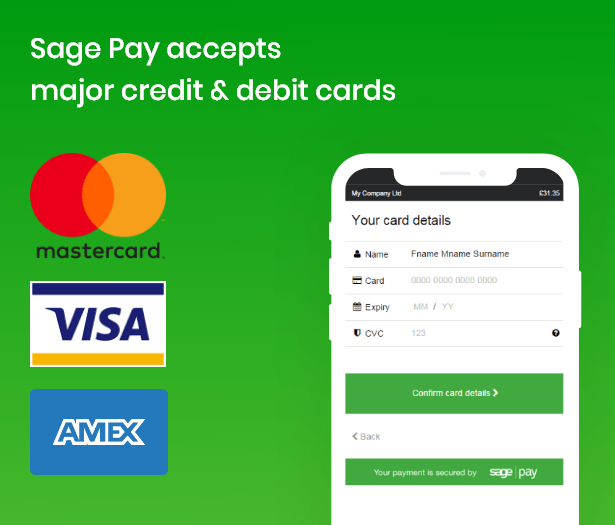
Sage Pay accepts major credit & debit cards
- MasterCard
- JCB
- VISA
- American Express
- NEW! PSD2 (SCA) Compliant
- CVC/CV2 Verification
- Support making payment from backend (MOTO)
- Authorize and capture
- Perform payments with SagePay UK
- PCI DSS compliant using the SAQ-A-EP
- Direct Payment
- Direct Refund
- Save cards for future payments
- Tokenization
- Support for USD, Euro, and GBP
- Support for major payment card brands, including VISA, MasterCard, American Express,...
- Accepting payments on customer own form
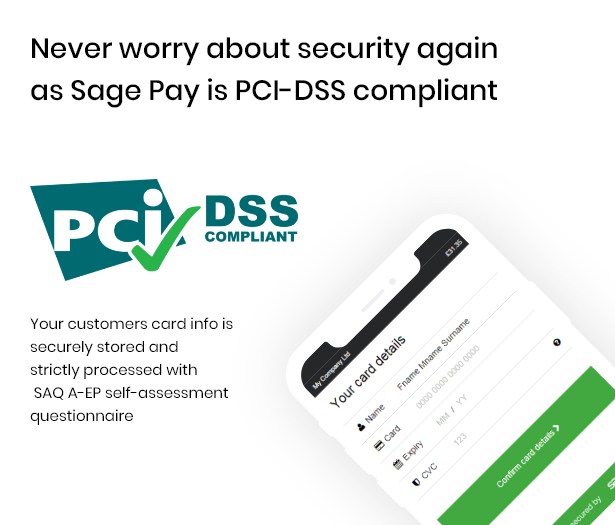
Never worry about security again as Sage Pay is PCI-DSS compliant
Your customers card info is securely stored and strictly processed with SAQ A-EP self-assessment questionnaireProvide clients with a convenient checkout process with direct payment
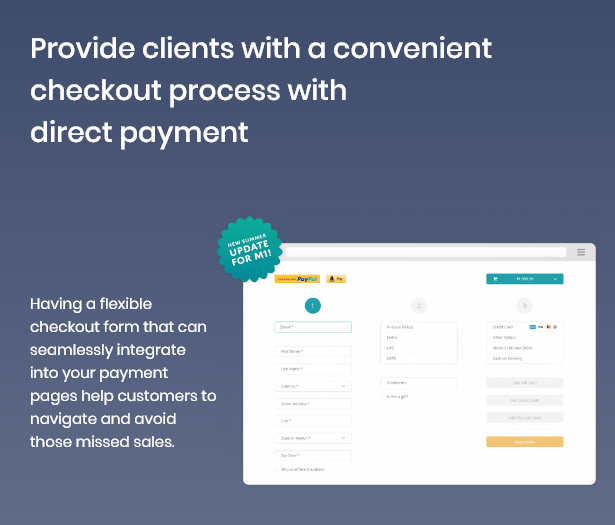
Having a flexible checkout form that can seamlessly integrate into your payment pages help customers to navigate and avoid those missed sales.Easy-to-manage card information for customers
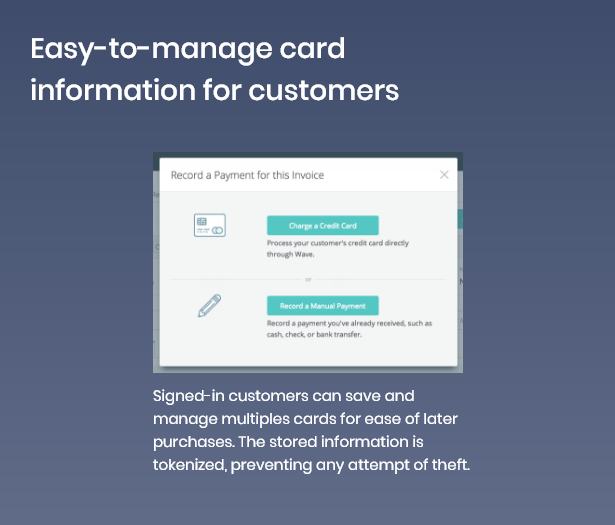
Signed-in customers can save and manage multiples cards for ease of later purchases. The stored information is tokenized, preventing any attempt of theft.Forget those 1* rating with direct refund availability
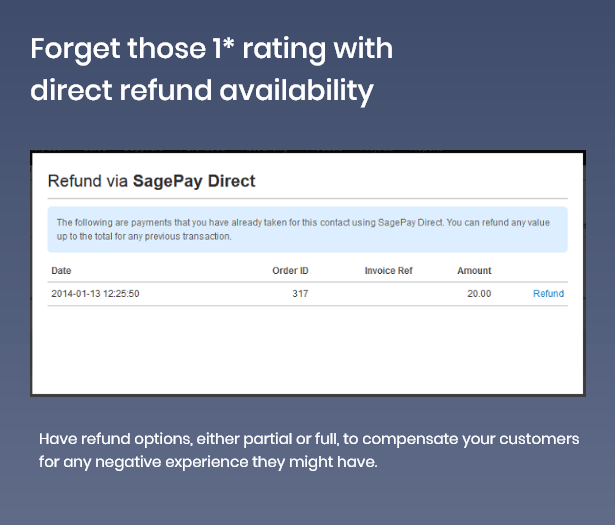
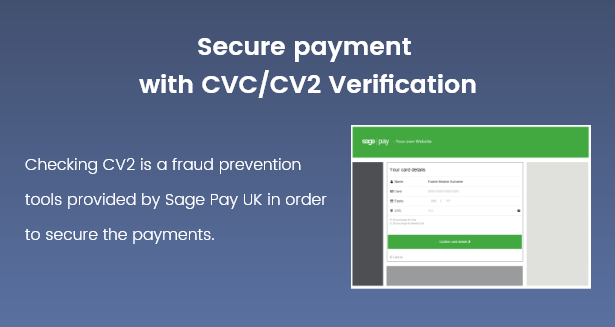
Have refund options, either partial or full, to compensate your customers for any negative experience they might have.Secure payment with CVC/CV2 Verification
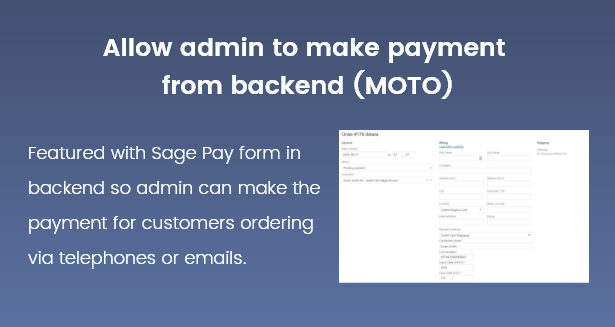
Admin can set up to detect the wrong CV2 security code for Sage Pay payments.Allow admin to make payment from backend (MOTO)
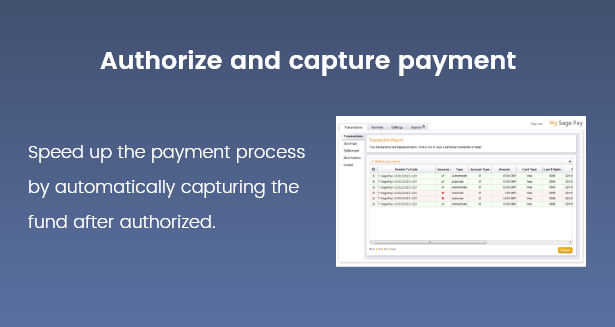
Our payment gateway supports Mail Order/Telephone Order by enabling admin to make payment from admin panel.Authorize and capture payment
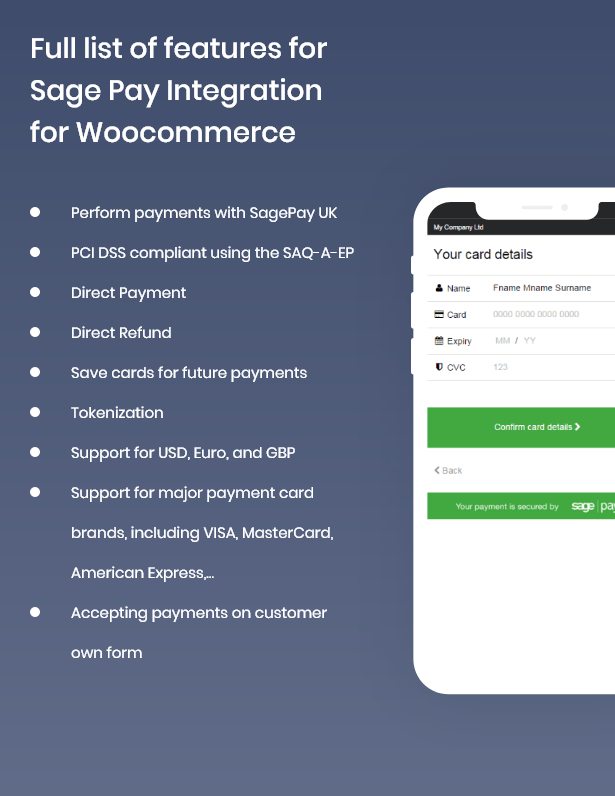
With capturing payment feature, payment will be captured instantly when the order is made.Full list of features for Sage Pay Integration for Woocommerce
ChangeLog
WooCommerce Sage Pay Gateway - Changelog

======================================
### version 1.5.3 2020/09/01
- Sagepay is now Opayo

### version 1.5.3
- Fix json error for Sagepay PI

### version 1.5.2 - 2019/11/05
- Fix error with 3ds for Sagepay PI
- Check the customer's response

### version 1.5.1 - 2019/10/30
- Show message response from Sage Pay

### version 1.5.0
- Add security with 3D version 2

### version 1.4.0
- Add a layer of security with 3D checkout

### version 1.3.1
- Fix error customer cannot login and place order

### version 1.3.0
Add payment type "Direct Integration":
- Admin can choose payment actions: Authorize Only or Authorize and Capture
- Allow admin to perform Refunds, Voids, Authorises, and Releases of transactions remotely without having to log into MySagePay
- Enable CVC verification
- Allow customers to checkout using credit card payment

### version 1.2.0
- Fix error validation card information
- Fix error 3130: 'billingstate' too long
- Compatible with Woocommerce 3.6.x

### version 1.1.0
- Choose between Authorize Only or Authorize and Capture
- Enable CVC verification
- Admin can easily make payment in admin backend (MOTO)
- Admin can capture the payment (if Sage Pay Payment in WooCommerce setting is Authorize Only)
- Admin can cancel order (void payment)

### version 1.0.0
- Allow admin to integrate their SagePay account to their WooCommerce stores
- Allow customers to checkout using credit card payment
- Support Saved Card Function
- Customers can manage their saved card in My account page.
- Allow admin to refund via Sage Pay

First release
| Type | WooCommerce Plugin |
|---|---|
| Author | Magenest |
| Category | Wordpress / Ecommerce / Woocommerce / Gateways |
| Price | $1,005 |
| Sales | 69 |
| Rating | 0.00 from 2 ratings |
| Published | Jul 4, 2018 |
| Last Update | Sep 1, 2020 |
| Compatible Browsers | Firefox, Safari, Opera, Chrome, Edge |
| Compatible Software | WordPress 5.1.x, WordPress 5.0.x, WordPress 4.9.x, WordPress 4.8.x |
| Compatible With | WooCommerce 3.6.x, WooCommerce 3.5.x, WooCommerce 3.4.x, WooCommerce 3.3.x, WooCommerce 3.2.x |
| Gutenberg Optimized | No |
| Source Files Included | HTML, CSS, PHP |
Categories
Tags
External listing. code.market does not sell this product and does not process payment for it. Pricing, payment, delivery, licensing, refunds, and support are handled by the third-party merchant on its own website. We may earn an affiliate commission from a referral. Details.
Products of the Week.
Submit🥇

STOP GUESSING WHAT TO POST
AI that learns your brand voice and builds a month of consistent, on-brand social content: carousels, posts and hooks that sound like you, not like everyone else's AI.
SaaS · 3,670 views · 33 clicksSaaS · Week 45 · 3,670 views · 33 clicks
🥈

Conversational Backlinks for Busy Founders
Place Backlink Relevant Conversation for your domain across Forums and Conversations
Website · 41,212 views · 222 clicksWebsite · Week 45 · 41,212 views · 222 clicks
🥉

upvote.club
Free Social Media Engagement that Helps Boost Your Content. Upvote Club supports 19 social networks with 100+ engagement actions in one dashboard. Add links to your posts and get free engagement from real users.
SaaS · 39,267 views · 113 clicksSaaS · Week 45 · 39,267 views · 113 clicks
#4

Substack Posting API
Onboard your Agent to Substack. Write Publish on Substack via API
SaaS · 58,308 views · 198 clicksSaaS · Week 45 · 58,308 views · 198 clicks
#5

Seenshot App
Free, Fast, MacOS Screenshot app. Make Screenshot cmd+shift+2 and send it via link
Desktop App · 27,691 views · 120 clicksDesktop App · Week 45 · 27,691 views · 120 clicks
#6

Hand-Placed Backlinks $9.99 per link. Flat rate.
Buy hand-placed forum, Q-A and directory backlinks. Flat $9.99 per link, no subscriptions — you only pay for approved listings.
Website · 3,574 views · 18 clicksWebsite · Week 45 · 3,574 views · 18 clicks
#7

Free Invoice Generator - PDF Invoices in Your Browser, No Sign-Up
A free invoice maker for freelancers and small businesses: fill in the invoice, check the live preview, and download a PDF that looks exactly like it. Any currency, tax per item, three templates, no sign-up, and nothing leaves your device.
2,263 views · 16 clicksWeek 45 · 2,263 views · 16 clicks
#8

Merge PDF Files Free - Combine PDFs in Your Browser, No Upload
A free PDF merger for office workers, students, and freelancers: combine PDFs and images into one file in the browser, reorder files and pages, pick page ranges, keep bookmarks, and open password-protected PDFs. Nothing is uploaded, no sign-up, no watermark.
2,100 views · 13 clicksWeek 45 · 2,100 views · 13 clicks