
Web Push Notification System using Firebase in PHP
Hot or Not
Description
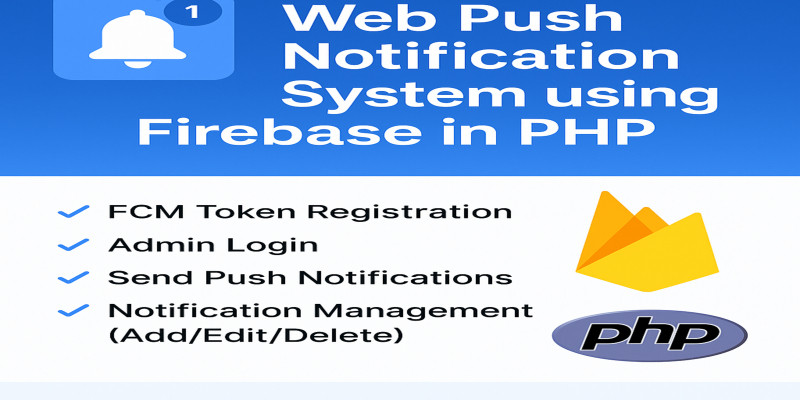
Web Push Notification System using PHP + Firebase
This is a complete browser-based push notification system developed in Core PHP using Firebase Cloud Messaging (FCM). It enables you to send real-time notifications directly to users’ browsers — even when they are not on your site!
Features
🔧 System Features:
- 🚀 Firebase Cloud Messaging integration
- 🔐 Secure Admin Panel with login authentication
- 📥 Automatically captures FCM tokens using AJAX
- 📝 Add/Edit/Delete notifications from the dashboard
- 📸 Supports images and click-action URLs in notifications
- 📊 View the list of all sent notifications
- 📱 Responsive UI using Bootstrap 5
Requirements
🔧 Server Requirements:
- ✅ PHP 7.0 or higher (Recommended: PHP 7.4+)
- ✅ MySQL 5.6 or higher
- ✅ Apache/Nginx Server (XAMPP/WAMP/LAMP or Live Hosting)
- ✅ HTTPS (SSL Certificate) — required for push notifications
- ✅ Enabled cURL in PHP (for Firebase API requests)
- ✅ Enabled mod_rewrite (if using Apache
🧰 1. Setup with Composer
Run this in your project directory:
composer init composer require guzzlehttp/guzzle This installs Guzzle, a PHP HTTP client used to send requests to FCM.Instructions
🛠️ Setup Instructions
- ✅ Download and extract the project files.
- ✅ Set up a Firebase project and generate web keys (VAPID keys).
- ✅ Add your Firebase config to firebase-messaging-sw.js.
- ✅ Create a MySQL database and import the SQL file provided.
- ✅ Update database credentials in db.php.
- ✅ Host the project on a server with HTTPS enabled.
- ✅ Open the frontend page and allow notification permission
- ✅ Add Firebase Scripts in index.html
- Step 1: Open your frontend file: index.html
- Step 2: Just before the closing tag, add the following scripts:
- CopyEdit
- <!-- Firebase SDK -->
- <script src="https://www.gstatic.com/firebasejs/8.10.1/firebase-app.js"></script> <script src="https://www.gstatic.com/firebasejs/8.10.1/firebase-messaging.js"></script> <!-- Your custom JS file (contains Firebase config & logic) --> <script src="./admin/js/main.js"></script>
Use the following default admin credentials: - Username: admin@gmail.com - Password: admin
| Author | subhashddh |
|---|---|
| Category | Scripts & Code / PHP Scripts / Miscellaneous |
| Price | $17 |
| Extended License | $51 |
| First Release | Jun 6, 2025 |
| Last Update | Jun 6, 2025 |
| Database | MySQL 4.x, MySQL 5.x |
| Files included | .php, .css, .html, .sql, JavaScript .js |
| Software version | PHP 7.3, PHP 7.4, PHP 8.0, PHP 8.1, PHP 8.2, PHP 8.3, PHP 8.4 |
| Html/css framework | Bootstrap |
| Javascript framework | jQuery |
Categories
Tags
External listing. code.market does not sell this product and does not process payment for it. Pricing, payment, delivery, licensing, refunds, and support are handled by the third-party merchant on its own website. We may earn an affiliate commission from a referral. Details.
