
vCard - Digital Business Card Builder SaaS

Description
vCard SaaS – AI-Powered Digital Business Card Builder | Top-Rated Solution on CodeCanyon
vCard SaaS is an AI-powered digital business card builder that lets you launch and monetize your own virtual business card SaaS platform—without building from scratch. Install once, set your pricing plans, automate onboarding, and start selling AI-generated digital business cards to freelancers, professionals, startups, and businesses. One purchase. Full ownership. You keep 100% of the revenue your platform generates.
Digital business cards (also known as vCards or virtual business cards) are replacing traditional printed cards. They can be shared instantly via QR codes, NFC, links, SMS, email, or social media. No printing, no reordering, and always up to date. Your users can create professional, conversion-ready digital business cards in seconds using built-in AI—smart content, clean design, and optimized structure, all in one click.
Take a Test Drive Before You Buy
Admin Panel: https://vcard.waptechy.com/auth Frontend: https://vcard.waptechy.com Admin: admin@vcard.com / 12345678 User: user@vcard.com / 12345678


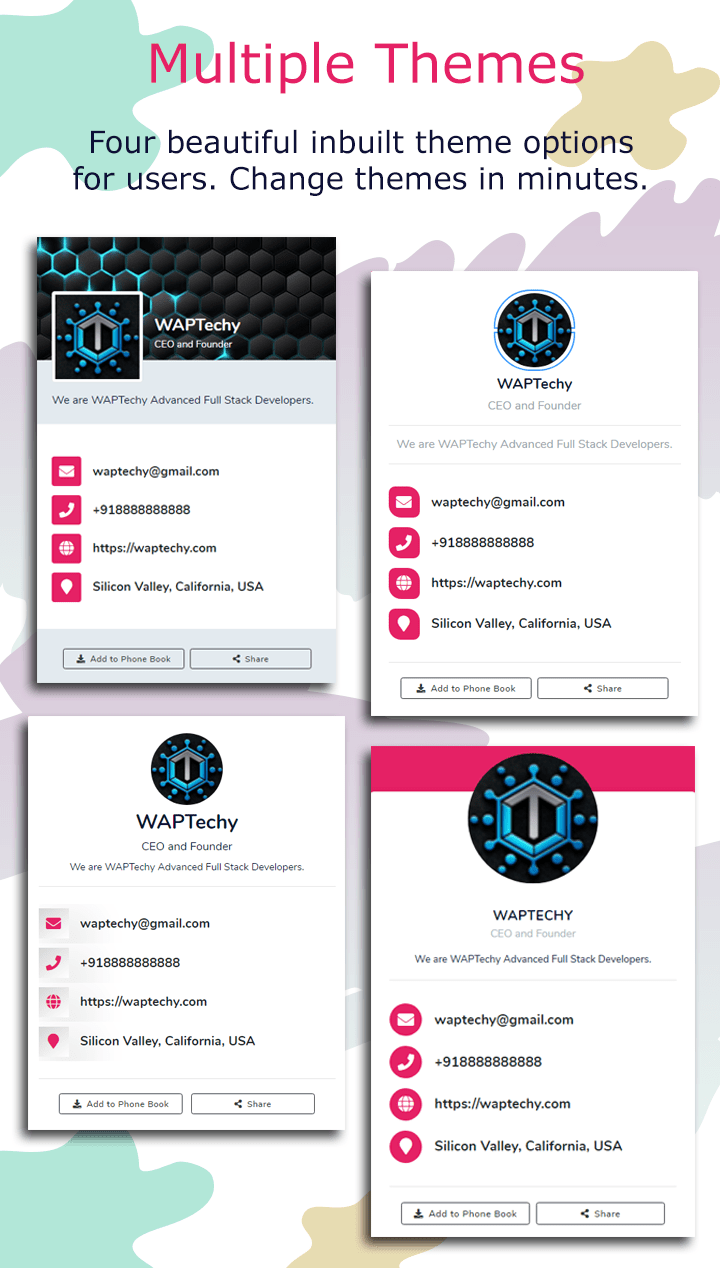
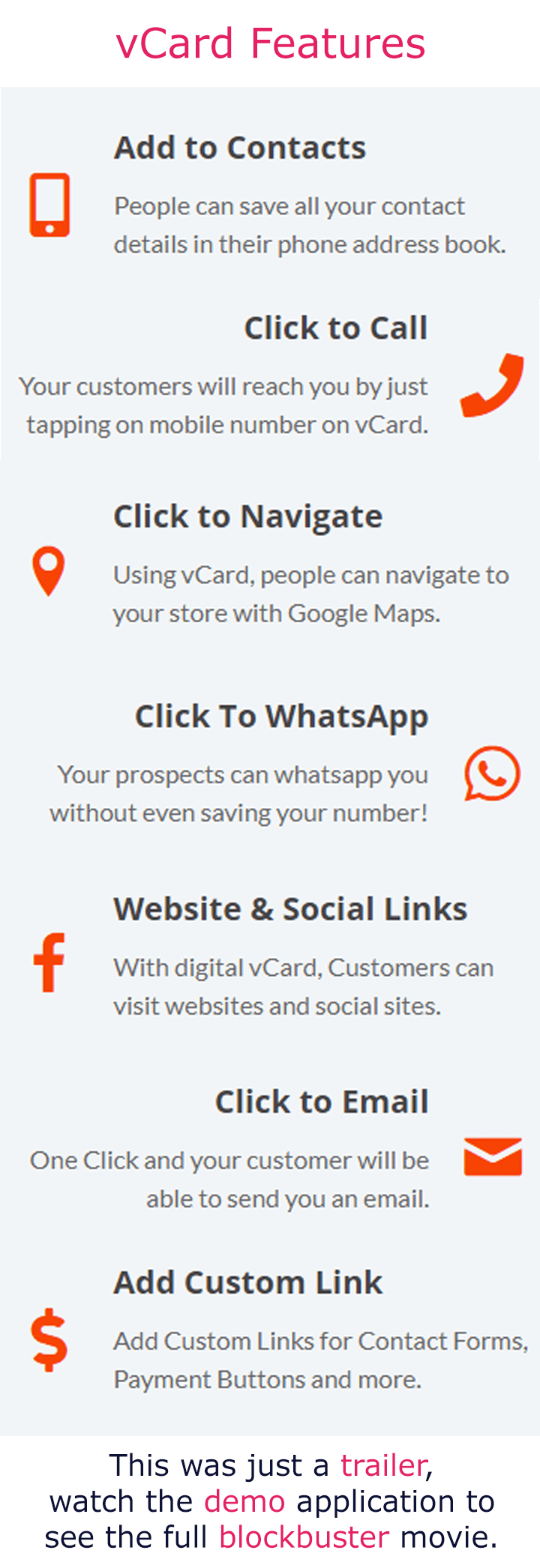
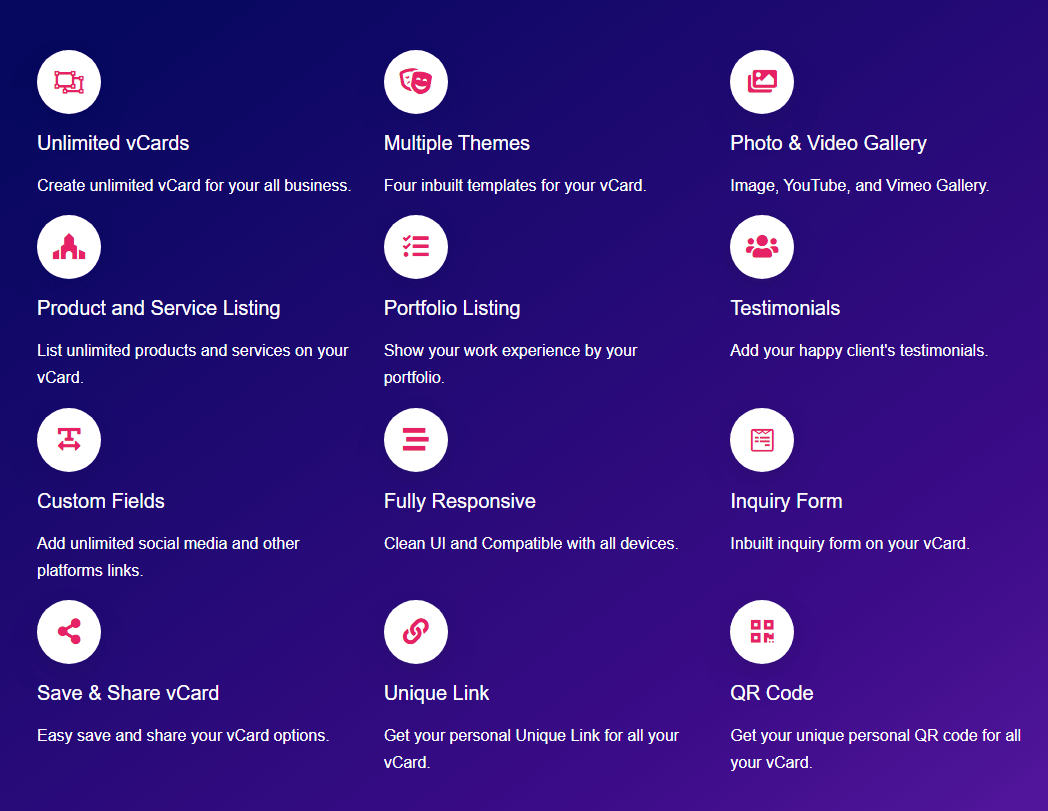



Features for subscribers – vCard SaaS digital business card builder
Every subscriber on your digital business card platform gets a full self-serve dashboard to create, manage, and share their own virtual business card. Here is everything they can do:
My vCard – manage all digital business cards
Each user can create and manage multiple digital business cards from one account — all in a single, clean dashboard.
- AI vCard generation: Create a fully optimized virtual business card in seconds using AI. Smart content, professional design, and conversion-focused structure — generated with one click.
- All vCards: View, edit, delete, and clone any digital business card instantly from the card listing page.
- Lead capture: Every vCard includes an enquiry form. Capture, track, and follow up with leads generated directly from your virtual business card.
- Verification badge: Apply for a verified badge on your digital business card to increase trust, credibility, and conversion rate.
- Theme & branding: Set the color palette, font, and theme of your electronic business card to match personal or company branding.
- Profile & contact details: Upload a profile photo, add contact info, social media links, and custom fields to your virtual business card.
- Products & services: Showcase what you offer directly on your digital business card page — no external links needed.
- Portfolio: Display your work portfolio on your vCard to impress clients and partners on the spot.
- Gallery: Add an image gallery to make your digital business card visually rich and memorable.
- Testimonials: Add customer testimonials to your virtual business card to build social proof and credibility.
- QR code: Every digital business card comes with a unique, scannable QR code for instant contactless sharing.
- Custom sections: Build fully custom content blocks on your electronic business card — no limits on what you can display.
- Custom domain: Access and share your digital business card directly from your own branded domain.
- Drag-and-drop reordering: Reorder all sections of your vCard with simple drag-and-drop controls.
- Advanced controls: Inject custom CSS and JavaScript, and enable or disable individual features on your digital business card — full flexibility for power users.
Features for super admin – vCard SaaS platform owner
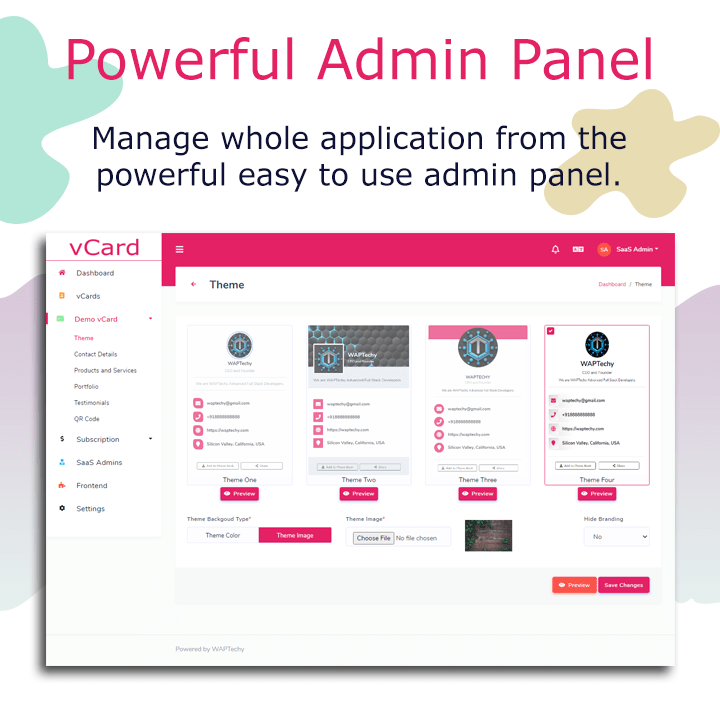
Run your entire digital business card SaaS from one powerful multi-tenant admin panel. Manage users, subscriptions, payments, and platform settings — everything in one place.
AI vCard & bio generation
Generate fully optimized virtual business cards and professional biographies using AI — in seconds. Save time, improve quality, and deliver a premium experience to every subscriber on your digital business card platform.
NFC cards – physical upsell built in
List and sell physical NFC business cards linked directly to subscribers’ digital business cards. Payments are processed automatically. A built-in physical product upsell that increases your average revenue per user on your vCard SaaS.
Dashboard
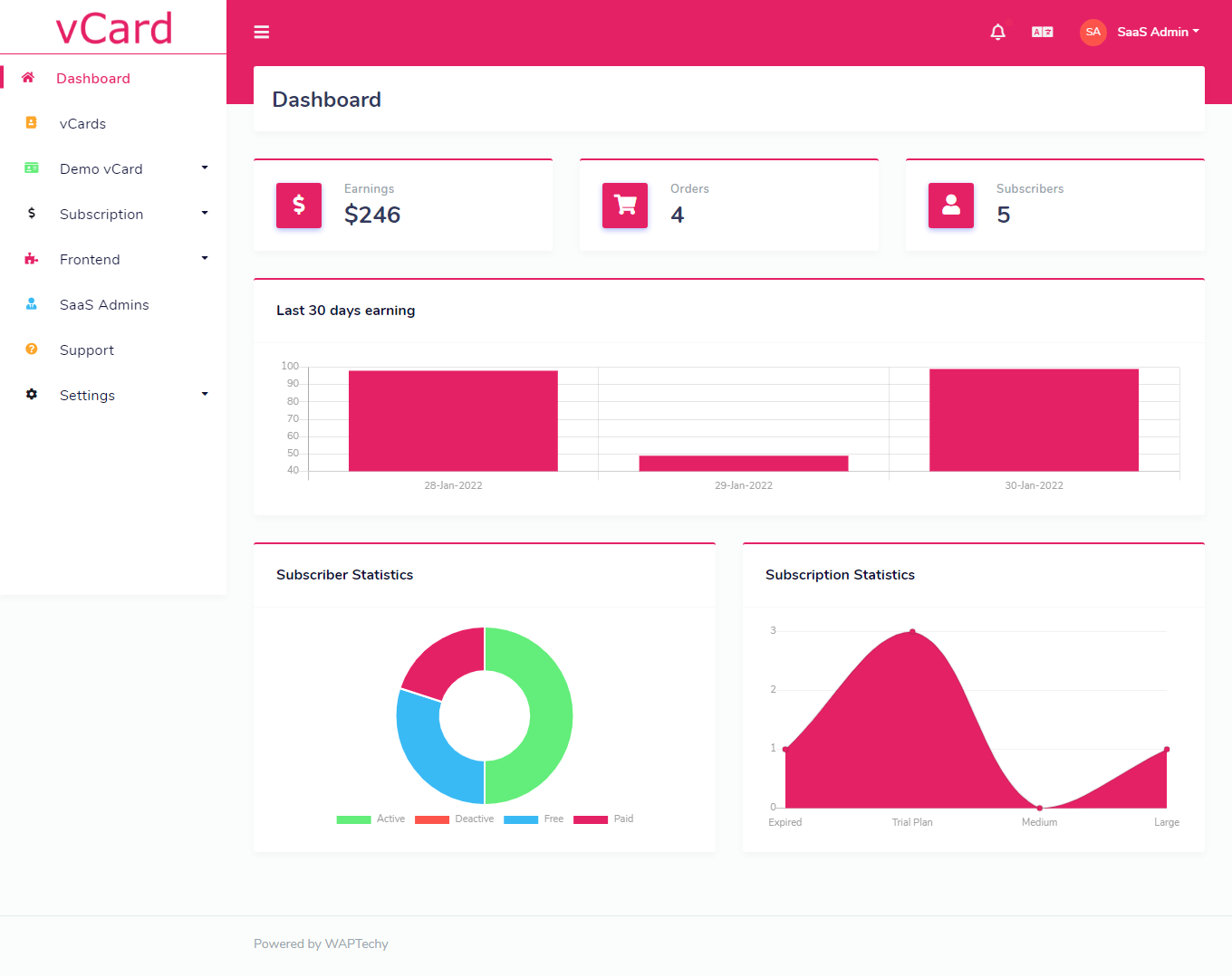
A graphical analytics dashboard showing active vCards, total subscribers, revenue, and platform usage at a glance — for both admin and subscribers on your digital business card platform.
Subscription management
- Subscription plans: Create, edit, and delete plans for your digital business card SaaS. Offer free plans, trial plans, or require payment on registration.
- Orders: View all orders placed across your virtual business card platform.
- Offline & bank transfer payments: Accept offline payment requests. Review submitted receipts and approve or reject them directly from your vCard SaaS admin panel.
- User management: Add, update, delete, and reassign subscription plans to any subscriber on your digital business card platform.
Multi-admin support
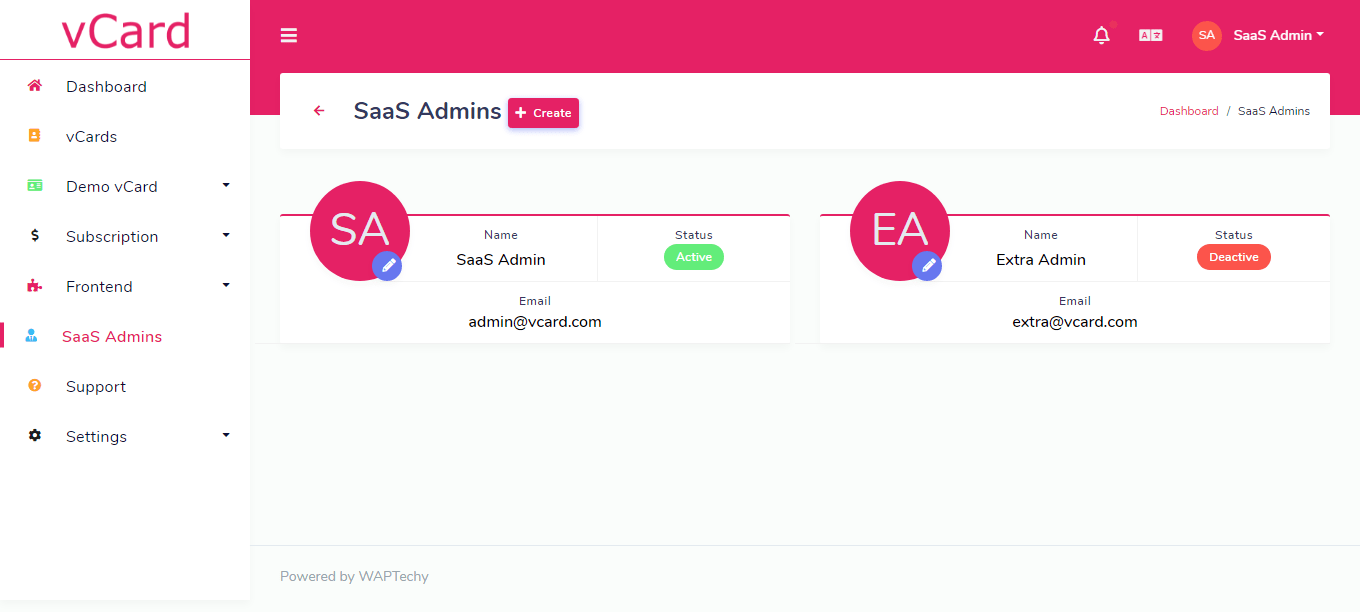
Add multiple SaaS admins to share platform management. Delegate workload and scale your digital business card SaaS operation without bottlenecks.
Team & multi-user accounts
Subscribers can invite team members to create and manage their own digital business cards under a shared account — ideal for companies and agencies on your virtual business card platform.
vCard verification badges
Subscribers apply for verification and earn an authenticity badge managed by the admin. Adds credibility and legitimacy to profiles on your electronic business card platform.
Broadcast email – built-in marketing tool
Send targeted broadcast emails to all subscribers or specific user segments directly from your digital business card SaaS. Use it for promotions, product updates, newsletters, and re-engagement campaigns — no external tool needed.
Maintenance mode
Restrict user access during updates without disrupting your digital business card platform. Keep the experience seamless for subscribers even during maintenance windows.
Taxes & invoicing
Configure automatic tax rules for all subscription purchases. Subscribers receive professional invoices automatically — compliant billing built into your vCard SaaS out of the box.
Transaction history
Full payment transaction log for every order processed through your digital business card SaaS. Complete financial visibility, always.
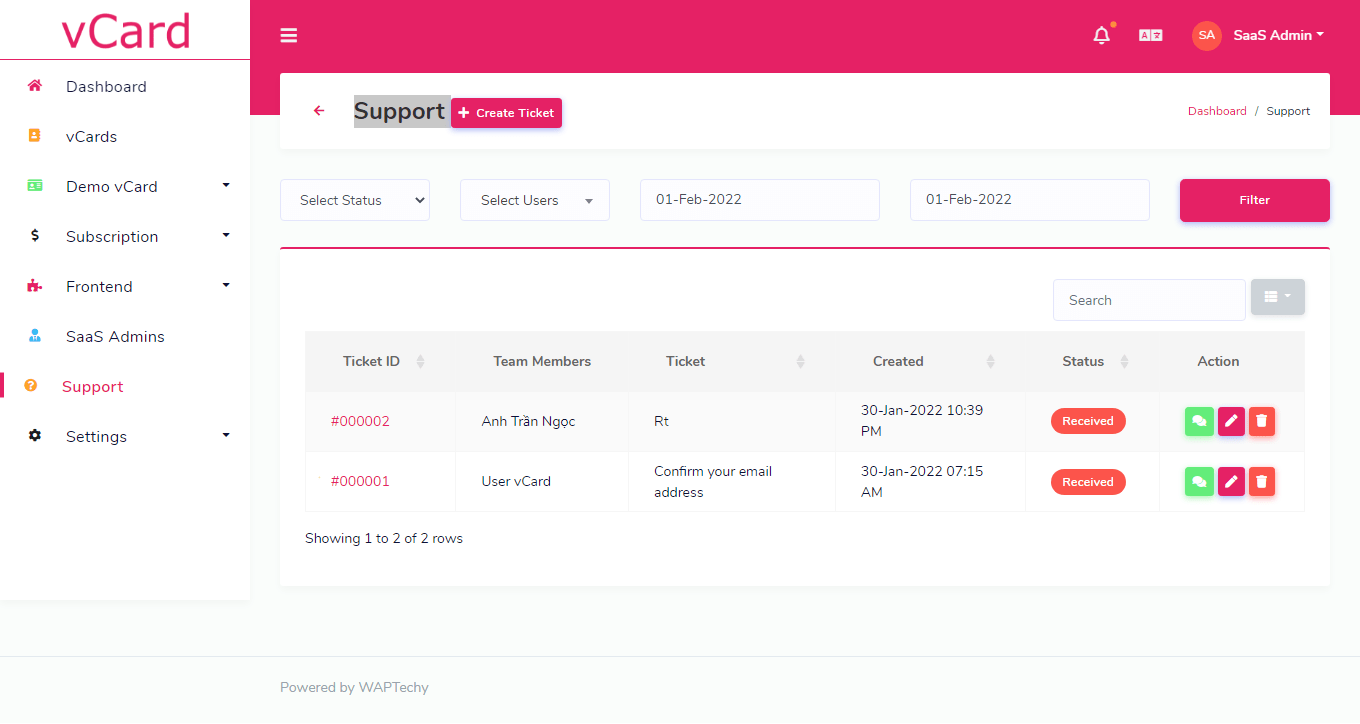
Built-in support system
Subscribers submit support tickets directly from their dashboard. A built-in helpdesk keeps your virtual business card platform self-sufficient — no third-party support tool required.
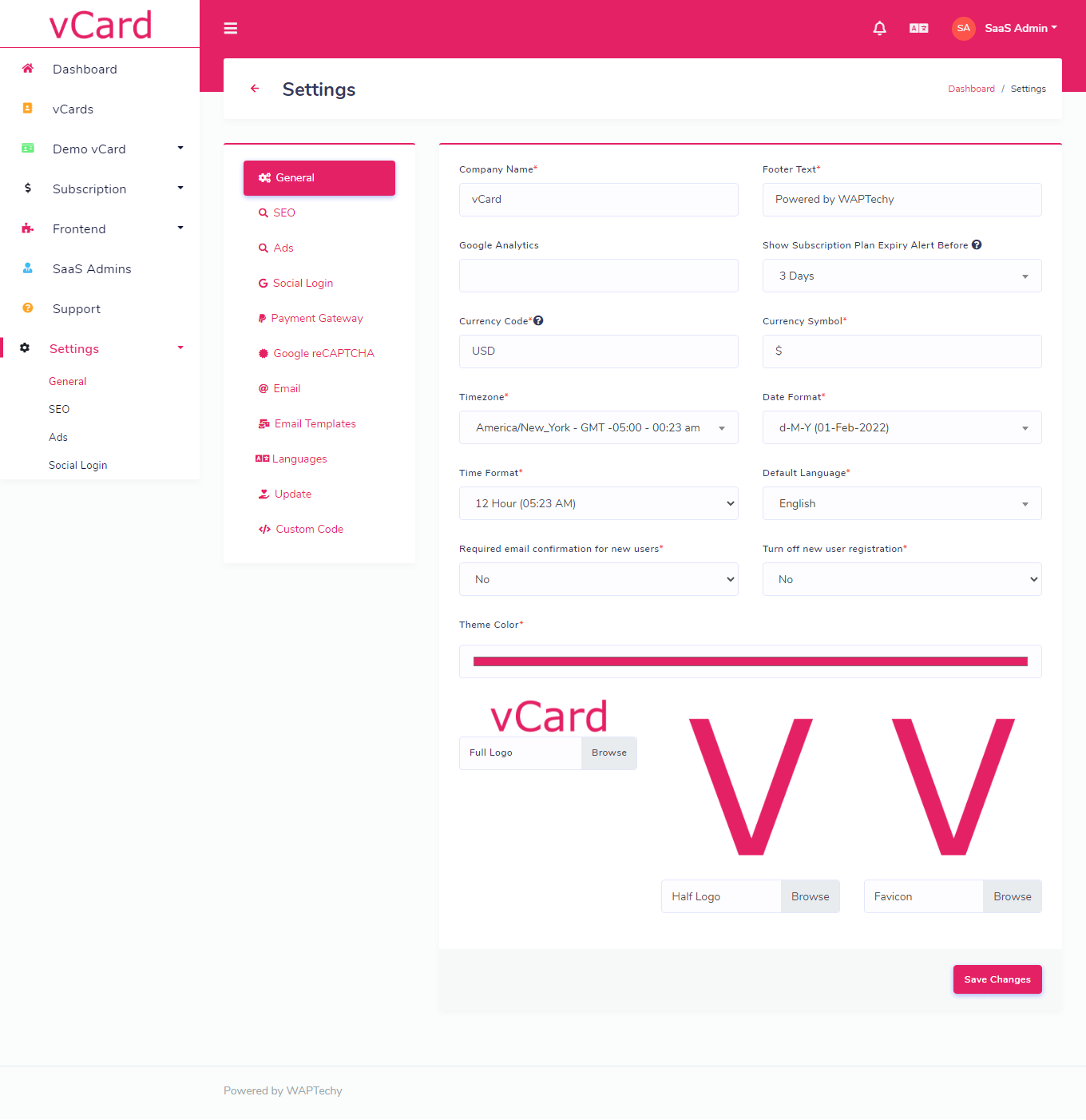
Settings – full platform control
Every aspect of your digital business card SaaS is configurable from the settings panel:
- General settings: App name, logo, brand colors, footer, time zone, and date format for your vCard platform.
- SEO settings: Meta titles, descriptions, and keywords to improve search engine visibility of your digital business card builder.
- Google AdSense: Monetize free-tier users by running ads on your vCard SaaS — turn non-paying subscribers into revenue.
- Social login: Enable Google OAuth so subscribers sign in to your digital business card platform in one click.
- Payment gateways: Accept payments via Stripe, PayPal, Razorpay, Paystack, bank transfer, or custom methods — globally ready.
- Google reCAPTCHA: Protect all forms on your virtual business card platform from spam and bots.
- Email & SMTP: Configure SMTP and customize all transactional email templates for your digital business card SaaS.
- Multilingual support: Add, edit, and delete languages — make your digital business card builder available to a global audience.
- Custom code injection: Inject scripts or styles platform-wide across your entire vCard SaaS.
- One-click updates: Update your digital business card platform to the latest version instantly — no developer or FTP access needed.
Key features at a glance
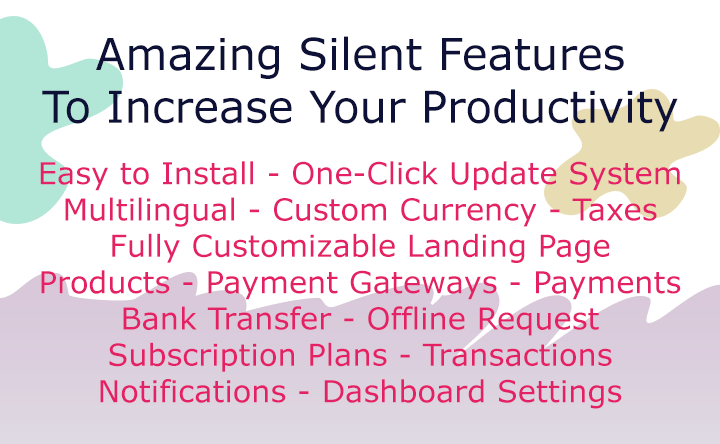
- Multi-tenant digital business card SaaS — one install, unlimited subscribers
- Built-in QR code generator for every virtual business card
- Physical NFC card sales — built-in upsell for your contactless business card platform
- Custom domain support for fully branded electronic business cards
- AI-powered vCard and bio generation — fast, professional, conversion-focused
- One-click updates — no developer required
- Secure platform — protected against SQL injection, CSRF, and XSS vulnerabilities
- Bcrypt password encryption for all vCard SaaS user accounts
- Graphical analytics dashboard for your digital business card SaaS
- Fully AJAX-powered — fast and responsive virtual business card builder
- Built on CodeIgniter PHP — stable, proven, and well-supported
- Google AdSense integration to monetize free digital business card users
- 5 payment gateways: Stripe, PayPal, Razorpay, Paystack, bank transfer
- Multilingual — take your digital business card platform global
- Team and multi-user support for companies and agencies
- Verification badges for subscriber authenticity on your vCard platform
- Broadcast email — built-in marketing tool for your virtual business card SaaS
Our guarantee
- Dedicated support — every question answered, every time
- Regular updates to keep your digital business card SaaS ahead of the competition
- Installation and setup help included
- All bugs fixed — guaranteed
- Long-term commitment to this virtual business card platform — not a set-and-forget script
Frequently Asked Questions
Q1: How do I install vCard SaaS? Simply follow the steps in the built-in installation wizard. No coding knowledge is required to get your digital business card SaaS platform live.
Q2: Does vCard SaaS include documentation? Yes. Full documentation is included with your purchase of this digital business card builder.
Q3: Is this digital business card builder multilingual? Yes. vCard SaaS is fully multilingual. You can add, edit, or delete languages directly from the admin panel — make your virtual business card platform available in any language.
Q4: What are the server requirements?
PHP 8.x (Above PHP  , MySQL 5.7+, mod_rewrite enabled, and sufficient storage and bandwidth for your digital business card SaaS subscriber base.
Q5: How does custom domain work for digital business cards? Once a subscriber points their domain to your server, add it as an add-on domain with access to the same directory as the main digital business card platform. Note: Custom domain functionality depends entirely on your hosting environment. Support is not provided for this feature.
Q6: How does the free LiveChat work? LiveChat is powered by Tawk.to — a free third-party service. Their terms and conditions may change independently. Please refer to their documentation for details.
Change Log – vCard SaaS Digital Business Card Builder
PATCH: PHP 8 (16 April 2026)
   PHP 8.x support: vCard is now fully compatible and runs smoothly on PHP 8.x
   Security patches and system improvements
   Codebase optimized for PHP 8.x compatibility and stability
   Multiple bug fixes, UI enhancements, performance improvements, and overall system stability improvements
Version 4 – (13 April 2026)
   Integrated OpenAI: vCard SaaS is now deeply integrated with OpenAI, enabling advanced AI-powered features to enhance your digital business card SaaS platform.
   AI vCard: Instantly generate a complete virtual business card from a physical visiting card image using AI automation.
   AI Bio: Generate a professional, high-converting bio for your digital business card in seconds with AI.
   Landing Page: Theme 3 landing page redesigned with a modern, premium, and conversion-focused layout.
   OpenAI Settings: Added API key configuration inside the SaaS admin panel for smooth AI feature control.
   Multiple bug fixes, UI enhancements, performance upgrades, and overall system improvements.
Version 3.3 – (09 Jan 2026)
 NFC Cards: Sell NFC cards directly to your subscribers
 Payment Support: Accept payments for NFC card purchases
 Notifications: Order and payment status notifications added
 Multiple bug fixes, UI enhancements, and system improvements
Version 3.1 – (04 Dec 2024)
 LiveChat Integration via Tawk.to — enable free live chat on front end and back end
 Enquiries — vCard users can receive enquiries in their dashboard with email notifications
 Hidden Plans — SaaS admins can create exclusive hidden plans and assign them to specific subscribers
 Bug fixes, UI enhancements, and system improvements
Version 3.0 – (25 Nov 2024)
 System Maintenance Mode — restrict user access during platform updates
 vCard Verification — subscribers can verify digital business cards and earn authenticity badges
 Broadcast Email — send emails to all users or specific subscribers
 User-Selected Plan Assignment — users select their plan directly from the landing page
 Four new predefined digital business card themes
 Bug fixes, UI enhancements, and system improvements
Version 2.9 – (31 Aug 2022)
 Team Member / Multi-user support
 Invoices in Transactions and Orders
 XML Sitemap
 New Google login library
 Custom card URL disable option in Plan
 Bug fixes, UI and system improvements
Version 2.4 – (31 Mar 2022)
 Four new predefined digital business card themes
 Custom domain for digital business card
 Custom QR code editor
 Language change option on vCard
 Card view count display
 Video thumbnail in gallery
 Carousel slider for Products, Services, and Portfolio
 Drag and Drop reordering for all main card sections
 Drag and Drop reordering for Products, Portfolio, Gallery, Testimonials
 Email template for inquiry forms
 Deactivate language option
 Bug fixes, UI and system improvements
Version 2.0 – (30 Jan 2022)
 Card theme background (Color, Image, Gradient, Transparent)
 Card background (Color, Image, Gradient, Transparent)
 Card font and font color customization
 Easy icon picker for fields
 Predefined social fields
 Drag and Drop field reordering
 All fields in VCF file
 Custom sections in digital business card
 Advanced card options
 Custom CSS and JavaScript injection
 QR code in share popup
 Force new users to buy a subscription plan
 One-click card cloning
 SEO settings for vCard SaaS
 Social login (Google)
 Support system
 Custom payment option with receipt upload
 Admin login to subscriber accounts
 GDPR acceptance on registration
 Bug fixes, UI and system improvements
Version 1.4 – (27 Sep 2021)
 Unlimited vCards
 Photo and Video Gallery
 Inquiry Form
 Default WhatsApp Button
 QR Display on digital business card
 Hide Product Price option
 Google Analytics integration
 Bug fixes, UI and system improvements
Version 1.0 – (07 Sep 2021)
Initial Release of vCard SaaS – Digital Business Card Builder
| Type | PHP Script |
|---|---|
| Author | WAP_Techy |
| Category | Php Scripts / Miscellaneous |
| Price | $99 |
| Sales | 618 |
| Rating | 4.98 from 42 ratings |
| Published | Sep 7, 2021 |
| Last Update | May 21, 2026 |
| Compatible Browsers | IE10, IE11, Firefox, Safari, Opera, Chrome, Edge |
| Compatible Software | PHP 8.x, MySQL 8.x |
| Software Framework | CodeIgniter |
| Source Files Included | JavaScript JS, HTML, CSS, PHP, SQL |
Categories
Tags
External listing. code.market does not sell this product and does not process payment for it. Pricing, payment, delivery, licensing, refunds, and support are handled by the third-party merchant on its own website. We may earn an affiliate commission from a referral. Details.
Products of the Week.
Submit🥇

STOP GUESSING WHAT TO POST
AI that learns your brand voice and builds a month of consistent, on-brand social content: carousels, posts and hooks that sound like you, not like everyone else's AI.
SaaS · 4,270 views · 38 clicksSaaS · Week 45 · 4,270 views · 38 clicks
🥈

Conversational Backlinks for Busy Founders
Place Backlink Relevant Conversation for your domain across Forums and Conversations
Website · 41,976 views · 223 clicksWebsite · Week 45 · 41,976 views · 223 clicks
🥉

upvote.club
Free Social Media Engagement that Helps Boost Your Content. Upvote Club supports 19 social networks with 100+ engagement actions in one dashboard. Add links to your posts and get free engagement from real users.
SaaS · 40,017 views · 115 clicksSaaS · Week 45 · 40,017 views · 115 clicks
#4

Substack Posting API
Onboard your Agent to Substack. Write Publish on Substack via API
SaaS · 59,028 views · 198 clicksSaaS · Week 45 · 59,028 views · 198 clicks
#5

Seenshot App
Free, Fast, MacOS Screenshot app. Make Screenshot cmd+shift+2 and send it via link
Desktop App · 28,397 views · 122 clicksDesktop App · Week 45 · 28,397 views · 122 clicks
#6

Hand-Placed Backlinks $9.99 per link. Flat rate.
Buy hand-placed forum, Q-A and directory backlinks. Flat $9.99 per link, no subscriptions — you only pay for approved listings.
Website · 4,238 views · 19 clicksWebsite · Week 45 · 4,238 views · 19 clicks
#7

Free Invoice Generator - PDF Invoices in Your Browser, No Sign-Up
A free invoice maker for freelancers and small businesses: fill in the invoice, check the live preview, and download a PDF that looks exactly like it. Any currency, tax per item, three templates, no sign-up, and nothing leaves your device.
2,918 views · 17 clicksWeek 45 · 2,918 views · 17 clicks
#8

Merge PDF Files Free - Combine PDFs in Your Browser, No Upload
A free PDF merger for office workers, students, and freelancers: combine PDFs and images into one file in the browser, reorder files and pages, pick page ranges, keep bookmarks, and open password-protected PDFs. Nothing is uploaded, no sign-up, no watermark.
2,694 views · 13 clicksWeek 45 · 2,694 views · 13 clicks