
TurtlePass - Team Password Manager

Description
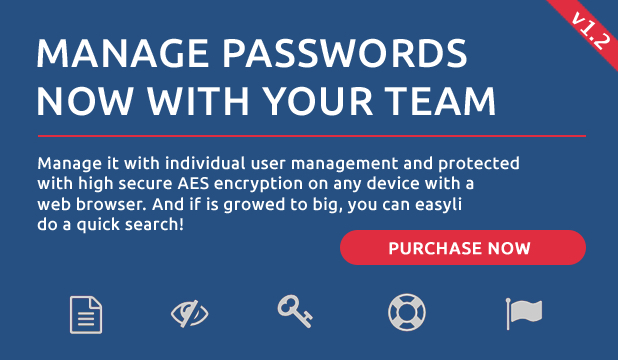
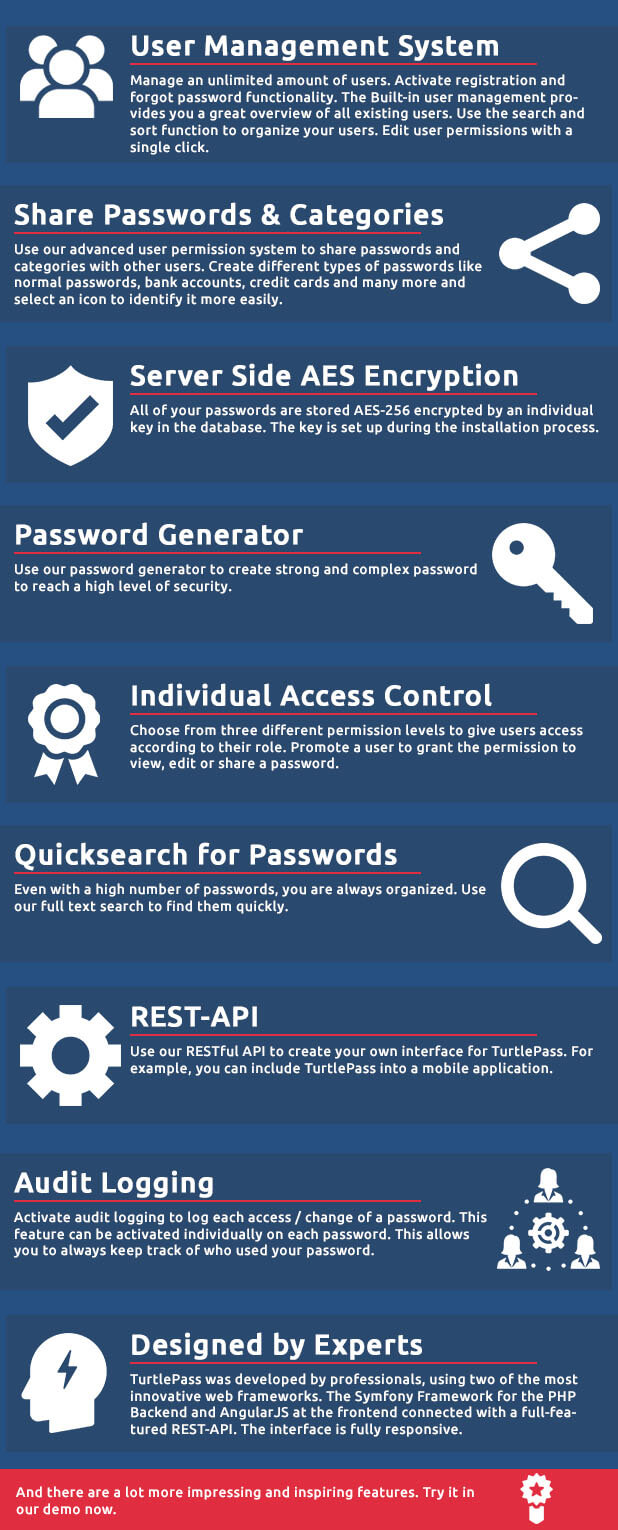
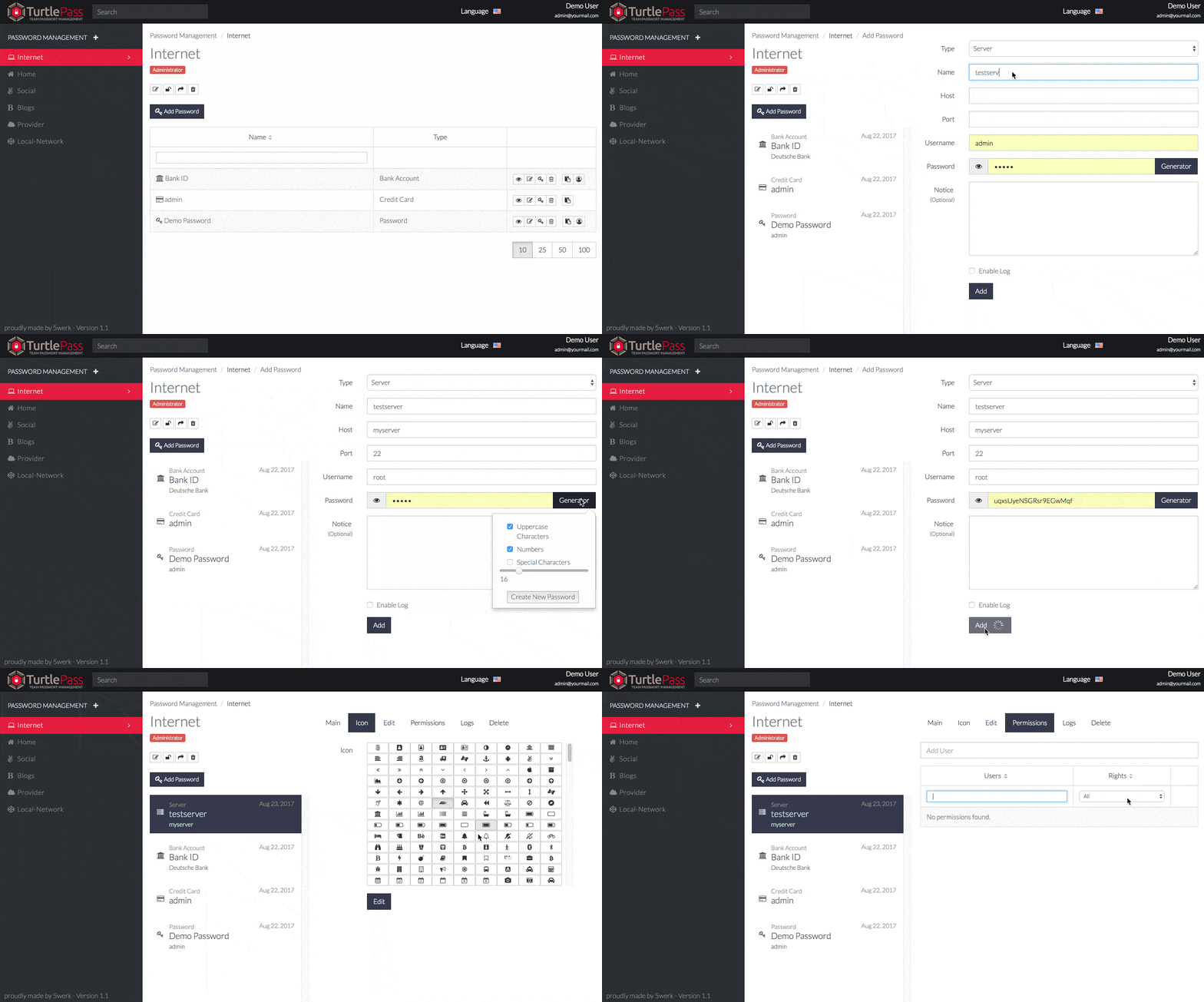
TurtlePass is a self-hosted team password manager for companies to share passwords with there teams. Each password will be encrypted and can be shared, secured by an advanced access control system. Create users and add passwords to your account. Then you can share it with selected users if you want.
Additionally, it can be integrated with other software by the given REST-API.
System Requirements
- Apache, nginx or IIS web server
- PHP 5.5+, PHP 7.0+
- MySQL 5.5+ (MySQL 8 not supported)
- Domain or Subdomain (yourdomain.com or turtlepass.yourdomain.com)
- Not working in subdirectory like (yourdomain.com/turtlepass)
- SSL certificate (recommended)
What’s Included
- TurtlePass application (including source code)
- 6 months support
- Installation guide for easy setup
- API documentation for developers
- Future updates (till next major release)
Changelog Version 1.3 -> 1.4
 Update to Symfony Framework Version 3
 Update Bootstrap 3 to Bootstrap 4
 Move Passwords to other Groups
 Edit own user and user groups
 Some template and language fixes
 Fixed change own password
 Fixed share password
Changelog Version 1.2 -> 1.3
 Sharing a password didn't email the recipient
 New setting for the availability to choose if new users should confirm their email address
 LDAP/AD Support
 Sharing a password can now be limited to views
 You can now decide when the reCAPTCHA flood protection will be shown
 All passwords can be downloaded to a CSV file
 Sorting password groups on the left-hand side is now available by drag'n drop for each user
 User groups for easier managing sharing passwords with users
 Clicking on the backgroud closed the modal popups
 Updated 3rd party libraries
Changelog Version 1.1 -> 1.2
- Added 2-Way-Authentication support
- Share passwords with others (link or email) and optional the possibility for them to change the information
- Check for new TurtlePass updates
- Added custom fields for passwords
- Whitelist and blacklist ip addresses for restricted access
- Allow login only for whitelisted ip addresses if enabled
- Support for Microsoft IIS web server
- ReCaptcha configuration wizard
- Extended readme
- Reduced file size
- Framework and component updates
- Extended installation checks
- Deleted user can not login anymore
- Deleting users do not block username anymore
- Some style fixes
Changelog Version 1.0 -> 1.1
- Password Icon Support
- Password Audit Log
- New Password Types (Bank Account, Credit Card, Email, Server, Software License)
- ReCaptcha Support
- Registration and Forgot Password Support (Turn on/off global settings)
- Email send support
- Global Settings
- Change PageTitle on new Settings Page
- Fixed jumping tooltips
- Fixed problem with user password length
- Fixed grant access to other users as not admin user
- Allow installation without changing root directory (Apache Webserver)
- Added current version at the bottom
- Fixed mcrypt deprecation in PHP 7.1
| Type | PHP Script |
|---|---|
| Author | 5werk |
| Category | Php Scripts / Project Management Tools |
| Price | $30 |
| Sales | 200 |
| Rating | 4.62 from 13 ratings |
| Published | Apr 17, 2017 |
| Last Update | Jan 8, 2020 |
| Compatible Browsers | Firefox, Safari, Opera, Chrome |
| Compatible Software | PHP 7.x, PHP 5.5, PHP 5.6, MySQL 5.x |
| Software Framework | Symfony |
| Source Files Included | JavaScript JS, JavaScript JSON, HTML, CSS, LESS, PHP |
Categories
Tags
External listing. code.market does not sell this product and does not process payment for it. Pricing, payment, delivery, licensing, refunds, and support are handled by the third-party merchant on its own website. We may earn an affiliate commission from a referral. Details.
Products of the Week.
Submit🥇

STOP GUESSING WHAT TO POST
AI that learns your brand voice and builds a month of consistent, on-brand social content: carousels, posts and hooks that sound like you, not like everyone else's AI.
SaaS · 4,277 views · 38 clicksSaaS · Week 45 · 4,277 views · 38 clicks
🥈

Conversational Backlinks for Busy Founders
Place Backlink Relevant Conversation for your domain across Forums and Conversations
Website · 41,986 views · 223 clicksWebsite · Week 45 · 41,986 views · 223 clicks
🥉

upvote.club
Free Social Media Engagement that Helps Boost Your Content. Upvote Club supports 19 social networks with 100+ engagement actions in one dashboard. Add links to your posts and get free engagement from real users.
SaaS · 40,029 views · 117 clicksSaaS · Week 45 · 40,029 views · 117 clicks
#4

Substack Posting API
Onboard your Agent to Substack. Write Publish on Substack via API
SaaS · 59,039 views · 198 clicksSaaS · Week 45 · 59,039 views · 198 clicks
#5

Seenshot App
Free, Fast, MacOS Screenshot app. Make Screenshot cmd+shift+2 and send it via link
Desktop App · 28,411 views · 122 clicksDesktop App · Week 45 · 28,411 views · 122 clicks
#6

Hand-Placed Backlinks $9.99 per link. Flat rate.
Buy hand-placed forum, Q-A and directory backlinks. Flat $9.99 per link, no subscriptions — you only pay for approved listings.
Website · 4,248 views · 19 clicksWebsite · Week 45 · 4,248 views · 19 clicks
#7

Free Invoice Generator - PDF Invoices in Your Browser, No Sign-Up
A free invoice maker for freelancers and small businesses: fill in the invoice, check the live preview, and download a PDF that looks exactly like it. Any currency, tax per item, three templates, no sign-up, and nothing leaves your device.
2,928 views · 17 clicksWeek 45 · 2,928 views · 17 clicks
#8

Merge PDF Files Free - Combine PDFs in Your Browser, No Upload
A free PDF merger for office workers, students, and freelancers: combine PDFs and images into one file in the browser, reorder files and pages, pick page ranges, keep bookmarks, and open password-protected PDFs. Nothing is uploaded, no sign-up, no watermark.
2,704 views · 13 clicksWeek 45 · 2,704 views · 13 clicks