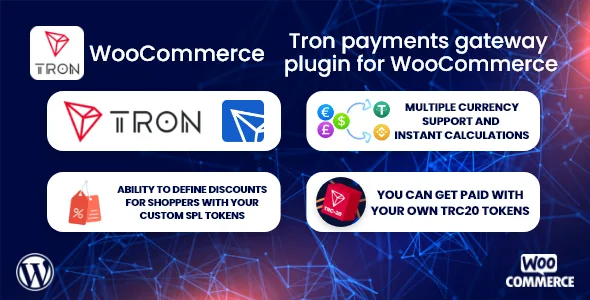
TronPay WooCommerce - Tron payments gateway plugin
Description
THIS PRODUCT IS NO LONGER SUPPORTED. PLEASE REVIEW AND PURCHASE THE NEW PRODUCT LINKED BELOW.
Click on the banner below to start receiving payments immediately with the next generation cryptocurrency payment gateway plugin.

TronPay WooCommerce – Tron payments gateway plugin
With TronPay WooCommerce, it is now very easy to get paid with cryptocurrencies. Moreover, you can do this directly through cryptocurrency wallets.


What advantages does TronPay WooCommerce provide you?
As you know, virtual POS and many other payment methods deduct commission from you. The only commission here is the “gas” fee that the Tron network charges. So the money will be transferred directly to your account. With TronLink, you can receive payments in TRX, the native currency of the Tron network, or with TRC20 tokens under the Tron network.Apart from that, here are the advantages that TronPay WooCommerce gives you:
- No 3rd party service
- No withdrawal limit, fee, date
- 1-2 business days and no weekend nonsense
- The money is in your account and in use on the same day
TokenICO – Cryptocurrency presale (ICO & IDO) plugin for WordPress


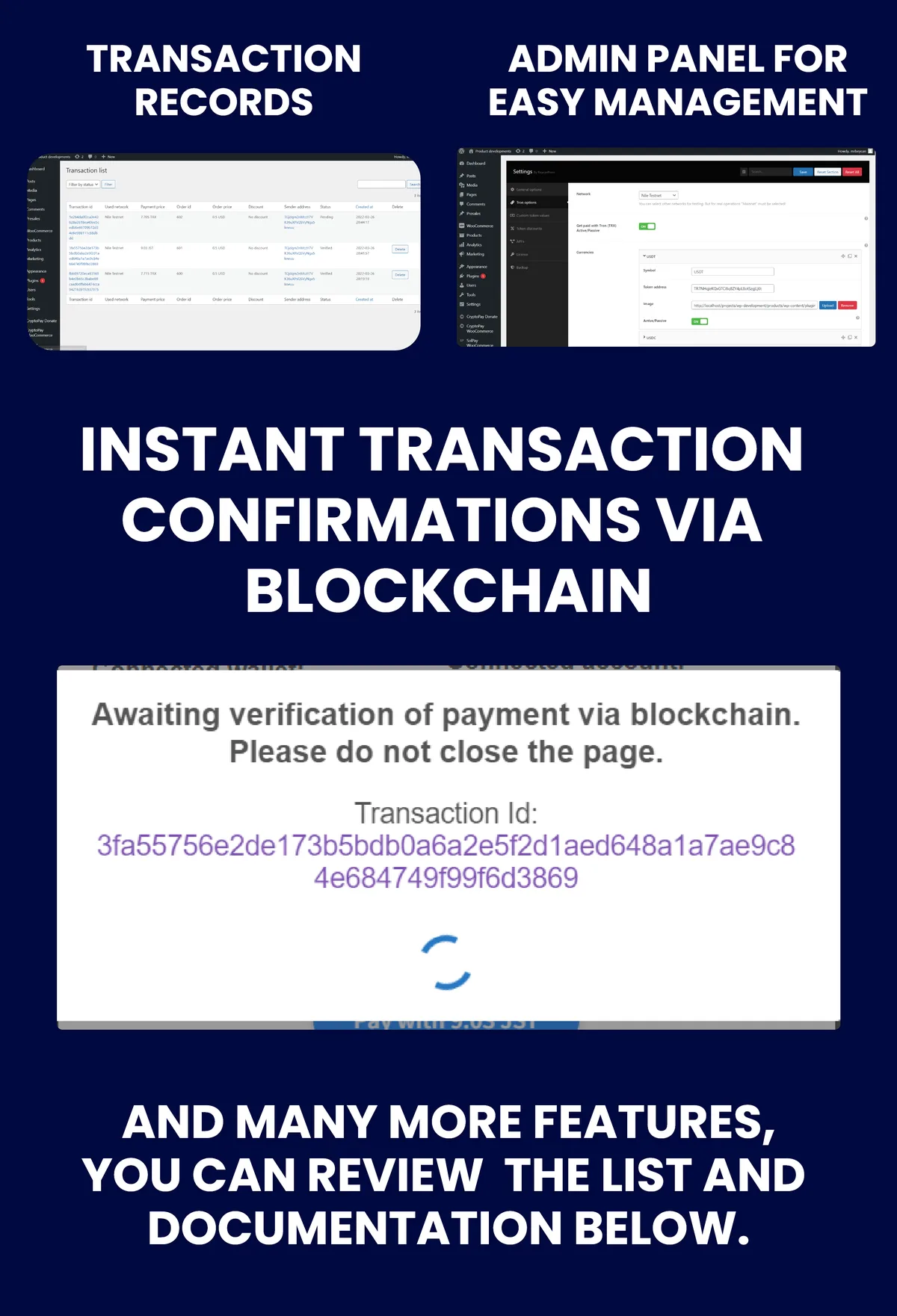
For detailed information, you can read below or review the documentation.
Features
- You can receive payments through the Tron network with Tronlink.
- You can pay with native money of Tron network or with TRC20 tokens under these Tron network.
- Ability to define discounts according to the symbols of currencies.
- Getting paid with your own TRC20 tokens, even if they are newly released
- You can value your own private currencies against fiat currencies, which are not supported by Currency Converter, and get paid with your private tokens.
- You can easily activate or deactivate the wallets and currencies you want to accept payments from.
- The accuracy of the payments is checked through the explorer. It even confirms the payment process after checking the sent the amount sent.
- Payment approvals are double-checked both on the front-end and the back-end. That is, even if the user turns off the computer during payment and leaves. If the payment transaction is completely correct, it will be updated as pay completed.
- All transactions are recorded under the name of the “Transaction list” page.
- You can easily add, remove or deactivate the tokens you want to receive payment from the admin panel.
- If you are selling products without member registration, you can receive payment from your customers without having to register with the “Only logged in users can pay” feature.
- You can choose what to update the product status to once the payment is complete.
- With Loco Translate, you can easily translate into any language you want.
- You can easily move your settings with the backup system.
Detailed display
Detailed documentation
Check out our documentation page to learn all the features of the plugin in detail. View DocumentationTags: Payment plugin with her cryptocurrency wallet for WooCommerce, WordPress cryptocurrency payment plugin, Cryptocurrency payment plugin for WordPress, Payment plugin with her cryptocurrency wallet for WordPress, Get paid with WordPress Phantom cryptocurrency wallet, Get paid with WooCommerce Phantom cryptocurrency wallet, Get paid with WordPress cryptocurrency wallets, Get paid with WooCommerce cryptocurrency wallets, Payment method with crypto wallet, Tron payment plugin
Categories
Tags
External listing. code.market does not sell this product and does not process payment for it. Pricing, payment, delivery, licensing, refunds, and support are handled by the third-party merchant on its own website. We may earn an affiliate commission from a referral. Details.
Products of the Week.
Submit🥇

STOP GUESSING WHAT TO POST
AI that learns your brand voice and builds a month of consistent, on-brand social content: carousels, posts and hooks that sound like you, not like everyone else's AI.
SaaS · 4,290 views · 38 clicksSaaS · Week 45 · 4,290 views · 38 clicks
🥈

Conversational Backlinks for Busy Founders
Place Backlink Relevant Conversation for your domain across Forums and Conversations
Website · 42,003 views · 223 clicksWebsite · Week 45 · 42,003 views · 223 clicks
🥉

upvote.club
Free Social Media Engagement that Helps Boost Your Content. Upvote Club supports 19 social networks with 100+ engagement actions in one dashboard. Add links to your posts and get free engagement from real users.
SaaS · 40,044 views · 117 clicksSaaS · Week 45 · 40,044 views · 117 clicks
#4

Substack Posting API
Onboard your Agent to Substack. Write Publish on Substack via API
SaaS · 59,053 views · 198 clicksSaaS · Week 45 · 59,053 views · 198 clicks
#5

Seenshot App
Free, Fast, MacOS Screenshot app. Make Screenshot cmd+shift+2 and send it via link
Desktop App · 28,431 views · 122 clicksDesktop App · Week 45 · 28,431 views · 122 clicks
#6

Hand-Placed Backlinks $9.99 per link. Flat rate.
Buy hand-placed forum, Q-A and directory backlinks. Flat $9.99 per link, no subscriptions — you only pay for approved listings.
Website · 4,263 views · 19 clicksWebsite · Week 45 · 4,263 views · 19 clicks
#7

Free Invoice Generator - PDF Invoices in Your Browser, No Sign-Up
A free invoice maker for freelancers and small businesses: fill in the invoice, check the live preview, and download a PDF that looks exactly like it. Any currency, tax per item, three templates, no sign-up, and nothing leaves your device.
2,939 views · 17 clicksWeek 45 · 2,939 views · 17 clicks
#8

Merge PDF Files Free - Combine PDFs in Your Browser, No Upload
A free PDF merger for office workers, students, and freelancers: combine PDFs and images into one file in the browser, reorder files and pages, pick page ranges, keep bookmarks, and open password-protected PDFs. Nothing is uploaded, no sign-up, no watermark.
2,716 views · 13 clicksWeek 45 · 2,716 views · 13 clicks