
Trial Guard - Chrome Trial Reminder SaaS Kit
Description
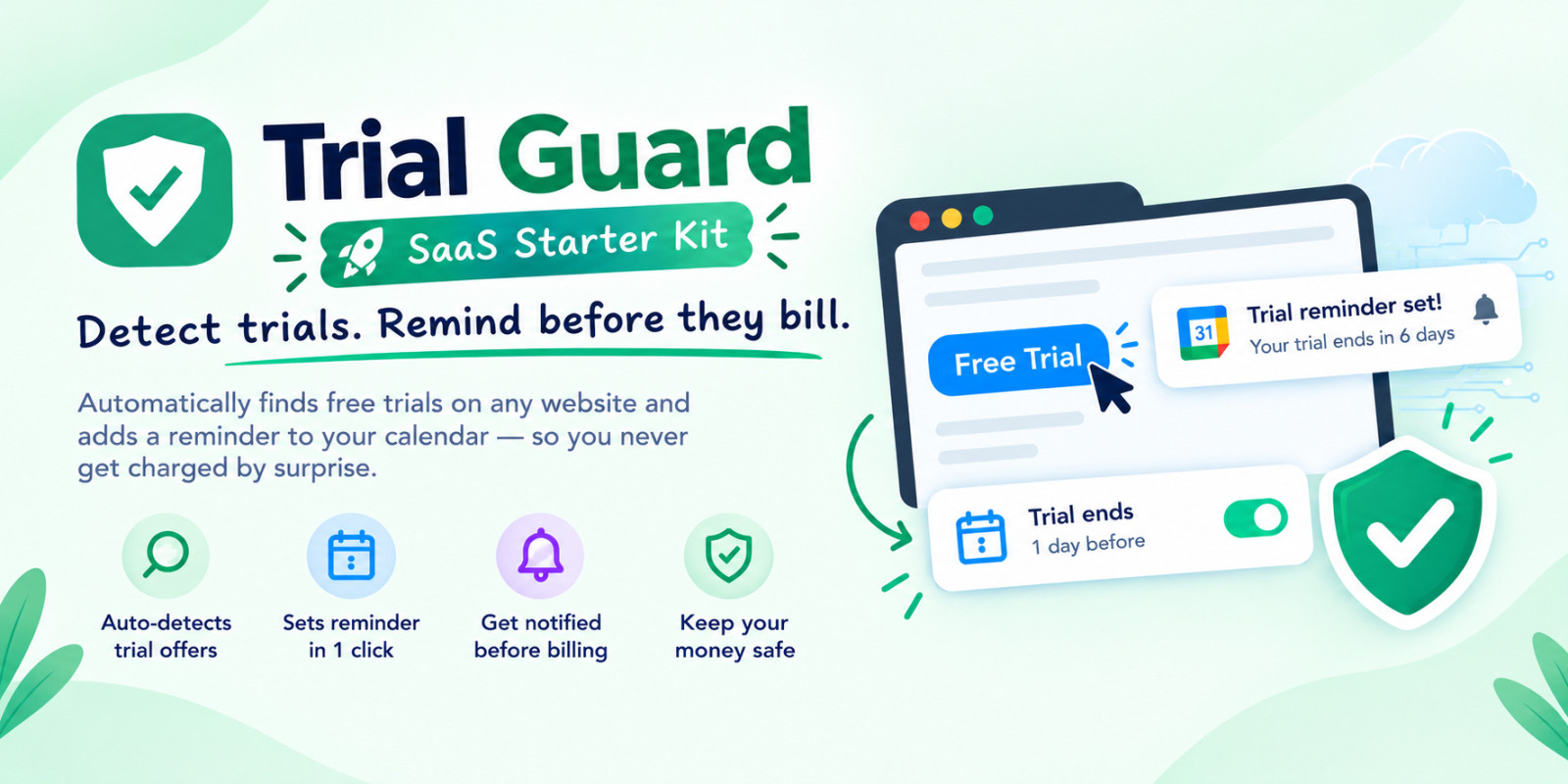
Trial Guard is a production-ready Manifest V3 Chrome Extension and turnkey Micro-SaaS starter kit designed to help developers and entrepreneurs launch their own browser-tool business in minutes.
The extension automatically detects free-trial offers on websites and prompts users to schedule a pre-filled Google Calendar reminder before recurring subscription charges occur. With built-in freemium logic and automated Whop licensing, this package is completely monetization-ready out of the box.
The Business Opportunity
Subscription fatigue is at an all-time high. Users constantly sign up for software trials and forget to cancel before getting billed. Trial Guard solves this painful problem directly inside the browser. As the owner of this codebase, you can rebrand the extension, publish it under your own brand on the Chrome Web Store, and charge a monthly subscription fee using the included Whop license integration.
How It Works & Architecture
- Dual-Engine Detection: High-precision local regex instantly scans buttons and pricing cards. For complex or unstructured pages, it securely queries a serverless Cloudflare Worker powered by Google Gemini AI.
- 1-Click Calendar Scheduling: Opens an instant Google Calendar event template pre-filled with the service name and cancellation lead time—requiring zero complicated Google OAuth scopes.
- Freemium & Licensing Gate: Free users receive a configurable monthly reminder allowance (default: 10). Upgrading to Pro unlocks unlimited reminders, verified securely against Whop’s API.
- Privacy & Store Compliance: Strictly ignores payment fields, checkout URLs, and banking inputs. All snippets are automatically redacted of personal data before leaving the browser.
What’s Included in the Download:
- Complete Manifest V3 Chrome Extension source code (HTML, CSS, JS)
- Cloudflare Worker serverless backend (
worker.js+wrangler.toml) - One-command brand customizer script (
stamp-brand.mjs) - Automated broken-link checking script for cancellation URLs
- Unit test suite for detection patterns and worker endpoints
- Step-by-step HTML and PDF setup documentation with screenshots
Features
- Latest Manifest V3 Architecture: Built strictly according to modern Chrome Web Store security and privacy standards.
- Smart Dual-Engine Detection: Instant client-side regex engine paired with serverless Gemini AI fallback for unstructured web pages.
- 1-Click Google Calendar Integration: Generates instant pre-filled event templates without requiring complicated OAuth approvals.
- Built-in Freemium Logic: Includes local monthly reminder counters and upgrade prompts to easily convert free users into paying subscribers.
- Automated Whop Licensing: Serverless license validation with hardware/device binding to prevent license sharing.
- Direct Cancellation Directory: Built-in deep links to cancellation and account management pages for 25+ popular platforms.
- Privacy & Safety Safeguards: Automatically excludes checkout forms, card fields, and sensitive pages; redacts emails and numbers before transmission.
- Serverless Cloudflare Worker: Scalable backend that proxies AI requests and licensing checks with built-in rate-limiting.
- One-Command Rebranding: Automated script updates names, badges, and titles across all extension files instantly.
- Comprehensive Documentation: Includes complete step-by-step setup instructions in both responsive HTML and PDF formats.
Requirements
- Web Browser: Google Chrome, Brave, Microsoft Edge, or any Chromium-based browser (minimum version 116+).
- Node.js: Node.js (v18.x or newer recommended) installed on your system to run the branding scripts and Cloudflare CLI.
- Cloudflare Account: Free Cloudflare account to deploy the serverless backend worker.
- Google Gemini API Key: Free Google AI Studio API key (optional, used for AI trial detection fallback).
- Whop Account: Free Whop merchant account (optional, only required if you want to sell Pro license keys).
- Code Editor: Any modern code editor such as VS Code, Cursor, or Sublime Text.
Instructions
- Step 1: Extract the Package: Unzip the downloaded file on your computer to view the
extension,backend-worker, anddocumentationfolders. - Step 2: Deploy Backend Worker: Open your terminal in the
backend-workerdirectory, log in via Wrangler (npx wrangler login), configure your secrets, and deploy withnpx wrangler deploy. - Step 3: Configure the Extension: Open
extension/config.jsand paste your deployed Cloudflare Worker URL intoWORKER_BASE_URL, plus your Whop checkout link intoCHECKOUT_URL. - Step 4: Load Unpacked in Chrome: Open Chrome and navigate to
chrome://extensions, turn on Developer mode (top-right toggle), click Load unpacked, and select theextension/folder. - Step 5: Test & Rebrand: Test the extension on any pricing/trial webpage. Run
node scripts/stamp-brand.mjsto customize branding across all files before publishing to the Chrome Web Store. - Full Guide: Detailed visual step-by-step instructions are available in the included
documentation/index.htmlanddocumentation.pdffiles.
| Author | abrartahosan |
|---|---|
| Category | Scripts & Code / JavaScript |
| Price | $34 |
| Extended License | $102 |
| Likes | 2 |
| First Release | Oct 11, 2026 |
| Last Update | Oct 11, 2026 |
| Files included | .css, .html, .json, JavaScript .js |
| Software version | Node.js 22 |
| Javascript framework | Node.js |
| Programming language | JavaScript |
Categories
Tags
External listing. code.market does not sell this product and does not process payment for it. Pricing, payment, delivery, licensing, refunds, and support are handled by the third-party merchant on its own website. We may earn an affiliate commission from a referral. Details.
Products of the Week.
Submit🥇

Actionbook
It works inside the user's own browser with the accounts already signed in. The user describes the result they need, and the agent reads, clicks and types through the pages, then delivers a dashboard or report where each data links back to its source.
Other · 731 views · 10 clicksOther · Week 44 · 731 views · 10 clicks
🥈

Free social media tools for creators & solofounders
295 free tools for growing your social media: write, plan, grow on local AI models, 100% free forever, No sign-up required, No trial. Write, check and measure posts on LinkedIn, Instagram, TikTok, X, YouTube, Reddit, Product Hunt and more: a free social media scheduler for 17 networks, engagement rate calculators, character counters, best time to post, hook generators and follower growth calculators. No login anywhere, no API or credit usage.
699 views · 6 clicksWeek 44 · 699 views · 6 clicks
🥉

STOP GUESSING WHAT TO POST
AI that learns your brand voice and builds a month of consistent, on-brand social content: carousels, posts and hooks that sound like you, not like everyone else's AI.
SaaS · 1,946 views · 21 clicksSaaS · Week 44 · 1,946 views · 21 clicks
#4

Hand-Placed Backlinks $9.99 per link. Flat rate.
Buy hand-placed forum, Q-A and directory backlinks. Flat $9.99 per link, no subscriptions — you only pay for approved listings.
Website · 1,897 views · 17 clicksWebsite · Week 44 · 1,897 views · 17 clicks
#5

Conversational Backlinks for Busy Founders
Place Backlink Relevant Conversation for your domain across Forums and Conversations
39,355 views · 211 clicksWeek 44 · 39,355 views · 211 clicks
#6

Free Invoice Generator - PDF Invoices in Your Browser, No Sign-Up
A free invoice maker for freelancers and small businesses: fill in the invoice, check the live preview, and download a PDF that looks exactly like it. Any currency, tax per item, three templates, no sign-up, and nothing leaves your device.
636 views · 11 clicksWeek 44 · 636 views · 11 clicks
#7

Merge PDF Files Free - Combine PDFs in Your Browser, No Upload
A free PDF merger for office workers, students, and freelancers: combine PDFs and images into one file in the browser, reorder files and pages, pick page ranges, keep bookmarks, and open password-protected PDFs. Nothing is uploaded, no sign-up, no watermark.
581 views · 4 clicksWeek 44 · 581 views · 4 clicks