
T Booking - Laravel Bus Booking + Flutter Apps

Description
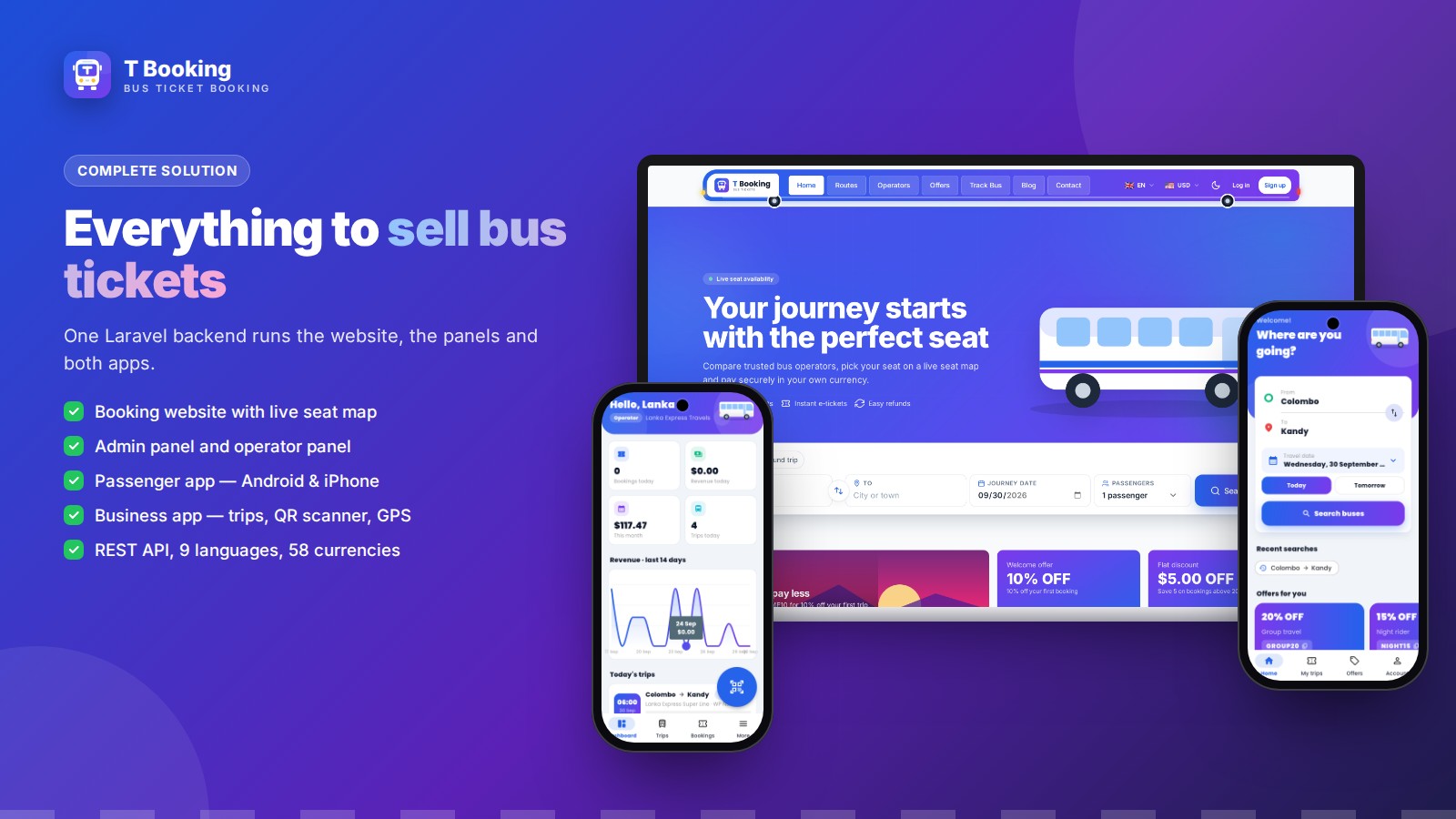
T Booking — sell bus tickets on the web, Android and iPhone
T Booking is a complete bus ticket booking solution: a fast, mobile-first booking website (Laravel 13), a powerful admin panel, an operator panel for every bus company, and two Flutter apps for Android and iOS — a passenger app and a business app for staff and agents. One backend, one database, one admin panel for everything.
New in version 1.3.0
- Child fare — set a discount for children (for example 10% or 15% off the route fare) and the maximum age in Admin → Settings, or switch it off. The child price is shown on the seat map, appears as soon as a child's age is entered, and is taken off at checkout, on invoices and on tickets — on the website and in both apps.
- Agent booking in the Business app — agents sign in, search a bus, pick seats, enter the passengers and the customer's phone number, and confirm the ticket when the cash is received. Unpaid seats are kept for 24 hours, and bank transfer is also supported.
Live demo — tap an image
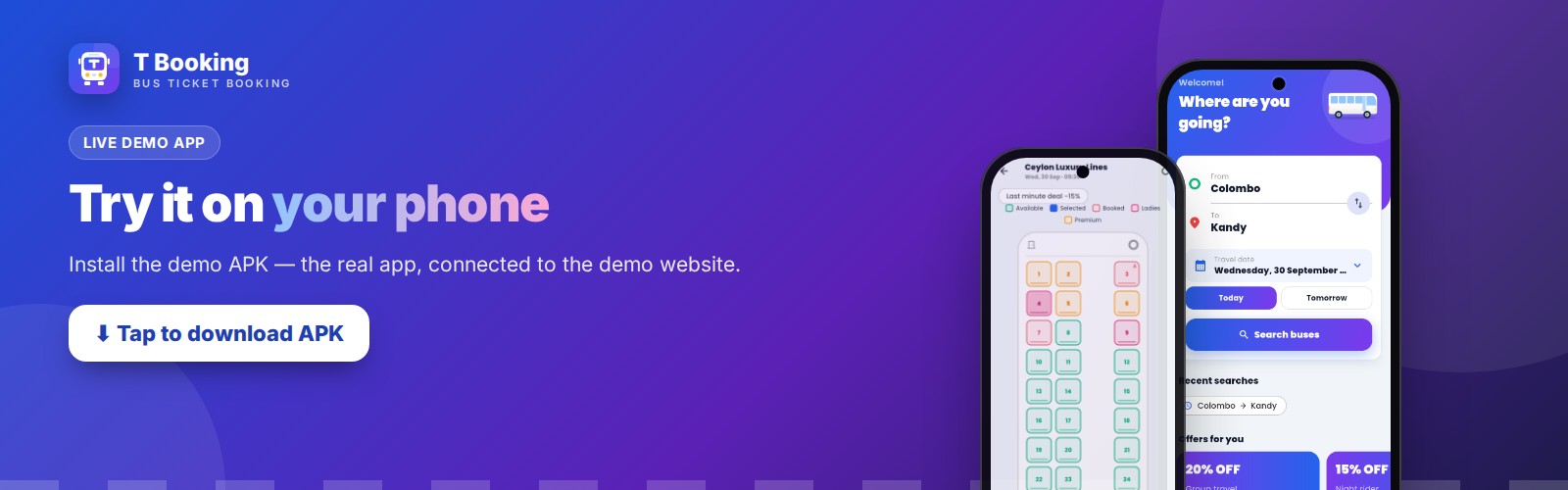
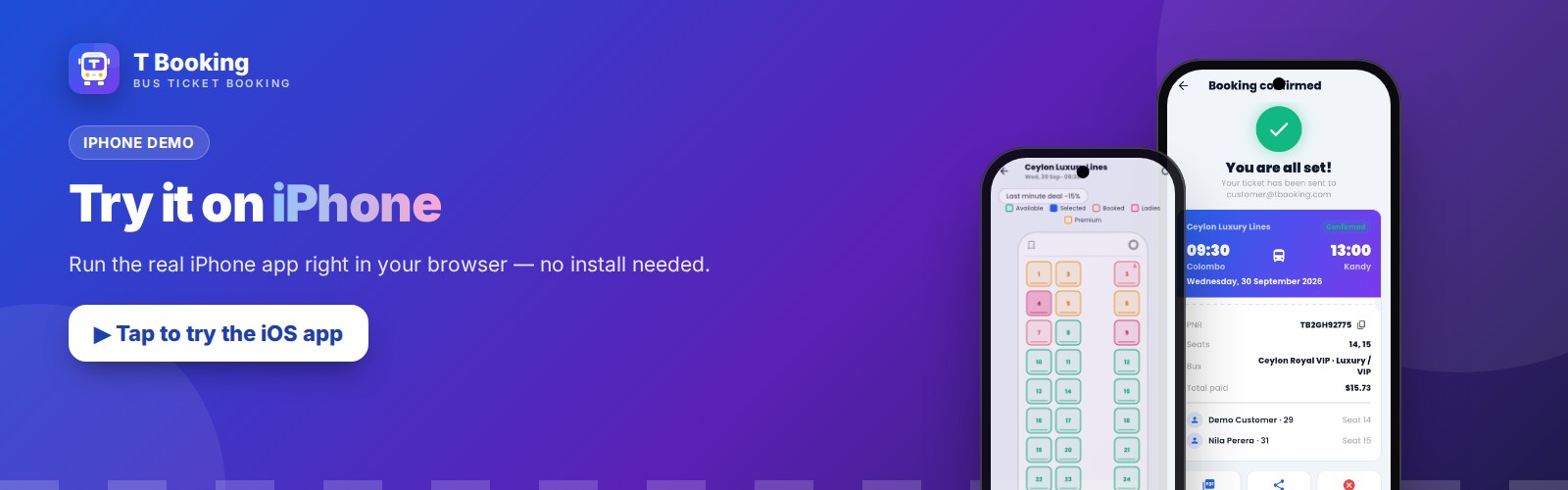
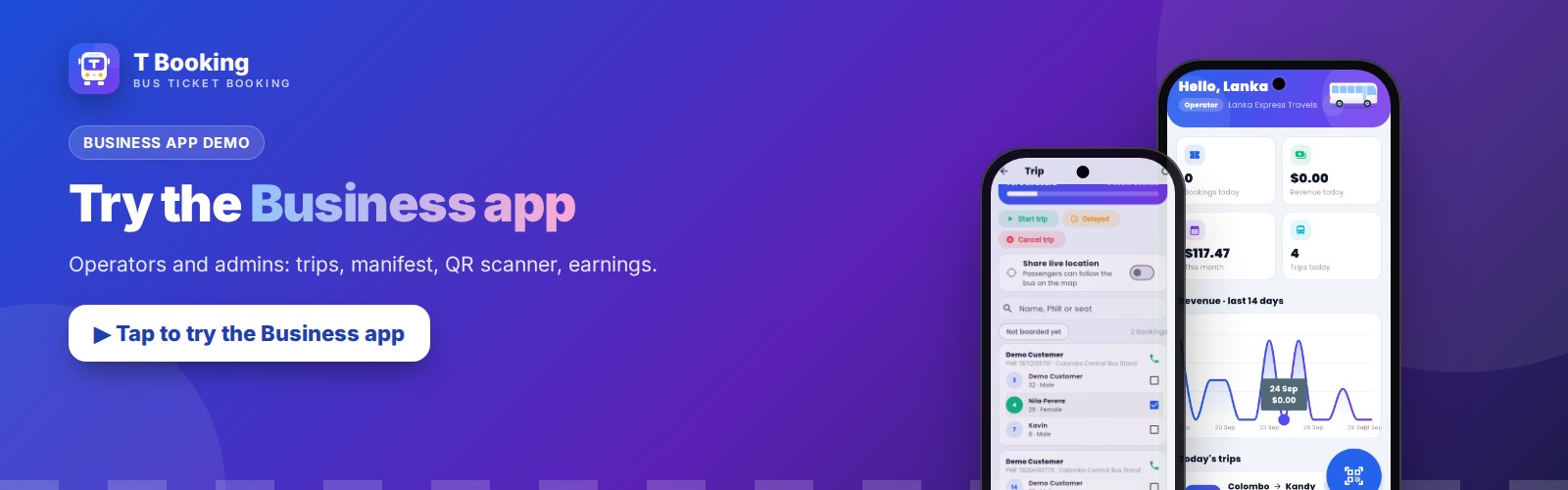
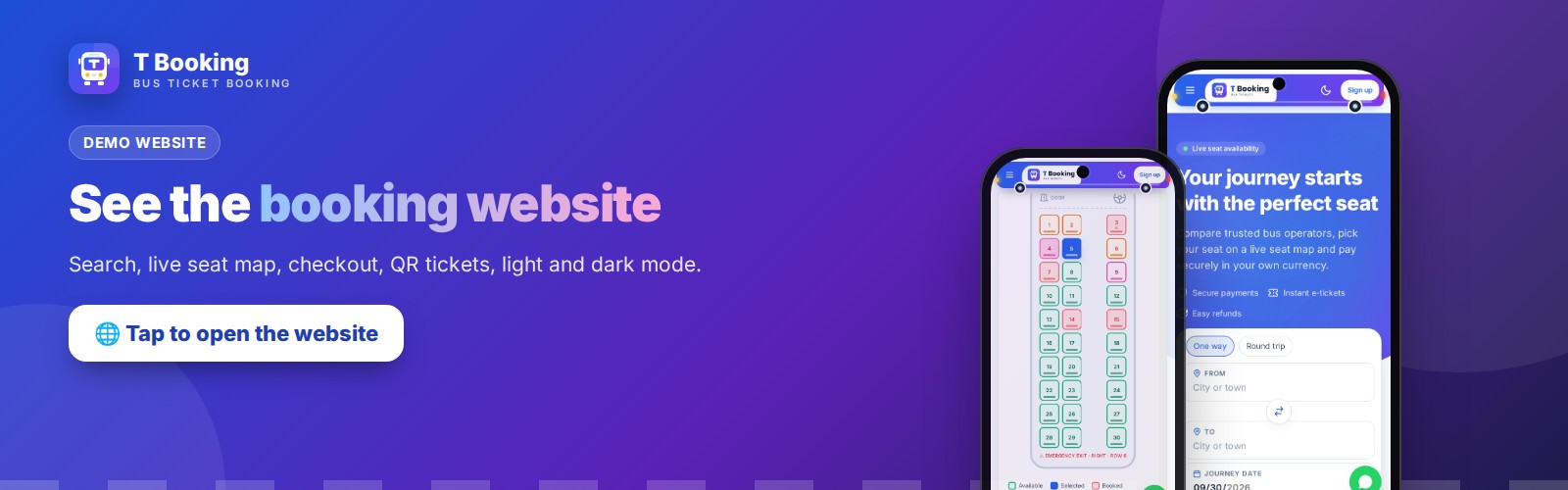
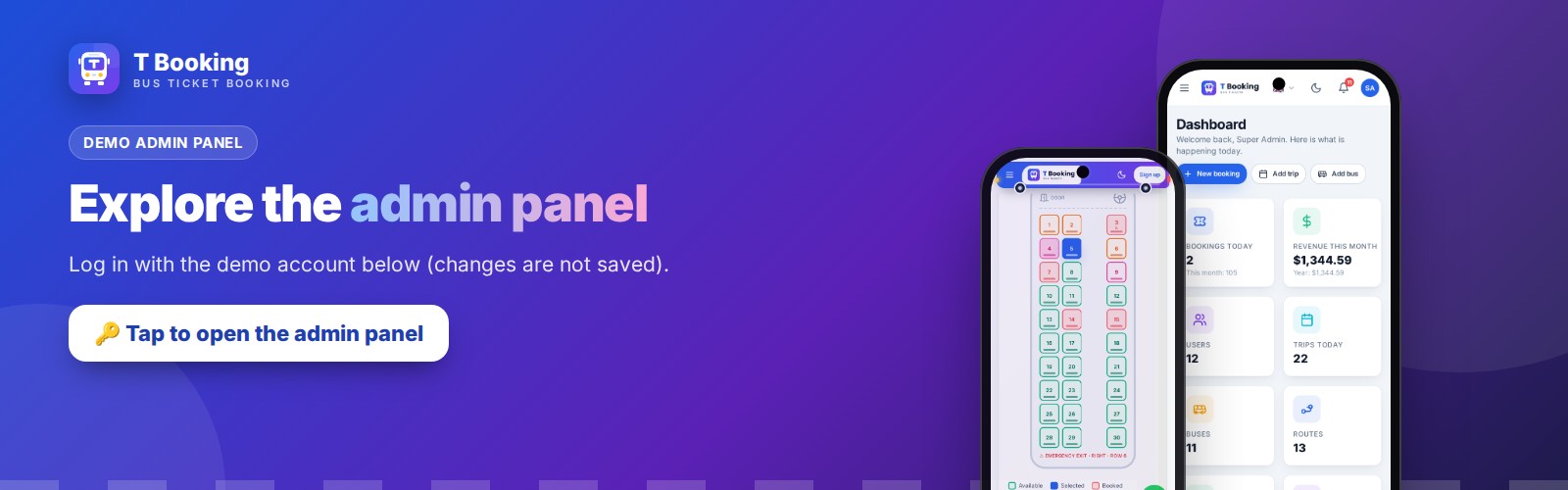
Demo logins (demo mode — changes are not saved) Admin: admin@tbooking.com / Admin@123456 Operator: operator@tbooking.com / Operator@123456 Agent: agent@tbooking.com / Agent@123456 (also in the Business app: Book tab) Customer: customer@tbooking.com / Customer@123456
Documentation: read the full installation and user guides before you buy.
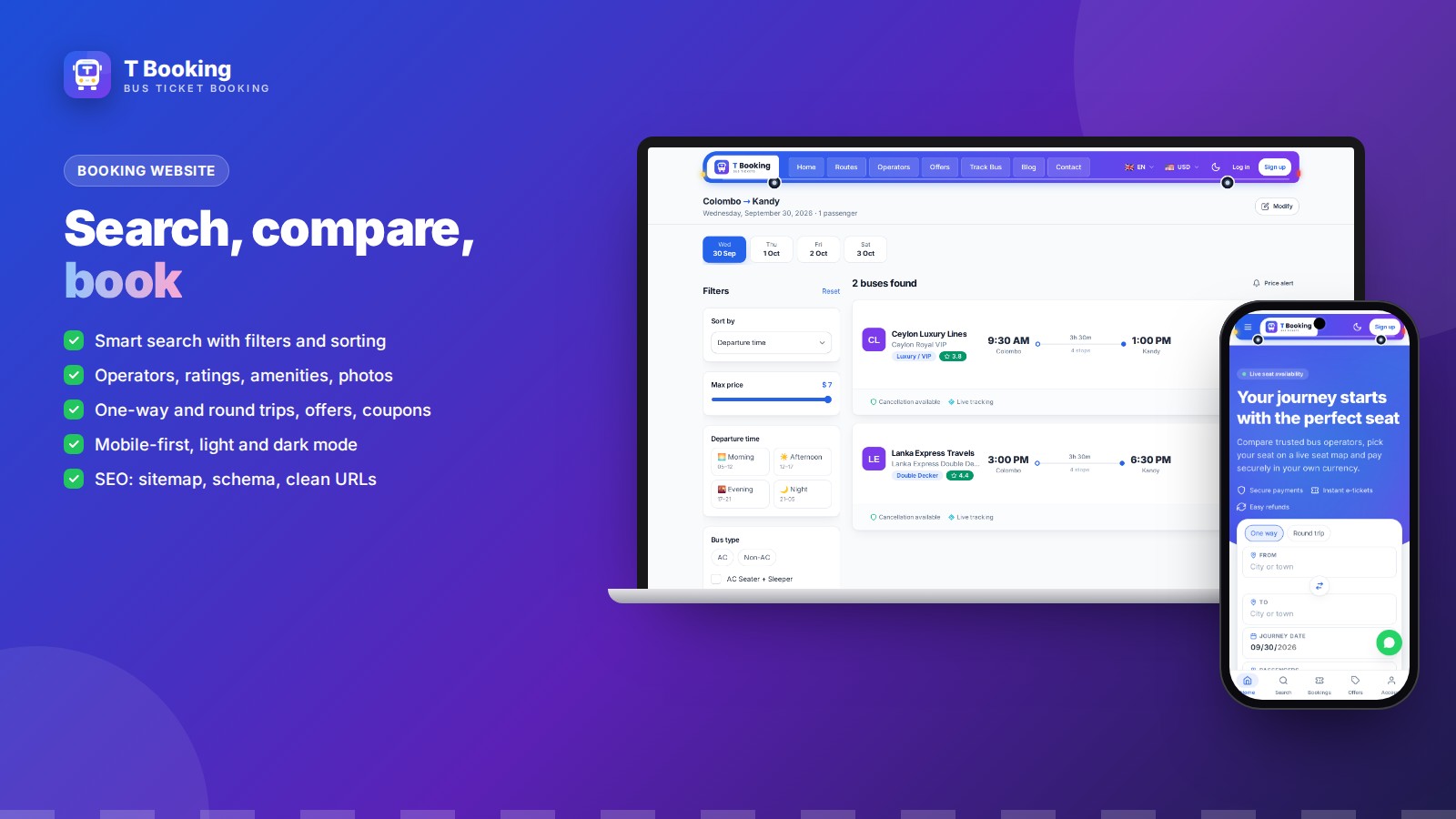
Booking website
- Smart search with filters and sorting, one-way and round trips
- Operators, ratings, amenities and bus photos
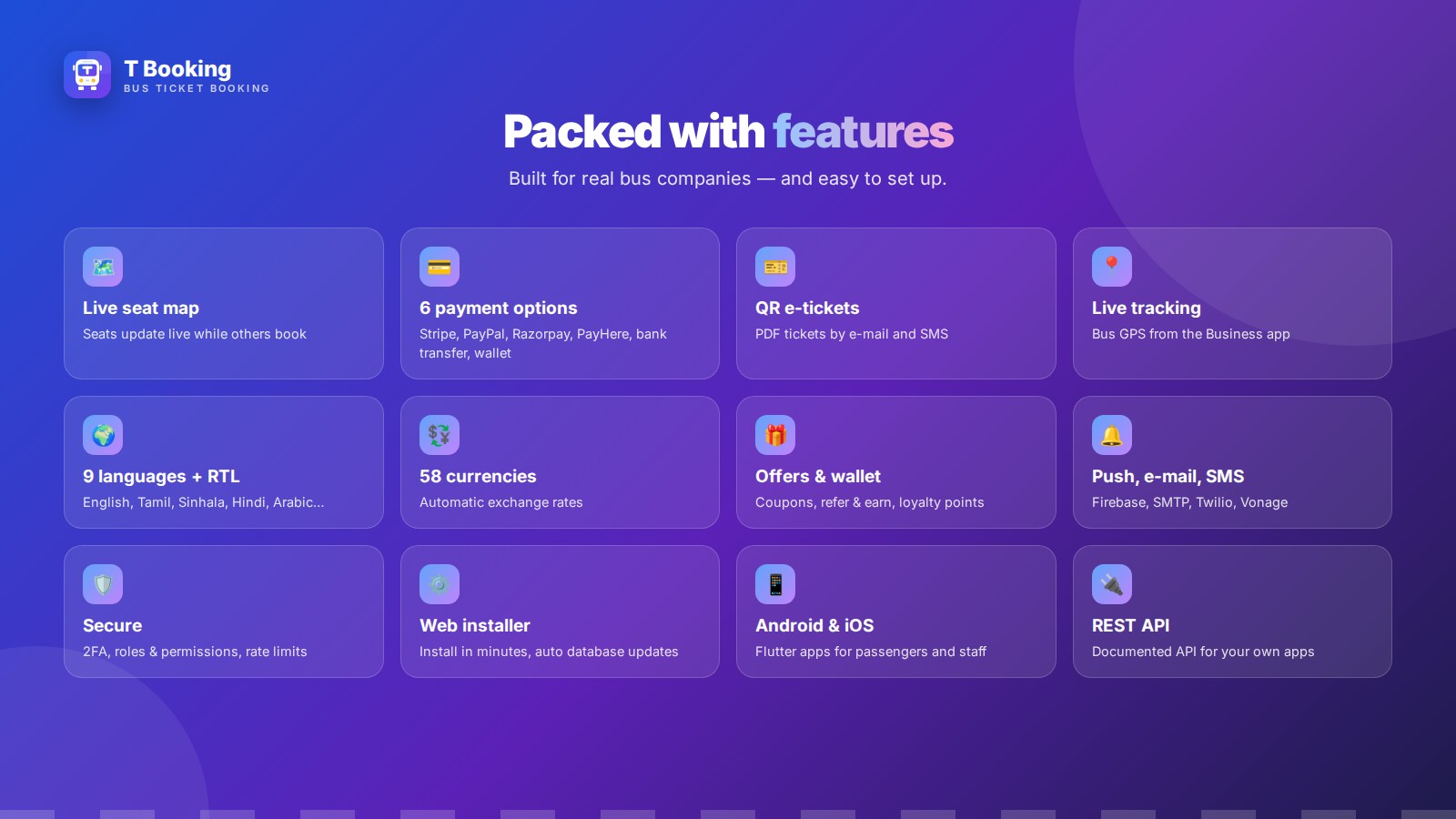
- 9 languages with RTL, 58 currencies, light and dark mode
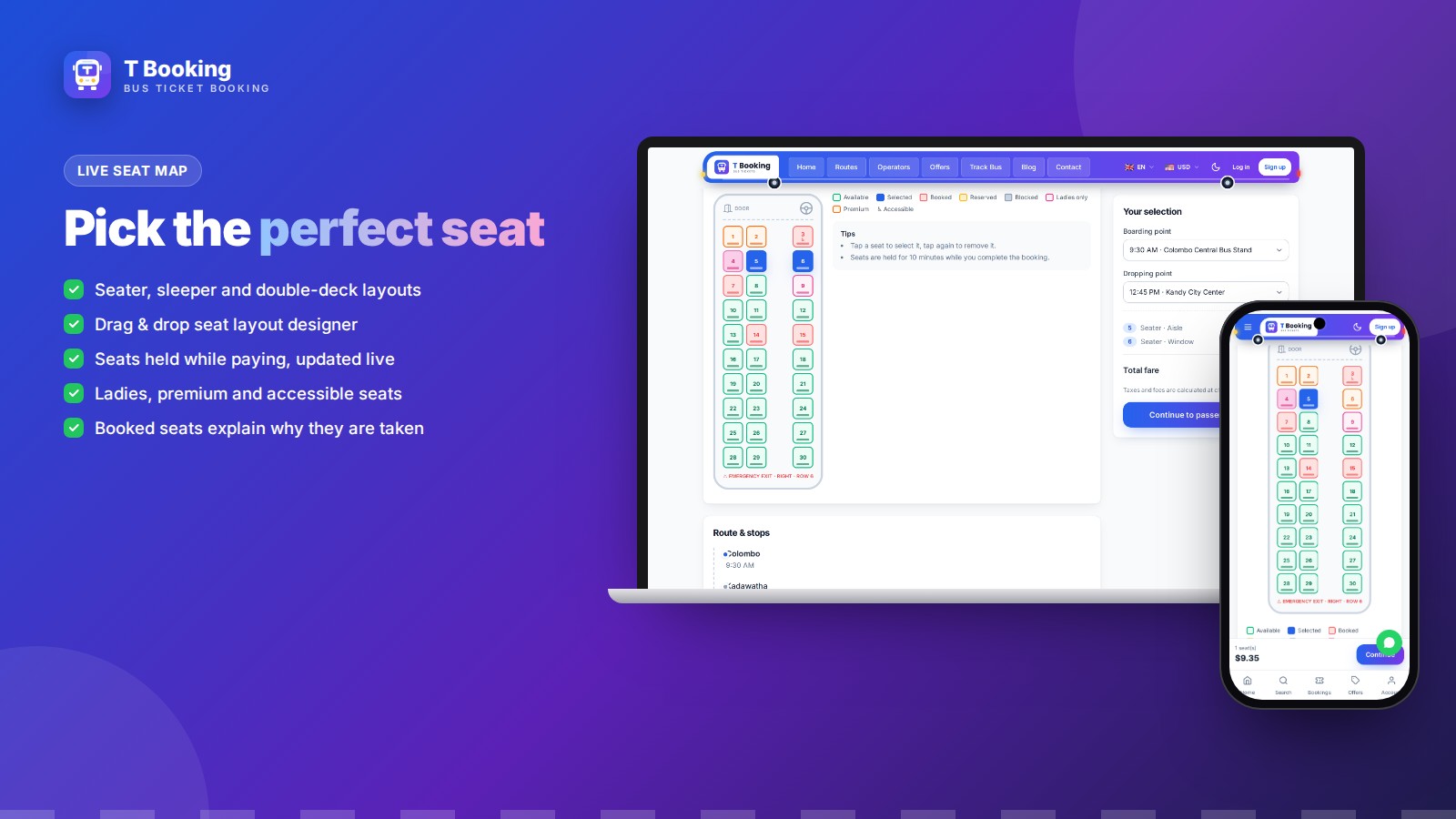
Live seat map
Seater, sleeper and double-deck buses designed with the drag & drop seat layout designer. Seats are held while the customer pays and update live for everyone. Ladies, premium and accessible seats are supported. With the child fare switched on, every selected seat shows the adult and the child price.
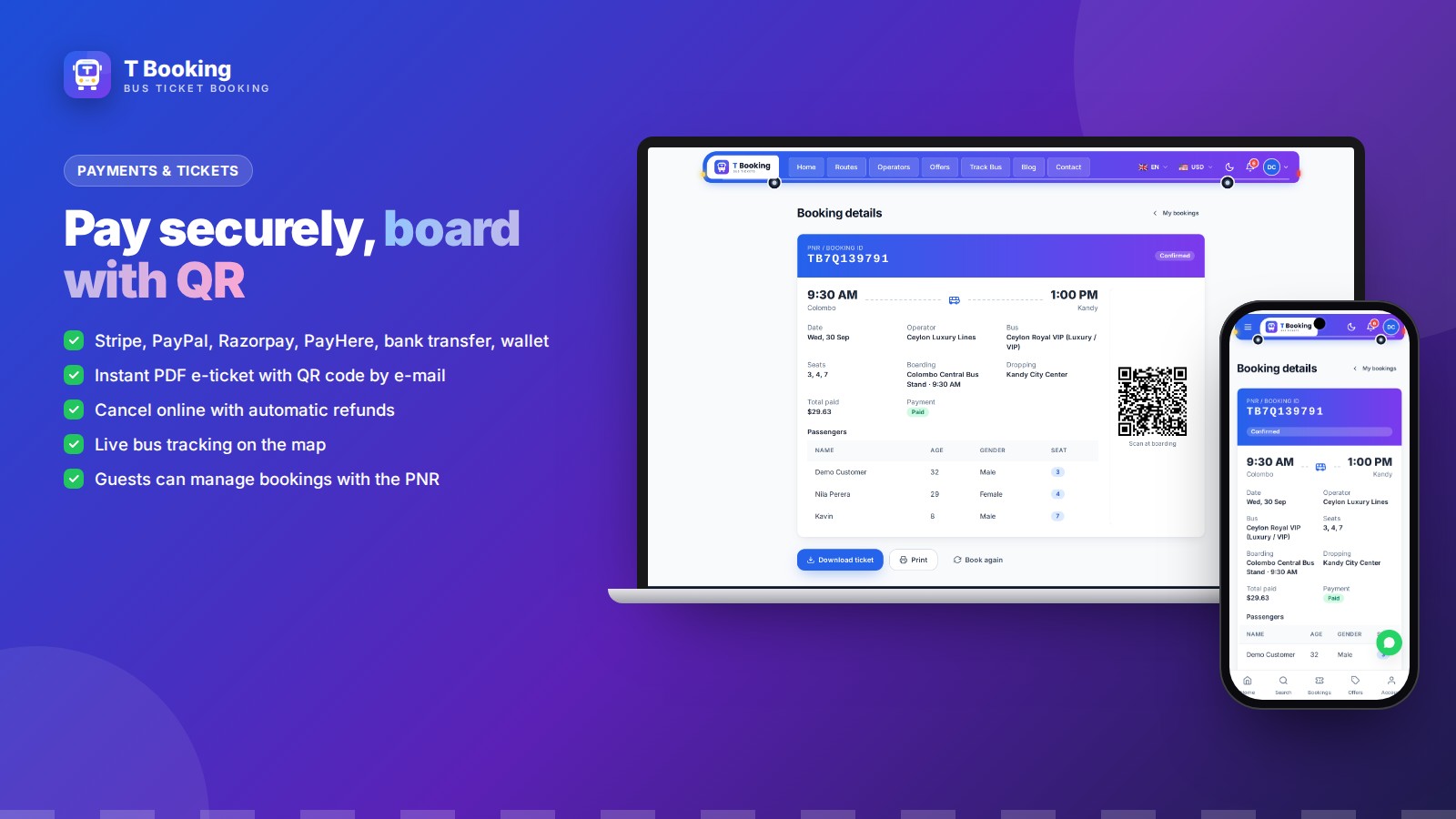
Payments & QR e-tickets
Stripe, PayPal, Razorpay, PayHere, bank transfer and wallet. Child, senior, student and group discounts are listed line by line at checkout. PDF e-tickets with QR code by e-mail and SMS, online cancellation with automatic refunds and live bus tracking.
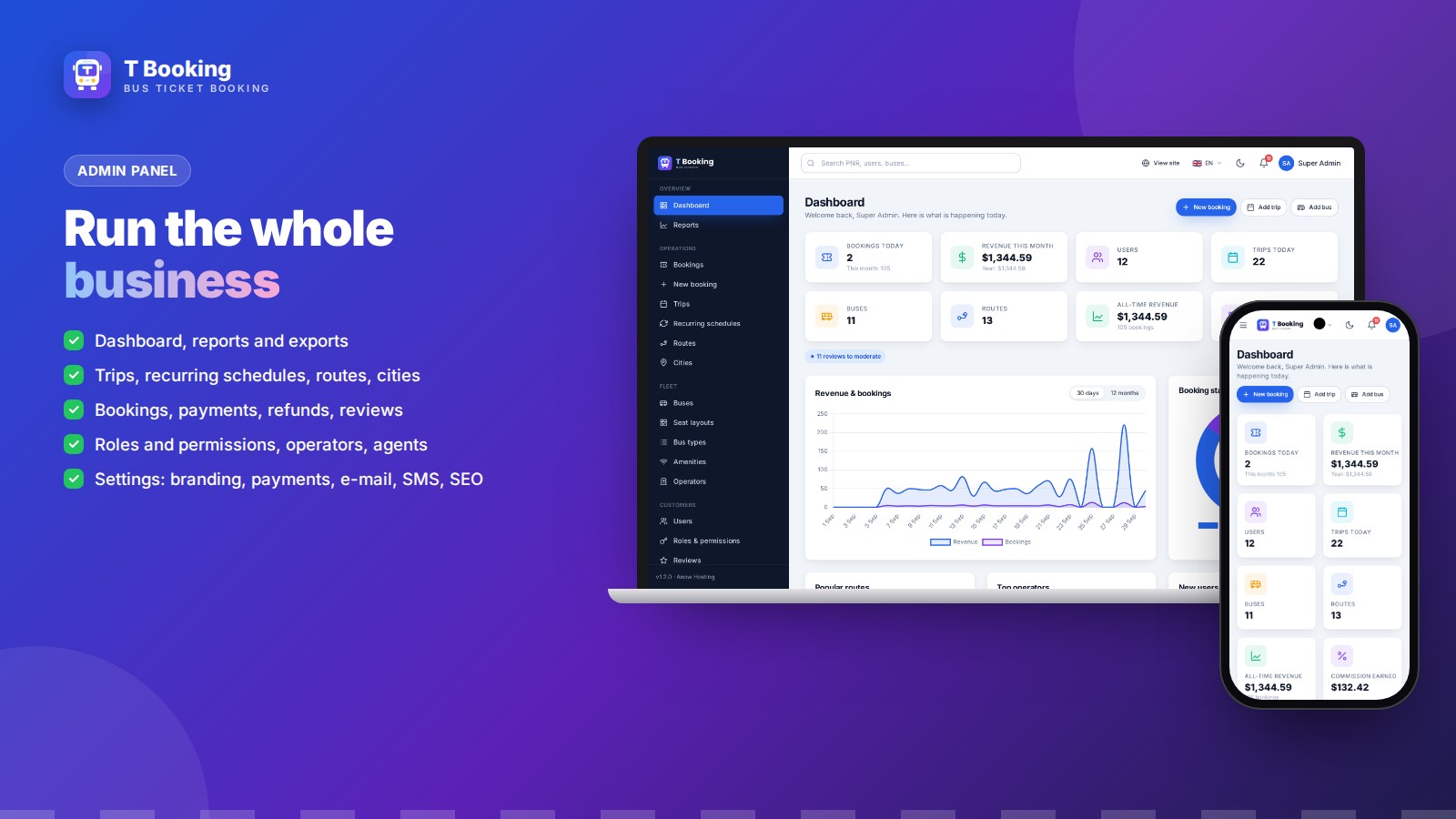
Admin panel
Dashboard and reports, trips and recurring schedules, routes and cities, bookings and payments, users, roles and permissions, operators and agents, fares and discounts (including the child fare), content and SEO, and all settings — with a web installer and one-step updates.
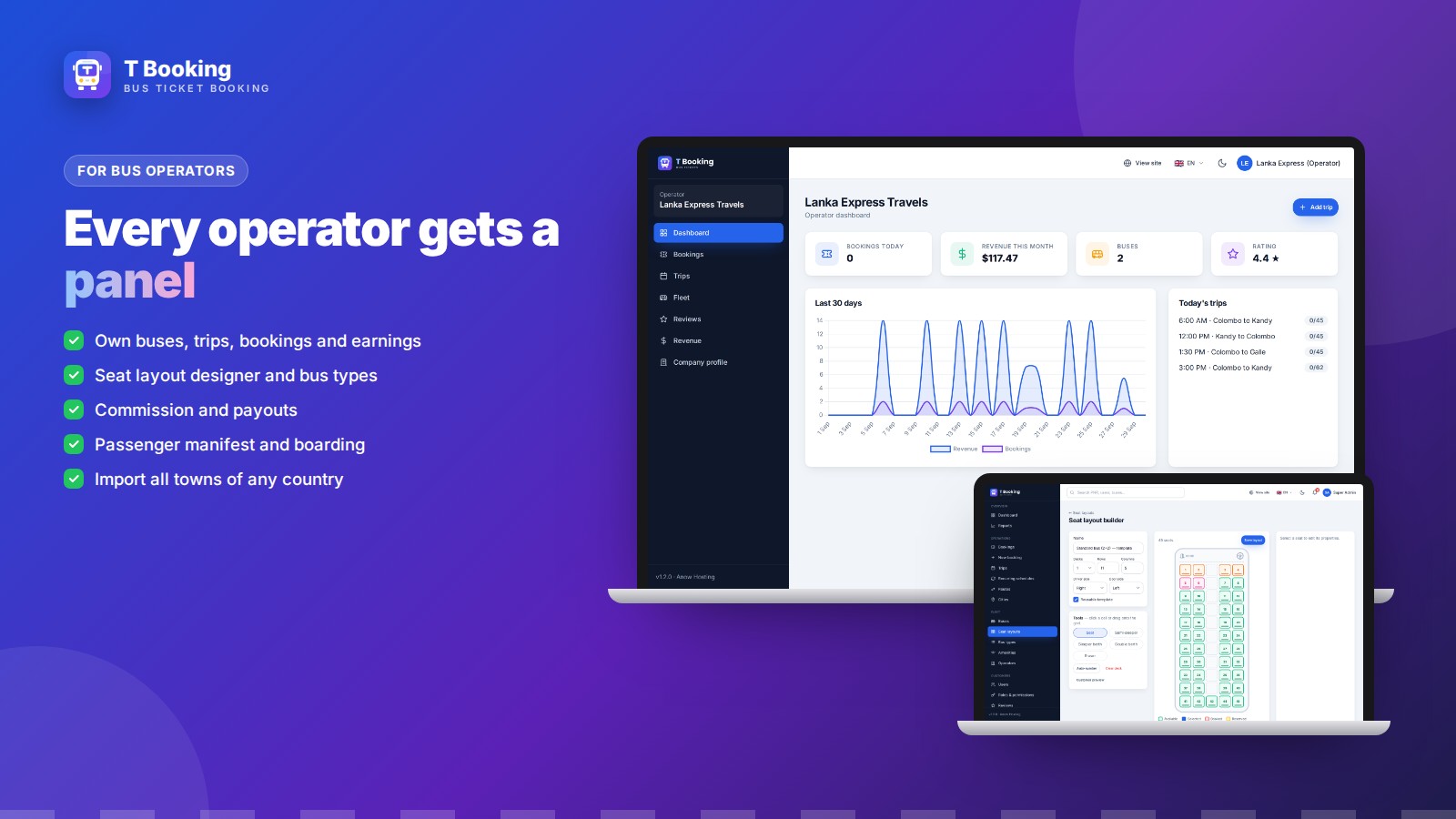
Operator panel
Every bus company manages its own buses, trips, bookings, reviews and revenue, with commission and payouts handled by the site owner.
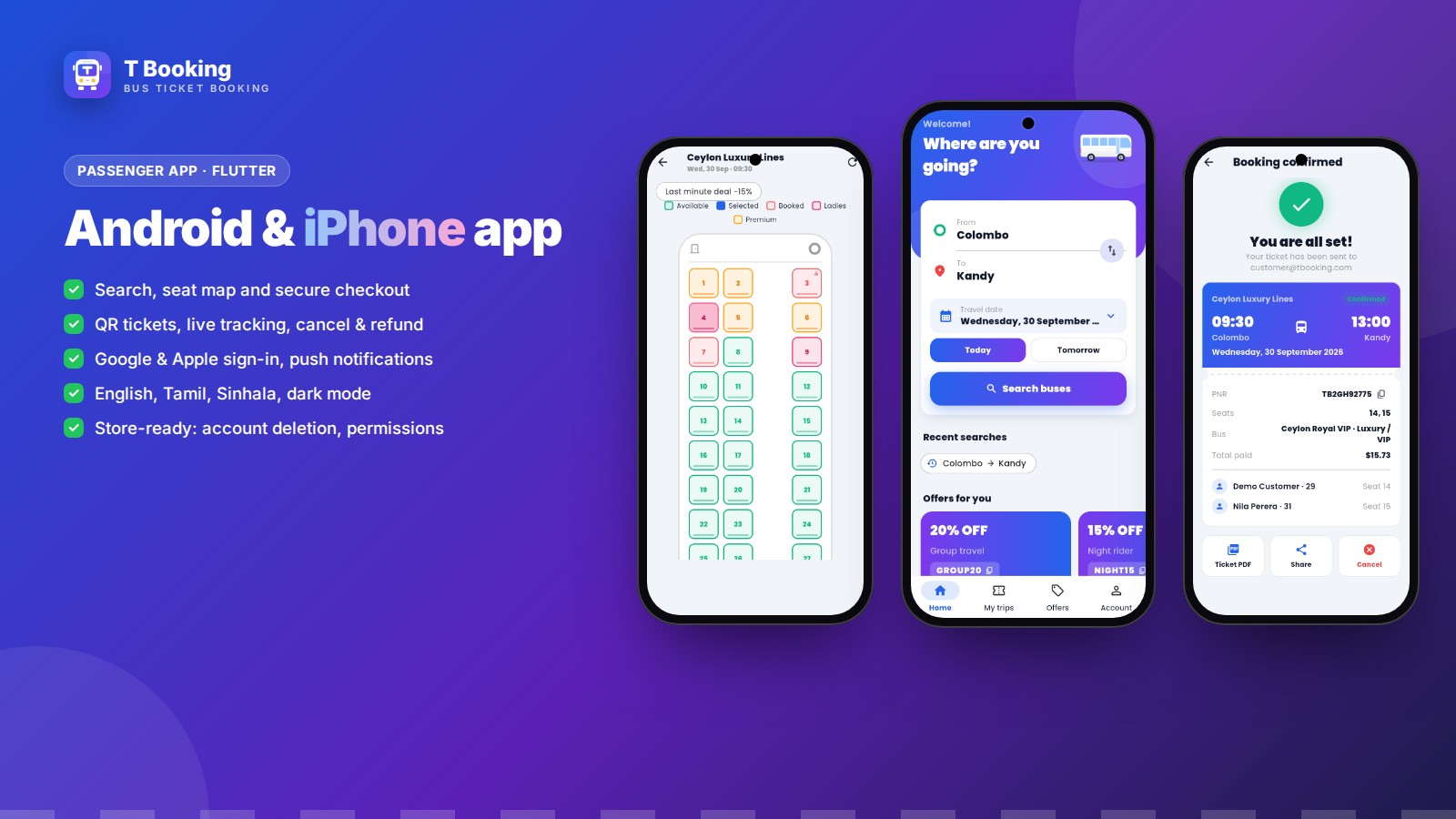
Passenger app — Android & iPhone
Built with Flutter: search, seat map with child prices, checkout, QR tickets, live tracking, cancel and refund, Google and Apple sign-in, push notifications, English, Tamil and Sinhala, dark mode — ready for Google Play and the App Store.
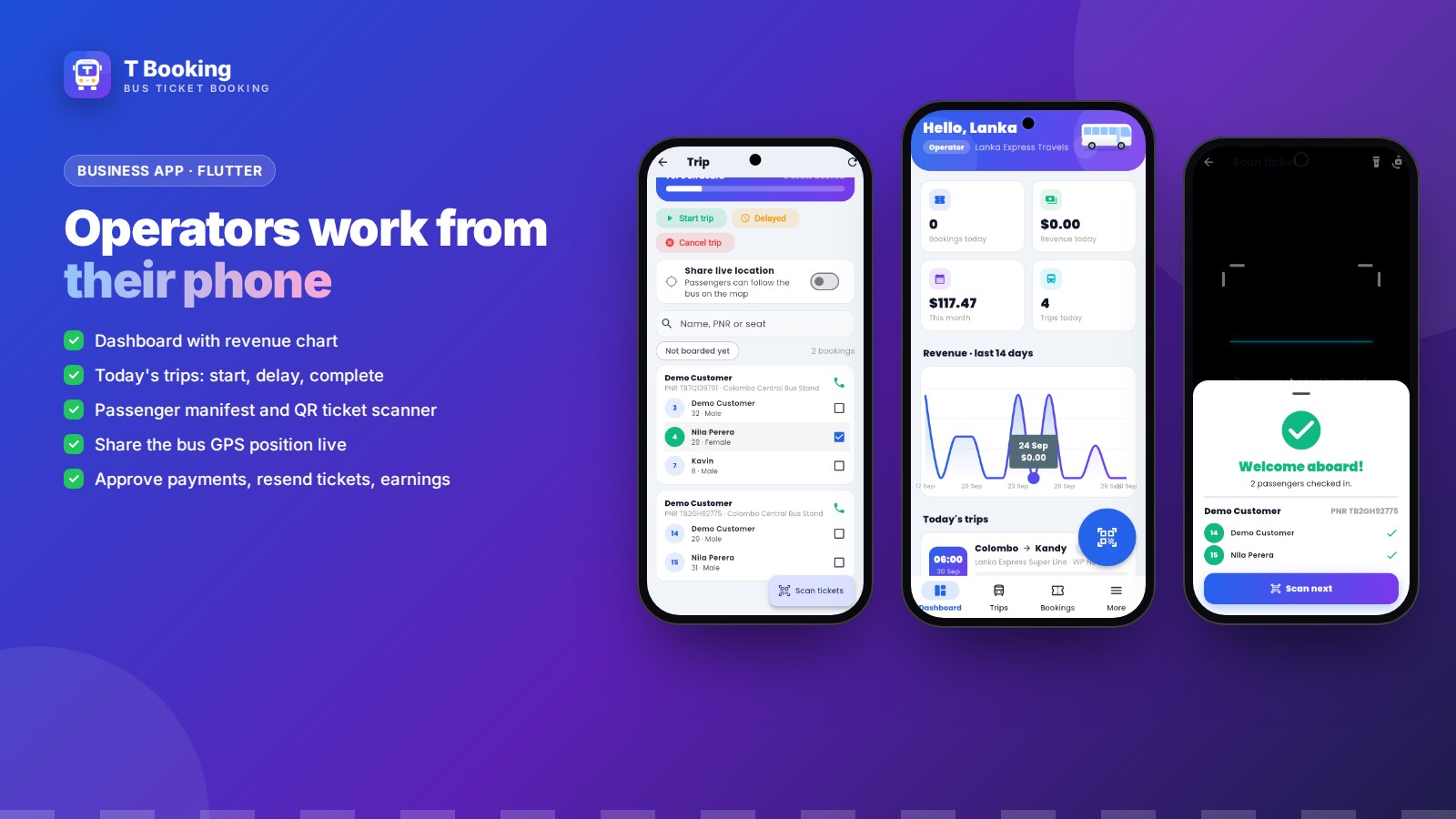
Business app — for operators, staff and agents
Dashboard, today's trips, passenger manifest, QR ticket scanner for boarding, live bus GPS sharing, payment approval and earnings. Agents book tickets for walk-in and phone customers right in the app and confirm them when the cash is received. Each person sees exactly what their role allows.
What you get
- Complete website ready to upload (all libraries included — no Composer, Node.js or SSH needed)
- Web installer and SQL files (demo data or clean)
- Flutter source code of the passenger app and the business app (Android & iOS)
- REST API documentation
- Illustrated guides: website installation, Android build, iPhone build, roles & apps
- Full English documentation
Requirements at a glance
- PHP 8.3+ and MySQL 5.7+ / MariaDB 10.4+ on any cPanel or VPS hosting, one cron job; no Composer, Node.js or SSH needed
- Your own accounts for the services you choose: payment gateways (Stripe, PayPal, Razorpay, PayHere), SMTP e-mail, optional SMS and Firebase push
- Apps: Flutter; publishing needs Google Play and Apple Developer accounts
Support and updates
Support through the Codester item page covers questions about installation, configuration and bugs in the item. Server administration and custom development are not included. Updates keep your database and settings (upload the new files; the database updates itself) and are listed in the changelog.
Changelog — 1.3.0: child fare with on/off switch (website, passenger app and Business app); agent booking with cash confirmation in the Business app; discounts shown as their own lines at checkout.
Demo note: the live demo runs in demo mode — you can try every screen, but changes in the admin and operator panels are not saved, and payments use a test gateway.
Features
Booking website (Laravel 13)
- Smart search with filters, sorting, one-way and round trips
- Live seat map: seater, sleeper and double-deck layouts, seats held while paying, ladies, premium and accessible seats
- Secure checkout: Stripe, PayPal, Razorpay, PayHere, bank transfer and wallet
- PDF e-tickets with QR code by e-mail and SMS, online cancellation with automatic refunds
- Live bus tracking, reviews and ratings, offers, coupons, refer & earn, loyalty points
- 9 languages with RTL (English, Tamil, Sinhala, Hindi, Arabic, French, Spanish, Japanese, Chinese), 58 currencies
- Mobile-first design, light and dark mode, installable web app (PWA), SEO tools
Admin panel
- Dashboard with revenue and booking charts, reports and exports
- Trips, recurring schedules, routes, cities (import all towns of any country), buses, bus types, amenities
- Drag & drop seat layout designer
- Bookings, payments, refunds, wallets, operator payouts and commission
- Users, roles and permissions, operators, agents, reviews, blog, pages, FAQs, banners
- Settings: branding, colours, payment gateways, SMTP e-mail, SMS, social login, push notifications, SEO
- Web installer and one-step updates (the database updates itself)
Operator panel
- Every bus company manages its own buses, trips, bookings, reviews and revenue
Passenger app — Flutter (Android & iOS)
- Search, live seat map, passenger details, secure checkout, QR tickets
- Live bus tracking, cancel and refund, reviews, saved passengers, wallet, notifications
- Google and Apple sign-in, push notifications (Firebase), English, Tamil and Sinhala, dark mode
- Store-ready: account deletion in the app, permission texts, release signing
Business app — Flutter (Android & iOS)
- For admins, operators and agents — each sees what their role allows
- Dashboard, today's trips, trip status, passenger manifest
- QR ticket scanner for boarding, share the bus GPS position live
- Bookings: approve bank transfers, resend tickets, cancel and refund, earnings
REST API
- Documented JSON API with token login for your own apps and integrations
Requirements
- Web hosting with PHP 8.3 or newer (8.3, 8.4, 8.5) and MySQL 5.7+ / 8.x or MariaDB 10.4+ (cPanel shared hosting works)
- PHP extensions: pdo_mysql, mbstring, openssl, xml, curl, fileinfo, bcmath, gd, zip (intl recommended)
- One cron job every minute, SSL recommended
- No Composer, Node.js or SSH needed for the website — all libraries and compiled assets are included
- Apps: Flutter 3.47+ with Android Studio or VS Code; for iPhone a Mac with Xcode, or a Codemagic account (no Mac needed)
- To publish the apps: Google Play and Apple Developer accounts
Instructions
Website
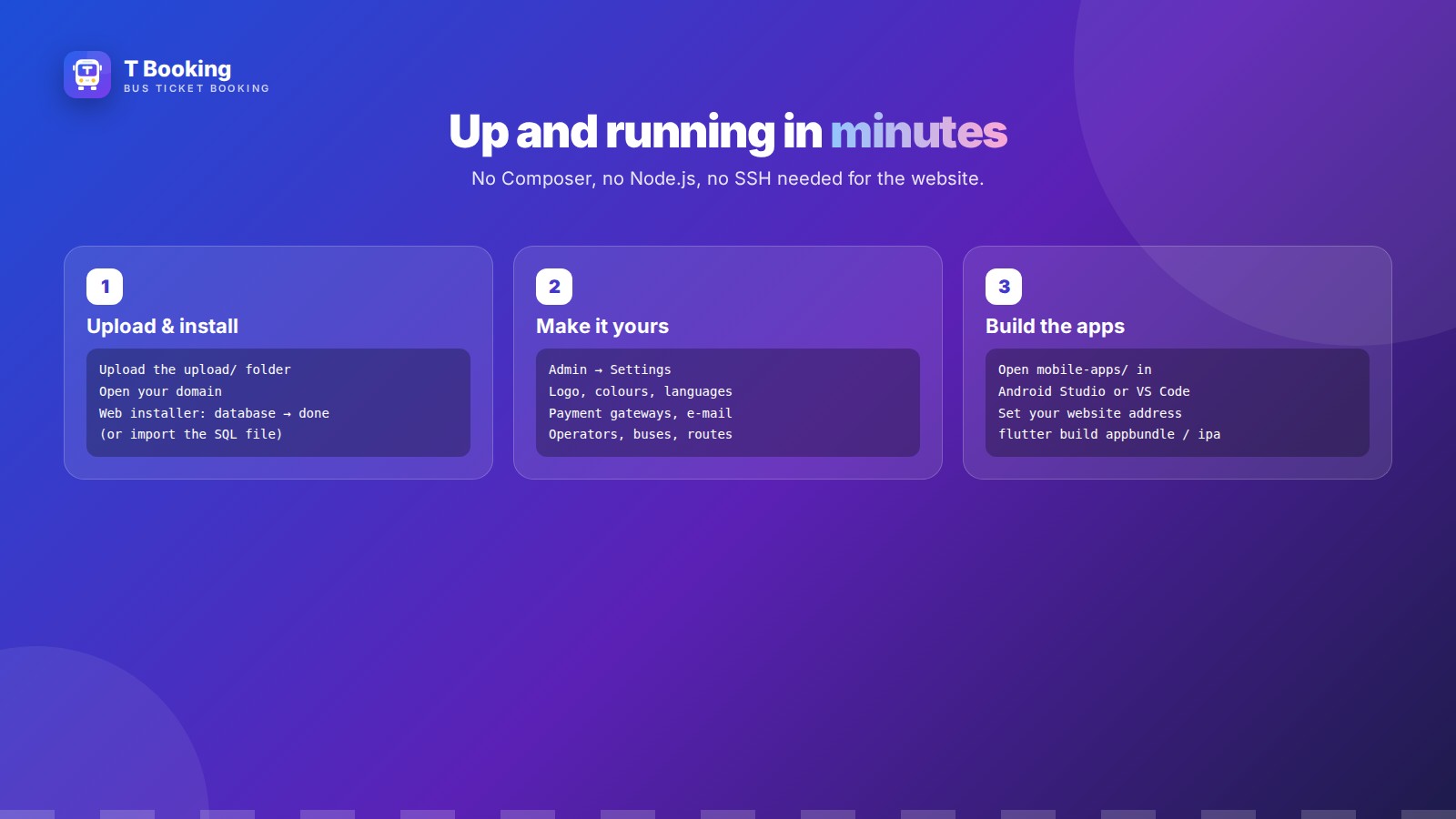
- Create a MySQL database and user in your hosting panel.
- Upload the contents of the upload folder to your domain folder (e.g. public_html) and select PHP 8.3 or newer.
- Open your domain: the web installer checks the server, creates the database and your admin account. (Or import sql/tbooking-demo.sql in phpMyAdmin and choose “Use my existing database”.)
- Add the cron job shown in the documentation.
- Log in to /admin and set your logo, colours, languages, payment gateways and e-mail.
Android app
- Install Flutter and open mobile-apps in Android Studio or VS Code.
- Set your website address in packages/tb_core/lib/src/config.dart.
- In apps/tbooking run flutter pub get, then flutter build appbundle and upload the .aab to Google Play. The Business app in apps/tbooking_business is built the same way.
iPhone app
- On a Mac: in apps/tbooking run flutter pub get, then open ios/Runner.xcworkspace in Xcode.
- Choose your team and bundle ID under Signing & Capabilities, then Product → Archive → Distribute to App Store Connect.
- No Mac? The included codemagic.yaml builds and uploads the iPhone apps in the cloud.
Illustrated step-by-step guides are included in the documentation folder: install.html (website), android.html (Android apps), ios.html (iPhone apps) and roles.html (how admins, operators, agents and customers work, and which app each one uses), plus the full documentation and mobile-apps/README.md.
| Author | anowhosting |
|---|---|
| Category | Scripts & Code / PHP Scripts / Booking |
| Price | $75 |
| Extended License | $225 |
| First Release | Sep 30, 2026 |
| Last Update | Oct 13, 2026 |
| Database | MySQL 5.7, MySQL 8.0, MySQL 8.4 LTS, MariaDB 10.x, MariaDB 11.x |
| Files included | .php, .css, .html, .json, .dart, .kt, .kts, .gradle.kts, .svg, .sql, .md, .yml/.yaml, composer.json, package.json, .blade.php, pubspec.yaml, .swift, .xml, JavaScript .js |
| Software version | PHP 8.3, PHP 8.4, PHP 8.5 |
| Html/css framework | Tailwind CSS |
| Software framework | Laravel |
| Javascript framework | Alpine.js |
| Programming language | PHP, JavaScript, Swift, Dart |
Categories
Tags
External listing. code.market does not sell this product and does not process payment for it. Pricing, payment, delivery, licensing, refunds, and support are handled by the third-party merchant on its own website. We may earn an affiliate commission from a referral. Details.
Products of the Week.
Submit🥇

Perceptle
Perceptle is a daily browser-based game that challenges you to test your sensory intuition through five quick estimation and rhythm-based rounds.
Other · 1,489 views · 9 clicksOther · Week 47 · 1,489 views · 9 clicks
🥈

Free LinkedIn Likes From Real
Get free LinkedIn likes on your posts from real members who react by hand. No
SaaS · 1,632 views · 10 clicksSaaS · Week 47 · 1,632 views · 10 clicks
🥉

STOP GUESSING WHAT TO POST
AI that learns your brand voice and builds a month of consistent, on-brand social content: carousels, posts and hooks that sound like you, not like everyone else's AI.
SaaS · 9,176 views · 75 clicksSaaS · Week 47 · 9,176 views · 75 clicks
#4

aaas.market
407 reliable micro tools for solo founders, marketers and creators. They work in your browser
SaaS · 1,597 views · 5 clicksSaaS · Week 47 · 1,597 views · 5 clicks