
Supplero - Supplement Store WooCommerce Theme

Description
Health & Nutrition Supplements WordPress Theme
Supplero – Health & Supplement WordPress theme is specialized for gym, fitness & medicinal store, health supplements, sports & nutrition, supplement landing, drug store, body enhancement product, weight loss & diet product, medicine product, nutrition pharmacy shop, etc.
It comes with a creative and distinct design that makes the visitors attracted to all the products, services, and information that you feature regarding healthy food and lifestyle.
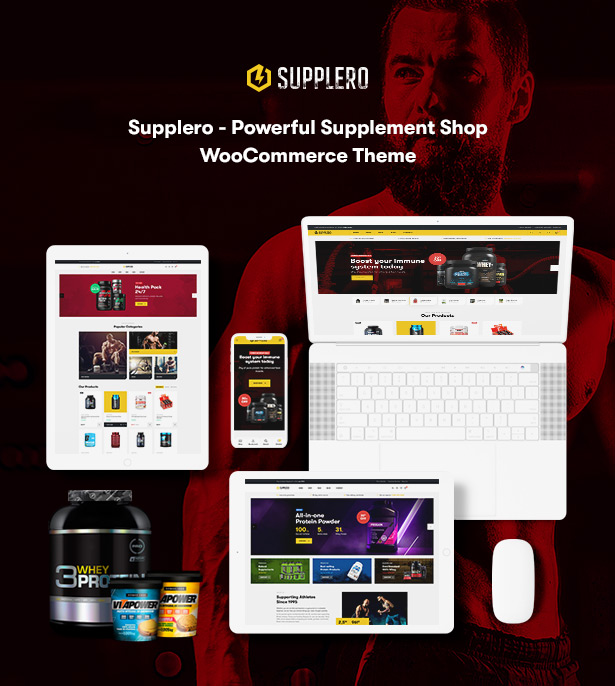
In Supplero package, it combines features, functions, and fascinating templates for direct use. Whether you are a health coach, athlete, dietician or supplement shop owner, this theme will serve the purpose for you. It saves a lot of time for you to build a nutrition & vitamin shop. You can easily use elements and customize sections like blogs, landing pages, and others.
Supplero Projects Showcase & Review
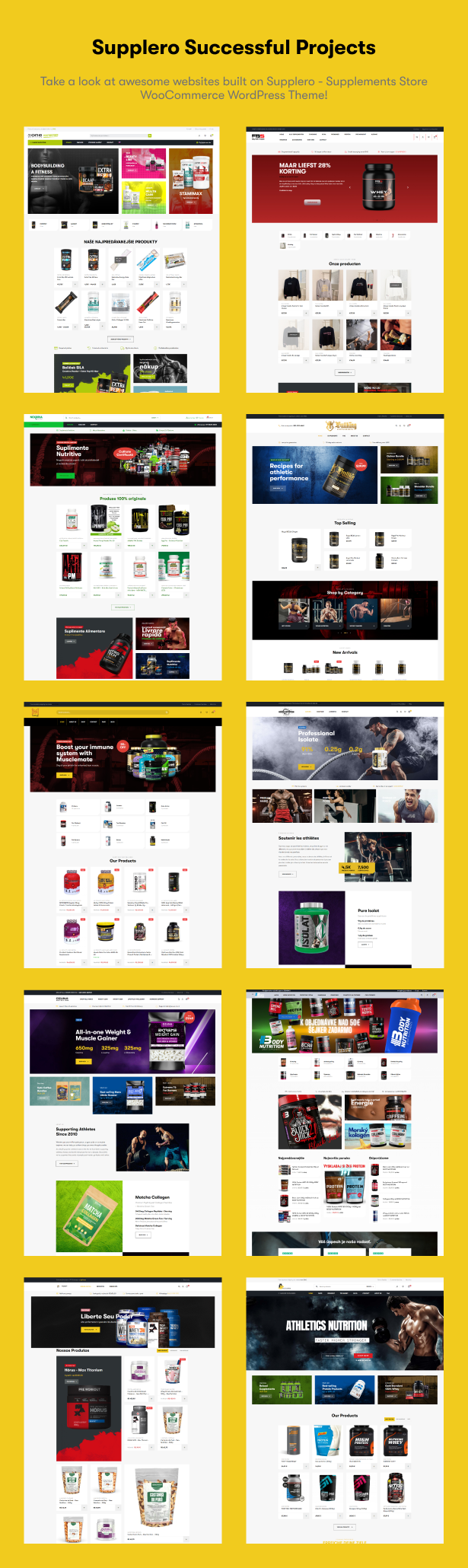
- https://nutritionpoint.nl/
- http://athletics-nutrition.store/
- https://corenutrition.in/
- https://shop.fitbysez.nl/
- https://coretekfitness.com/
Sports & Fitness Nutrition and Supplements Store WordPress Theme
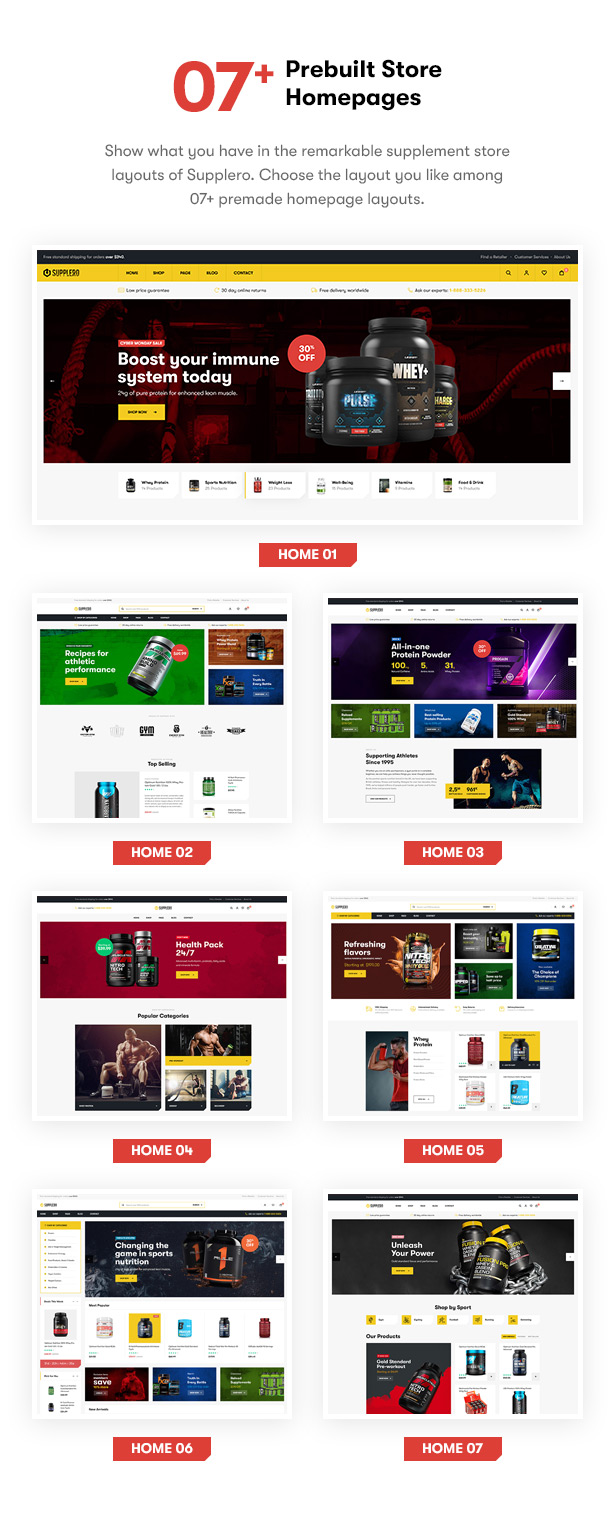
Ready-to-use Demo Websites for Supplement Store
Start your project about supplements store for men, women, gym & fitness or weight loss much easier with 07+ pre-built demo homepages. Check them now!
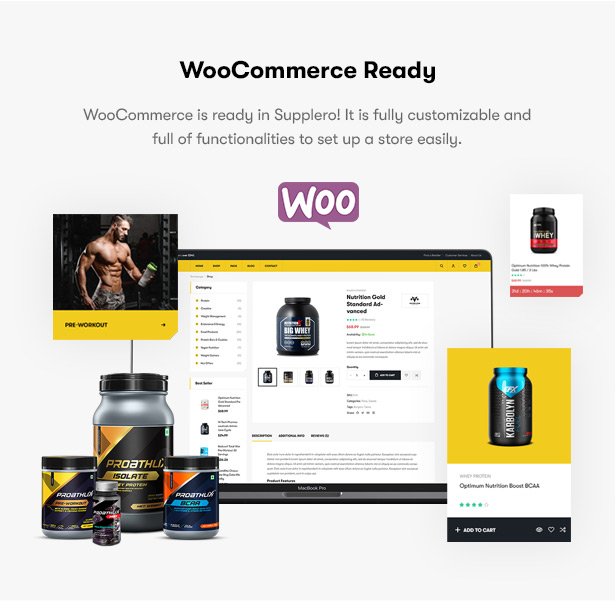
Start selling anything with WooCommerce
Everything is ready for you to start a nutrition store or vitamin shop. Just upload your supplement products and start to sell them!
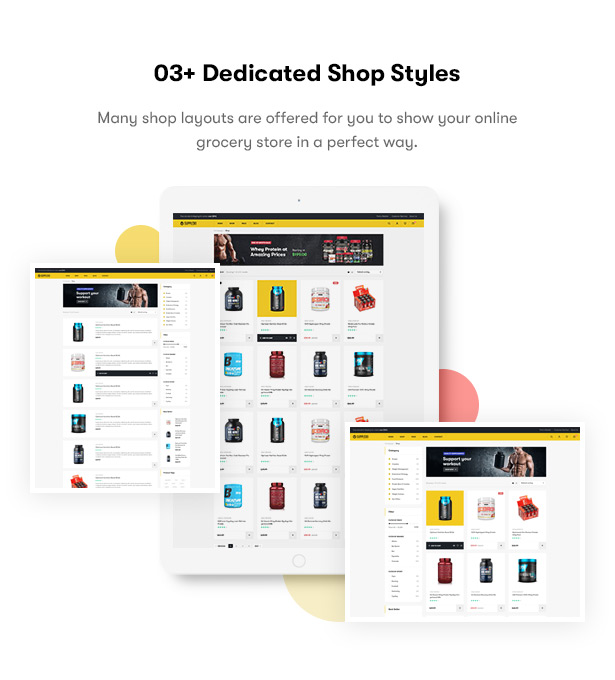
Stunning Supplement Shop Styles
This WordPress theme for Sports & Fitness Nutrition and Supplements Store goes with several layouts to display products. You can choose the way your supplement shop show: shop with sidebar or not, shop in list view or shop fullwidth.
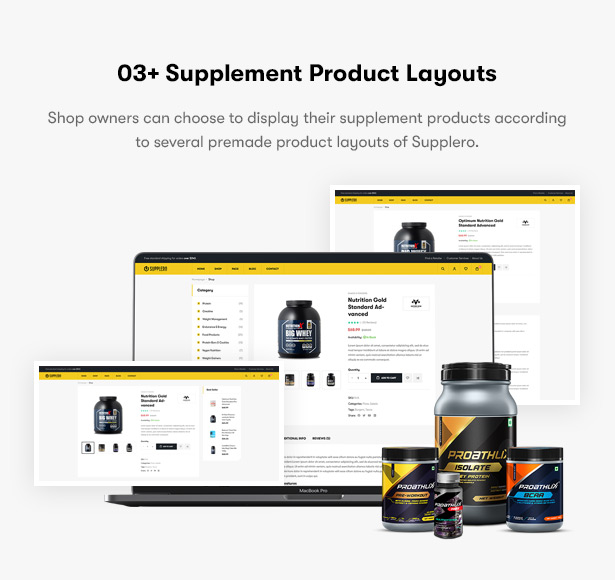
Beautiful Supplement Product Detail Layouts
Also, there are options for supplement shop owners to choose the way a single product display on a page.
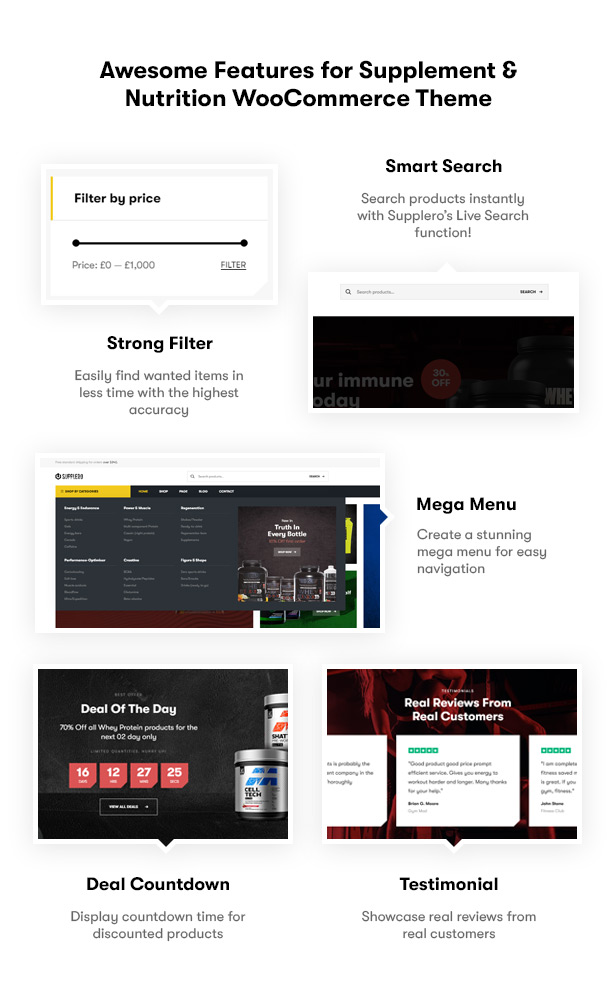
Awesome Features for Supplement & Nutrition WooCommerce WordPress Theme
Moreover, the theme combines great features for an awesome eCommerce supplements store.
Blog Layouts
With Supplero, you can completely build a blog page. It has modern blog styles where you can write and post your articles. Also, it is SEO-ready to help your blog have a higher rank on search engines.

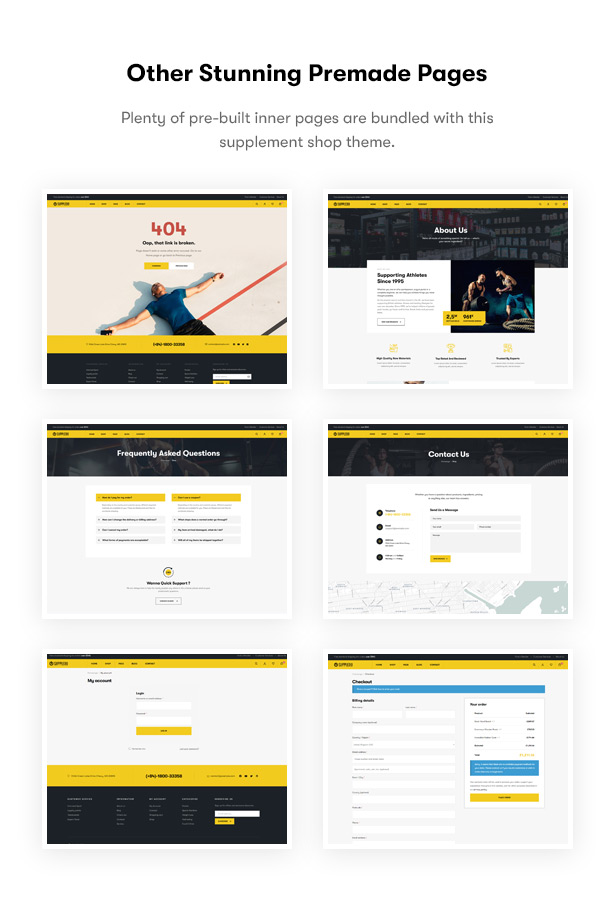
Other Stunning Premade Inner Pages
Supplero contains all the pages your online shop website is likely to need so that you might not ever have to build them yourself. You will find many attractive page designs such as About, 404, FAQ, Contact, and more.
Nutrition and Wellness Supplement WordPress Theme
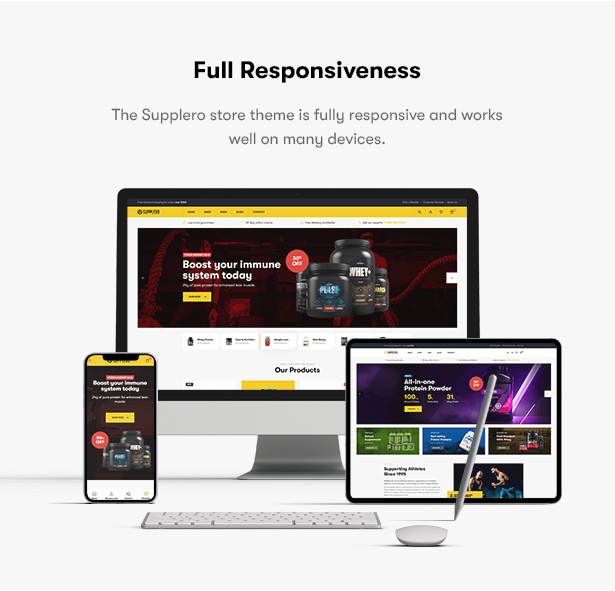
Supplero – a Fully Responsive Theme
It has been optimized for performance and compatibility in all kinds of screens and devices.
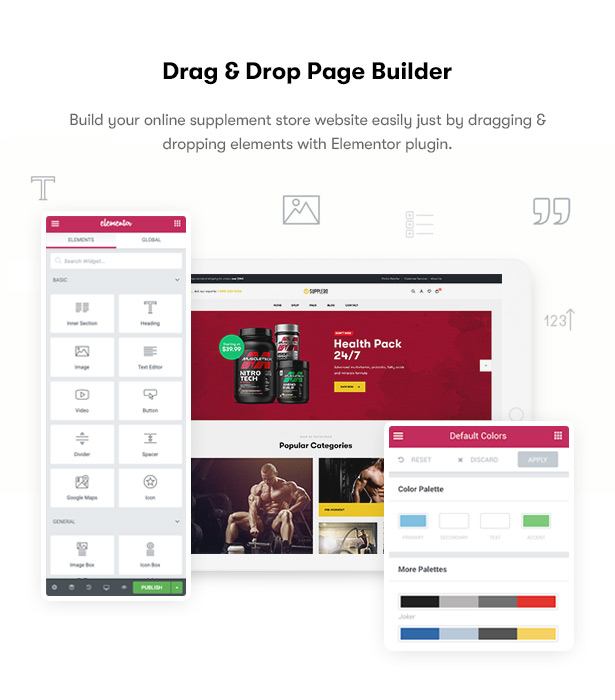
Elementor – Powerful Page Builder
With the help of the Elementor page builder, the entire journey of customization comes to life.
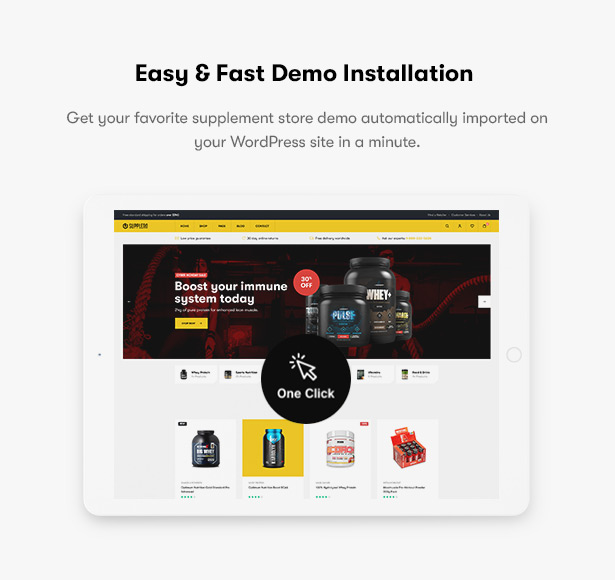
One Click Demo Import
Import Supplero’s demo with one click and put it to use straight away thanks to the help of One Click Demo Import plugin. It saves you tons of time!
Lot of Plugins Compatibility
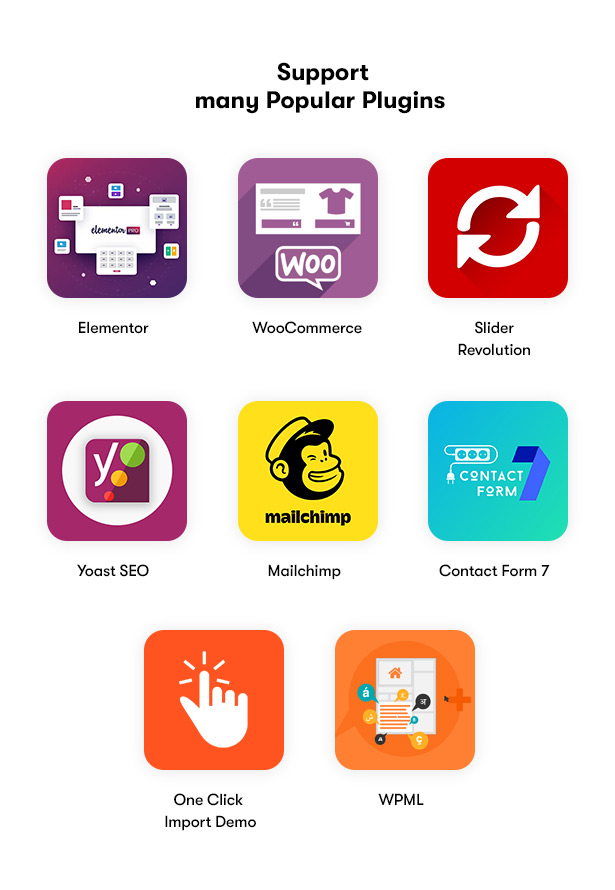
This supplement shop theme includes a number of powerful plugins such as Elementor, WooCommerce, Contact Form 7, MailChimp, Slider Revolution to boost your store to a new level of awesomeness.
Outstanding Features
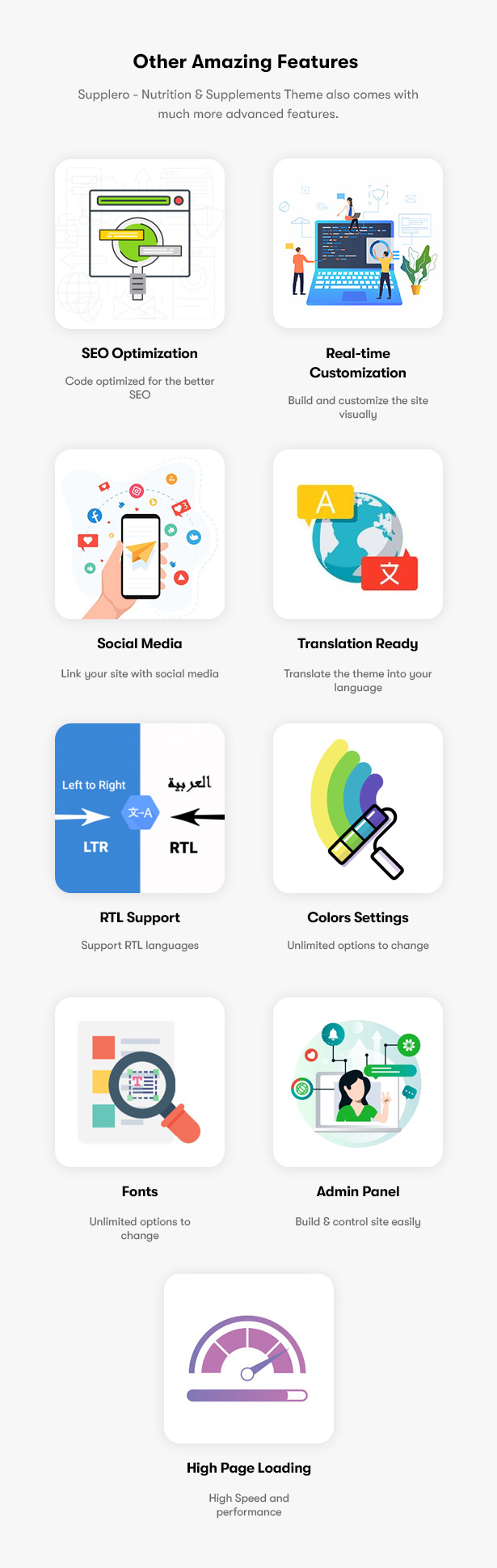
Furthermore, this clean & modern nutrition & vitamin WooCommerce theme brings you many other outstanding features for the best eCommerce website.
Guide & Support
The full documentation is provided to help you to use the theme easily. You can find how to install the theme, configure some sections and others. We offer dedicated & friendly support from our technical support team and regular & free-lifetime updates.

ONE OF THE BEST SUPPLEMENT STORE WOOCOMMERCE WORDPRESS THEME!
- Built on Elementor Drag & Drop Page Builder for WordPress
- 07+ Homepage Demos
- WooCommerce Ready
- Mobile Friendly
- High Loading Score
- Many Shop & Products Page Styles
- Blog Pages
- Many Premade Functional Pages
- One-Click Demo Import
- Package of WordPress Plugins
- Contact Form 7 Included
- WordPress 5.6 tested and approved
- Premade widgets to build content easier
- Optimized for Speed, Search Engine Optimization, Mobile Optimized, Highly Conversion Rate Optimization and Unlimited Customize
- Clean, modern, multi-purpose design can be used for any type of websites
- Elaborated clean code for your convenience
- Cross-browser compatibility: Chrome, FireFox, Safari, Opera, Edge
- Totally Responsive Design
- Different sidebars variations
- Amazing parallax effects both on rows and content
- Fast and perfect performance while viewing
EASE OF CUSTOMIZATION
- WordPress Customizer Supported: allows you to configure the theme’s functions via WordPress options.
- Customizer allows customizing your site: Main options, Side area options, Social Link, Post list options, Portfolio options, Styling options, Layout settings, Footer section options, Header section options
- Advanced options to enable/disable individual features
- Full control over site width (full-width or boxed), content area and sidebars
- Revolution slider included with updates provided
- Fast and convenient Elementor Builder
- Vector icons for perfect retina design
- Numerous background options: add parallax background images to Rows, style Menus, add as Header background, boxed content background or Client logos
- Top page additional styling possibilities
- Stunning Header & Footer builder function
- Unlimited button styles: you set the height and the shape of the button manually, also additional CSS rules allow even more options
- Touch-friendly interface for your convenient usage on smartphones and tablets
- Fully Responsive Design
- Sidebar generator allows you to create an unlimited number of sidebars to your taste
- Select Main/Second site color for easy customization tools
Disclaimer
Adobe Fonts (formerly Typekit)
Some demos use Adobe Fonts (formerly Typekit). If Adobe Fonts fonts aren’t available, they will be substituted with default fonts or Google Fonts
IMAGE CREDITS
The sample images viewed in the live preview are for demo purposes only and must be replaced with the customer’s own licensed images in their end product.
PAGE SPEED
The page speed score mentioned on the item’s page is for reference only and depends on the selected demo, theme and server configuration and the content itself. Some theme features may negatively impact page speed scores.
Our Support Channels:
- Helpdesk: Submit A Ticket
- Email Support: help@wpopal.com
- Detail Documentation
| Type | WooCommerce Theme |
|---|---|
| Author | Opal_WP |
| Category | Wordpress / Ecommerce / Woocommerce |
| Price | $59 |
| Sales | 676 |
| Rating | 4.47 from 19 ratings |
| Published | Jan 19, 2021 |
| Last Update | Oct 14, 2026 |
| Columns | 4+ |
| Compatible Browsers | Firefox, Safari, Opera, Chrome, Edge |
| Compatible Software | WordPress 7.0.x, WordPress 6.9.x, WordPress 6.8.x, WordPress 6.7.x, WordPress 6.6.x, WordPress 6.5.x, WordPress 6.4.x, WordPress 6.3.x, WordPress 6.2.x, WordPress 6.1.x, WordPress 6.0.x, WordPress 5.9.x, WordPress 5.8.x, WordPress 5.7.x, WordPress 5.6.x, WordPress 5.5.x, WordPress 5.4.x, WordPress 5.3.x, WordPress 5.2.x, WordPress 5.1.x, WordPress 5.0.x |
| Compatible With | Elementor, Elementor Pro, WooCommerce 10.x.x, WooCommerce 9.x.x, WooCommerce 8.x.x, WooCommerce 7.x.x, WooCommerce 6.x.x, WooCommerce 5.x.x |
| Documentation | Well Documented |
| Gutenberg Optimized | No |
| Layout | Responsive |
| Files Included | PHP Files, CSS Files, JS Files |
| Widget Ready | Yes |
| Key Features | Health and Medical Supplement WordPress Theme, Sport Nutrition, Vitamins & Supplements Store, Elementor Page Builder & WooCommerce |
Categories
Tags
External listing. code.market does not sell this product and does not process payment for it. Pricing, payment, delivery, licensing, refunds, and support are handled by the third-party merchant on its own website. We may earn an affiliate commission from a referral. Details.
Products of the Week.
Submit🥇

STOP GUESSING WHAT TO POST
AI that learns your brand voice and builds a month of consistent, on-brand social content: carousels, posts and hooks that sound like you, not like everyone else's AI.
SaaS · 4,706 views · 45 clicksSaaS · Week 45 · 4,706 views · 45 clicks
🥈

Conversational Backlinks for Busy Founders
Place Backlink Relevant Conversation for your domain across Forums and Conversations
Website · 42,601 views · 225 clicksWebsite · Week 45 · 42,601 views · 225 clicks
🥉

upvote.club
Free Social Media Engagement that Helps Boost Your Content. Upvote Club supports 19 social networks with 100+ engagement actions in one dashboard. Add links to your posts and get free engagement from real users.
SaaS · 40,646 views · 120 clicksSaaS · Week 45 · 40,646 views · 120 clicks
#4

Substack Posting API
Onboard your Agent to Substack. Write Publish on Substack via API
SaaS · 59,603 views · 200 clicksSaaS · Week 45 · 59,603 views · 200 clicks
#5

Seenshot App
Free, Fast, MacOS Screenshot app. Make Screenshot cmd+shift+2 and send it via link
Desktop App · 28,981 views · 124 clicksDesktop App · Week 45 · 28,981 views · 124 clicks
#6

Hand-Placed Backlinks $9.99 per link. Flat rate.
Buy hand-placed forum, Q-A and directory backlinks. Flat $9.99 per link, no subscriptions — you only pay for approved listings.
Website · 4,772 views · 19 clicksWebsite · Week 45 · 4,772 views · 19 clicks
#7

Free Invoice Generator - PDF Invoices in Your Browser, No Sign-Up
A free invoice maker for freelancers and small businesses: fill in the invoice, check the live preview, and download a PDF that looks exactly like it. Any currency, tax per item, three templates, no sign-up, and nothing leaves your device.
3,430 views · 17 clicksWeek 45 · 3,430 views · 17 clicks
#8

Merge PDF Files Free - Combine PDFs in Your Browser, No Upload
A free PDF merger for office workers, students, and freelancers: combine PDFs and images into one file in the browser, reorder files and pages, pick page ranges, keep bookmarks, and open password-protected PDFs. Nothing is uploaded, no sign-up, no watermark.
3,169 views · 14 clicksWeek 45 · 3,169 views · 14 clicks