
SuperWallet | Crypto Wallet - Flutter App With Admin Panel
Description
AI disclosure: AI tools were used to assist with parts of the code, documentation and graphics of this item; the author reviewed and tested all of it.
Not affiliated: Firebase and Google Play, the App Store, WalletConnect, Jupiter, 0x, 1inch, Alchemy, Helius and the Etherscan-family explorers are named only to describe what this item integrates with. The names and marks belong to their owners, this is not an official product of any of them, and each service needs your own account under that provider’s own terms.
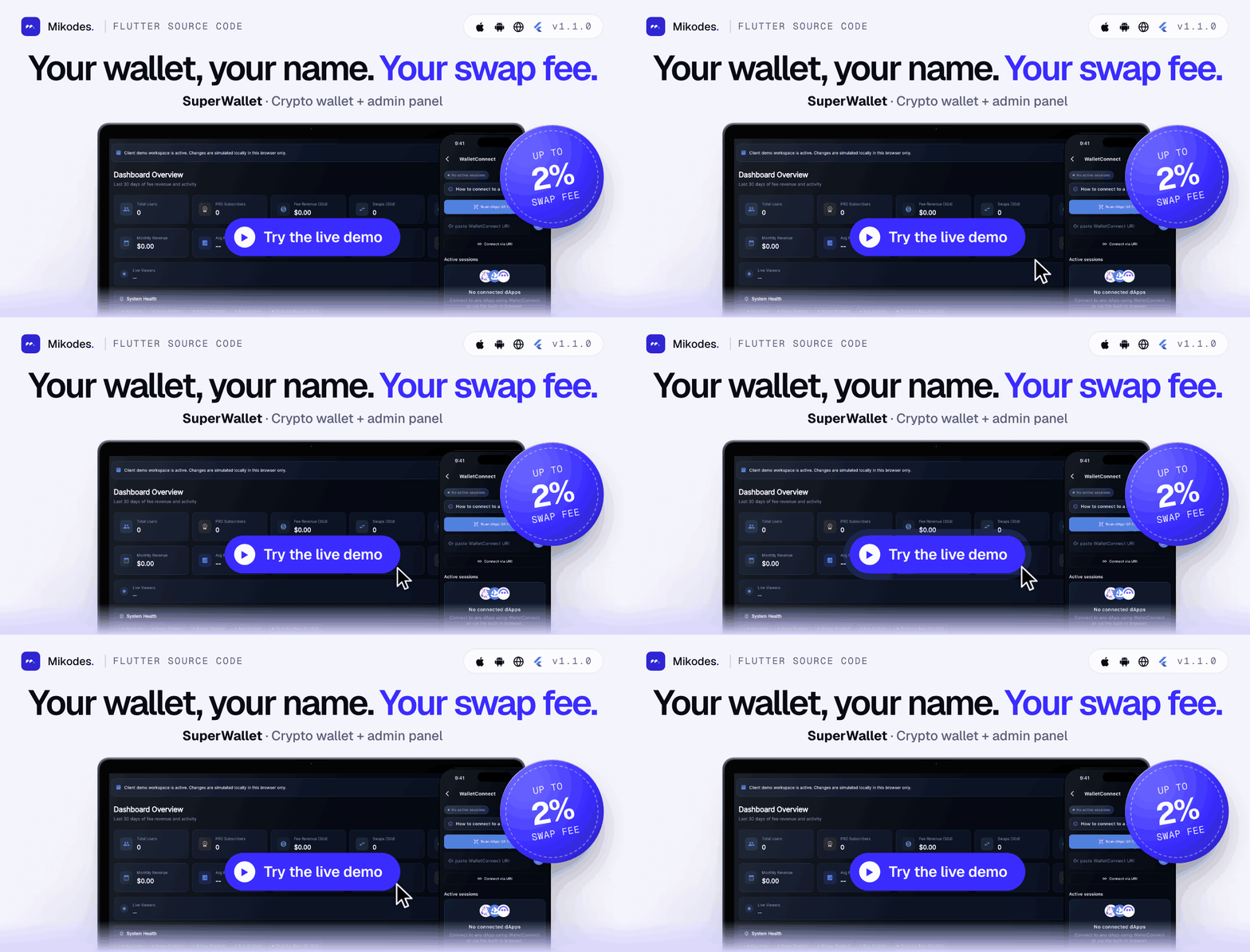
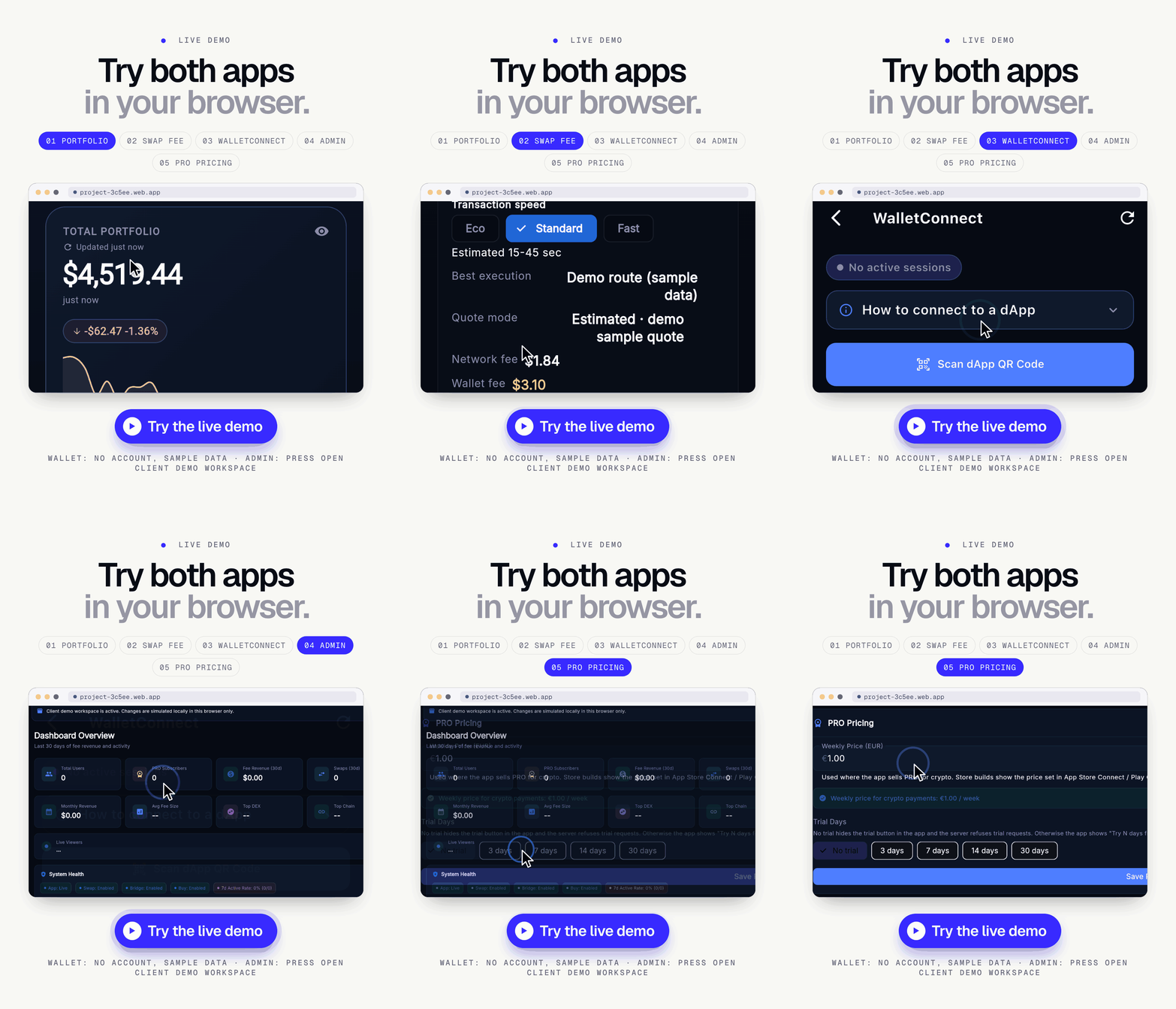
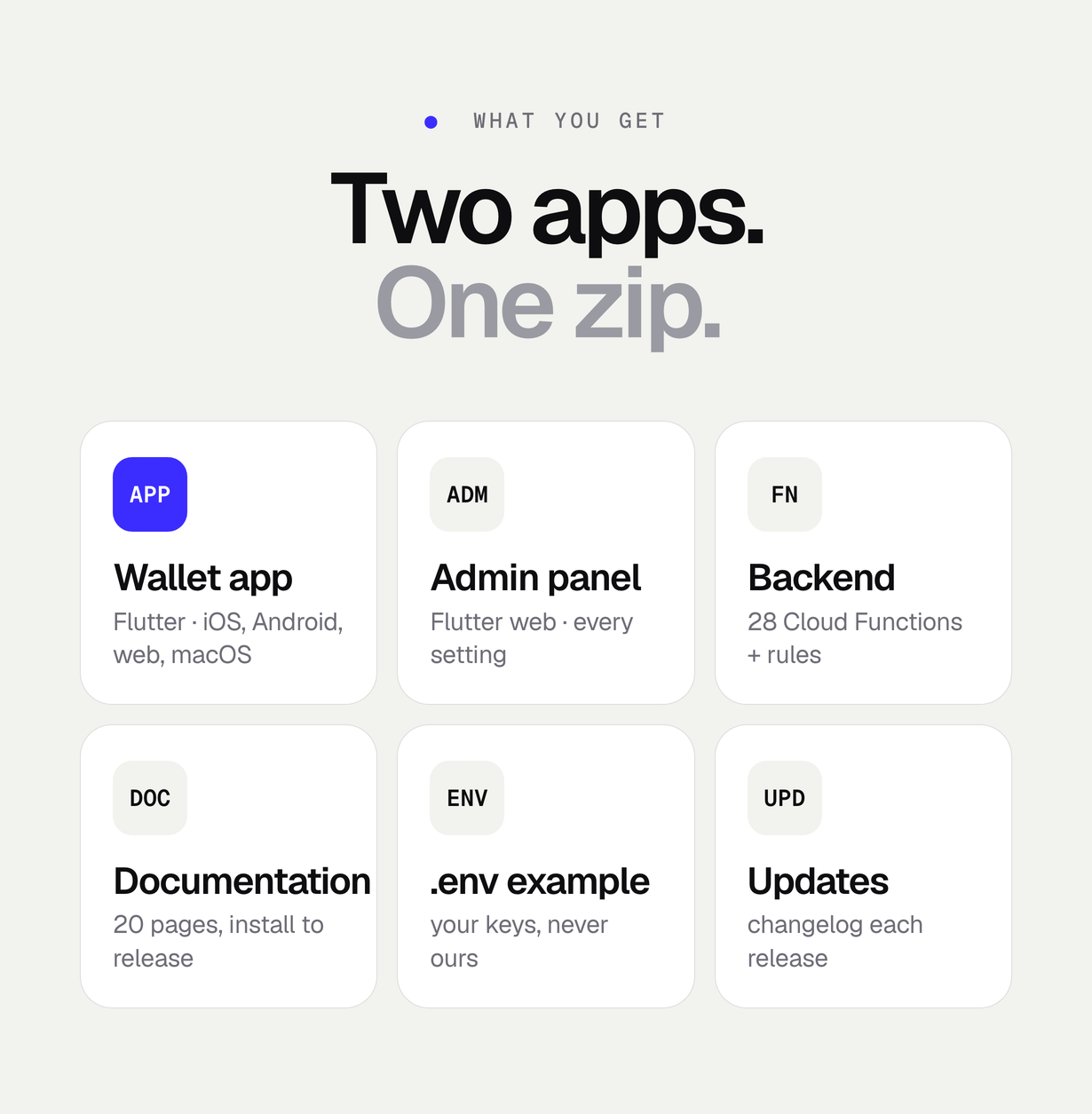
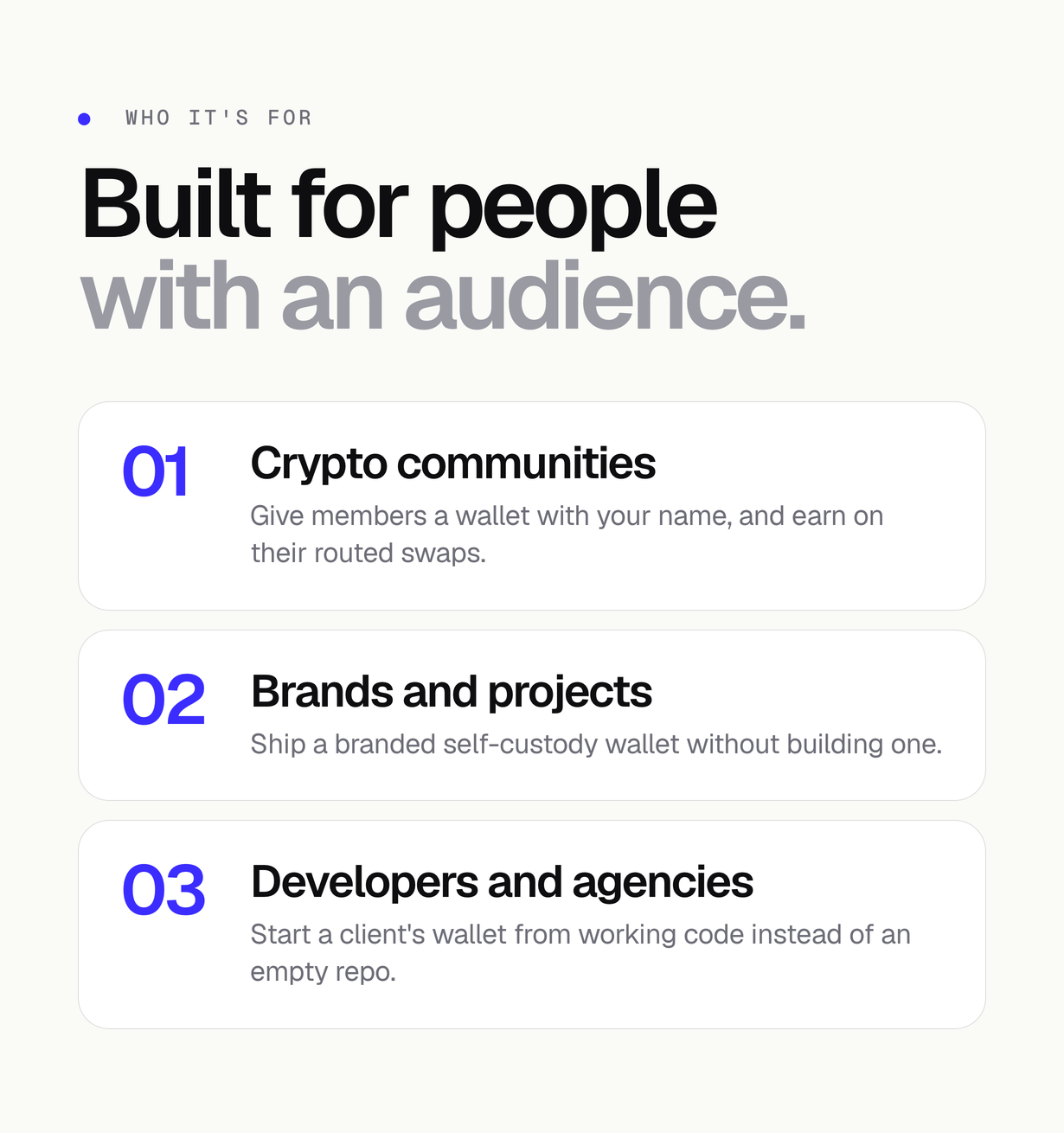
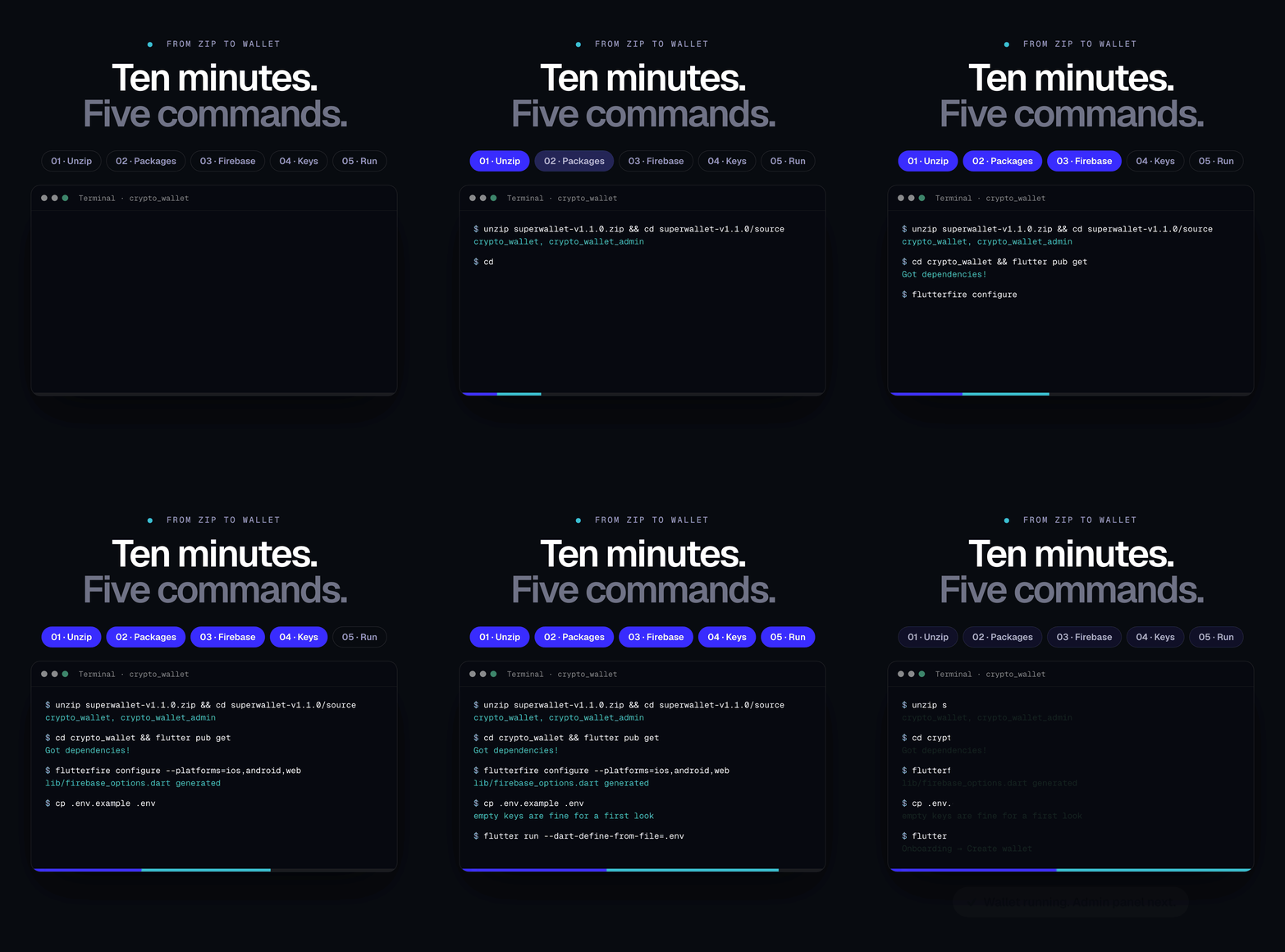
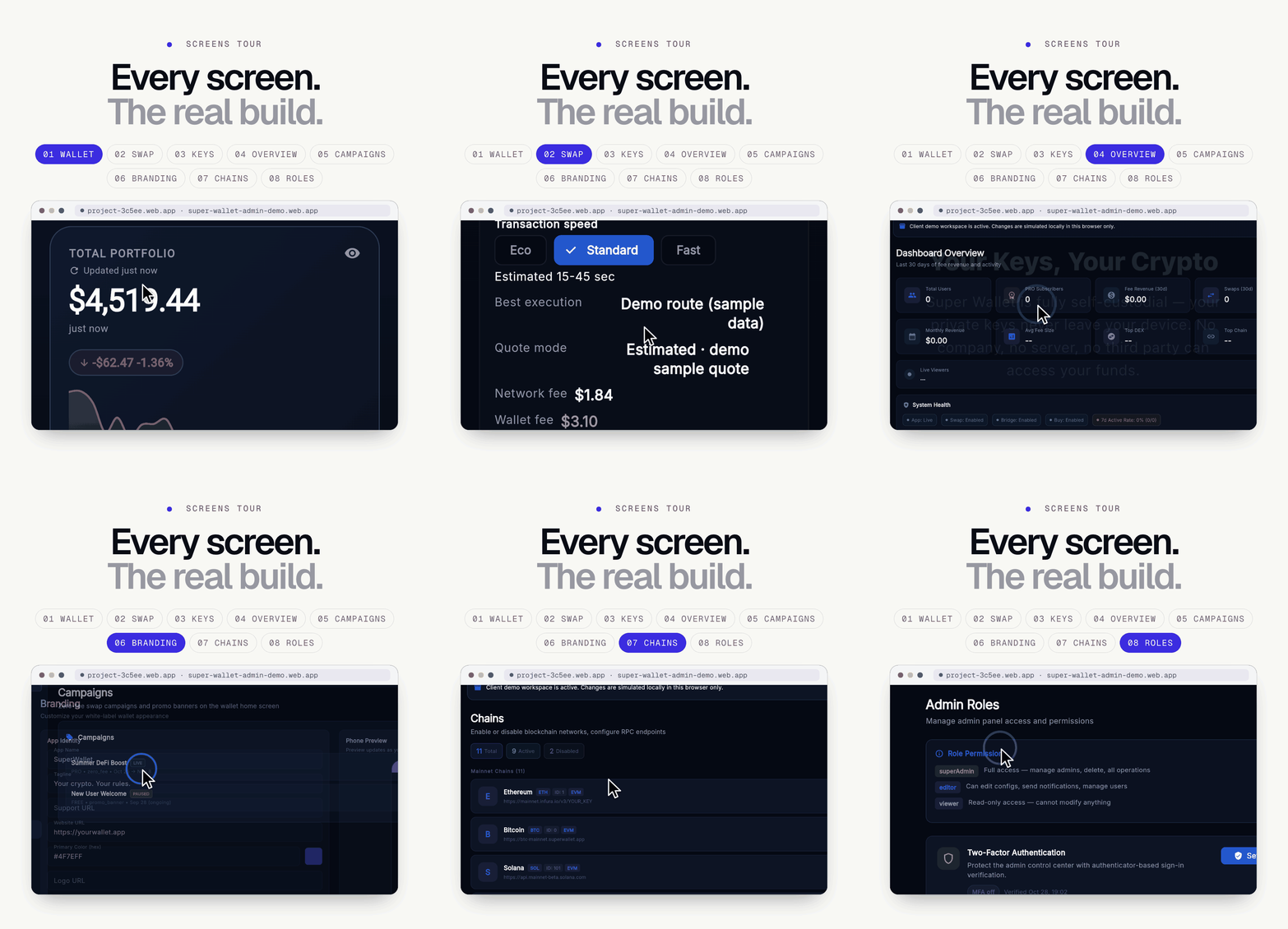
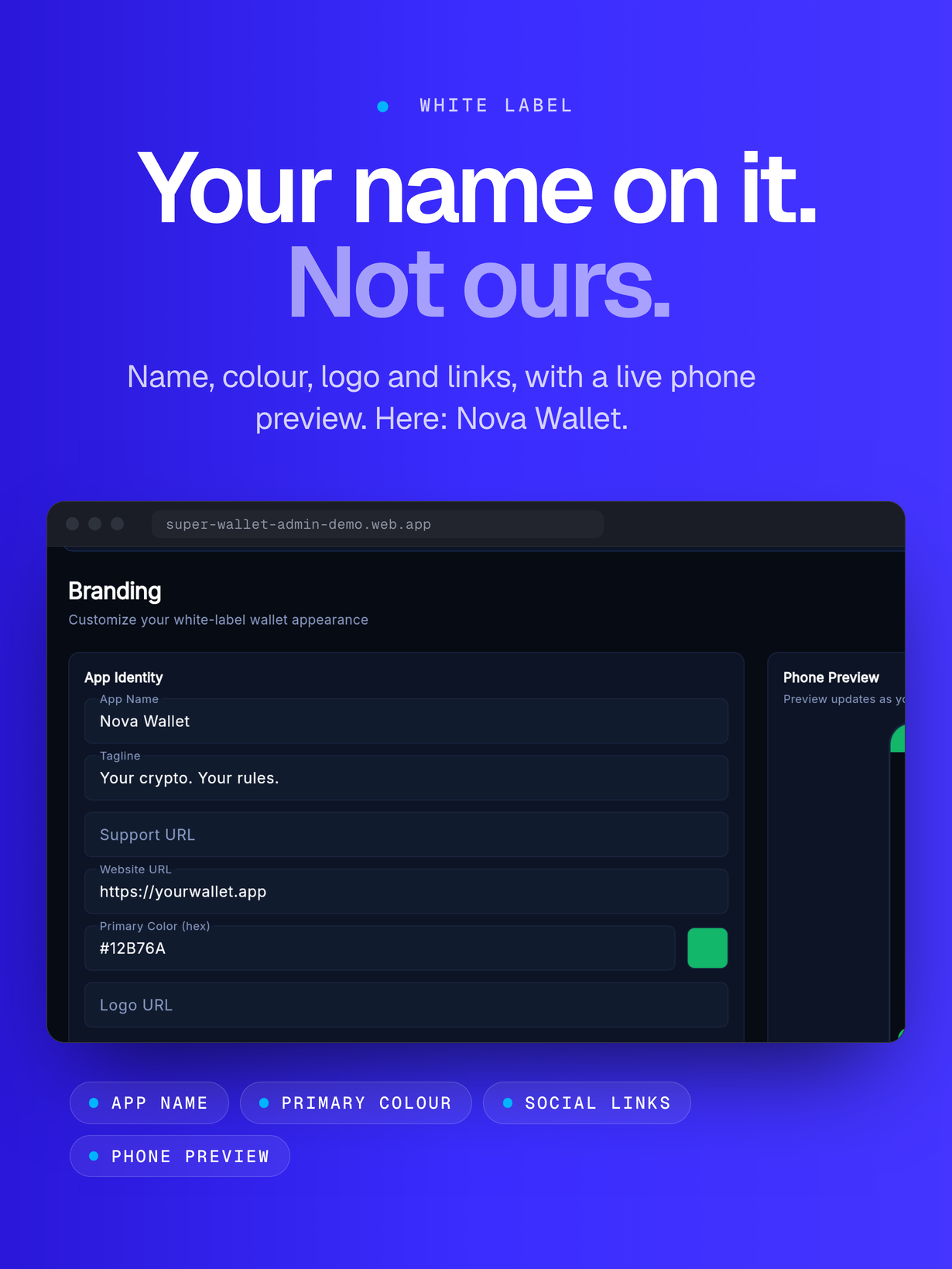
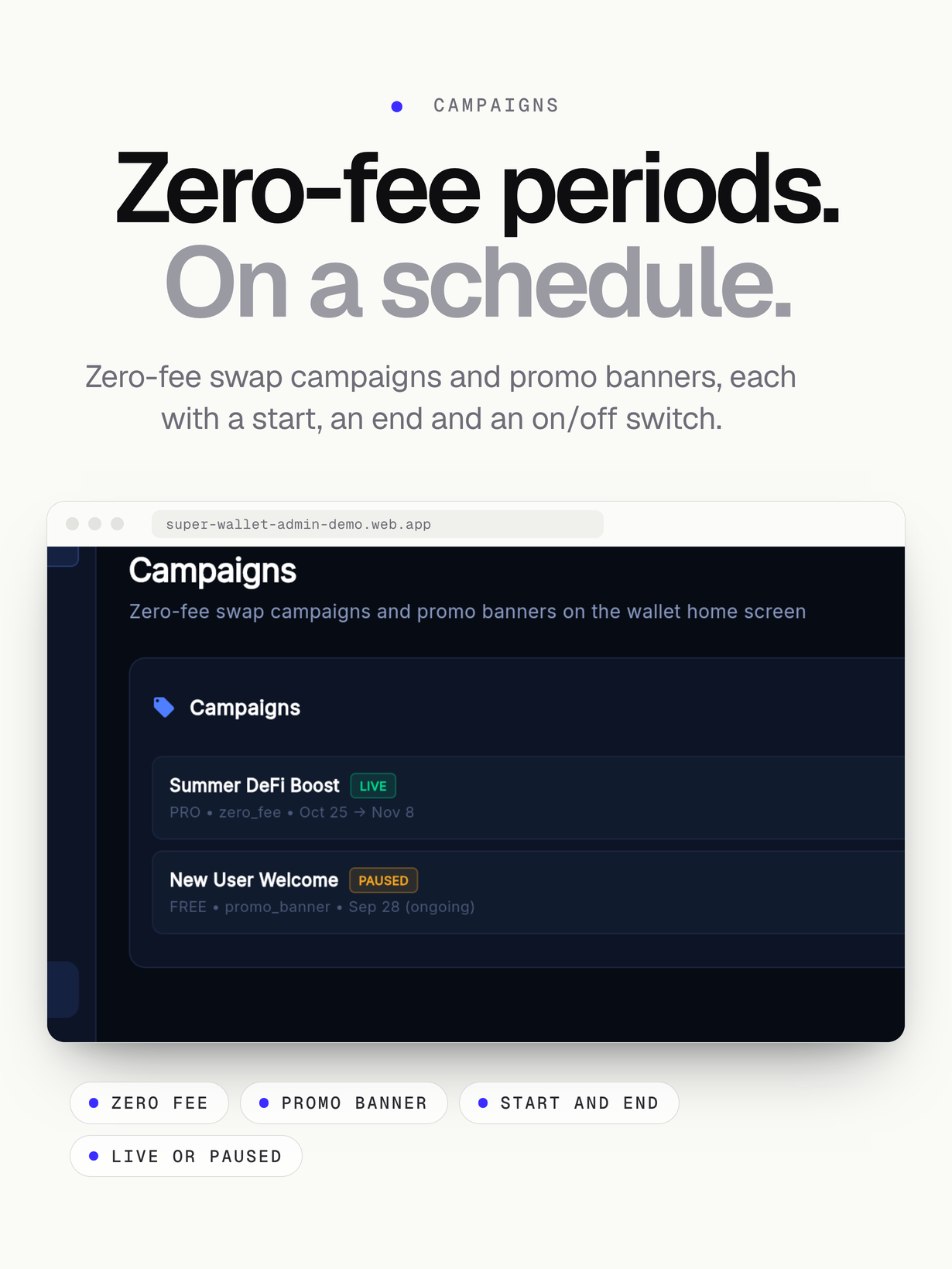
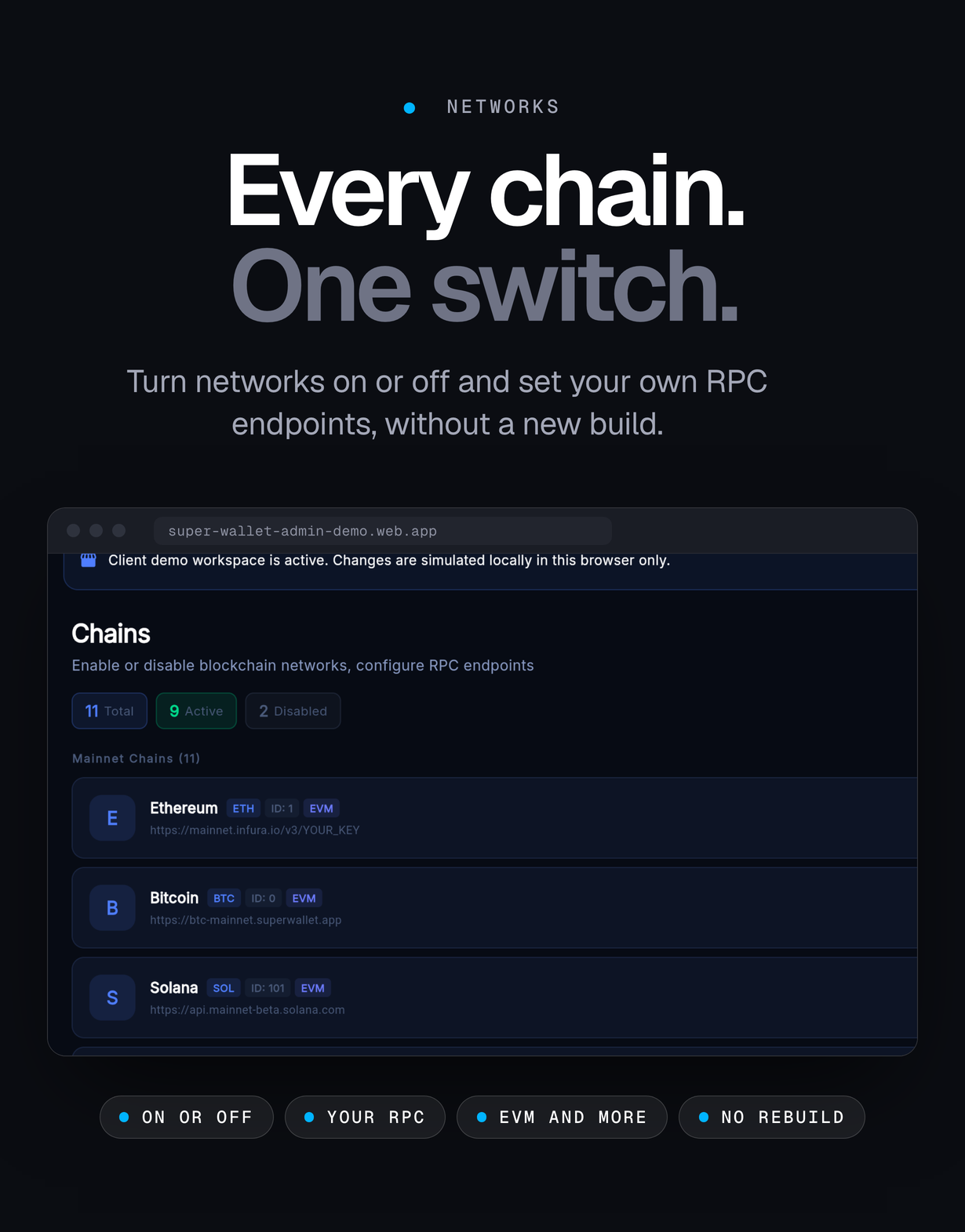
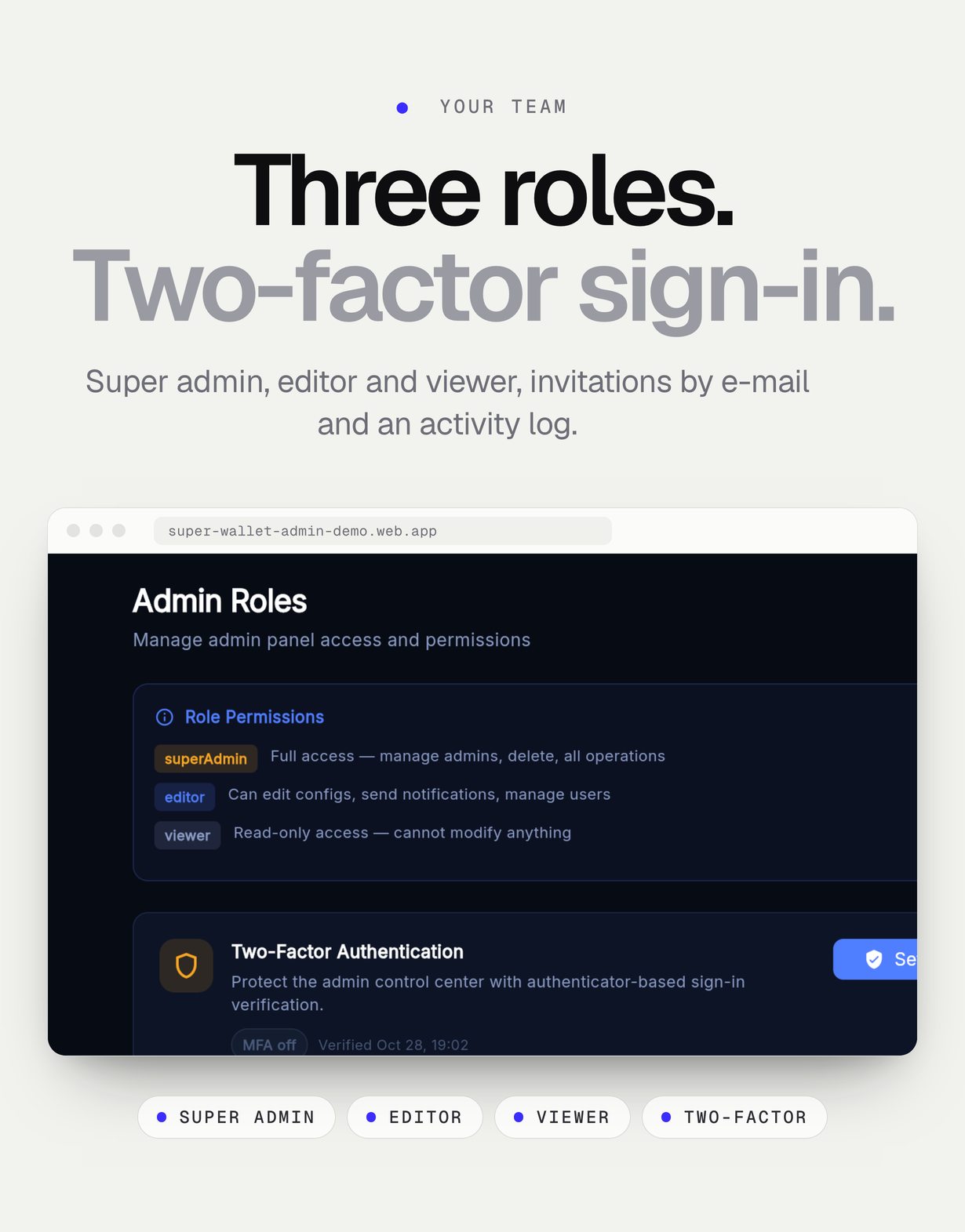
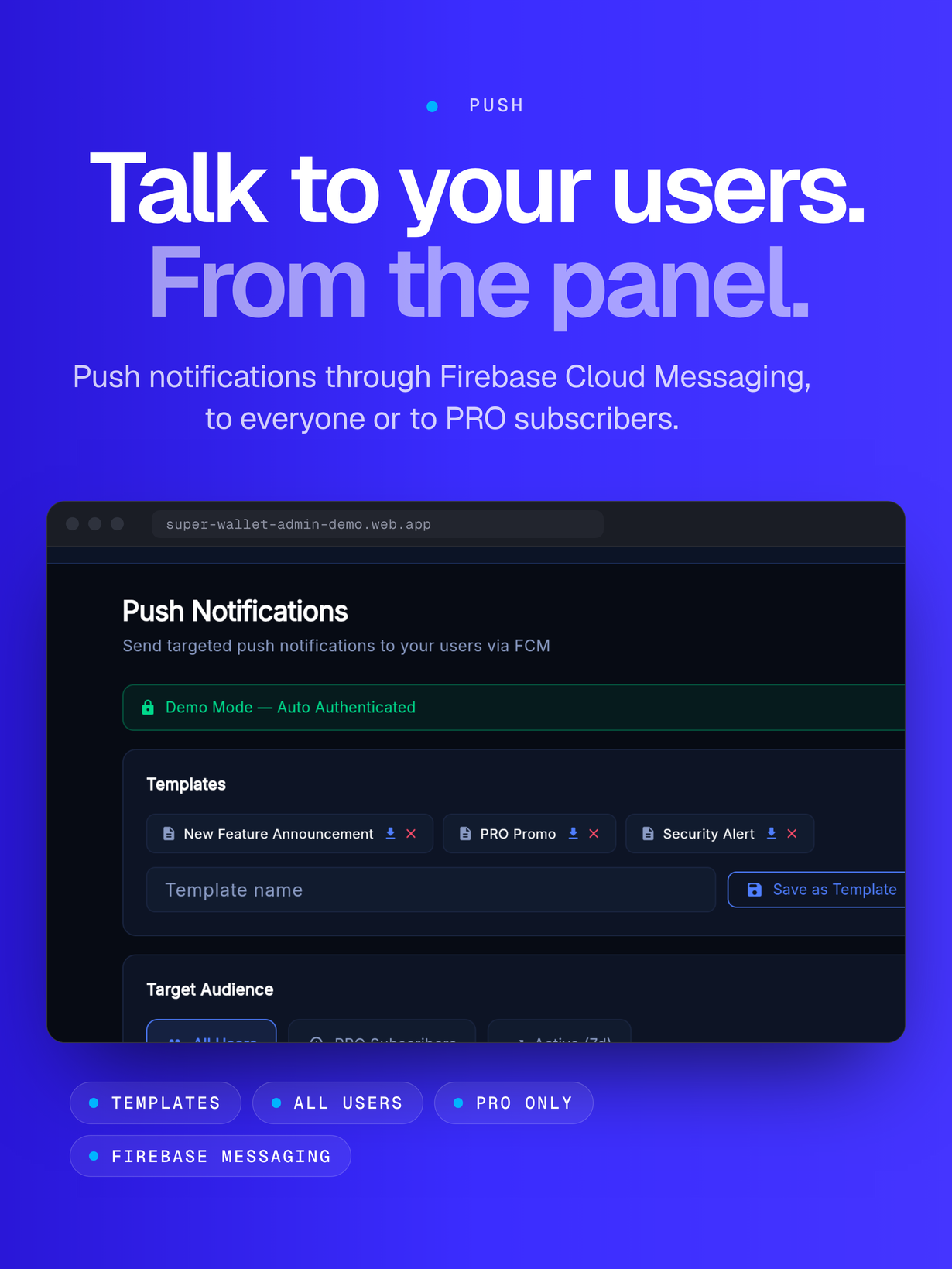
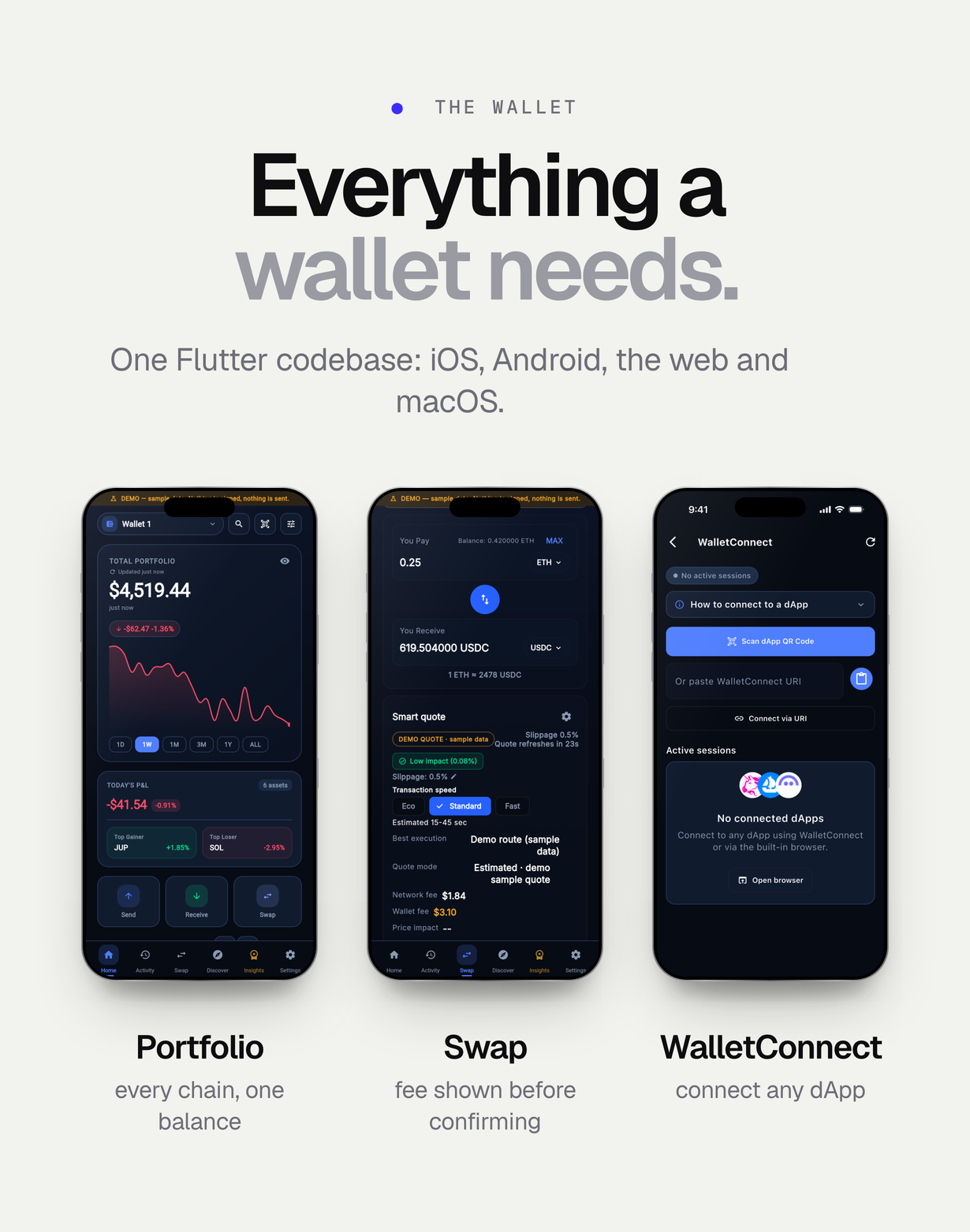
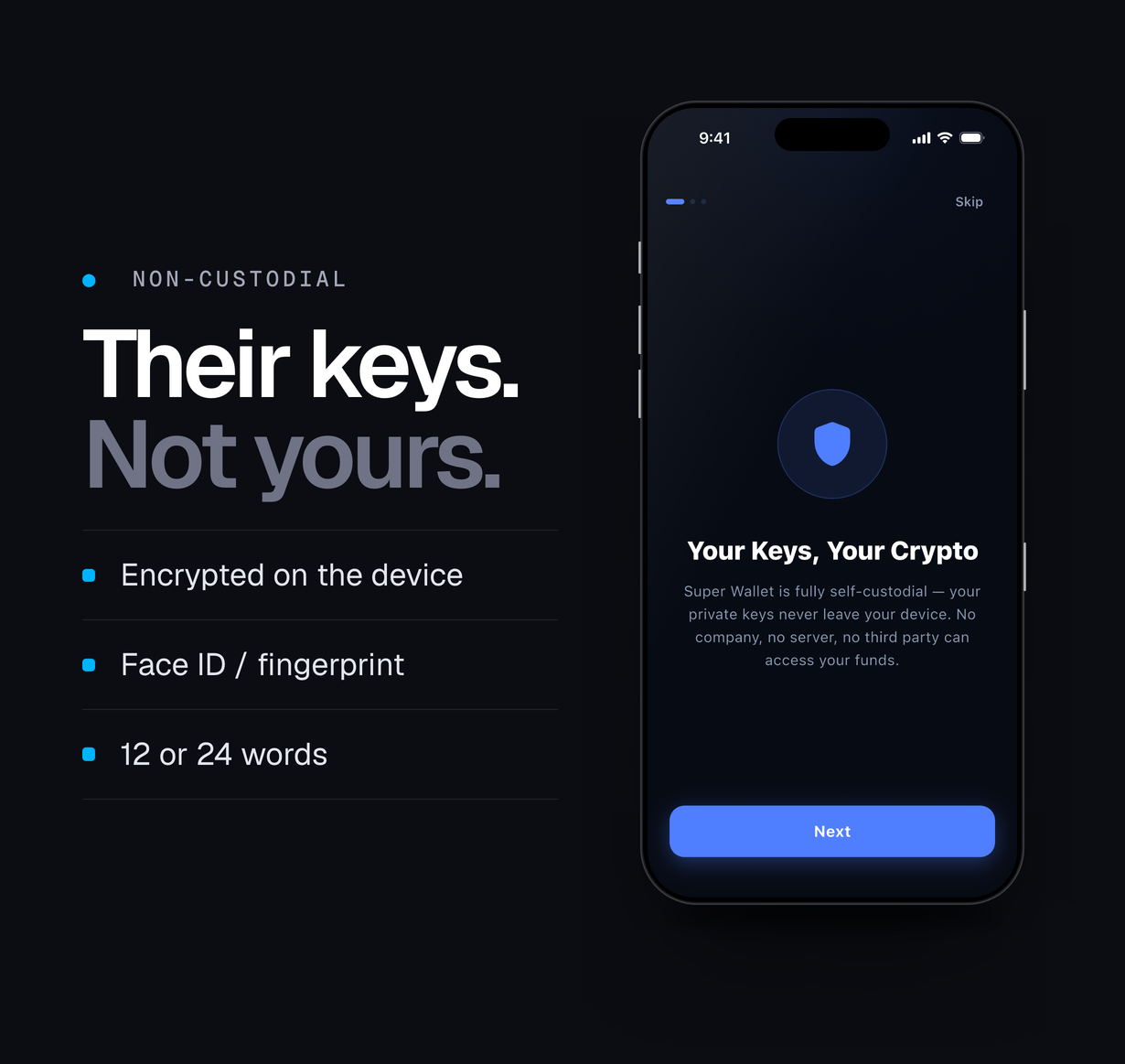
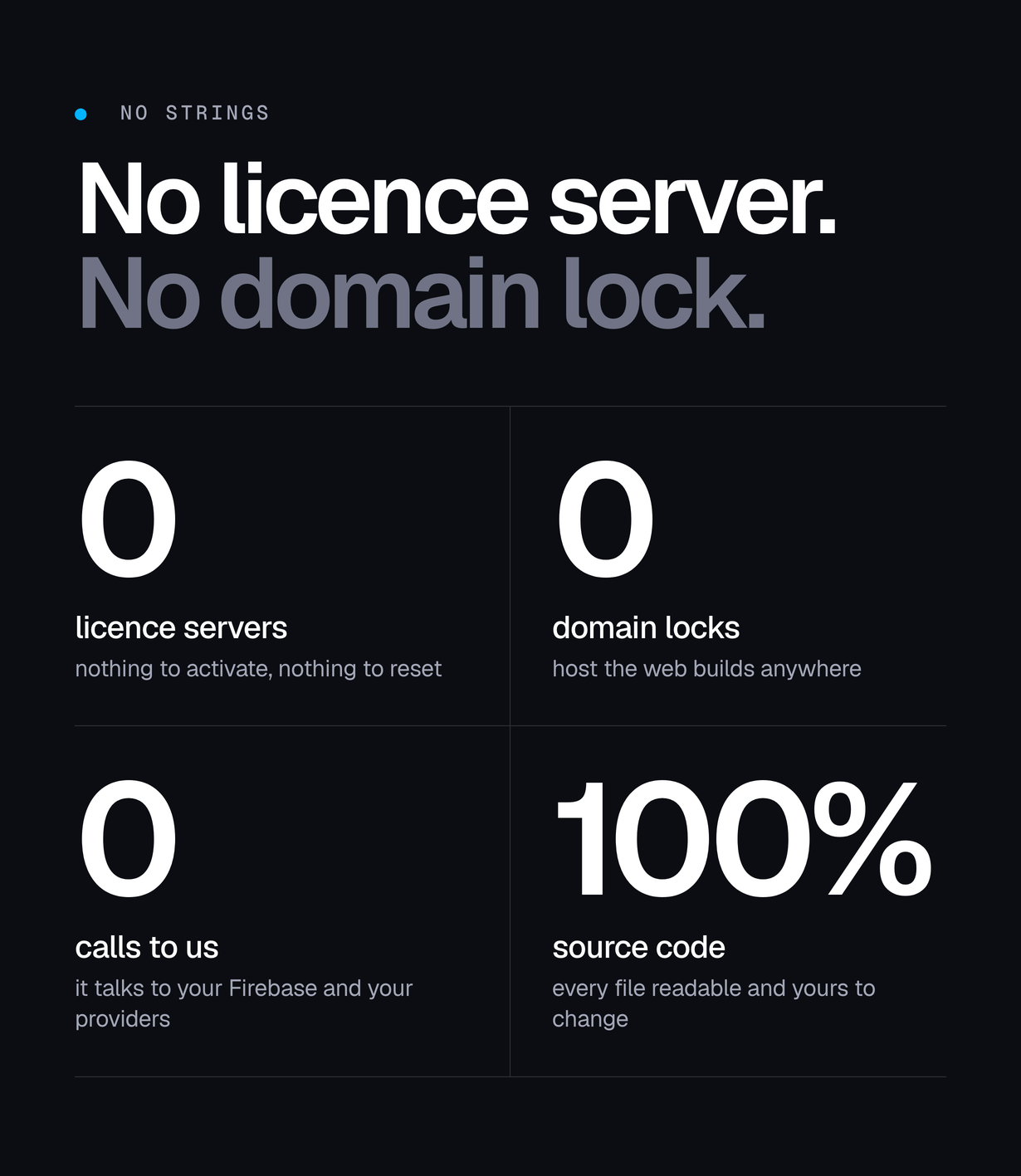

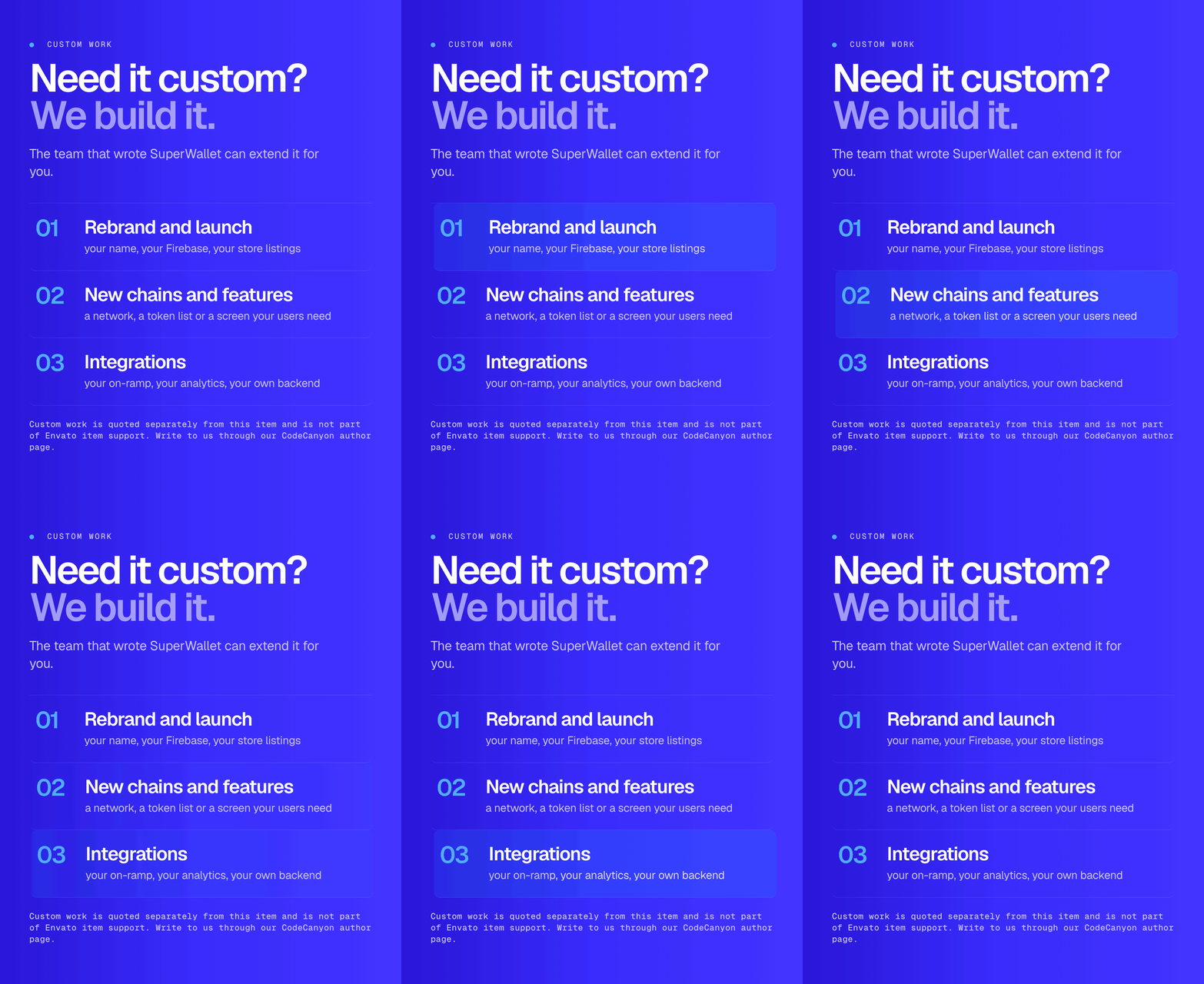
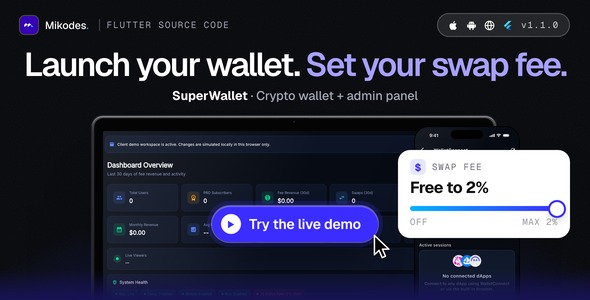
SuperWallet is complete Flutter source code for launching your own non-custodial crypto wallet: a multi-chain wallet app for iOS, Android, the web and macOS, a Flutter web admin panel and a Firebase backend with 28 Cloud Functions. Your users keep their keys on their own devices. You set the brand, the chains, the swap fee (free to 2% on 0x, 1inch and Jupiter quotes) and the PRO price from the admin panel. The fee ships off and the package contains no keys. AI disclosure: AI tools were used to assist with parts of the code, documentation and graphics of this item; the author reviewed and tested all of it.
Live demo
| App | Link | Access |
|---|---|---|
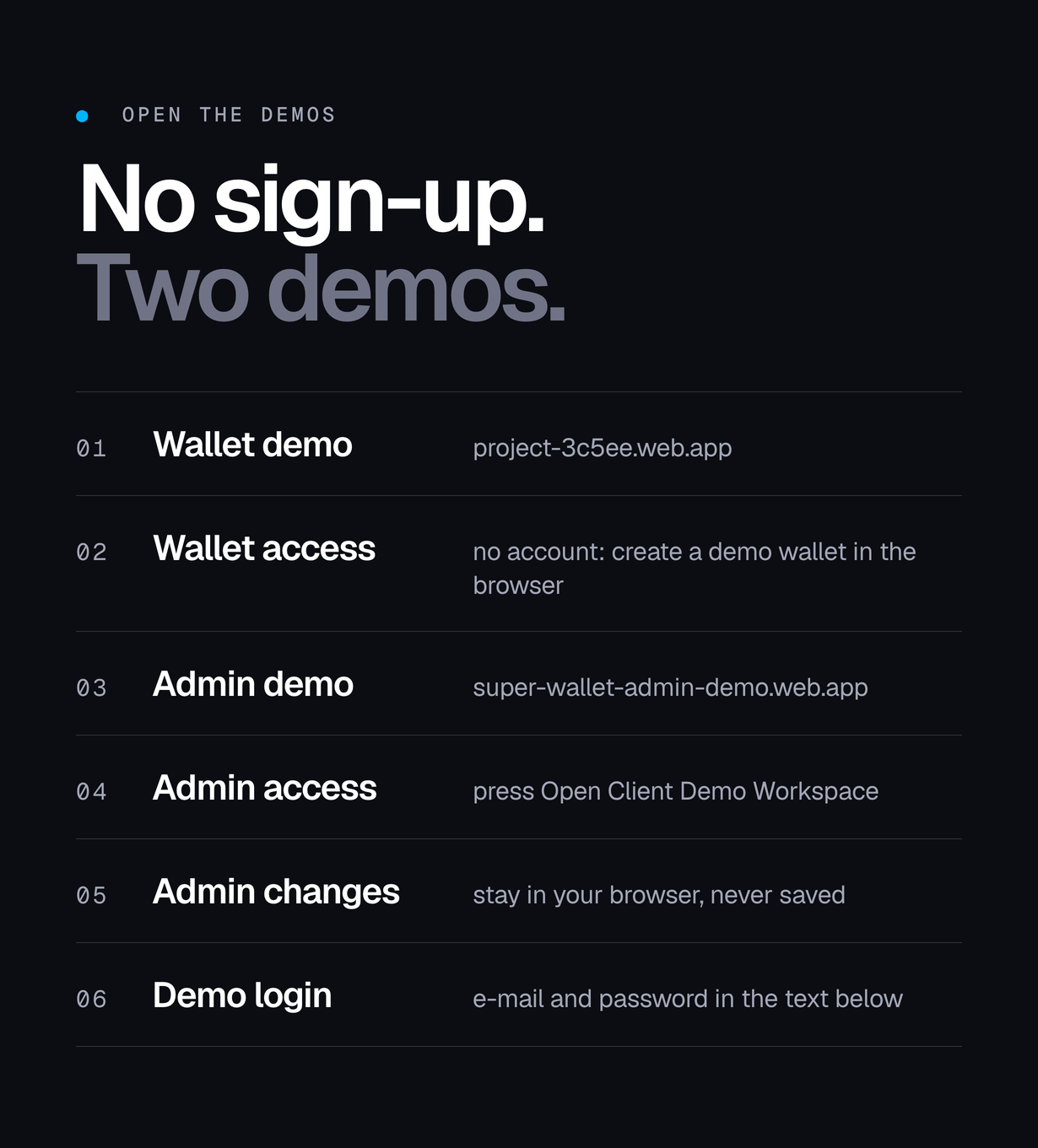
| Wallet app (web build) | project-3c5ee.web.app | Create a demo wallet in the browser |
| Admin panel | super-wallet-admin-demo.web.app | Press “Open Client Demo Workspace” — changes stay in your browser |
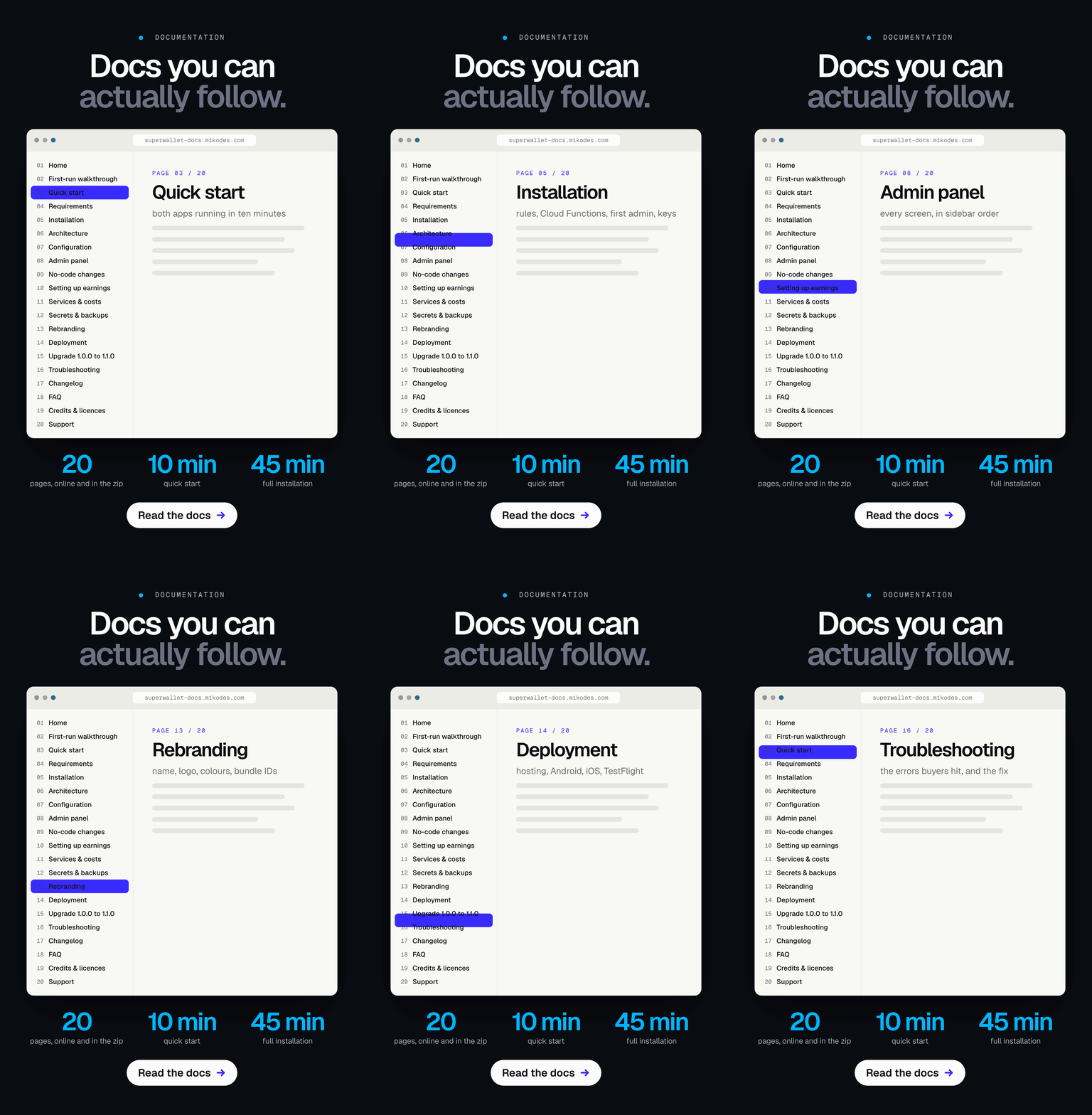
| Documentation | superwallet-docs.mikodes.com | Public, open without signing in |
Demo instructions
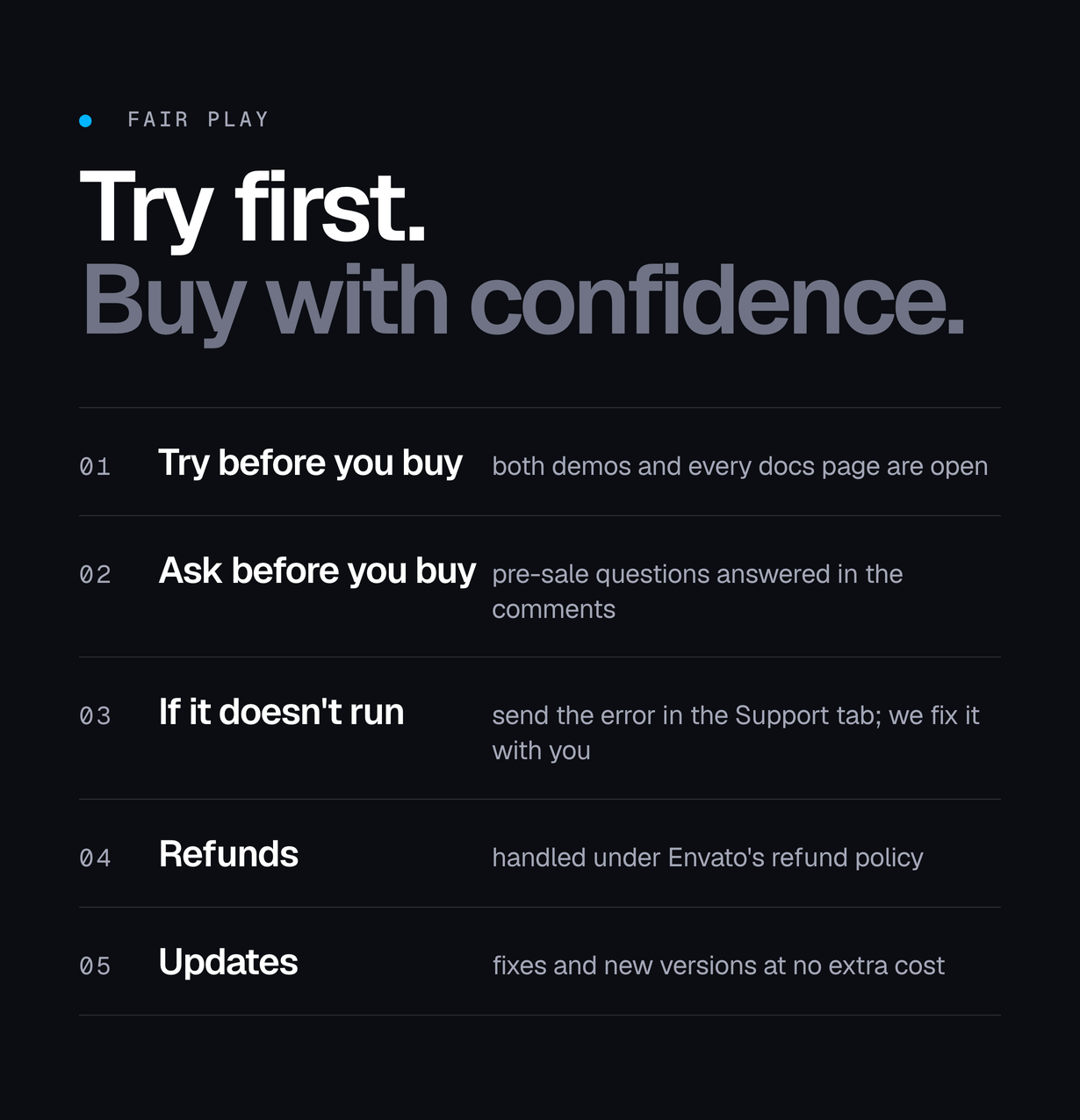
Everything below is open to anyone – nothing to request and nothing to install.
- Wallet demo – e-mail and password: none – the wallet has no accounts. Open project-3c5ee.web.app and create a demo wallet in the browser; it stays in that browser and holds no funds.
- Admin panel – e-mail and password: none needed: open super-wallet-admin-demo.web.app and press ‘Open Client Demo Workspace’. The published demo account demo@superwallet.demo / Wq5JpJI1cYoOWmmF opens the same workspace, which is browser-local and never writes to the database.
- Documentation – sign-in: none. superwallet-docs.mikodes.com is public.
- What the demo cannot show: push notifications, store purchases and the Android and iOS builds. Those need your own Firebase project and your own store accounts.
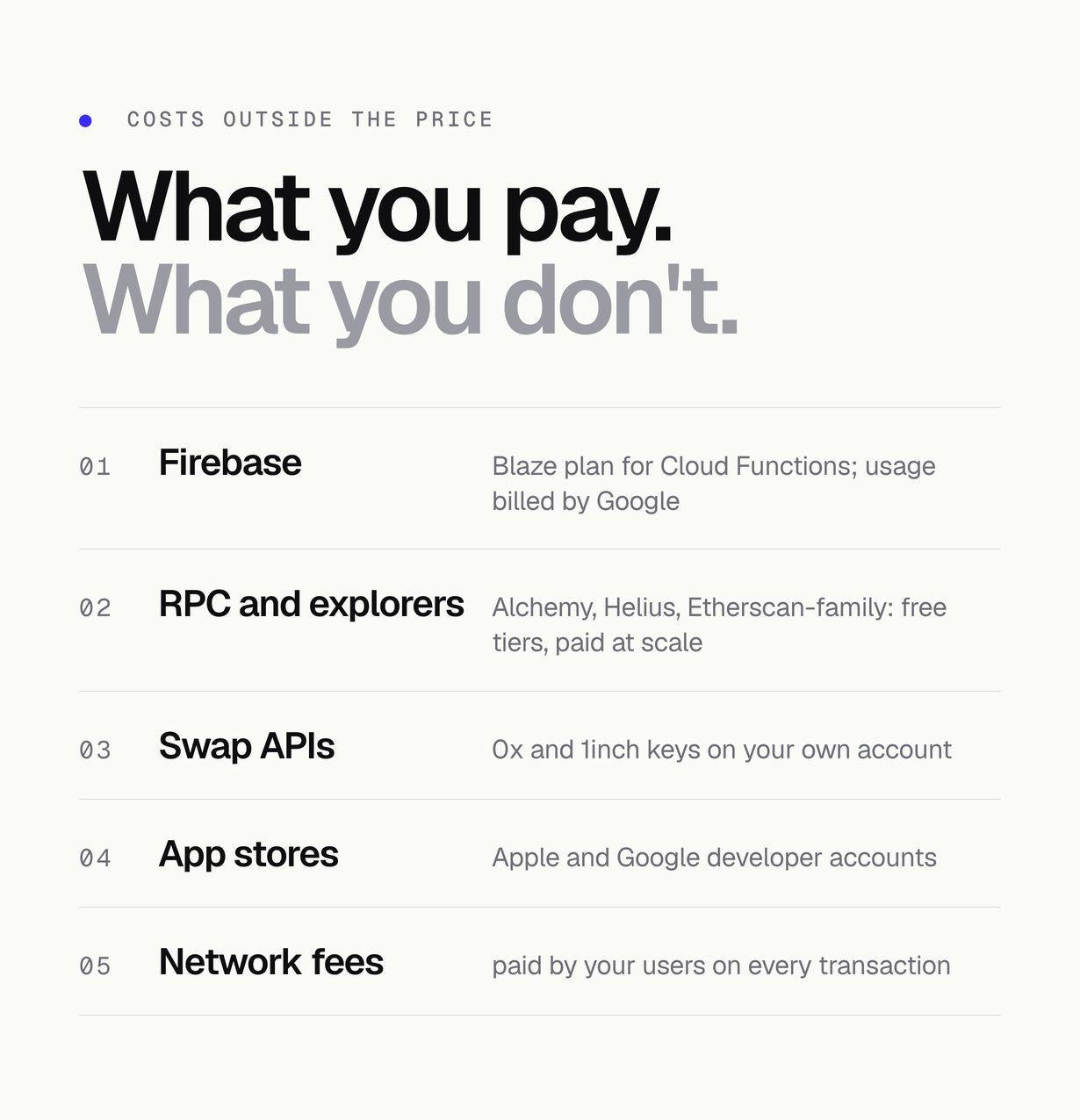
Third-party services and costs (not included in the price)
This item is source code. It runs on external services that you open and pay for on your own accounts; they are billed by their providers and are not included in the item price.
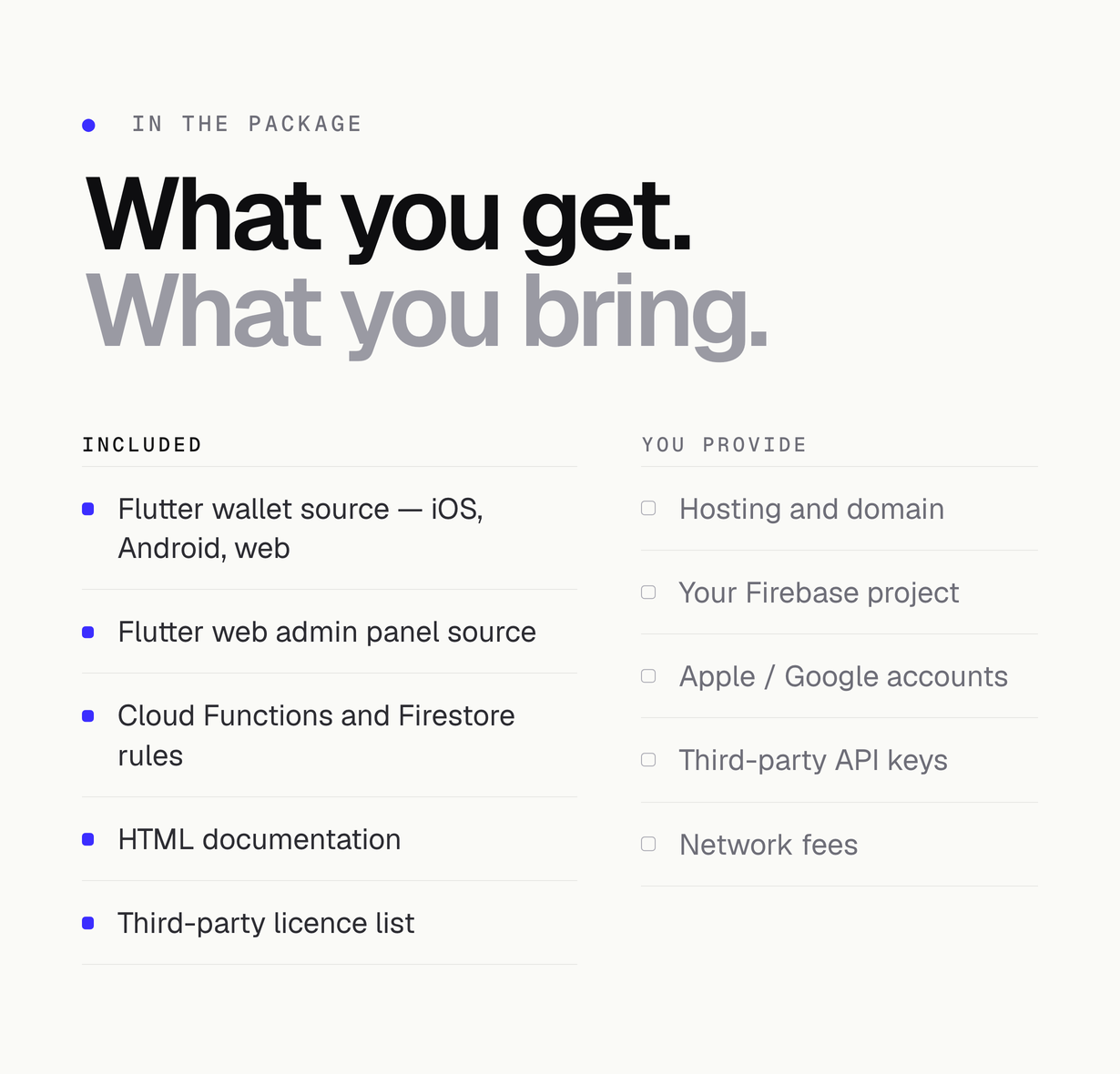
- Firebase (Google): Blaze pay-as-you-go plan required for Cloud Functions – usage paid by you
- Hosting and domain for the web wallet and admin panel – paid by you
- RPC and block-explorer providers: Alchemy (EVM), Helius (Solana) and the Etherscan-family explorer APIs – free tiers have rate limits, production traffic usually needs a paid plan – paid by you
- Market and token data: CoinGecko (a free demo key has rate limits; production use usually needs a paid CoinGecko plan), Birdeye (Solana prices), Moralis and Covalent (balances and history, optional) – provider plans paid by you
- 0x and/or 1inch swap API keys – provider plans paid by you
- Reown (WalletConnect) project ID – free tier, paid plans by Reown
- Transak, MoonPay or Ramp card on-ramp (optional) – partner onboarding; provider fees charged to end users
- Apple Developer Program and Google Play Console – developer fees paid by you; store commission on PRO subscriptions
- Blockchain network fees – paid by end users
Every service above is billed by its own provider, to your own account. Several have free tiers; you are responsible for any usage beyond them, including API costs for 0x, 1inch, Jupiter, Alchemy, CoinGecko, Reown and Firebase. Check each provider’s current pricing before you launch. None of it is included in the price of this item.
Features
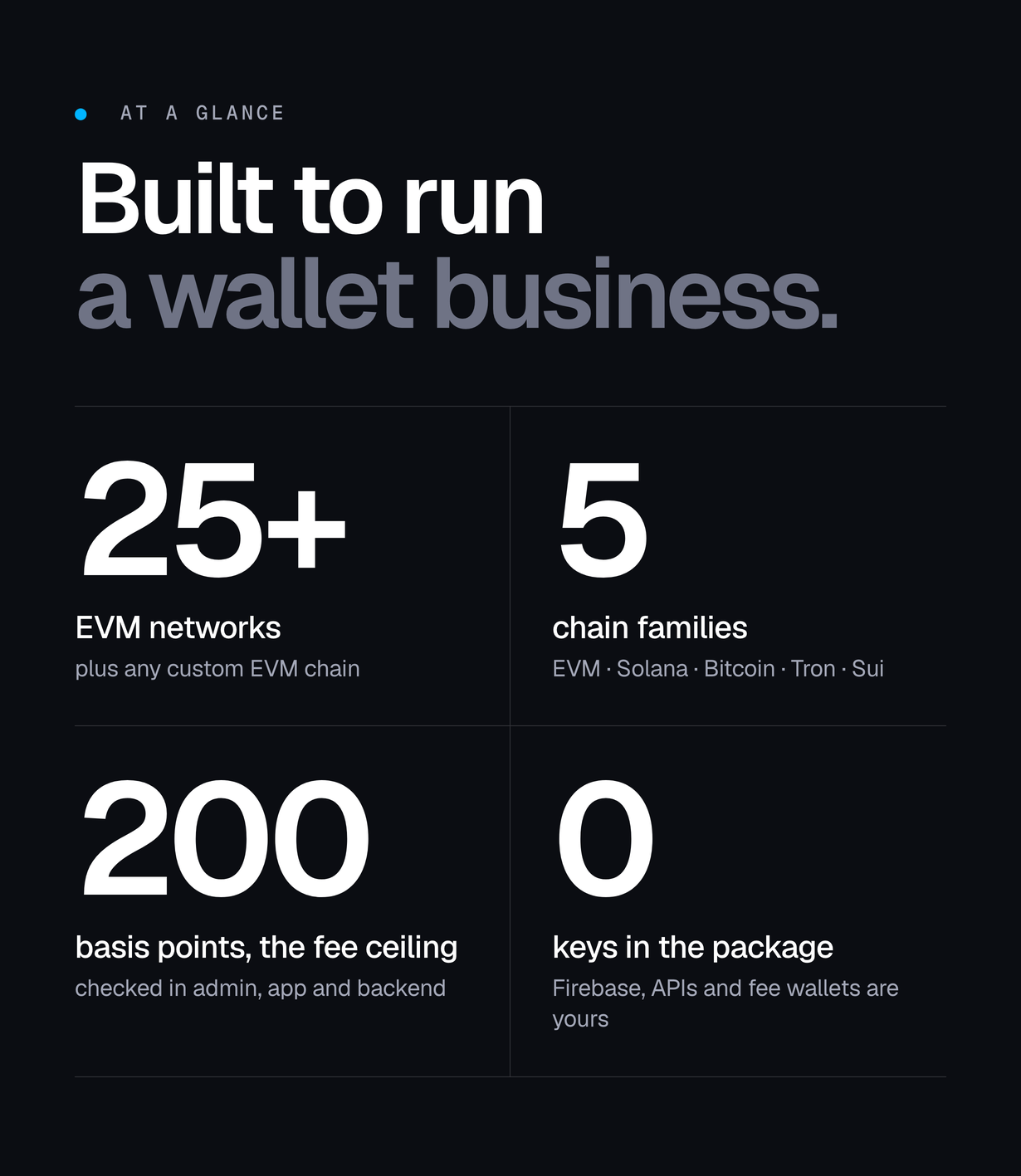
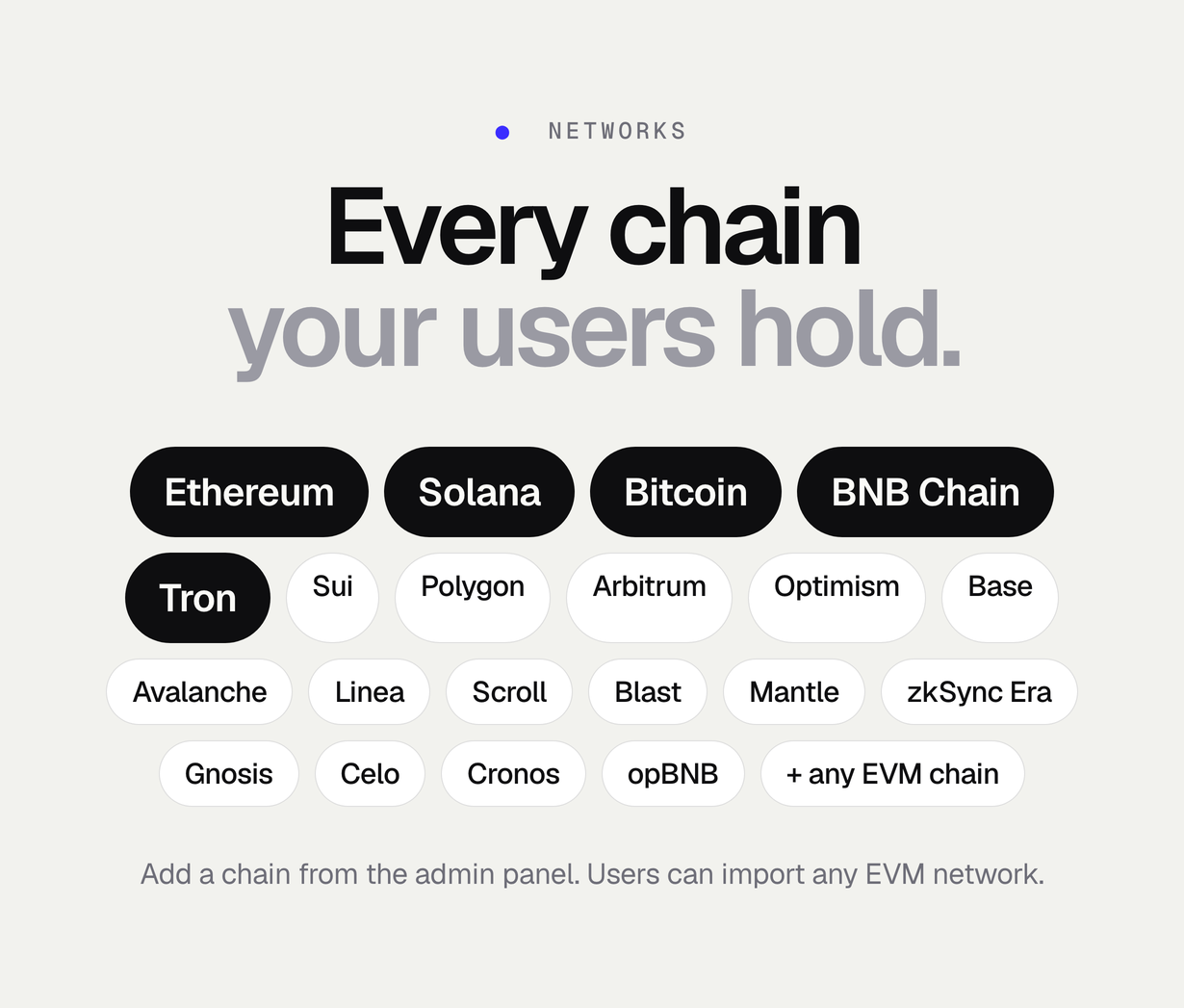
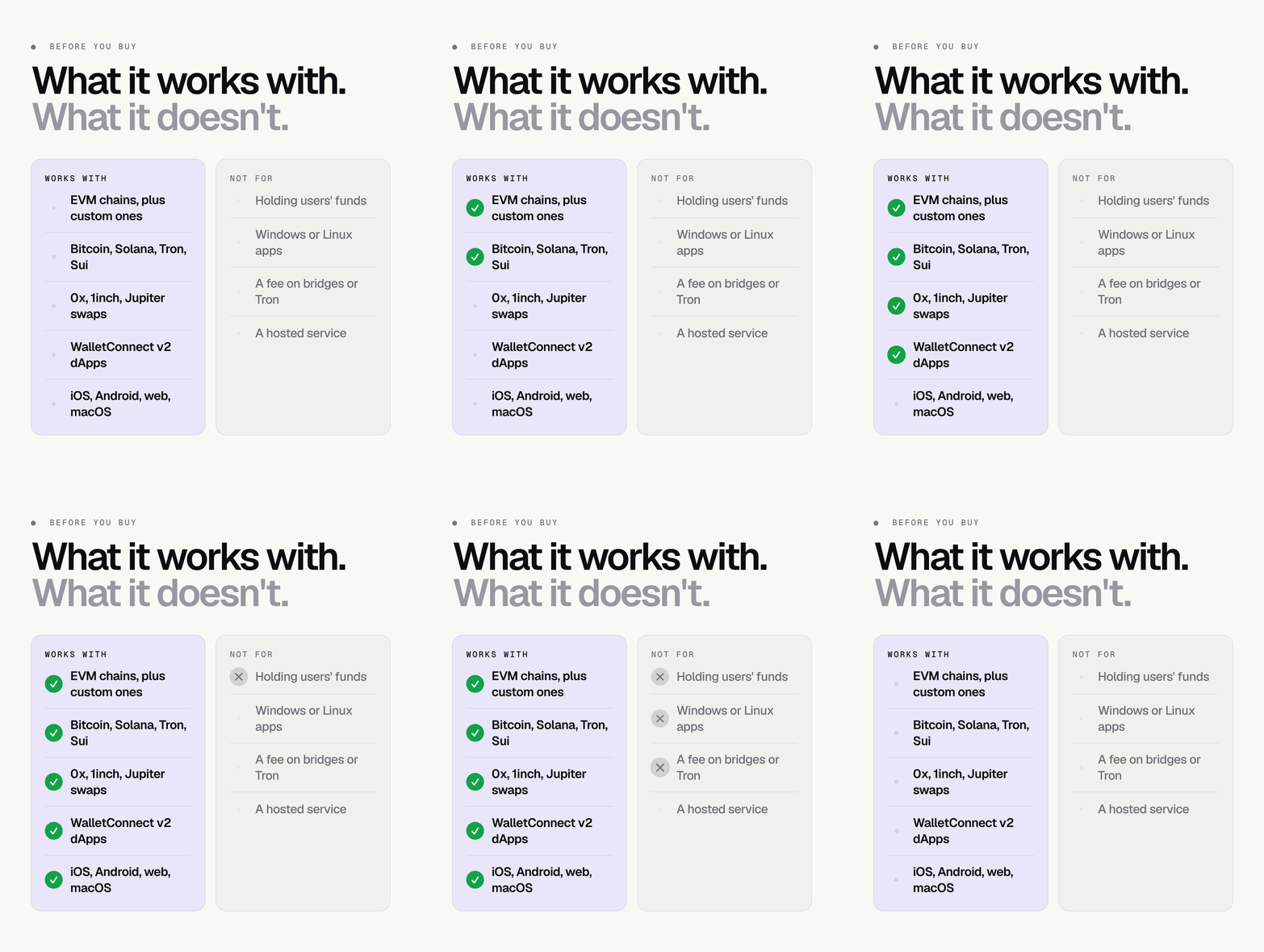
- Non-custodial multi-chain wallet: 25+ EVM networks plus Bitcoin, Solana, Tron and Sui; seed phrases and keys are created and encrypted on the device and never sent anywhere
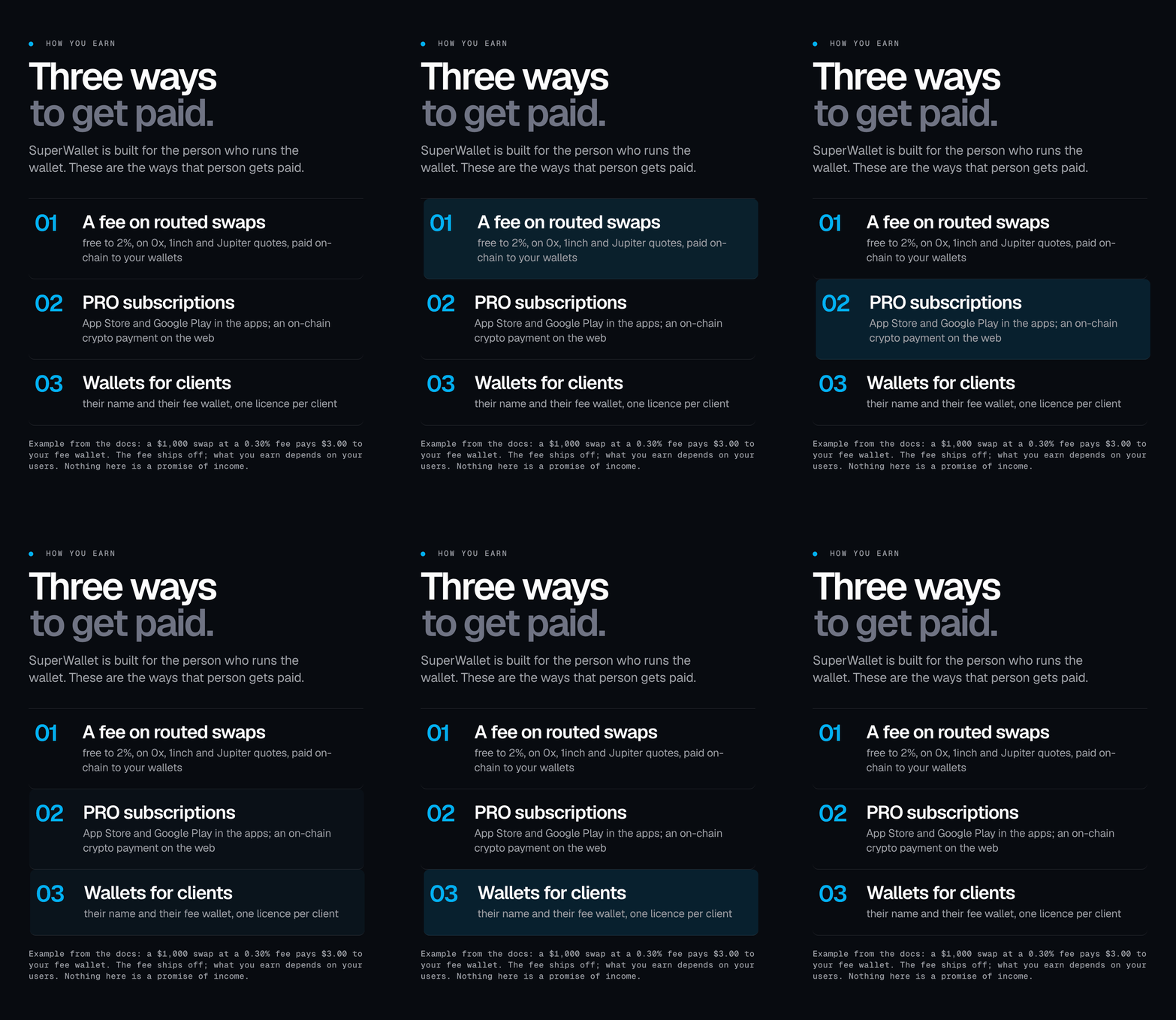
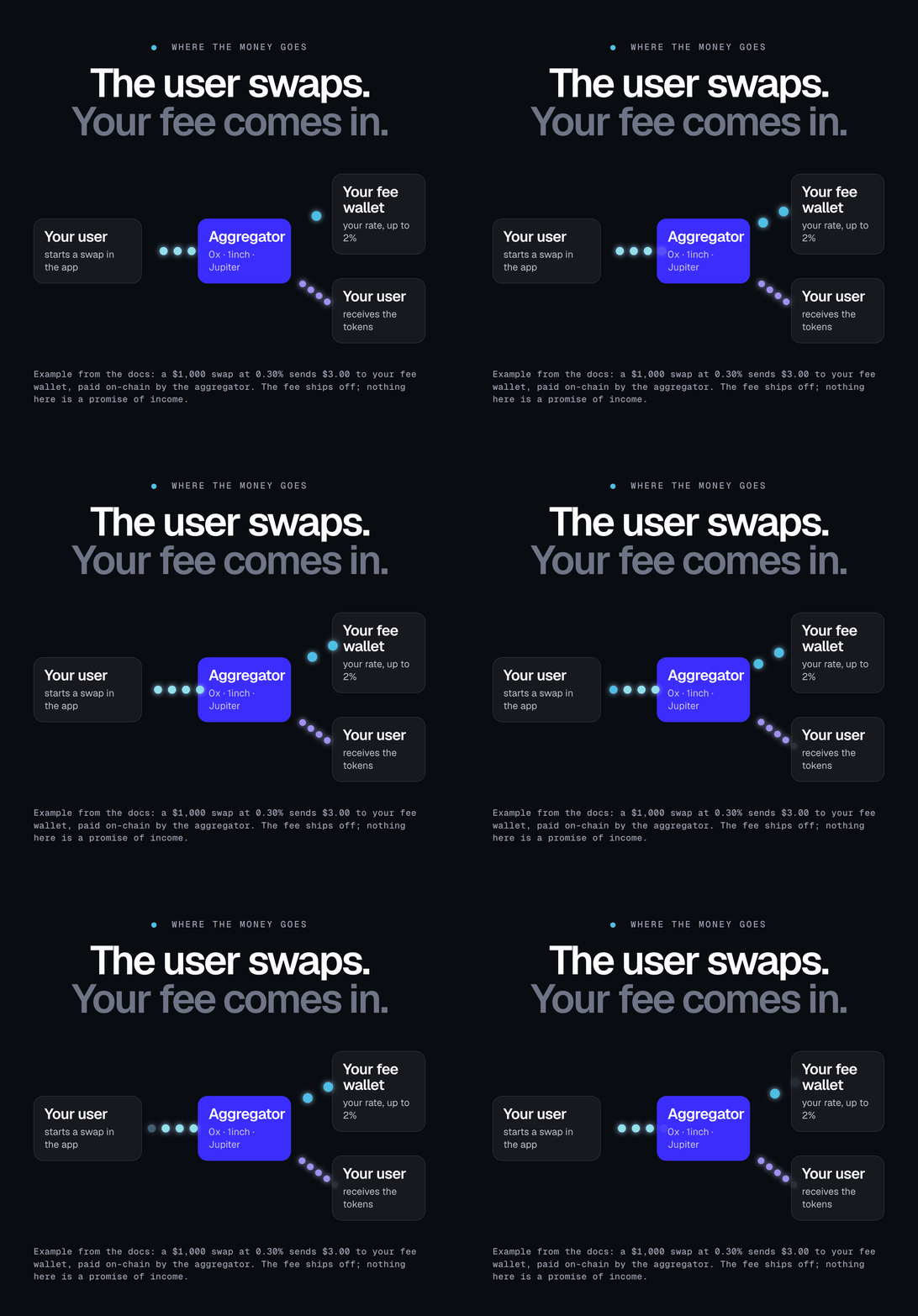
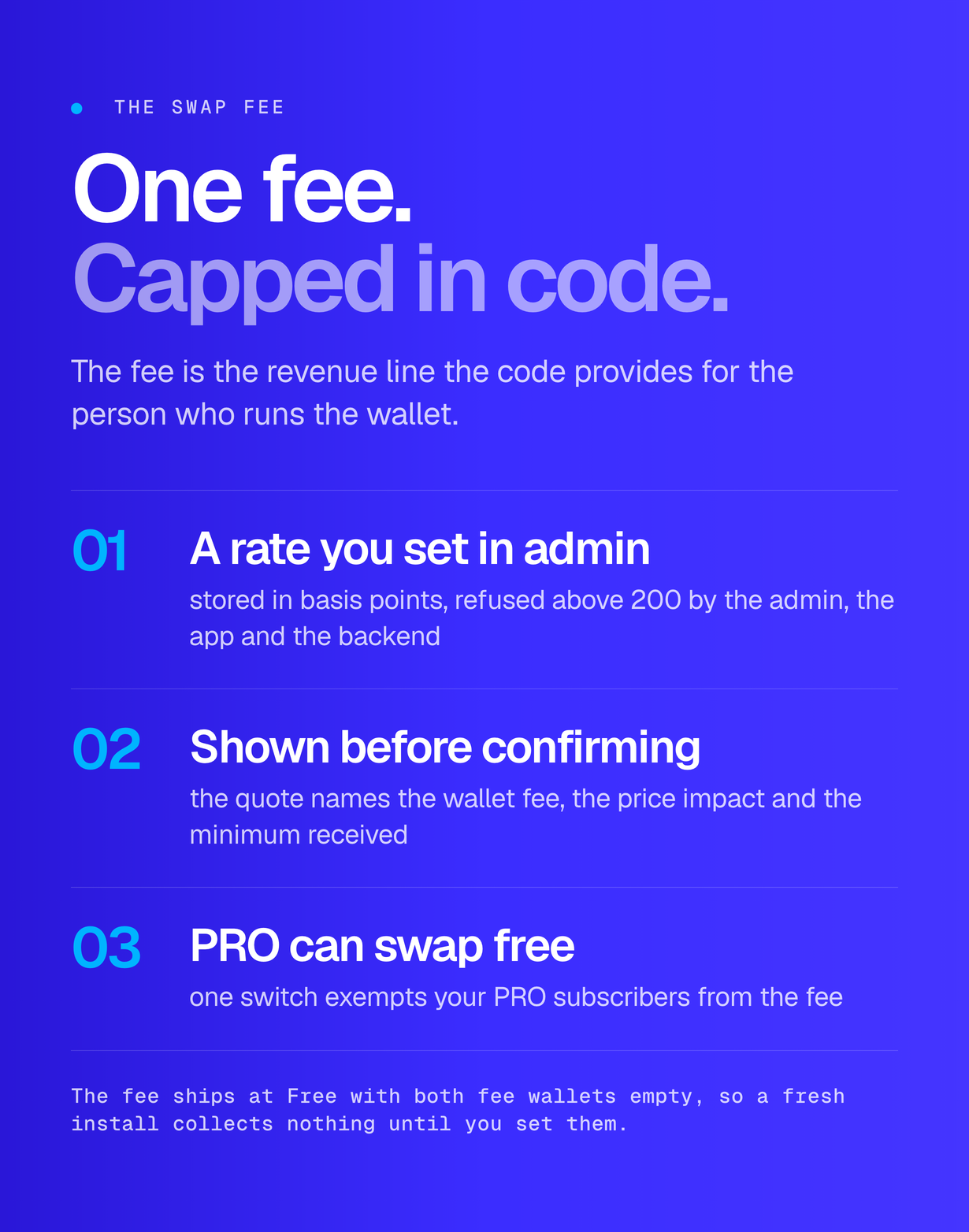
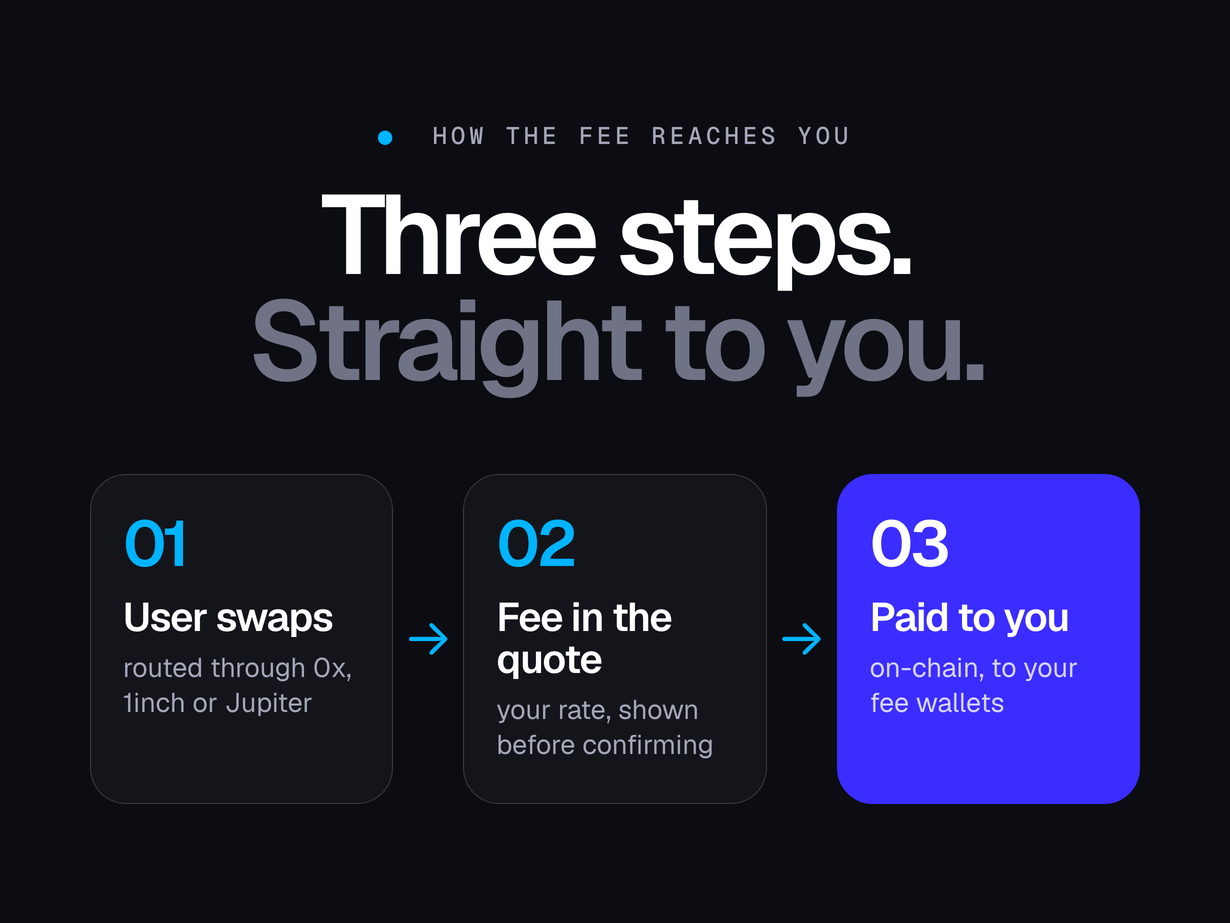
- Swaps through 0x and 1inch (EVM) and Jupiter (Solana) with an operator fee from free to 2% (200 bps cap in the admin, the app and the backend), shown in the quote before the user confirms and paid on-chain to your own fee wallets
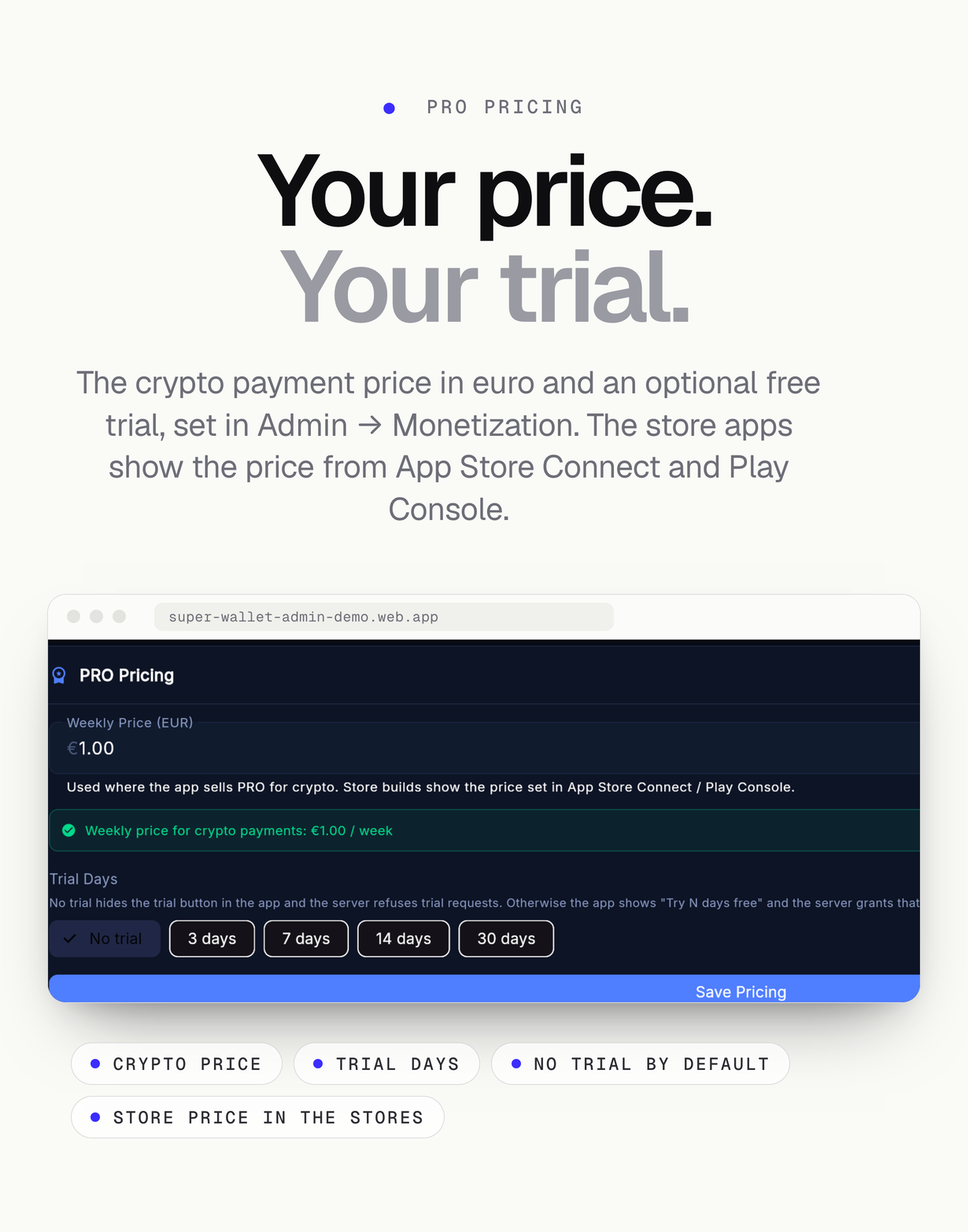
- PRO subscription through App Store and Google Play in the store apps, and an on-chain crypto payment verified by a Cloud Function in the web build and self-distributed macOS builds; weekly price and optional free trial set in the admin
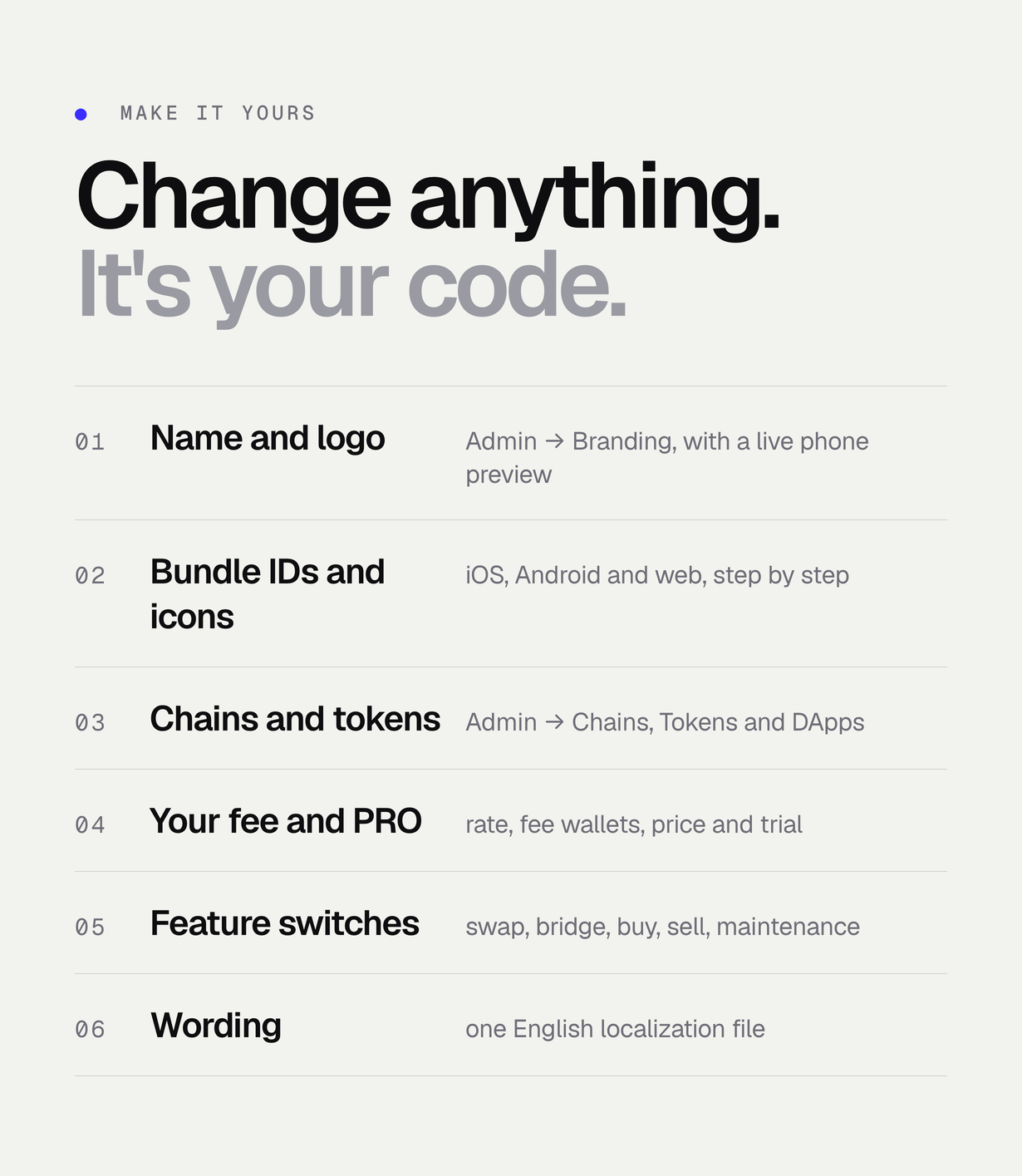
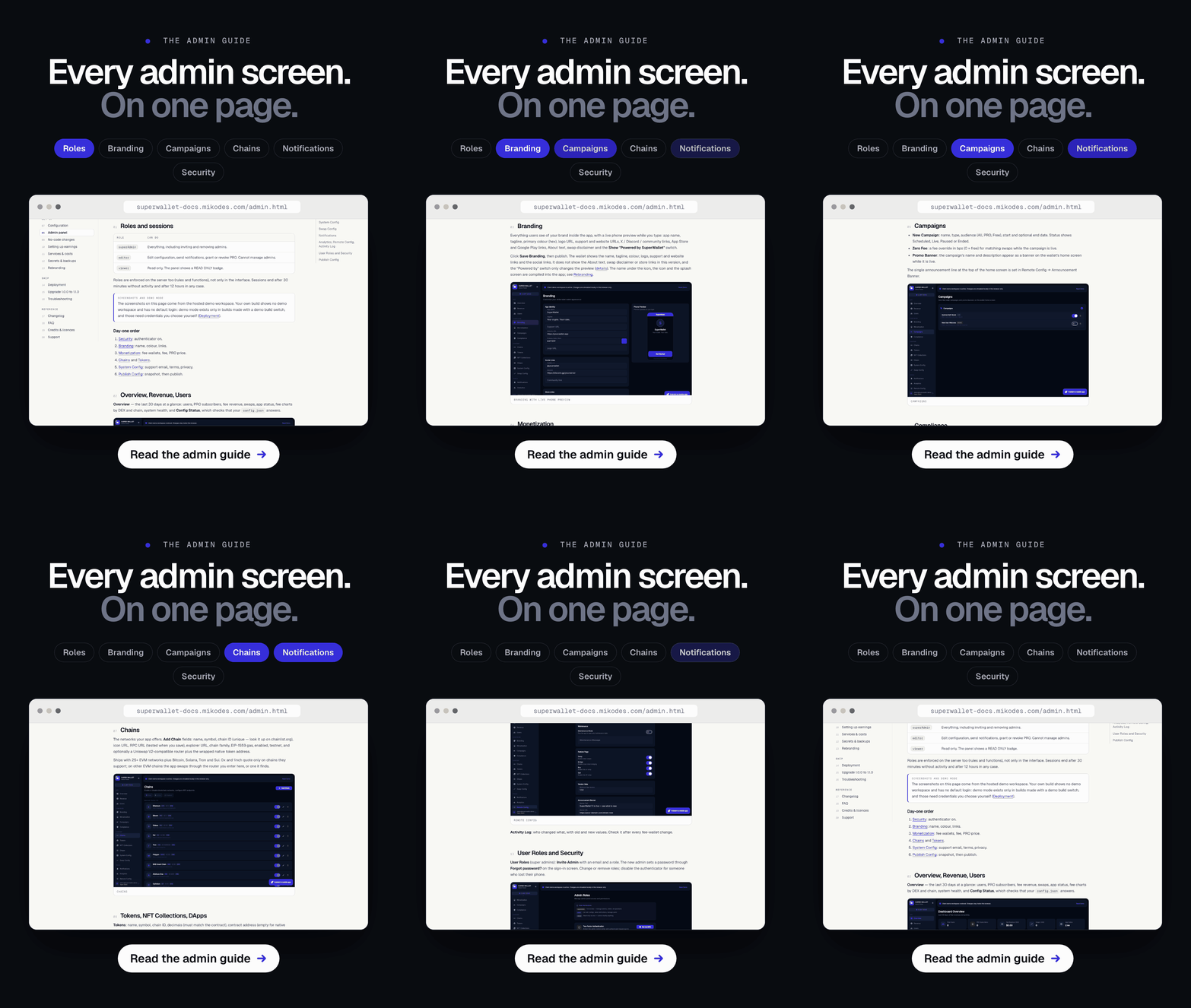
- Flutter web admin panel: overview, revenue, users, branding with a live phone preview, monetization, zero-fee and promo-banner campaigns, compliance, chains, tokens, NFT collections, dApps, system and swap config, push notifications, analytics, remote config, activity log, roles with two-factor sign-in, security and publish config
- WalletConnect v2 (Reown), a dApp browser and a Discover screen
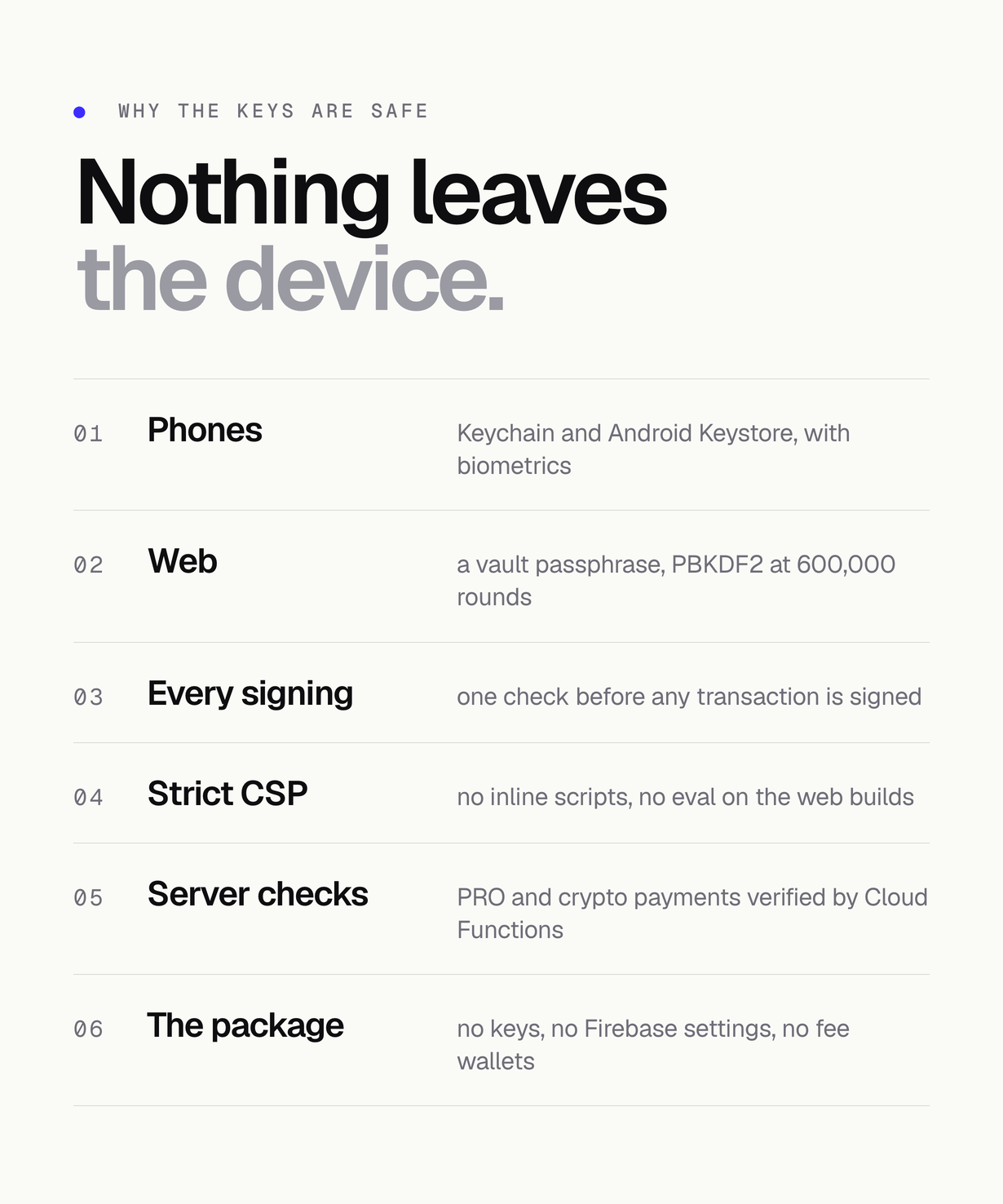
- Web wallet protected by a vault passphrase (PBKDF2-HMAC-SHA256, 600,000 iterations, AES-256-GCM); revealing the phrase and every signing ask for it again; strict Content-Security-Policy
- Authentication before every transaction: one check in front of every send, swap, NFT transfer, WalletConnect transaction, speed-up and cancel on all chains (vault passphrase on the web; device authentication on iOS and Android from $50, for unpriced transfers, or always when the user turns it on)
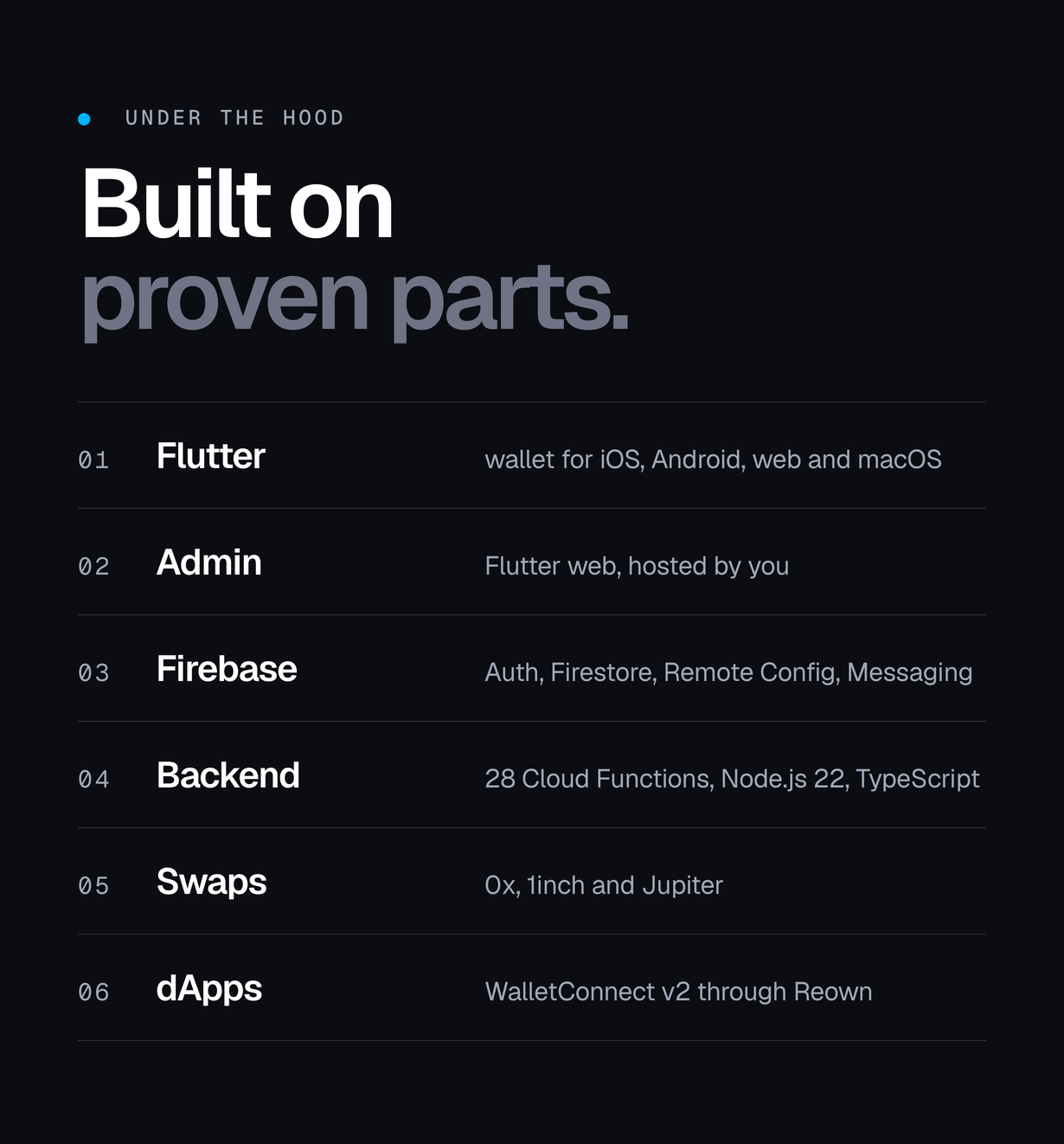
- Firebase backend: Authentication, Firestore rules, Remote Config template, Cloud Messaging and 28 Cloud Functions in TypeScript on Node.js 22
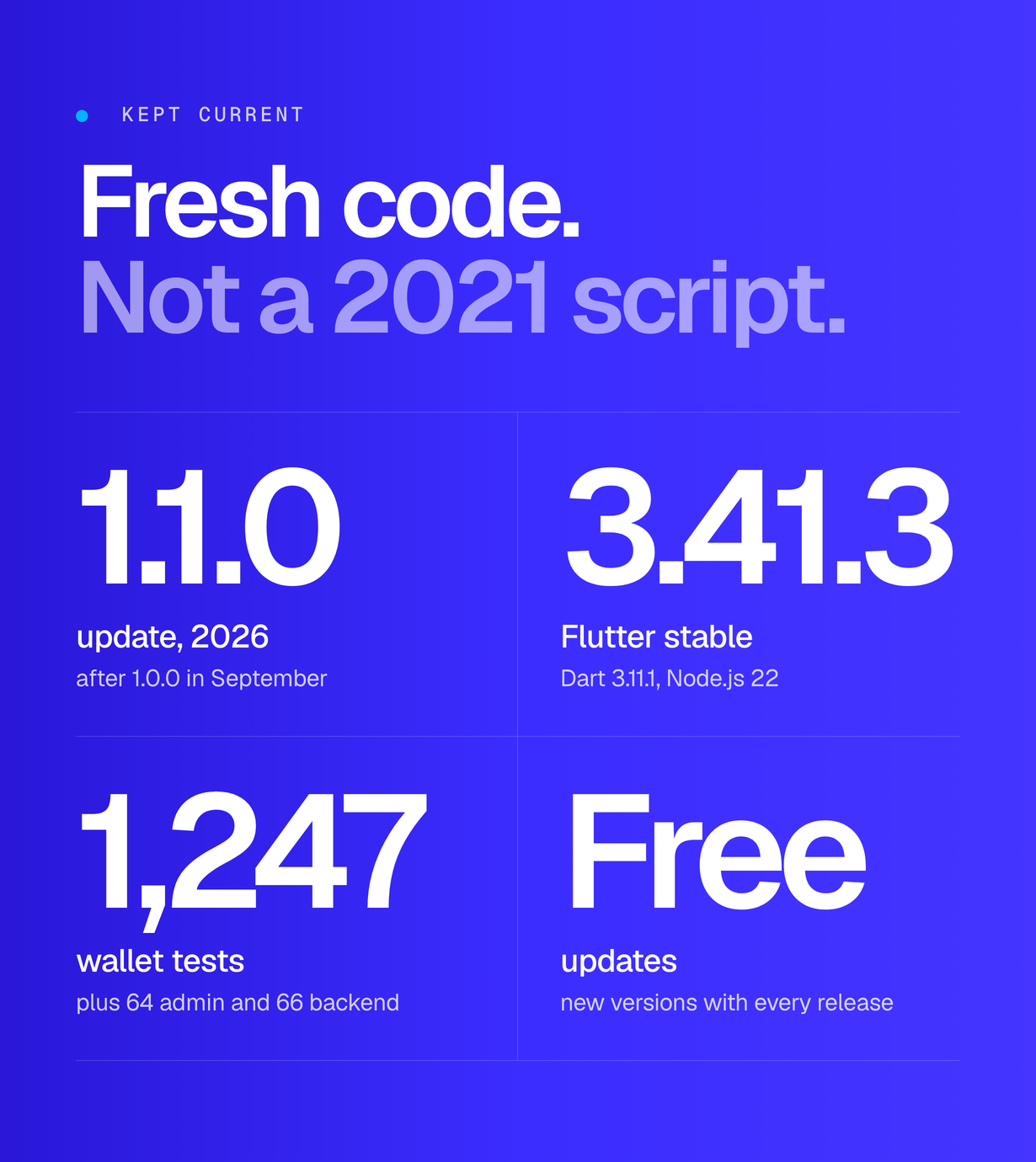
- Tested: 1,247 wallet tests, 64 admin tests and 66 backend tests; flutter analyze reports no errors and no warnings
The previews, the cover and the description images are real captures of the demo builds with sample data. They are presentation material, not part of the download, and no figure in them is a result or a forecast.
Good to know
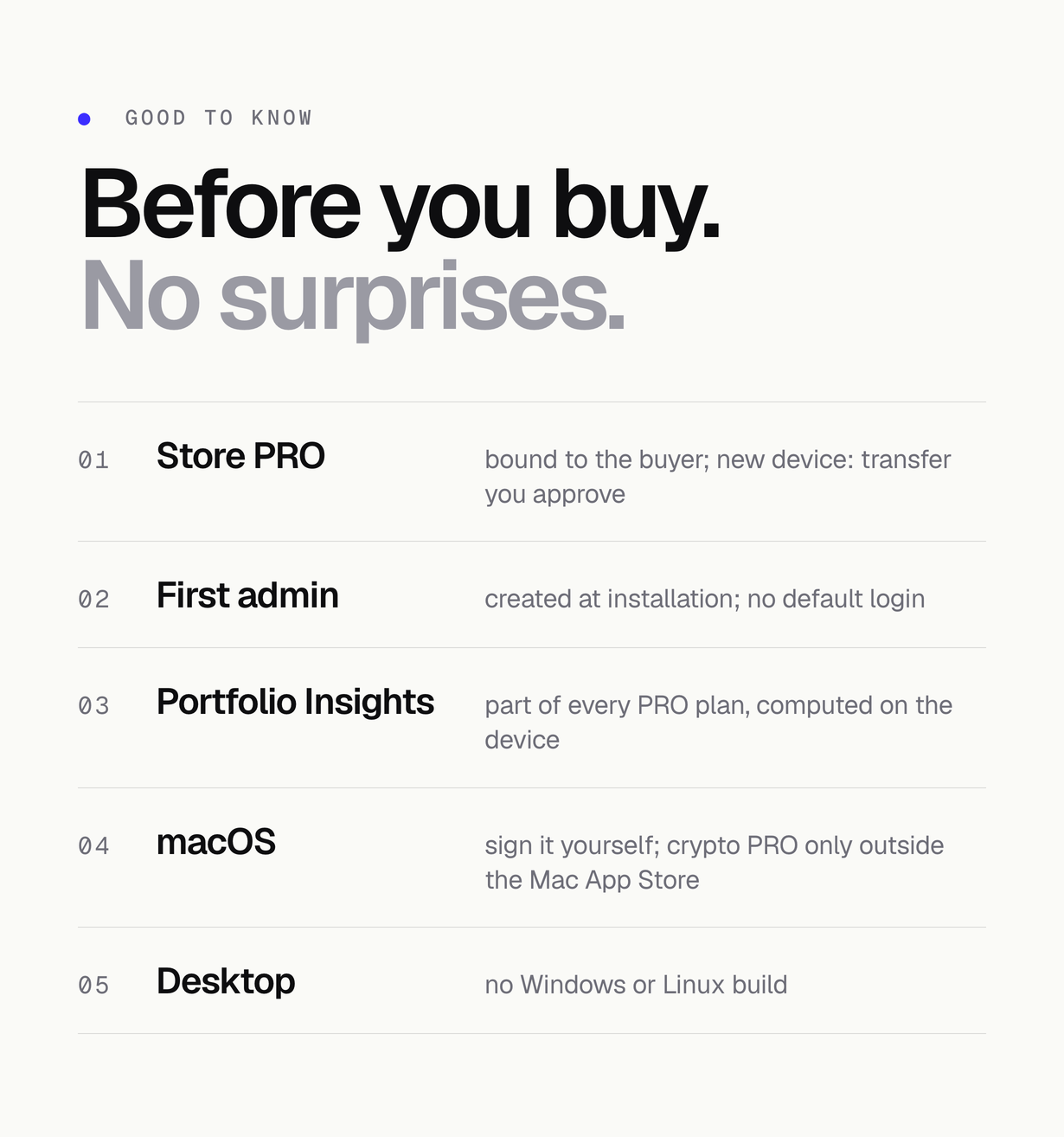
- Store PRO: a subscription unlocks PRO only for the account that bought it. Restoring it on a new device sends a transfer request you approve in the admin; the server re-checks it with Apple or Google and moves it, so it is never active on two accounts.
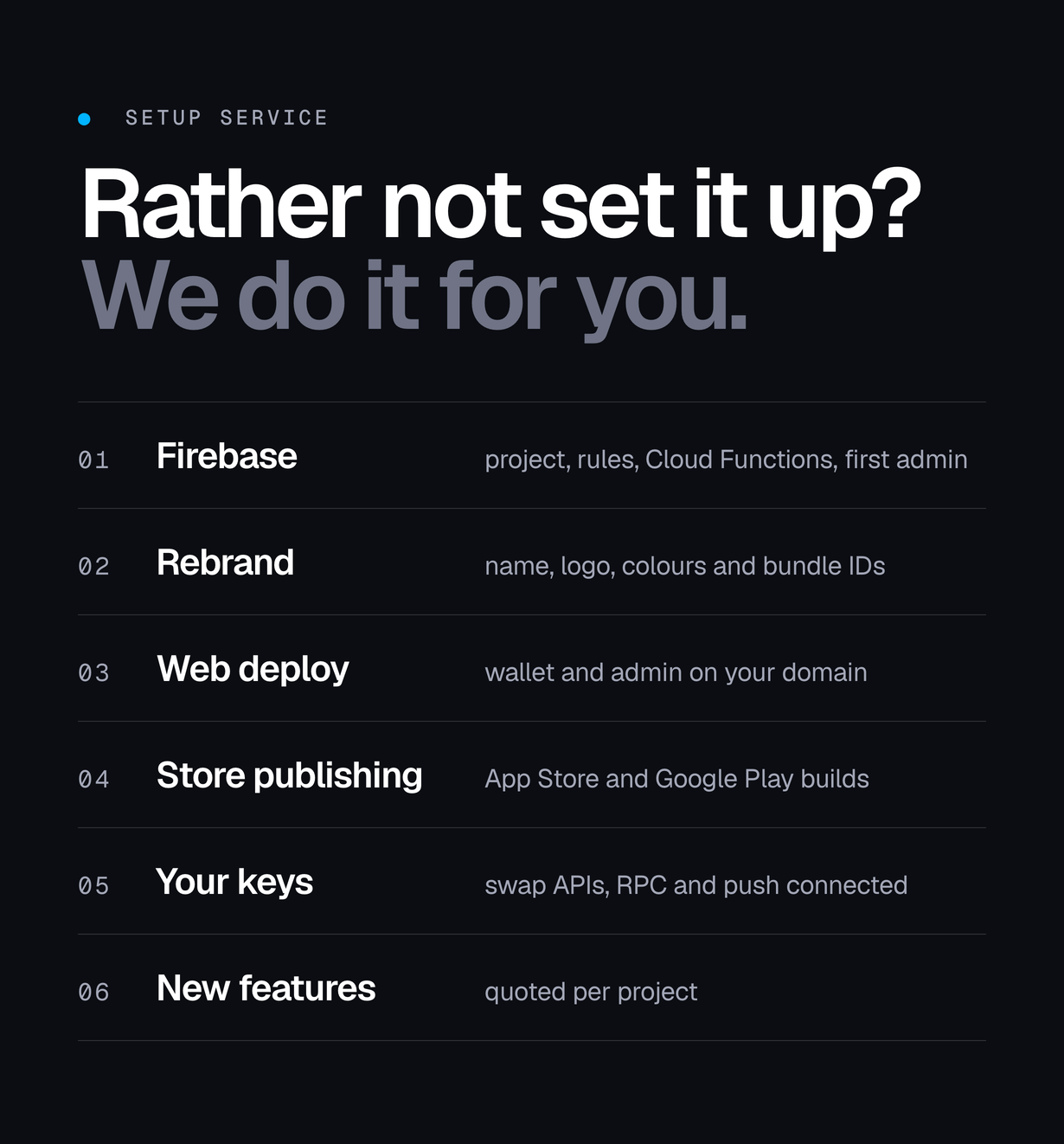
- First admin: there is no default login. The first admin is created during installation with a one-time setup token or your owner account.
- Portfolio Insights: the PRO health score, concentration, risk and rebalancing signals are computed on the device from the user’s holdings, with no outside service and no API key. Part of every PRO membership, the free trial included.
- macOS: sign release builds with your own Apple certificate; Firebase sign-in on macOS needs the Keychain Sharing capability with your team. The crypto PRO payment appears only in macOS builds you distribute yourself (DIRECT_DISTRIBUTION=true), never in a Mac App Store build. There is no Windows or Linux version.
FAQ
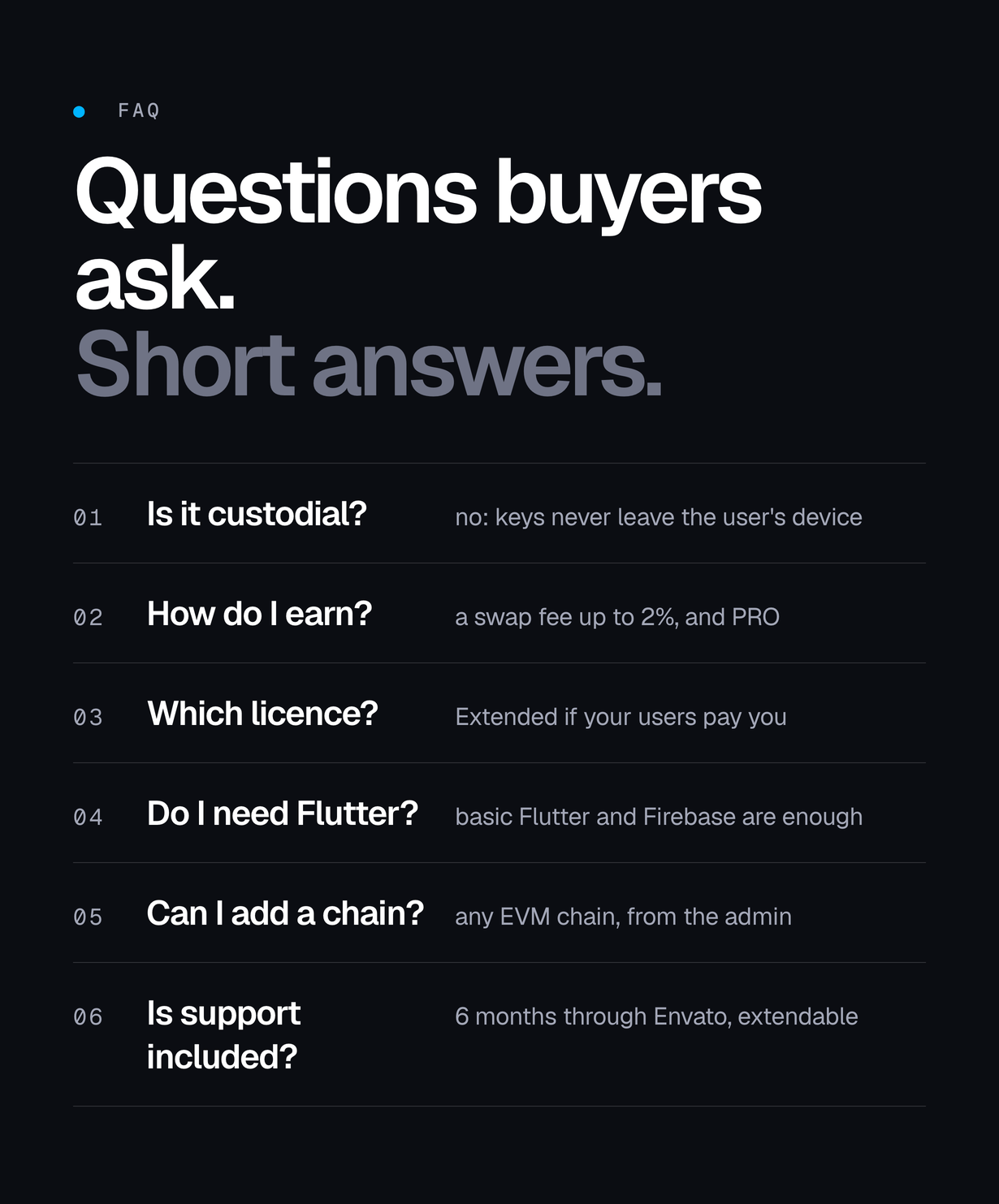
Do I need to know Flutter?
Basic Flutter and Firebase skills are enough. The documentation walks through every command, from Firebase setup to store release.
Is it custodial?
No. Seed phrases and private keys are created and kept on the user’s own device and are never sent to Firebase or to you. On iOS and Android they sit in the Keychain and the Android Keystore. In a browser there is no keystore, so the user sets a vault passphrase: it derives the encryption key and is never stored anywhere, which also means a lost passphrase can only be recovered from the written recovery phrase.
How are keys protected in the web wallet?
The user sets a vault passphrase before a wallet can be created or imported in a browser. PBKDF2-HMAC-SHA256 at 600,000 iterations derives the key material through the browser’s Web Crypto: half encrypts the vault’s own AES-256 key before it is stored, half is the wrapKey for flutter_secure_storage so the key it keeps is wrapped rather than exportable. Only a salt, an IV and a verifier are persisted. Revealing the recovery phrase, and every signing — a send, a swap or a WalletConnect request, whatever the amount — ask for the passphrase again.
How does the swap fee work?
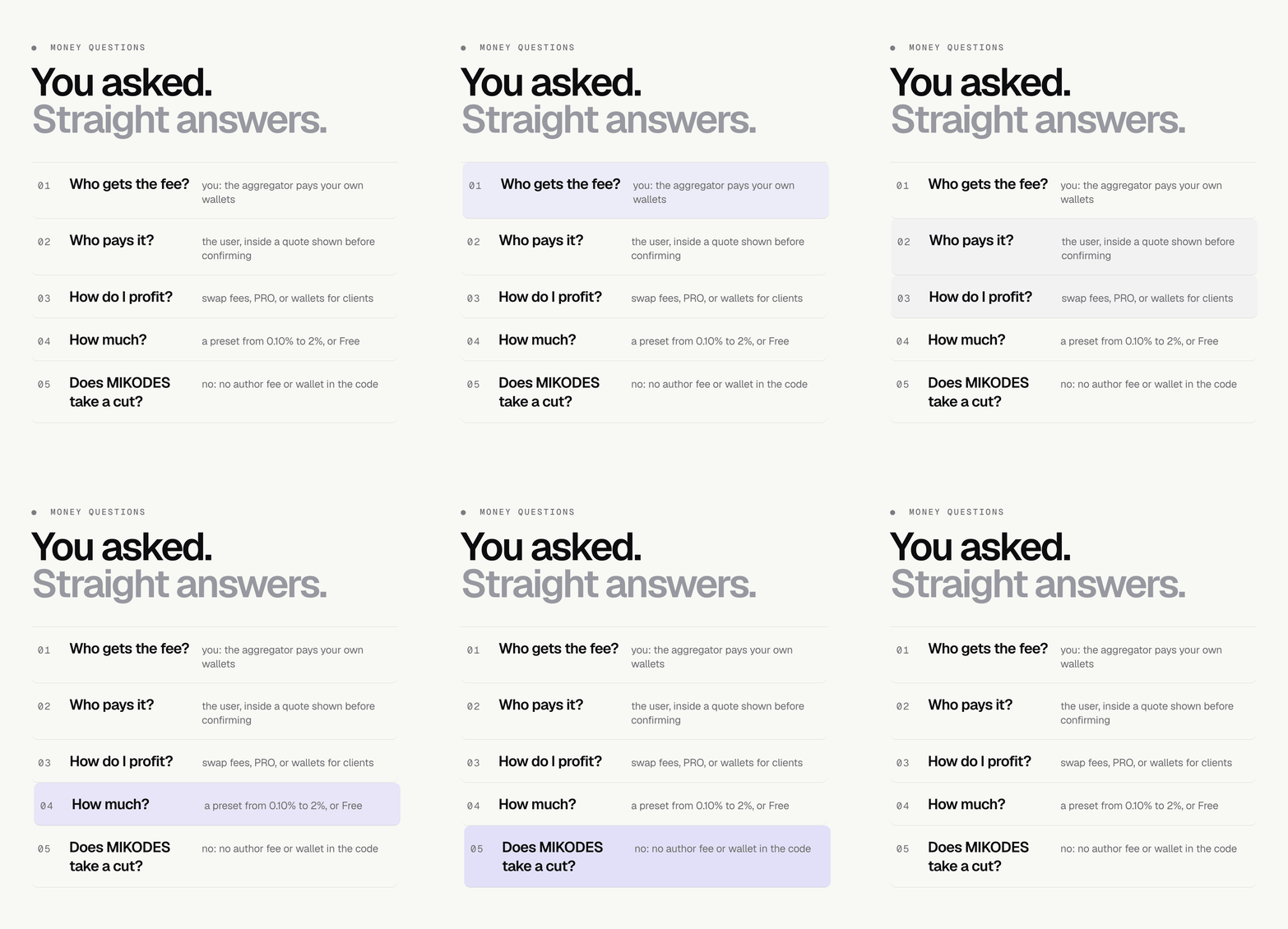
You set a fee from 0 to 2% and your fee wallets in Admin > Monetization. It is added to 0x and 1inch quotes on EVM chains (paid to your EVM wallet) and to Jupiter quotes on Solana (paid to your Solana wallet’s token account for the token the user receives; if that token account does not exist, that swap runs without a fee). Other routes (Uniswap V2-style routers, Tron, Sui) carry no fee. The fee is off until you set it. What you earn depends on your users and their volume.
How do users pay for PRO?
In the iOS and Android builds, through App Store and Google Play subscriptions with your own store products — selling a digital subscription outside in-app purchase breaks Apple’s guideline 3.1.1 and Google Play’s payments policy, so the crypto option is not offered there. In the web build, and in builds you distribute yourself, a user can pay on-chain instead: a Cloud Function reads the transaction, checks the recipient, the confirmations, the token’s own decimals and the amount against the current price of the plan chosen (the operator sets a weekly price and, optionally, monthly and annual prices; nothing is derived from the weekly price), requires a signature from the paying wallet, and lets one transaction activate exactly one account.
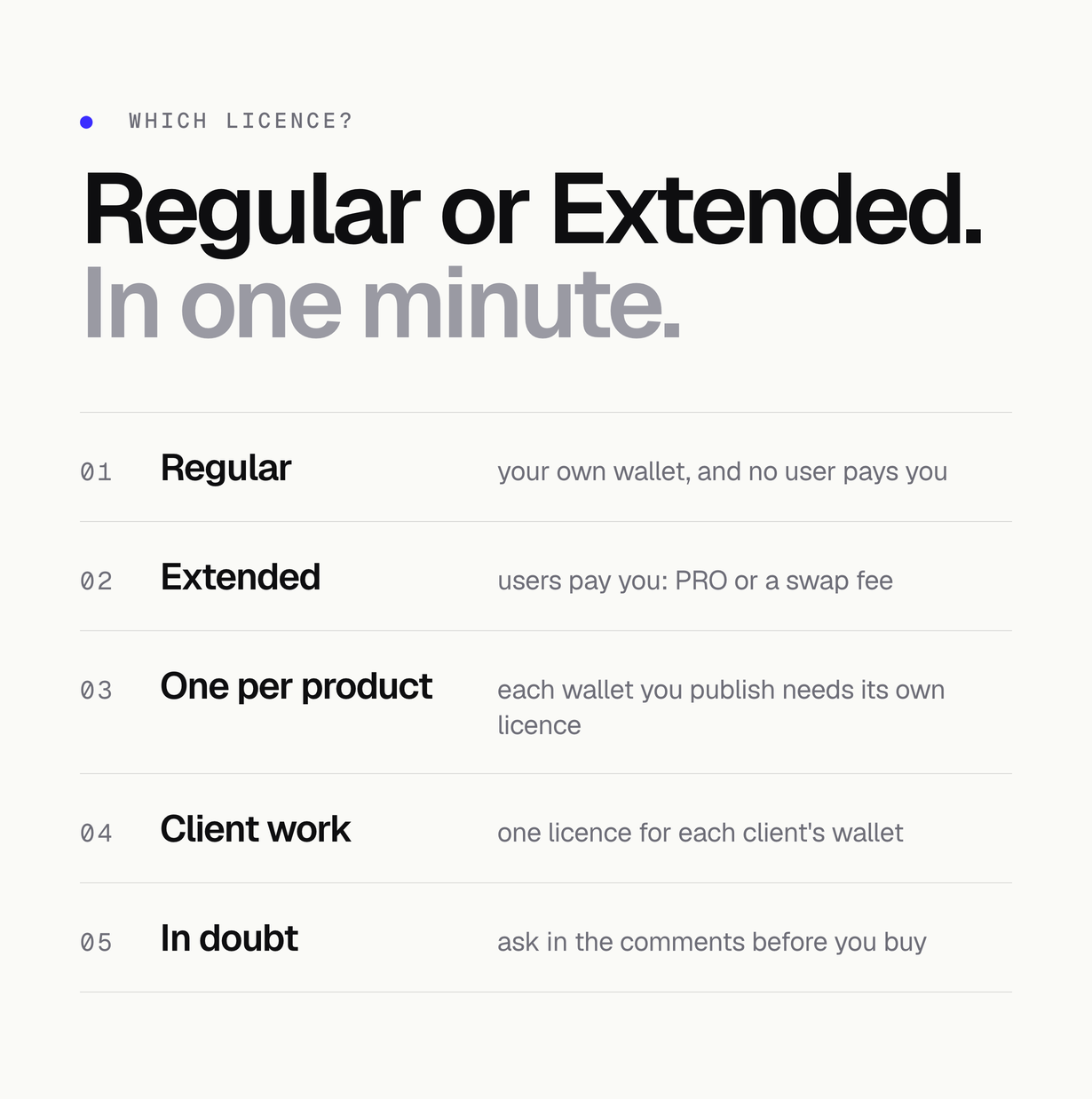
Which license do I need?
Both licences include the complete source code and every feature of this item. Nothing is held back, limited or unlocked by licence tier. The difference is in how the end product may be used: a Regular License covers one end product whose end users are not charged, and an Extended License covers one where they are (for example PRO subscriptions or a swap fee). Envato’s licence terms are the authority.
What is not included?
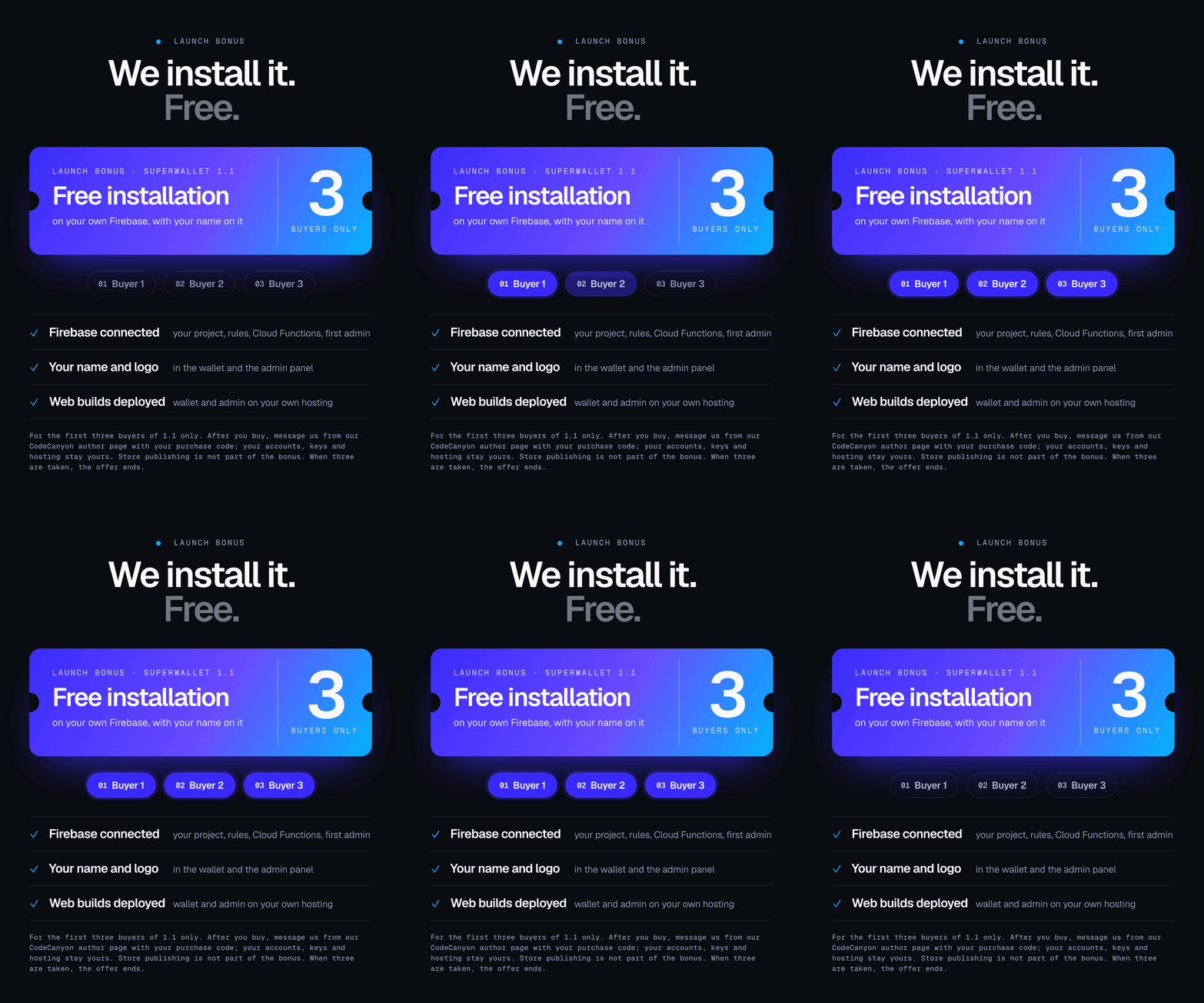
Hosting, your Firebase project, developer accounts, third-party API keys, network fees and installation on your accounts. External paid services are billed separately by their providers and are not included in the item price.
What does support cover?
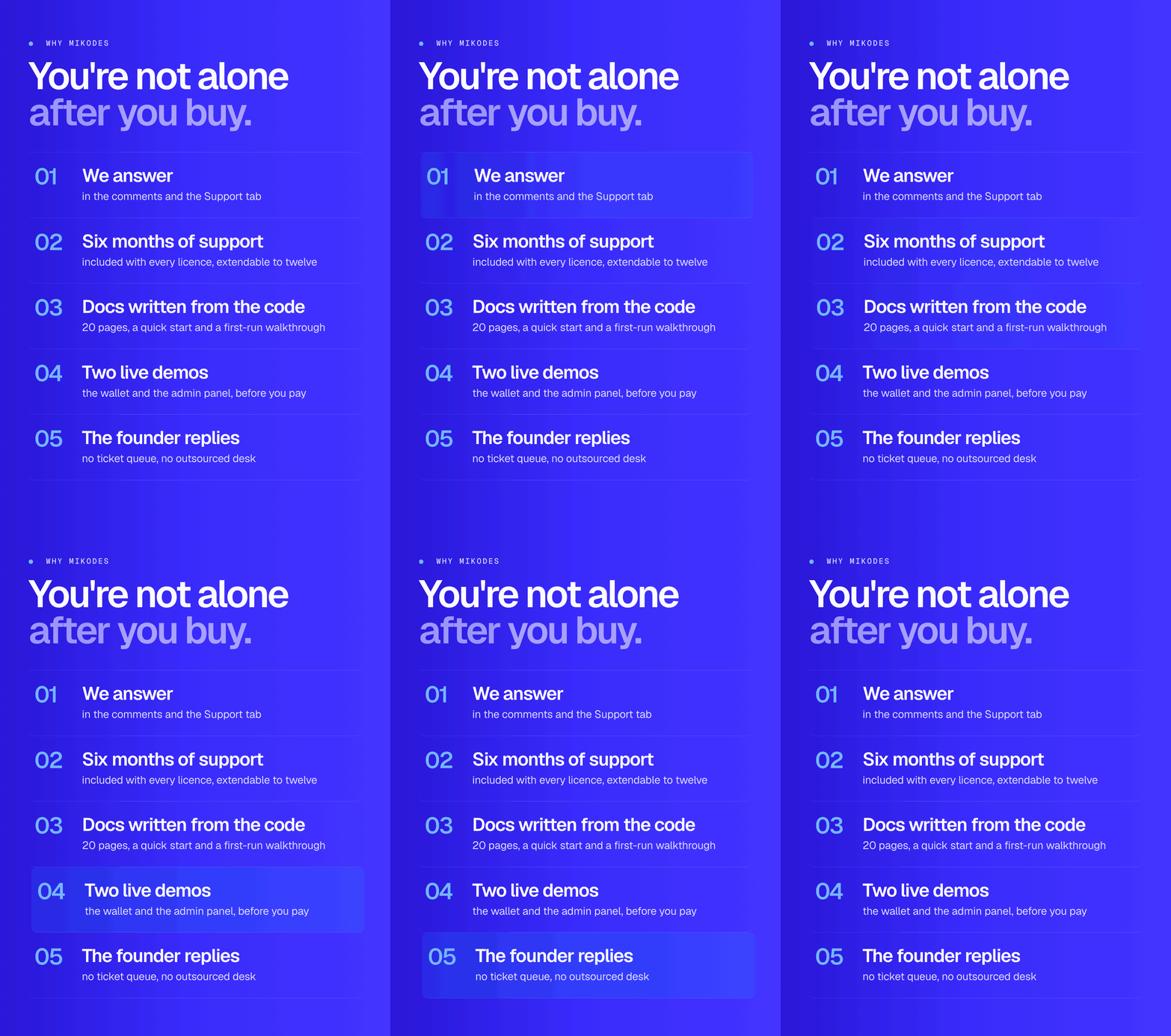
Six months of item support are included with the purchase (Envato standard) and can be extended on CodeCanyon. Support runs through the Support tab on this page and covers questions about the item and bugs in it, not installation, hosting or custom development.
Declarations
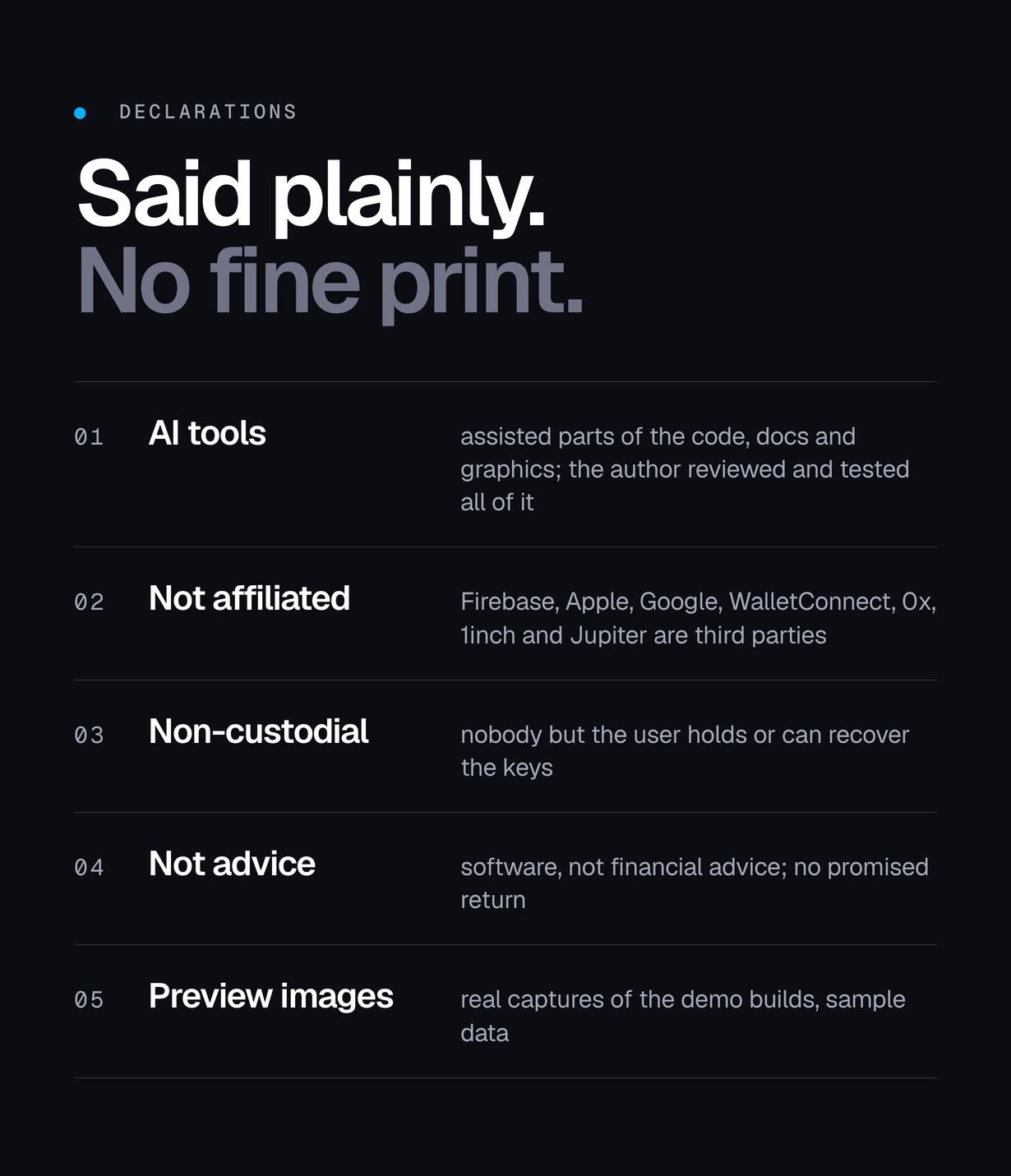
- AI tools: AI tools were used to assist with parts of the code, documentation and graphics of this item. AI coding assistants were used on the Flutter wallet, the admin panel, the Cloud Functions, the documentation and the preview graphics, under the author’s direction and review. Every file was read and tested by the author before release: flutter test runs 1,247 tests in the wallet and 64 in the admin panel, flutter analyze reports no errors and no warnings, the Cloud Functions type-check cleanly and pass their 66 tests, and npm audit reports no known vulnerabilities in their dependencies. No part of the item is third-party or AI-sourced code of unknown origin; the dependencies are the public packages listed in pubspec.yaml, the package.json files and licenses/THIRD-PARTY-LICENSES.md.
- Not affiliated: Firebase and Google Play, the App Store, WalletConnect, Jupiter, 0x, 1inch, Alchemy, Helius and the Etherscan-family explorers are named only to describe what this item integrates with. The names and marks belong to their owners, this is not an official product of any of them, and each service needs your own account under that provider’s own terms.
- Non-custodial, and crypto risk: the wallet is non-custodial: keys are generated on the device, encrypted there and never transmitted, so neither the author nor the operator can recover a recovery phrase or reverse a transaction. Crypto assets can lose value and a swap can fail or fill at a worse price. This item is software, not financial advice, and it promises no return.
- Preview material: the screenshots, the cover and the preview images are real captures of this item running, composed by the author’s own build scripts. They are presentation material, not part of the download, and no figure in them is a result or a forecast.
Requirements
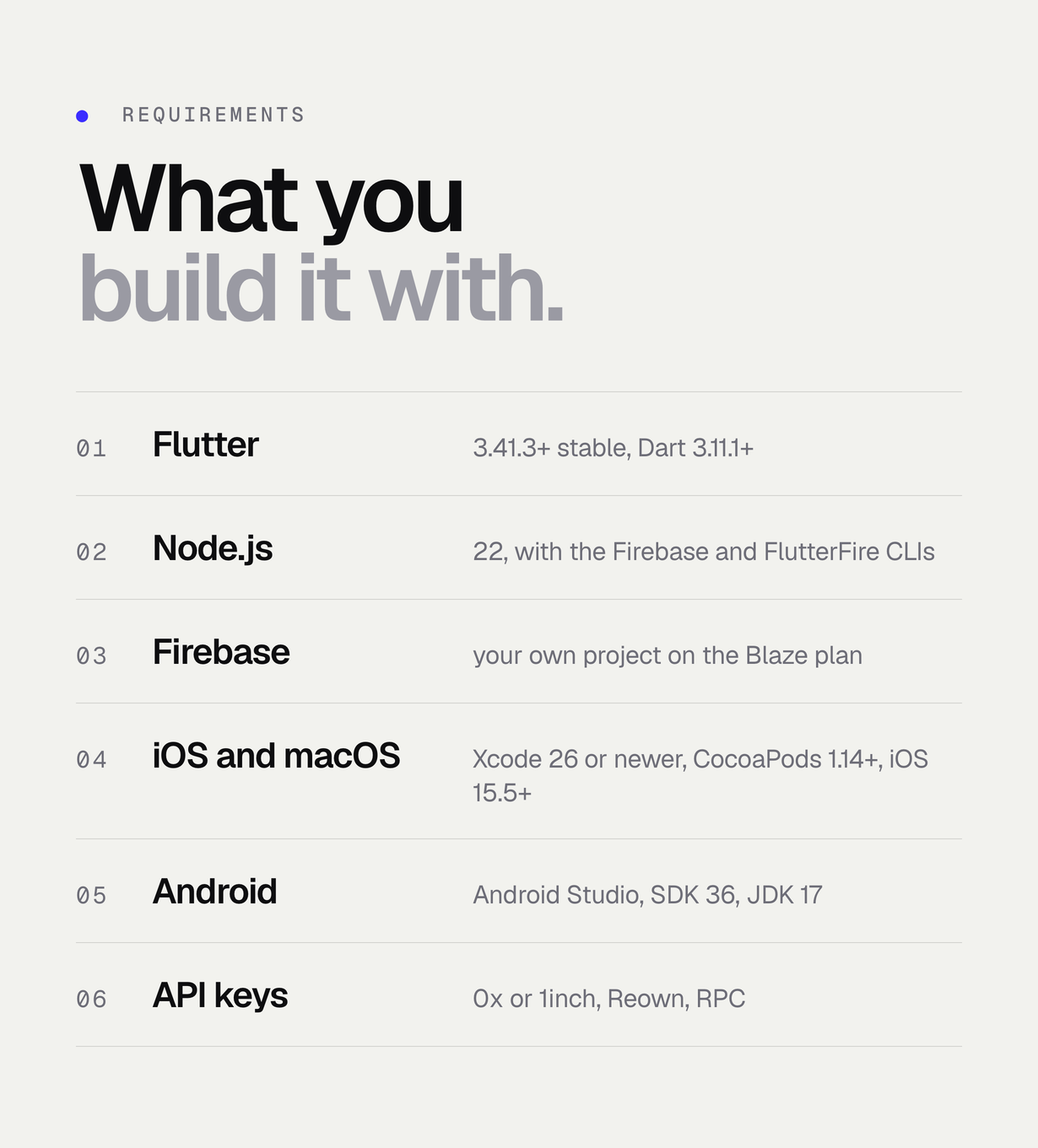
- Flutter 3.41.3+ with Dart 3.11.1+ (both pubspecs: flutter >=3.41.3)
- Node.js 22 LTS + Firebase CLI 13+ + FlutterFire CLI
- Firebase project on the Blaze plan
- Xcode 26 or newer and CocoaPods 1.14+ (iOS 15.5+)
- Android Studio 2024.3.1+ with Android SDK Platform 36 and JDK 17
Changelog
v1.1.0 (2026-11)
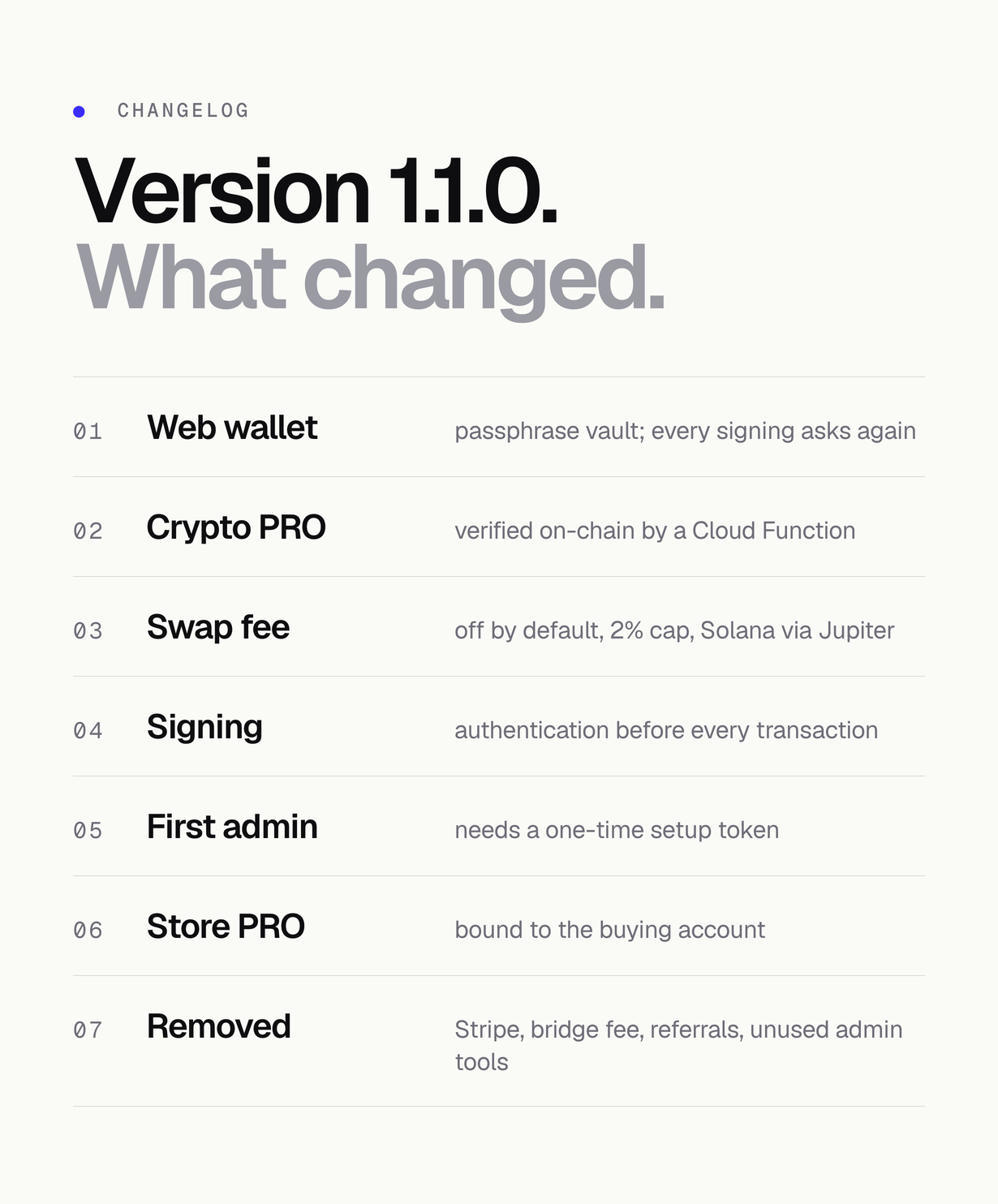
- Web wallet protected by a user passphrase (PBKDF2 600k + AES-256-GCM, wrapKey for secure storage).
- On web, revealing the phrase and every signing ask for it.
- Content-Security-Policy no longer allows inline scripts, inline styles, eval or scripts from arbitrary origins.
- Crypto PRO payments verified server-side by a Cloud Function (payer signature, recipient, confirmations, on-chain token decimals, live price, a separate EUR price per plan, one transaction per account) and removed from the iOS and Android builds.
- No Apple team ID in the project.
- TargetSdk declared explicitly as 36.
- Swap fee off by default and capped at 2%.
- Solana fee via Jupiter to your token account.
- Stripe checkout, the bridge fee setting and the referral programme removed.
- Every transaction (sends, swaps, NFT transfers, WalletConnect transactions, speed-up and cancel, on every chain) passes one authentication check before it is signed, including Token detail Send, Settings Solana and NFT send.
- Portfolio Insights (PRO) is computed on the device from the user’s holdings, and the server-side portfolio function and its API key secret were removed.
- The first admin needs a one-time setup token (ADMIN_SETUP_TOKEN) or the owner account.
- App text lives in the English localization file.
- Inter is bundled in the wallet and the admin (SIL OFL 1.1).
- The free PRO trial follows the admin’s Trial Days setting (no trial by default).
- Store subscriptions are bound to the buying account (appAccountToken / obfuscatedAccountId, verified with Apple and Google.
- A replay on another account writes nothing).
- A restore on a new device files a transfer request the operator approves (re-checked with the store, never active on two accounts).
- Store subscribers count as PRO in the admin and trigger the new-PRO webhook.
- The paywall shows the store’s localized price.
- Sandbox purchases need APP_STORE_ALLOW_SANDBOX.
- The app clears a local PRO when the server reports none.
- MacOS offers the crypto payment only in self-distributed builds.
- Removed admin tools that had no wallet or server side: promo codes, A/B flags, the announcement-banner list and its A/B test, the PRO Trial and Bonus Points campaign types, per-feature PRO switches, rate limits and extra webhooks.
- The admin demo workspace starts empty.
- IOS compiles its asset catalog and storyboards normally, so a new app icon is picked up.
- MacOS keeps wallets in the login keychain.
- The untested Windows and Linux folders were removed.
- Both apps require Flutter 3.41.3 (Dart 3.11.1).
- Cloud Functions dependencies updated, npm audit reports 0 vulnerabilities.
v1.0.0 (2026-09)
- Initial release.
| Author | Mikodes |
|---|---|
| Price | $499 |
| Sales | 0 |
| Rating | 0 (0) |
| Published | Nov 10, 2026 |
| Last Update | Nov 10, 2026 |
| Compatible Software | Flutter 3.x |
| Demo Url | https://project-3c5ee.web.app |
| Mobile Files Included | Dart, .java, .kotlin, .plist |
Categories
Tags
External listing. code.market does not sell this product and does not process payment for it. Pricing, payment, delivery, licensing, refunds, and support are handled by the third-party merchant on its own website. We may earn an affiliate commission from a referral. Details.
Products of the Week.
Submit🥇

Perceptle
Perceptle is a daily browser-based game that challenges you to test your sensory intuition through five quick estimation and rhythm-based rounds.
Other · 1 views · 0 clicksOther · Week 47 · 1 views · 0 clicks
🥈

Free LinkedIn Likes From Real
Get free LinkedIn likes on your posts from real members who react by hand. No
SaaS · 124 views · 2 clicksSaaS · Week 47 · 124 views · 2 clicks
🥉

STOP GUESSING WHAT TO POST
AI that learns your brand voice and builds a month of consistent, on-brand social content: carousels, posts and hooks that sound like you, not like everyone else's AI.
SaaS · 7,686 views · 71 clicksSaaS · Week 47 · 7,686 views · 71 clicks
#4

aaas.market
407 reliable micro tools for solo founders, marketers and creators. They work in your browser
SaaS · 122 views · 0 clicksSaaS · Week 47 · 122 views · 0 clicks