
StockMaster - Inventory Management System
Description
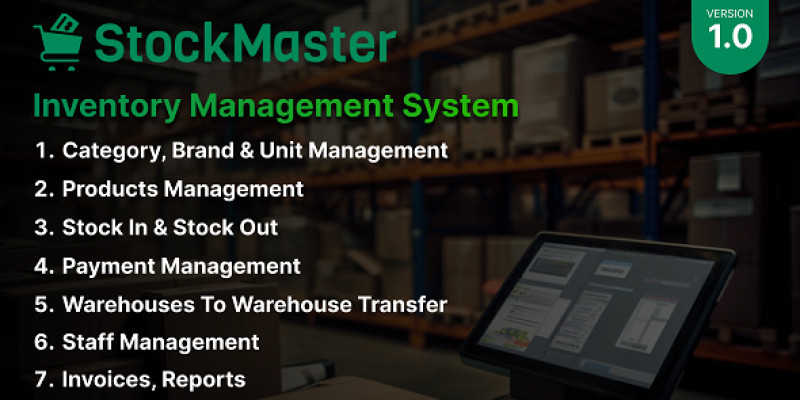
StockMaster is a simple and professional tool to manage your stock and business. It's made with PHP Laravel, making it affordable for all kinds of shops and companies. Whether you're starting small or already big, StockMaster is for you. It helps you keep track of your products as they move from suppliers to your warehouse and then to your customers.
If you need a complete system to manage your inventory, StockMaster is the answer. No need to spend a lot on developers—StockMaster lets you handle everything from users to invoices easily. Setting up your website with StockMaster is quick and hassle-free. And if you need any help, our team is here for you every step of the way.
Don't wait, get StockMaster today and start running your business smoothly!
Demo Link: https://demo.namsweb.com/stock-master Username: admin Password: admin
Features
- Invocie System. - Manage Product. - Categories Management. - Products Management. - Warehouse Management. - Staff Management. - Customer Management. - Supplier Management. - Stock In Management. - Stock Out Management. - Transfer Management. - Expense Management. - Report Management. - Supplier Payments Management. - Customer Payments Management. - Stock Report Management. - Data Entry Report Management. - General Setting. - And More…
Requirements
- PHP 8.1 - MySql 5.7 or Higher - MariaDB 10.3 or Higher - PHP Extensions: BCMath, Ctype, cURL, DOM, FileInfo, GD, JSON, Mbstring, OpenSSL, PCRE, PDD, pdo_mysql, Tokenizer, XML - PHP Functions: file_get_contents(), allow_url_fopen()
Instructions
You can install yourself simply in few steps without any coding knowledge. We develop our installation system to make the installation process flawless and easy. Installation Steps:
- Upload the whole file to the server you have downloaded from download after purchase.
- Extract/Unzip the file and move all files in the
Filesfolder to the main folder(where you want to install it). Make sure you have moved theindex.phpand.htaccessas well. - Now please browse http://
your-site-url/install/index.php and follow the process. Your system should be ready to use.
| Author | NamsWeb |
|---|---|
| Category | Scripts & Code / PHP Scripts / Management / Inventory |
| Price | $19 |
| Extended License | $57 |
| Rating | 5.00 from 2 ratings |
| Reviews | 2 |
| Likes | 3 |
| First Release | Apr 29, 2024 |
| Last Update | Apr 29, 2024 |
| Files included | .php, .css, .html, .sql, JavaScript .js |
Categories
Tags
External listing. code.market does not sell this product and does not process payment for it. Pricing, payment, delivery, licensing, refunds, and support are handled by the third-party merchant on its own website. We may earn an affiliate commission from a referral. Details.
Products of the Week.
Submit🥇

Perceptle
Perceptle is a daily browser-based game that challenges you to test your sensory intuition through five quick estimation and rhythm-based rounds.
Other · 3,957 views · 16 clicksOther · Week 47 · 3,957 views · 16 clicks
🥈

Free LinkedIn Likes From Real
Get free LinkedIn likes on your posts from real members who react by hand. No
SaaS · 4,075 views · 18 clicksSaaS · Week 47 · 4,075 views · 18 clicks
🥉

STOP GUESSING WHAT TO POST
AI that learns your brand voice and builds a month of consistent, on-brand social content: carousels, posts and hooks that sound like you, not like everyone else's AI.
SaaS · 11,557 views · 80 clicksSaaS · Week 47 · 11,557 views · 80 clicks
#4

aaas.market
407 reliable micro tools for solo founders, marketers and creators. They work in your browser
SaaS · 3,936 views · 7 clicksSaaS · Week 47 · 3,936 views · 7 clicks