
Solscope | Flutter App - Token Terminal With Swaps
Description
AI tools were used to assist with parts of the code, documentation and graphics of this item. The author directed, reviewed and tested every file.
Not affiliated: Solana, Jupiter, Phantom, Solflare, Backpack and the other data sources and RPC providers named here are third-party; this item is not an official product of any of them and is not affiliated with, endorsed by or sponsored by them.
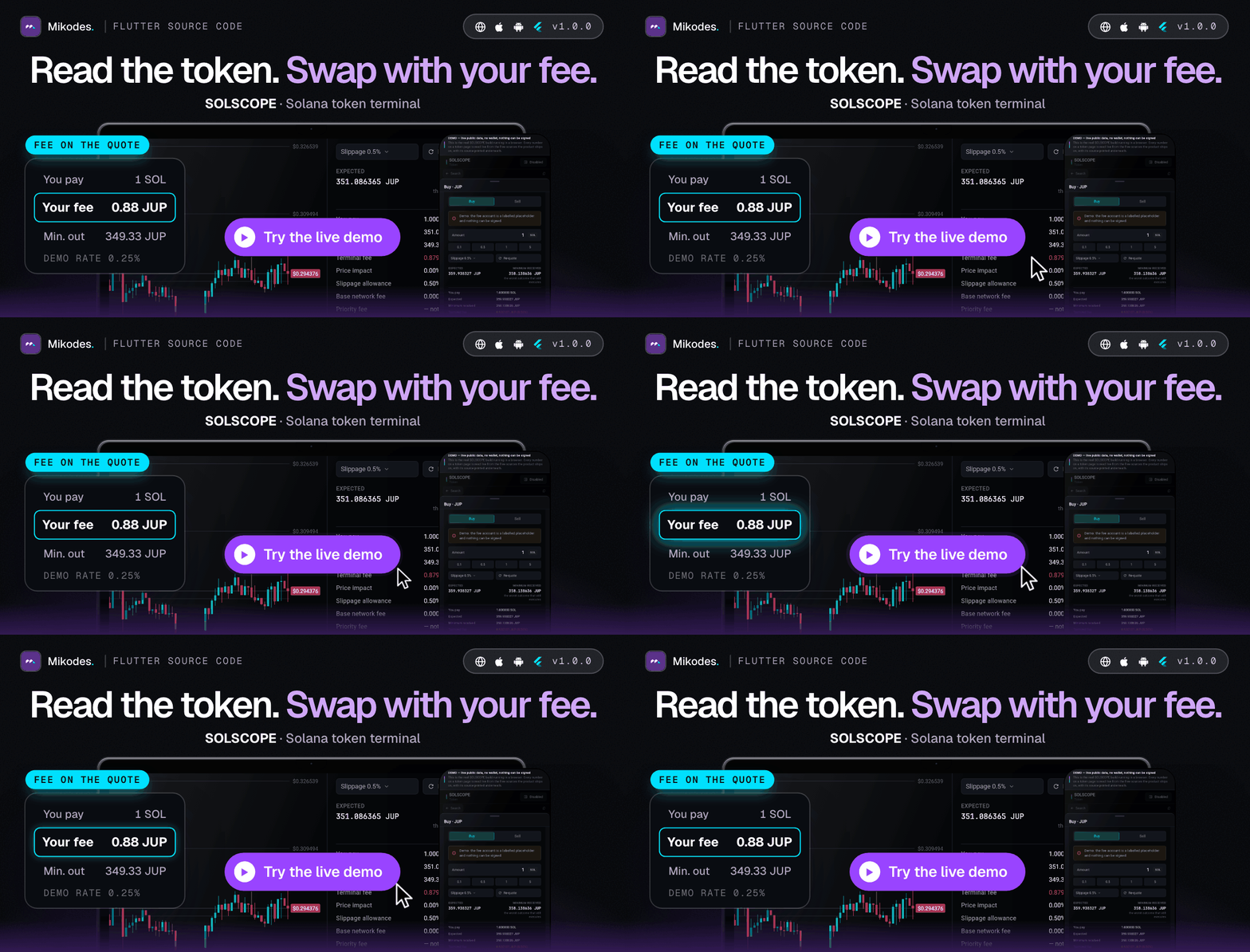
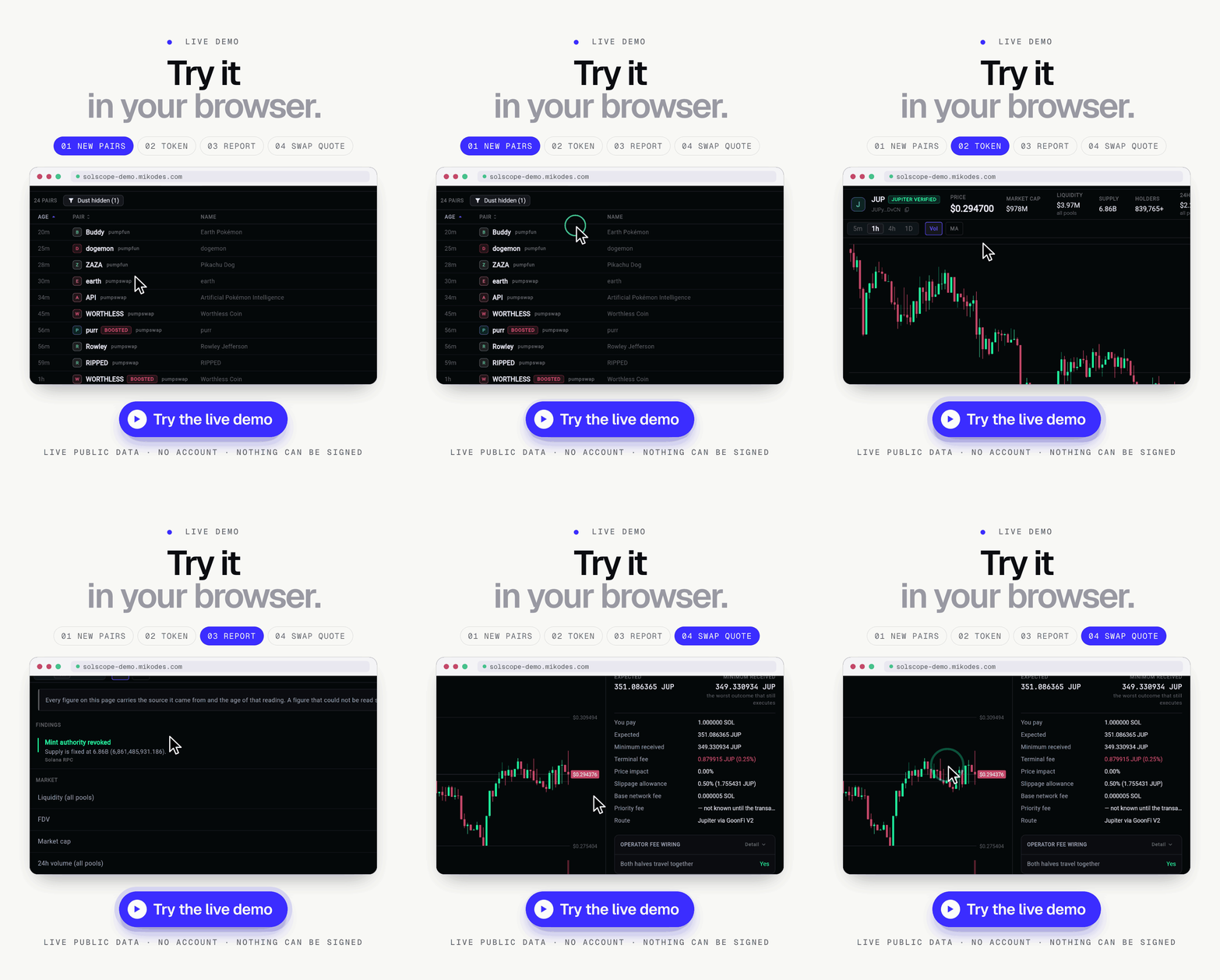
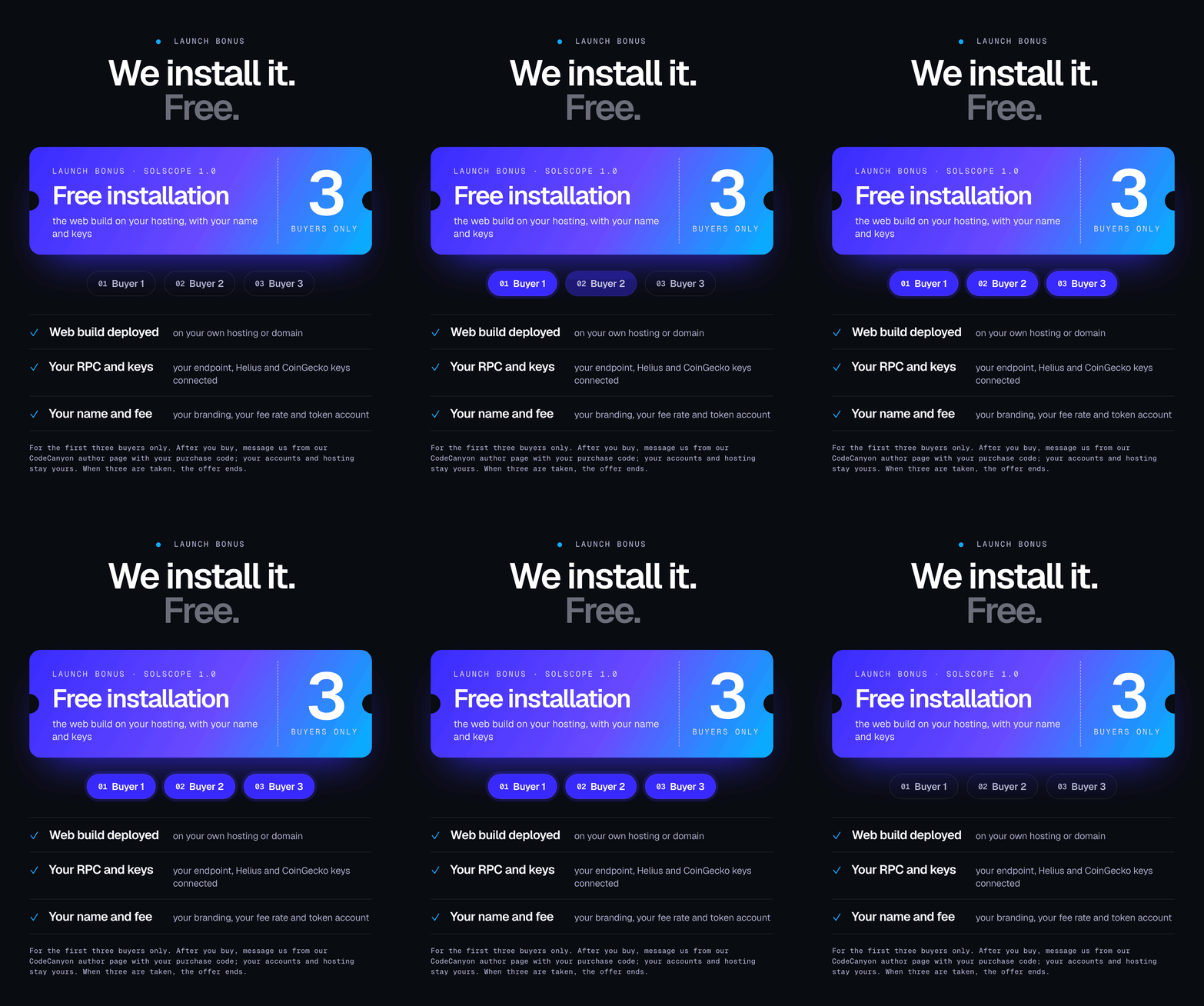
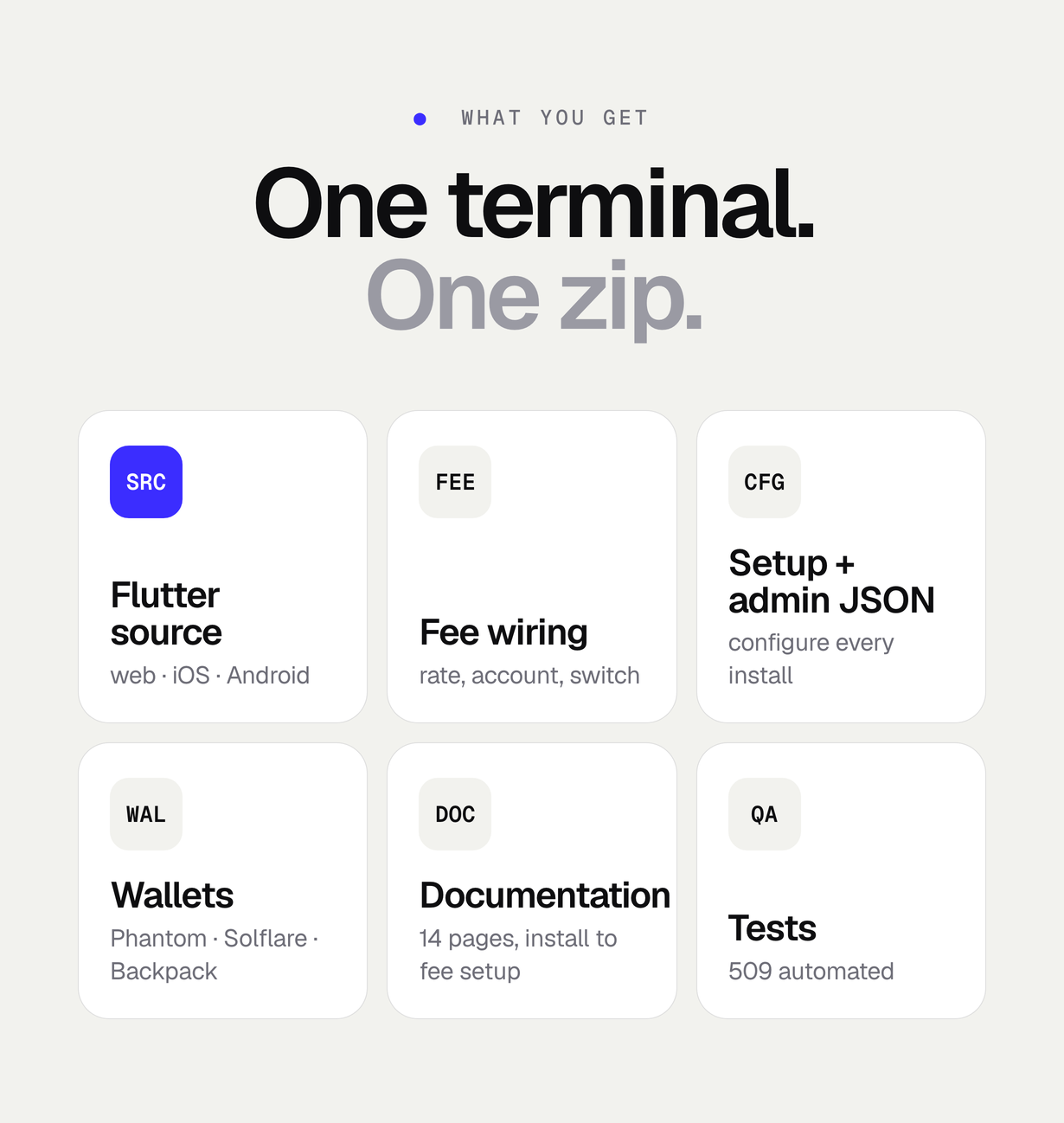
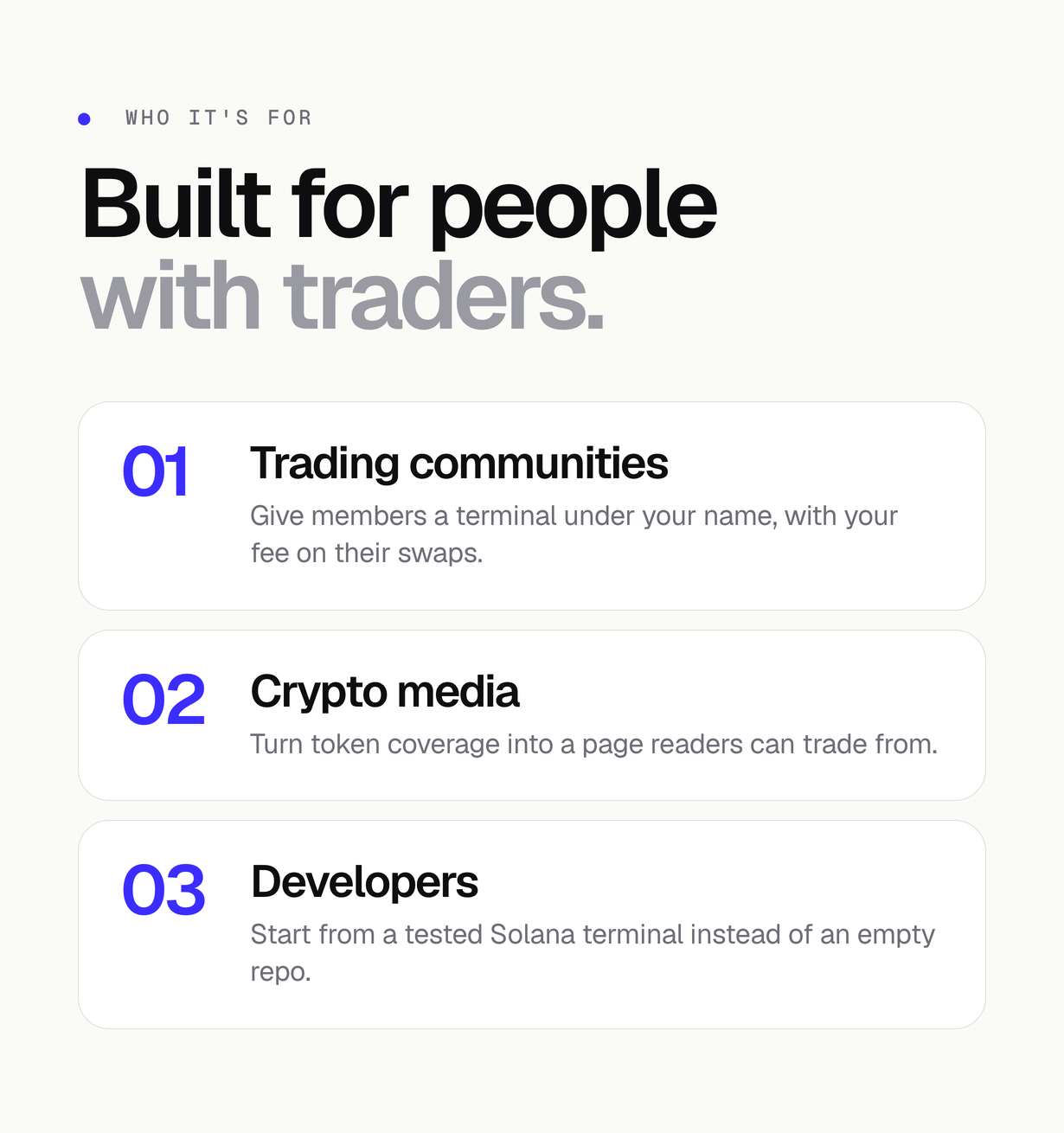
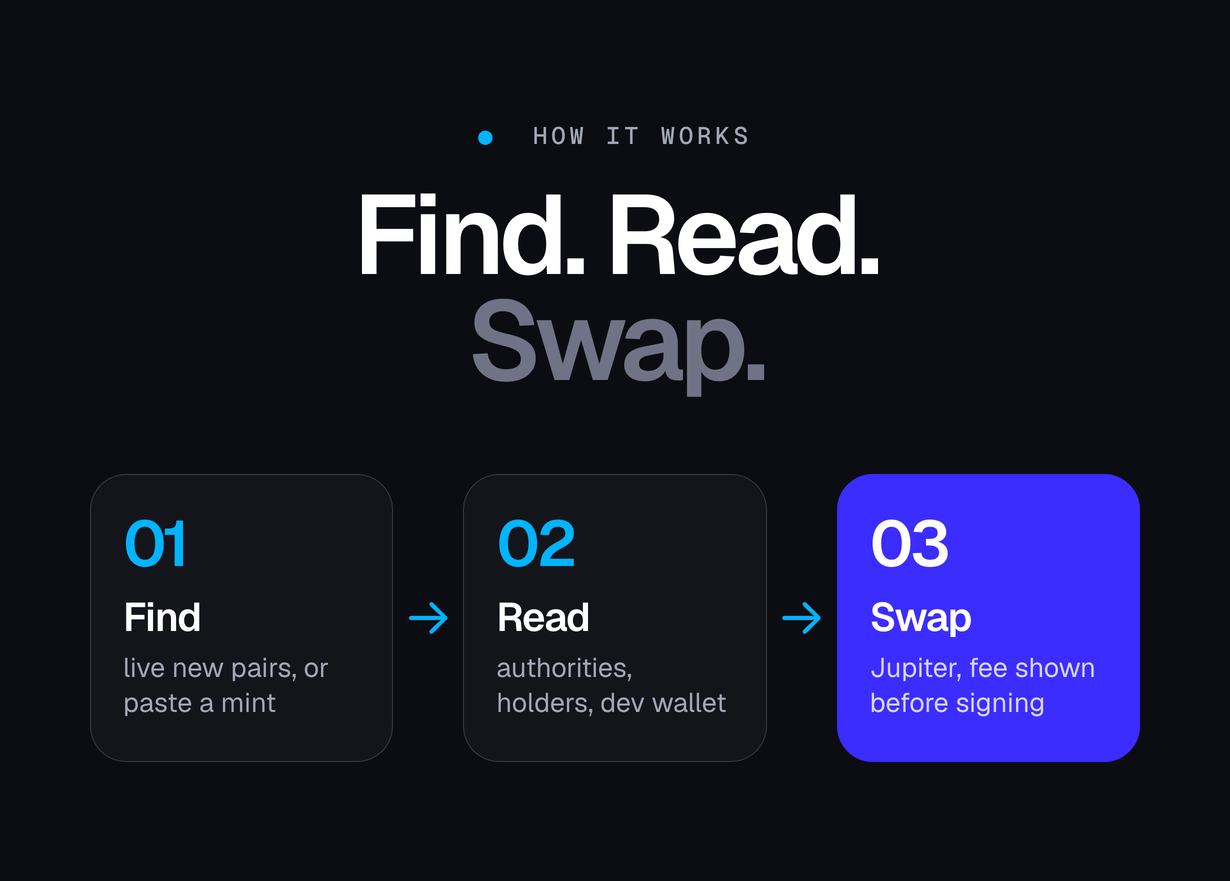
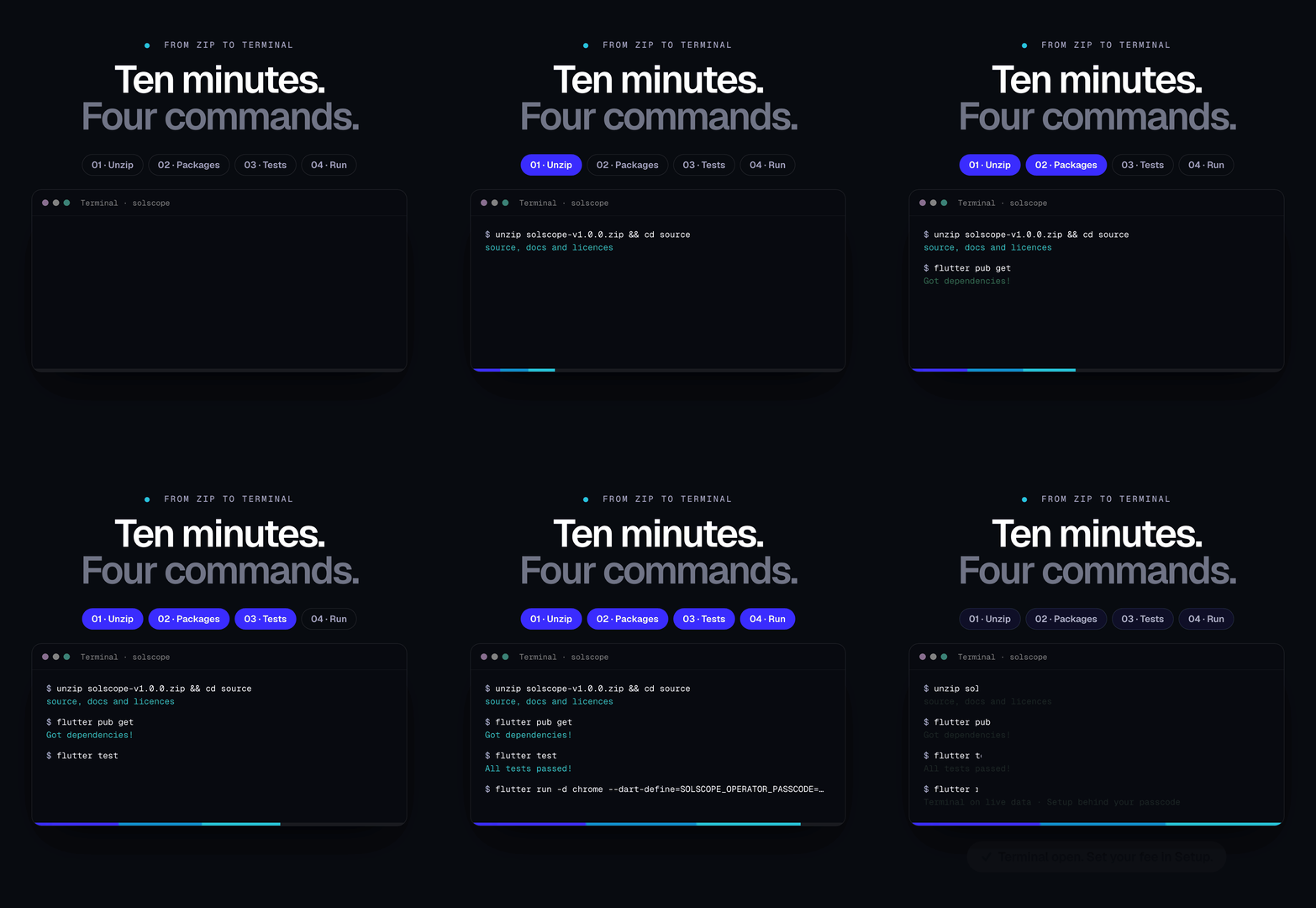
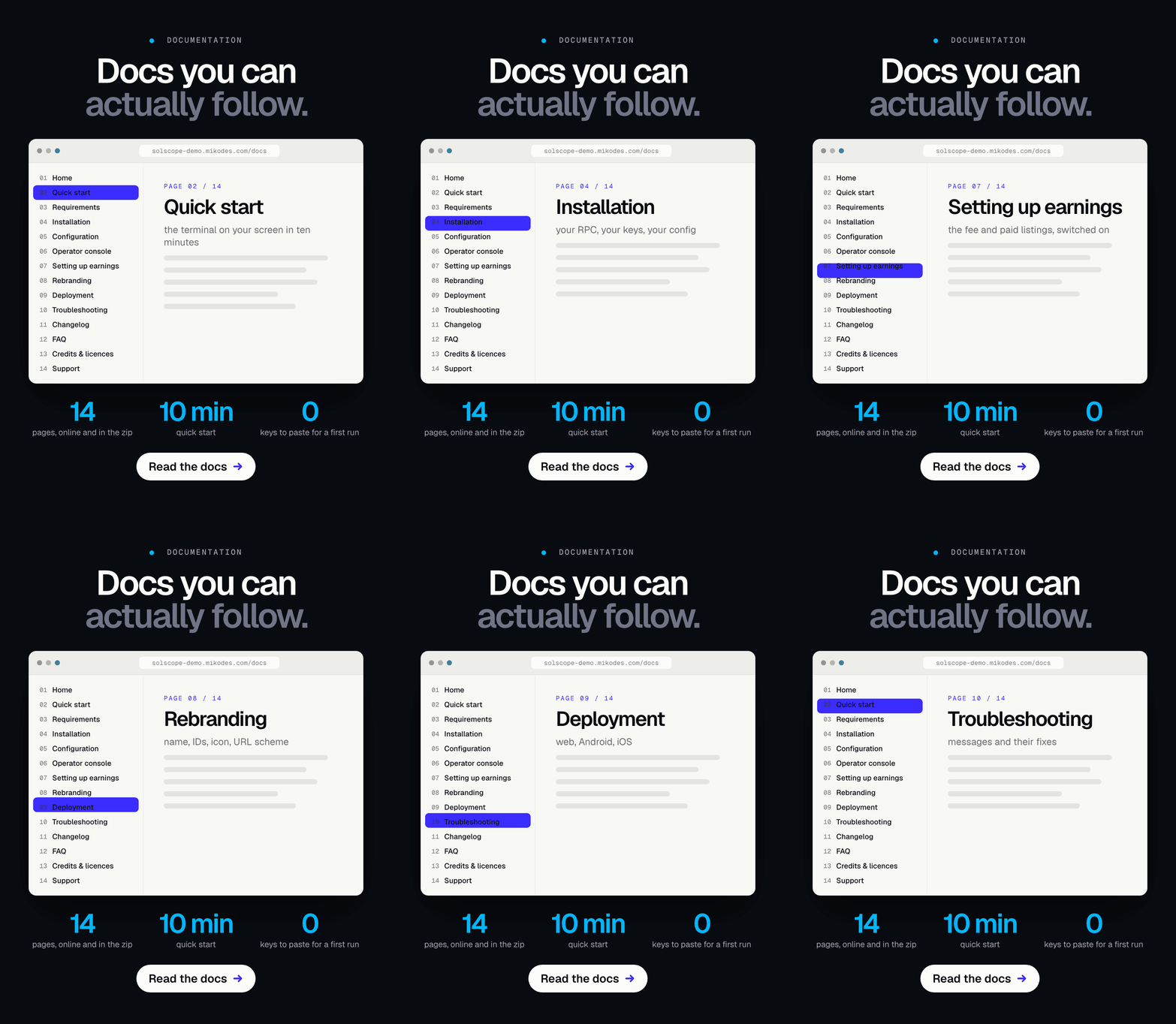
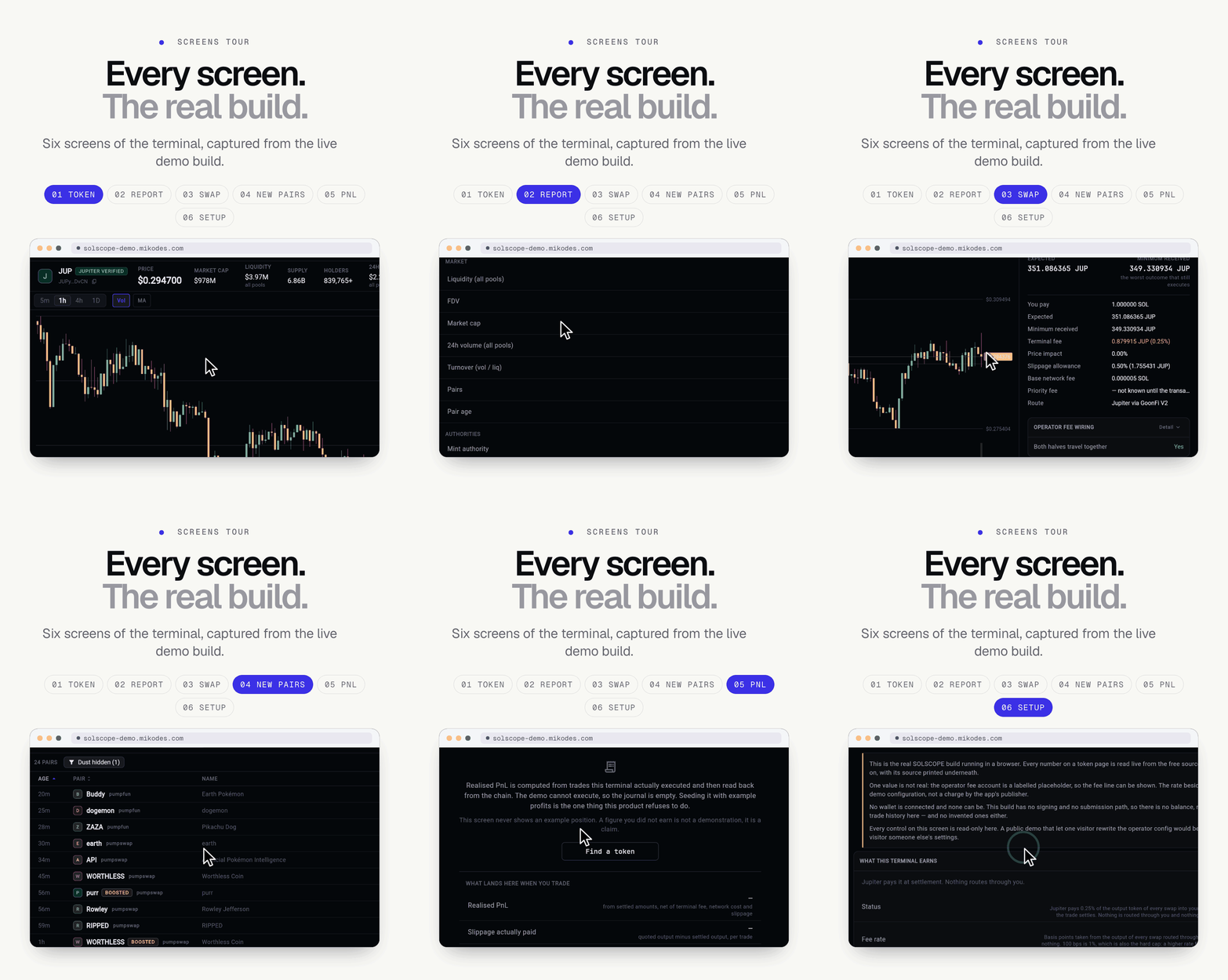
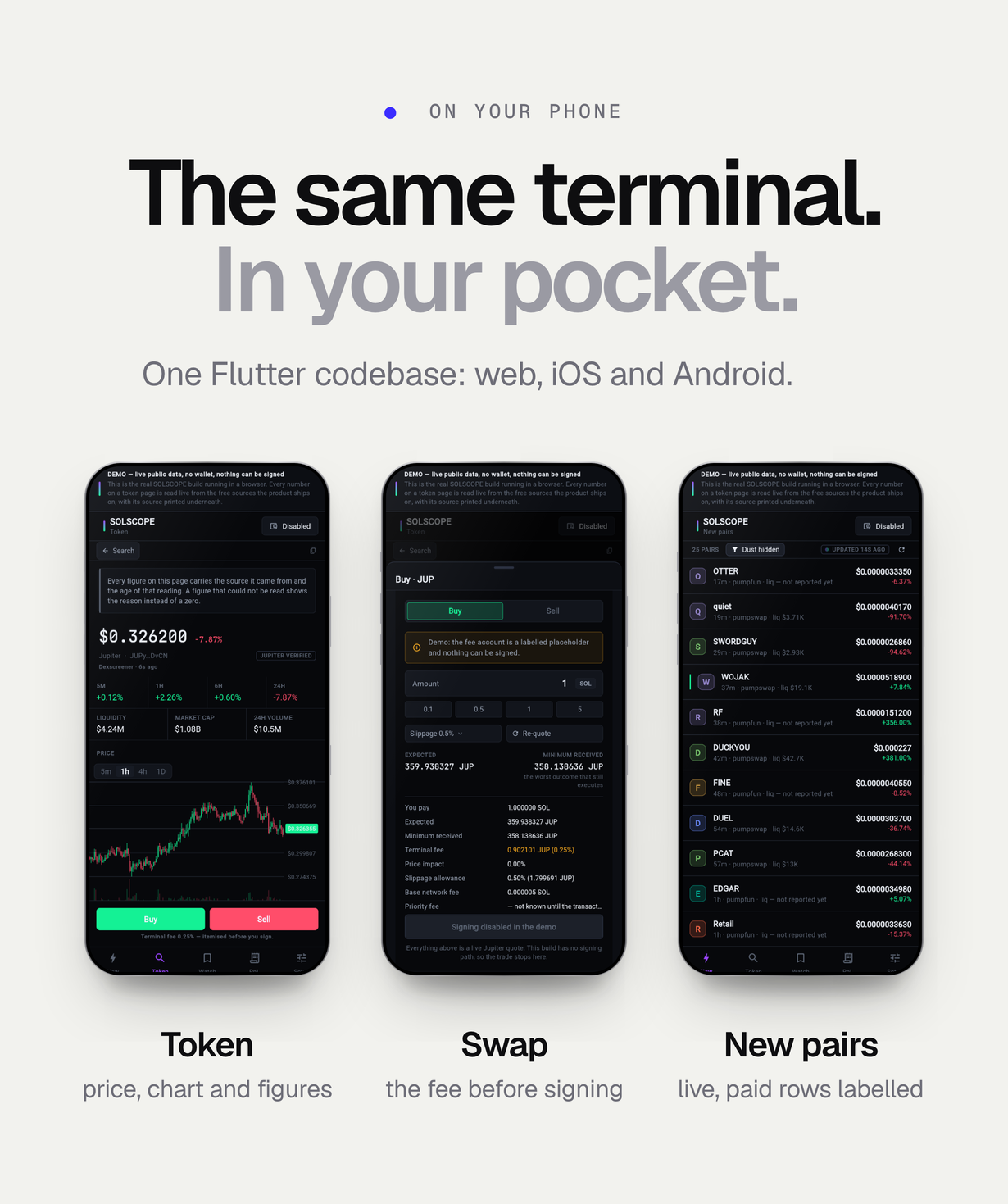
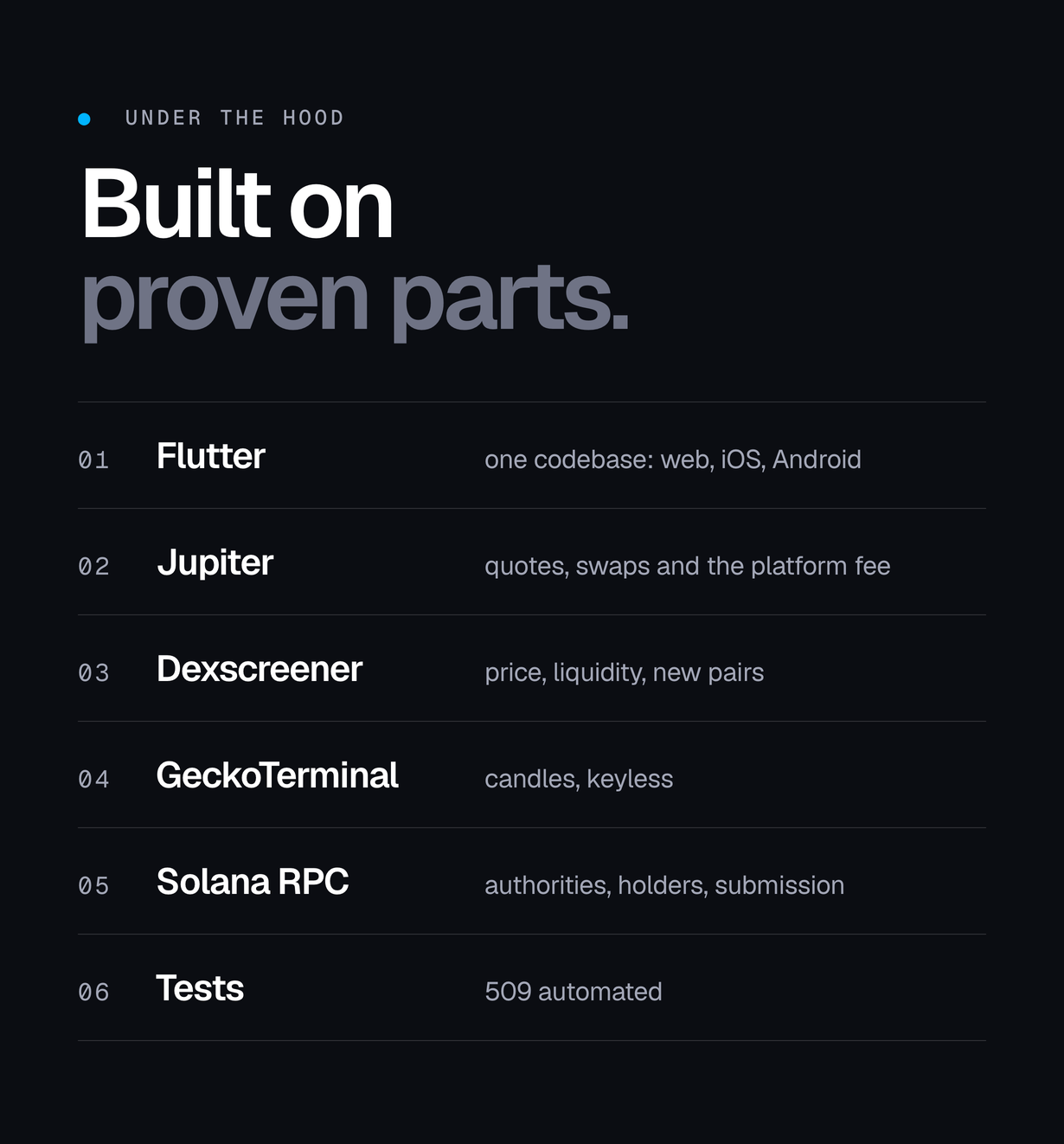

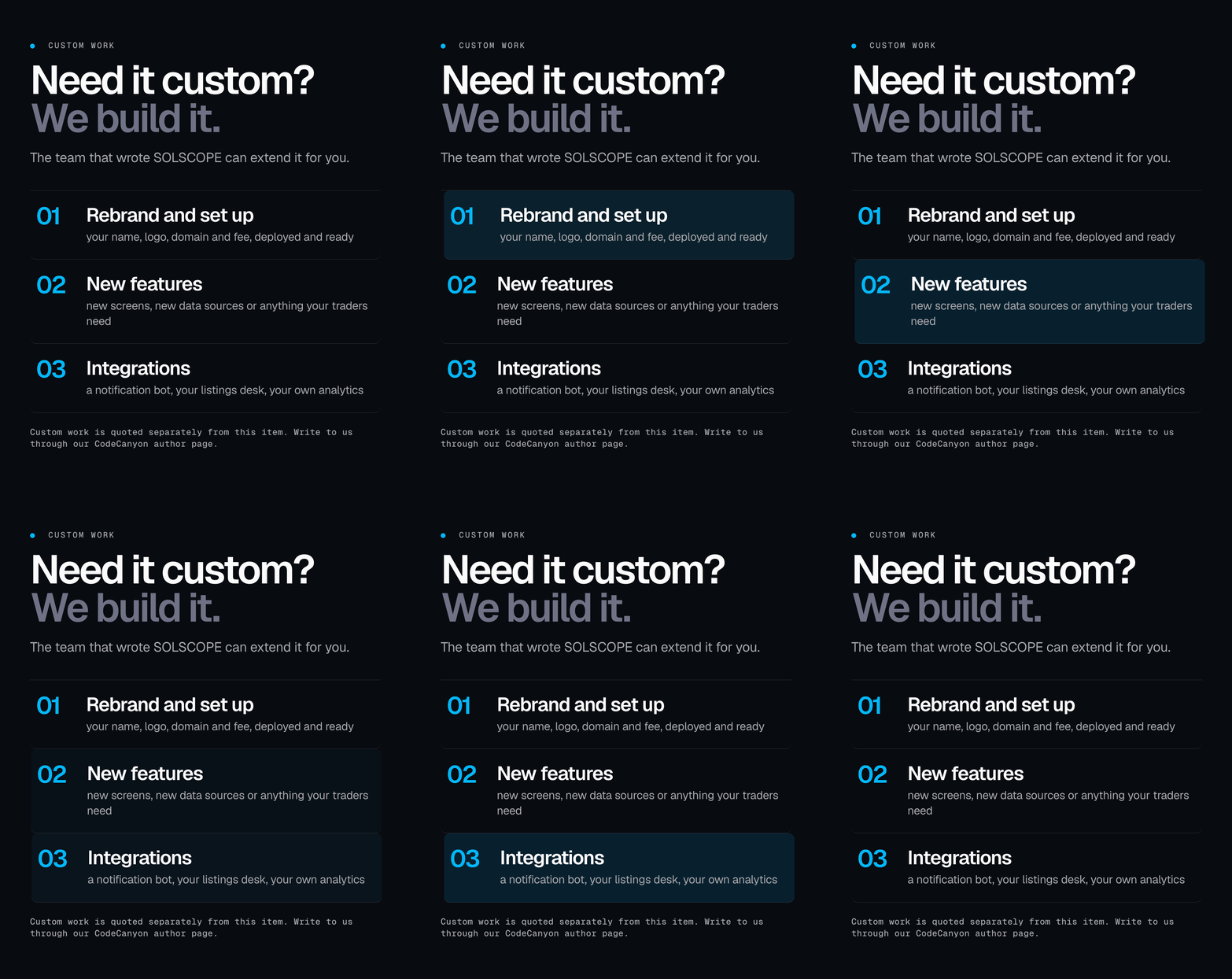
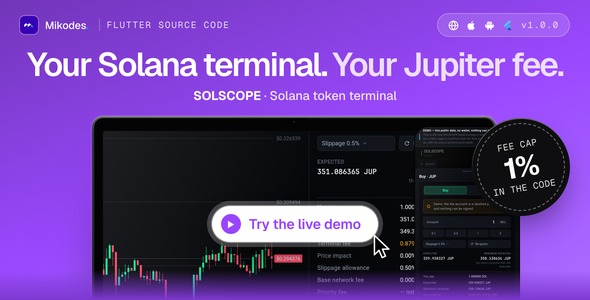
SOLSCOPE is complete Flutter source code for your own Solana token terminal: a live new-pairs feed, token pages that name the source of every figure (authorities, holders, dev wallet and a buy-then-sell check) and in-place Jupiter swaps that carry your platform fee, shown to the user before signing. The fee is hard-capped at 1% in code and ships off and empty. Non-custodial: the user’s own wallet signs. Web, iOS and Android. AI tools were used to assist with parts of the code, documentation and graphics of this item; the author reviewed and tested all of it (see Declarations).
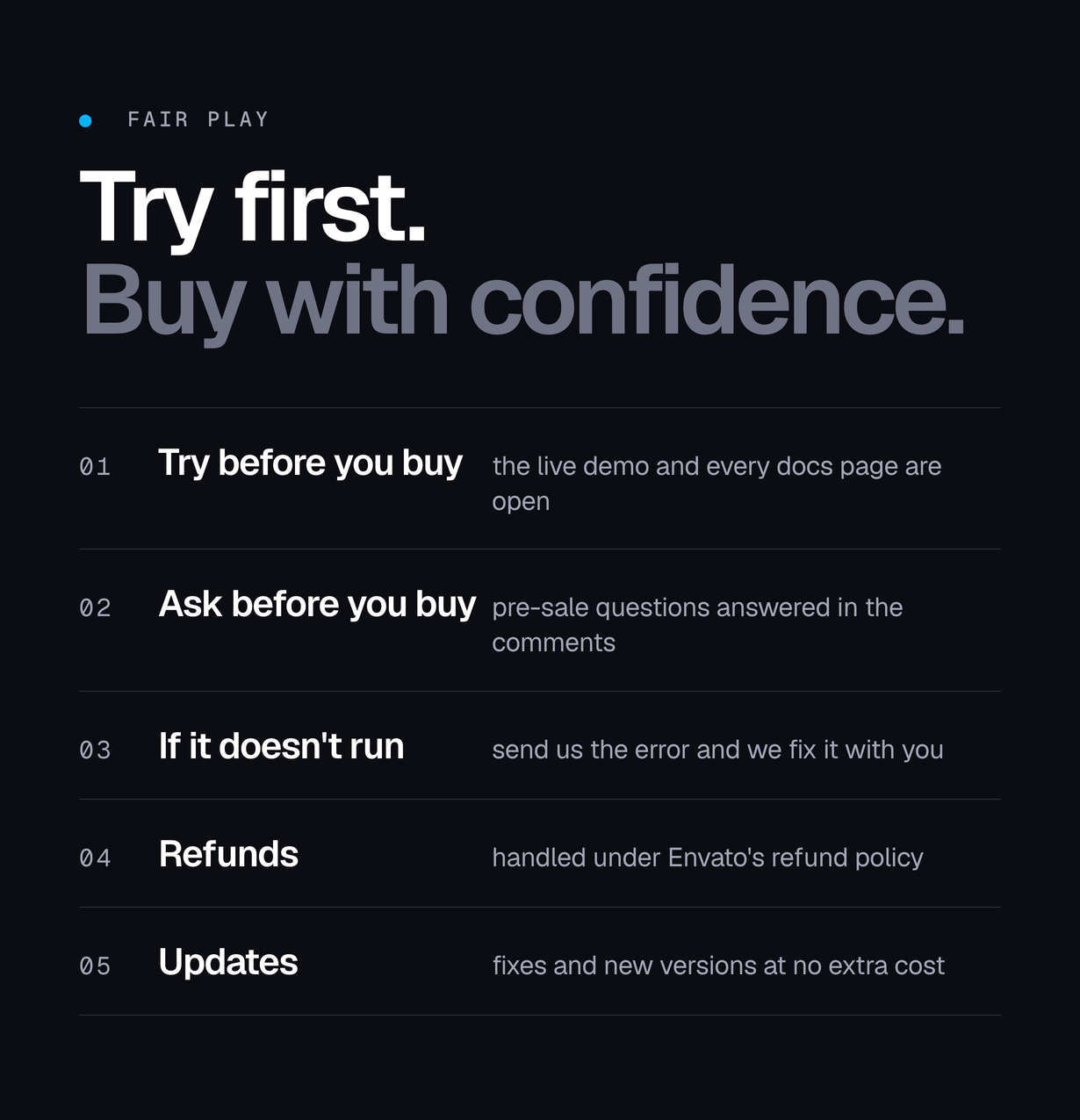
Live demo
| App | Link | Access |
|---|---|---|
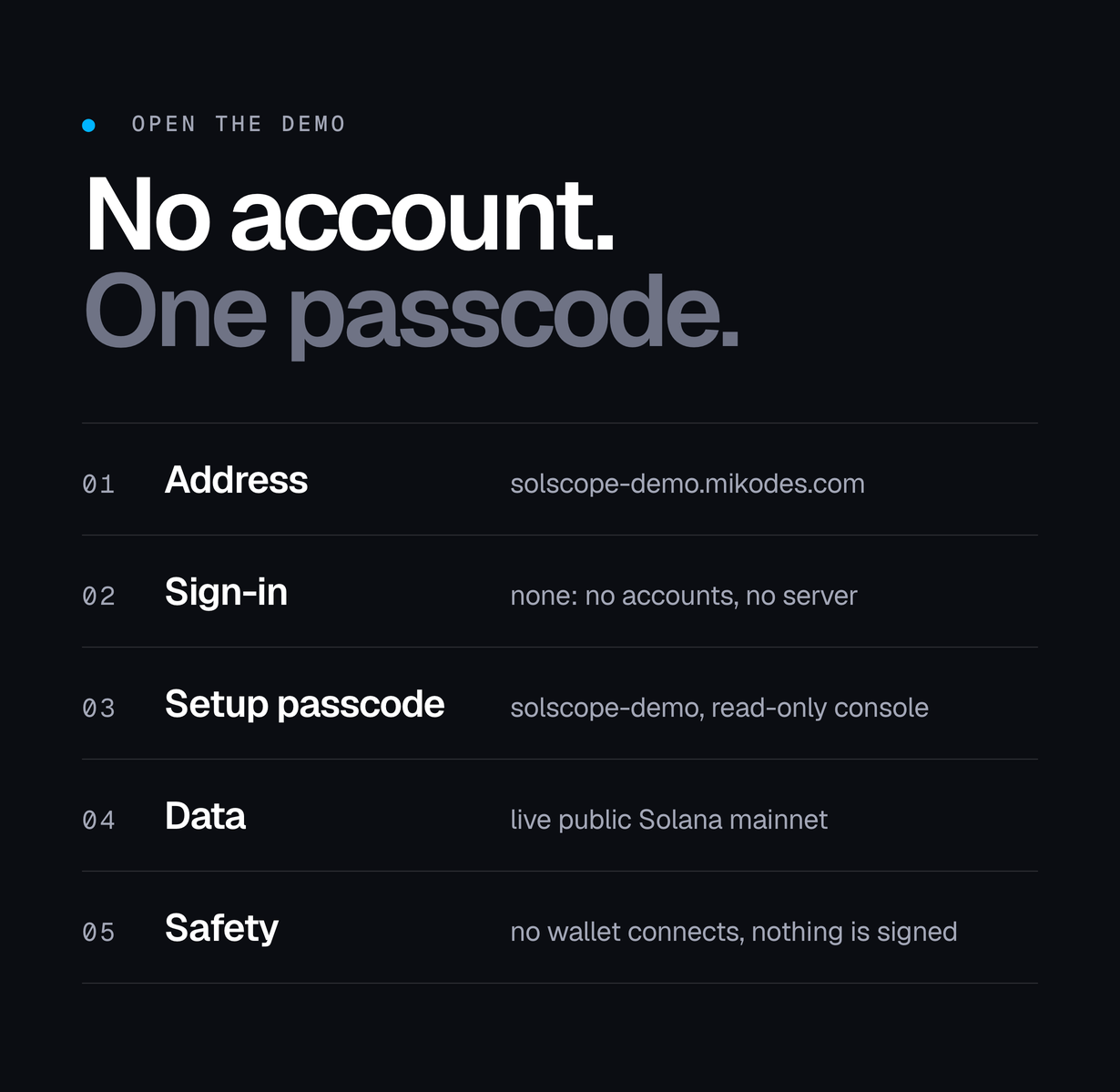
| SOLSCOPE terminal (live demo) | solscope-demo.mikodes.com | Opens in the browser, no sign-in. The real build on live public mainnet data, compiled with SOLSCOPE_DEMO=true: no wallet can connect and nothing can be signed. Setup opens with the demo passcode solscope-demo and is read-only. The fee account and the 0.25% rate shown are a labelled demo configuration, not a charge by the app’s publisher. |
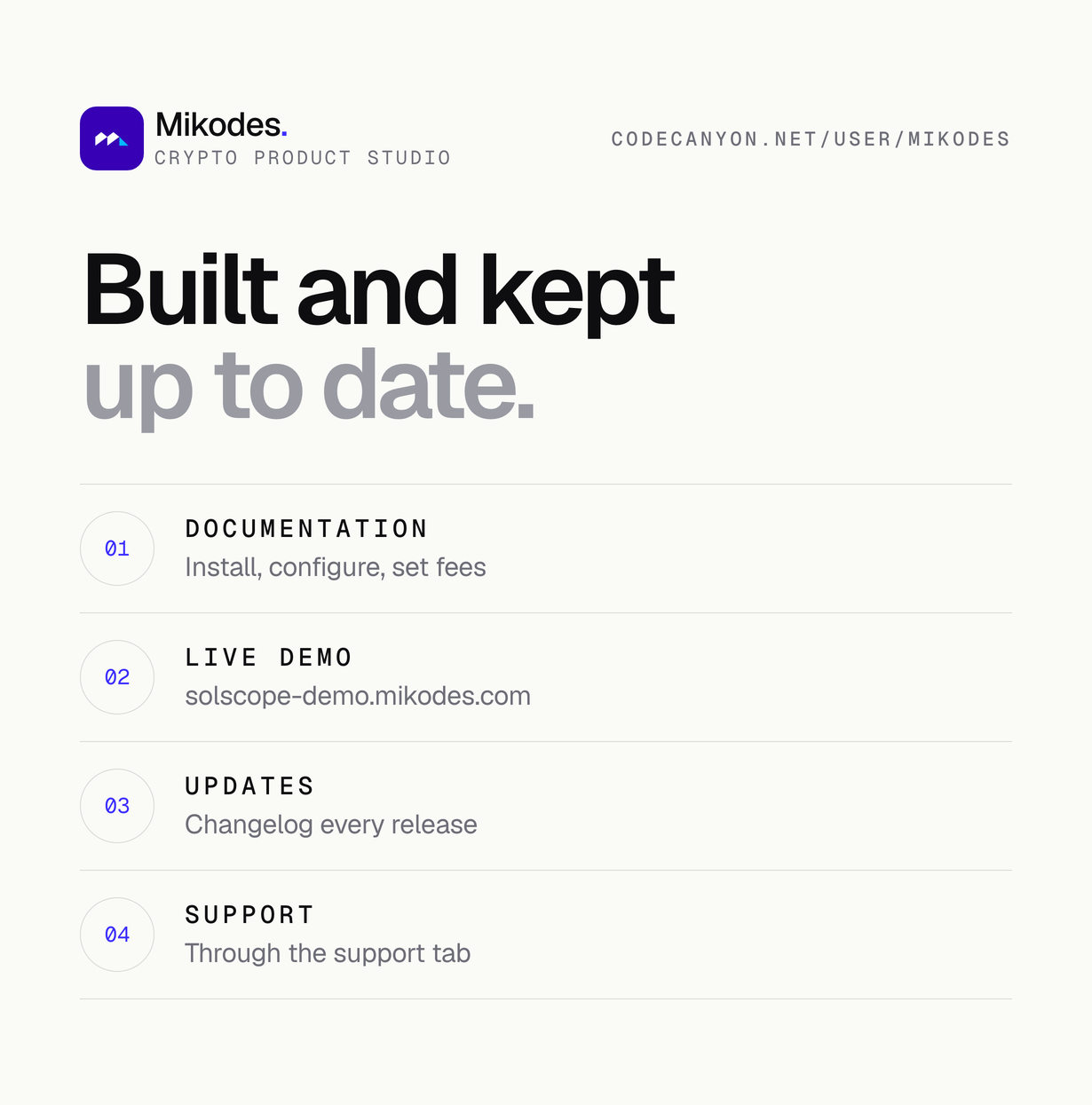
| Documentation | solscope-demo.mikodes.com/docs/ | Public, no purchase needed. |
Demo instructions
Open solscope-demo.mikodes.com. It is the real build on live public Solana mainnet data, compiled in demo mode (SOLSCOPE_DEMO=true).
- E-mail and password: none – the app has no accounts and no server to sign in to. The terminal opens straight on a token page.
- Operator console passcode: solscope-demo – open the Setup tab and type it. The console is read-only in the demo, so one visitor cannot change what the next one sees. A build compiled without SOLSCOPE_OPERATOR_PASSCODE has no Setup tab at all, which is the build a buyer ships to end users.
- What you can do there: open any token for live market data, mint and freeze authority, holders, the dev wallet and the tradeability check, and open the swap panel to see a quote with the fee itemised. In demo mode no wallet can connect and nothing can be signed.
- Trading with funds: not possible in the demo and not needed to review the item. A real swap needs your own build without SOLSCOPE_DEMO and the user’s own wallet.
- Documentation – sign-in: none. solscope-demo.mikodes.com/docs/ is public.
Costs not included in the price
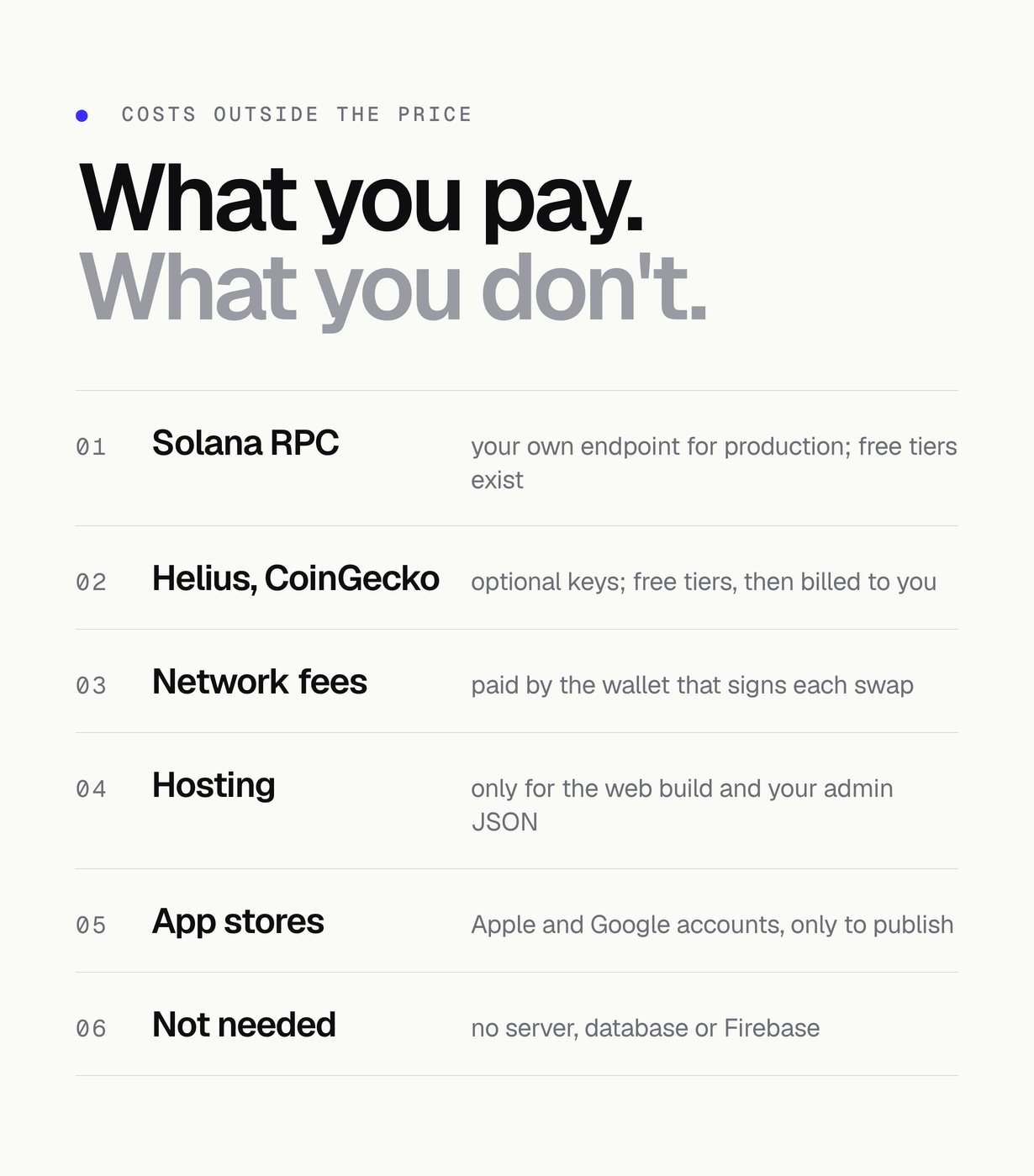
The item price covers the source code and its documentation. These third-party services are billed separately, by their providers, on your own accounts: you are responsible for any usage costs incurred through your own API accounts. Check each provider’s current pricing. A first run needs none of them: the app starts on public keyless endpoints, which are rate limited.
- Solana RPC provider (Helius, QuickNode, Alchemy or your own node) for production traffic: its plan above the free tier is paid by you.
- Helius API key (optional: holder count, dev-wallet history, funding source): free tier, then billed by Helius to you.
- CoinGecko API (optional): the Demo key is free with rate limits; paid plans are billed by CoinGecko to you.
- Jupiter API: the app uses Jupiter’s keyless endpoint; a keyed Jupiter plan, if you choose one, is billed by Jupiter to you.
- Firebase (optional, not used by default): SOLSCOPE has no Firebase dependency and ships no Firebase project, ID or key. If you choose Firebase Remote Config for your admin config or Firebase Hosting for the web build, it runs in your own Firebase project: Remote Config is free, Hosting has a free Spark-plan quota, and usage above it on the Blaze plan is billed by Google to you.
- Static web hosting and a domain for the web build and your admin JSON file: paid by you.
- Apple Developer Program (yearly membership) and Google Play Console (one-time registration fee) to publish the iOS and Android apps: paid by you.
- Solana network fees: paid by the wallet that signs each swap, i.e. your users.
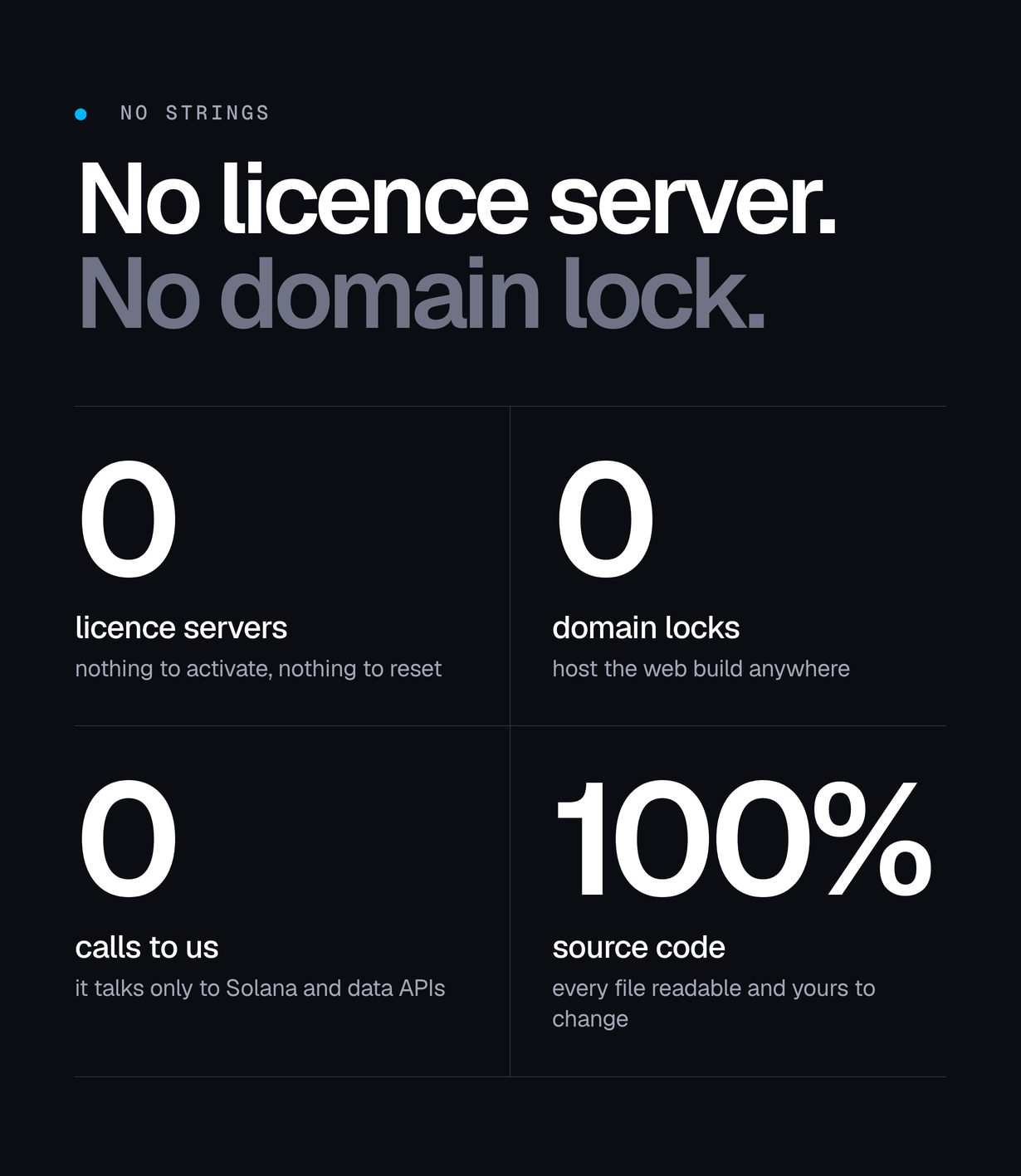
Not needed at all: a WalletConnect / Reown project (this version does not include WalletConnect), a server, a database or Firebase. SOLSCOPE has no backend.
Features
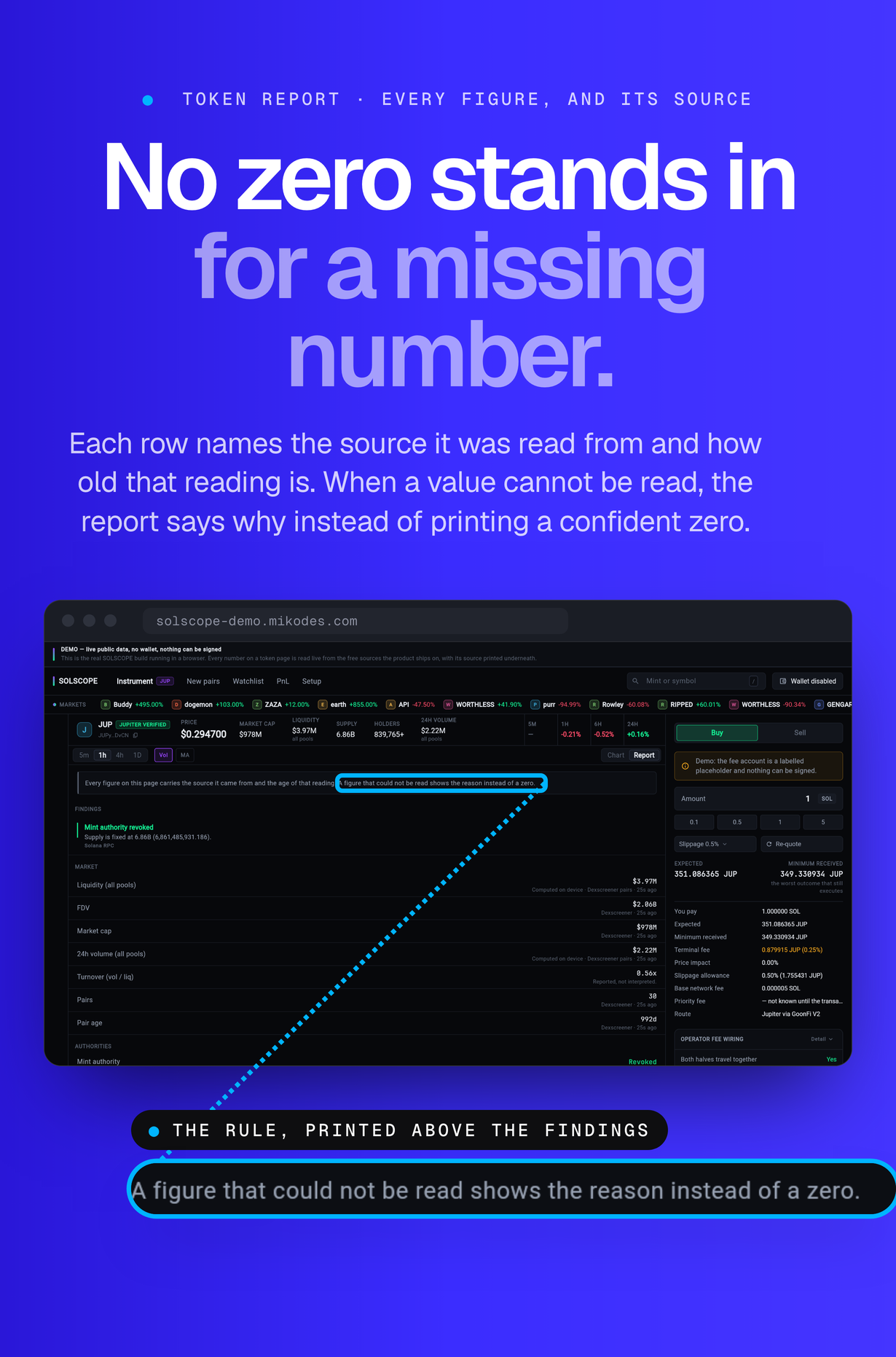
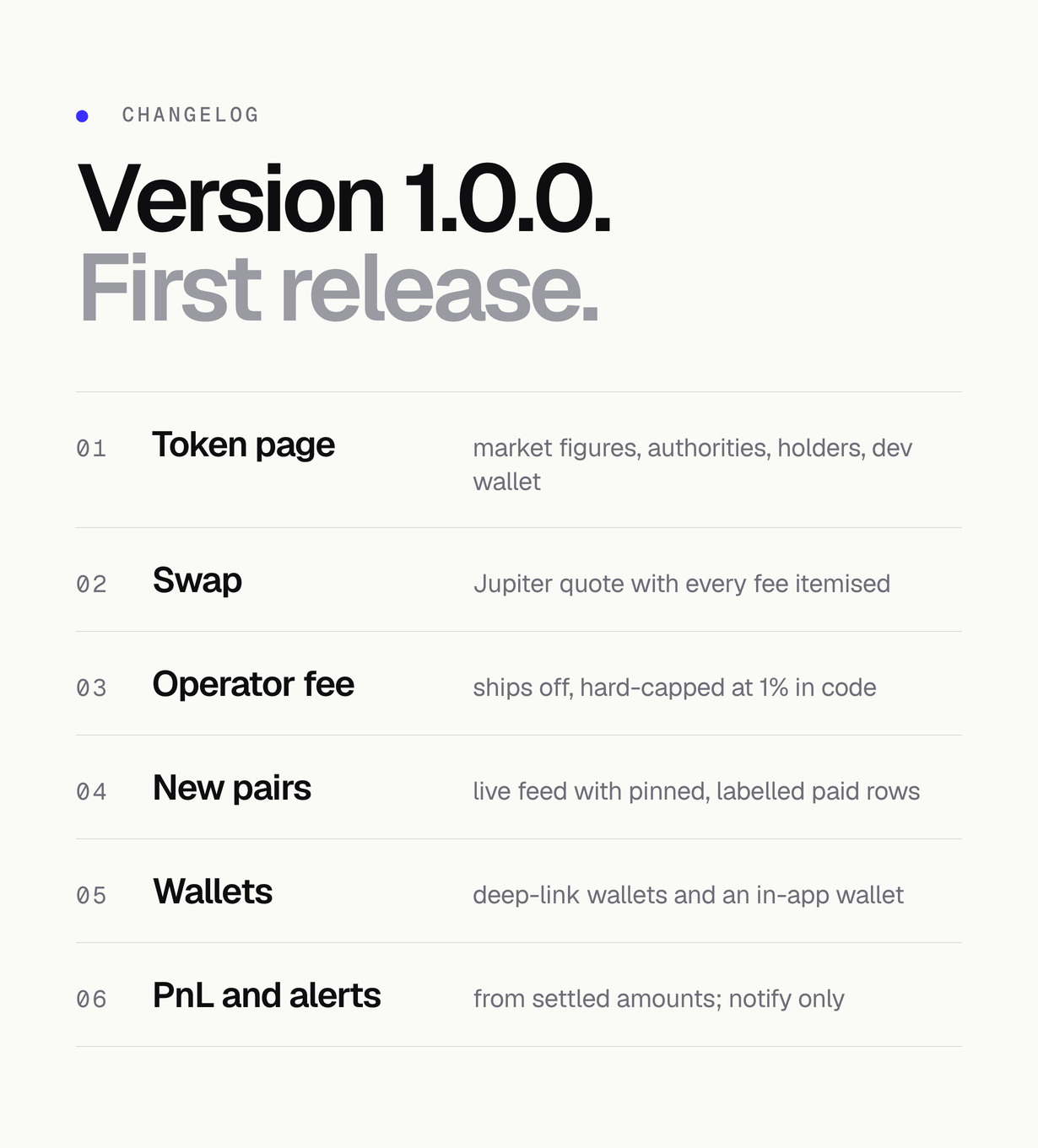
- Token page with chart, market figures and a findings report where every figure names its source and the age of that reading
- A figure that could not be read shows the reason instead of a zero
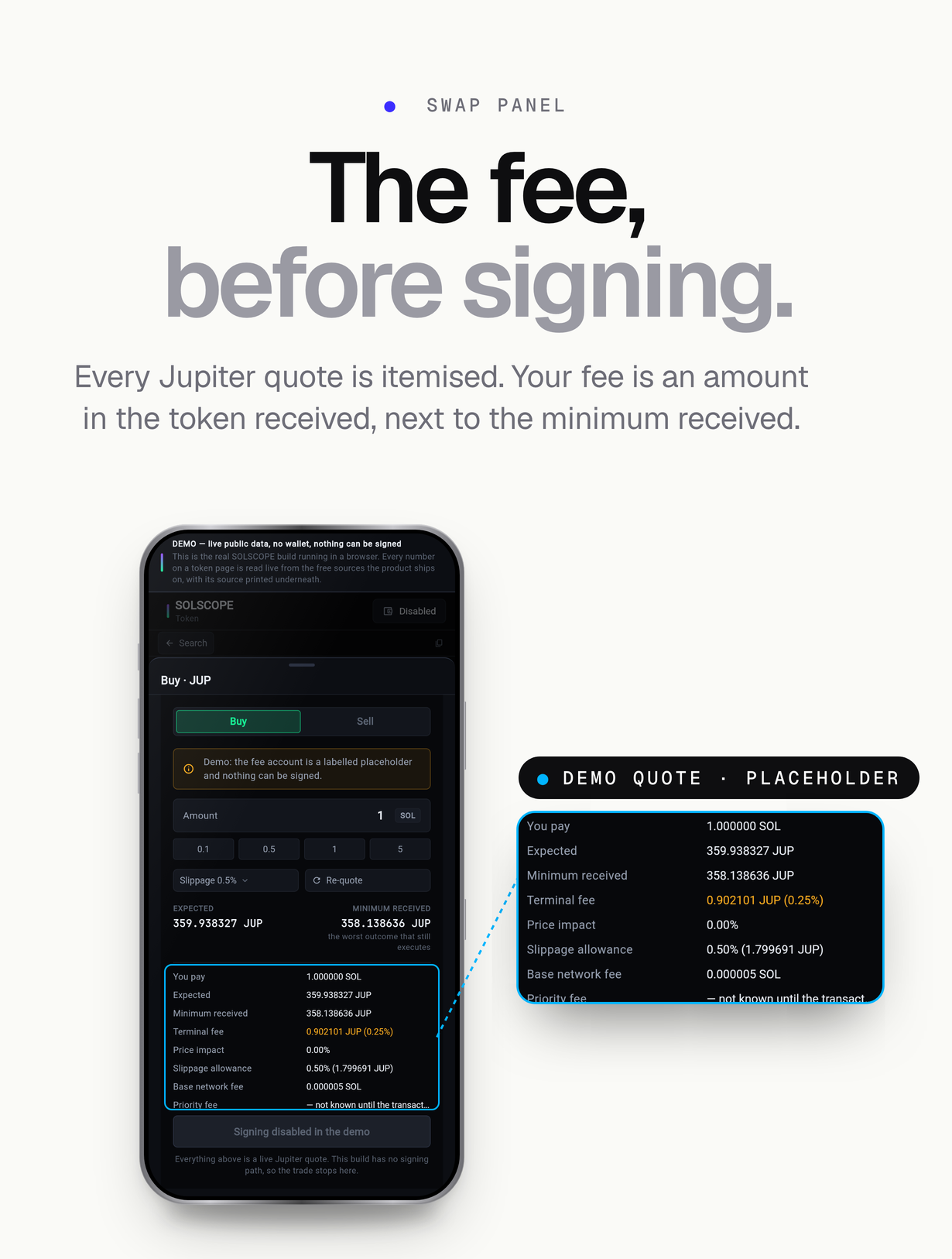
- Swap panel on Jupiter with slippage control and the operator fee itemised on the quote before anything is signed
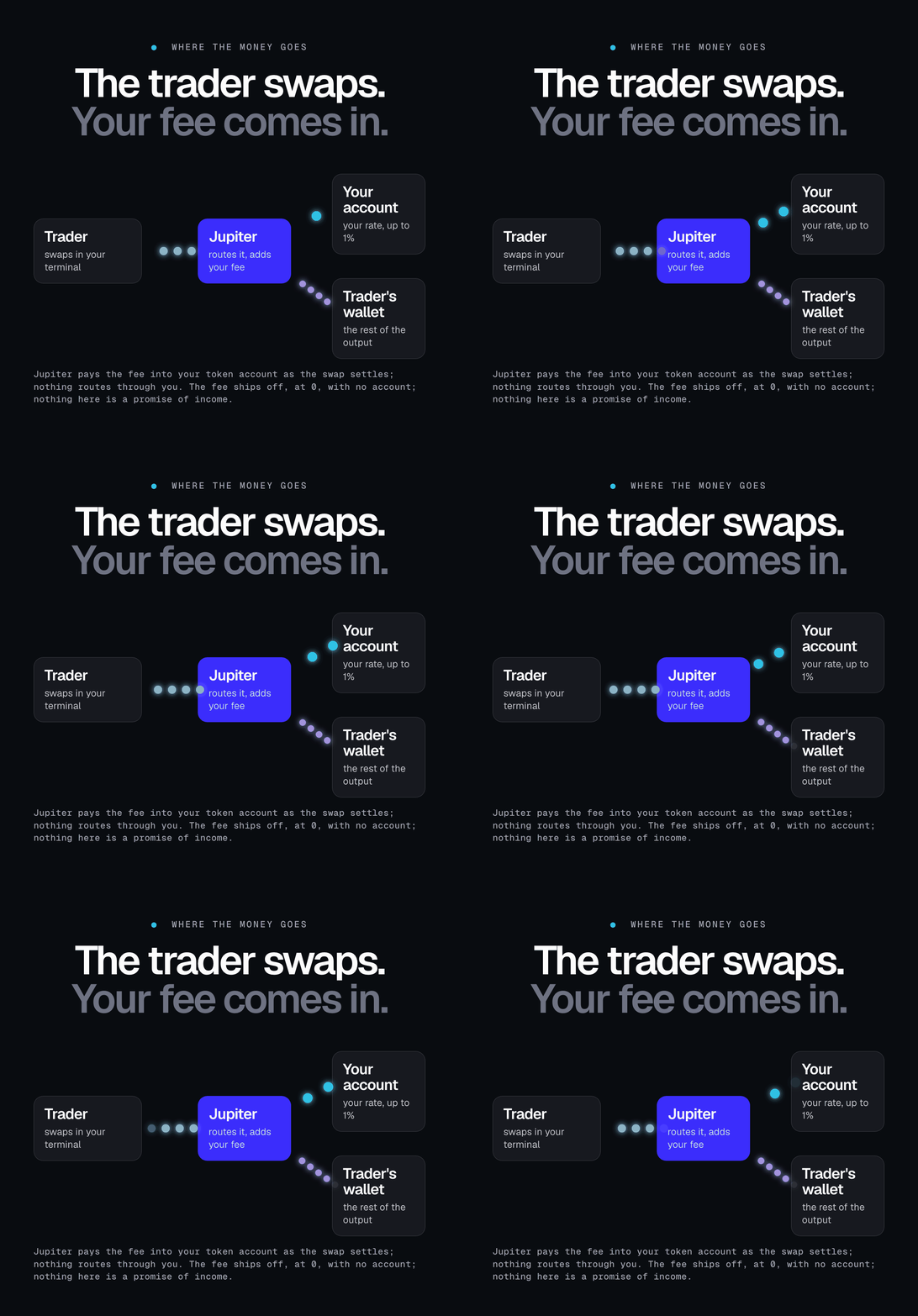
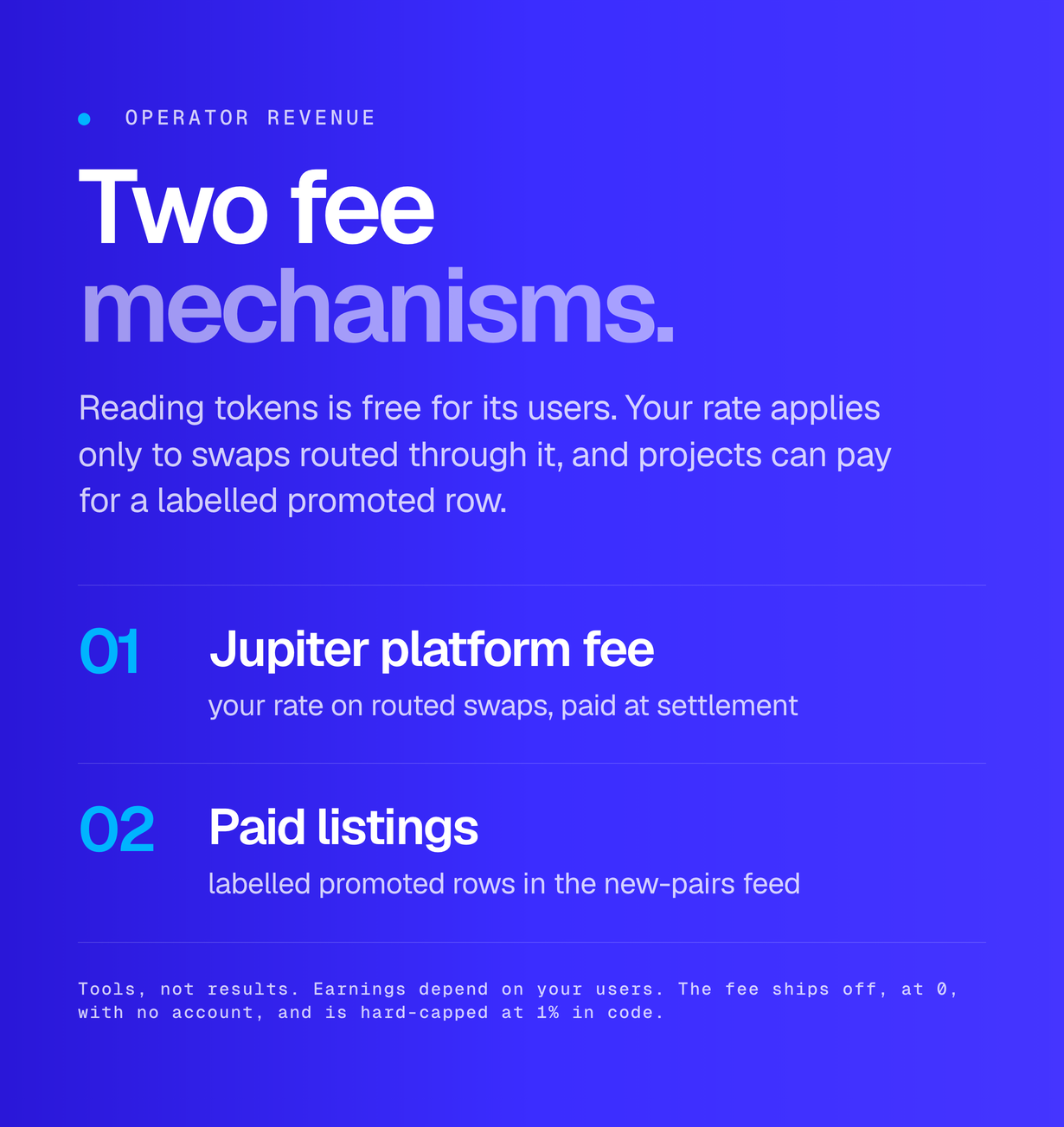
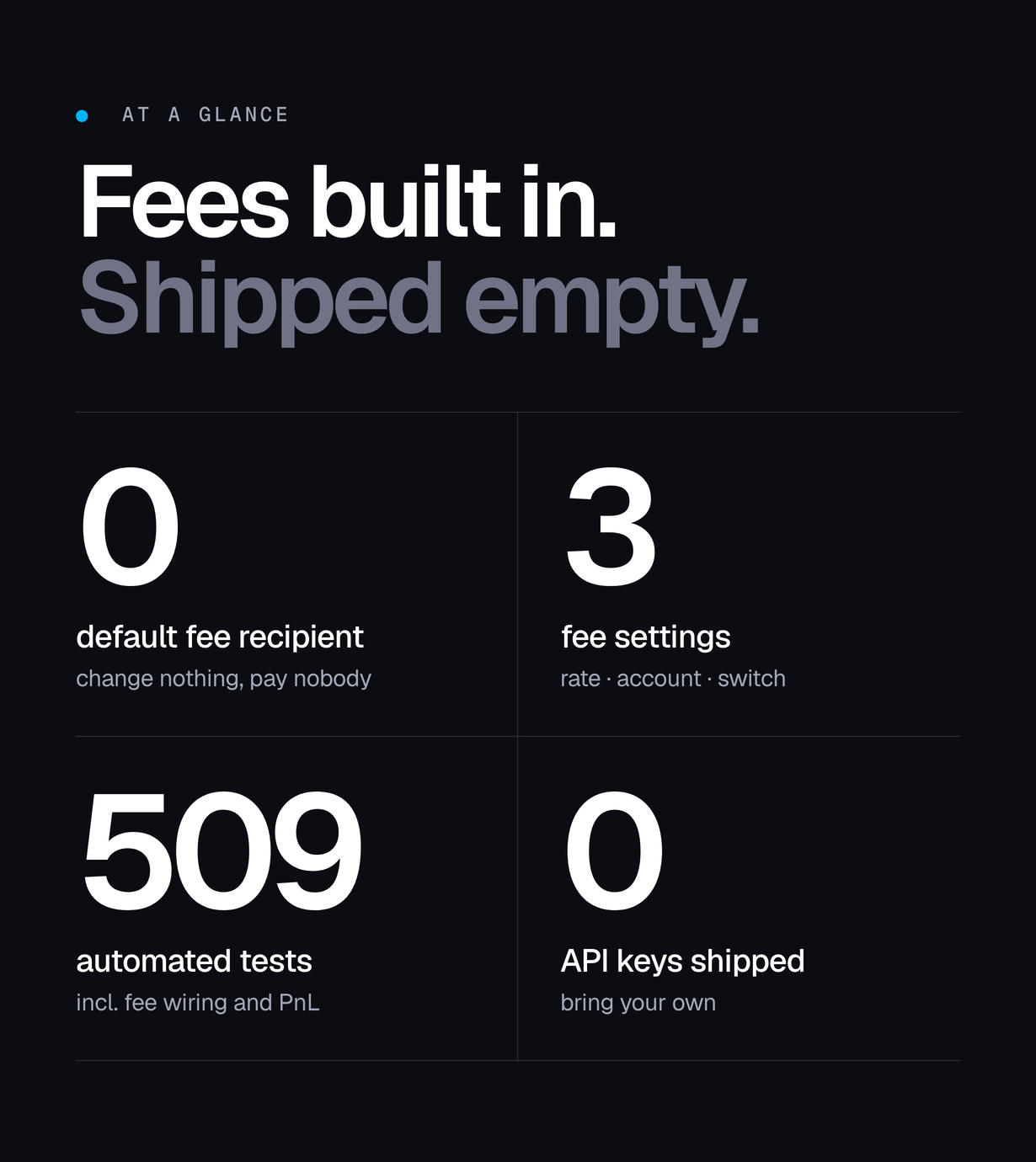
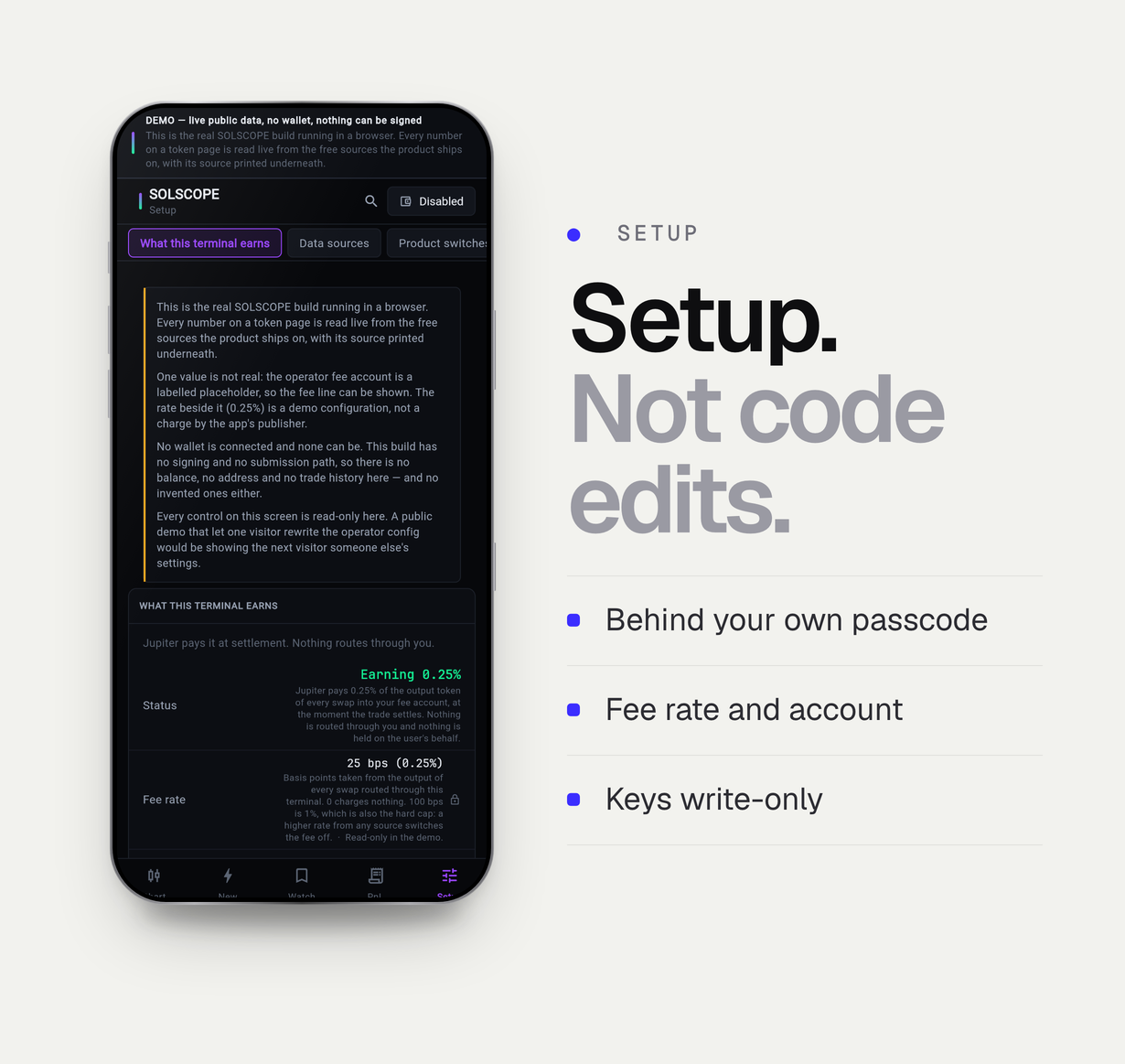
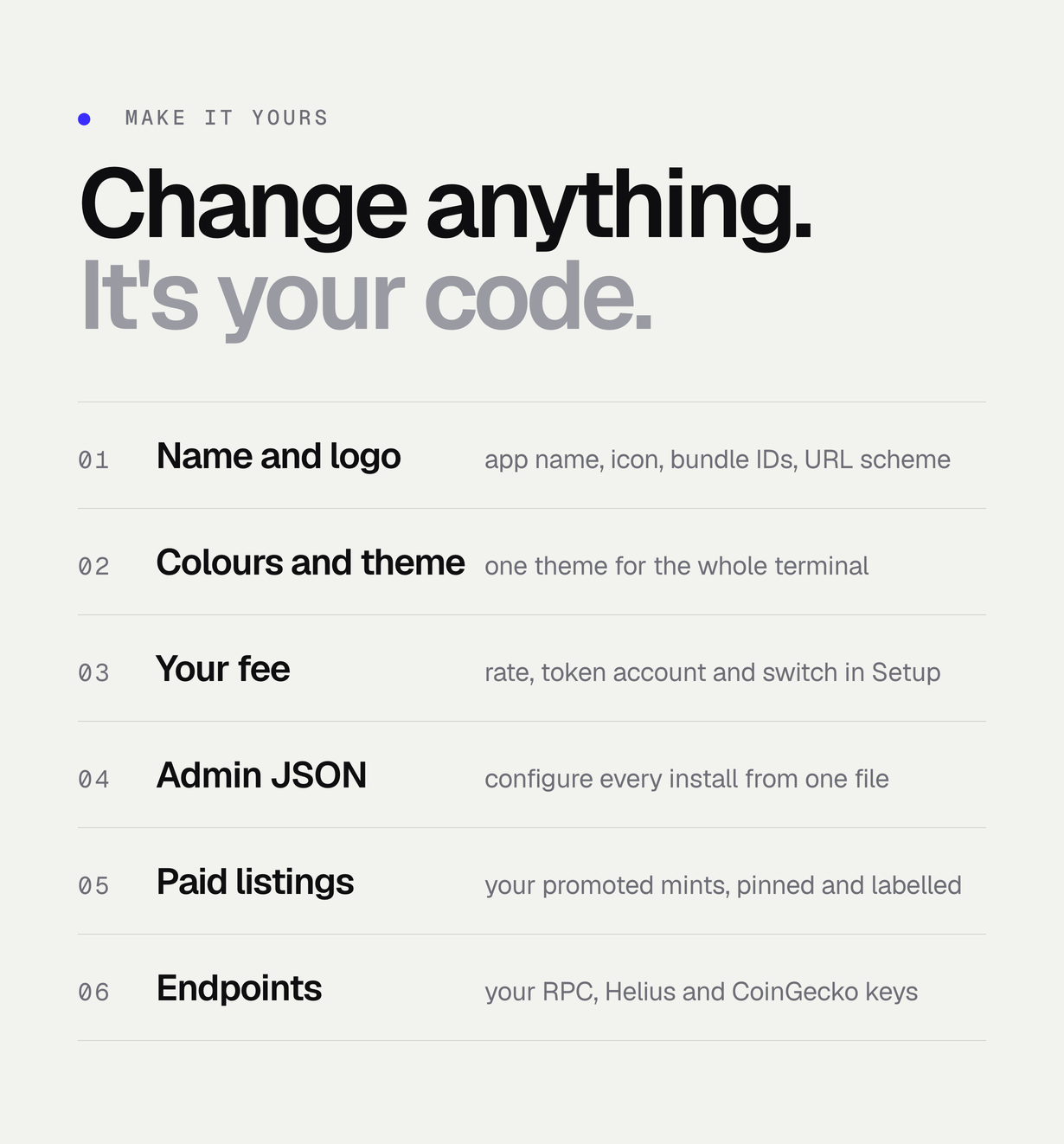
- Operator fee: your rate and your token account, added to each Jupiter quote and paid at settlement – it ships off, at 0, with no account
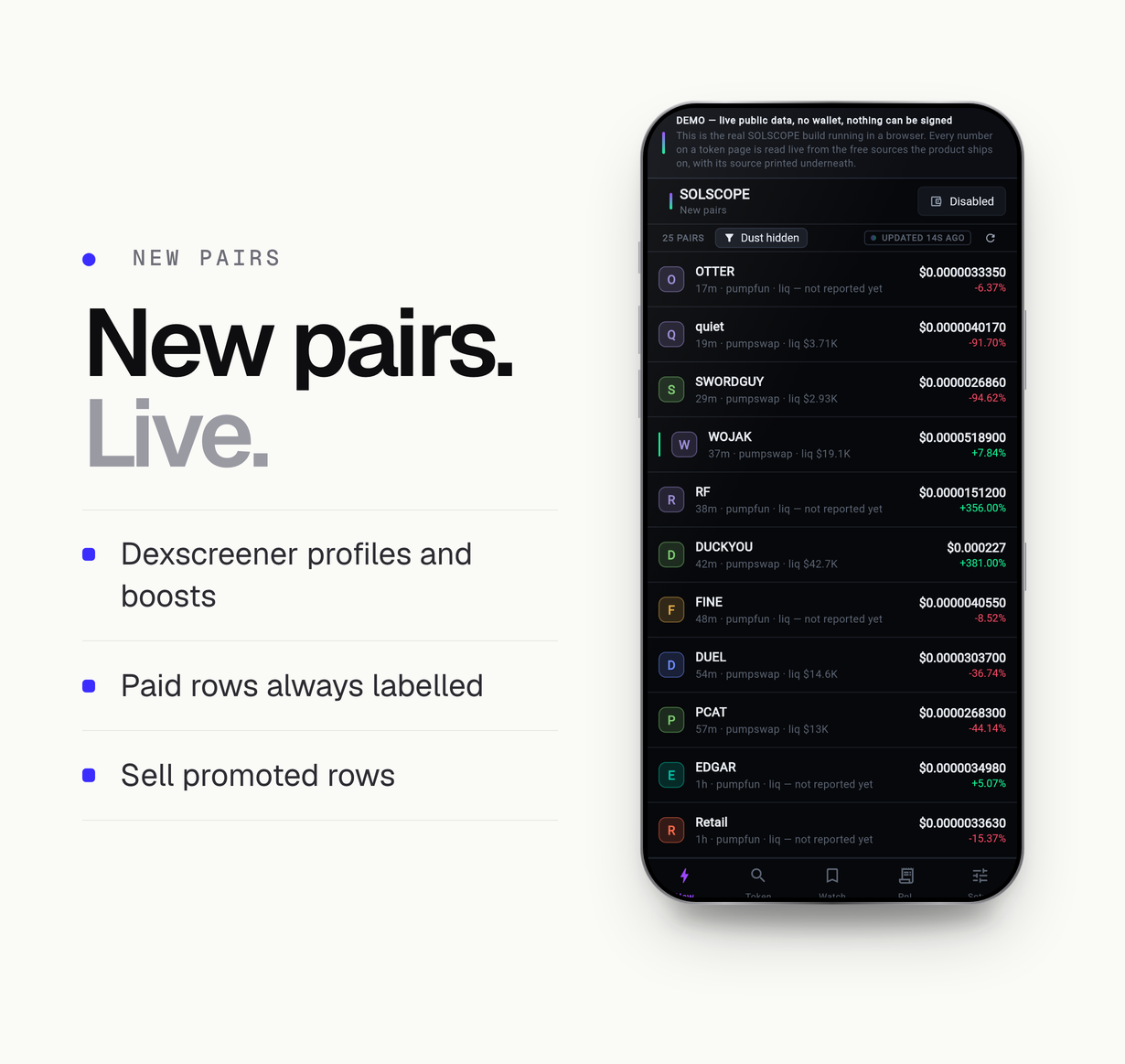
- New-pairs feed from Dexscreener profiles and boosts, where a paid row is always labelled as paid
- Authorities, top holders, dev wallet and a round-trip check on the token report
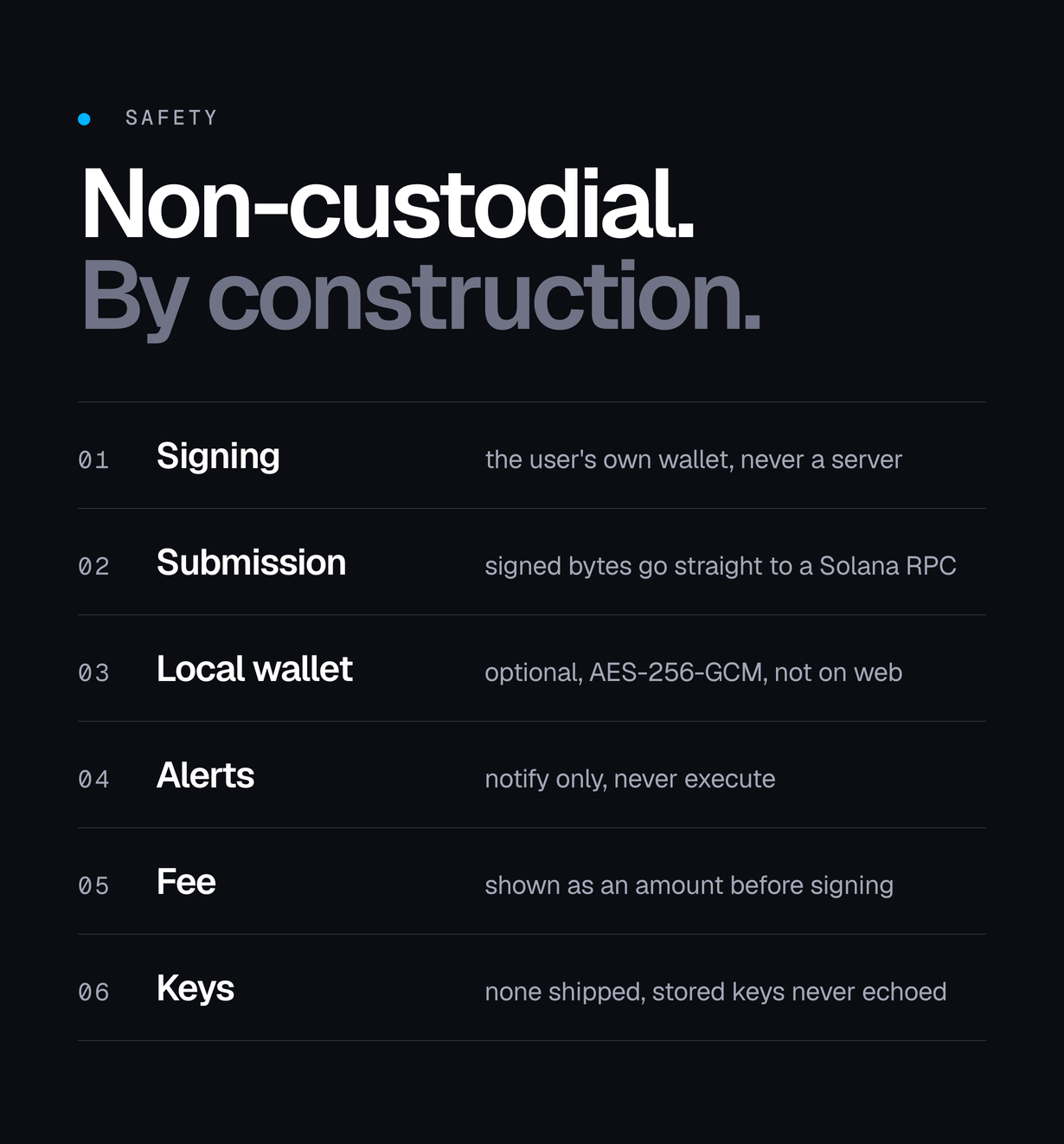
- Watchlist, price and event alerts that notify and never execute
- PnL from what actually settled, not from a quote
- Phantom, Solflare and Backpack on Android and iOS over their encrypted deeplink handshake (the wallet returns to the app through solscope://), plus an in-app wallet you create (12-word recovery phrase, shown once and confirmed) or import, encrypted with AES-256-GCM on Android, iOS and macOS; the web build offers no in-app wallet
- Non-custodial: signing happens in the user’s own wallet and the signed bytes go straight to a Solana RPC
- Operator console (the Setup tab) compiled in only with your own passcode and opened only with it, plus an admin JSON file so every install is configured from one place; the build your users get has no console
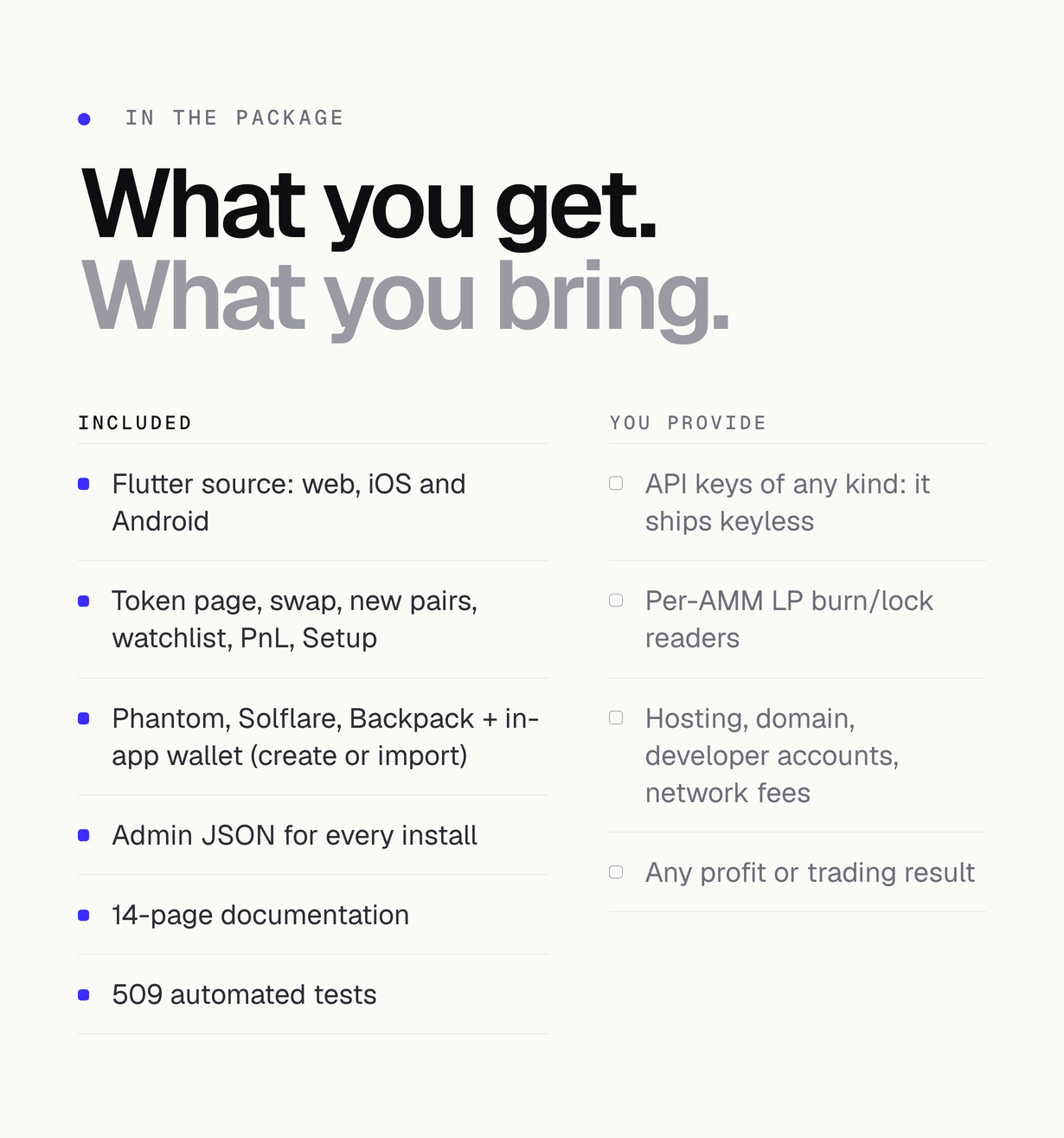
- Ships keyless: no API key of any kind is in the package, and stored keys are never echoed back
- Web build with a Content-Security-Policy that allows no inline script or style
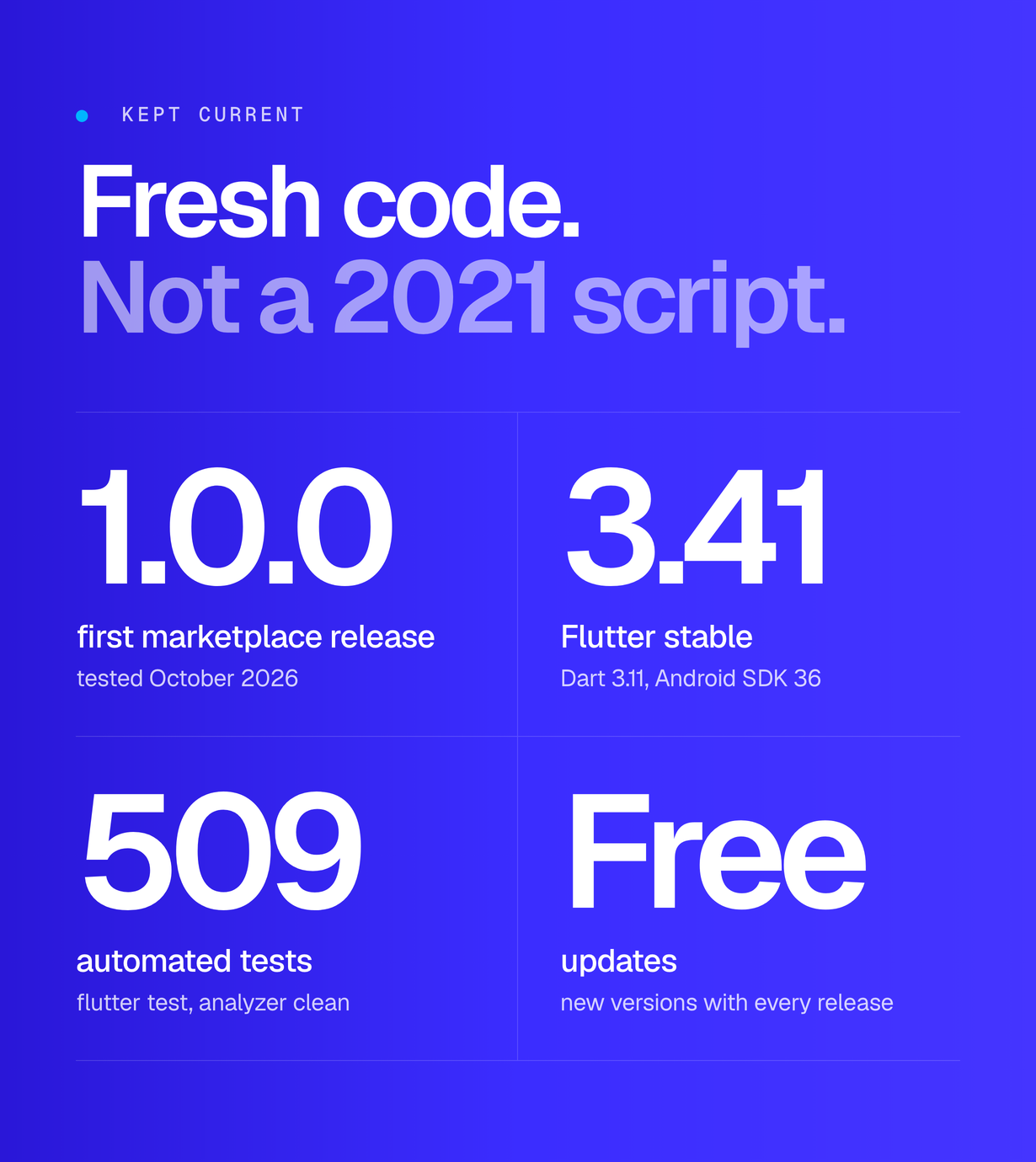
- 509 automated tests, including the fee wiring and the PnL arithmetic
Screenshots and preview images come from the demo build on live public data. The fee line in them uses a labelled placeholder account that is not an account, signing is disabled, and nothing in them is a promise of a result. They are presentation material and are not part of the download; device frames are illustrations.
Good to know before you buy
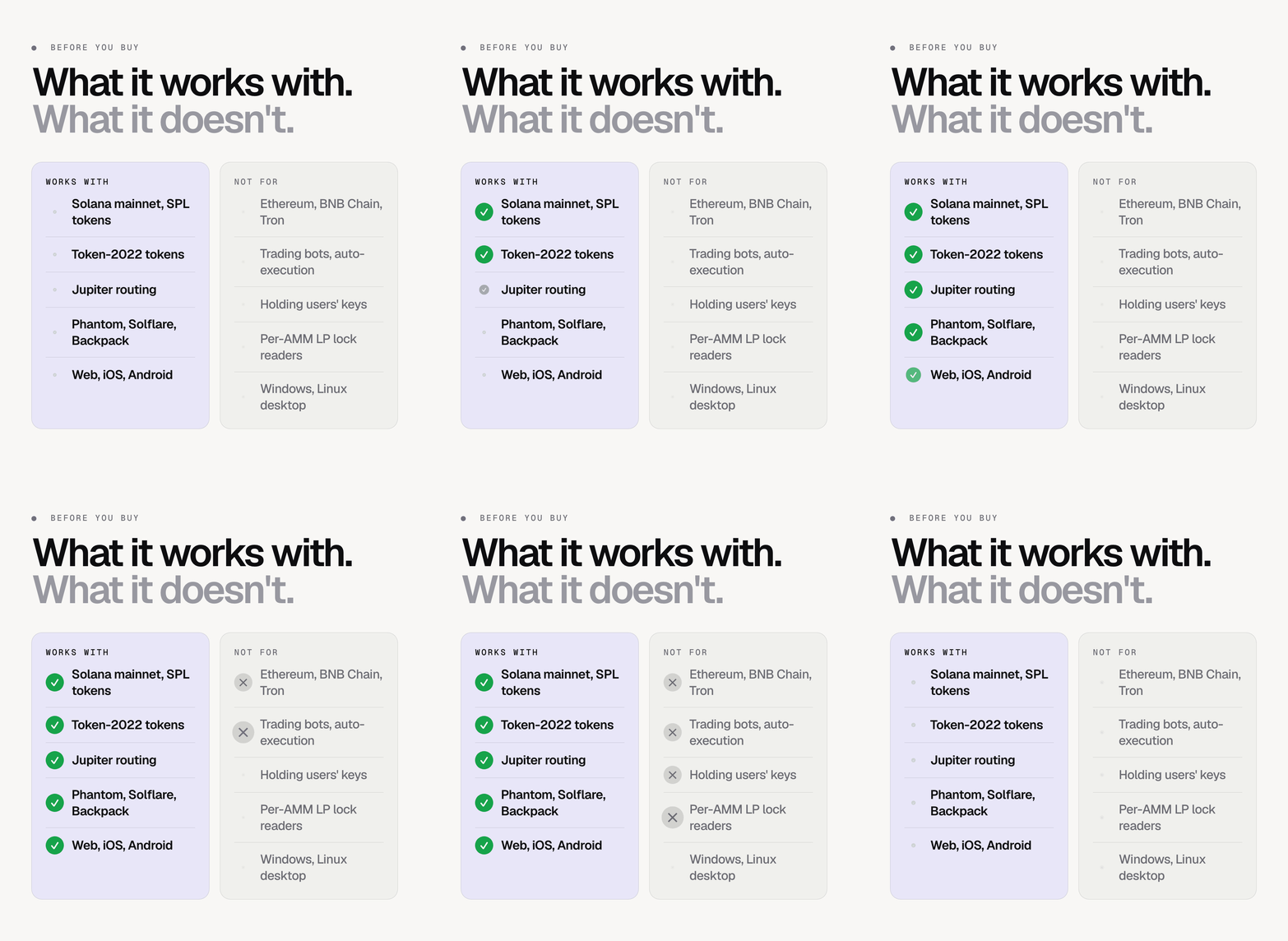
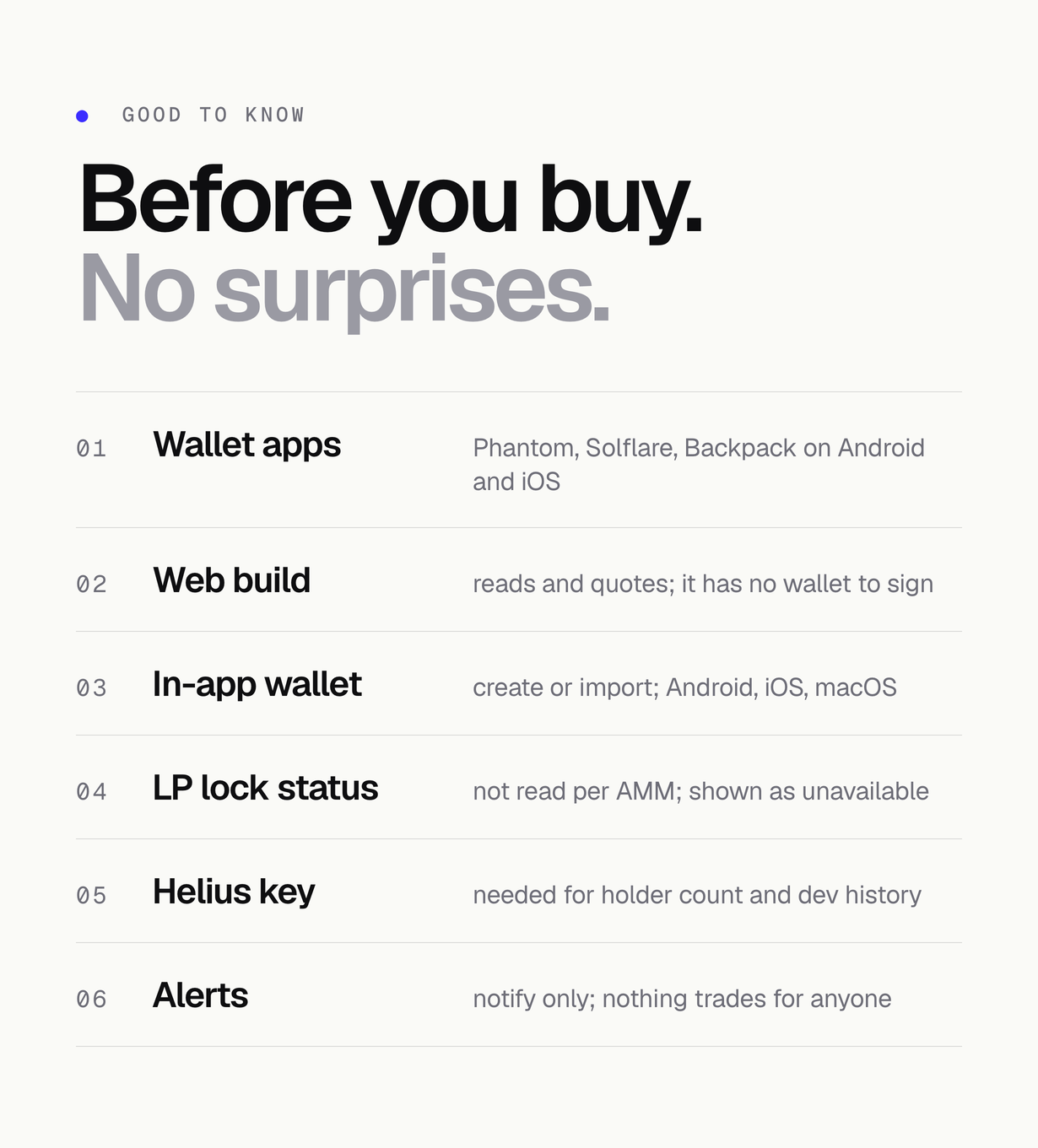
- Phantom, Solflare and Backpack connect on Android and iOS through their deep-link handshake; the wallet hands its answer back to the app through the solscope:// link.
- The web build reads tokens and shows live quotes but has no wallet of its own, so it does not sign.
- The in-app wallet (create a 12-word phrase or import one, encrypted on the device) works on Android, iOS and macOS.
- LP burn and lock status is not read per AMM; the token page shows it as unavailable rather than assuming it.
- Holder count, dev-wallet history and funding source need a Helius key; without one those rows say so instead of showing a partial number.
- Alerts notify only. Nothing in the code places an order on anyone’s behalf.
FAQ
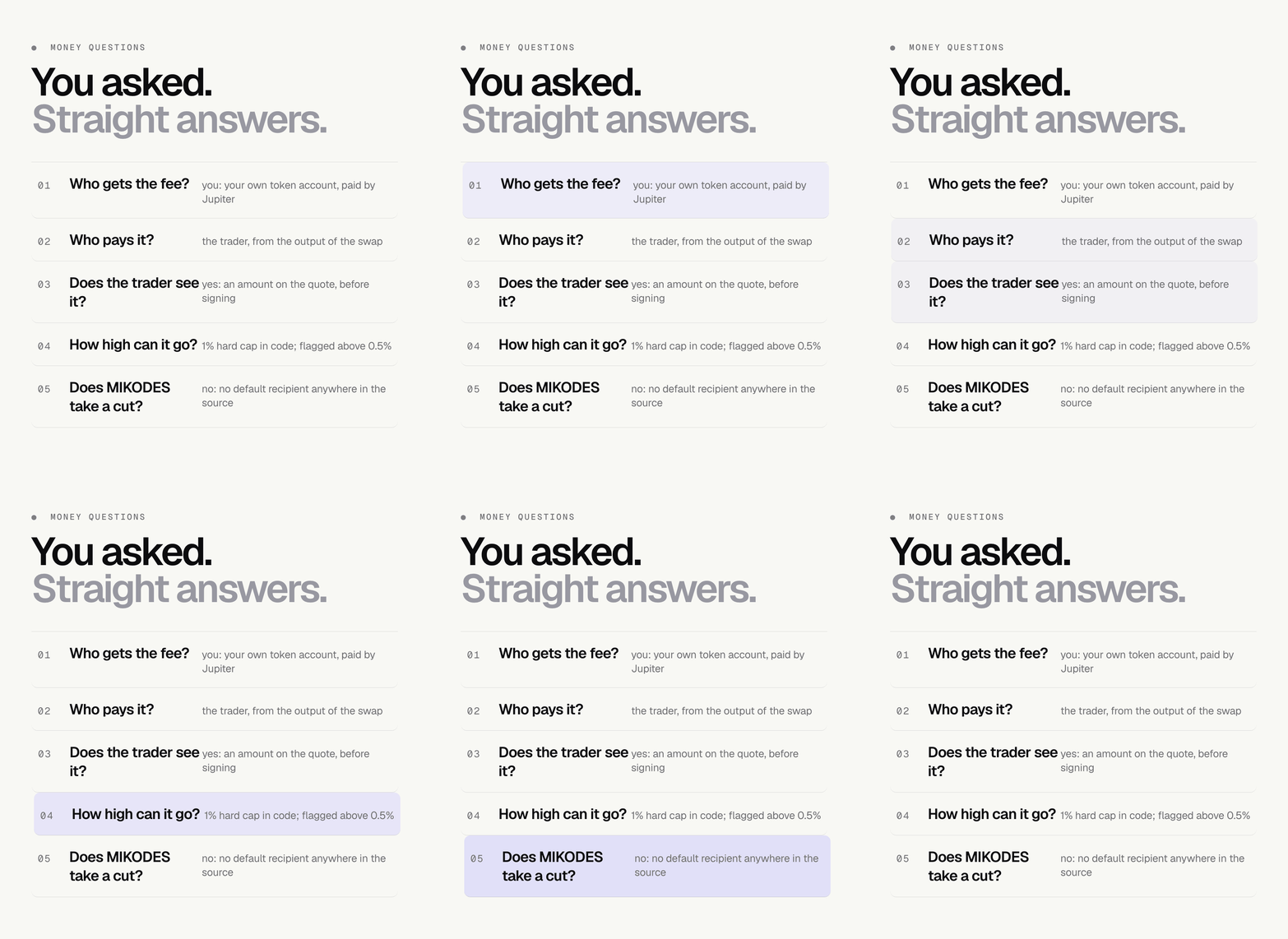
How does the operator earn?
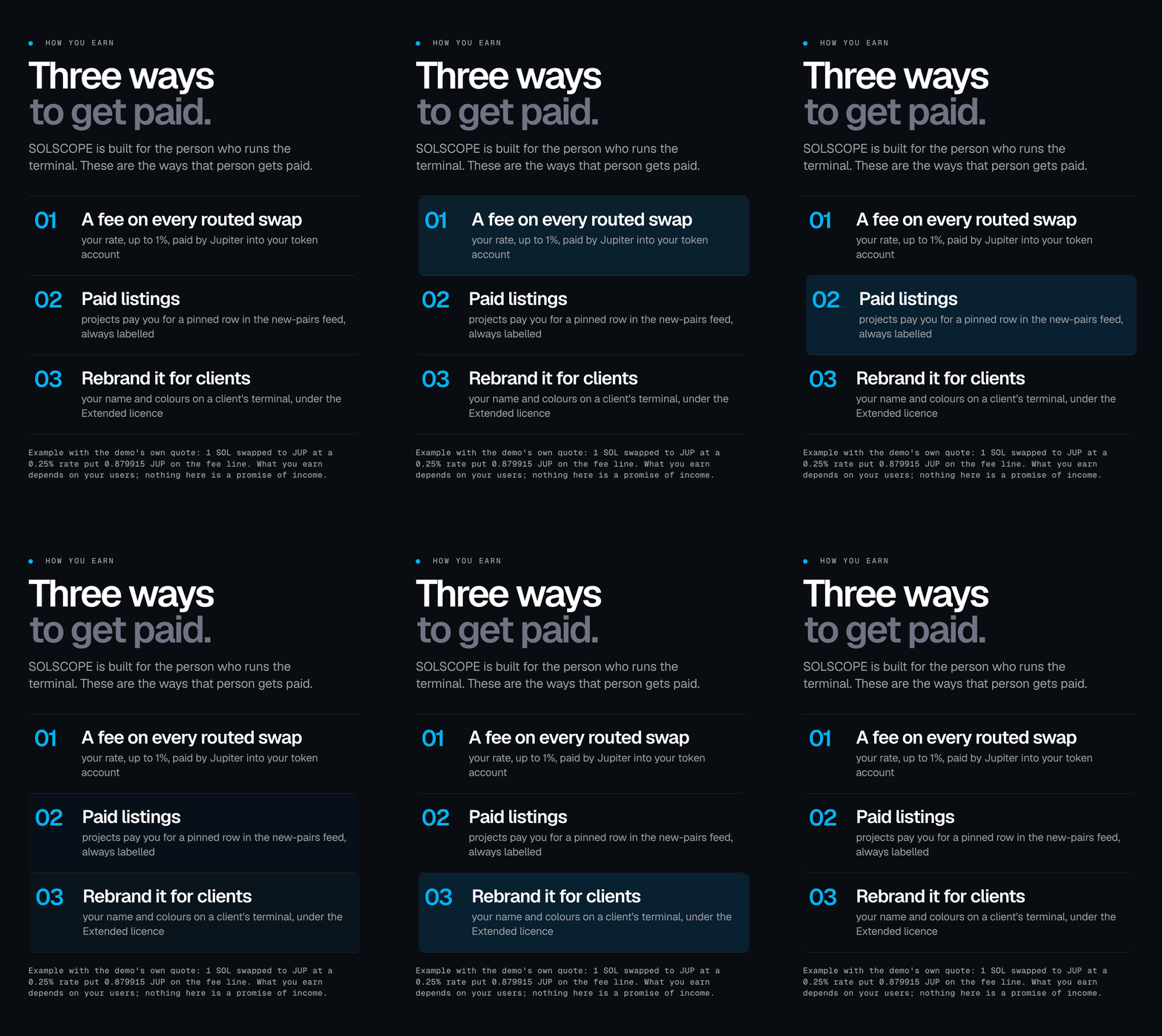
Two mechanisms exist in the code. A Jupiter platform fee: you set a rate (hard-capped at 1% in code) and your token account, the rate is added to each Jupiter quote and Jupiter pays the fee into that account when the swap settles. And optional paid listings: mints you list are pinned at the top of the new-pairs feed, always labelled as paid. Earnings depend entirely on your users; nothing is promised.
What fee rate can I set?
The fee is hard-capped at 100 bps (1%) in code; a higher value from any source switches the fee off. The operator console flags rates above 50 bps. The fee ships at 0 with no account and the switch off.
Does MIKODES take a cut?
No. There is no default fee recipient anywhere in the source. Change nothing and the terminal pays nobody.
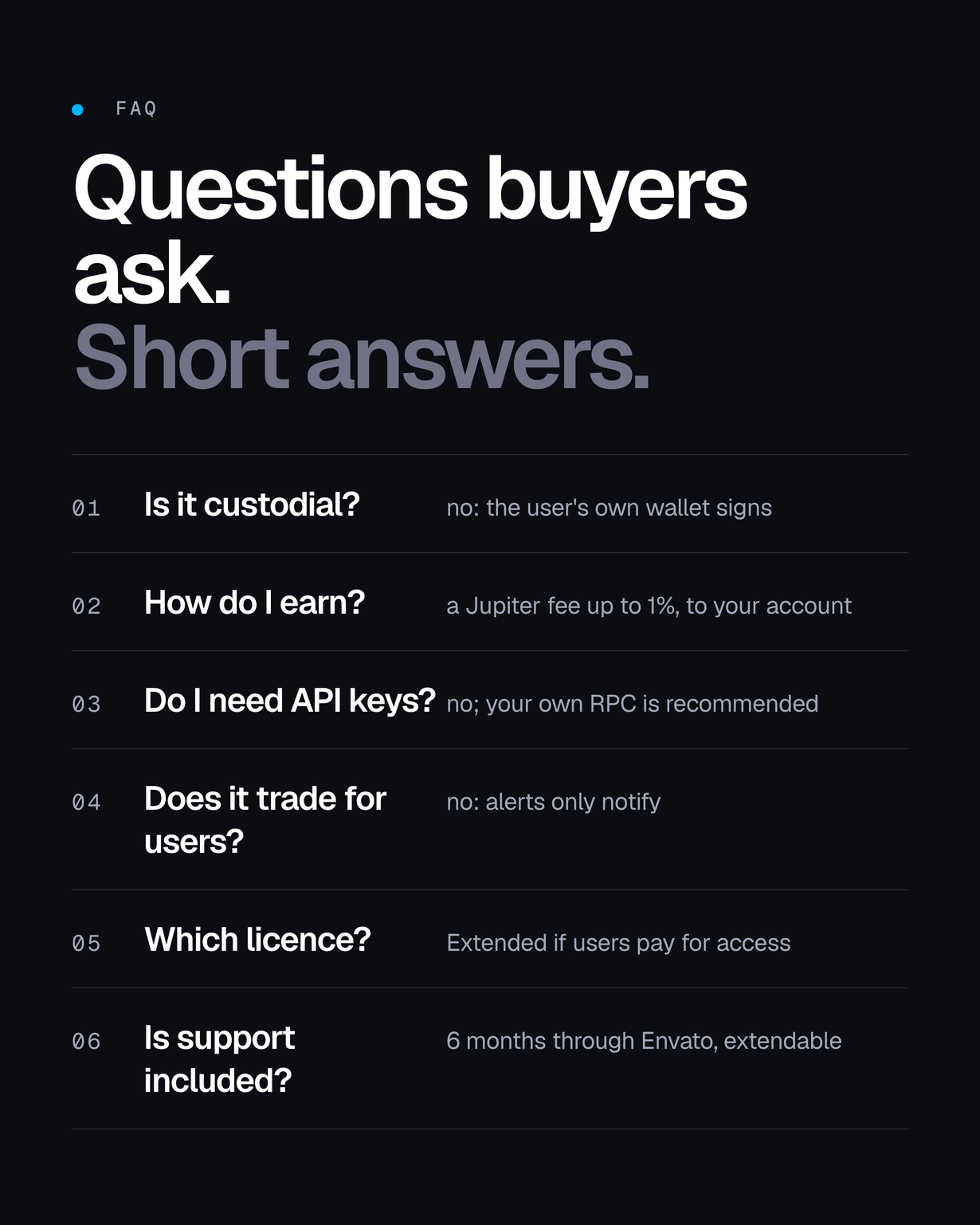
Is it custodial?
No. The user’s own wallet signs – Phantom, Solflare or Backpack on Android and iOS, or the optional in-app wallet encrypted on the device (Android, iOS and macOS) – and the signed transaction goes straight to a Solana RPC. There is no server, relayer or account.
Does it trade for the user?
No. Alerts notify only. Nothing in the code places an order on anyone’s behalf.
Do I need API keys?
No key ships and none is required to run it. Your own Solana RPC is recommended; Helius and CoinGecko keys are optional and unlock extra figures.
Which platforms?
One Flutter codebase for web, iOS and Android. You need your own developer accounts to publish the apps.
What are the limits of this version?
Wallet apps (Phantom, Solflare, Backpack) connect on Android and iOS; the in-app wallet works on Android, iOS and macOS; the web build reads and previews but does not sign. LP burn and lock status is not read per AMM and is shown as unavailable rather than assumed. Holder counts, dev-wallet history and funding source need a Helius key, and without one those rows say so instead of showing a partial number. The web release build is verified; store submissions are not verified in this version; the macOS target builds with outbound network access but is not a documented store target. A Jupiter platform fee is paid to a token account rather than a wallet address, and the documentation walks through creating the right account.
What is not included?
API keys of any kind – it ships keyless, per-AMM LP burn and lock readers, hosting, a domain, developer accounts and network fees. And no profit or trading result: the terminal is a tool, not an outcome.
Are external services included in the item price?
No. The item price covers the source code and its documentation only. SOLSCOPE connects to external services operated by their own providers, and these third-party paid services are not included in the item price: a Solana RPC plan for production traffic, the optional Helius and CoinGecko keys above their free tiers, the Jupiter API if you move off its keyless endpoint, static hosting and a domain, and the Apple Developer Program and Google Play Console accounts are each billed separately by their provider, on your own account, and may incur additional cost depending on your traffic and plan. Solana network fees are paid by the wallet that signs. A first run needs none of them: the app starts on public keyless endpoints, which are rate limited.
What support is included?
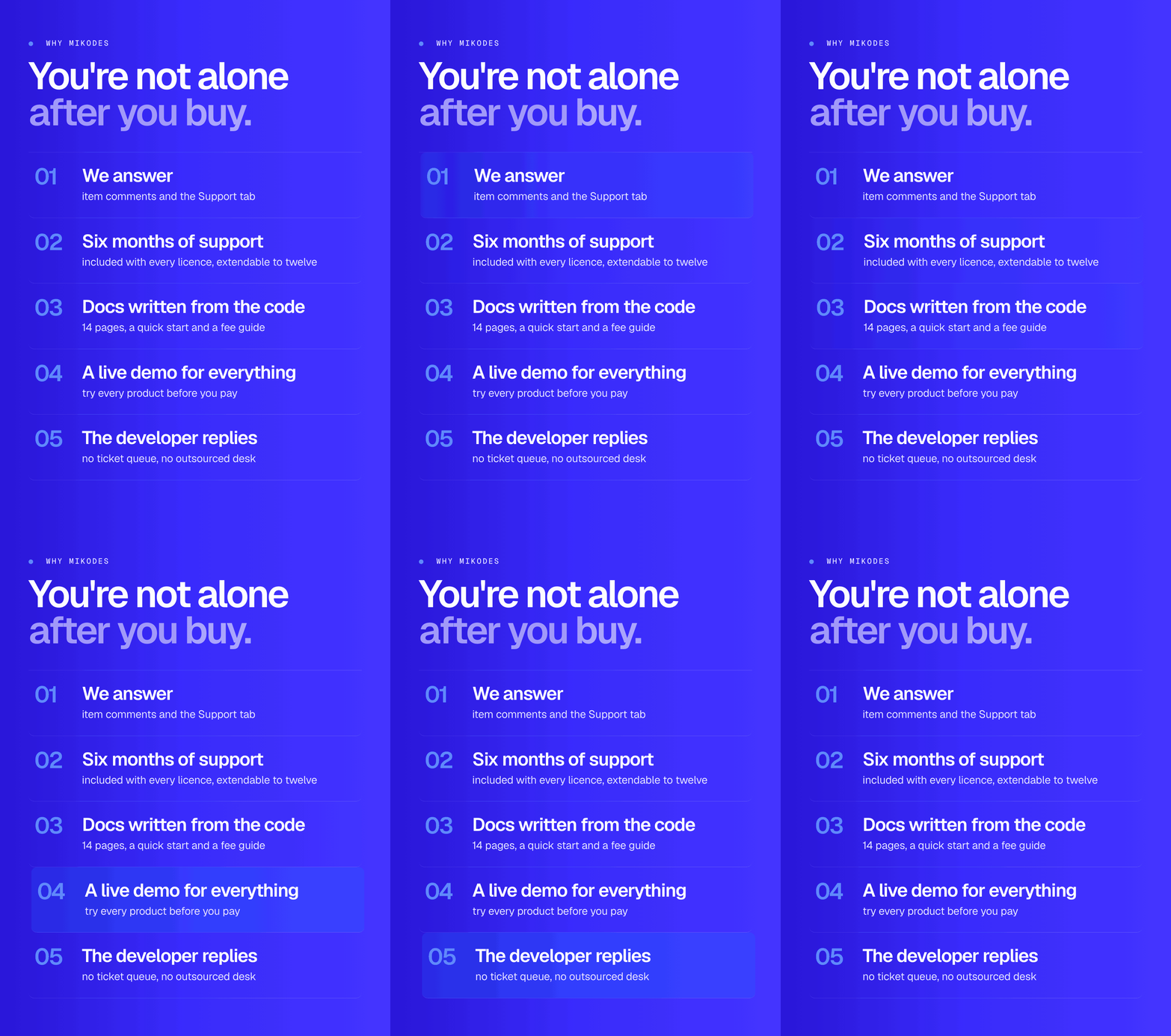
Six months of item support from the purchase date are included with the purchase under Envato’s item support policy, and the support period can be extended through Envato. Support runs through this item’s Support tab: questions about how the item works, help with bugs in the code as delivered, and updates that fix them. Installation on your servers, customisation, new features, store review outcomes and legal or tax advice are outside it. Never send seed phrases, private keys, API keys or .env files – we will never ask for them.
Regular or Extended licence?
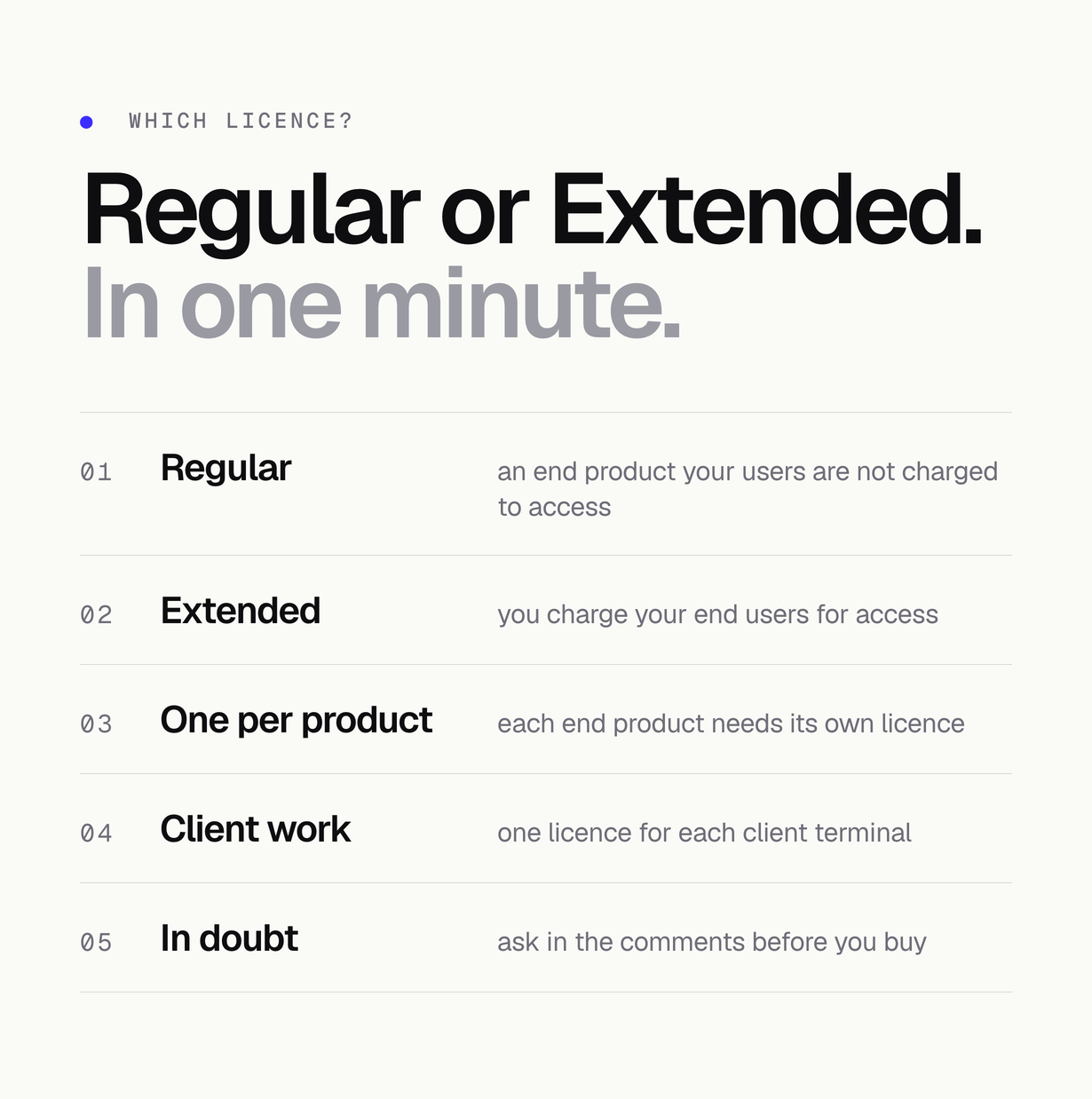
The Regular licence covers an end product your end users are not charged to access. If you charge users for access, the Extended licence is the one that applies. The terms shown on this item page decide.
Credits
JetBrains Mono 2.304 ships under the SIL Open Font Licence 1.1 with its licence and AUTHORS files, and every Dart and Flutter package keeps its own licence, all listed in THIRD-PARTY-LICENSES.md. Solana, Jupiter, Dexscreener, GeckoTerminal, Helius, CoinGecko, Phantom, Solflare and Backpack belong to their owners and are named only to describe compatibility: SOLSCOPE is an independent interface, not affiliated with or endorsed by any of them.
Declarations
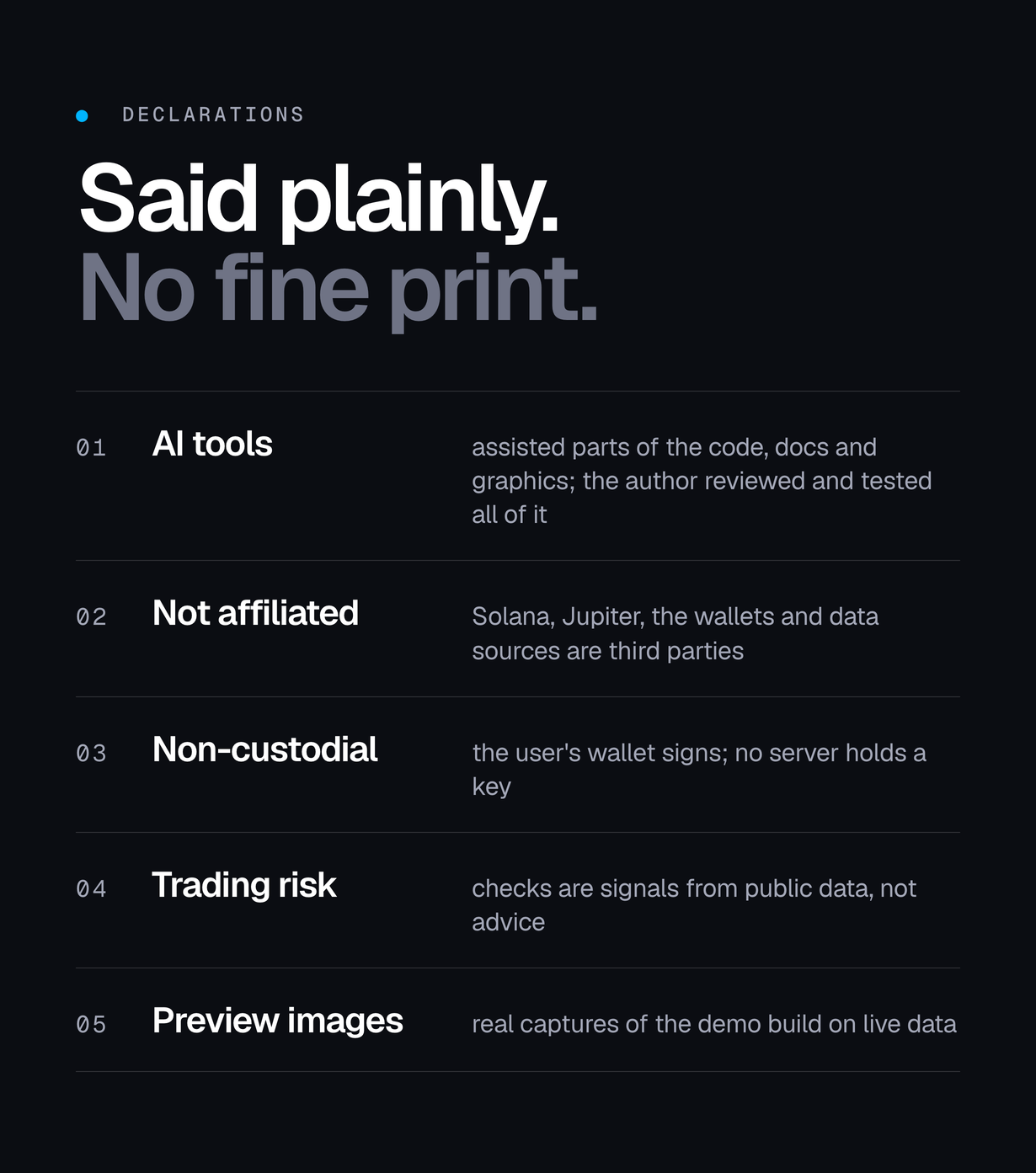
- AI disclosure: AI tools were used to assist with parts of the code, documentation and graphics of this item. The author directed, reviewed and tested every file: flutter analyze reports no issues and flutter test runs 509 tests.
- Not affiliated: Solana, Jupiter, Phantom and the other wallets, data sources and RPC providers named here are third-party, named only to say what this item connects to and what it can be configured to use. This is not an official product of any of them and is not affiliated with, endorsed by or sponsored by them; the marks belong to their owners.
- Trading risk, and what the checks mean: token trading can lose the entire amount risked. The terminal’s checks – mint and freeze authority, holders, the dev wallet and the round-trip tradeability test – are signals read from public data, not a guarantee that a token is safe or tradeable later. The app is non-custodial and this item is software, not financial advice.
- The fee shown in the demo: the fee account and the 0.25% rate visible in the live demo are a labelled demo configuration, not a charge by the app’s publisher. A fresh install charges nothing until you set your own fee and your own token account.
- Preview material: the screenshots, the cover and the preview images are real captures of this item running, composed by the author’s own build scripts. They are presentation material, not part of the download, and no figure in them is a result or a forecast.
Requirements
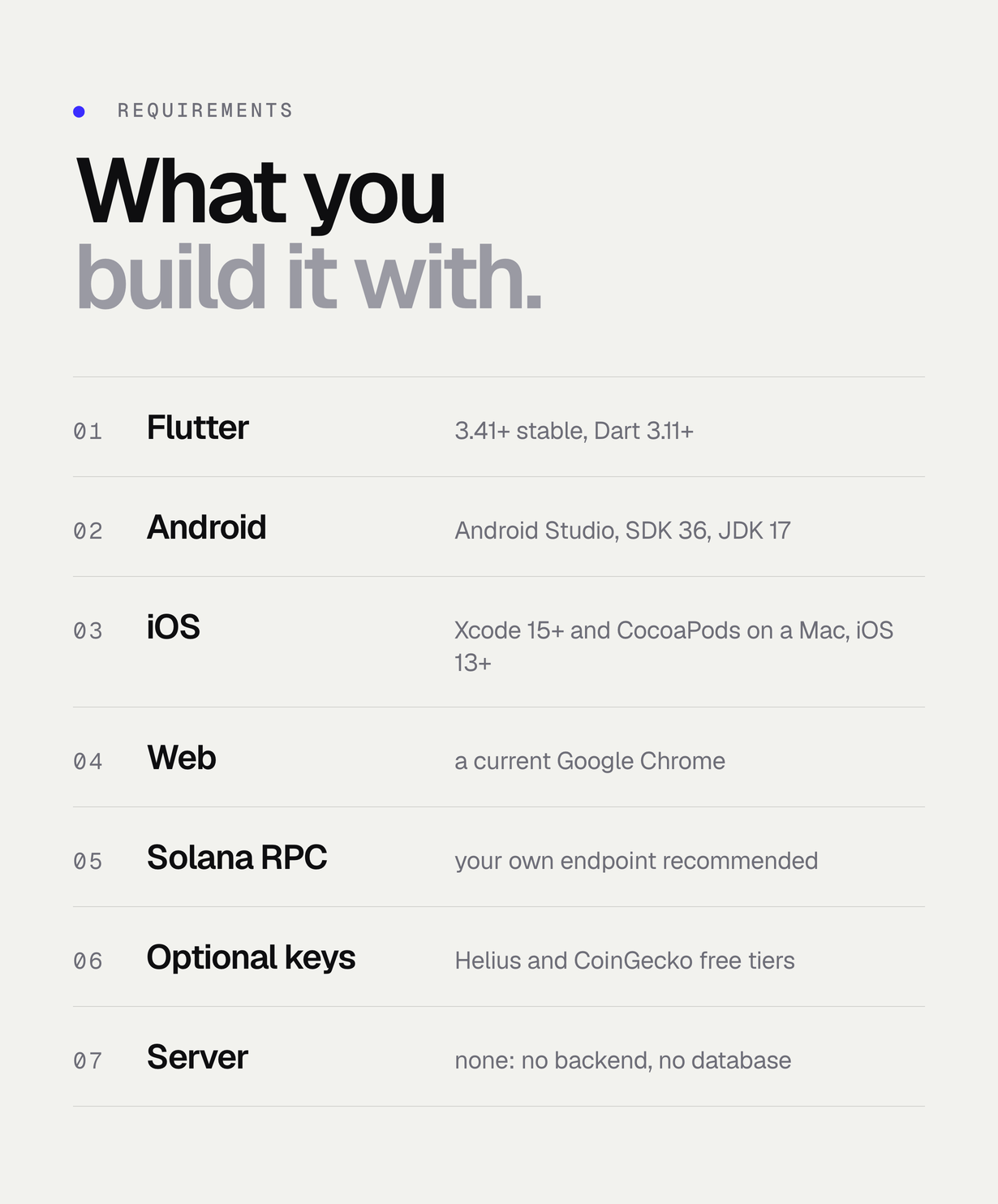
- Flutter 3.41+ / Dart 3.11+ (pubspec lower bound Flutter >=3.41.0; verified with Flutter 3.41.4)
- A Solana RPC endpoint (your own recommended; public mainnet-beta is the rate-limited fallback)
- Optional: a Helius free-tier key for holder count, dev history and funding source
- Optional: a CoinGecko Demo key and a hosted JSON file for the admin config
- Chrome for the web build; Xcode + CocoaPods on a Mac for iOS; Android Studio for Android. No Node.js, database or server runtime
- Apple Developer Program (organisation account, App Store guideline 3.1.5(i)) and a Google Play Console account to publish the apps
Changelog
v1.0.0 (first release)
- First marketplace release.
| Author | Mikodes |
|---|---|
| Price | $249 |
| Sales | 0 |
| Rating | 0 (0) |
| Published | Nov 3, 2026 |
| Last Update | Nov 3, 2026 |
| Compatible Software | Flutter 3.x |
| Demo Url | https://solscope-demo.mikodes.com |
| Mobile Files Included | Dart, YAML, JavaScript JSON, .java, .kotlin, .plist, .swift |
Categories
Tags
External listing. code.market does not sell this product and does not process payment for it. Pricing, payment, delivery, licensing, refunds, and support are handled by the third-party merchant on its own website. We may earn an affiliate commission from a referral. Details.
Products of the Week.
Submit🥇

Perceptle
Perceptle is a daily browser-based game that challenges you to test your sensory intuition through five quick estimation and rhythm-based rounds.
Other · 1 views · 0 clicksOther · Week 47 · 1 views · 0 clicks
🥈

Free LinkedIn Likes From Real
Get free LinkedIn likes on your posts from real members who react by hand. No
SaaS · 124 views · 2 clicksSaaS · Week 47 · 124 views · 2 clicks
🥉

STOP GUESSING WHAT TO POST
AI that learns your brand voice and builds a month of consistent, on-brand social content: carousels, posts and hooks that sound like you, not like everyone else's AI.
SaaS · 7,686 views · 71 clicksSaaS · Week 47 · 7,686 views · 71 clicks
#4

aaas.market
407 reliable micro tools for solo founders, marketers and creators. They work in your browser
SaaS · 122 views · 0 clicksSaaS · Week 47 · 122 views · 0 clicks