Silver Fox | Business & Consultancy HTML Template
Description
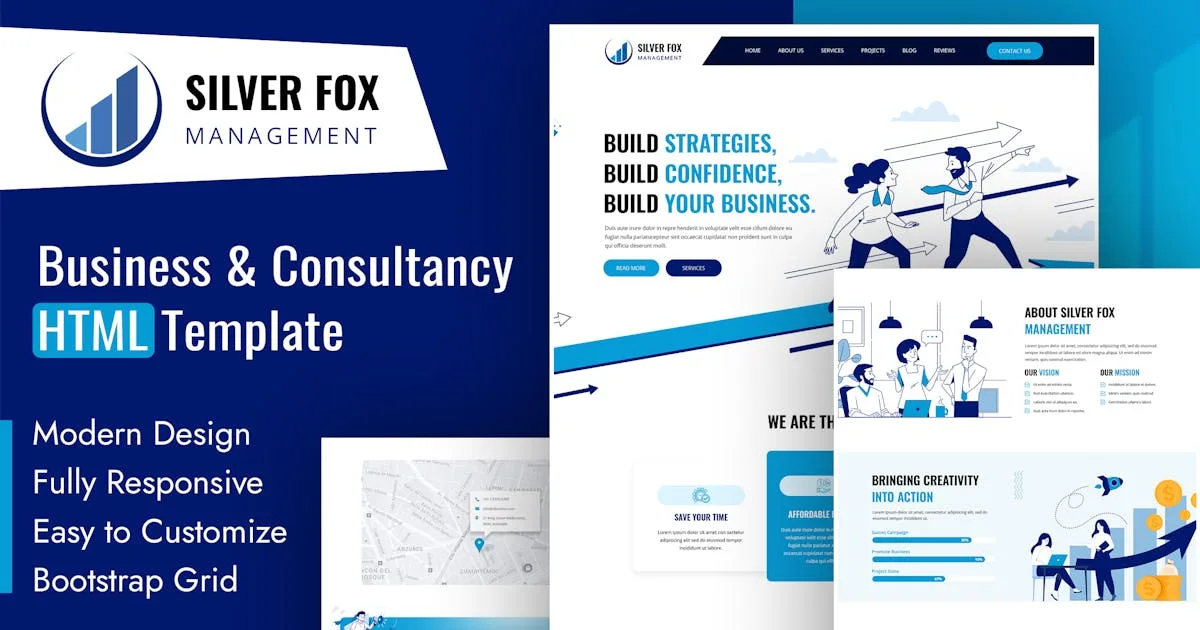
A) Introduction Embark on a journey of empowerment with the Silver Fox HTML theme, meticulously crafted to elevate your online presence and fortify your business endeavors. Designed with a sleek and modern aesthetic, Silver Fox seamlessly combines form and function, providing a dynamic platform to build strategies, boost confidence, and propel your business to new heights.
Unleash the potential of your online presence with Silver Fox’s intuitive and user-friendly interface. Whether you’re an entrepreneur, consultant, or professional seeking to establish a powerful digital footprint, this theme is tailored to meet your every need. Immerse your audience in a visually stunning experience while conveying your brand’s message with clarity and precision.
Navigate through the theme’s versatile features that empower you to customize and personalize your website effortlessly. From strategic content placement to interactive elements that engage your audience, Silver Fox offers a robust toolkit for crafting a digital strategy that resonates with your business goals.
Build confidence in your brand by leveraging Silver Fox’s responsive design, ensuring a seamless experience across various devices. Your website will adapt flawlessly to desktops, tablets, and smartphones, enhancing user engagement and satisfaction. It contains Home Page layout and about page layout and 06+ valid HTML5 page templates designs, different Blog page styles. Silver Fox template features are coded with Bootstrap v4.0, HTML5 & CSS3 and unlimited color schemes. It’s compatible with all modern browsers and search engine friendly. So showcase your artworks and services with this awesome template!
B) How to Edit HTML Files? We have included 06+ custom HTML templates like Home Page style, About style, Projects style, Reviews and Services page style etc. Please open any HTML files with a text editor like Dreamweaver, Notepad or Notepad++ and edit any lines what you want.
C) How to Edit CSS Files? We have included some custom CSS styles like custom.css (default). Please open any CSS files with a text editor like Dreamweaver, Notepad or Notepad++ and edit any lines what you want. For example if you want to edit your navbar background color open custom.css and look at “.nav-bg::before” for navbar background color and change your color.
D) How to use Color Schemes? Please open custom.css file from Silver Fox/assets/css folder with a text editor and build your own colors. #059cd6 this is our primary color, you can search and replace all to your new color code.
E) How to use On Load Animation? We are wow.js on load animation for our website. you can edit them by simply adding or changeing the predefined classes name.
Categories
Tags
External listing. code.market does not sell this product and does not process payment for it. Pricing, payment, delivery, licensing, refunds, and support are handled by the third-party merchant on its own website. We may earn an affiliate commission from a referral. Details.
Products of the Week.
Submit🥇

Perceptle
Perceptle is a daily browser-based game that challenges you to test your sensory intuition through five quick estimation and rhythm-based rounds.
Other · 1,489 views · 9 clicksOther · Week 47 · 1,489 views · 9 clicks
🥈

Free LinkedIn Likes From Real
Get free LinkedIn likes on your posts from real members who react by hand. No
SaaS · 1,632 views · 10 clicksSaaS · Week 47 · 1,632 views · 10 clicks
🥉

STOP GUESSING WHAT TO POST
AI that learns your brand voice and builds a month of consistent, on-brand social content: carousels, posts and hooks that sound like you, not like everyone else's AI.
SaaS · 9,176 views · 75 clicksSaaS · Week 47 · 9,176 views · 75 clicks
#4

aaas.market
407 reliable micro tools for solo founders, marketers and creators. They work in your browser
SaaS · 1,597 views · 5 clicksSaaS · Week 47 · 1,597 views · 5 clicks