
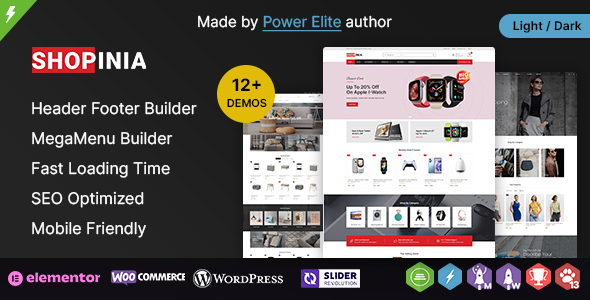
Shopinia - Multipurpose WooCommerce Theme
Description

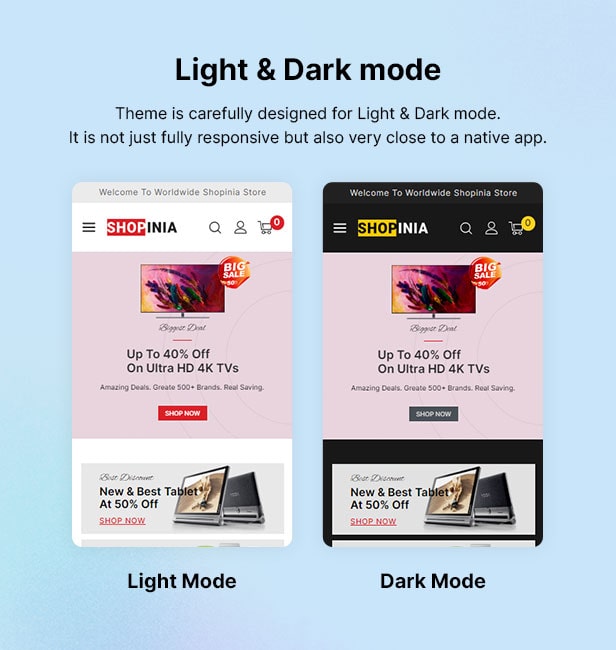
Version 3.1.1 is out – March 4, 2025 WordPress 6.x.x, WooCommerce 9.x Compatible PHP 8.x.x Compatible Mobile Version Ready – Fully Responsive Elementor Compatible Build with Elementor Free, while fully Compatible with Elementor Pro Dokan Multivendor Marketplace Compatible
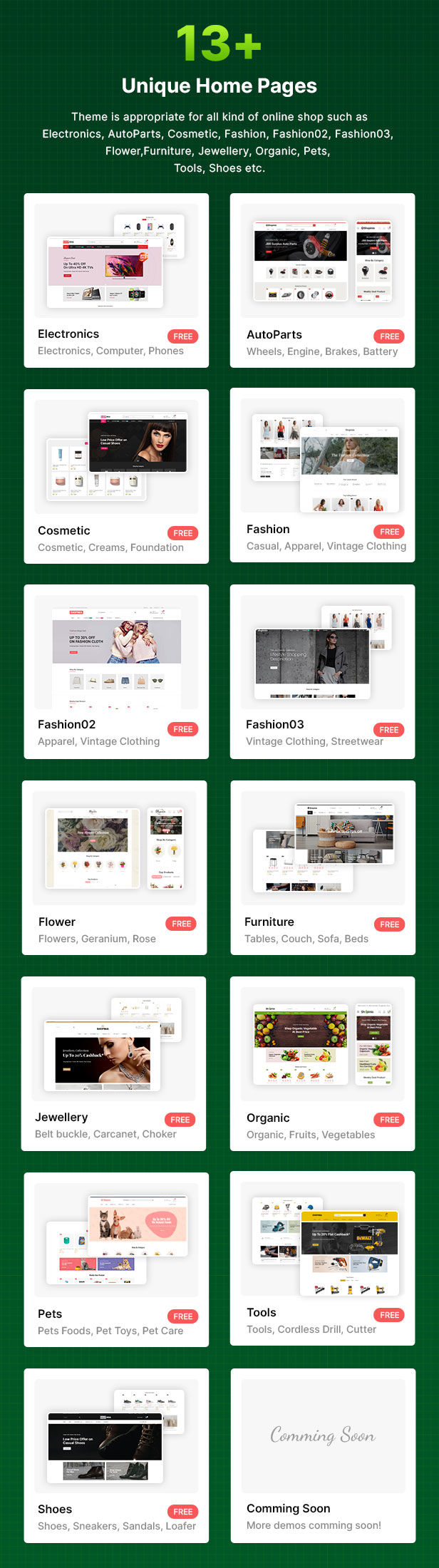
Mega Store, Auto Parts, Cosmetic, Fashion, Fashion 02, Fashion 03, Flower, Furniture, Jewellery, Organic, Pets, Tools & Shoes demo included
IMPORTANT NOTE: Using Avanam wordpress theme as parent theme.
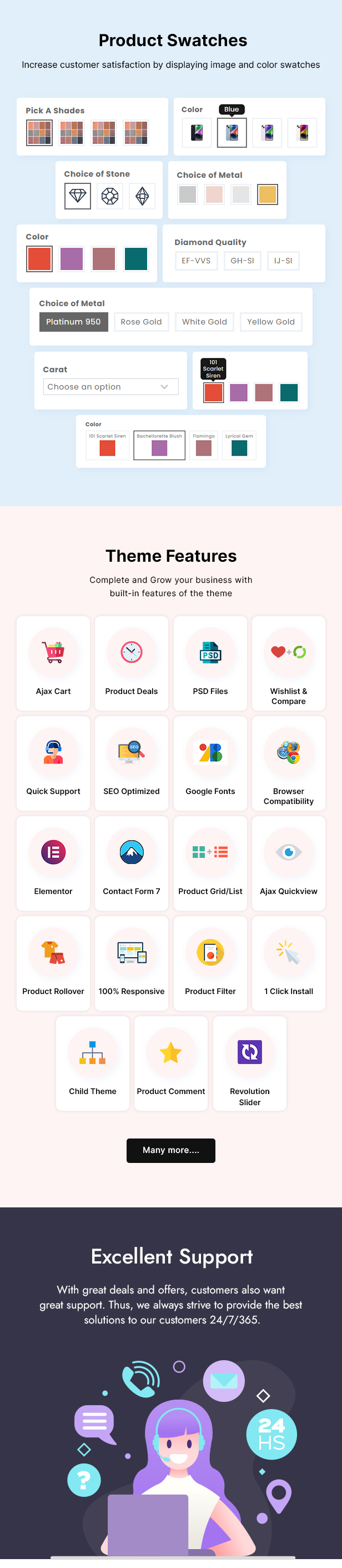
It boasts numerous features and options such as a Elementor Page Builder, Mega Menu, Slider Revolution, Responsive & Modile Optimized, Ajax Advanced Search, Ajax Add to Cart, Ajax Pagination, Ajax Load More, Infinite Scroll, Color/Image Swatches, Quick View, Wishlist, Compare, easy one-click demo data import, and much more.
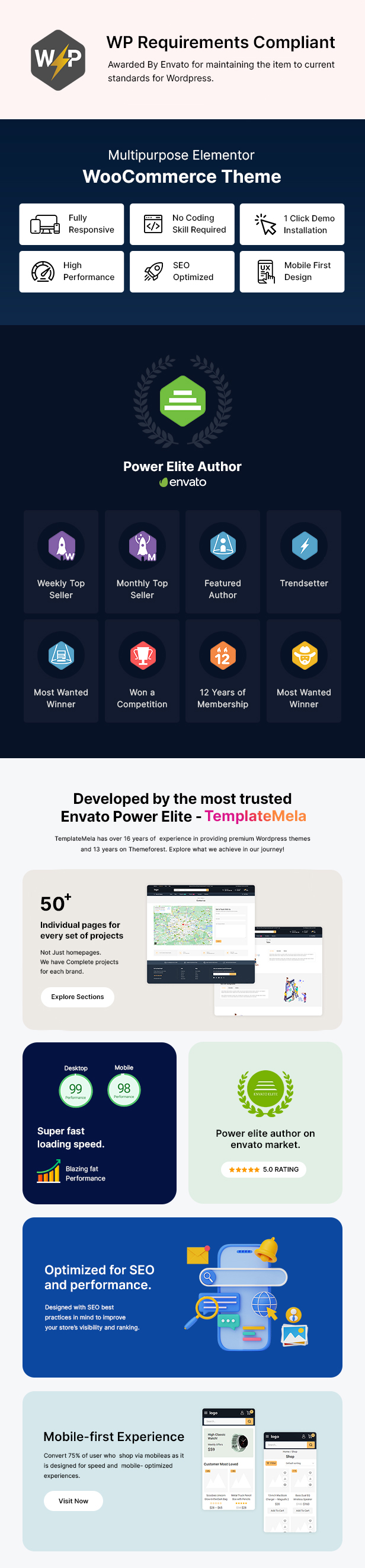
Regular lifetime update within your dashboard. Compatible with top most needed plugins. Boost your Sales with Highly converting eCommerce features.





Sales-Boosting eCommerce Features
- Sale Countdown Timer
- Exit Intent Popup
- Low Stock Notice
- Display Fake Live Visitors
- Display Fake Sale Popup
- Cross-Sell and Up-Sell
- Display Items Selling Fast
- Free Shipping Bar
- Buy Now – Checkout with One Click
- Sticky Add to Cart Bar
- Safe and Secure Label
- External/Affiliate Product
- Show the Number of People Who Have It in Their Cart
- Product Bundles for Boosting Sales
Product Page Enhancements
- Custom Global Tabs on Product Page
- Size Chart Popup and Page
- Zoom Popup for Product Image
- Image Gallery for Selected Product Variant
Special Features
- Multi-Vendor Marketplace (Dokan Integration)
- WooCommerce Integration
- Product Quickview, Wishlist, and Compare
- Ajax Add To Cart
- Ajax Product Filters
- Ajax Shopping Cart (Sidebar and Dropdown)
- Ajax Advanced Search
- Ajax Pagination/Load More/Infinite Scroll
- 4+ Product List Rollover Styles
- 12+ Product Hover Styles
- 8+ Shop Page & Filter Layouts-Styles
- 9+ Product Details & Gallery Layouts-Styles
- Filter Product by Color & Images
- Color Swatches and Variable Product
Design & Layout Customization
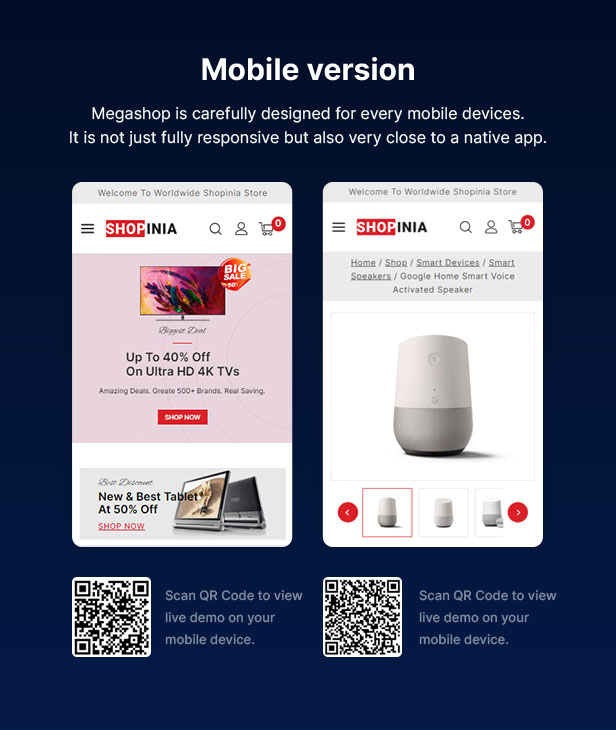
- 100% Fully Responsive
- Advanced Slider Revolution (Save $85)
- Boxed/Unboxed Page Layout
- Elementor Page Builder Compatible (Free & Pro)
- Supports Elementor Flexbox Container
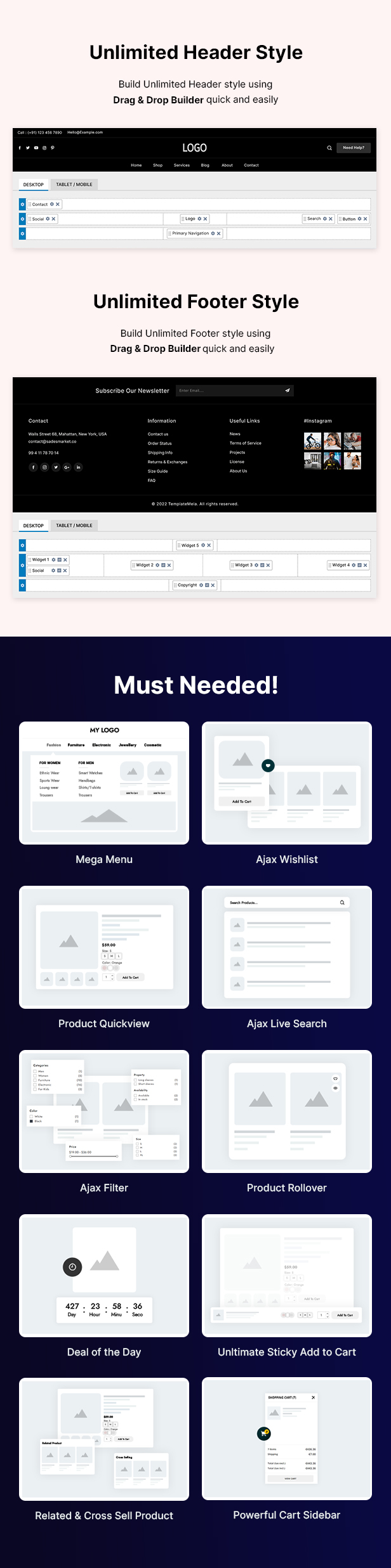
- Header & Footer Builder
- Fixed and Sticky Header Position
- Transparent Header
- Off-Canvas Menu
- Conditional Content
- Child Theme Ready
- Mega Menu Builder (Built-In, No Extra Plugin Required)
- Easy Customization via Admin Options Panel
- Unlimited Color Options (Admin Panel)
- Unlimited Header Options (Admin Panel)
- Unlimited Footer Options (Admin Panel)
Performance & SEO Optimization
- No Core Modifications
- HTML5 and CSS3
- SEO (Search Engine Optimization) Friendly
- Optimized for Fast Loading
Widgets & Integrations
- Unlimited Banners + Sliders (Admin Panel)
- Brand Logo + Slider (Admin Panel)
- Different Gallery Layouts
- Easy Shopping Cart Dropdown from Header
- Mailchimp Subscription Integration
- Contact Form 7 Integration
- Dokan Compatible
- Translation Ready
- WPML Compatible
- WooCommerce Multilingual Compatible
Blog & Content Features
- Multiple Widgets
- Support Post Formats: Standard, Gallery, Quote, Video, Audio
- Multiple Blog Styles
- Testimonial, Services, and Team Member Blocks
- Built-in Custom Elements for Elementor
User Experience & Support
- Free Updates within Dashboard
- Free Premium Quality Support
- No JavaScript Confliction
- Lots of Blocks with Variations
- Compatible with All Major Browsers
- Easy One-Click Demo Data Import
- Full User Guide Documentation
Most Popular WooCommerce Themes from TemplateMela
Notes
All images are just used for Preview (Demo) purpose only and NOT included in the theme package file. We are providing placeholder images with recommended image size mentioned in it. Images are taken from www.pexels.com, www.freepik.com, www.unsplash.com, www.pngtree.comChangelog
- 4 March 2025 Fixed Miscellaneous CSS Update: Core Plugin to 3.4.0 Update: Avanam Theme to 1.5.3
- 3 October 2024 Update: Core Plugin to 3.2.0
- 25 August 2024 Update: templatemela-core to 3.0.8 Update: avanam theme to 1.4.4
- 21 March 2024 Huge Update. Version 3.0.0
- 16 September 2022 Fixed some miscellaneous issue with theme package. Update theme plugins files.
- 9 March 2022 Upgraded theme package for update all theme plugins files.
- 1 December 2021 Update all theme plugins files.
- 27 March 2021 Changed theme preview image only.
- 16 September 2020 Fixed outdated file issue with theme package.
- 25 May 2020 Upgraded theme package for fixed outdated file issue and update plugins files.
- 27 December 2019 Fixed some miscellaneous issue with theme layout.
- 7 December 2019 Added new child layout (fashion) with theme package.
- 30 November 2019 Added one new child layout (Shoes) with theme package.
- 26 November 2019 Added three new child layout with theme package.
- 23 November 2019 Fixed some miscellaneous css issue and improved in responsive layout.
- 20 November 2019 Added two new child layouts (Vegetables & Tools) with theme package.
- 15 November 2019 Added one child layout (Cosmetic) with theme package.
- 9 November 2019 Initial Release
| Type | WooCommerce Theme |
|---|---|
| Author | TemplateMela |
| Category | Wordpress / Ecommerce / Woocommerce |
| Price | $39 |
| Sales | 681 |
| Rating | 4.25 from 36 ratings |
| Published | Nov 9, 2019 |
| Last Update | Mar 4, 2025 |
| Columns | 4+ |
| Compatible Browsers | IE11, Firefox, Safari, Opera, Chrome, Edge |
| Compatible Software | WordPress 6.7.x, WordPress 6.6.x, WordPress 6.5.x, WordPress 6.4.x, WordPress 6.3.x, WordPress 6.2.x, WordPress 6.1.x, WordPress 6.0.x, WordPress 5.9.x, WordPress 5.8.x, WordPress 5.7.x, WordPress 5.6.x, WordPress 5.5.x |
| Compatible With | Contact Form 7, Elementor, Elementor Pro, WooCommerce 9.x.x, WooCommerce 8.x.x, WooCommerce 7.x.x, WooCommerce 6.x.x, WooCommerce 5.x.x, WPML |
| Documentation | Well Documented |
| Gutenberg Optimized | Yes |
| Layout | Responsive |
| Files Included | Layered PSD, PHP Files, CSS Files, JS Files, PSD |
| Widget Ready | Yes |
| Key Features | Multi-purpose WordPress WooCommerce Theme, Unlimited configuration options, fast support, High performance, quality & mobile optimized |
Categories
Tags
External listing. code.market does not sell this product and does not process payment for it. Pricing, payment, delivery, licensing, refunds, and support are handled by the third-party merchant on its own website. We may earn an affiliate commission from a referral. Details.
Products of the Week.
Submit🥇

STOP GUESSING WHAT TO POST
AI that learns your brand voice and builds a month of consistent, on-brand social content: carousels, posts and hooks that sound like you, not like everyone else's AI.
SaaS · 5,044 views · 47 clicksSaaS · Week 45 · 5,044 views · 47 clicks
🥈

Conversational Backlinks for Busy Founders
Place Backlink Relevant Conversation for your domain across Forums and Conversations
Website · 43,057 views · 226 clicksWebsite · Week 45 · 43,057 views · 226 clicks
🥉

upvote.club
Free Social Media Engagement that Helps Boost Your Content. Upvote Club supports 19 social networks with 100+ engagement actions in one dashboard. Add links to your posts and get free engagement from real users.
SaaS · 41,084 views · 122 clicksSaaS · Week 45 · 41,084 views · 122 clicks
#4

Substack Posting API
Onboard your Agent to Substack. Write Publish on Substack via API
SaaS · 60,038 views · 202 clicksSaaS · Week 45 · 60,038 views · 202 clicks
#5

Seenshot App
Free, Fast, MacOS Screenshot app. Make Screenshot cmd+shift+2 and send it via link
Desktop App · 29,400 views · 124 clicksDesktop App · Week 45 · 29,400 views · 124 clicks
#6

Hand-Placed Backlinks $9.99 per link. Flat rate.
Buy hand-placed forum, Q-A and directory backlinks. Flat $9.99 per link, no subscriptions — you only pay for approved listings.
Website · 5,185 views · 19 clicksWebsite · Week 45 · 5,185 views · 19 clicks
#7

Free Invoice Generator - PDF Invoices in Your Browser, No Sign-Up
A free invoice maker for freelancers and small businesses: fill in the invoice, check the live preview, and download a PDF that looks exactly like it. Any currency, tax per item, three templates, no sign-up, and nothing leaves your device.
3,828 views · 17 clicksWeek 45 · 3,828 views · 17 clicks
#8

Merge PDF Files Free - Combine PDFs in Your Browser, No Upload
A free PDF merger for office workers, students, and freelancers: combine PDFs and images into one file in the browser, reorder files and pages, pick page ranges, keep bookmarks, and open password-protected PDFs. Nothing is uploaded, no sign-up, no watermark.
3,538 views · 14 clicksWeek 45 · 3,538 views · 14 clicks