Restaurant App With CMS - iOS
Hot or Not
Description


App presentation:
How to setup server side in any our app engine:
Video tutorial how to setup this app in Xcode with Cordova:
Key features:
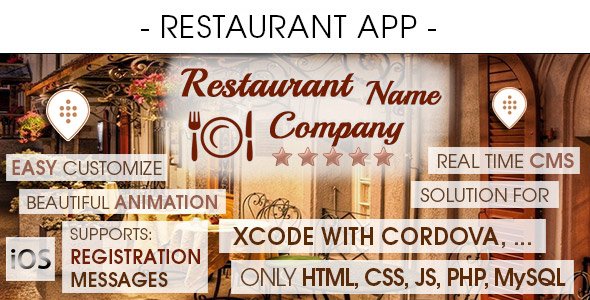
- Support: Xcode with Cordova
- Compatible platforms: iOS ( from 7 to latest )
- Compatible devices: iPhones, iPads
- App code: HTML, CSS, JS, jQuery
- Server side: PHP, My SQL
- TIF layered graphic included – users can modify and create own template for all app
- Push Notification
- Easily editable template
- Unique and beautiful design
- Support any language
- Animated elements of the interface – easy to modify
- External data base (update your app in real time) with administration panel (CMS)
- Compatible with the requirements of App Store
- Scalable content
- PDF – step-by-step guide
- Tested on real devices – see movie
- All icons included for ios + TIF layered files
- All splash screen included for ios + TIF layered files
- There is reservation options with communication client >> restaurant – you can send messages to your mobile users
- Owner of the restaurant controls in CMS reservation status
Questions and Answers:
- YES you can use all graphics
- YES you can modify everything
- YES you can add your own HTML, CSS, JS, jQuery or jQery Mobile code
- YES all information are managed from the admin panel
- YES it’s very easy to use – even for beginners (All the biggest problems we solved: scalable content, communication with server, difference solution for difference platform and market)
- YES all graphics are TIF layered so you can add and modify anything
See also Android version: https://codecanyon.net/item/restaurant-app-with-cms-android/8180646
See also Windows Phone version:
Sample client reviews about our products:

Categories
Tags
External listing. code.market does not sell this product and does not process payment for it. Pricing, payment, delivery, licensing, refunds, and support are handled by the third-party merchant on its own website. We may earn an affiliate commission from a referral. Details.