
Responsive Ready to Use Charts - Finecharts

Description
Check out other items on Codecanyon
Check out other items on Themeforest
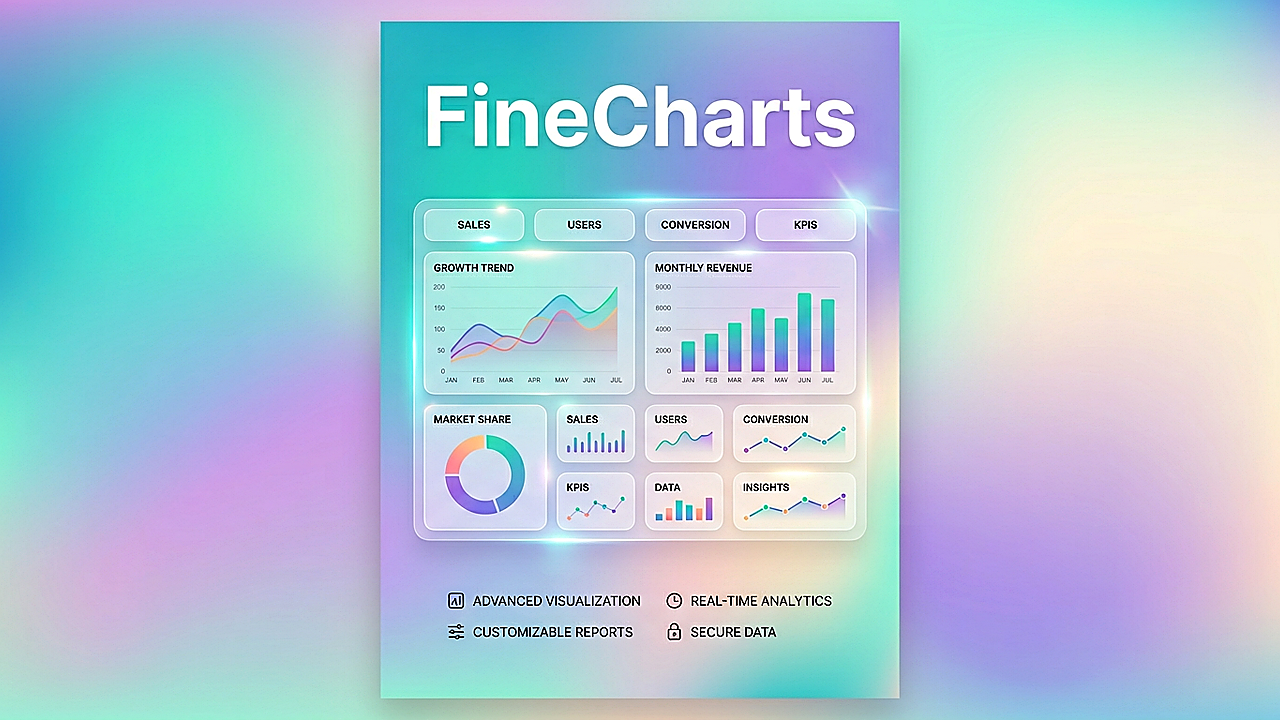
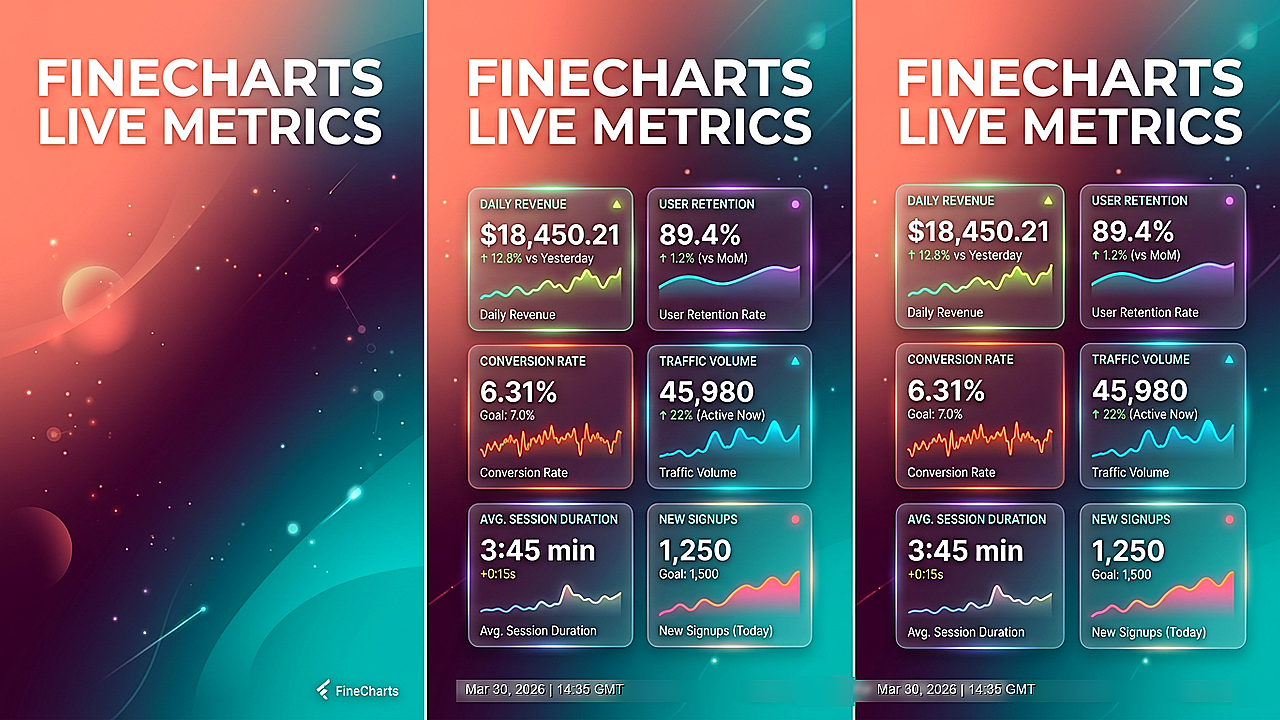
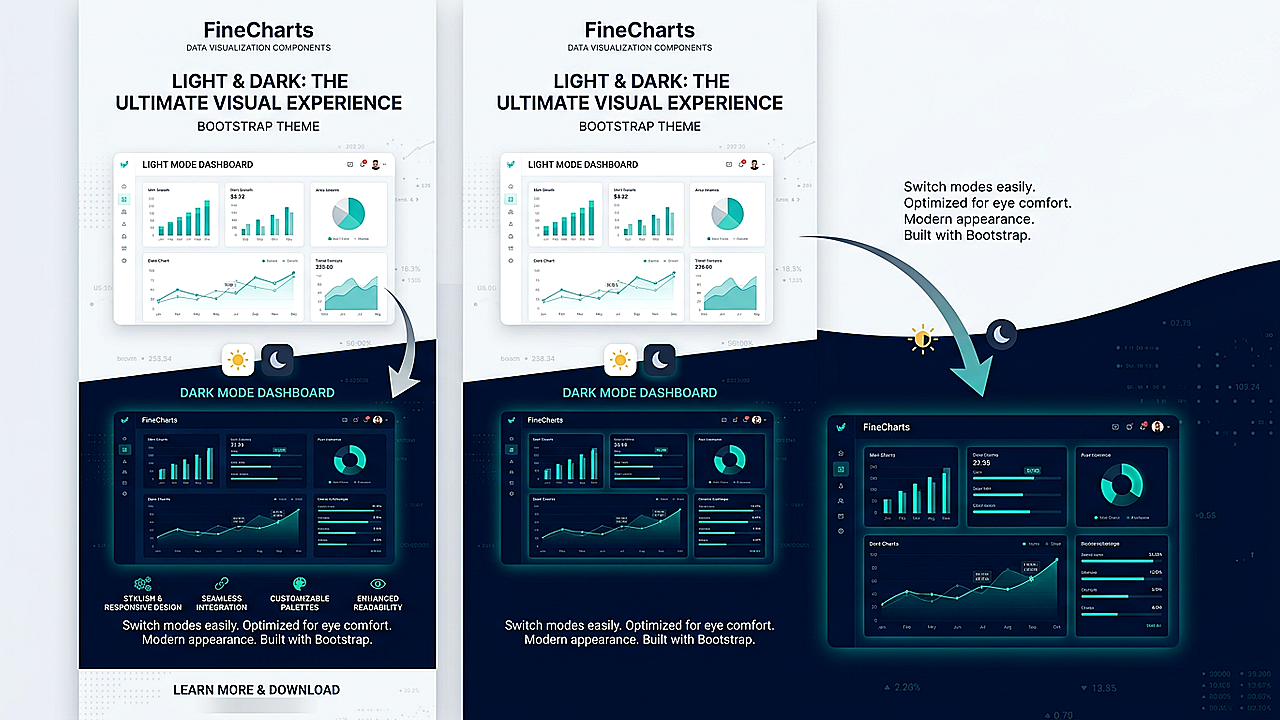
Finecharts is a ready-to-use chart and graph kit for dashboards and admin UIs. Drop in the bundled HTML pages, or lift the CSS, scripts, and js/settings/* patterns into your own Bootstrap-based project. Initialization and theme-aware refresh hooks are wired so you can ship faster for clients or your own products.
Product Overview
Finecharts (v5) is a practical shortcut to learn, demo, and integrate real chart libraries with consistent layout, dark/light theming, and copy-paste-friendly structure.
There are several different ways to use Finecharts:
- Use ready-made graphs and charts on the included dashboard-style demo pages.
- Let each page’s settings script rebuild charts when the user toggles light/dark (
data-bs-theme). - Copy markup and a matching
js/settings/<page>-settings.jsfile, then customize text, data, and options.
Requirements
- A modern desktop browser (Chrome, Firefox, Safari, Edge).
- An HTML/code editor.
- Any normal web hosting (shared hosting, VPS, static host, or local stack such as XAMPP/MAMP/WAMP)—no build step, no Node.js required.
- Demos target Bootstrap 5 patterns; adapt if your stack differs.
Optional: A handful of demos load scripts in ways that work best over http:// or https:// (not double-clicking the file from the desktop). If something looks off offline, open the same folder through your host or your editor’s “Live Preview” / local site URL.
Installation
- Unzip the file you downloaded from CodeCanyon.
- Open the HTML Files package and locate the Main folder (live demos) and Documentation (integration guide).
- Upload the Main folder to your web server (FTP, cPanel File Manager, or your host’s usual static file workflow).
- Open the site in your browser (e.g. https://example.com/main/).
- Open Documentation/index.html for file structure, script order, and
FineChartThemenotes.
How it Works
We’ve kept the workflow simple: each chart page loads its library (CDN or bundled), then shared theme scripts, then one settings file that builds the charts and registers a refresh for theme changes.
You might want pre-styled panels for an existing admin template, a reference while learning a new library, or quick pages for a client demo—how you use Finecharts is up to you.
File Structure
In the HTML Files download you will typically find:
- Main – Demo site: HTML pages,
css/,js/(includingjs/settings/),img/,licenses/, etc. - Documentation – In-depth guide (
index.html) for integration and theming.
Copy and Paste Contents
Ready-to-use demo pages (each with a matching script under js/settings/):
- index.html – Sparkline-style charts (jQuery Sparkline)
- chartjs.html – Chart.js
- apexcharts.html – ApexCharts
- peity.html – Peity
- echarts.html – Apache ECharts
- lightweight-charts.html – TradingView Lightweight Charts
- uplot.html – uPlot
- plotly.html – Plotly.js
- billboard.html – Billboard.js
- observable-plot.html – Observable Plot
- d3.html – D3-based SVG examples
- sigma.html – Sigma / graph visualization
- frappe.html – Frappe Charts
- toast-ui-chart.html – Toast UI Chart
Use of resources
- Layout and components follow Bootstrap; see their docs if you are new to the grid and utilities.
- jQuery is used where noted (e.g. sparklines and legacy shell helpers).
- Font Awesome (or bundled icon CSS) for icons—check the version included with the theme files.
- Chart.js – Chart.js documentation
- ApexCharts – ApexCharts documentation
- Apache ECharts – ECharts documentation
- Plotly.js – Plotly JavaScript documentation
- D3 – D3 documentation
- uPlot – uPlot
- Billboard.js – Billboard.js
- Observable Plot – Observable Plot
- Lightweight Charts – TradingView Lightweight Charts
- Toast UI Chart – Toast UI Chart
- Frappe Charts – Frappe Charts
- Peity – Peity
- jQuery Sparkline – see the plugin docs bundled with or linked from your sparkline demo.
Third-party licenses are summarized in Main/licenses/THIRD-PARTY-LICENSES.md for redistribution.
Change log
DATE : March 30, 2026 (v5.0.7)
- Bootstrap 5 layout with light/dark theme via data-bs-theme
- Modern chart stack: Chart.js, ApexCharts, ECharts, Plotly, D3, uPlot, Billboard.js,
  Observable Plot, Lightweight Charts, Toast UI Chart, Frappe Charts, Sigma, Peity, Sparklines
- Central FineChartTheme + per-page js/settings/* pattern and theme refresh registration
- New Documentation guide (script order, integration checklist, library notes)
| Type | HTML5 Script |
|---|---|
| Author | DotJS |
| Category | Html5 / Charts And Graphs |
| Price | $15 |
| Sales | 138 |
| Rating | 4.80 from 5 ratings |
| Published | May 19, 2017 |
| Last Update | Apr 6, 2026 |
| Compatible Browsers | IE9, IE10, IE11, Firefox, Safari, Opera, Chrome, Edge |
| Compatible Software | HTML5 |
| Source Files Included | JavaScript JS, HTML, CSS |
External listing. code.market does not sell this product and does not process payment for it. Pricing, payment, delivery, licensing, refunds, and support are handled by the third-party merchant on its own website. We may earn an affiliate commission from a referral. Details.
Products of the Week.
Submit🥇

STOP GUESSING WHAT TO POST
AI that learns your brand voice and builds a month of consistent, on-brand social content: carousels, posts and hooks that sound like you, not like everyone else's AI.
SaaS · 3,986 views · 35 clicksSaaS · Week 45 · 3,986 views · 35 clicks
🥈

Conversational Backlinks for Busy Founders
Place Backlink Relevant Conversation for your domain across Forums and Conversations
Website · 41,634 views · 222 clicksWebsite · Week 45 · 41,634 views · 222 clicks
🥉

upvote.club
Free Social Media Engagement that Helps Boost Your Content. Upvote Club supports 19 social networks with 100+ engagement actions in one dashboard. Add links to your posts and get free engagement from real users.
SaaS · 39,661 views · 114 clicksSaaS · Week 45 · 39,661 views · 114 clicks
#4

Substack Posting API
Onboard your Agent to Substack. Write Publish on Substack via API
SaaS · 58,690 views · 198 clicksSaaS · Week 45 · 58,690 views · 198 clicks
#5

Seenshot App
Free, Fast, MacOS Screenshot app. Make Screenshot cmd+shift+2 and send it via link
Desktop App · 28,072 views · 122 clicksDesktop App · Week 45 · 28,072 views · 122 clicks
#6

Hand-Placed Backlinks $9.99 per link. Flat rate.
Buy hand-placed forum, Q-A and directory backlinks. Flat $9.99 per link, no subscriptions — you only pay for approved listings.
Website · 3,930 views · 19 clicksWebsite · Week 45 · 3,930 views · 19 clicks
#7

Free Invoice Generator - PDF Invoices in Your Browser, No Sign-Up
A free invoice maker for freelancers and small businesses: fill in the invoice, check the live preview, and download a PDF that looks exactly like it. Any currency, tax per item, three templates, no sign-up, and nothing leaves your device.
2,607 views · 17 clicksWeek 45 · 2,607 views · 17 clicks
#8

Merge PDF Files Free - Combine PDFs in Your Browser, No Upload
A free PDF merger for office workers, students, and freelancers: combine PDFs and images into one file in the browser, reorder files and pages, pick page ranges, keep bookmarks, and open password-protected PDFs. Nothing is uploaded, no sign-up, no watermark.
2,426 views · 13 clicksWeek 45 · 2,426 views · 13 clicks