
Pintto | Pinterest Automation Desktop Application
Description
Supercharge Your Traffic with Pintto AI Studio
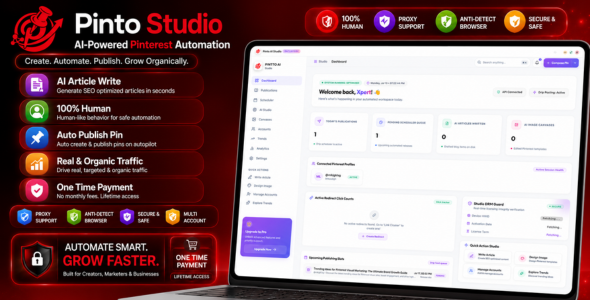
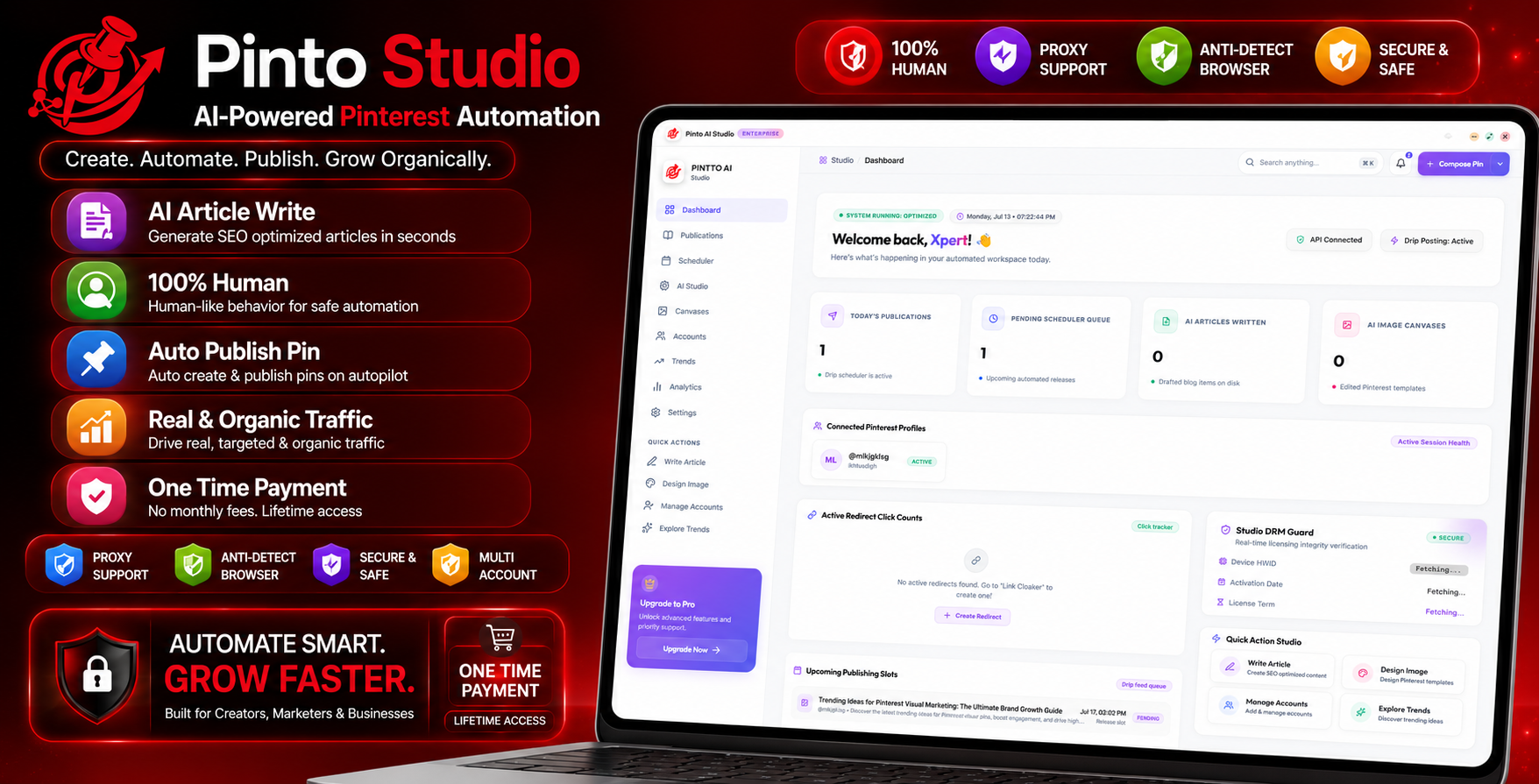
Welcome to Pintto AI Studio, the premium desktop social publishing and automated content creation suite designed specifically to maximize your organic reach. Pintto AI Studio bridges the gap between smart artificial intelligence and secure social automation, giving you an elite, all-in-one workspace to create, edit, schedule, and publish high-converting content effortlessly.
Whether you are an agency manager coordinating dozens of brand profiles, an e-commerce seller driving traffic to product pages, or a content creator building an evergreen audience, Pintto AI Studio gives you the ultimate desktop environment to dominate search feeds with zero monthly subscription overhead.
⚠️ IMPORTANT NOTICE: External AI Services & API Keys
Pintto AI Studio leverages advanced language model integrations (including OpenAI GPT-4, Google Gemini, and AWS Bedrock) to power its automated copywriting, tag generation, and article writing capabilities.
Please note that access to these external AI services is NOT included in the purchase price of this item. Customers must register for their own developer accounts and obtain their own paid API keys or subscriptions directly from their respective providers (e.g., OpenAI, Google Cloud, AWS) to utilize the AI-driven copy and text generation features.

Core Software Features
1. Secure Multi-Account Sandboxing
Manage multiple social profiles safely and independently. Every profile in your directory runs inside its own isolated browser sandbox environment with unique cookies, custom User-Agent signatures, and dedicated proxy configurations. This prevents session cross-contamination and shields your profiles from automated detection blocks.
2. Built-in Portrait Publication Studio
Skip complex third-party graphic editors. Pintto AI Studio features an integrated portrait media editor optimized for high-click-through-rate layouts. Easily import graphics, crop to perfect dimensions, overlay brand logos, place customizable promotional badges, and apply protective text watermarks.
3. AI-Powered Copywriter Canvas
Generate viral titles, engaging descriptions, call-to-actions, and high-search-volume hashtags in one click. The software connects seamlessly with major language model providers (Google Gemini, OpenAI, and AWS Bedrock), allowing you to write highly relevant content tailored to target buyer demographics. (Note: Requires your own API keys/subscriptions; not included in purchase price).
4. Advanced Visual Calendar Scheduler
Plan, coordinate, and organize months of content in advance. The interactive calendar grid lists all upcoming drafts, pending queues, successful publications, and failed tasks. Equipped with automatic retry logic, the queue manager safely reschedules publishing if temporary network or proxy timeouts occur.
5. Autopilot Dripping System
Put your content distribution on complete autopilot. The built-in dripping engine publishes scheduled content hands-free. To simulate genuine human interaction, you can configure randomized posting delays (jitter intervals) and set custom daily publication caps per account.
6. Real-Time Trend Hunter
Stay ahead of market trends. Search, monitor, and extract rising search queries across multiple geographic regions. View interest-over-time charts directly within your dashboard and instantly export hot keyword groups to seed your automated posting campaigns.
Why Choose Pintto AI Studio?
- No Recurring Subscription Fees: Buy once, use forever. Link your own standard AI model API credentials and avoid paying expensive monthly software fees. (AI usage/API billing is paid directly to your chosen AI provider).
- Lightweight Desktop Application: Runs locally on your computer. All configuration parameters, schedule lists, and account session cookies are stored safely on your local hard drive.
- Proxy Support (HTTP / SOCKS5): Easily bind dedicated proxies to individual accounts, ensuring each profile operates on its own dedicated IP network.
- Premium User Experience: Designed with a premium, responsive, glassmorphic layout that is intuitive, accessible, and fast.
System Requirements
- Operating System: Windows 10 or Windows 11 (64-bit systems).
- Memory: 4 GB RAM minimum (8 GB recommended).
- Browser: Standard Google Chrome or Microsoft Edge installed on the local system.
- Network: Broadband Internet Connection (and proxies if managing multiple accounts).
Frequently Asked Questions
Are the AI API keys included with the purchase of this software?
No. To use the built-in AI copywriter features, you need to connect your own API credentials (such as Google Gemini, OpenAI, or AWS Bedrock). This direct model connection architecture allows you to pay only for what you use directly to the AI service providers, saving you from expensive, recurring third-party software subscriptions.
Do I need proxy servers to run this software?
If you are managing only one or two personal accounts, a proxy is not required. However, if you are coordinating multiple client or brand profiles, we highly recommend linking dedicated residential proxies to each account to keep their network sessions securely isolated.
Are my account login details secure?
Yes, absolutely. Pintto AI Studio is a local desktop application. All account session cookies, configuration parameters, and encrypted access strings are stored locally and securely on your own computer. No personal details are ever uploaded to third-party databases.
Can I write content in multiple languages?
Yes. The built-in AI writing models support generating text, tags, and headlines in a wide variety of target global languages, making it perfect for international SEO campaigns.
Does the app auto-update the browser engine?
The app dynamically connects to your pre-existing, locally installed Google Chrome or Microsoft Edge browser. Because your system browsers auto-update automatically, your automation engine is always up-to-date and highly secure.
Customer Support
Need assistance, have questions, or require support? Please reach out to us directly via our helpdesk email:
Product Changelog
Version 1.0.0 – Initial Release
- Released standalone desktop Pinterest automation application.
- Added secure multi-profile cookie sandboxing and proxy routing.
- Implemented integrated visual editor with logo and watermark overlays.
- Integrated OpenAI, Google Gemini, and AWS Bedrock model engines.
- Created interactive calendar scheduler and trend search charts.
- Introduced smart autopilot posting loops with randomized jitter delays.
| Type | Windows App |
|---|---|
| Author | XpertMania |
| Price | $99 |
| Sales | 0 |
| Rating | 0 (0) |
| Published | Jul 31, 2026 |
| Last Update | Jul 31, 2026 |
| Application Runtime | Native |
| High Resolution | Yes |
| Operating System Versions | Windows 11, Windows 10 |
Categories
Tags
External listing. code.market does not sell this product and does not process payment for it. Pricing, payment, delivery, licensing, refunds, and support are handled by the third-party merchant on its own website. We may earn an affiliate commission from a referral. Details.
Products of the Week.
Submit🥇

STOP GUESSING WHAT TO POST
AI that learns your brand voice and builds a month of consistent, on-brand social content: carousels, posts and hooks that sound like you, not like everyone else's AI.
SaaS · 7,369 views · 67 clicksSaaS · Week 46 · 7,369 views · 67 clicks
🥈

Conversational Backlinks for Busy Founders
Place Backlink Relevant Conversation for your domain across Forums and Conversations
Website · 46,653 views · 232 clicksWebsite · Week 46 · 46,653 views · 232 clicks
🥉

upvote.club
Free Social Media Engagement that Helps Boost Your Content. Upvote Club supports 19 social networks with 100+ engagement actions in one dashboard. Add links to your posts and get free engagement from real users.
SaaS · 44,593 views · 127 clicksSaaS · Week 46 · 44,593 views · 127 clicks
#4

Substack Posting API
Onboard your Agent to Substack. Write Publish on Substack via API
SaaS · 63,480 views · 206 clicksSaaS · Week 46 · 63,480 views · 206 clicks
#5

Seenshot App
Free, Fast, MacOS Screenshot app. Make Screenshot cmd+shift+2 and send it via link
Desktop App · 32,730 views · 127 clicksDesktop App · Week 46 · 32,730 views · 127 clicks
#6

Hand-Placed Backlinks $9.99 per link. Flat rate.
Buy hand-placed forum, Q-A and directory backlinks. Flat $9.99 per link, no subscriptions — you only pay for approved listings.
Website · 8,349 views · 19 clicksWebsite · Week 46 · 8,349 views · 19 clicks
#7

Free Invoice Generator - PDF Invoices in Your Browser, No Sign-Up
A free invoice maker for freelancers and small businesses: fill in the invoice, check the live preview, and download a PDF that looks exactly like it. Any currency, tax per item, three templates, no sign-up, and nothing leaves your device.
6,977 views · 29 clicksWeek 46 · 6,977 views · 29 clicks
#8

Merge PDF Files Free - Combine PDFs in Your Browser, No Upload
A free PDF merger for office workers, students, and freelancers: combine PDFs and images into one file in the browser, reorder files and pages, pick page ranges, keep bookmarks, and open password-protected PDFs. Nothing is uploaded, no sign-up, no watermark.
6,458 views · 18 clicksWeek 46 · 6,458 views · 18 clicks