
Pictor - Image Hosting And Converter Script
Description
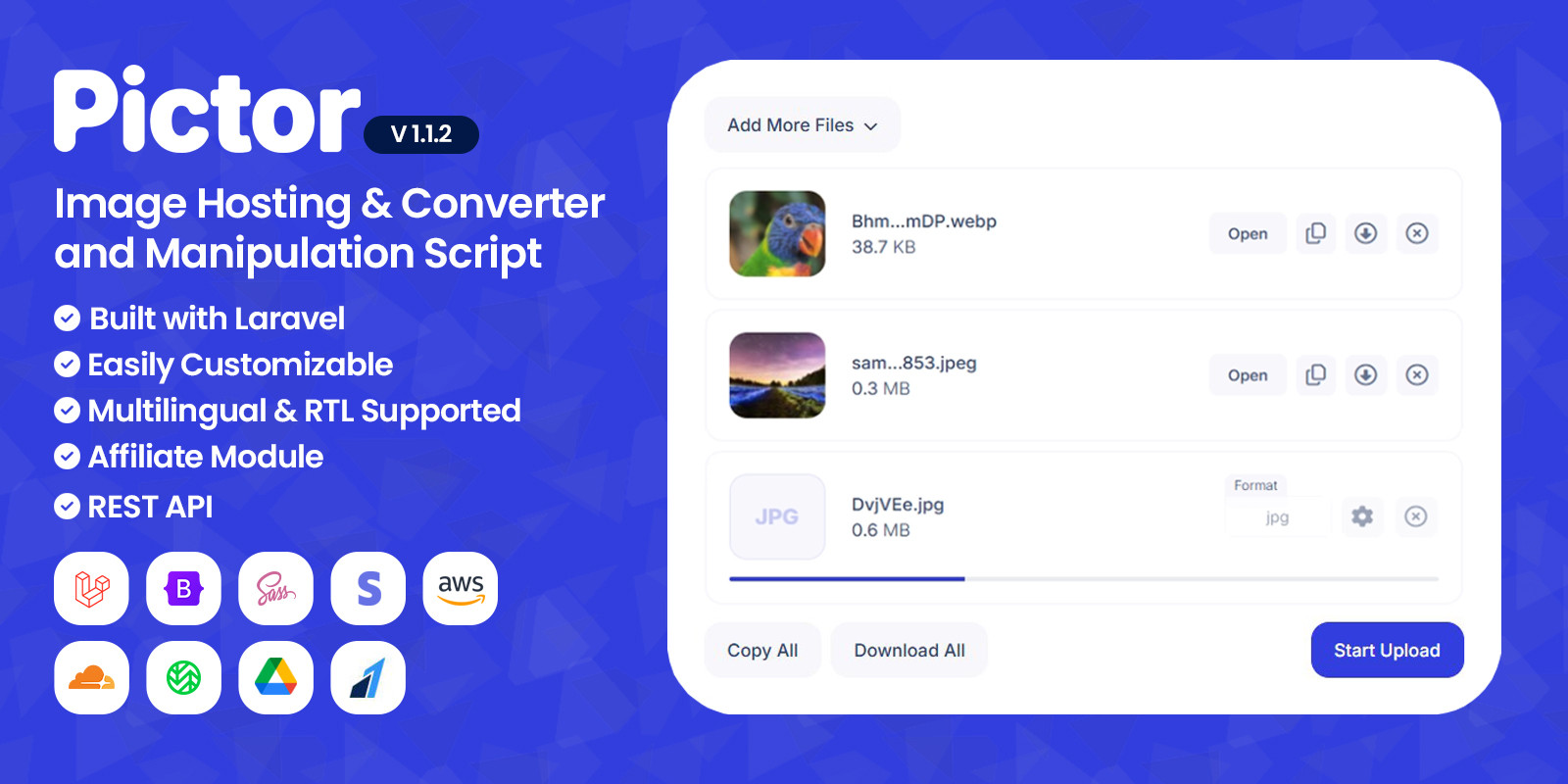
Pictor is an advanced, responsive and modern script for image hosting and manipulator coded with Laravel 11 and Vanilla JS. It is easily customizable with page builder and widgets. The seo settings of each page can be adjusted. All PHP codes are written in accordance with PSR standards. HTML codes have been tested in W3C validator. CSS files are created with SASS.
By default, 11 different image formats can be uploaded. These formats are; APNG, AVIF, BMP, GIF, ICO, JPE, JPEG, JPG, PNG, WEBP, HEIC
The script is multilingual and supports RTL.
There are 6 different storages in the script; local, Amazon S3, Cloudflare R2, Wasabi, FTP and Google Drive.
Demo
Password protected file preview page (Pass: 123)
Admin Account Email: admin@pictor.com Password: 123123123
User Account Email: user@pictor.com Password: 123123123
Image Converter You can convert the images you upload into different formats. By default, images can be converted to 25 different formats. This number may vary depending on what your server supports. These formats are; APNG, AVIF, BMP, CUR, DDS, DIB, EPS, GIF, HDR, HEIC, ICO, JP2, JPE, JPEG, JPG, PDF, PNG, PPM, PSD, RAW, SVG, TGA, TIFF, WBMP, WEBP.
Image Compressor You can compress images and reduce their size. This process may reduce the quality of the image.
Image Resizer You can change the dimensions (width and height) of the image.
Image Rotate & Reflect You can rotate and reflect the image at any angle you want.
Watermark You can add any text you want to the image as watermark.
Image Preferences You can edit the preferences of the image. Preferences are; brightness, contrast, gamma, red, green, blue.
Image Effects You can add effects to the image. Effects are; grayscale, blur, invert colors, pixelation, reduce colors.
Auto Remove With the auto remove feature, the image you upload is automatically deleted after a certain time. For example, if you choose 1 week, the image you uploaded will be deleted after 1 week.
Password Protection You can put a password on the images you upload. In this way, only those who know the password can view the images.
Exif Remover EXIF file holds all the information about the image itself — such as the exposure level, where you took the photo, and any settings you used. You can delete this data and make the photo anonymous with exif remover.
Warning: In order for the script to run, the required extensions must be installed on your server. You can contact us and ask questions before purchasing the script. We do not provide free support for the installation of extensions on your server.
Changelog
Last Update: 1.1.2 - 7 September 2026
 - New feature; chunked file upload.
 - New feature; max file upload limit based on the user plan.
 - New feature; file size info on the download page.
 - Bugs have been fixed.
 - Documentation updated.
Features
- Based on Laravel, Bootstrap 5 and SASS
- Payment gateways (Stripe, Razorpay, Bank)
- Paid membership plans
- Upload Files from Local or URL
- Converter module (25 Formats)
- Image compressor
- Image resizer
- Image rotater&reflector
- Watermark
- Image preferences&effects
- Image autoremover
- Password protected images
- Image exif remover
- Affiliate module with geolocation
- 6 storages (Local, Amazon S3, Cloudflare R2, Wasabi, FTP, Google Drive)
- Dark mode
- 2 different dashboards
- Social auth (Google)
- Multi-language
- RTL support
- Lazyload
- SEO settings for each page
- Open graph meta tags support
- Google reCAPTCHA V3
- Cookie Consent (GDPR)
- Blog page (With comments)
- Page loader (12 different loaders)
- Email notifications
- Customizable email contents
- Newsletter subscription
- Email sending with SMTP
- Deferring JS&CSS files
- HTML minifier
- Activity logs
- Sitemap
- Nudity Checker
- REST API
Requirements
- PHP >= 8.2
- Ctype PHP Extension
- cURL PHP Extension
- DOM PHP Extension
- Fileinfo PHP Extension
- Filter PHP Extension
- Hash PHP Extension
- Mbstring PHP Extension
- OpenSSL PHP Extension
- PCRE PHP Extension
- PDO PHP Extension
- Session PHP Extension
- Tokenizer PHP Extension
- XML PHP Extension
- Imagick (ImageMagick) Extension
Instructions
You can install Pictor using the installer or manually. You can send us an email for all kinds of support before installation, during the installation and after installation. Our e-mail address; aneontech.help@gmail.com
| Author | AneonTech |
|---|---|
| Category | Scripts & Code / PHP Scripts / Multimedia / Image |
| Price | $20 |
| Extended License | $60 |
| Rating | 5.00 from 8 ratings |
| Reviews | 8 |
| Likes | 15 |
| First Release | Nov 12, 2024 |
| Last Update | Sep 7, 2026 |
| Database | MySQL 5.x |
| Files included | .php, .css, .html, .sql, .xml, JavaScript .js |
| Software version | PHP 8.2 |
| Html/css framework | Bootstrap |
| Software framework | Laravel |
| Programming language | PHP |
Categories
Tags
External listing. code.market does not sell this product and does not process payment for it. Pricing, payment, delivery, licensing, refunds, and support are handled by the third-party merchant on its own website. We may earn an affiliate commission from a referral. Details.
Products of the Week.
Submit🥇

Actionbook
It works inside the user's own browser with the accounts already signed in. The user describes the result they need, and the agent reads, clicks and types through the pages, then delivers a dashboard or report where each data links back to its source.
Other · 710 views · 9 clicksOther · Week 44 · 710 views · 9 clicks
🥈

Free social media tools for creators & solofounders
295 free tools for growing your social media: write, plan, grow on local AI models, 100% free forever, No sign-up required, No trial. Write, check and measure posts on LinkedIn, Instagram, TikTok, X, YouTube, Reddit, Product Hunt and more: a free social media scheduler for 17 networks, engagement rate calculators, character counters, best time to post, hook generators and follower growth calculators. No login anywhere, no API or credit usage.
680 views · 6 clicksWeek 44 · 680 views · 6 clicks
🥉

STOP GUESSING WHAT TO POST
AI that learns your brand voice and builds a month of consistent, on-brand social content: carousels, posts and hooks that sound like you, not like everyone else's AI.
SaaS · 1,925 views · 21 clicksSaaS · Week 44 · 1,925 views · 21 clicks
#4

Hand-Placed Backlinks $9.99 per link. Flat rate.
Buy hand-placed forum, Q-A and directory backlinks. Flat $9.99 per link, no subscriptions — you only pay for approved listings.
Website · 1,878 views · 17 clicksWebsite · Week 44 · 1,878 views · 17 clicks
#5

Conversational Backlinks for Busy Founders
Place Backlink Relevant Conversation for your domain across Forums and Conversations
39,335 views · 211 clicksWeek 44 · 39,335 views · 211 clicks
#6

Free Invoice Generator - PDF Invoices in Your Browser, No Sign-Up
A free invoice maker for freelancers and small businesses: fill in the invoice, check the live preview, and download a PDF that looks exactly like it. Any currency, tax per item, three templates, no sign-up, and nothing leaves your device.
616 views · 11 clicksWeek 44 · 616 views · 11 clicks
#7

Merge PDF Files Free - Combine PDFs in Your Browser, No Upload
A free PDF merger for office workers, students, and freelancers: combine PDFs and images into one file in the browser, reorder files and pages, pick page ranges, keep bookmarks, and open password-protected PDFs. Nothing is uploaded, no sign-up, no watermark.
560 views · 4 clicksWeek 44 · 560 views · 4 clicks