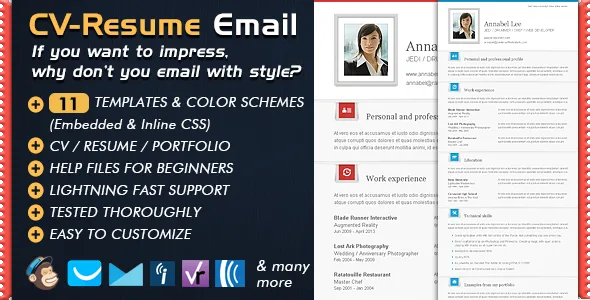
Newsletter Templates CV Folio - Email Resume
Description





Professional Resume Template Best Resume Template For Email
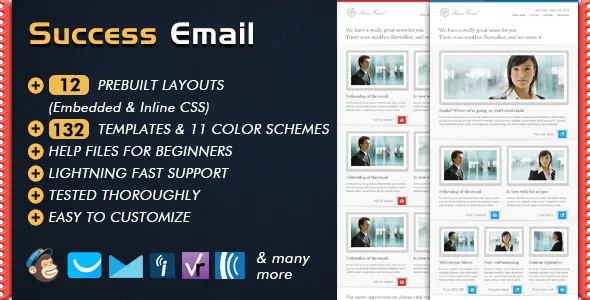
Sending resume by email has never been easier – The one and the only professional resume format for HTML Email Newsletters. By just following the descriptions in the provided help file, you can easily send your resume in an elegant and unique format. CV Folio Resume / Portfolio / Curriculum Vitae Professional Resume Templates, Tested with Litmus and works perfectly with all major desktop and mobile email clients, ensures full consistency. Built with email specific bulletproof techniques. Ensures full consistency across browsers, desktop and mobile email clients. This is the Curriculum Vitae Version of its brother SUCCESS EMAIL TEMPLATES
Please Note:
- Live Previews are encrypted for security reasons , so they may take a while to load, please be patient, it will worth it.
- Please also keep an eye on the SUPPORT section above the Preview Image on top for UPDATES and helpful information.
- We don’t like to repeat ourselves, We aim at creating something UNIQUE FOR YOU every time! Each template & theme we create is unique in its own style , so if the style of CV-Folio doesn’t suit your needs , please do not forget to check our PORTFOLIO

CV / Folio Professional Resume Template is Extremely flexible, Very easy to update…
Changing the content AND Sending resume by email is really easy , even by just following the comments in the HTML file you can very easily update the content. HTML Files have deeply detailed comments. You can use any text editor (even notepad) to change the content.
- Professional Resume Template newsletters with 11 color schemes for each. All included in seperate folders.
- ALL of the templates have both Inline and Embedded CSS Versions for your comfort.
- Layered PSD Files of graphical elements. All in seperate folders with corresponding color themes.
- A very descriptive Help file , covering..:
- Instructions for making changes to the both content and presentation, customizing/modifying your templates.
- Instructions about the usage of “SUBSCRIBE”, “UNSUBSCRIBE”, “FORWARD TO A FRIEND” options. They are ready to use and already working. Anyway, extra info included in the help file for those options, about how do they work. Why do you need a “SUBSCRIBE” option..? Because , if one of your customers forwards your email campaign to some of his/her friends by using the Forward To a Friend link , they will need an option to subscribe to your emailing list.
- Step by step “how to send an email campaign” instructions with up to date screenshots from Mailchimp.
- And More…
 Resume template for email with various color options

Full features list
- Professional resume format
- Can be used in any email program or online service which supports importing / editing HTML code (such as Mozilla Thunderbird, Aweber, Campaign Monitor, Mailchimp, Benchmark Email, Constant Contact, Vertical Response, etc. )
- Renders perfectly on all email clients and browsers starting from old browsers such as Internet explorer 5.5 till new email programs like Outlook 2013 and Thunderbird 17.
- Clean, Modern & Most importantly Unique design. Email with style !
- Uses tables for every aspect of the design, even for the paddings and margins. This ensures the best results for consistency across the browsers, desktop and e-mail clients.
- Flexible table construct allows you to build your very own layout if you wish, building a custom layout is just easy as copying & pasting your favourite modules (tables) with the comfort of “AllInOne” templates. You can delete or duplicate the modules very easily. You can copy/paste content blocks (tables) from one layout to another to create your very own layout.
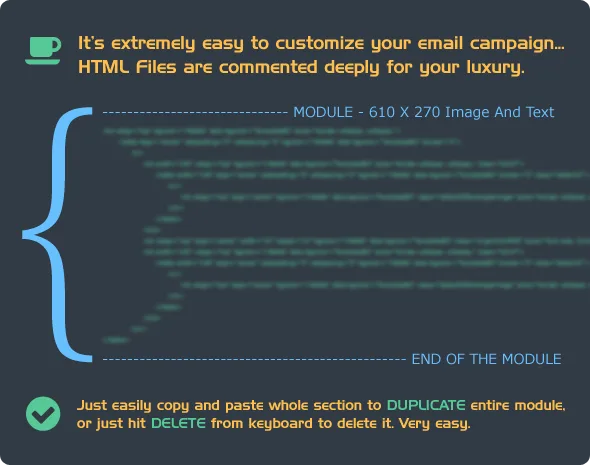
- Deeply Commented & Valid HTML Code.
- Inline & Embedded CSS Versions added for each template.
- Useful linking options including..: – Links for “SUBSCRIBE”, “UNSUBSCRIBE”, “FORWARD TO A FRIEND”, “VIEW ONLINE” options. They are ready to use and already working. Anyway, extra info included in the help file for those options, about how do they work. – Links for targeting specific sections of yourCompany’s webSite. – Links for Social accounts, yourCompany’s email accounts and yourCompany’s homePage etc. – You can add / delete links easily.
- Layered PSD Files included for the JPG and PNG images.
- Descriptive Help File , Including MailChimp Instructions with up to date screenshots.
- Mailchimp mergeTags included in each template for “Subscribe”, “Unsubscribe” & “ForwardToAFriend” options.They are ready to use and already working. Anyway, extra info included in the help file for those options and how do they work.

Tested In All Major Email Clients, including…
- Outlook 2000
- Outlook 2002
- Outlook 2003
- Outlook 2007
- Outlook 2010
- Outlook 2011
- Outlook 2013
- Apple Mail
- IPhone, IPad, IPod
- Hotmail
- Yahoo
- Gmail
- Mozilla ThunderBird
- Spicebird
- Windows Live Mail
- GMX
- AOL
- Opera Mail
- Foxmail
- Sparrow
- Incredimail
- Eudora
Photo Credits
The images used in the previews are from the courtesy of the users from FLICKR…: Victor 1558Support + Please ask questions…
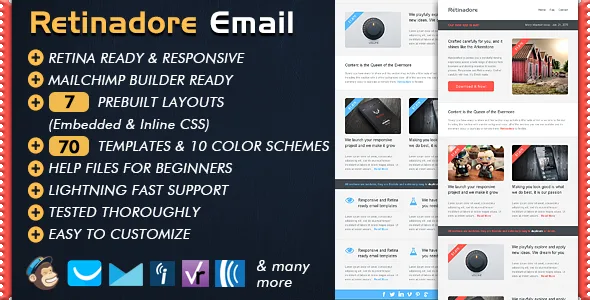
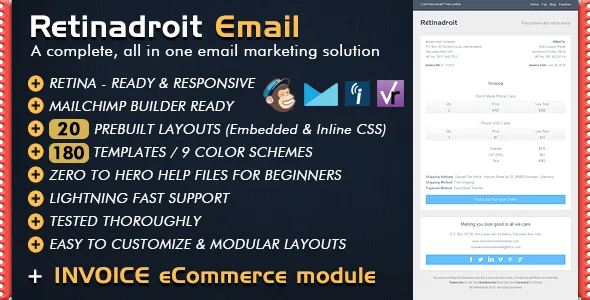
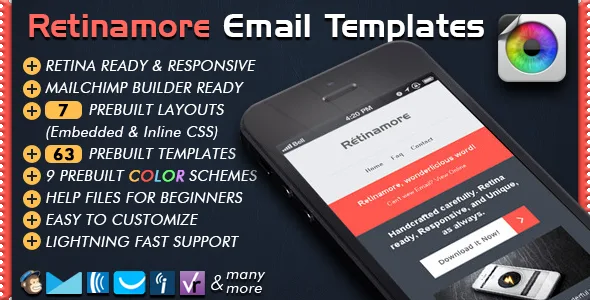
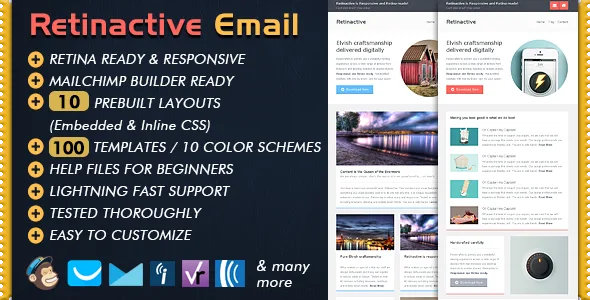
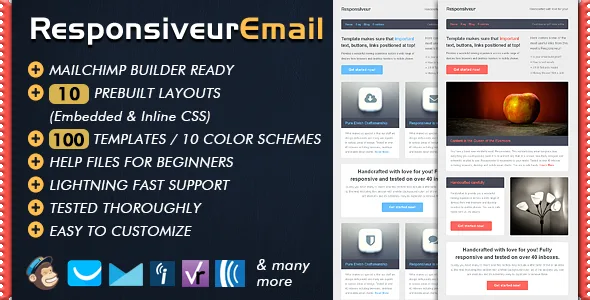
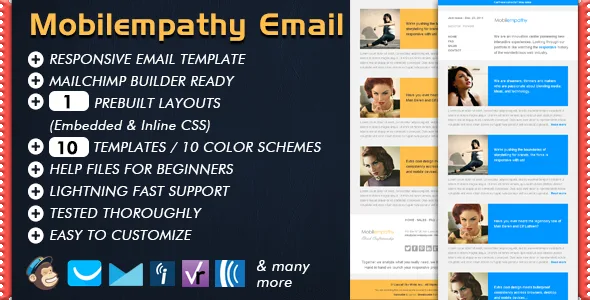
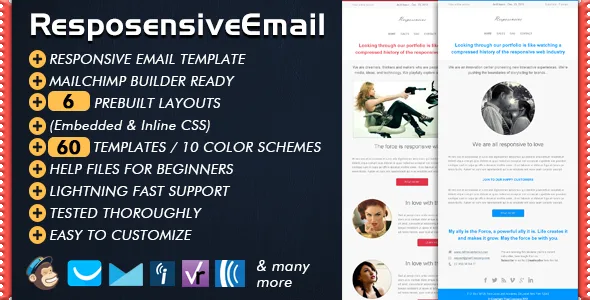
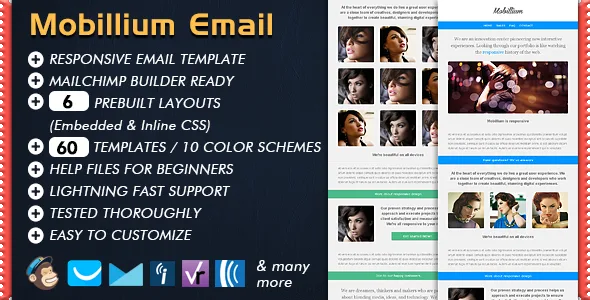
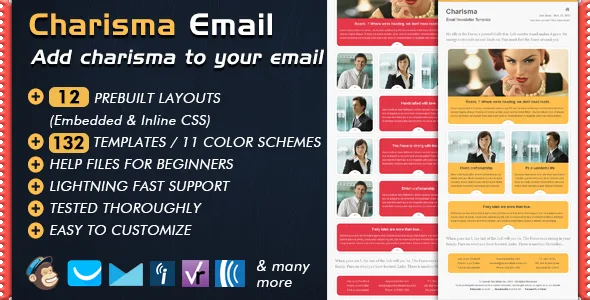
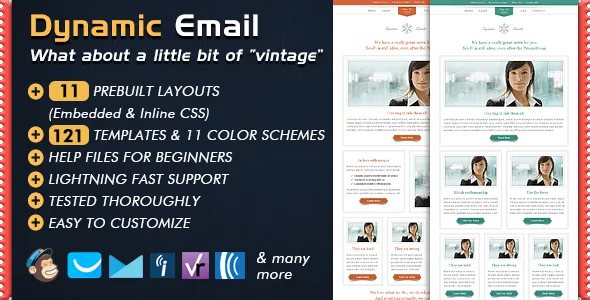
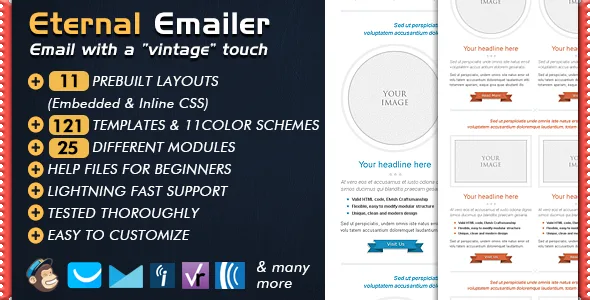
I would love to hear your voice. Please feel free to get in contact with me with the form on my Profile Page for any questions. Or you can just send an email to apkarbedo.yahoo.com Thank you very much for visiting CV Folio – CV / Resume / Curriculum Vitae Professional Resume Template.If you like the template’s Professional Resume Format, you might also like the templates below ; where each reflects a different, unique style…

Professional Resume Template / Best Resume Template For Email
business, campaign monitor, company, cover, email, mailchimp, marketing, modular, promotion, news, promote, package, multipurpose, premium, clean, html email template, email template design, professional email template, sales email template, email template htmlCategories
Tags
External listing. code.market does not sell this product and does not process payment for it. Pricing, payment, delivery, licensing, refunds, and support are handled by the third-party merchant on its own website. We may earn an affiliate commission from a referral. Details.
Products of the Week.
Submit🥇

STOP GUESSING WHAT TO POST
AI that learns your brand voice and builds a month of consistent, on-brand social content: carousels, posts and hooks that sound like you, not like everyone else's AI.
SaaS · 4,282 views · 38 clicksSaaS · Week 45 · 4,282 views · 38 clicks
🥈

Conversational Backlinks for Busy Founders
Place Backlink Relevant Conversation for your domain across Forums and Conversations
Website · 41,992 views · 223 clicksWebsite · Week 45 · 41,992 views · 223 clicks
🥉

upvote.club
Free Social Media Engagement that Helps Boost Your Content. Upvote Club supports 19 social networks with 100+ engagement actions in one dashboard. Add links to your posts and get free engagement from real users.
SaaS · 40,034 views · 117 clicksSaaS · Week 45 · 40,034 views · 117 clicks
#4

Substack Posting API
Onboard your Agent to Substack. Write Publish on Substack via API
SaaS · 59,044 views · 198 clicksSaaS · Week 45 · 59,044 views · 198 clicks
#5

Seenshot App
Free, Fast, MacOS Screenshot app. Make Screenshot cmd+shift+2 and send it via link
Desktop App · 28,416 views · 122 clicksDesktop App · Week 45 · 28,416 views · 122 clicks
#6

Hand-Placed Backlinks $9.99 per link. Flat rate.
Buy hand-placed forum, Q-A and directory backlinks. Flat $9.99 per link, no subscriptions — you only pay for approved listings.
Website · 4,252 views · 19 clicksWebsite · Week 45 · 4,252 views · 19 clicks
#7

Free Invoice Generator - PDF Invoices in Your Browser, No Sign-Up
A free invoice maker for freelancers and small businesses: fill in the invoice, check the live preview, and download a PDF that looks exactly like it. Any currency, tax per item, three templates, no sign-up, and nothing leaves your device.
2,930 views · 17 clicksWeek 45 · 2,930 views · 17 clicks
#8

Merge PDF Files Free - Combine PDFs in Your Browser, No Upload
A free PDF merger for office workers, students, and freelancers: combine PDFs and images into one file in the browser, reorder files and pages, pick page ranges, keep bookmarks, and open password-protected PDFs. Nothing is uploaded, no sign-up, no watermark.
2,706 views · 13 clicksWeek 45 · 2,706 views · 13 clicks