
Nescroll | Social Browser Without Endless Feeds and Screen Time Lock - SwiftUI Mobile App (iOS Only)
Description
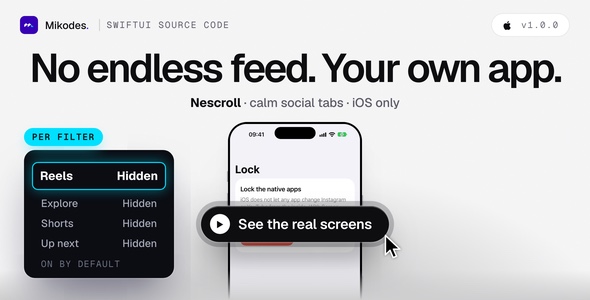
Nescroll – an iOS social browser without the endless feeds, plus a Screen Time lock
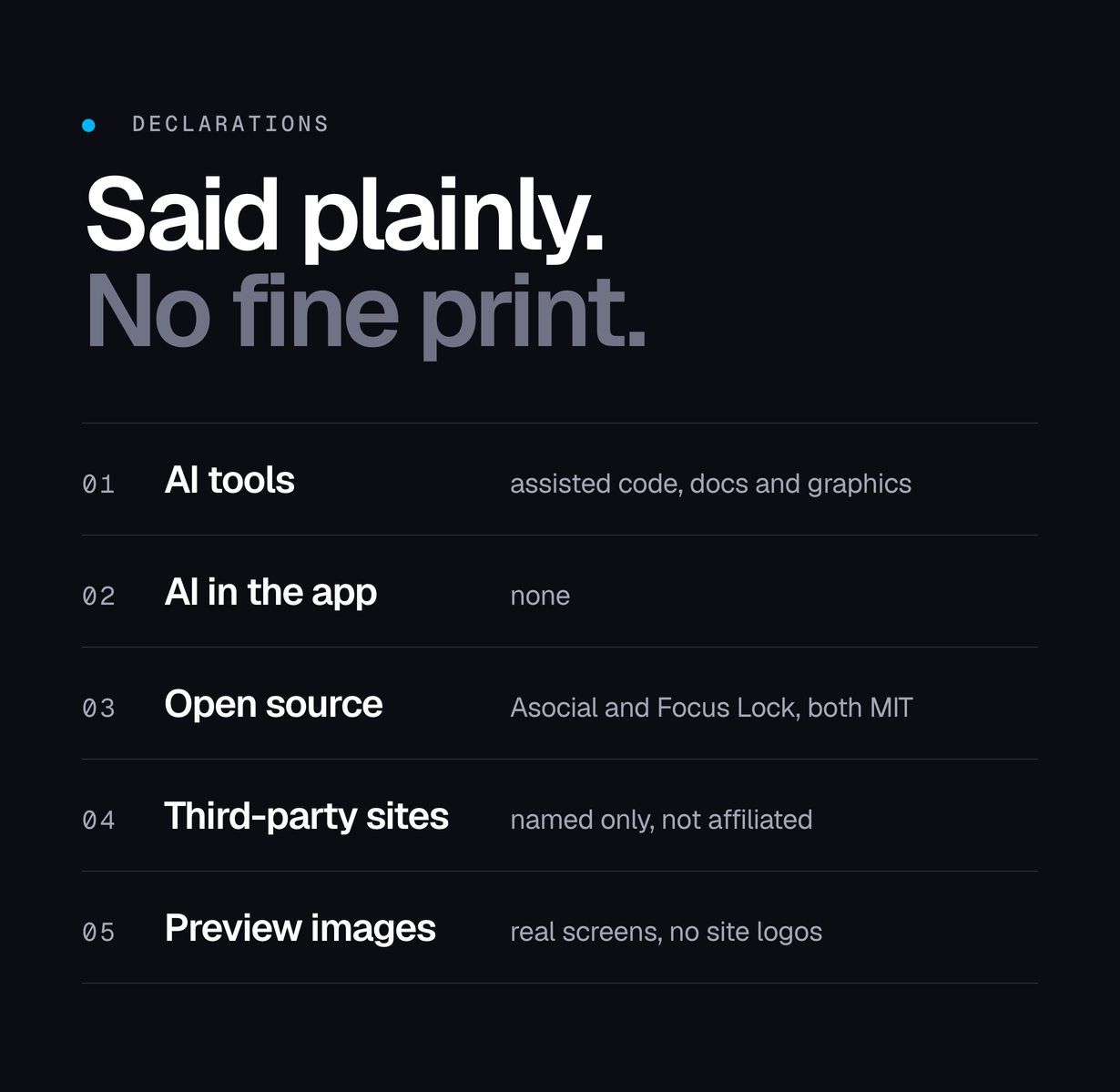
AI tools were used to assist with parts of the code, documentation and graphics of this item. The author directed, reviewed and tested every part before release (see Declarations below).
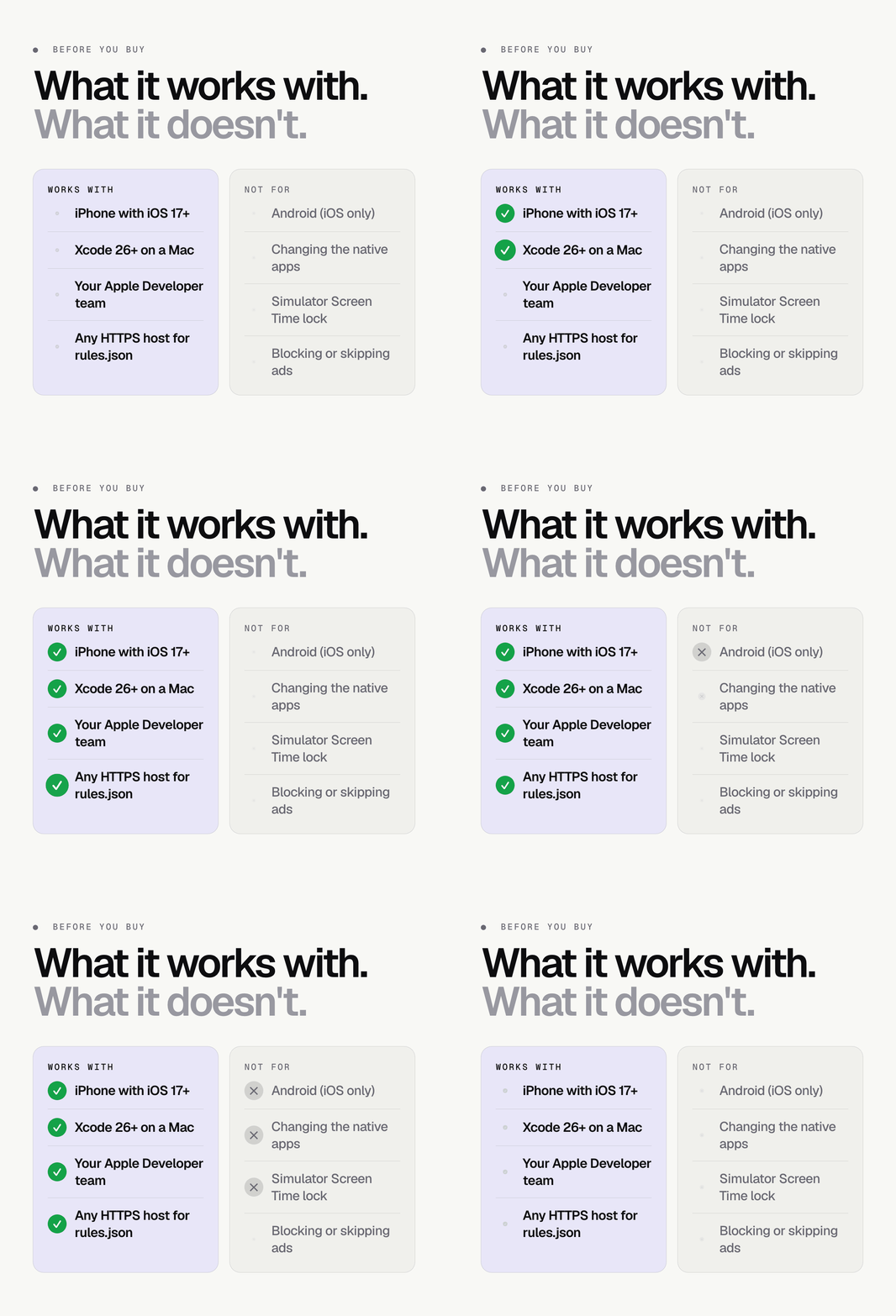
iOS only, no Android version. Nescroll is a native Swift and SwiftUI project for iPhone and iPad (iOS 17 or newer). There is no Android, web or cross-platform version in this item.
MIKODES: official site mikodes.com · support mikodes.com/support · all projects mikodes.com · open for custom projects: tell us what you need
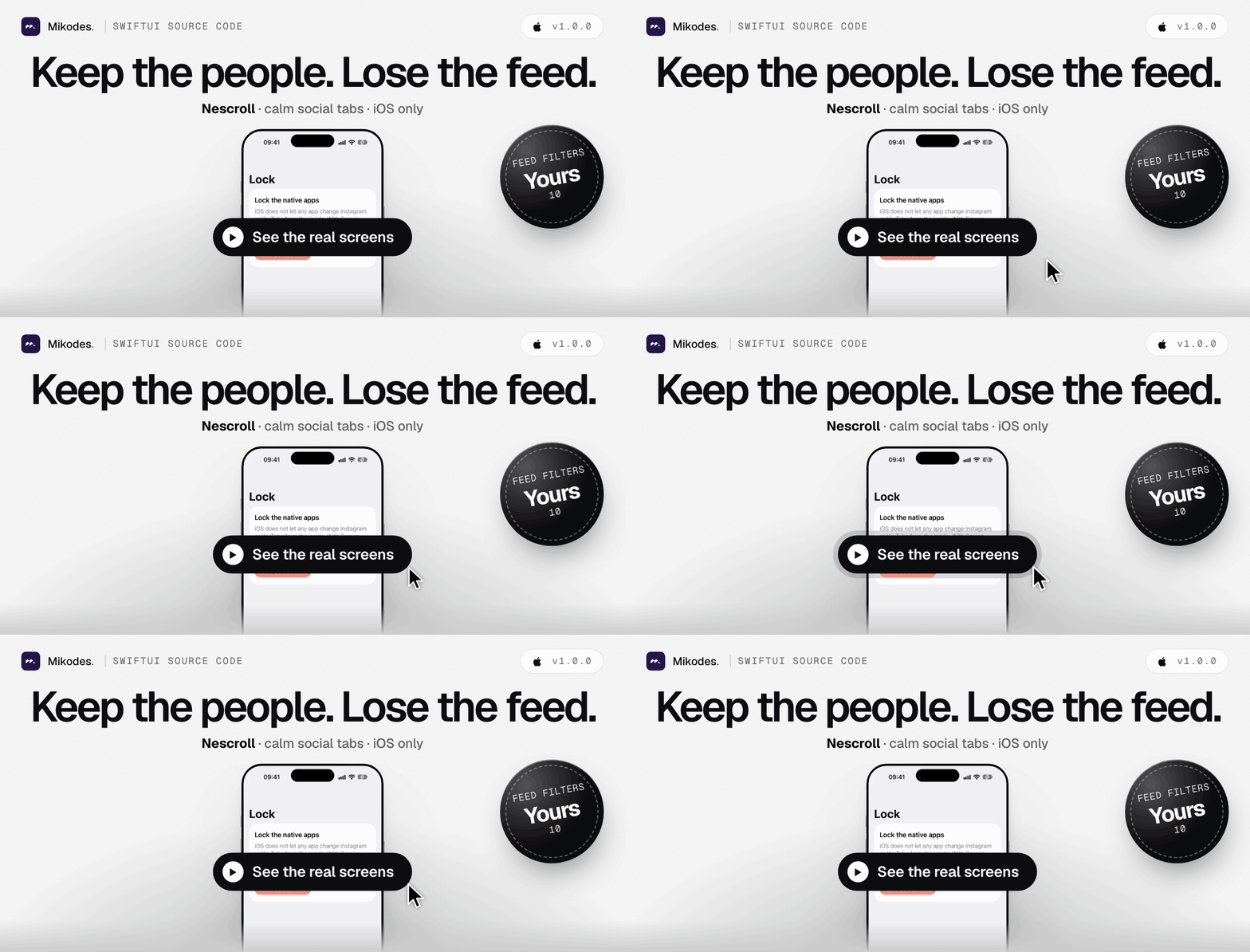

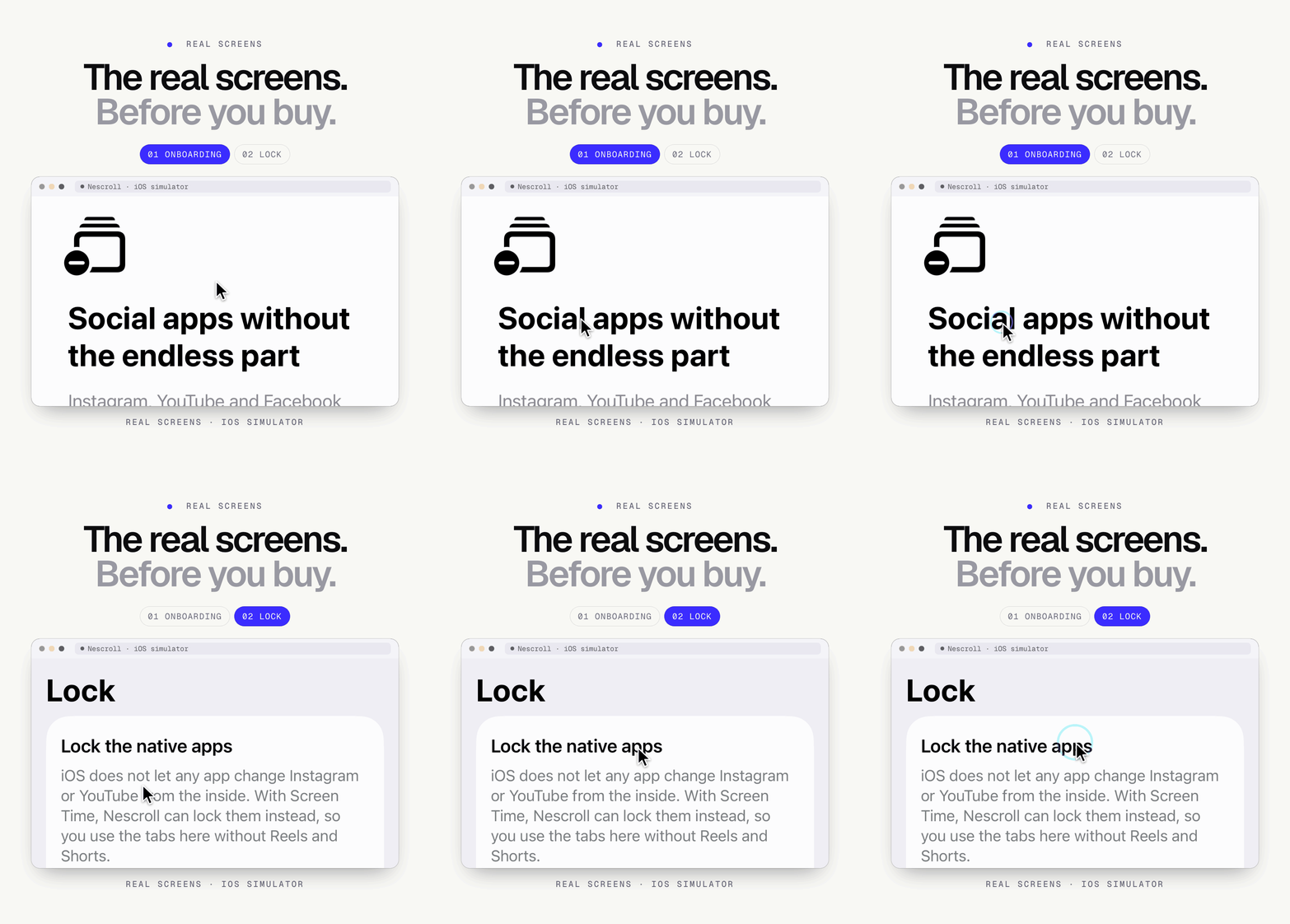
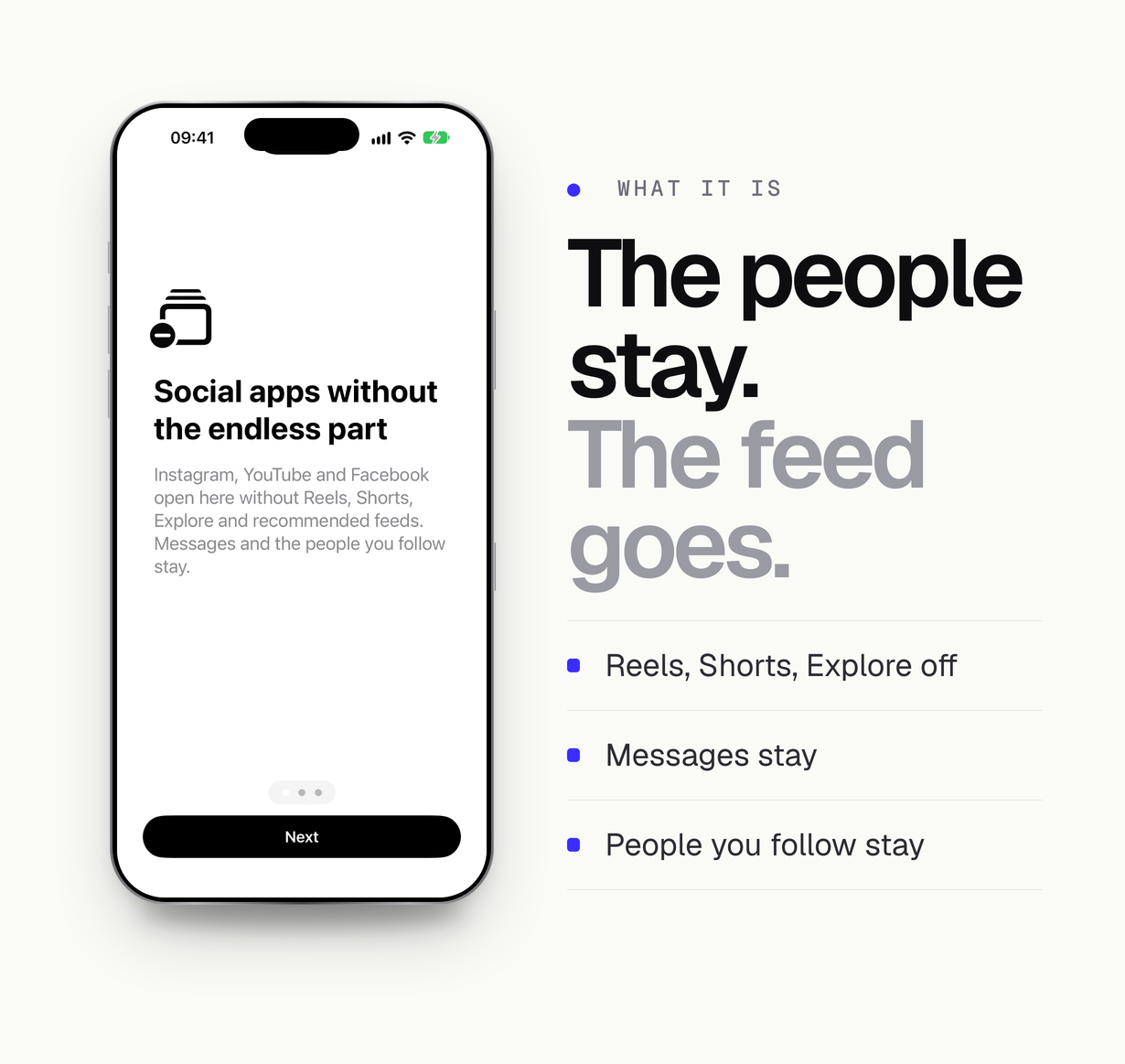
Nescroll is the complete Swift source code of a native iOS app. It opens the mobile websites of Instagram, YouTube and Facebook in its own tabs and takes the endless parts out of them: Reels, Shorts, Explore, recommended and suggested feeds and Up next. Messages, search and the people you follow stay. A second part uses Apple’s Screen Time frameworks to lock the native apps for a while, or every day in quiet hours, so the calm tabs are the way in.
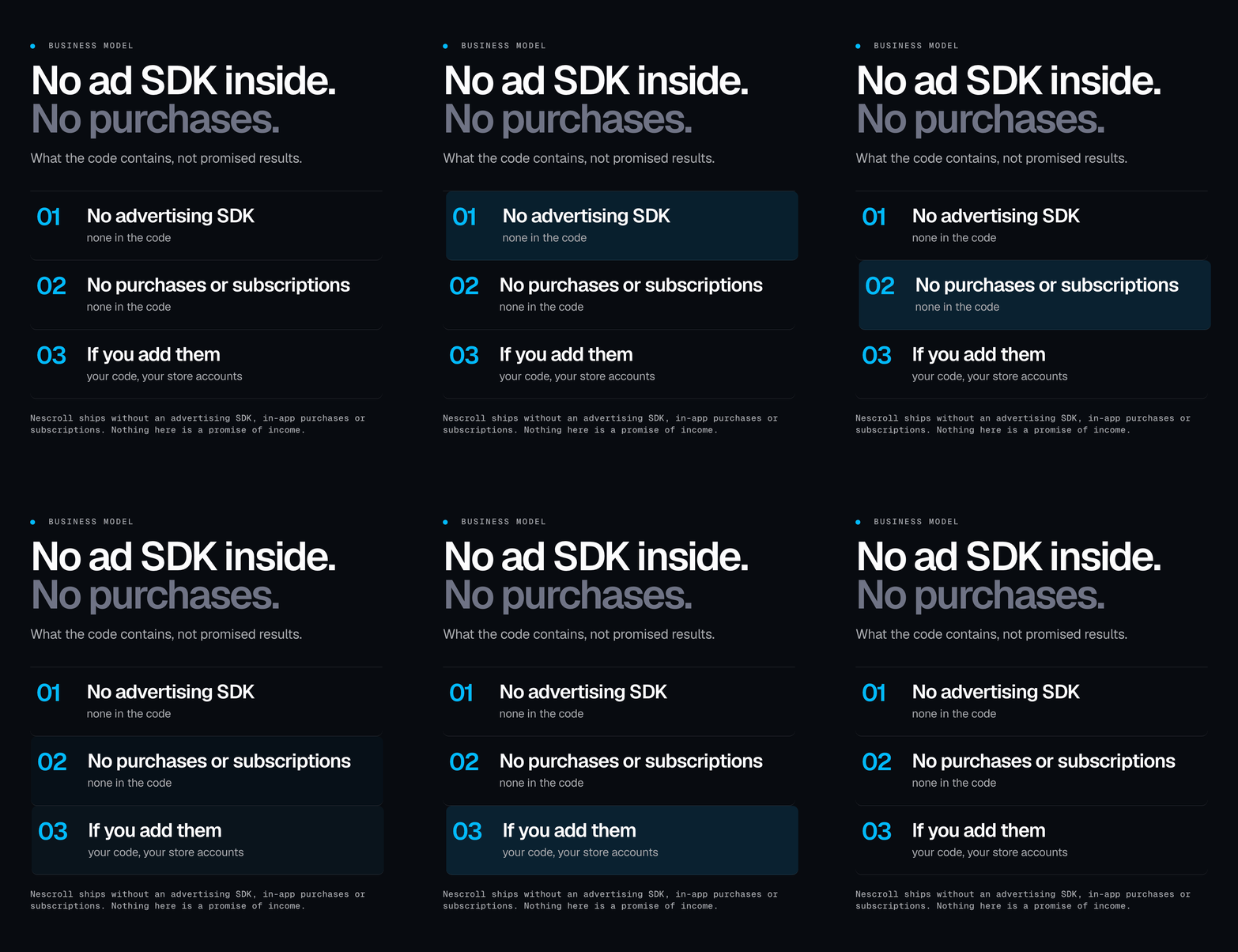
Advertising is not touched. Nescroll is not an ad blocker: it has no filter for ads or sponsored posts and does not hide, mute or skip advertising on the sites.
Open-source credits. The web-tab browser is based on Asocial (MIT licence, Uwe Dauernheim). The Screen Time lock follows Focus Lock (MIT licence, Syed Hassam). Both licence texts and a NOTICE file ship in the package; details are under Credits below.
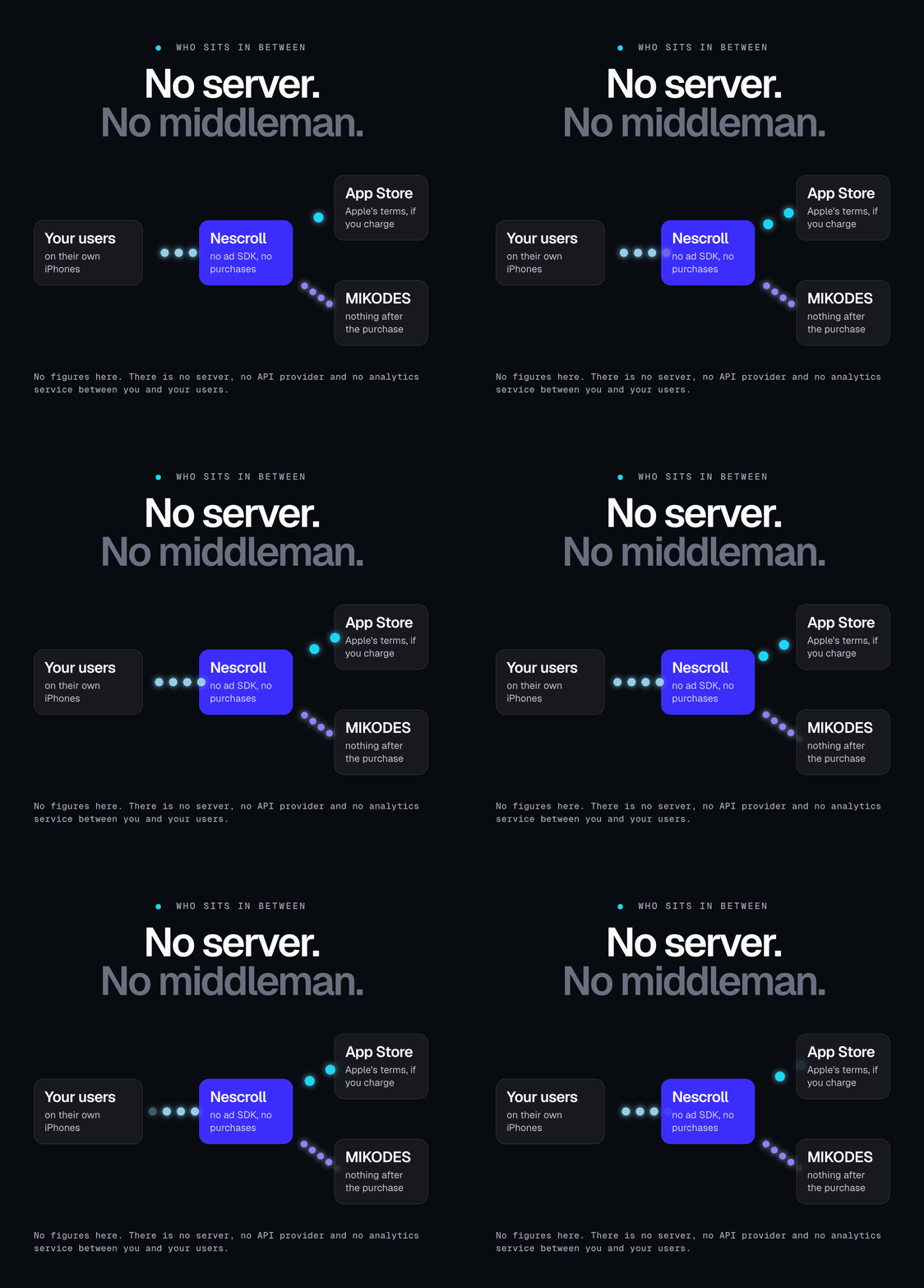
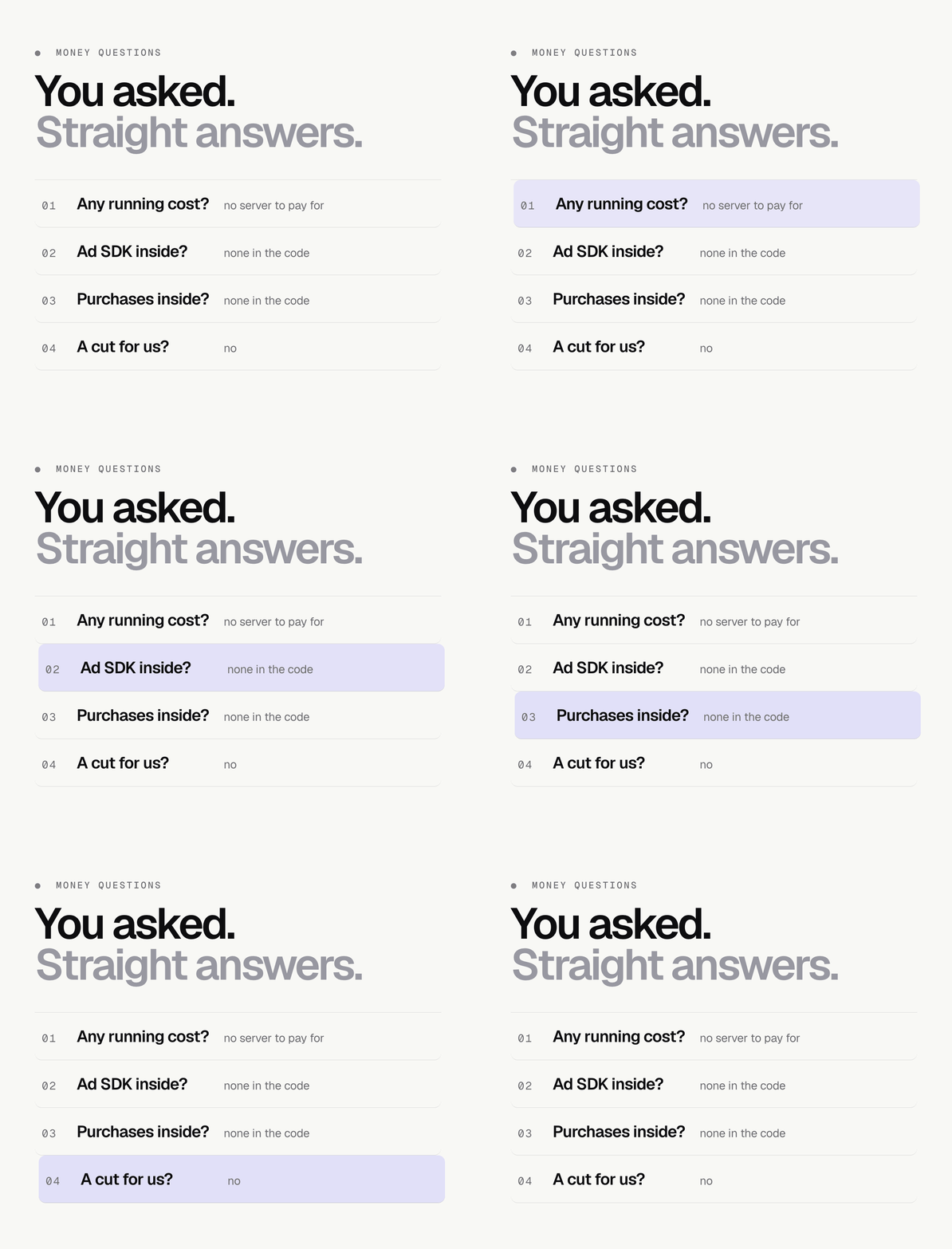
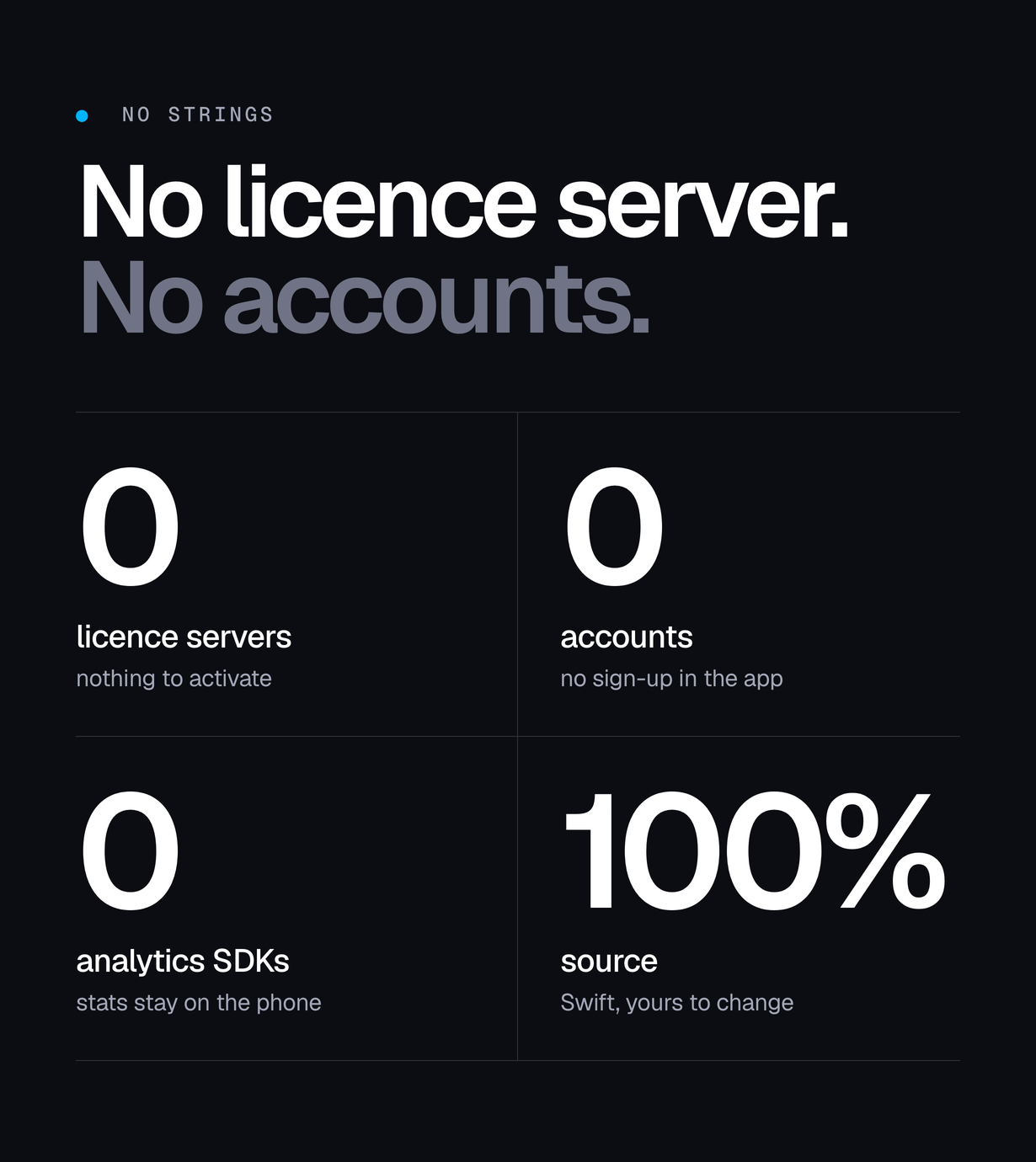
Everything runs on the device. There is no server, no user account and no analytics SDK. Sign-ins go to each site’s own login page and stay in the iPhone’s web data store.
Before you buy: what is not included and what iOS does not allow
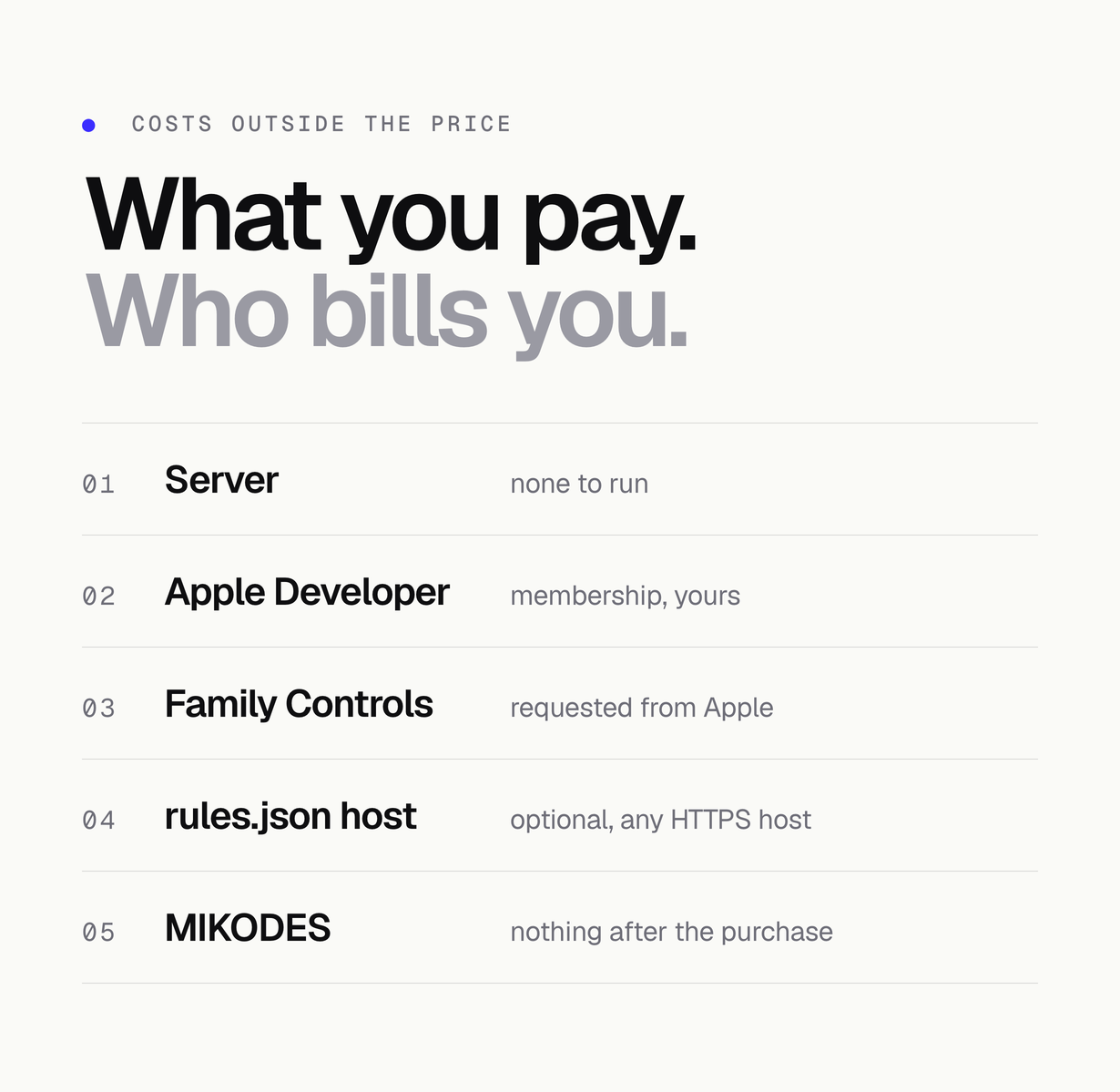
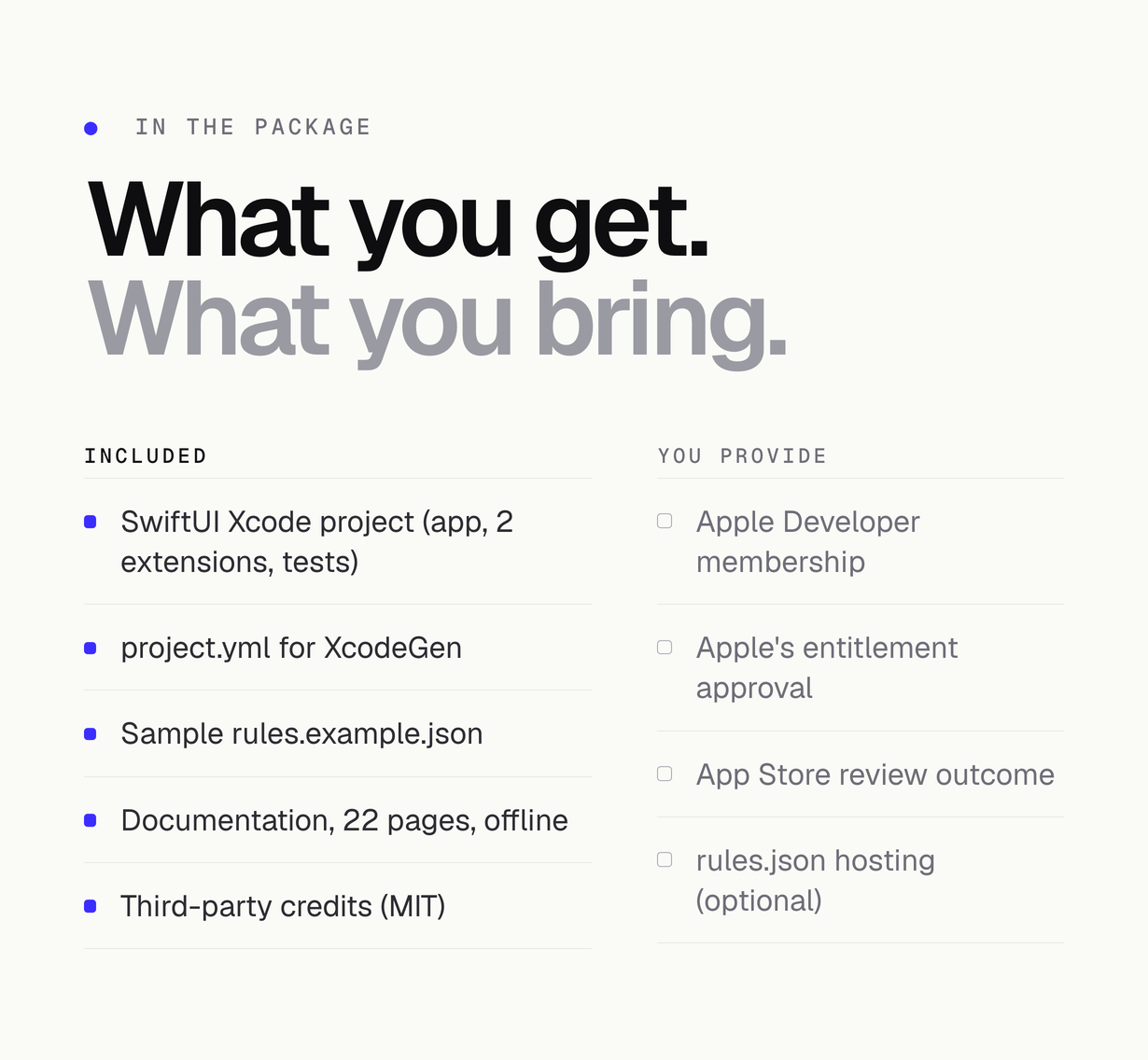
- Third-party services and costs are not included. You need your own Apple Developer Program membership (a paid Apple service, billed by Apple to your own account) to run the app on a device and to publish it. Hosting a rules.json file for filter updates is optional and is on your own server.
- iOS only. The item contains an Xcode project for iOS and iPadOS. There is no Android version.
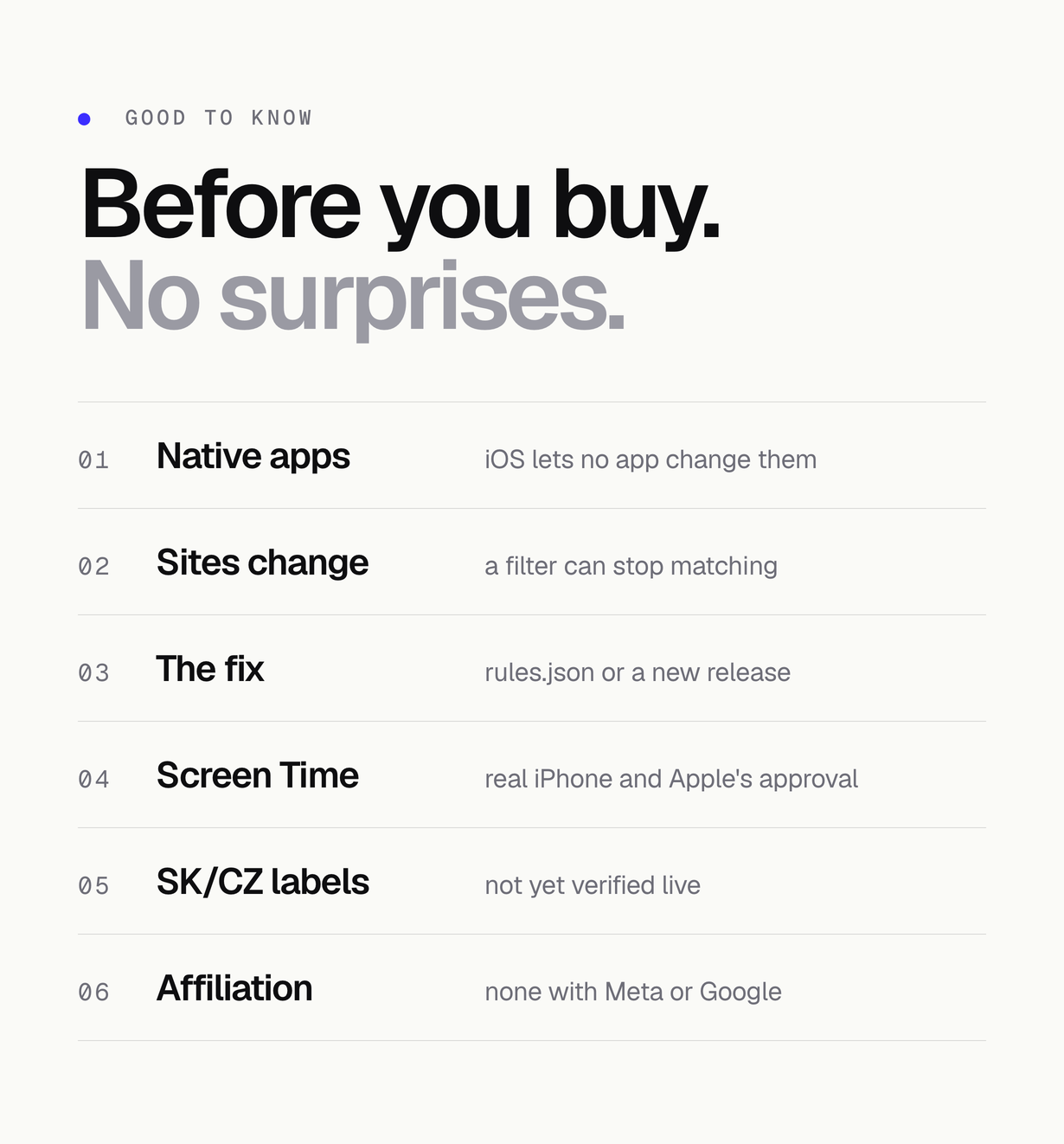
- No app can change the native Instagram, YouTube or Facebook apps. iOS does not allow it. Nescroll filters the sites inside its own tabs, and can lock the native apps with Screen Time; it does not edit them.
- Screen Time needs an Apple entitlement. The lock uses the Family Controls entitlement. Development builds on your own iPhone work with the development entitlement. To ship through TestFlight or the App Store you must request the Family Controls (Distribution) entitlement from Apple for the app and for both extension bundle ids. Apple decides on that request, and it can take time; the item cannot promise approval. The Screen Time part needs a real iPhone; it cannot be tried in the Simulator.
- Third-party site terms. The app loads the public mobile websites of Instagram, YouTube and Facebook and hides the feed parts of those pages listed below. Changing or filtering a third-party site may conflict with that site’s terms of service, and App Store review may question an app built around other companies’ sites. Read the terms, decide for your market, and remove any filter or tab you do not want to ship (one line in AppConfig.swift or Platform.swift). The item makes no promise that a store or a site accepts it.
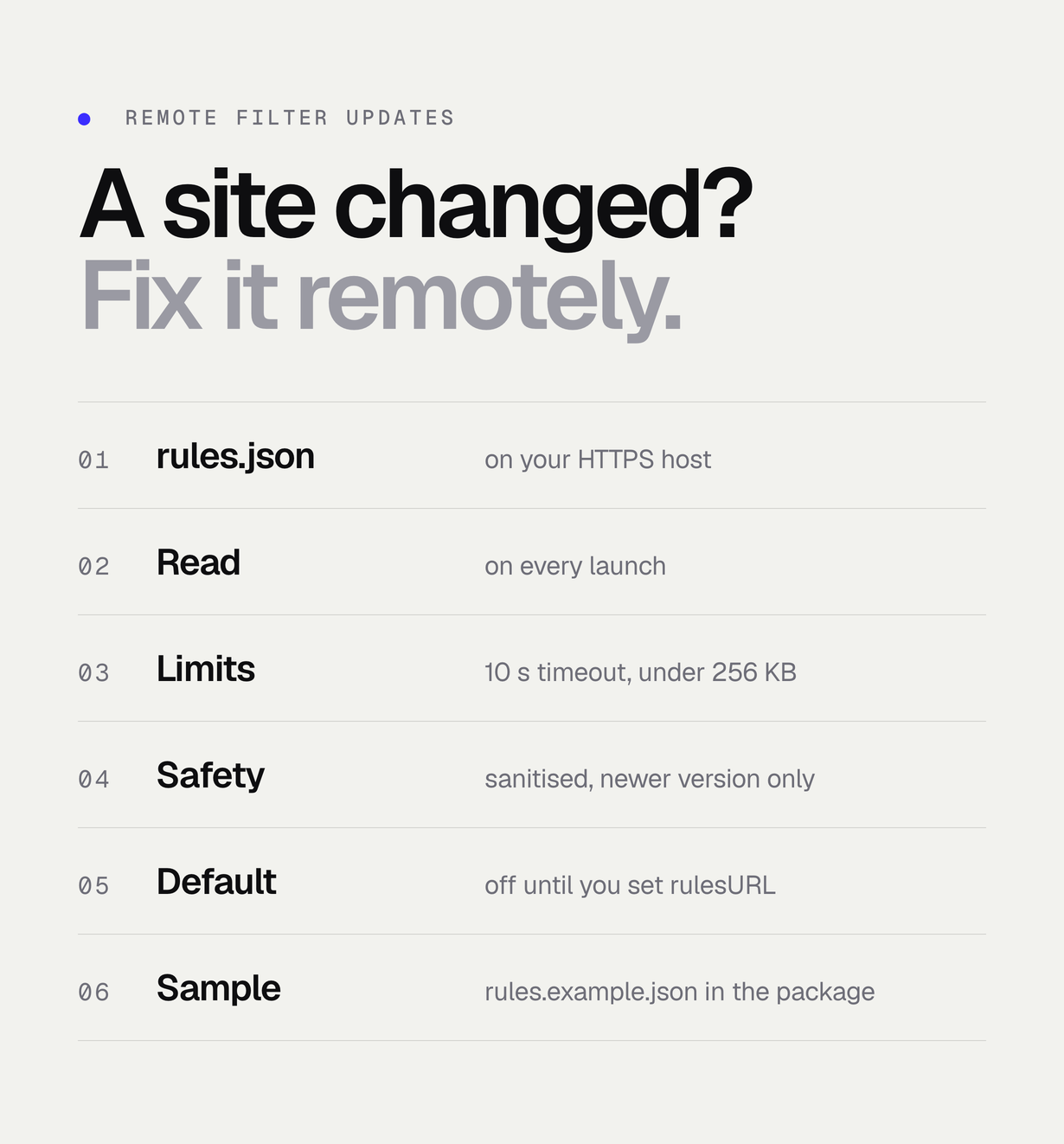
- Sites change their pages. When a site changes its markup, a filter can stop matching until the rules are updated. The optional remote rules.json lets you publish fixes without a new App Store release; you maintain that file.
- Not affiliated. Nescroll is not affiliated with, endorsed by or sponsored by Instagram, Facebook, Meta, YouTube or Google. The app uses SF Symbols for its tabs and ships none of their logos.
Who it is for
iOS developers and small studios who want a ready digital-wellbeing app to brand and publish, and developers who want a working reference for WKWebView content filtering and the FamilyControls, DeviceActivity and ManagedSettings frameworks in SwiftUI.
Documentation and preview
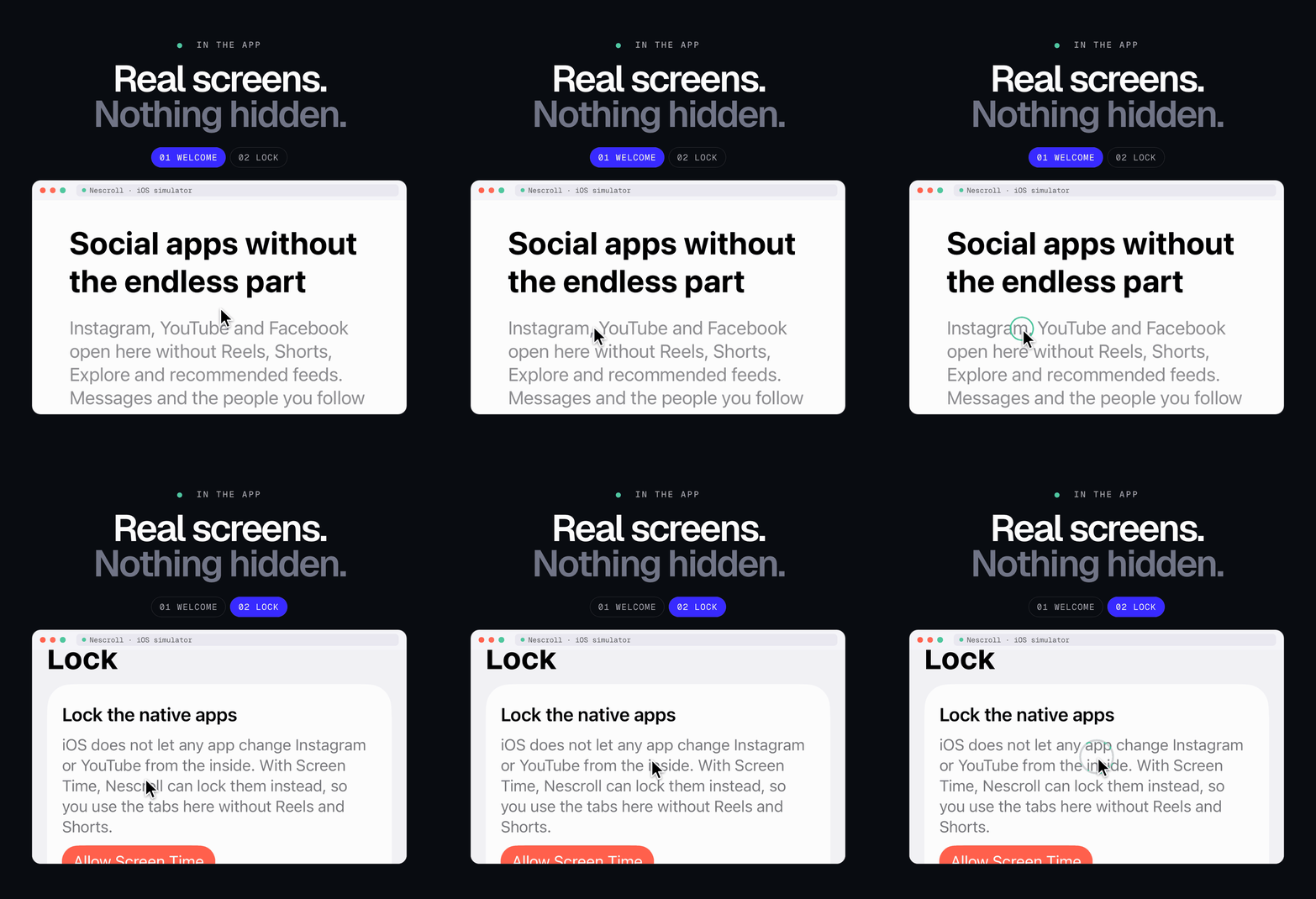
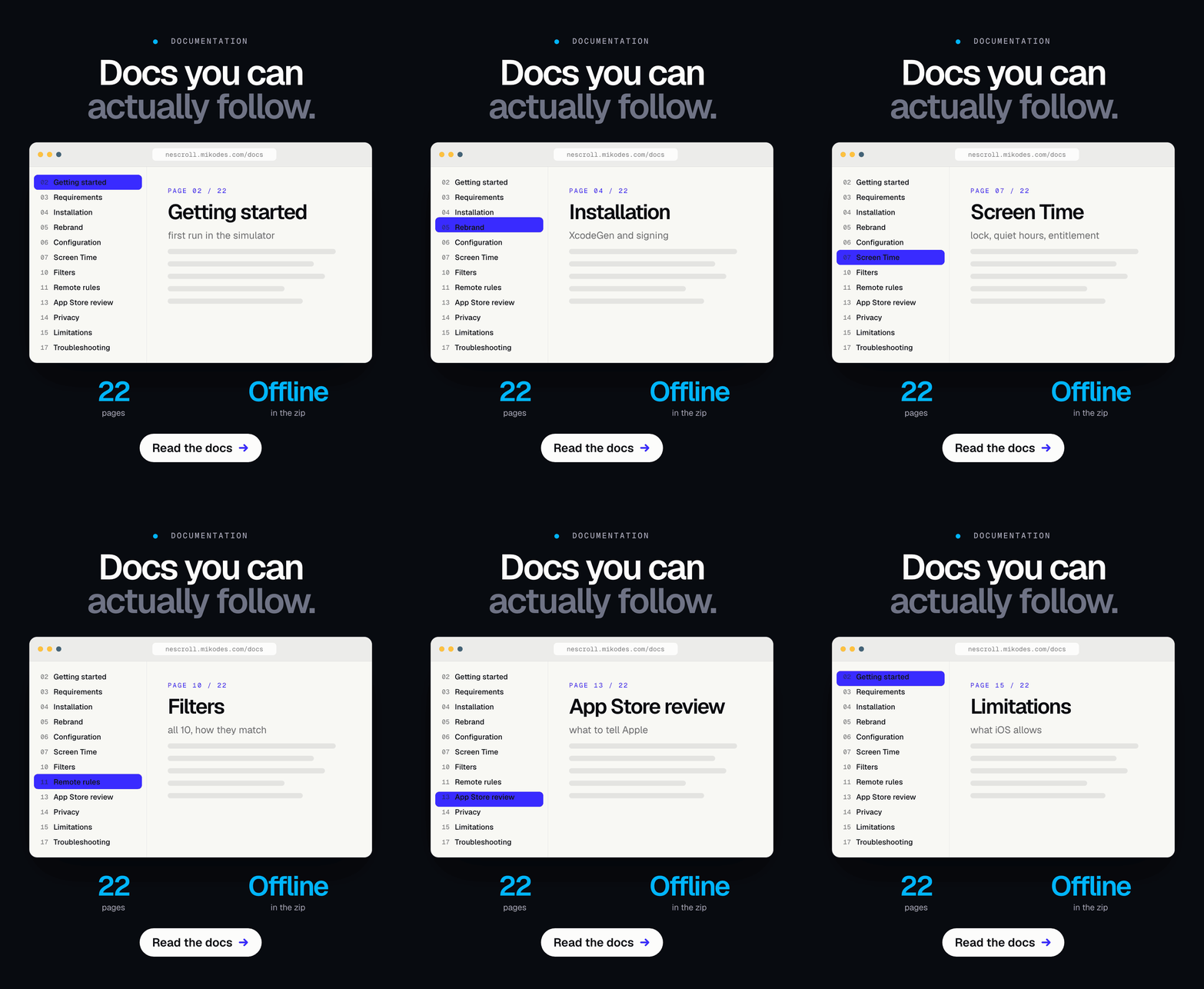
This is a native iOS app, so there is no hosted web demo. Real screenshots from the app are in the item gallery, and the demo instructions below show how to run it yourself.
| What | Where | Notes |
|---|---|---|
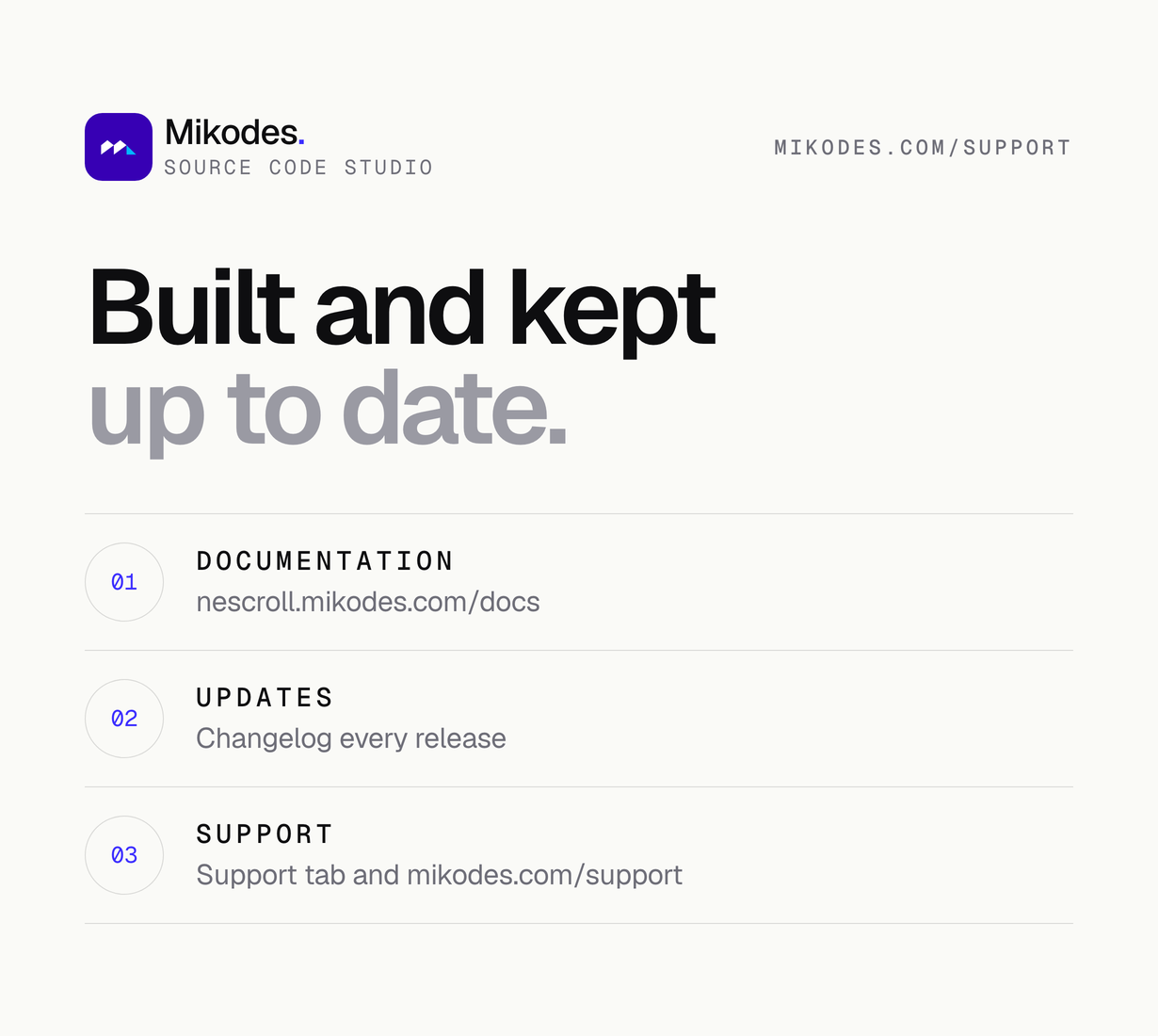
| Documentation | nescroll.mikodes.com/docs/ | Public, no account needed: install, signing, rebranding, Screen Time entitlement, filters and rules.json, privacy manifests, troubleshooting. The same pages are in the package. |
| Support & help centre | mikodes.com/support | Chat and e-mail with the author, licence and refund policy. No account needed. |
| MIKODES official site | mikodes.com | All MIKODES projects, support and contact. |
Demo instructions
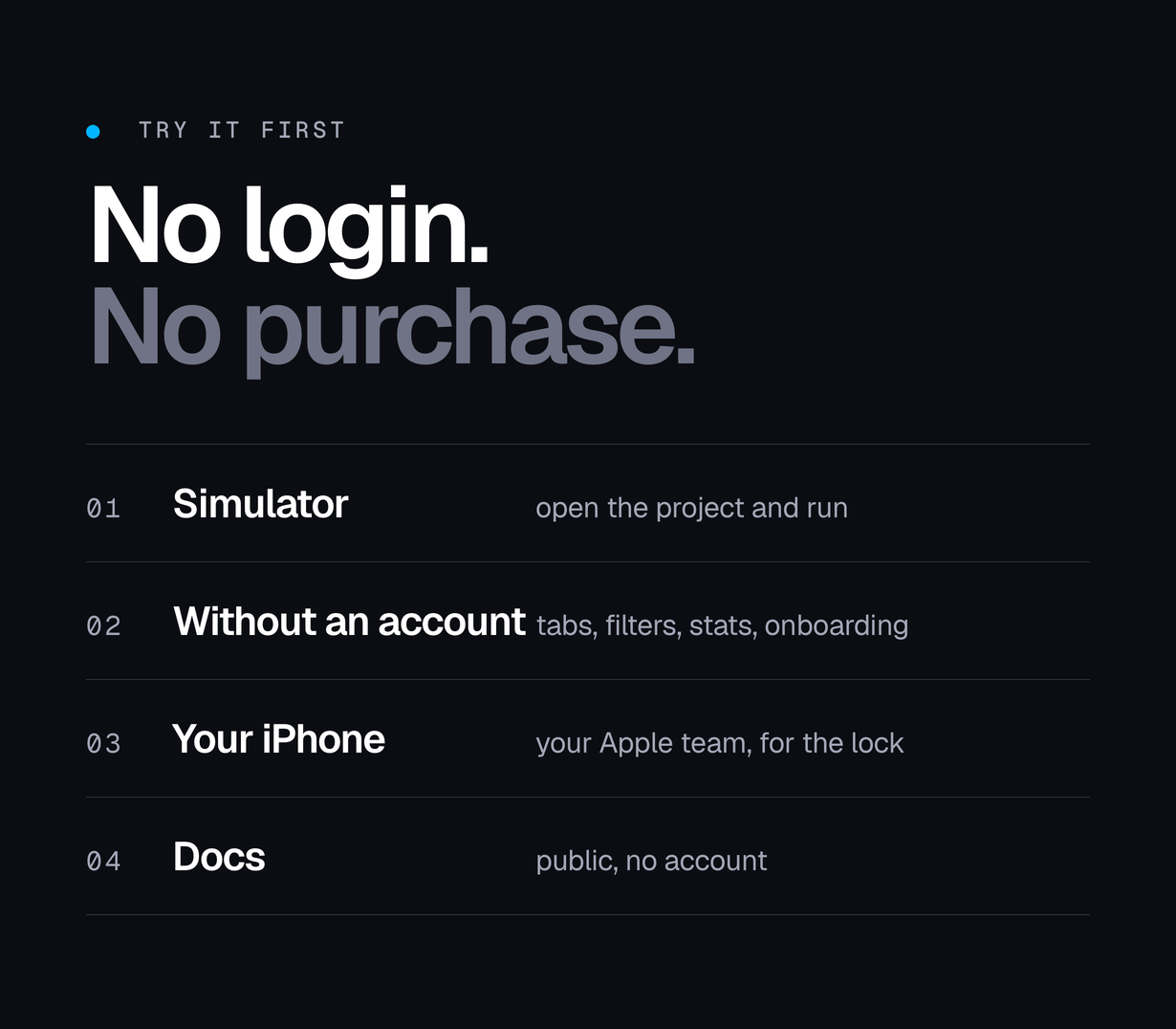
The app has no accounts of its own, so there is no demo login and no demo account. You test it by building it. A Mac with Xcode 26 or newer is needed; the steps below were run on the iOS 27.1 Simulator with Xcode 27.1, signed out of every site.
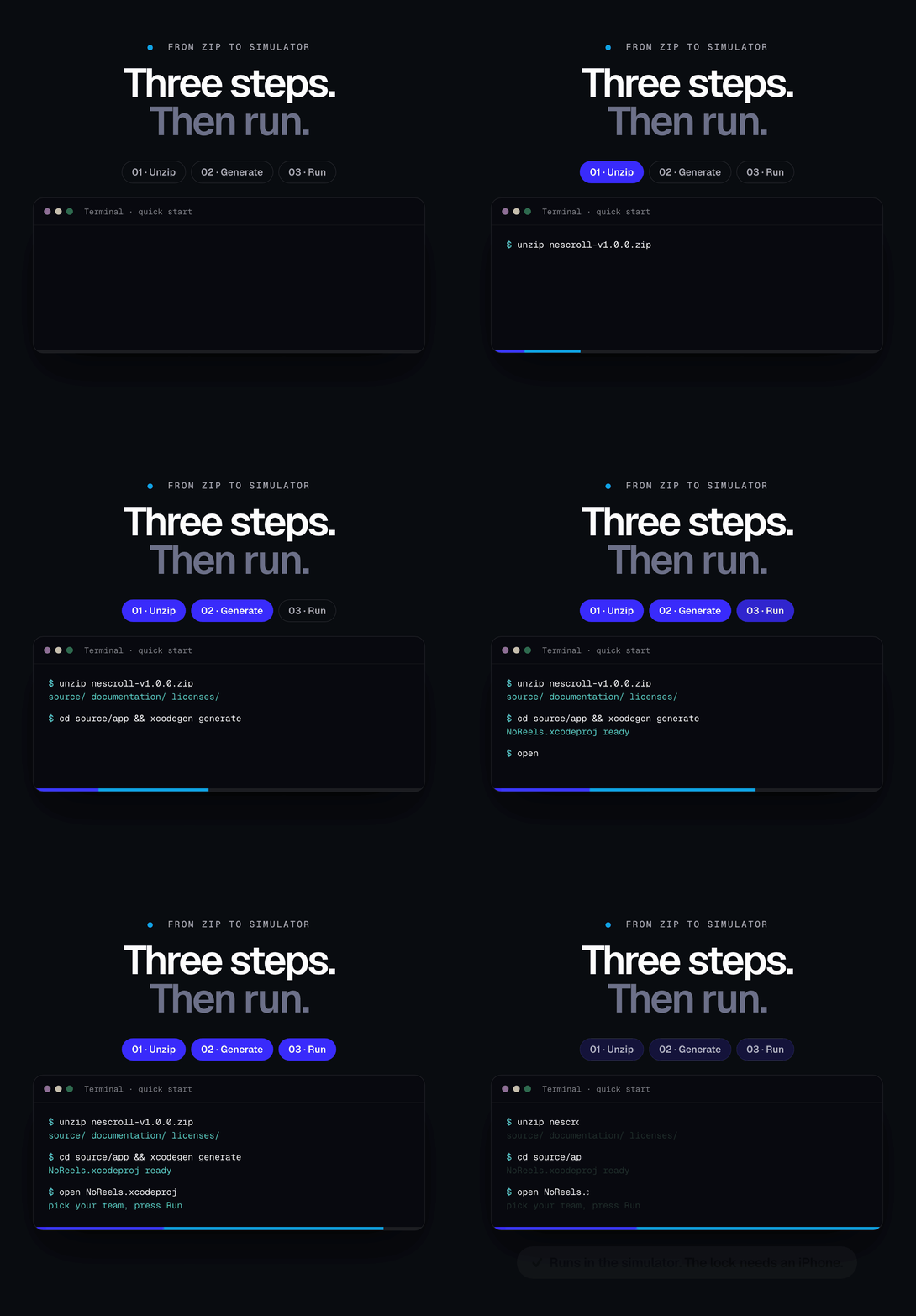
- Build and run. Unzip, then in Terminal:
cd nescroll-v1.0.0/source/app,xcodegen generate(install it withbrew install xcodegen; a generated NoReels.xcodeproj is also included),open NoReels.xcodeproj. Choose the NoReels scheme and any iPhone simulator and press Run. No team or signing is needed for the Simulator. - Onboarding. Three screens appear on first launch. Tap Next, Next, Start. The app opens with five tabs: Instagram, YouTube, Facebook, Lock, Settings.
- A filter without any account. Open the YouTube tab. If the site first shows its own cookie page, answer it. The site opens on Subscriptions, and its bottom bar shows only “You”: the Home and Shorts buttons are hidden. Tap the YouTube logo at the top left, which normally opens the recommended Home feed: the tab stays on Subscriptions.
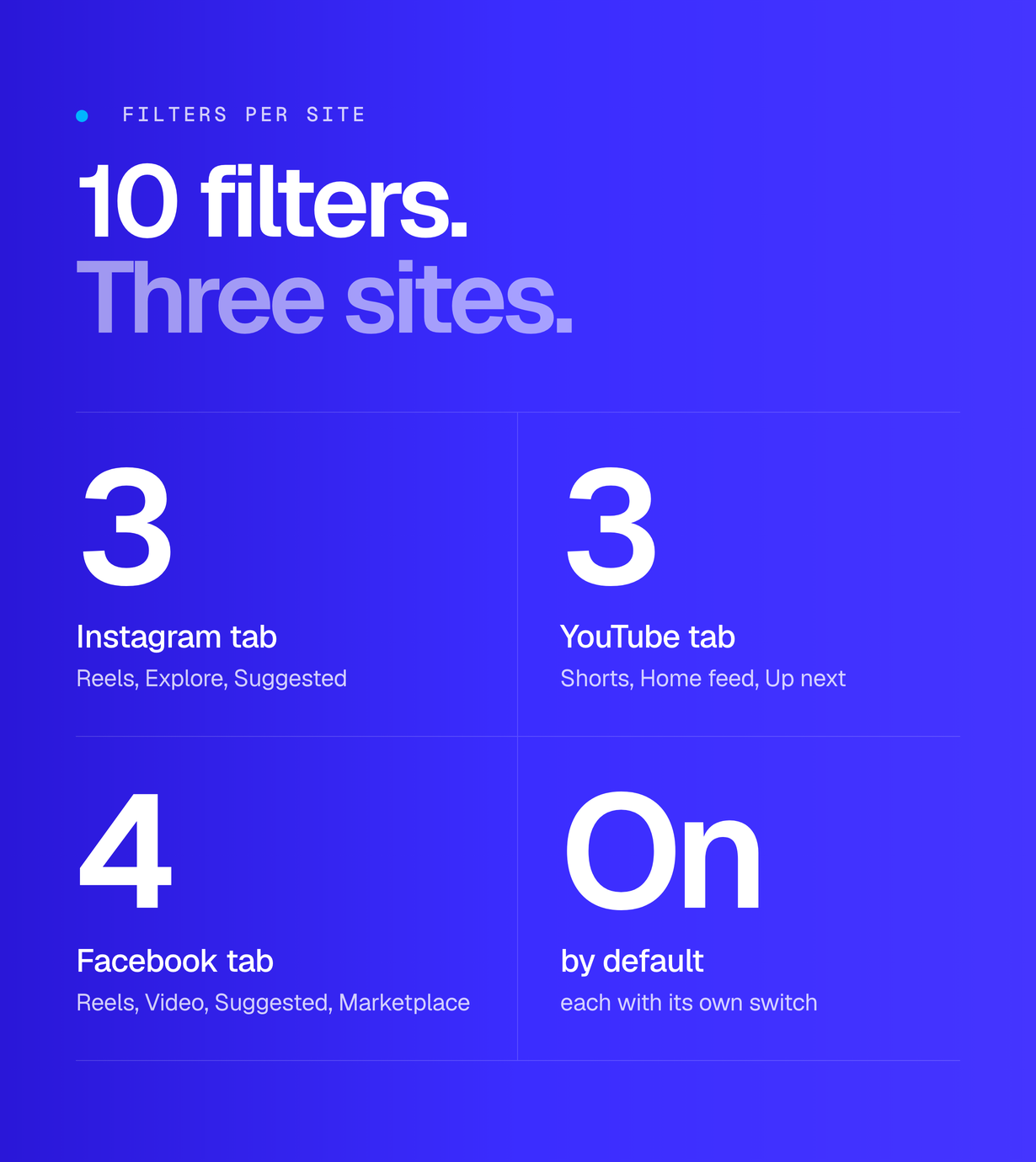
- Settings. Open the Settings tab. “Skipped today” counts the redirects you just caused, and the 7-day chart shows a bar for today. Below it are 10 switches in three groups (Instagram 3, YouTube 3, Facebook 4). There is no switch for ads.
- Switch a filter off. Turn off “Hide Home feed” and “Hide Shorts”, go back to the YouTube tab: the site’s Home and Shorts buttons are back. Turn the switches on again.
- Instagram and Facebook tabs. They show each site’s own login page. To see their filters, sign in with an account of your own; the app never sees the password.
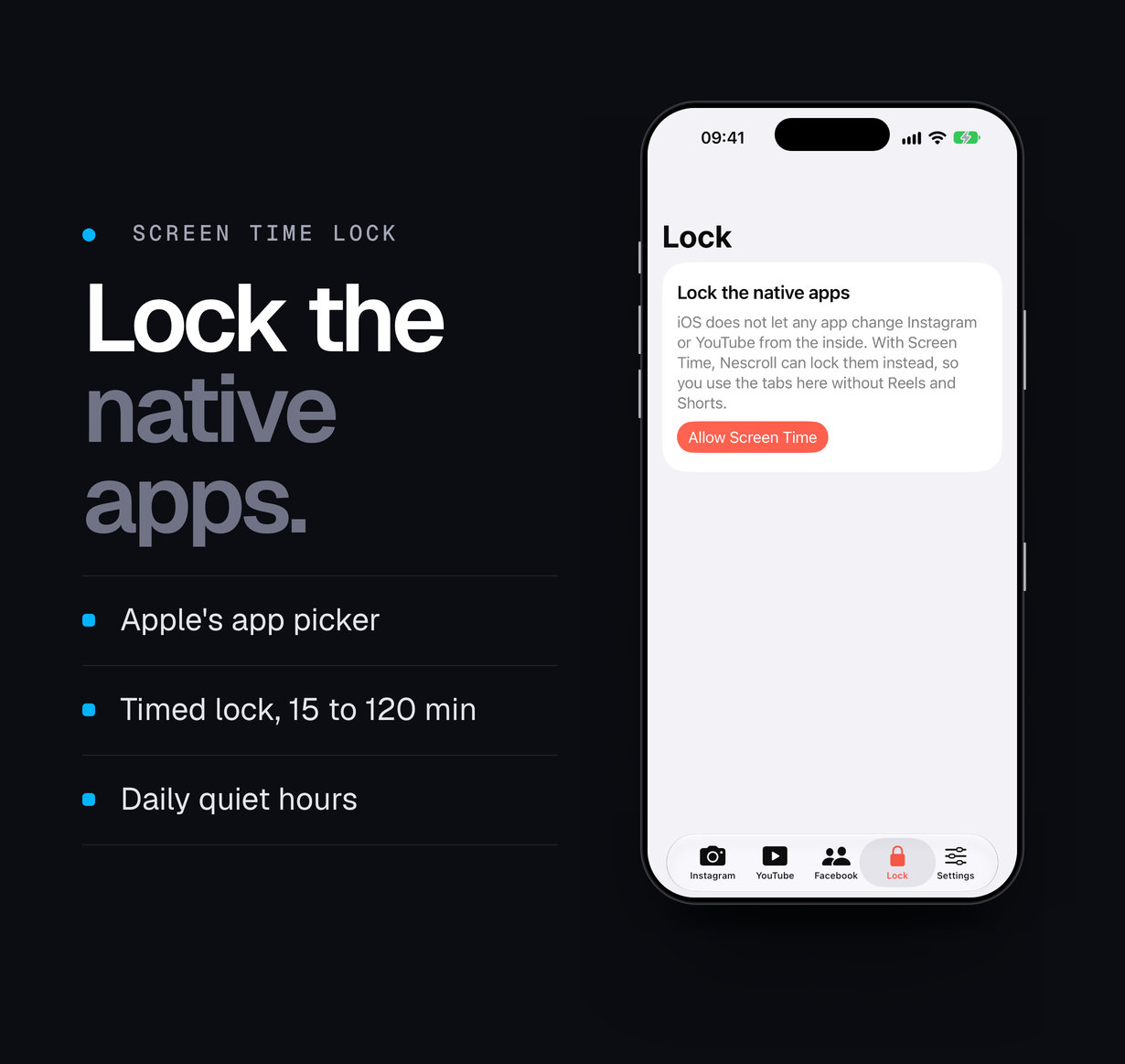
- Lock tab. In the Simulator it shows only the “Allow Screen Time” card, because the Simulator cannot grant Screen Time. On a real iPhone with your Apple team: tap Allow Screen Time, choose an app, tap “15 min”, then open that app; the shield appears with the minutes left.
- Unit tests. Press Cmd-U, or run
xcodebuild test -project NoReels.xcodeproj -scheme NoReels -destination 'platform=iOS Simulator,name=YOUR SIMULATOR' -testLanguage en -testRegion US. 17 tests pass, including one that runs the sample rules.example.json through the app’s parser.
Core features
Calm browser tabs
- One tab per site (Instagram, YouTube, Facebook), each a kept-alive web view that stays where you left it; pull to refresh, swipe back.
- Links that leave the site open in a Safari sheet; sign-in flows stay inside the tab.
- Video autoplay is off: media starts only when you tap it.
10 filters, each with its own switch
- Instagram: Reels, Explore grid, suggested posts. A reel someone sends you still plays.
- YouTube: Shorts, recommended Home feed (Subscriptions opens instead), Up next with the autoplay toggle and end screens.
- Facebook: Reels, the video tab, suggested posts and groups, Marketplace.
- Filters combine page redirects, CSS selectors and feed labels; a page script injected at document start watches the single-page-app navigation of each site.
- No filter targets advertising.
Screen Time lock of the native apps
- Pick apps, categories or websites with Apple’s FamilyActivityPicker. iOS gives the app only private tokens, never app names.
- Timed lock: 15, 30, 60 or 120 minutes with a live countdown and an End lock button.
- Daily quiet hours, for example 22:00-07:00, including windows that cross midnight.
- A DeviceActivity monitor extension raises and lowers the shield on schedule, also after the app was closed.
- A custom shield screen shows the minutes left (or quiet hours), points the user back to the calm tabs and counts today’s attempts.
Onboarding and statistics
- Three onboarding screens that explain what the app does, what iOS allows and how sign-in works.
- A 7-day bar chart (Swift Charts) of what the filters removed, with today’s count and the week total. The history is kept on the device only.
Remote filter updates
- Optional rules.json on your own HTTPS server: extra selectors, labels and redirects per site, fetched once per launch with a plain GET.
- A sample file, rules.example.json, ships next to the Xcode project in the documented format; a unit test checks it against the app’s parser.
- The file is size-limited, versioned and sanitised; broken entries are dropped and the last good file is kept when offline. Off by default.
Localisation and rebranding
- English base interface with a Slovak translation of every app string in a String Catalog; add more languages in Xcode. The lock screen of the shield extension uses the same catalog.
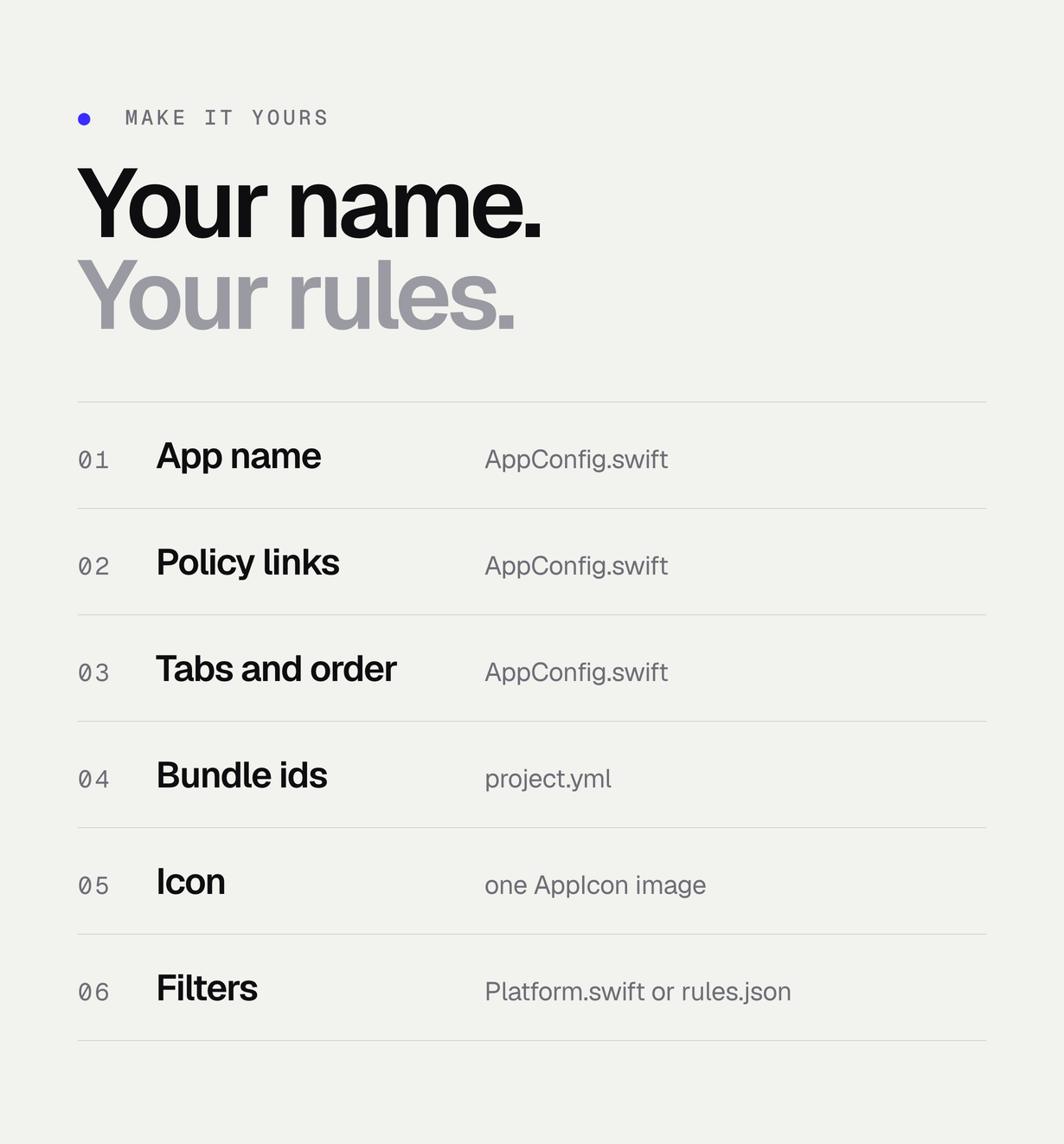
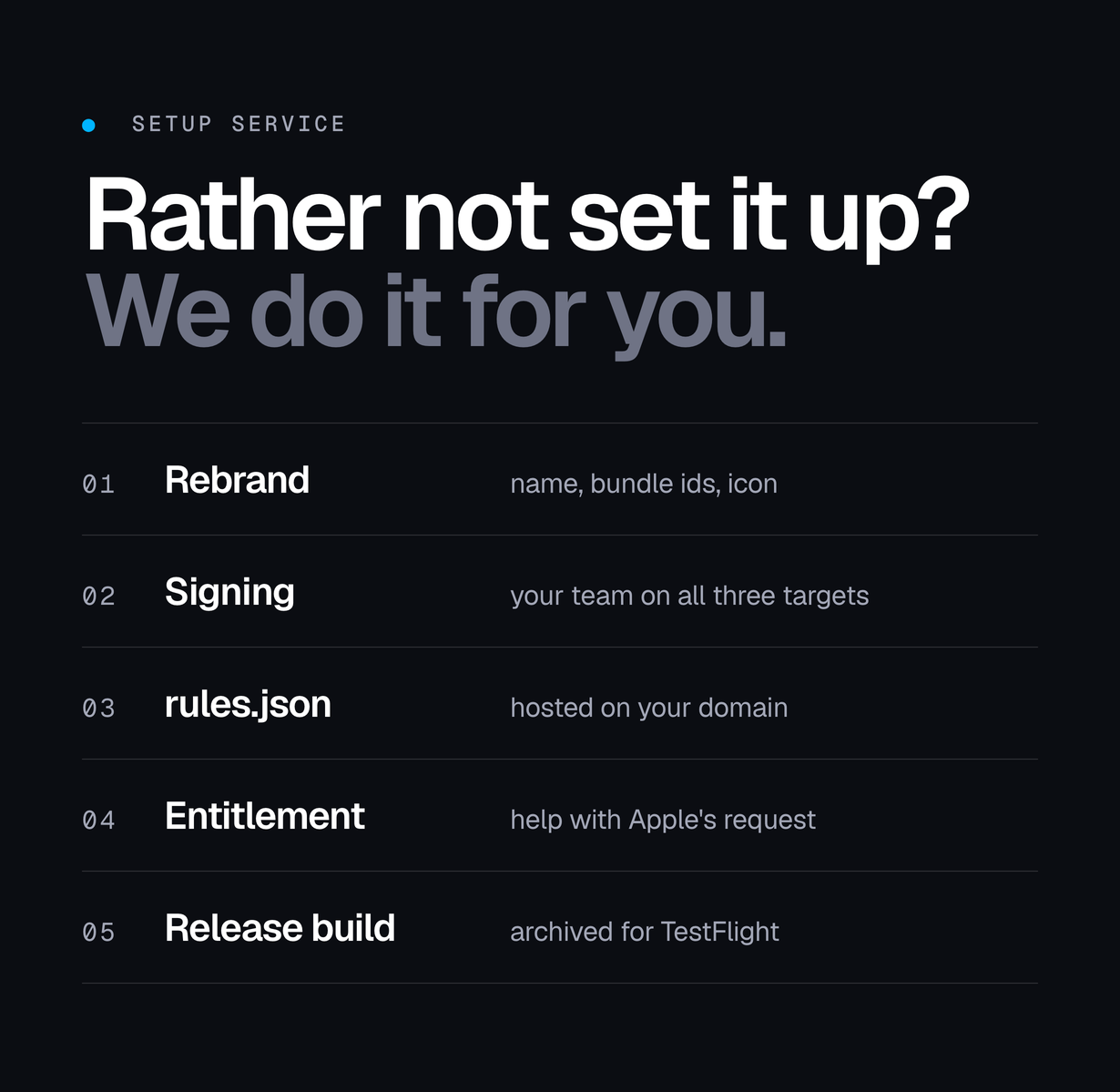
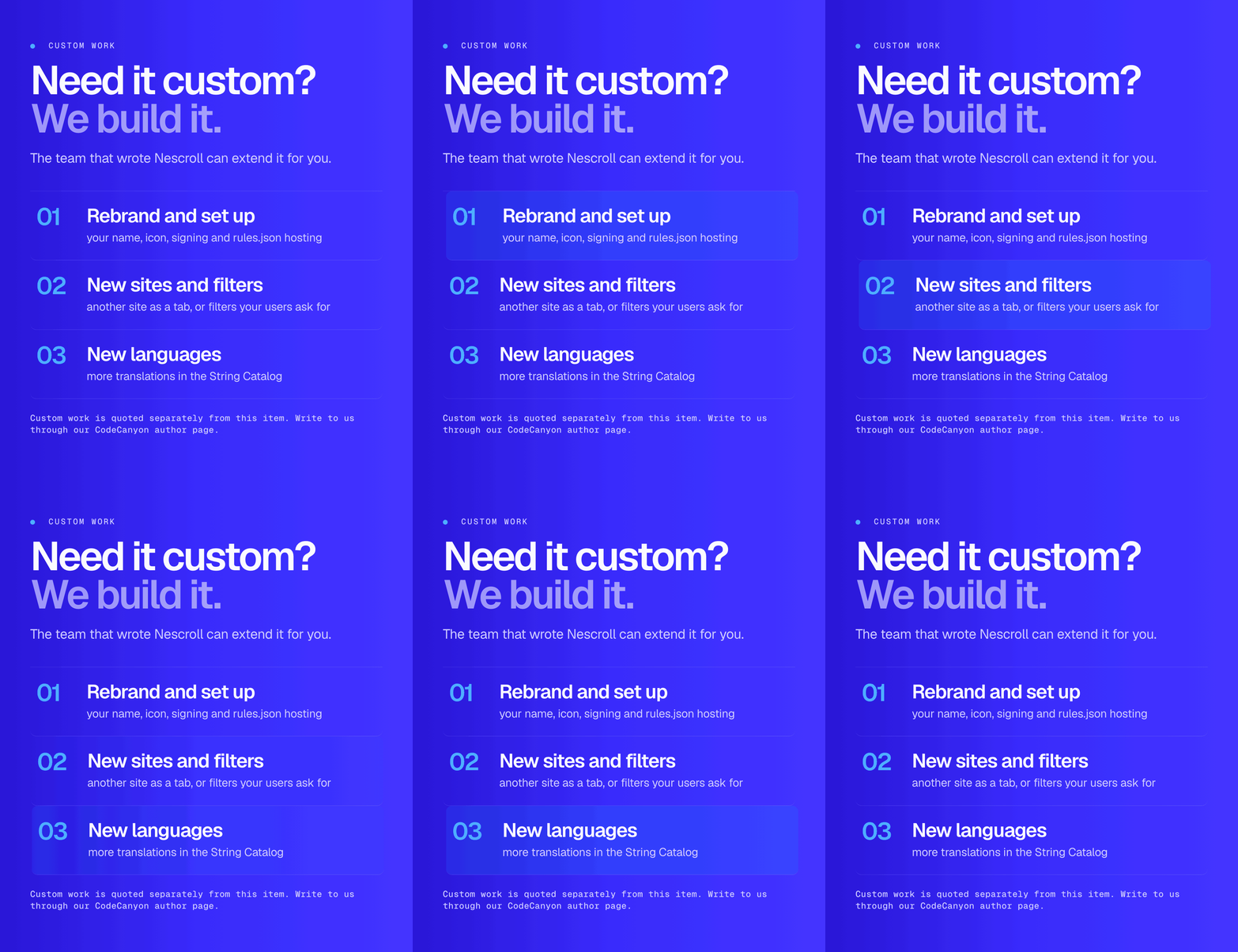
- One AppConfig.swift for the app name, privacy policy, support link, credits link, rules URL and which tabs appear; app icon in the asset catalog; bundle ids and team in project.yml.
How it works for the user
- First launch: three onboarding screens.
- Sign in to a site in its tab, on the site’s own login page.
- Browse messages, search and followed accounts; the endless feeds are filtered out. Switch any filter back on in Settings.
- In the Lock tab, allow Screen Time, pick the native apps, start a timed lock or set quiet hours.
- Opening a locked native app shows the shield, which points back to the calm tab.
Admin and configuration
There is no admin panel because there is no server. You configure the app in code (AppConfig.swift, Platform.swift, project.yml) and, optionally, by publishing a rules.json file. The user’s settings are the filter switches and the Lock tab.
Privacy and security
- No server, no account system, no analytics or tracking SDK, no third-party packages.
- Apple privacy manifests (PrivacyInfo.xcprivacy) ship in all three targets: the app, the monitor extension and the shield extension. Each declares the UserDefaults required-reason API (reasons CA92.1 and 1C8F.1), no tracking and no collected data.
- Passwords are typed into the sites’ own pages; the app never reads them. “Sign Out of Everything” deletes all web data on the device.
- The rules.json fetch accepts only HTTPS and sends nothing about the user.
- Screen Time selections are opaque tokens from iOS, stored in the app’s App Group.
- Camera and microphone usage texts are set for posting from the sites; the app requests no other permissions.
Tech stack
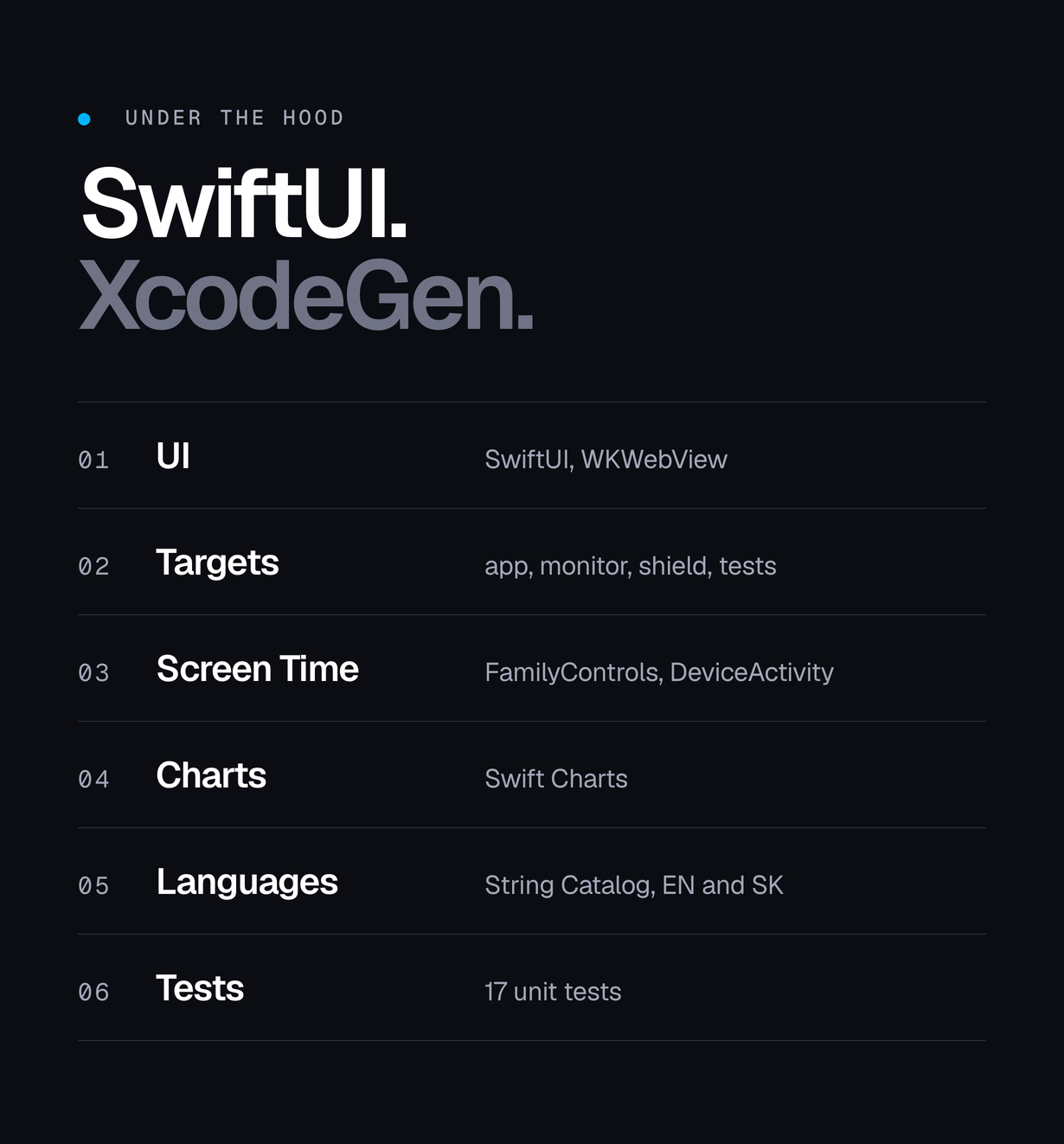
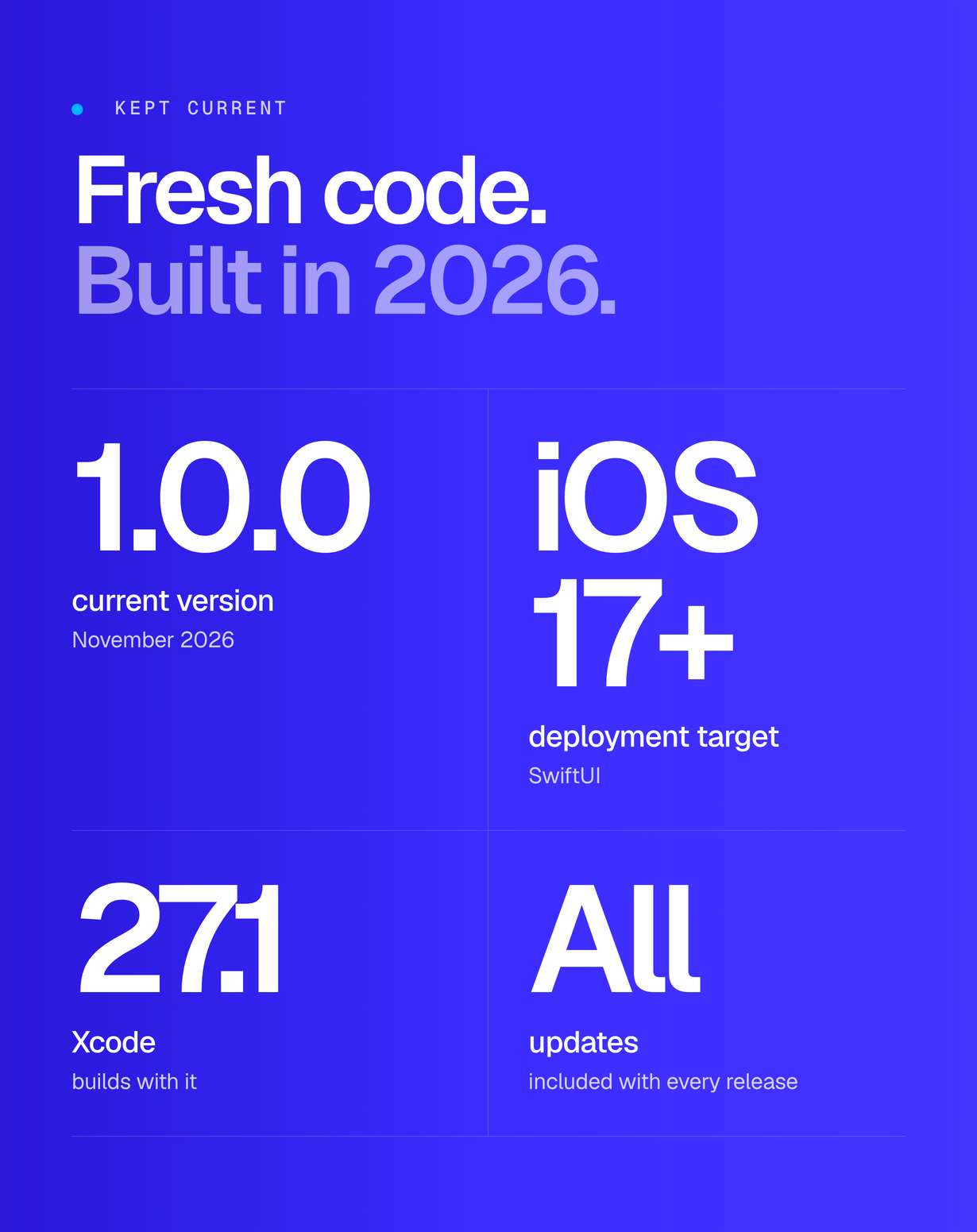
- Swift and SwiftUI, iOS 17 or newer, iPhone (the target also builds for iPad). iOS only.
- WebKit (WKWebView, WKUserScript, script message handler), SafariServices.
- FamilyControls, DeviceActivity, ManagedSettings and ManagedSettingsUI: one app target and two app extensions sharing an App Group.
- Swift Charts, String Catalog localisation, XCTest unit tests.
- XcodeGen project spec (project.yml); a generated Xcode project is included.
Requirements
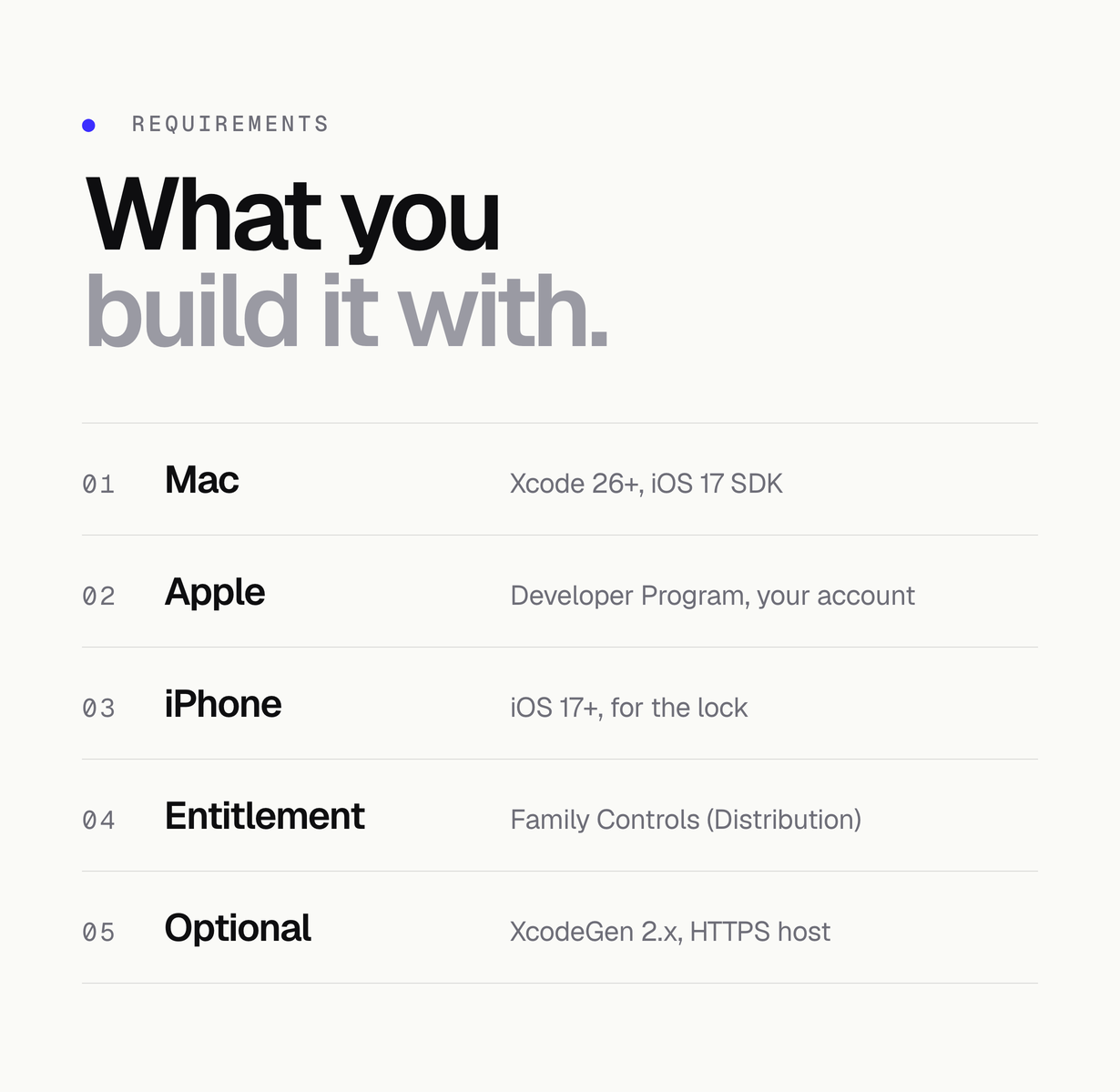
- iOS only, no Android version: the app runs on iPhone and iPad with iOS 17 or newer.
- A Mac with Xcode 26 or newer (iOS 17 SDK). The project builds with Xcode 27.1.
- An Apple Developer Program membership (your own account) for device builds, TestFlight and the App Store.
- A real iPhone with iOS 17 or newer to test the Screen Time lock.
- For App Store or TestFlight distribution of the lock: Apple’s approval of the Family Controls (Distribution) entitlement for the app and both extensions.
- Optional: XcodeGen 2.x if you edit project.yml; an HTTPS host for rules.json.
- Basic Swift and Xcode knowledge: signing, bundle ids, App Groups.
What is included
- Full Swift source: app target, DeviceActivity monitor extension, shield configuration extension, shared lock code, page script, unit tests.
- project.yml and the Xcode project, app icon and asset catalog, English and Slovak strings.
- Privacy manifests for the three targets and the sample rules.example.json.
- Documentation (online and in the package), NOTICE.md and the MIT licence texts of Asocial and Focus Lock.
What is not included
- Apple Developer Program membership and Apple’s Family Controls distribution approval.
- Publishing to the App Store, App Store review outcomes, hosting for rules.json.
- Any affiliation with or permission from Instagram, Facebook, Meta, YouTube or Google.
- An Android version or a web version.
- Ad blocking of any kind.
Installation summary
- Unzip and open source/app/NoReels.xcodeproj in Xcode (or run xcodegen generate in source/app first if you changed project.yml).
- Set your Apple team, then your own bundle ids and App Group in project.yml or Xcode; keep the App Group in Shared/LockShared.swift the same.
- Edit AppConfig.swift (name, privacy, support, credits, rules URL, tabs) and replace the app icon.
- Run on the Simulator for the browser tabs, or on your iPhone for the Screen Time lock.
- Before TestFlight or the App Store, request the Family Controls distribution entitlement for the app and both extensions.
Frequently asked questions
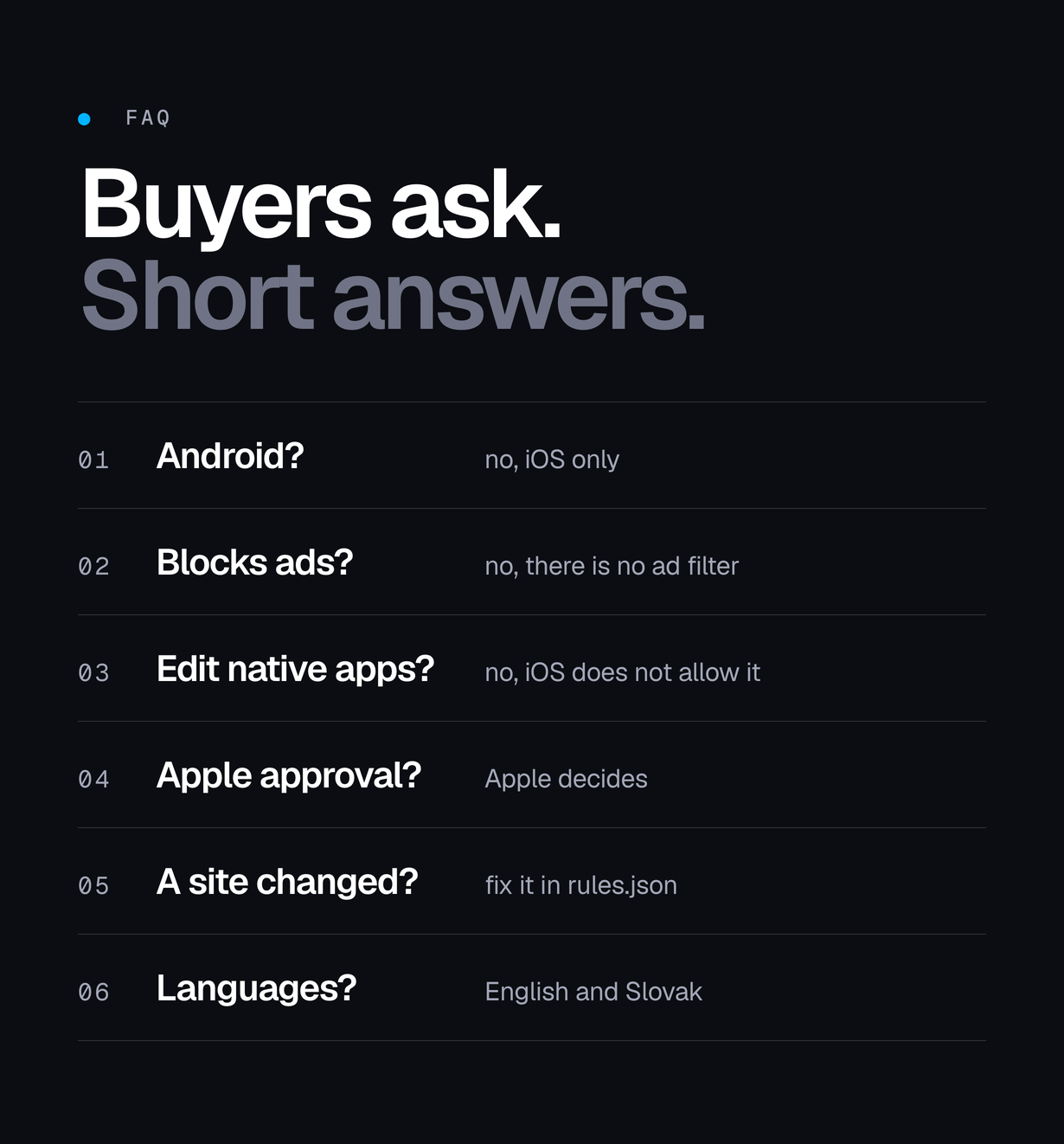
Is there an Android version?
No. Nescroll is iOS only.
Does it block ads?
No. Nescroll has no ad filter and does not hide, mute or skip advertising on the sites.
Does it remove Reels from the native Instagram app?
No. iOS does not allow any app to change another app. Nescroll shows the website without Reels in its own tab and can lock the native app with Screen Time.
Will Apple approve my app?
The item cannot promise that. Apple decides on the Family Controls distribution entitlement and on App Store review. The documentation explains the request and the parts you can remove.
Does it work in other languages?
The interface is in English and Slovak. Filters that match feed labels include the English texts and Slovak and Czech variants; the Slovak and Czech label texts have not yet been verified on live accounts. Redirect and selector filters do not depend on the language.
What happens when a site changes?
A filter may stop matching. Publish a fix in your rules.json, or update Platform.swift in your next release.
Declarations
AI tools: yes – AI coding assistants were used to assist with parts of the code, the documentation and the preview graphics of this item, under the author’s direction and review.
AI features: none. The app contains no AI feature and calls no AI service.
Changelog
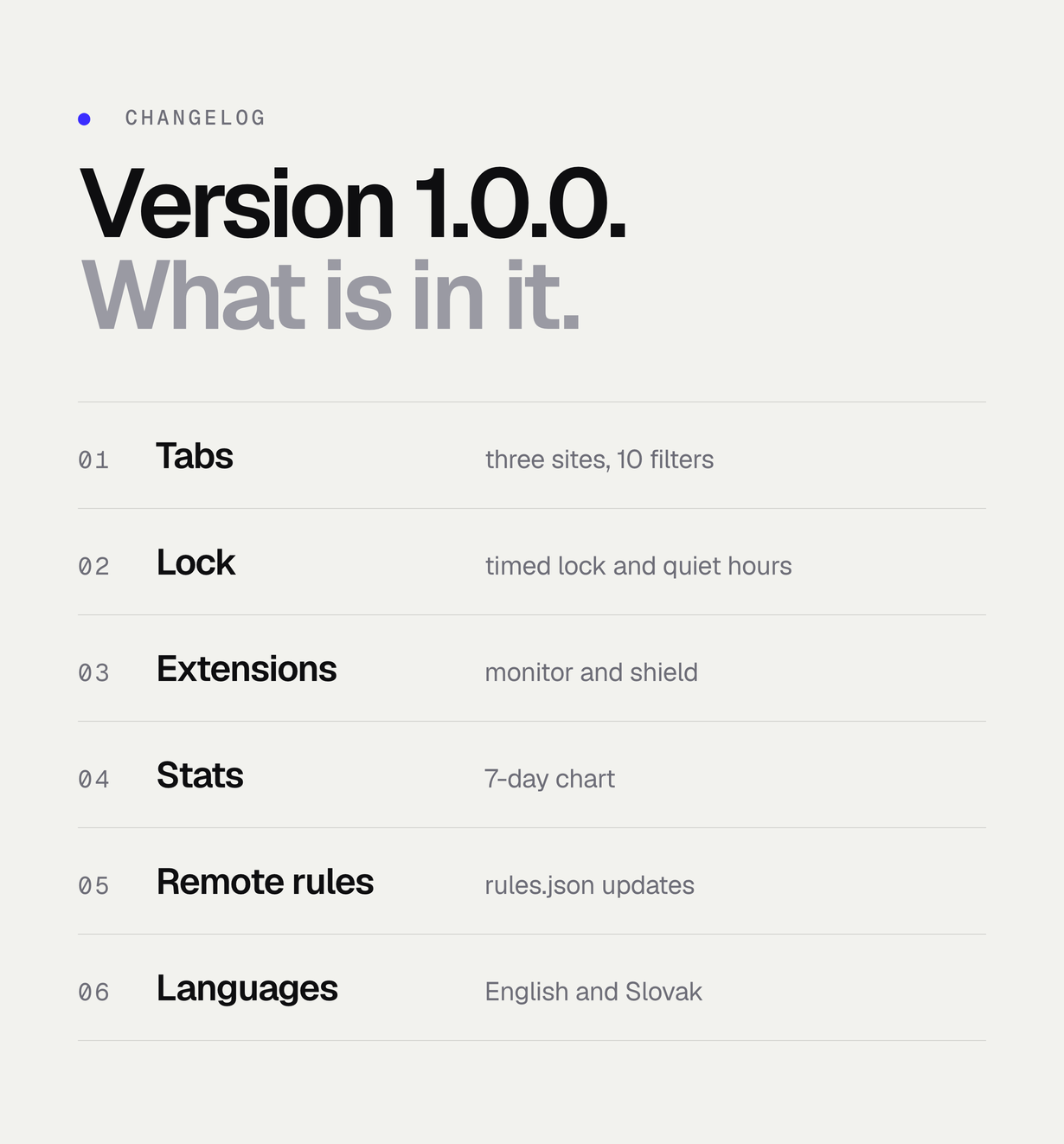
1.0.0 – first marketplace release: three filtered browser tabs with 10 switchable filters, Screen Time lock with timed lock, quiet hours, monitor and shield extensions, onboarding, 7-day statistics, remote rules.json updates with a sample file, privacy manifests in all three targets, English and Slovak, AppConfig.swift rebranding.
Support
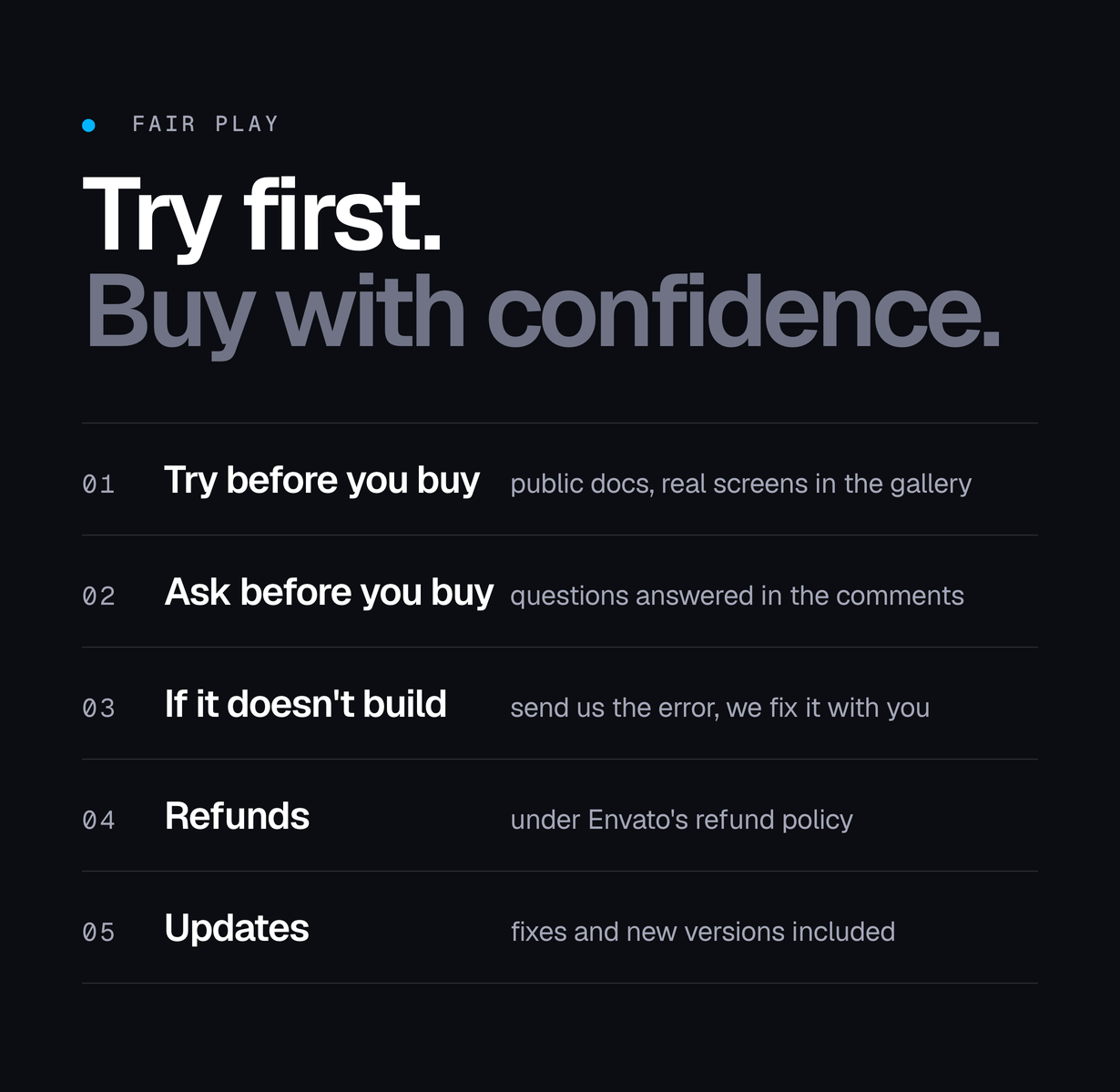
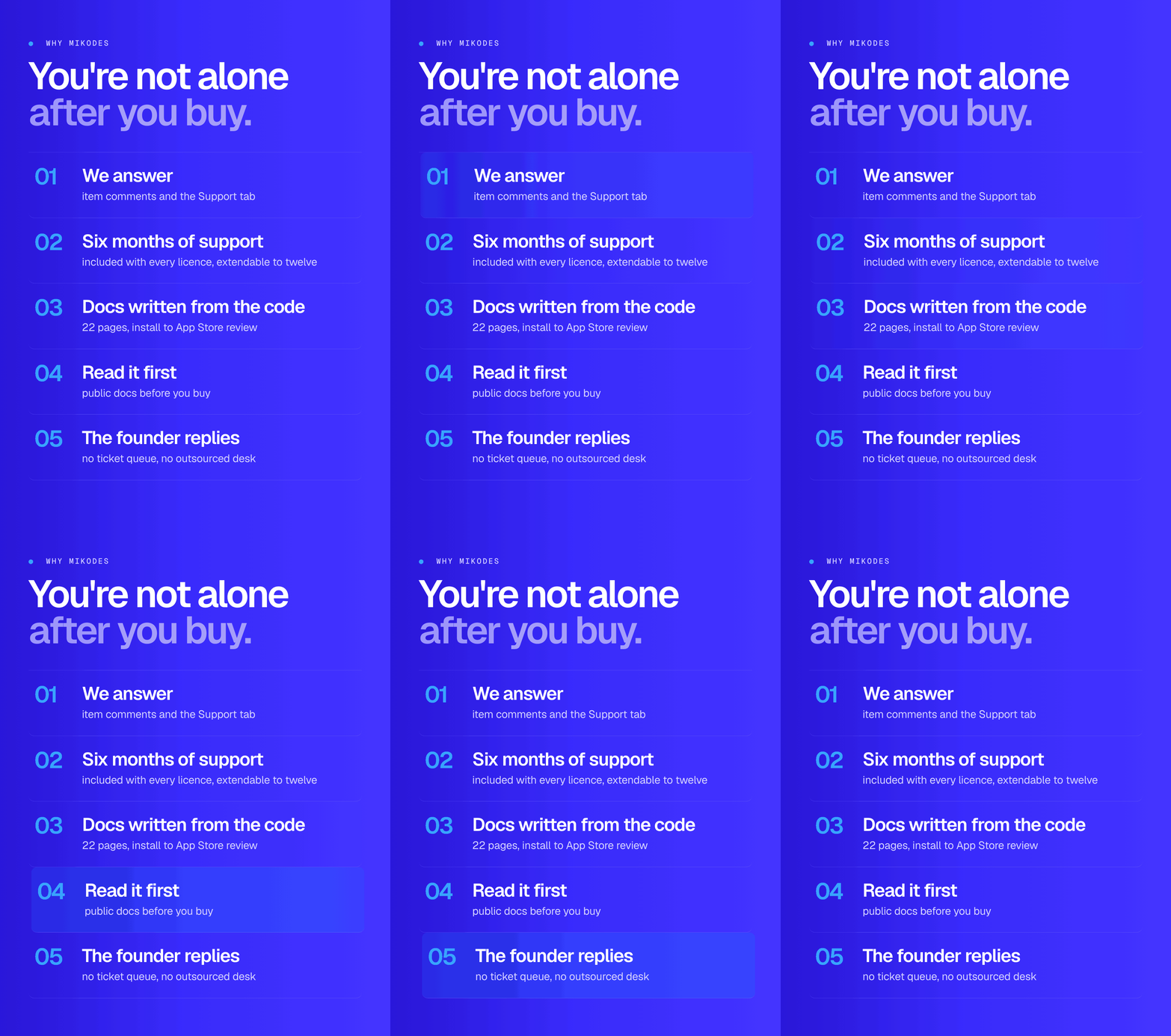
Item support follows Envato’s item support policy: six months of support are included with a purchase and can be extended. Support covers questions about the included code, installation and bugs; it does not cover custom features, App Store submissions or Apple entitlement requests on your behalf. Pre-sale questions go to the Comments tab of this item. Buyers reach us through the Support tab or at mikodes.com/support, where the chat and the e-mail address are.
Support & documentation: mikodes.com/support · nescroll.mikodes.com/docs/ · official site mikodes.com
Credits
The web-tab browser is based on Asocial by Uwe Dauernheim, released under the MIT licence: its approach (a page script injected into each site, with redirects, hidden selectors and hidden feed labels) and the structure of its tab and settings views are the base of Nescroll’s site tabs. The Screen Time lock follows Focus Lock by Syed Hassam, also under the MIT licence: an App Group shared by the app, a DeviceActivity monitor extension and a shield configuration extension. Both licence texts and NOTICE.md, which lists the derived files, ship in source/THIRD-PARTY and are linked from the app’s Settings. The filter rules, remote rules, lock screens and extensions, onboarding, statistics, localisation and rebranding layer were written for Nescroll.
MIKODES: official site mikodes.com · support mikodes.com/support · all projects mikodes.com · open for custom projects: tell us what you need
| Author | Mikodes |
|---|---|
| Price | $299 |
| Sales | 0 |
| Rating | 0 (0) |
| Published | Nov 15, 2026 |
| Last Update | Nov 15, 2026 |
| Compatible Software | Other |
| Compatible With | Swift |
| Demo Url | https://nescroll.mikodes.com |
| Mobile Files Included | JavaScript JS, HTML |
Categories
Tags
External listing. code.market does not sell this product and does not process payment for it. Pricing, payment, delivery, licensing, refunds, and support are handled by the third-party merchant on its own website. We may earn an affiliate commission from a referral. Details.