
Munafd - Diverse Work Platform

Description
Munafd - Diverse Work Platform


**Munafd - Diverse Work Platform: Website Files for a Versatile Work Platform** The "Munafd - Diverse Work Platform" files offer a comprehensive and flexible solution designed to create a digital platform that connects freelancers with clients, enabling the provision of microservices, freelance projects, and direct contracts. These files are ideal for developers looking to build a platform similar to Freelancer and Upwork, with added features for direct contracts and remote work capabilities. The files include scripts supported by technologies such as PHP, JavaScript, and Laravel, allowing for the creation of a robust and customizable platform. The platform features a user-friendly interface for managing projects, searching for talent, and facilitating financial transactions such as payments and fees. It supports both Arabic and English, with the option to add other languages such as French, Spanish, and German, making it suitable for Arab, global, and multilingual markets. Key features include: - Support for microservices such as quick translations, graphic design, and content writing. - The ability to create direct contracts between freelancers and clients, with secure payment management tools. - An advanced control panel for project management, progress tracking, and performance evaluation. - Flexible payment options including bank transfers, PayPal, and Stripe, with competitive fees. - Ongoing technical support and regular updates to ensure optimal performance. The files come with detailed documentation, making them an excellent choice for launching a successful freelance platform. They are designed to be scalable, allowing for the addition of new features and even other languages based on market needs.
Demo
Website: https://demo.munafd.com
Admin Login URL: https://demo.munafd.com/login Email: notify@munafd.com Password: 123456 and go to the admin dashboard using the link https://demo.munafd.com/manage...
User Login URL: https://demo.munafd.com/login Email: notify@munafd.com Password: 123456
Features
- Services
- Service Attributes And Upgrades
- Manage SEO
- Order Management
- Specializations
- Service Reviews
- Service Categories
- Service Tags
- Service Views
- Service Files
- Service Messages
- Service Support
- Service Timeline
- Service close
- Service cancel
- Service Dispute
- Direct Contracts
- Contract with Freelancer and Client
- Projects
- Assigned Project to Freelancer
- Project Bids
- Project Reviews
- Project Files
- Project Messages
- Project Support
- Project Reports
- Project Settings
- Project Timeline
- Project Categories
- Project close
- Project cancel
- Project reopen
- Project Dispute
- Project Resume
- Bids
- Portfolio Management System
- Portfolio Categories
- Portfolio Tags
- Portfolio views
- Users Management
- User Dashboard
- User Ranks
- User Reviews
- User Notifications
- User Messages
- User Support
- User Reports
- User Settings
- User linked Devices
- User Linked Accounts use Emails
- User Bids Limits
- User Projects Limits
- User Skills Limits
- User Search Preferences
- Managers Management
- Backups Management
- System Updates Management
- Settings Management
- Roles Management
- Permissions Management
- Order Management
- Dispute System
- Mailers System
- Real Time Chat System
- Support System with Managers
- Multi Themes for frontend
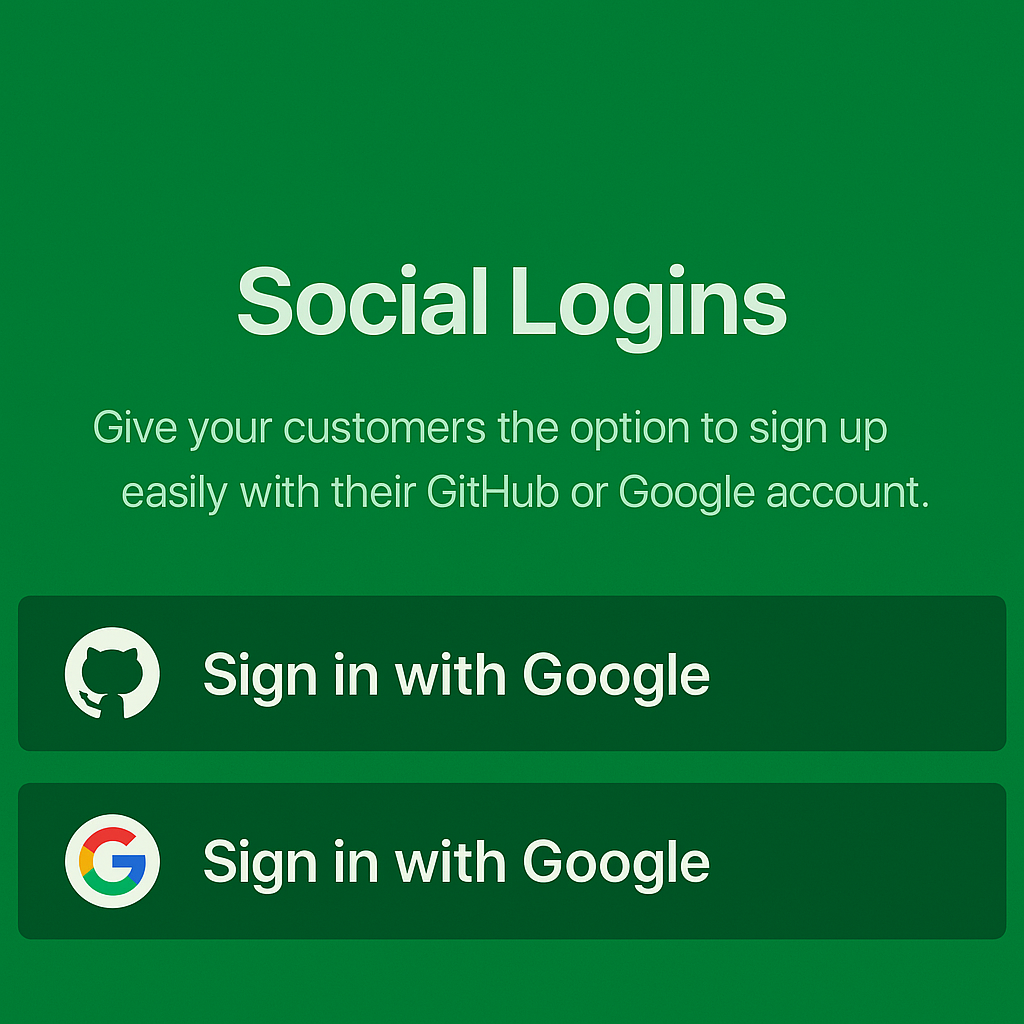
- Login With Social Media (Google, Github)
- Notifications System
- Payment System
- Wallet System
- Transactions System
- Deposits System
- Withdrawals System
- Verification Requests System
- Specializations System
- Translatable Specializations
- Tags System
- Translatable Tags System
- Multiple Category and Sub Category
- Translatable Categories and Sub Categories
- Multiple Language
- Translatable Multiple Language System
- Multiple Country
- Translatable Multiple Country System
- Manage SEO
- Skills System
- Atricles
- Reviews
- Pages Management System
- Subscriptions System
- Contact System
- Maintenance Mode System
- And More...
Changelog
Version 1.0
- First Release
Features
Features
- Services
- Service Attributes And Upgrades
- Manage SEO
- Order Management
- Specializations
- Service Reviews
- Service Categories
- Service Tags
- Service Views
- Service Files
- Service Messages
- Service Support
- Service Timeline
- Service close
- Service cancel
- Service Dispute
- Direct Contracts
- Contract with Freelancer and Client
- Projects
- Assigned Project to Freelancer
- Project Bids
- Project Reviews
- Project Files
- Project Messages
- Project Support
- Project Reports
- Project Settings
- Project Timeline
- Project Categories
- Project close
- Project cancel
- Project reopen
- Project Dispute
- Project Resume
- Bids
- Portfolio Management System
- Portfolio Categories
- Portfolio Tags
- Portfolio views
- Users Management
- User Dashboard
- User Ranks
- User Reviews
- User Notifications
- User Messages
- User Support
- User Reports
- User Settings
- User linked Devices
- User Linked Accounts use Emails
- User Bids Limits
- User Projects Limits
- User Skills Limits
- User Search Preferences
- Managers Management
- Backups Management
- System Updates Management
- Settings Management
- Roles Management
- Permissions Management
- Order Management
- Dispute System
- Mailers System
- Real Time Chat System
- Support System with Managers
- Multi Themes for frontend
- Login With Social Media (Google, Github)
- Notifications System
- Payment System
- Wallet System
- Transactions System
- Deposits System
- Withdrawals System
- Verification Requests System
- Specializations System
- Translatable Specializations
- Tags System
- Translatable Tags System
- Multiple Category and Sub Category
- Translatable Categories and Sub Categories
- Multiple Language
- Translatable Multiple Language System
- Multiple Country
- Translatable Multiple Country System
- Manage SEO
- Skills System
- Atricles
- Reviews
- Pages Management System
- Subscriptions System
- Contact System
- Maintenance Mode System
- And More
Requirements
# Server Requirements
Before you install Munafd make sure your server meets the following requirements:
- PHP 8.0+
- MySQL 5.6+ or MariaDB 10.0+
- openssl extension
- Intl PHP Extension
- OpenSSL PHP Extension
- PDO PHP Extension
- Mbstring PHP Extension
- Tokenizer PHP Extension
- XML PHP Extension
- Ctype PHP Extension
- JSON PHP Extension
- mod_rewrite module
- Redis - The Real-time Data Platform extension
Instructions
Installation | Munafd Docs
Munafd Docs- Installation
- Server Requirements
- Installing Munafd
- Application Configuration
- Admin Panel
- Sales
- Pages
- Users
- Roles
- Localization
- Reports
- General Settings
- Email Settings
- Notification Settings
- Social Media Settings
- SEO Settings
- Security Settings
- Contact Information
- API Settings
- Analytics Settings
- Audit Log
- System Overview
- Translatable Fields
- Update Guide
- Mailers
- API Guide
- Troubleshooting Guide
- Performance Guide
- FAQ Guide
- Changelog
# Server Requirements
Before you install Munafd make sure your server meets the following requirements:
- PHP 8.0+
- MySQL 5.6+ or MariaDB 10.0+
- openssl extension
- Intl PHP Extension
- OpenSSL PHP Extension
- PDO PHP Extension
- Mbstring PHP Extension
- Tokenizer PHP Extension
- XML PHP Extension
- Ctype PHP Extension
- JSON PHP Extension
- mod_rewrite module
- Redis - The Real-time Data Platform extension
# Installing Munafd
# Step 1: Extract and Upload
Unzip the downloaded archive package. Rename the Munafd directory to your desired directory
name and upload the directory to your web server through FTP or Control Panel.
# Step 2: Creating Database
Create a database for Munafd through your server control panel. If your server has phpMyAdmin, then you can also create a database using phpMyAdmin.
# Step 3: Run Installation Wizard
Go to your website address, then you'll see an installation wizard.
WARNING
You should configure your web server's document / web root to be the public directory.
# Pre Installation
Pre Installation page checks if your server meets the requirements and has the correct directory permissions to setup Munafd.
Directories within the storage and the bootstrap/cache directories should be
writable by your web server or Munafd will not run.
chmod -R 775 storage/framework
chmod -R 775 storage/logs
chmod -R 775 bootstrap/cache
# Configuration
You need to fill the database connection details, administration details, and store details, then click the
Install button to install Munafd.
# Complete
You'll see a success message after successfully installing Munafd. You now have the option to browse your online store or log into the administration panel.
Admin Panel →
| Author | bilalmohammed |
|---|---|
| Category | Scripts & Code / PHP Scripts / Marketplace / Services |
| Price | $45 |
| Extended License | $135 |
| Likes | 1 |
| First Release | Apr 16, 2025 |
| Last Update | Apr 18, 2025 |
| Files included | .php, .css, .html, .less, .sql, JavaScript .js |
| Software version | PHP 7.0, PHP 7.1, PHP 7.2, PHP 7.3, PHP 7.4, PHP 8.0, PHP 8.1, PHP 8.2, PHP 8.3 |
Categories
Tags
External listing. code.market does not sell this product and does not process payment for it. Pricing, payment, delivery, licensing, refunds, and support are handled by the third-party merchant on its own website. We may earn an affiliate commission from a referral. Details.