
MP3 Sticky Player Wordpress Plugin

Description







What is MP3 Sticky Player Wordpress Plugin?
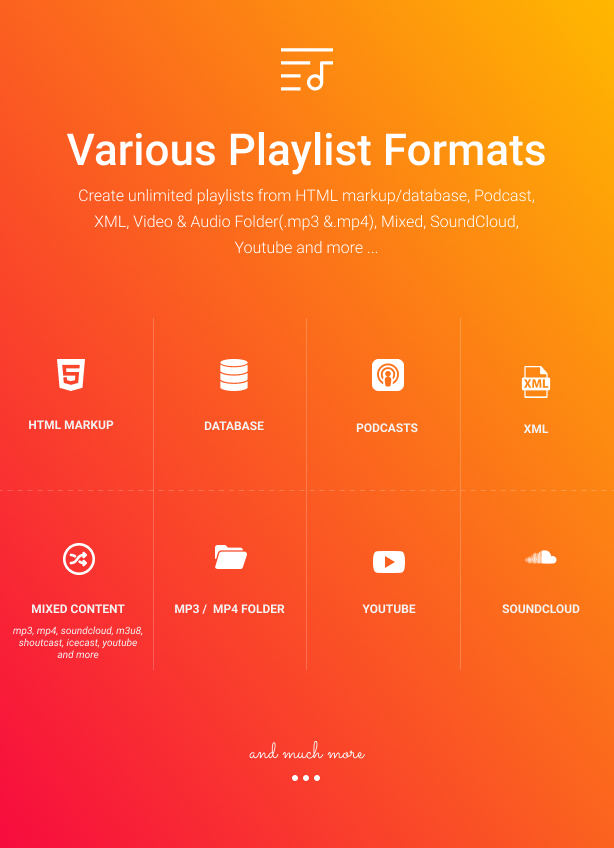
MP3 Sticky Player Wordpress Plugin is a powerful and extremely customizable responsive mp3 / audio / video / youtube player for WordPress and WooCommerce that can be added at the top or bottom of the page, that can be installed in any type of web page, it runs on all major browsers and mobile devices like iPhone, iPad, IOS, Android, Windows mobile or desktop. MP3 Sticky Player Wordpress Plugin supports unlimited playlists and each playlist can have unlimited tracks, also it can play mp4 videos and youtube videos. The playlists can be loaded from a simple HTML markup, XML file, mp3 / mp4 folder, Podcasts, Official.fm, Youtube, SoundCloud and PLS (playlist audio file) playlist. Packed with huge amount of features like, extensive external API, HTTP Live Streaming / HLS / m3u8 audio support, deeplinking, popup window, multiple share buttons, customizable skin, Shoutcast and Icecast support, Youtube and mp4 / HTML5 video support, custom post types support, it is the most impressive and complete audio / mp3 / mp4 / youtube player available on sale.
MP3 Sticky Player Wordpress Plugin main features:
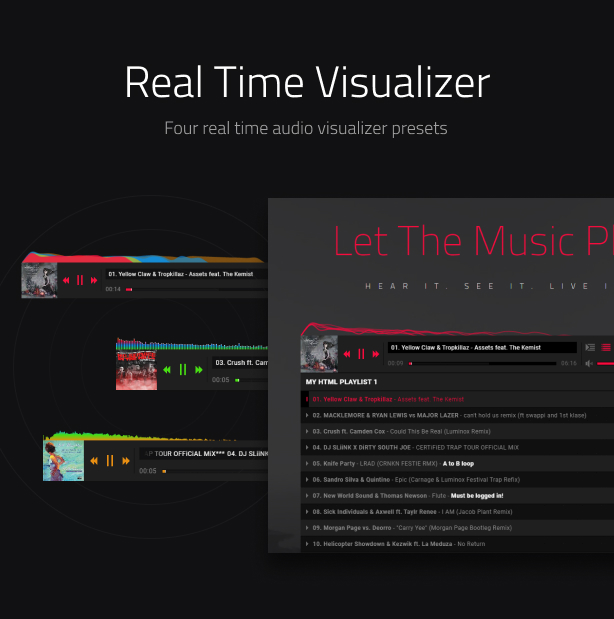
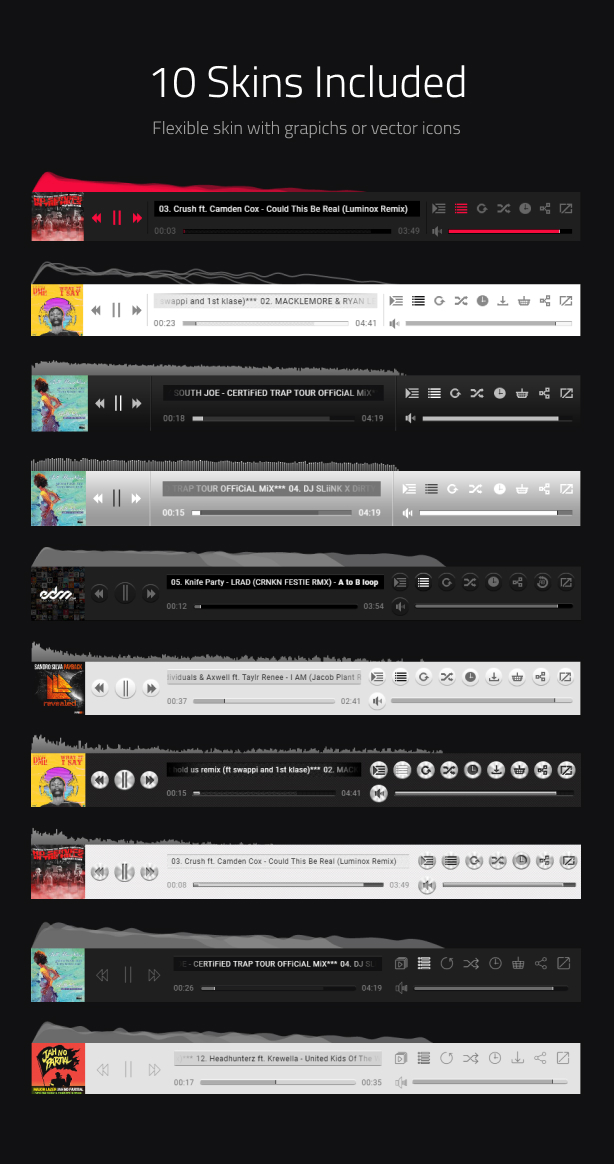
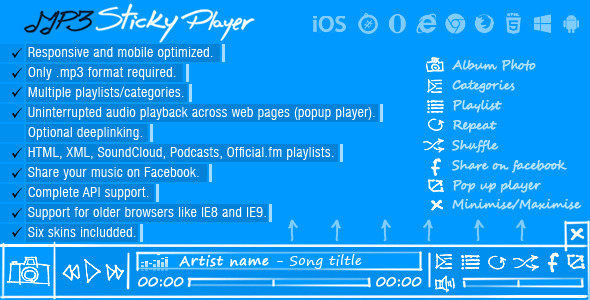
Audio spectrum visualizer with 4 presets and customizable color theme.
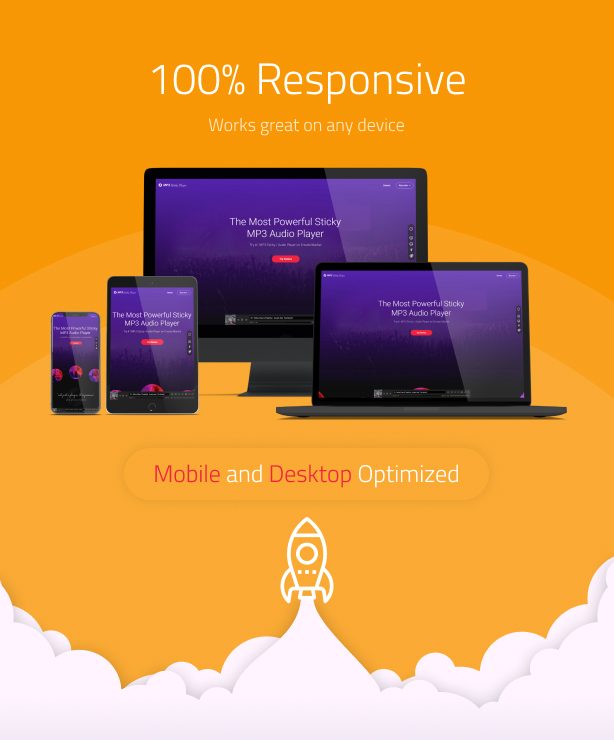
Responsive layout.
Custom post types support.
Google analytics support, the possibility to view how many times a track was played or downloaded, please watch this video tutorial for more info.
Shortcode generator.
WooCommerce support, MSP can be included in a WooCommerce product page, all audio & video formats, features, and settings work exactly like in the WordPress version, there are no restrictions.
Mobile and desktop optimized.
Uninterrupted audio playback across web pages (popup player in a separate window and browse the web while listening to music without interuptions!).
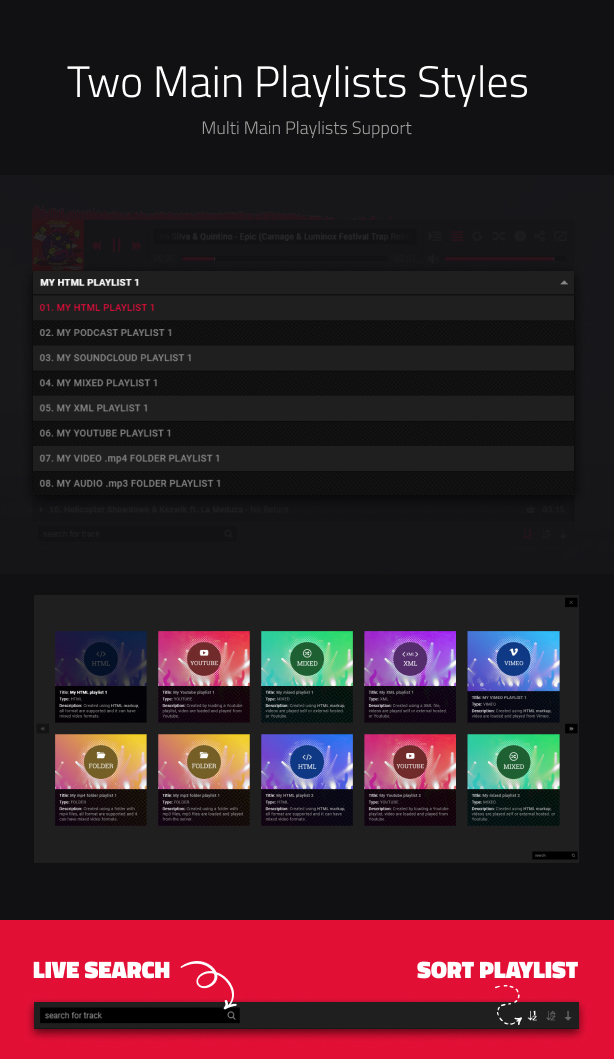
Optional custom playlists / categories combo-box selector / select drop-down box.
Optional deeplinking (unique and sharable link for the current playlist and track).
Load any type of playlist through XML, HTML markup, mp3 / mp4 folder, Podcasts, Official.fm, Youtube or SoundCloud, PLS (playlist audio file).
Continuous playback, when you’ll change the page, the player will continue from the previous time/ where it left off. Also, the volume will remain as previously set. This will ensure a smooth playback across your entire website. For more info please watch this video tutorial
A to B audio/video loop/ab loop, the option to loop a specific section/part of a track (audio or video) using two time/timestamp points, point a the start point and point b the endpoint, this points can be adjusted using the a to b loop controlbar. This feature can be seen in action by playing this track, click the play button and the then the a to b loop button from the controlbar.
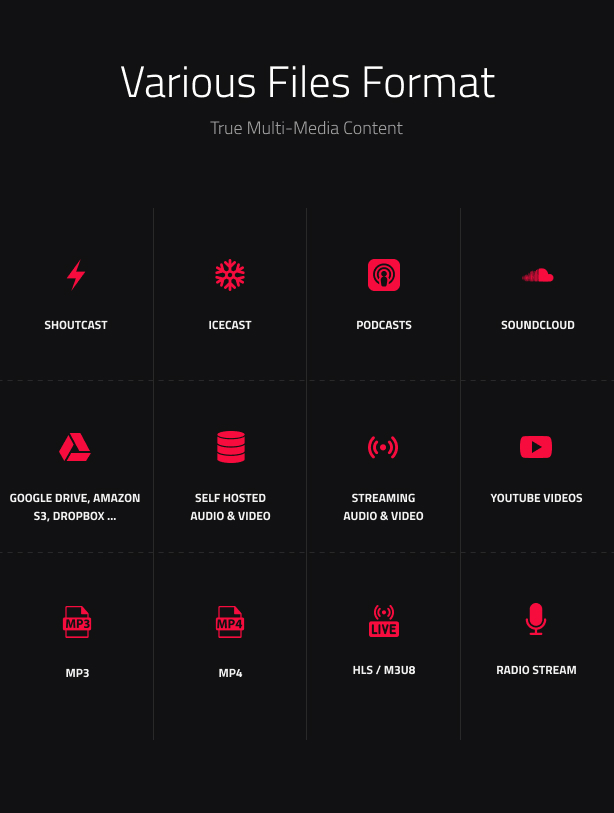
Playlist from folderSHOUTCAST & ICECAST support. Play your favorite online radio directly in the player, of course shoutcast playlists can be created with ease! (only mp3 stream supported) Example of a shoutcast play at this link
Create playlists from folders with .mp3 / mp4 files plus ID3 metadata detection.
Optional support for mp4 videos and youtube videos with optional fullscreen button.
The HTML markup playlists can be created manulay or generated from a database.
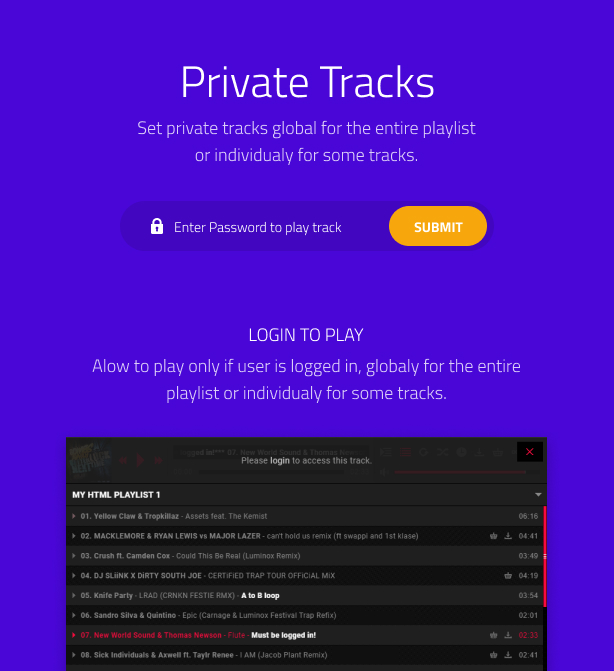
Logic to allow only a logged in user to play / view the video.
Support for unlimited playlists and each playlist can have unlimited tracks.
Optional playlist and playlist window selector.
Support for playlists with mixed content from different sources (Youtube, Soundcloud or self hosted, local or streaming mp3 adio and mp4 video files. Support sources from Google Drive, Amazon S3 and prety much all services and servers that allows access to a mp3 stream.
Three type of hover effects for the playlist window selector thumbnails.
Optional playlist and playlist window selector auto open (the player can start with the playlist or playlist window selector visible or hidden).
Customizable playlist window selector thumbnails.
Optional playlist item download and buy mp3 buttons (this buttons can be removed / added globally or individually for each track).
Playlist visible tracks limit (choose how many tracks to view in the playlist, the rest if any are scrollable).
Animated track title text if the text does not fit.
Six skins included along with the psd files.
HTTP Live Streaming / HLS / m3u8 audio support on all browsers mobile and desktop, example of a HLS / m3u8 audio file play at this link.
Optional start at random track.
Optional keyboard support (LEFT/RIGHT ARROWS:skip video 5 seconds forward or backward, UP/DOWN ARROWS: volume up or volume down, M:mute/unmute, SPACE:play/pause).
Optional randomize / shuffle playlist, this feature allows to start with a random / shuffled playlist every time the page is visited.
Optional playback rate / speed button and playback rate / speed control window.
Optional start at a specified playback rate / speed.
Possibility to start or stop a track at a specified time.
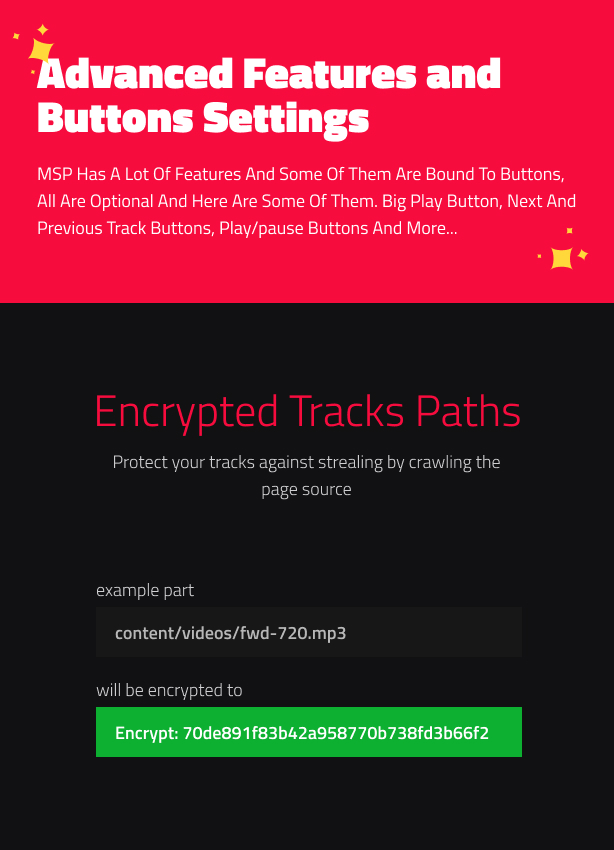
Support for encrypted track (audio / video) paths, for example the path content/videos/fwd-720p.mp3 will be encrypted to encrypt:70de891f83b42a958770b738fd3b66f2 this way it will be impossible to steal the track by crawling the page source.
Private password protected tracks, example here. Test password is Melinda.
Only mp3 file required to play audio across all devices.
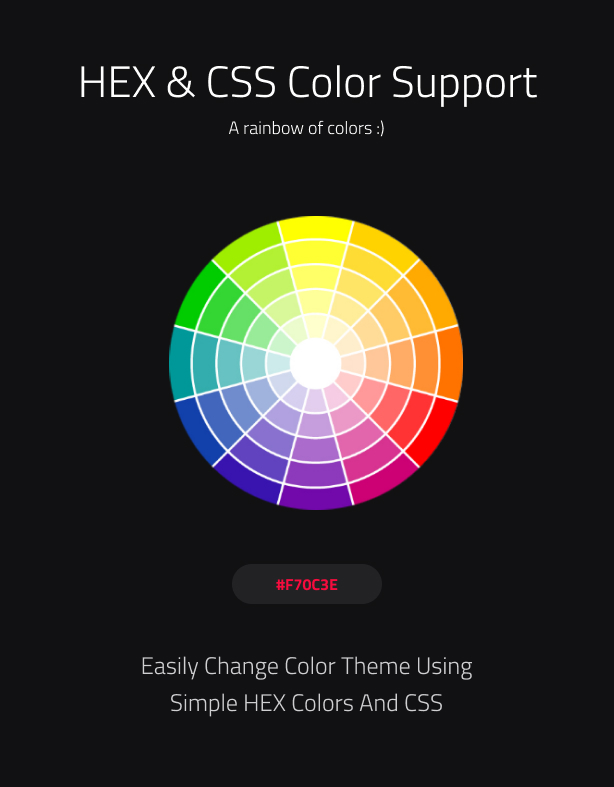
HEX / CSS color support, the buttons colors can be modified with simple CSS by passing a hexadecimal color(ex: #FF0000) and even more, we have done it in a cool way that all graphics will retain the texture and at the same time apply the chosen color.
Optional search bar and sort buttons.
Playlist loaded tracks limit (maximum number of tracks to be loaded).
The option to start at a specific playlist and track.
Powerful API included.
The possibility to add tracks in the playlist at runtime using the API.
You can include multiple instances on the same page.
Multiple instances automatically pause/stop playback when new track is started.
Start volume value.
Autoplay.
Shuffle, loop or play next track once the current track has finished to play.
Optional track thumbnail (this can be disabled globally or individually for each track).
Playlist button (optional).
Playlist selector button (optional).
Shuffle button (optional).
Optional download mp3 button located in the control bar (this button can be removed/added globally or individually for each track). Optional buy mp3 button located in the control bar (this button can be removed/added globally or individually for each track, also it can open a custom url or a javascript function).
Loop button (optional).
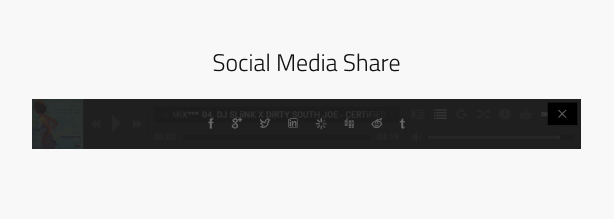
Share button and share window with multiple social media sharing websites (optional).
Pop-up player button (optional).
Equalizer animation (optional).
Detailed documentation and sample files.
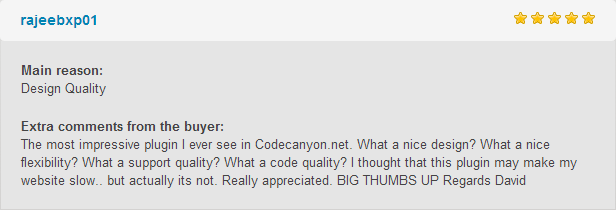
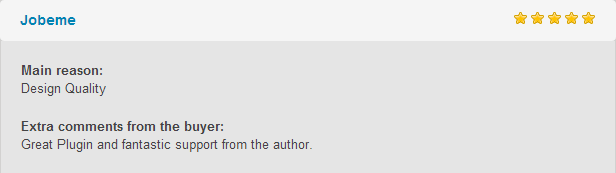
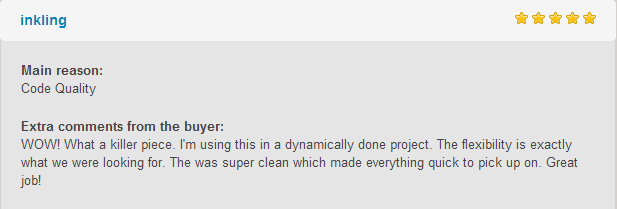
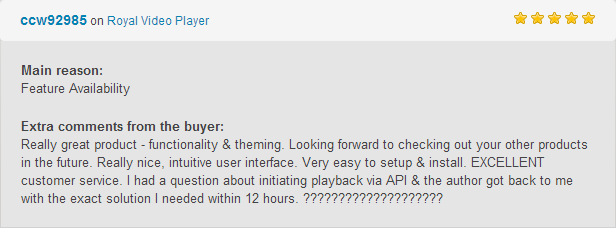
What our clients are saying:
Updates log:
Version 8.0 Release Date 14.08.2023
- Added WooCommerce support.
Version 7.5 Release Date 14.08.2023
- Removed YouTube UI elements (Title/Share/Watch later/Related videos/Logo).
Version 7.4 Release Date 30.07.2023
- Update Google Analytics to version 4, video tutorial here.
Version 7.3 Release Date 25.05.2023
- Update Youtube API to the latest specifications.
Version 7.2 Release Date 08..3.2021
- Added translation support.
- Improved shortcode generator.
Version 7.1 Release Date 28.09.2020
- Added WooCommerce support, MSP can be included in a WooCommerce product page, all audio & video formats, features, and settings work exactly like in the WordPress version, there are no restrictions.
Version 7.0 Release Date 15.06.2020
- Added audio spectrum visualizer with 4 presets and customizable color theme.
- Added option to adjust the playlist tracks height directly in the player settings.
- Added vector icons skin.
- Added option to popup the player when the play button is clicked.
- Added logic to prevent a user to play or download all tracks or a specific track if not logged in.
- Added support for Google Drive video (.mp4) and audio (.mp3) using Google Drive API. Using this method the video or audio used from Google Drive will work on all devices without any restrictions or expiring links video tutorial here.
- Added youtube API key feature.
- Update the enitre Shoutcast and Icecast engine so that is more robust and works better, also created a video tutorial about how to install your own CORS PROXY server if you are using a SSL website and want to load non secure Shoutcast or Icecast streams.
- Improved overall design and fix various bugs.
- Improved Wordpress backend UI.
Version 5.8 Release Date 16.05.2019
- Added direct download on an Android devices, now if a track is downloaded it will be saved on the device in the download folder just like on a desktop machine.
Version 5.7 Release Date 01.05.2019
- Added continuous playback, when you’ll change the page, the player will continue from the previous time/ where it left off. Also, the volume will remain as previously set. This will ensure a smooth playback across your entire website. For more info please watch this video tutorial
- Added A to B audio / video loop / ab loop, option to loop a specific section / part of a track (audio or video) using two time / timestamp points, point a the start point and point b the end point, this points can be adjusted using the a to b loop controlbar. This feature can be seen in action by playing this track, click the play button and the then the a to b loop button from the controlbar.
- Added main scrubber and volume scrubber informational tooltips.
- Fixed autoplay issue related to chrome autoplay policy, the track will start playing when the page is loaded if autoplay is set to yes.
Version 5.6 Release Date 07.04.2019
- Added support for custom post types.
- Added support for loading / generating a playlist from a folder with mp4 files, mp3 files and also mixed mp3 and mp4 files.
Version 5.5 Release Date 10.08.2018
- Added google analytics support, the possibility to view how many times a track was played or downloaded, please watch this video tutorial for more info.
Version 5.4 Release Date 17.07.2018
- Added support for loading shoutcast and icecast servers based on the server URL, as well the option to load and show the current playing song title and song image / thumbnail artwork.
Version 5.3 Release Date 30.06.2018
- Added the logic to allow only a logged in user to play the current track.
Version 5.2 Release Date 17.06.2018
- HTTP Live Streaming / HLS / m3u8 audio support on all browsers mobile and desktop using pure javascript this will make sure that HLS will work across all browsers mobile or desktop without any issues, example of a HLS / m3u8 audio file play at this link.
- Optional keyboard support (LEFT/RIGHT ARROWS:skip video 5 seconds forward or backward, UP/DOWN ARROWS: volume up or volume down, M:mute/unmute, SPACE:play/pause).
Version 5.1 Release Date 29.04.2018
- Added optional search box for the categories / playlists window grid.
Version 5.0 Release Date 07.01.2018
- Added support for Shoutcast and Icecast direct requests to Server via JSONP / fast and automatic update this way MSP will display the current song title played on your radio station.
Version 4.9 Release Date 03.10.2017
- Added support for encrypted track (audio / video) paths, for example the path content/videos/fwd-720p.mp3 will be encrypted to encrypt:70de891f83b42a958770b738fd3b66f2 this way it will be impossible to steal the track by crawling the page source.
- Private password protected tracks, example here. Test password is Melinda.
Version 4.8 Release Date 25.09.2017
- Added optional randomize / shuffle playlist, this feature allows to start with a random / shuffled playlist every time the page is visited.
- Added option to position the player at the left side, center side or right side of the screen.
- Added optional playback rate / speed button and playback rate / speed control window.
- Added optional start at a specified playback rate / speed.
- Added the possibility to start or stop a track at a specified time.
- Improved popup feature, MSP will not instantiate in the page from which the popup feature was used until the popup player window is closed.
- Added two new methods in the API setPlaybackRate and scrubbAtTime.
- Added the option to start playing a track after the playlist has loaded and autoplay is not enabled.
- Updated documentation (added section about how to get a mp3 / mp4 source from google drive, more API methods, etc).
Version 4.7 Release Date 10.07.2017
- Added Optional custom playlists / categories combo-box selector / select drop-down box.
- Added the SoundCloud API KEY in the constructor this way it is easy to replace it with a new one.
Version 4.6 Release Date 01.07.2017
- Added support for PLS (Audio playlist).
Version 4.5 Release Date 26.06.2017
- Added HTTP Live Streaming / HLS / m3u8 audio support on all browsers mobile and desktop. On the browsers that dosen’t have native HLS support adobe flash player is used.
Version 4.4 Release Date 22.04.2017
- Added the option to start at a random track after the playlist load.
- Fixed scrolling on mobile devices
Version 4.3 Release Date 15.04.2017
- HEX / CSS color support, the buttons colors can be modified with simple CSS by passing a hexadecimal color(ex:#FF0000) and even more, we have done it in a cool way that all graphics will retain the texture and at the same time apply the chosen color.
- Added support for mp4 video
- Added optional fullscreen button for the youtube and mp4 videos.
- Added video controller for the videos when they are in full screen mode
- Added new option in the API to add a track in the playlist at runtime
Version 4.2 Release Date 20.03.2017
- Added support for Youtube, now MSP can load Youtube playlists or single Youtube videos.
- Added support for loading Soundcloud tracks.
- Added support for mixed playlists, now is easy to create playlists that contains Youtube or / and Soundcloud or / and self hosted or streaming mp3 files.
- Added optional support to disable the main scrubbar.
- Fixed volume bar on mobile devices.
- Fixed various minor bugs.
Version 4.1 Release Date 25.11.2016
- Fixed bug that prevented to hide the small opener button.
- Fixed bug that added a fake yellow background for the classic skins.
Version 4.0 Release Date 05.10.2016
- Added new share window.
- Improved error window.
- Fixed code minor bugs.
- Optimized the admin pannel for the latest Wordpress version.
Version 3.2 Release Date 25.10.2014
- Fixed a Soundcloud download issue.
Version 3.1 Release Date 07.10.2014
- Fixed a small issue with the thumbnail of the “Search bar settings” tab.
Version 3.0 Release Date 04.10.2014
- Added optional counting numbers to each track (track ordering).
- Added optional playlist search bar.
- Added optional playlist sort buttons.
- Added the option to hide the player opener, this way the player can’t be hidden.
- Added auto-updates checker functionality.
Version 2.0 Release Date 13.07.2014
- Improved popup functionality, once the player is opened using the popup button or the popop API method, MSP will not instantiate in any other page that has the same MSP instance, this allows to have a single MSP instance running at any given time (only available on desktop machines).
- Added optional buy button located in the control bar (this button can be removed/added globally or individually for each track, also it can open a custom url or a javascript function).
- Added optional playlist items buy button (this button can be removed/added globally or individually for each track, also it can open a custom url or a javascript function).
- Improved Soundcloud support, now MSP can load and play user tracks, single track, playlists, favorites and groups.
- Fixed minor bugs.
JavaScript version:
IF YOU NEED ONLY THE JAVASCRIPT VERSION FOR THIS PRODUCT, YOU CAN DOWNLOAD IT FROM HERE : http://codecanyon.net/item/mp3-sticky-player/6552687
| Type | WordPress Plugin |
|---|---|
| Author | FWDesign |
| Category | Wordpress / Media |
| Price | $69 |
| Sales | 1,336 |
| Rating | 4.50 from 82 ratings |
| Published | Jun 6, 2014 |
| Last Update | Jun 22, 2026 |
| Compatible Browsers | IE9, IE10, IE11, Firefox, Safari, Opera, Chrome, Edge |
| Compatible Software | WordPress 6.8.x, WordPress 6.7.x, WordPress 6.6.x, WordPress 6.5.x, WordPress 6.4.x, WordPress 6.3.x, WordPress 6.2.x, WordPress 6.1.x, WordPress 6.0.x |
| Compatible With | Elementor, WooCommerce 8.x.x, WooCommerce 7.x.x, WooCommerce 6.x.x, WPBakery Page Builder, Bootstrap 4.x |
| Gutenberg Optimized | Yes |
| Source Files Included | JavaScript JS, HTML, CSS, PHP |
Categories
Tags
External listing. code.market does not sell this product and does not process payment for it. Pricing, payment, delivery, licensing, refunds, and support are handled by the third-party merchant on its own website. We may earn an affiliate commission from a referral. Details.
Products of the Week.
Submit🥇

STOP GUESSING WHAT TO POST
AI that learns your brand voice and builds a month of consistent, on-brand social content: carousels, posts and hooks that sound like you, not like everyone else's AI.
SaaS · 3,095 views · 28 clicksSaaS · Week 45 · 3,095 views · 28 clicks
🥈

Conversational Backlinks for Busy Founders
Place Backlink Relevant Conversation for your domain across Forums and Conversations
Website · 40,485 views · 216 clicksWebsite · Week 45 · 40,485 views · 216 clicks
🥉

upvote.club
Free Social Media Engagement that Helps Boost Your Content. Upvote Club supports 19 social networks with 100+ engagement actions in one dashboard. Add links to your posts and get free engagement from real users.
SaaS · 38,577 views · 110 clicksSaaS · Week 45 · 38,577 views · 110 clicks
#4

Substack Posting API
Onboard your Agent to Substack. Write Publish on Substack via API
SaaS · 57,614 views · 197 clicksSaaS · Week 45 · 57,614 views · 197 clicks
#5

Seenshot App
Free, Fast, MacOS Screenshot app. Make Screenshot cmd+shift+2 and send it via link
Desktop App · 27,046 views · 119 clicksDesktop App · Week 45 · 27,046 views · 119 clicks
#6

Hand-Placed Backlinks $9.99 per link. Flat rate.
Buy hand-placed forum, Q-A and directory backlinks. Flat $9.99 per link, no subscriptions — you only pay for approved listings.
Website · 2,987 views · 18 clicksWebsite · Week 45 · 2,987 views · 18 clicks
#7

Free Invoice Generator - PDF Invoices in Your Browser, No Sign-Up
A free invoice maker for freelancers and small businesses: fill in the invoice, check the live preview, and download a PDF that looks exactly like it. Any currency, tax per item, three templates, no sign-up, and nothing leaves your device.
1,681 views · 16 clicksWeek 45 · 1,681 views · 16 clicks
#8

Merge PDF Files Free - Combine PDFs in Your Browser, No Upload
A free PDF merger for office workers, students, and freelancers: combine PDFs and images into one file in the browser, reorder files and pages, pick page ranges, keep bookmarks, and open password-protected PDFs. Nothing is uploaded, no sign-up, no watermark.
1,573 views · 13 clicksWeek 45 · 1,573 views · 13 clicks