
Mega Zoom & Pan Image Viewer Wordpress Plugin

Description







What is Mega Zoom & Pan Image Viewer?
Rich-feature and unique tool for WordPress and WooCommerce that allows to display and zoom/scale large images/products (high-resolution images, e.g. clothes, cars, maps, technical schemes, etc) with unparalleled control and features.
Specially made to display large-quality images with great details, allowing to zoom and pan an image, add markers/hotspots and more…
Main features
owerfull image zoomer & viewer – Rich-feature and unique tool that allows to display and zoom/scale large images/products (high-resolution images, e.g. clothes, cars, maps, technical schemes, etc) with unparalleled control and features.
Built with Vanila Javascript the zoomer is very fast, it will work in all WordPress Themes and it has no dependencies.
WooCommerce support – MegaZoom & Pan Image Viewer can be included in a WooCommerce product page, all features and settings work exactly like in the WordPress version, there are no restrictions.
Hardware acceleration – The zoomer was specially made to display large-quality images with great details, this is possible using the latest CSS/Javascript techniques to render the image using hardware acceleration for outstanding performance instead of the default browser image rendering.
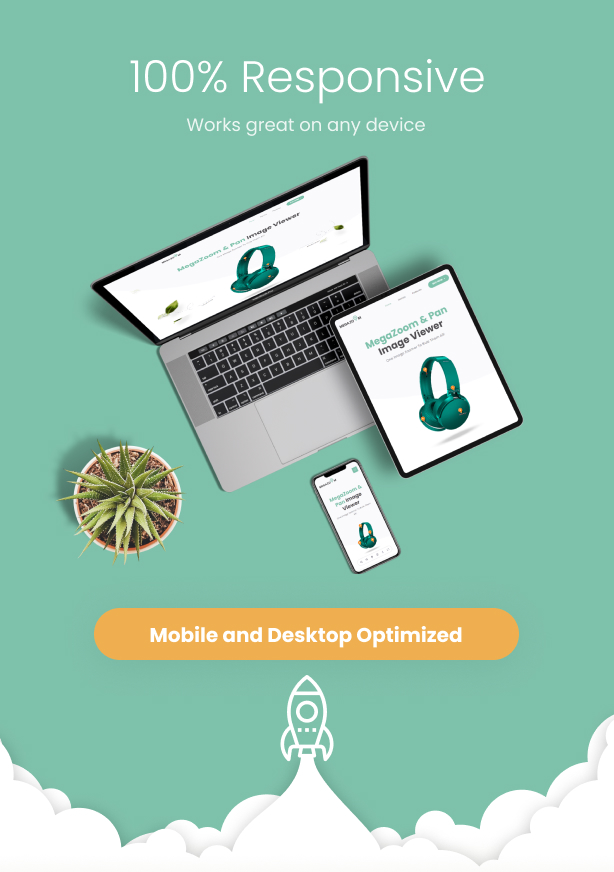
Responsive layout – Fully responsive and adaptable regardless of which device is used.
Easy to use and install – This plugin is a veteran with more than 14 years in the making, we had enough time to understand our clients and package the best image zoomer!
Mobile and desktop optimized – The zoomer will adapt to any screen size and any device, wheater it is used on your desktop browser or your mobile phone.
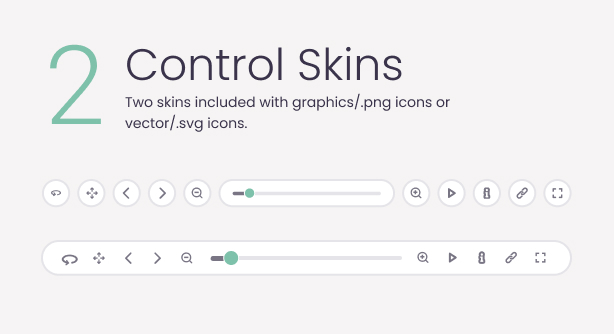
Grpahics image .png skin or vector skin – Two included skins with a .png image skin or a vector svg skin 1 or vector svg skin 2, visually the skins look the same. Figma/.fig files included plus video tutorial about how to use the graphics and vector skin.
Unlimited skin design posibilities – Because the zoomer has the option of a graphigs/.png skin there are literally no limitations in the skin design, just replace the .png files used for the skin with your own and create magic example here and video tutorial.
Lazy scrolling or lazy loading – Initialize The zoomer on scroll when it is visible in the page, this way if the zoomer is in a page section that is not visible it will not be initialized, instead it will be initialized only when the user will scroll to that page section.
High image quality – Support for high image quality without losing performance.
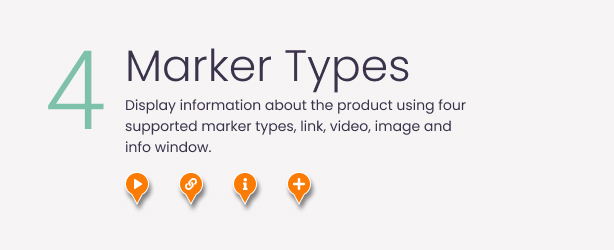
Markers or hotspots – Three hotspots types (link, small info window and detailed info window) allowing to display information about the product on specific regions. Once created a hotspot can be used on more then one image.
Deep zooming – When the image is zoomed, markers/hotspots can be added at a spacific scale/zoom and position, and they will appear only when that specific zoom/scale is reached, example here.
Customizable markers or hotspots – The markers or hotspots can be of any size or shape and they can vary, for example if you want to add three link type hotspots each of them can have a different size or graphics, this applies to all markers/hotspots types.
Customizable markers or hotspots position – Built-in tool for finding the correct position for the marker.
Navigator window – Customizable small navigator window that allows panning the image when it is zoomed. The window size can be set to any size and also the navigator image is drawn automatically from the original image, example here.
Right click menu – Customizable right click context menu that allows to control the zoomer, pan, fullscreen, etc…
Control buttons bar – Complete control buttons bar with buttons. The control buttons bar can be positioned vertical top or bottom and horizontal left, center or right.
Customizable buttons – All buttons are optional and can be easily removed if one or more are not required, the buttons order can be set as you wish and the buttons geometry (spacing and position) can be set individually offering fine tune control.
Pan left, right, top and bottom buttons – This buttons will allow to pan/move the image horizontally or veritcally, they are optional and can be removed individually.
Zoom in and zoom out buttons plus scrollbar – Precise control while zooming in or out the image.
Customizable zoom factor – The zoom factor can be customized allowing to fine tune the zoom level, this way the image can be zoomed in or zoomed out as much as you want, example here.
Customizable zoom speed – Customizable zoom speed allowing fine-tune control over the zoom-in speed and zoom-out speed, this can be individually customized based on the image type or image size, example here.
Pinch and zoom gestures – Pinch and zoom gestures support for touch-enabled mobile devices like Iphone/IOS and Smasung S+/Android, the image can be zoomed with two-finger or panned using one finger.
Double click and zoom – When the image is double clicked, it will be zoomed in the point where it was double clicked, also it is possible to set the zoom factor for this feature.
Fullscreen button – This button will set the zoomer display type in native fullscreen/normalscreen.
Info window button & info window – Info window button for showing a detailed custom made window that supports any HTML content and can be styled as you want to fit your design.
Customizable buttons tooltips – Optional buttons tootips and customizable tooltip text.
Keyboard support – Use arrows to move/pan the zoomer image.
Mouse wheel support – Use mouse wheel to zoom in or zoom out the zoomer image, example here.
Powerfull API – Complete API for all features and more, plus events support, this methods and events can be called outside the zoomer.
Detailed documentation & video tutorials – The plugin comes with a detailed documentation as well as various video tutorials for example here can be found a detailed video tutorial for the WordPress Version..
Direct support from the developer – Once you buy MegaZoom & Pan Image Viewer you will also receive direct support and attention from the plugin developer. Tibi @ FWD
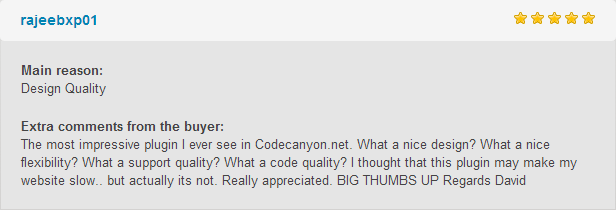
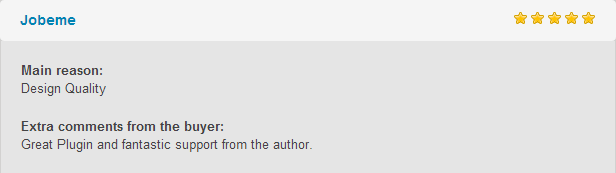
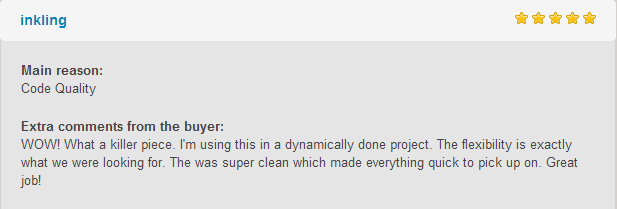
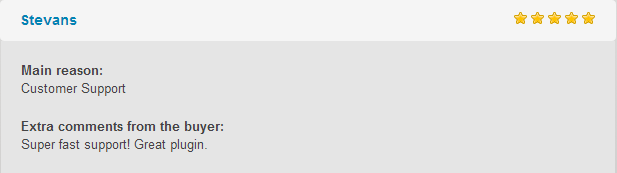
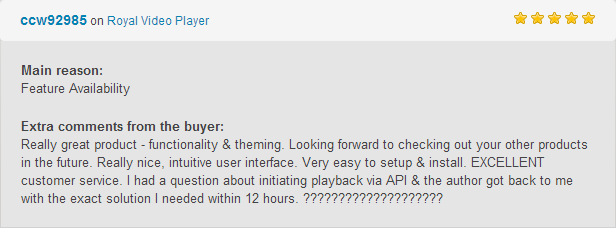
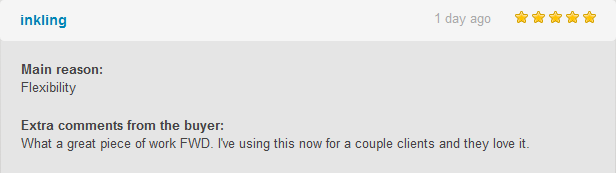
What our clients are saying:
Updates log:
Version 5.0 Release Date 22.08.2024
- Added support for WooCommerce, video tutorial.
Version 4.1 Release Date 21.02.2023
- Added support for .webp Images, now the zoomer supports .jpg, .jpeg, .png, .webp.
- Fixed bugs related to the lightbox, it was not working correctly.
- Added option to close the lightbox when clicking outside the viewer area.
Version 4.0 Release Date 05.10.2020
- Added translation.
Version 3.0 Release Date 23.10.2020
- Upgrade and update the enitre UI/User Interface and UX/User Experience and skins to make it more modern and adaptable.
- Remove the old skins and replace them with two new modern skins.
- Improved markers styling and usage.
- Added support for vector skins, all icons like buttons, markers, etc can now be vector SVG and style directly using CSS, example here.
- Optimize the code to load faster and perform better.
- Added various settings to fine tune the image control.
- Added custom post types support, now it is possible to add one or more Mega Zoom & Pan Image Viewer instances in any custom post types.
- Added Woocommerce support, now it is possible to add one or more Mega Zoom & Pan Image Viewer instance in the Woocommerce product pages.
- Fixed various bugs
- Please note that because of the major changes in the viewer CORE structure this update is not compatible with the older versions, so if you want to update you will have to start from scratch with your products… I have tried to make it compatible but it was impossible because of the too many differences between the old version style and the new updated version.
- Added bulk images feature, now it is possible to add as many images as you want using the bulk feature.
Version 2.0 Release Date 29..3.2020
| Type | WordPress Plugin |
|---|---|
| Author | FWDesign |
| Category | Wordpress |
| Price | $69 |
| Sales | 548 |
| Rating | 4.77 from 31 ratings |
| Published | Feb 20, 2017 |
| Last Update | Aug 22, 2024 |
| Compatible Browsers | IE8, IE9, IE10, IE11, Firefox, Safari, Opera, Chrome, Edge |
| Compatible Software | WordPress 6.8.x, WordPress 6.7.x, WordPress 6.6.x, WordPress 6.5.x, WordPress 6.4.x, WordPress 6.3.x, WordPress 6.2.x, WordPress 6.1.x, WordPress 6.0.x |
| Compatible With | Elementor, WooCommerce 8.x.x, WooCommerce 7.x.x, WooCommerce 6.x.x, WPBakery Page Builder, Bootstrap 4.x |
| Gutenberg Optimized | Yes |
| Source Files Included | JavaScript JS, HTML, CSS, PHP |
Categories
Tags
External listing. code.market does not sell this product and does not process payment for it. Pricing, payment, delivery, licensing, refunds, and support are handled by the third-party merchant on its own website. We may earn an affiliate commission from a referral. Details.
Products of the Week.
Submit🥇

STOP GUESSING WHAT TO POST
AI that learns your brand voice and builds a month of consistent, on-brand social content: carousels, posts and hooks that sound like you, not like everyone else's AI.
SaaS · 4,296 views · 38 clicksSaaS · Week 45 · 4,296 views · 38 clicks
🥈

Conversational Backlinks for Busy Founders
Place Backlink Relevant Conversation for your domain across Forums and Conversations
Website · 42,015 views · 223 clicksWebsite · Week 45 · 42,015 views · 223 clicks
🥉

upvote.club
Free Social Media Engagement that Helps Boost Your Content. Upvote Club supports 19 social networks with 100+ engagement actions in one dashboard. Add links to your posts and get free engagement from real users.
SaaS · 40,058 views · 117 clicksSaaS · Week 45 · 40,058 views · 117 clicks
#4

Substack Posting API
Onboard your Agent to Substack. Write Publish on Substack via API
SaaS · 59,067 views · 198 clicksSaaS · Week 45 · 59,067 views · 198 clicks
#5

Seenshot App
Free, Fast, MacOS Screenshot app. Make Screenshot cmd+shift+2 and send it via link
Desktop App · 28,443 views · 122 clicksDesktop App · Week 45 · 28,443 views · 122 clicks
#6

Hand-Placed Backlinks $9.99 per link. Flat rate.
Buy hand-placed forum, Q-A and directory backlinks. Flat $9.99 per link, no subscriptions — you only pay for approved listings.
Website · 4,276 views · 19 clicksWebsite · Week 45 · 4,276 views · 19 clicks
#7

Free Invoice Generator - PDF Invoices in Your Browser, No Sign-Up
A free invoice maker for freelancers and small businesses: fill in the invoice, check the live preview, and download a PDF that looks exactly like it. Any currency, tax per item, three templates, no sign-up, and nothing leaves your device.
2,951 views · 17 clicksWeek 45 · 2,951 views · 17 clicks
#8

Merge PDF Files Free - Combine PDFs in Your Browser, No Upload
A free PDF merger for office workers, students, and freelancers: combine PDFs and images into one file in the browser, reorder files and pages, pick page ranges, keep bookmarks, and open password-protected PDFs. Nothing is uploaded, no sign-up, no watermark.
2,725 views · 13 clicksWeek 45 · 2,725 views · 13 clicks