
MauiKit - XAML templates for .NET MAUI

Description
MauiKit – Production-Ready UI Templates for .NET MAUI
Build real .NET MAUI apps faster. Skip weeks of UI work.
MauiKit is a production-ready UI starter kit for .NET MAUI developers who want to ship apps faster without rebuilding UI from scratch.
Instead of isolated components, MauiKit provides complete real-world UI screens and flows that you can integrate directly into your project and focus on business logic.
See MauiKit in Action
Below are real previews from MauiKit, showcasing complete UI flows, clean architecture, and fast customization — built for real .NET MAUI projects.
Real-World UI Screens
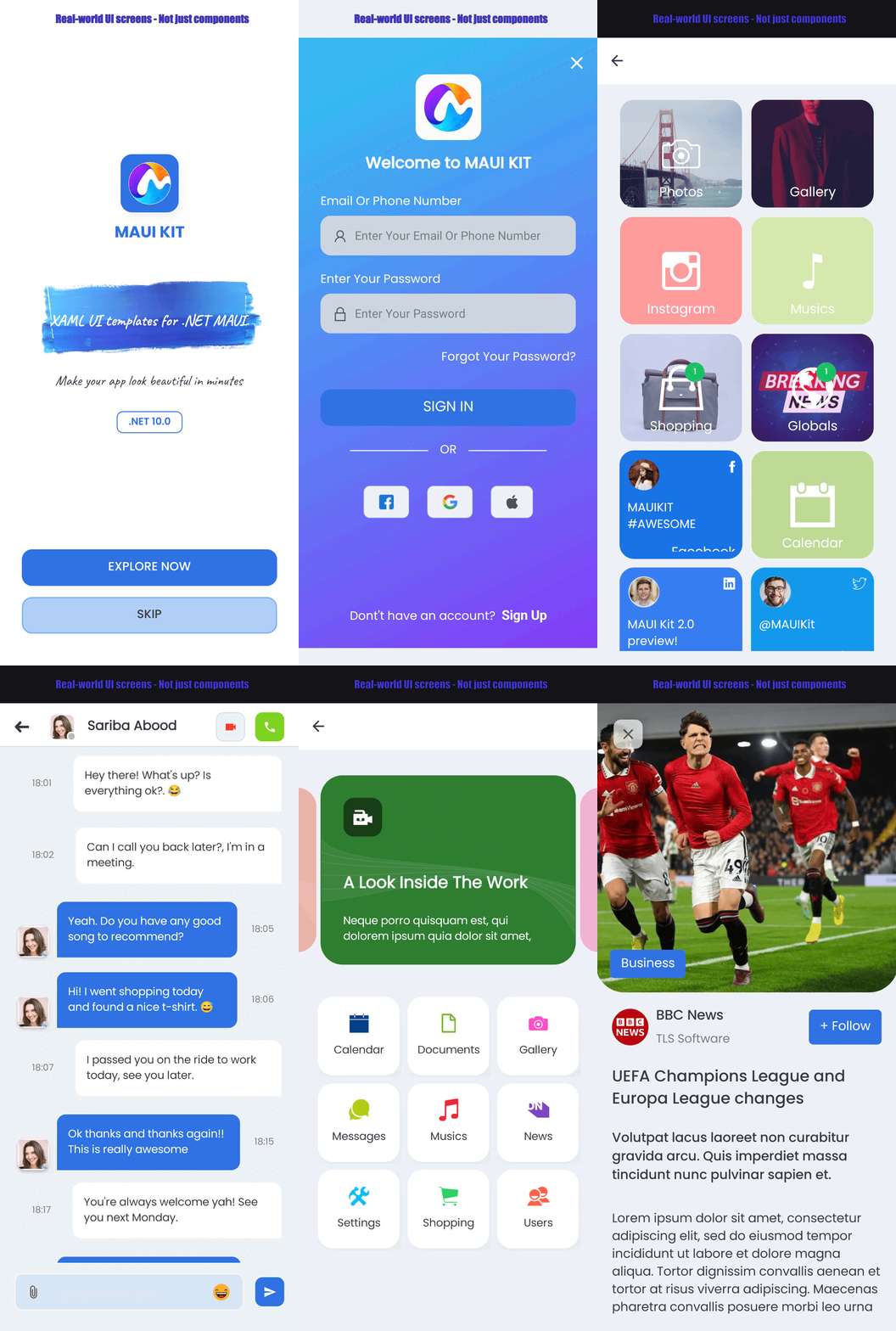

Complete screens and flows for real applications — not just isolated components. View more here
Clean MVVM Architecture
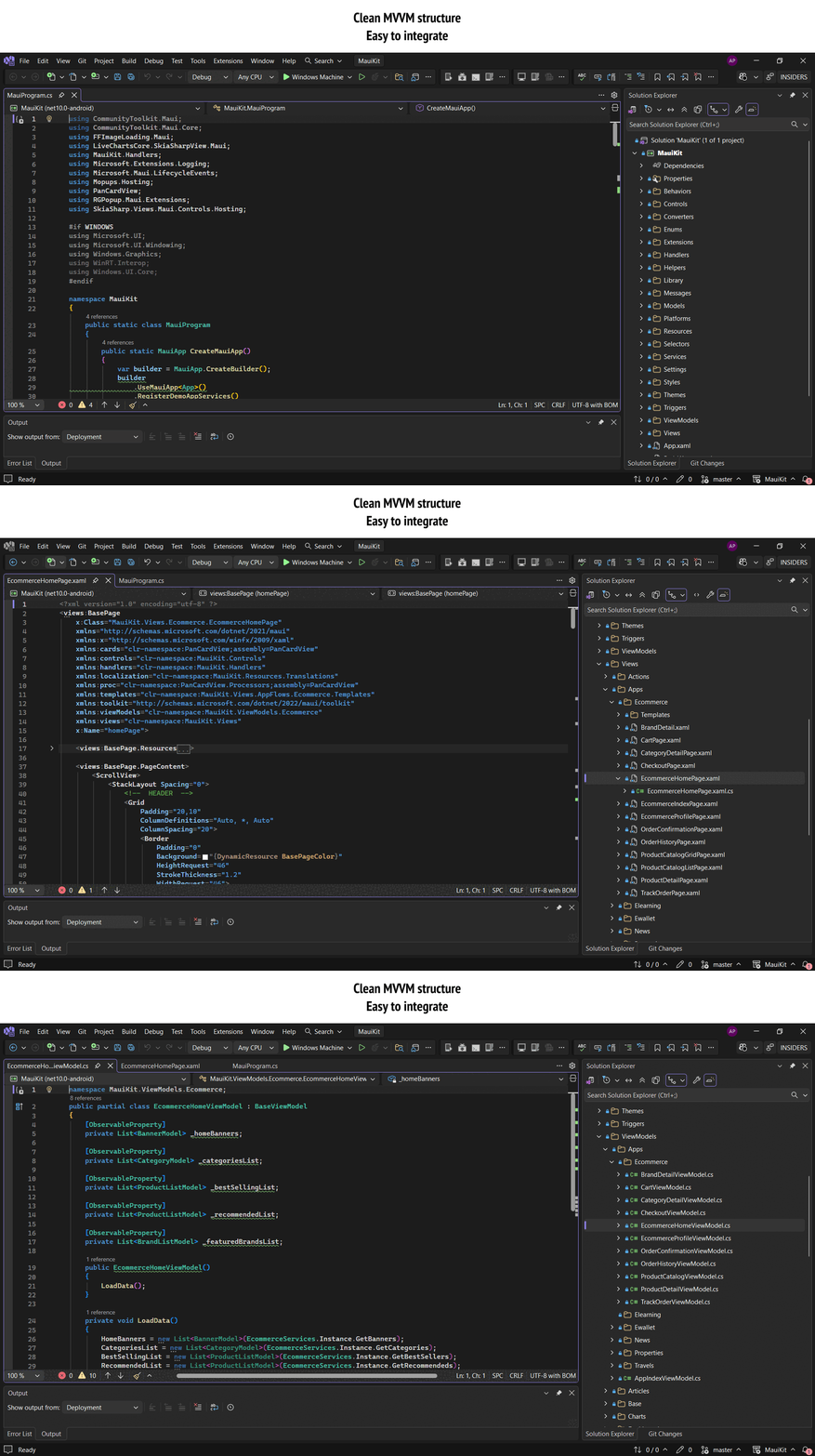
Well-organized Views / ViewModels designed for production-ready MAUI projects. Easy to integrate into your existing app.
Fast Theming & Customization
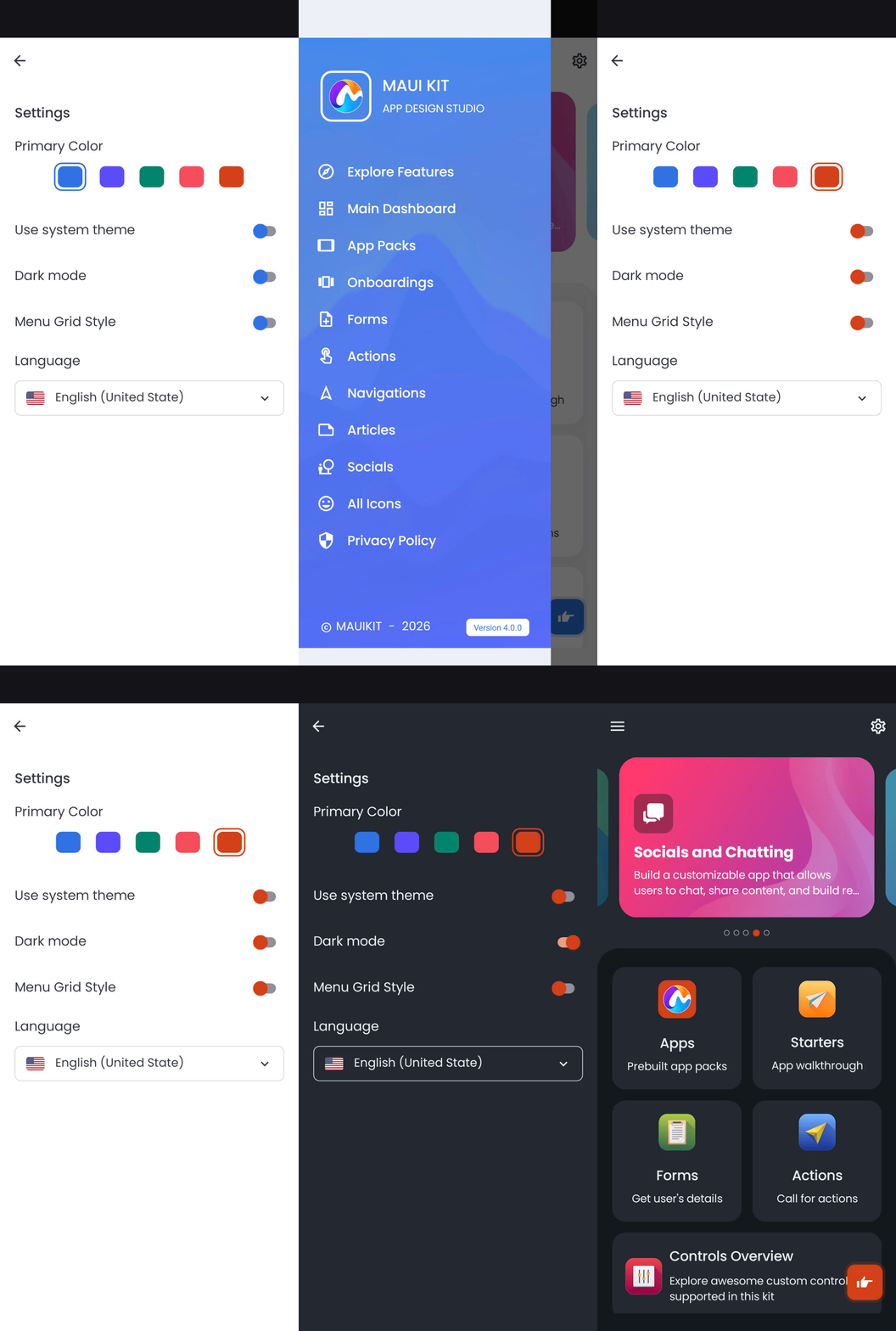
Centralized theming with Light / Dark mode support — customize colors and styles in minutes.
✅ What You Get
App Design Studio – Exclusive Access
When purchasing MauiKit, you also get access to MauiKit App Design Studio — a web-based tool designed to help you kickstart your .NET MAUI project faster.
Watch video to understand how to Build .NET MAUI Apps Faster with MauiKit + App Design Studio
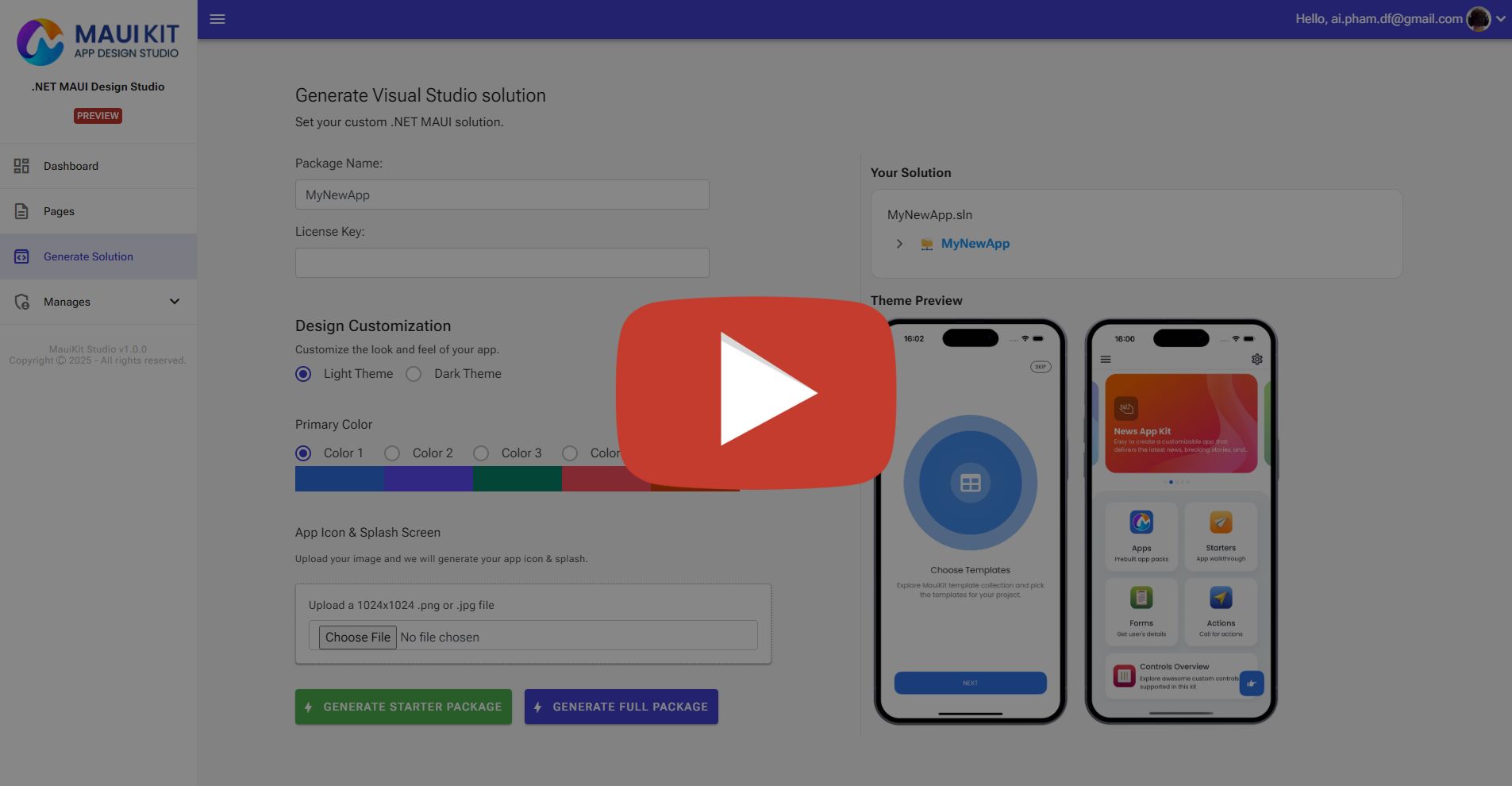
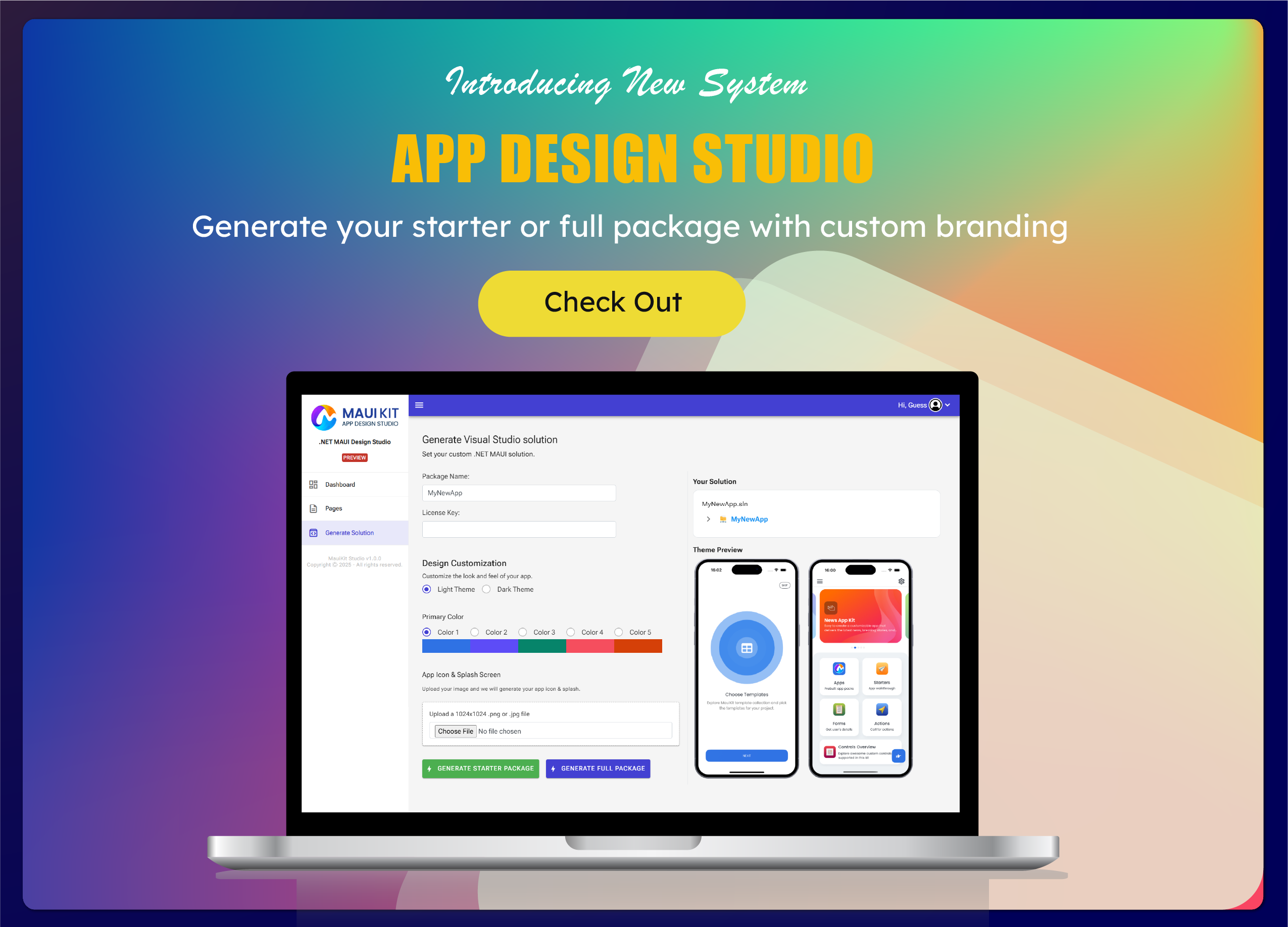
The App Design Studio allows you to generate a ready-to-use Visual Studio solution based on MauiKit, with essential configurations already set up.
- Customize app theme (colors, light / dark mode)
- ️ Configure app icon & branding
- Generate a clean .NET MAUI solution structure
- ⚙️ Save hours of initial project setup
Instead of starting from a blank MAUI project, you can begin with a pre-configured, production-ready foundation that follows the same structure and design principles as MauiKit.
This makes MauiKit not just a UI template kit, but a complete UI foundation + project starter for real-world .NET MAUI applications.
Real-World UI Packs
- E-commerce (product list, details, cart, checkout)
- Blog / News
- E-Wallet
- Property / Travel
- Authentication, profiles, settings, dashboards
These are full screens and flows, not just visual demos or isolated widgets.
Clean MVVM Architecture
- Well-organized Views / ViewModels
- Sample ViewModels included
- Easy to adapt to your APIs and services
- Compatible with CommunityToolkit MVVM
- Designed for real production projects
Easy Theming & Customization
- Centralized colors and styles
- Light / Dark mode support
- Responsive layouts for phones & tablets
- Clean XAML structure for fast customization
Multi-Platform Ready
MauiKit works seamlessly across all .NET MAUI platforms:
- Android
- iOS
- Windows
- macOS
Who Is This For?
- .NET / C# developers building mobile apps
- Freelancers & agencies shipping client projects faster
- Startups building MVPs
- Developers who want professional UI without hiring a designer
⏱ How Much Time Can It Save?
- ~30 minutes to integrate into an existing project
- Days instead of weeks to build a polished app UI
What’s Included
- XAML UI templates
- Organized MVVM structure
- Demo data & sample bindings
- Documentation & getting started guide
- Free updates (based on license)
⚠️ Important Notes
- This is a UI template kit, not a full backend-connected app
- Backend logic, APIs, and data handling are intentionally left flexible
Why MauiKit?
Because rebuilding the same UI patterns for every MAUI project is a waste of time.
MauiKit gives you a solid, production-ready UI foundation so you can focus on what actually makes your app valuable.
Build faster. Ship sooner. Stress less.
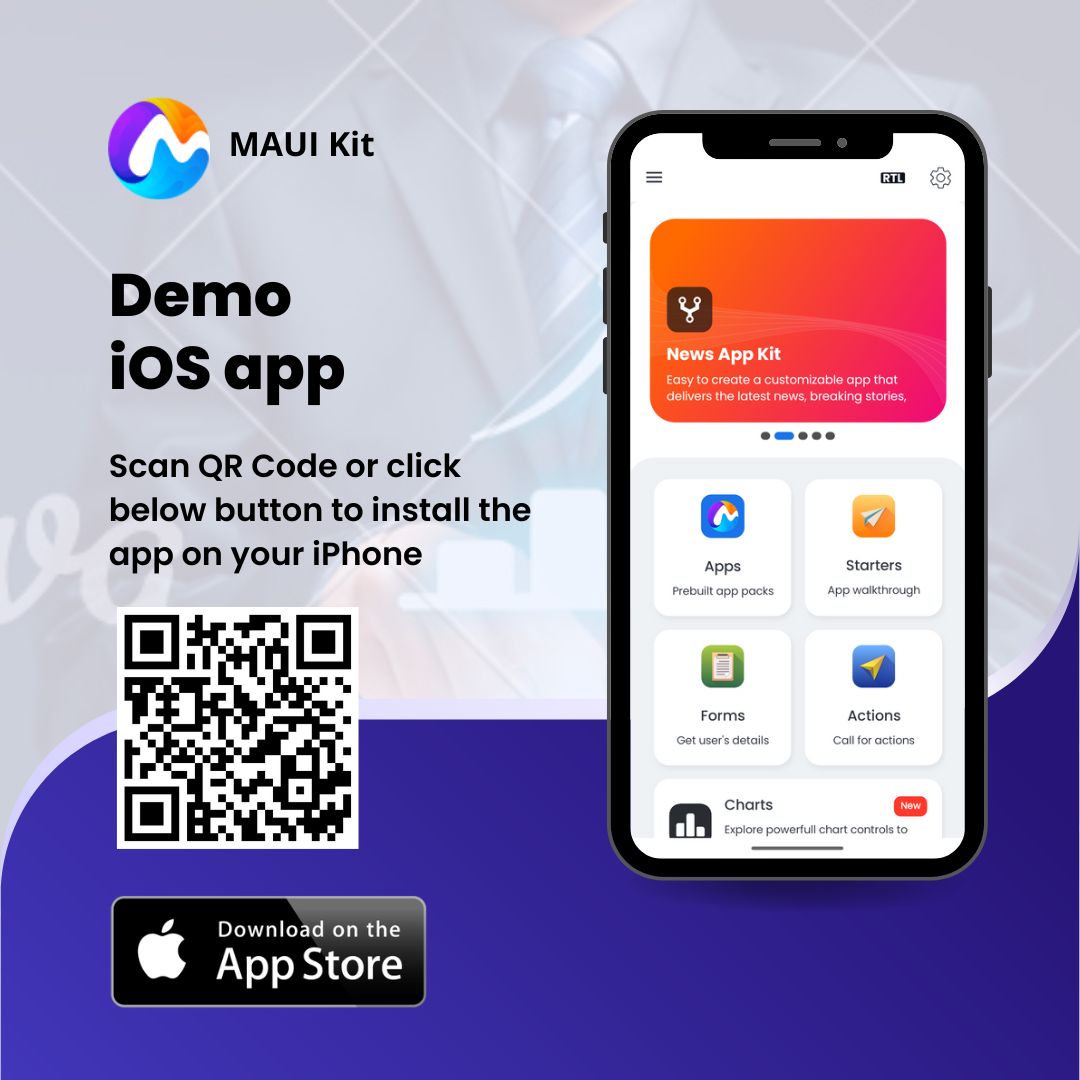
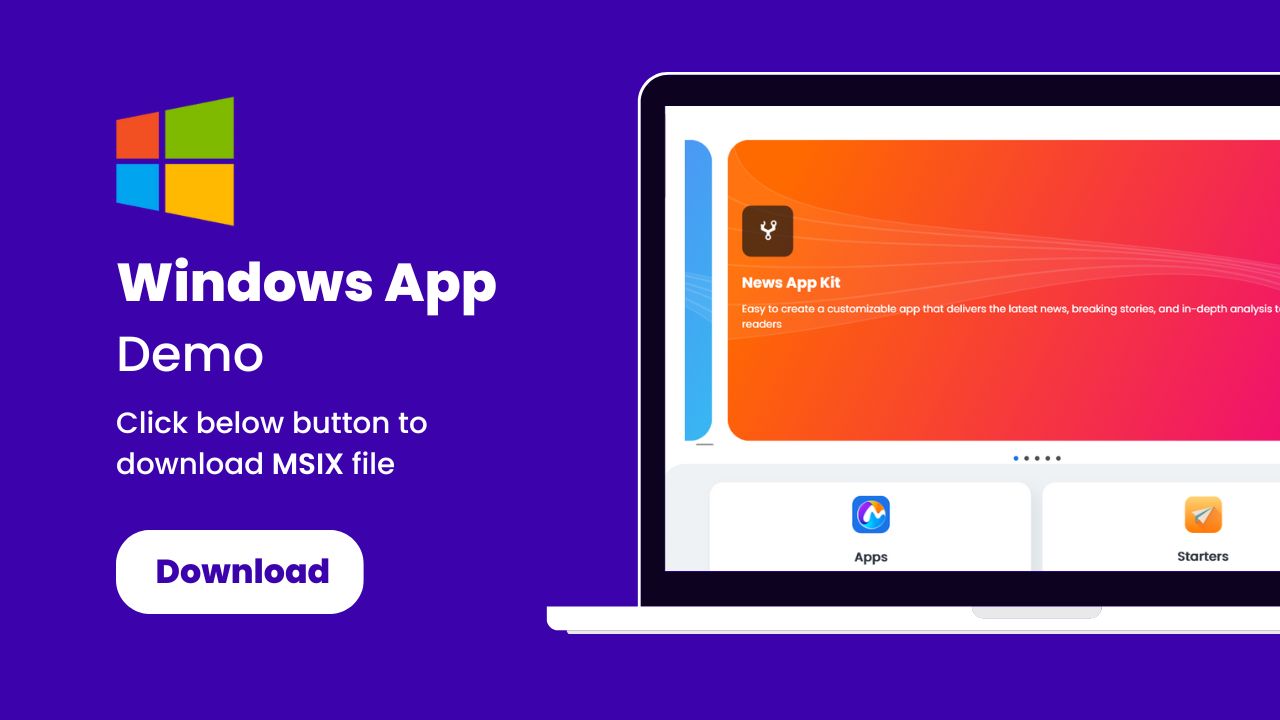
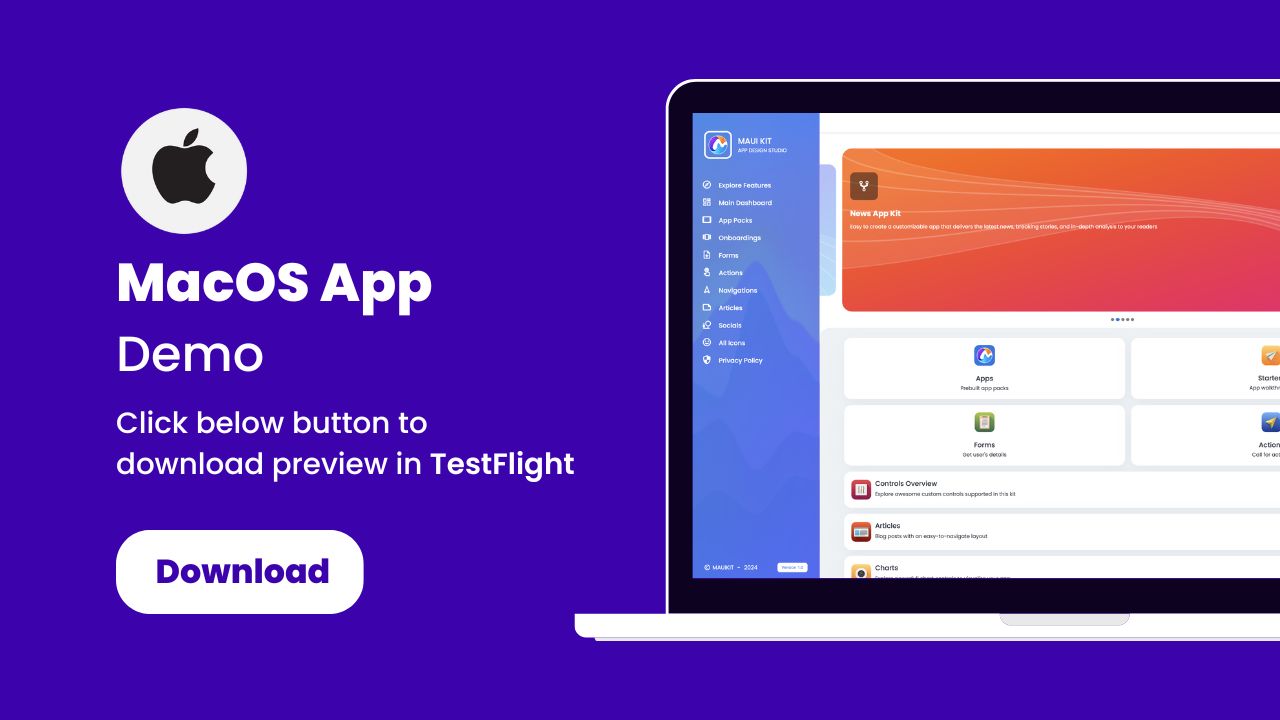
Apps Demo
Install the app and preview instantly

❓ Frequently Asked Questions
Can I use MauiKit for commercial projects?
Yes. You can use MauiKit in commercial and client projects according to the CodeCanyon license terms.
Is this a full working app?
No. MauiKit is a UI starter kit, not a backend-connected application. It provides production-ready UI screens and MVVM structure so you can easily plug in your own APIs, services, and business logic.
Is the code easy to customize?
Yes. The project is built with a clean XAML structure, centralized styles, and organized ViewModels, making customization fast and straightforward.
Does it support Light & Dark mode?
Yes. MauiKit includes Light and Dark themes with centralized color and style management.
Which platforms are supported?
MauiKit works on all .NET MAUI platforms:
- Android
- iOS
- Windows
- macOS
Can I integrate MauiKit into an existing project?
Yes. Most developers can integrate MauiKit into an existing MAUI project in under 30 minutes.
Is MauiKit actively maintained?
Yes. MauiKit is actively maintained and updated to stay compatible with the latest .NET MAUI versions and best practices.
Do you provide documentation?
Yes. The package includes documentation and a getting started guide to help you integrate and customize the UI quickly.
Change Log
v2.3.8 – Aug 21, 2026
- Updated NuGet packages and project dependencies.
v2.3.7 – May 13, 2026
- Updated NuGet packages and project dependencies.
v2.3.6 – Jan 17, 2026
- Updated NuGet packages and project dependencies.
v2.3.5 – Nov 27, 2025
- Upgraded project to .NET 10.0.
v2.3.4 – Oct 7, 2025
- Upgraded MAUI Controls to version 9.0.110.
- Removed unused code and deprecated calendar templates.
v2.3.3 – Jul 9, 2025
- Upgraded MAUI Controls to version 9.0.81.
- Added new Social Feed page.
- Refactored and removed redundant components.
v2.3.2 – Mar 18, 2025
- Android: Disabled hardware back button navigation while popup is open.
- Updated MAUI Controls and related dependencies.
- Added Fluent UI icon font.
- Fixed obsolete usage of
HorizontalOptionsandVerticalOptions.
v2.3.1 – Jan 20, 2025
- Updated MAUI Controls dependencies.
- Updated translations.
- Added starter project for custom builds.
v2.3.0 – Dec 26, 2024
- Added support for .NET 9.0 (previous .NET 8.0 provided as a separate project).
- Fixed application crash issues on Windows.
v2.2.3 – Oct 24, 2024
- Updated NuGet packages.
- Added .NET 9.0 preview version (separate project).
v2.2.2 – Aug 12, 2024
- Fixed slider indicator issues on iOS and macOS.
- Fixed Android crash when selecting language.
- E-commerce kit: added classic product list page.
- Dashboard: added task management page with drag & drop support.
v2.2.1 – Jul 10, 2024
- Added new rounded-image list page.
- Theme settings now support system appearance.
- Moved image resources from local to remote server.
v2.2.0 – Jun 29, 2024
- Refactored action popup pages using
RGPopup.Maui. - Improved Forms layouts for Windows and macOS.
- Enhanced Dark / Light theme styles.
v2.1.9 – Jun 21, 2024
- Reviewed project structure and refactored codebase.
- Updated documentation.
v2.1.9 – Jun 19, 2024
- Added new languages: Dutch, German, French, Spanish, Portuguese.
- UI and style refinements.
- Windows: replaced deprecated system back navigation APIs.
- Added Controls Overview page.
v2.1.8 – Jun 4, 2024
- Enhanced app settings: dark mode, layout options, language selection.
- Persisted settings using device preferences.
- General code cleanup.
v1.0.0 – Dec 9, 2022
- Initial release.
| Type | .NET Script |
|---|---|
| Author | tlssoftware |
| Category | Net |
| Price | $49 |
| Sales | 667 |
| Rating | 4.73 from 15 ratings |
| Published | Dec 12, 2022 |
| Last Update | Aug 21, 2026 |
| Compatible Software | .NET 10.x |
| Source Files Included | C# CS, XML |
Categories
Tags
External listing. code.market does not sell this product and does not process payment for it. Pricing, payment, delivery, licensing, refunds, and support are handled by the third-party merchant on its own website. We may earn an affiliate commission from a referral. Details.
Products of the Week.
Submit🥇

STOP GUESSING WHAT TO POST
AI that learns your brand voice and builds a month of consistent, on-brand social content: carousels, posts and hooks that sound like you, not like everyone else's AI.
SaaS · 3,674 views · 33 clicksSaaS · Week 45 · 3,674 views · 33 clicks
🥈

Conversational Backlinks for Busy Founders
Place Backlink Relevant Conversation for your domain across Forums and Conversations
Website · 41,217 views · 222 clicksWebsite · Week 45 · 41,217 views · 222 clicks
🥉

upvote.club
Free Social Media Engagement that Helps Boost Your Content. Upvote Club supports 19 social networks with 100+ engagement actions in one dashboard. Add links to your posts and get free engagement from real users.
SaaS · 39,275 views · 113 clicksSaaS · Week 45 · 39,275 views · 113 clicks
#4

Substack Posting API
Onboard your Agent to Substack. Write Publish on Substack via API
SaaS · 58,312 views · 198 clicksSaaS · Week 45 · 58,312 views · 198 clicks
#5

Seenshot App
Free, Fast, MacOS Screenshot app. Make Screenshot cmd+shift+2 and send it via link
Desktop App · 27,699 views · 120 clicksDesktop App · Week 45 · 27,699 views · 120 clicks
#6

Hand-Placed Backlinks $9.99 per link. Flat rate.
Buy hand-placed forum, Q-A and directory backlinks. Flat $9.99 per link, no subscriptions — you only pay for approved listings.
Website · 3,578 views · 18 clicksWebsite · Week 45 · 3,578 views · 18 clicks
#7

Free Invoice Generator - PDF Invoices in Your Browser, No Sign-Up
A free invoice maker for freelancers and small businesses: fill in the invoice, check the live preview, and download a PDF that looks exactly like it. Any currency, tax per item, three templates, no sign-up, and nothing leaves your device.
2,270 views · 16 clicksWeek 45 · 2,270 views · 16 clicks
#8

Merge PDF Files Free - Combine PDFs in Your Browser, No Upload
A free PDF merger for office workers, students, and freelancers: combine PDFs and images into one file in the browser, reorder files and pages, pick page ranges, keep bookmarks, and open password-protected PDFs. Nothing is uploaded, no sign-up, no watermark.
2,103 views · 13 clicksWeek 45 · 2,103 views · 13 clicks