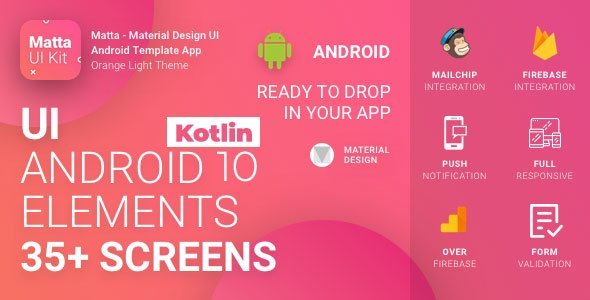
Matta - Material Design Android UI Template / Theme App
Description
ALL REWRITEN IN KOTLIN AND OPTIMISED

- Android API 29
- MVP Architecture
- RxKotlin
- Controling UI components over style file


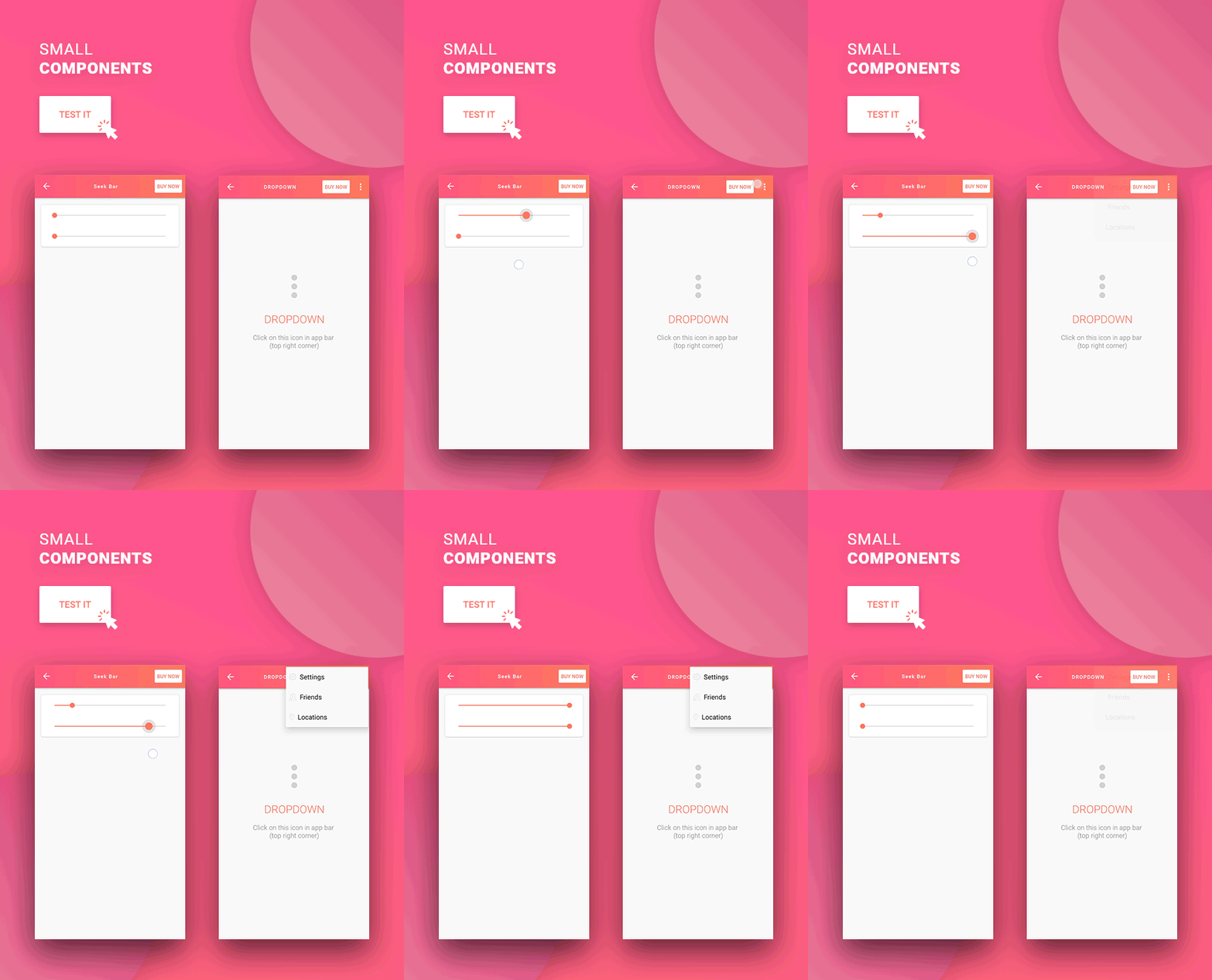
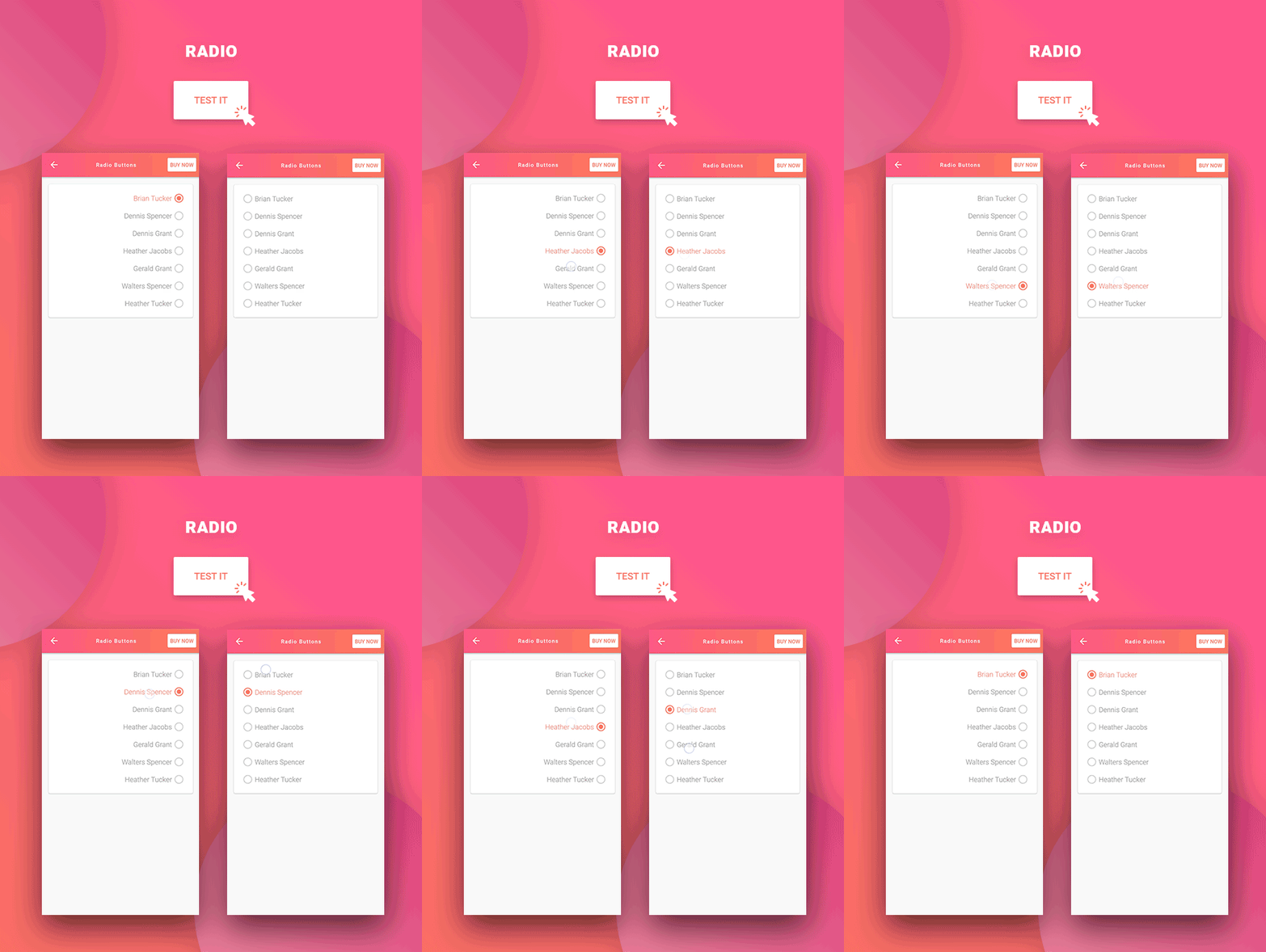
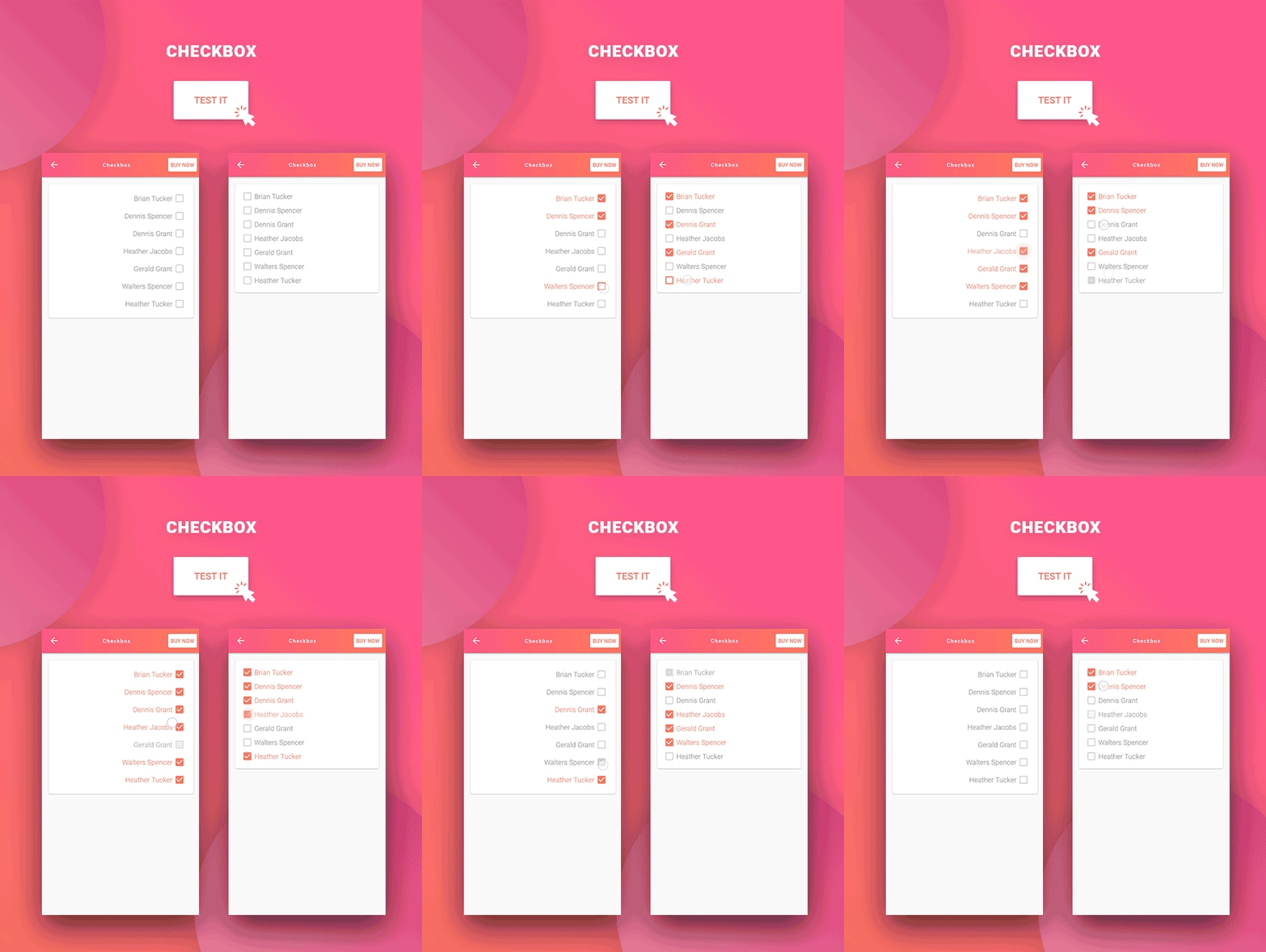
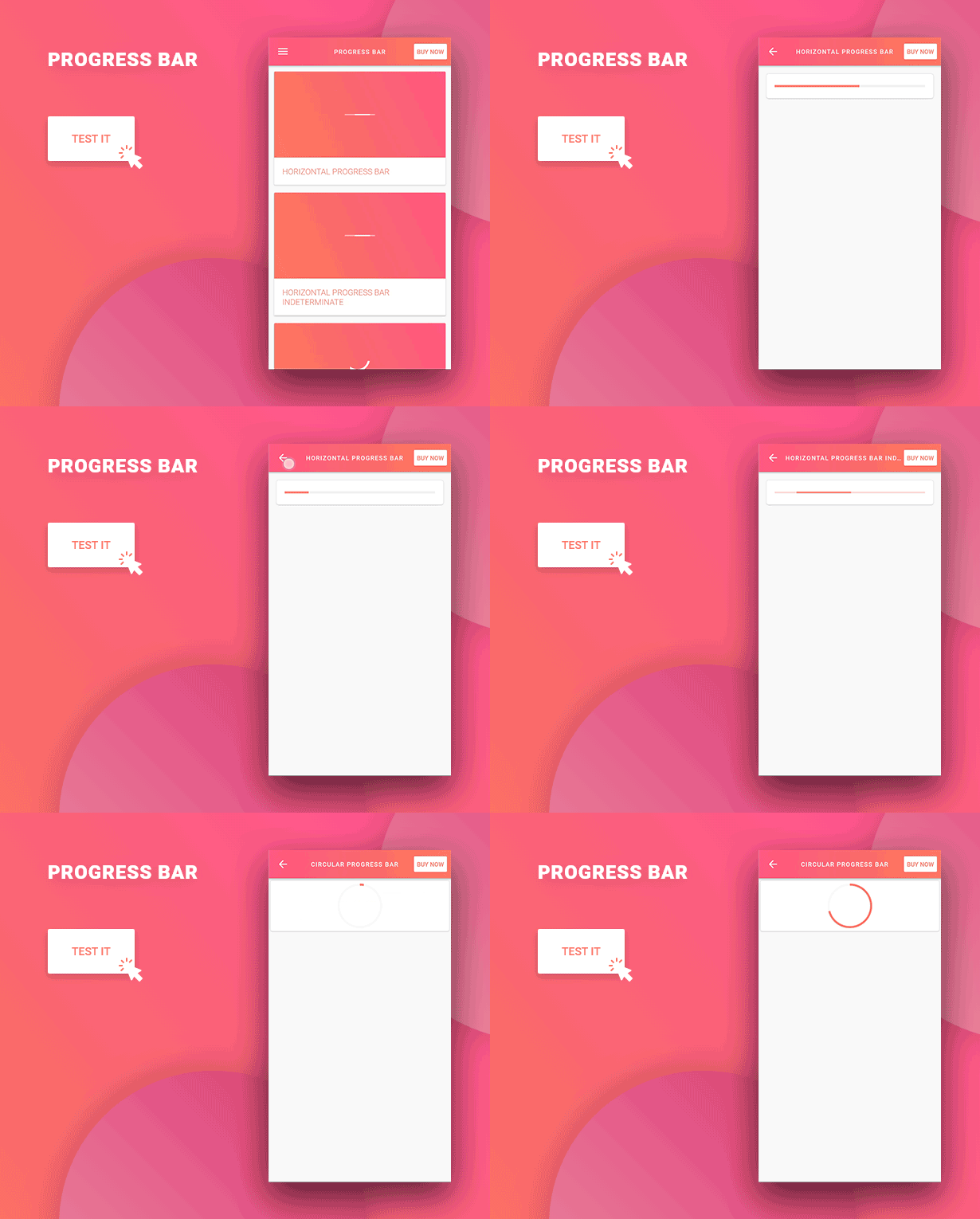



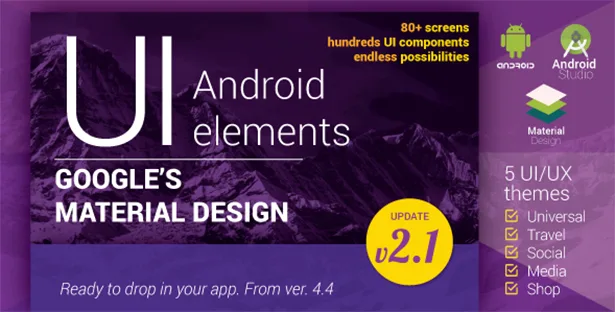
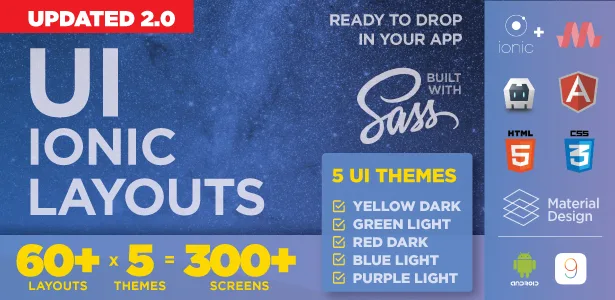
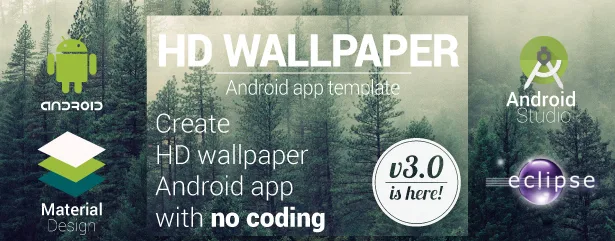
With the Material design UI Android Template App our goal is to help developers create Android applications that aren’t just useful but also beautiful. Instead of losing hours and hours in creating graphics that will be used in your Android application, with our UI Template App we did most of the work for you.
This way you will get multipurpose pre-designed graphics based on highly popular Material design, that can be used for all sorts of applications. And with latest studies showing that apps based on Google Material Design are installed more often on Google Play Store than those that are not material based, you can be sure that with our mobile app templates you can reach a huge audience.
When it comes to developing Android UI design and mobile app design templates one of the biggest challenges is to create them so that they meet the standards of the latest Android version, but are also available for users that have older devices with previous Android versions.
Our Material Design UI Android Template App is created so that all elements are available to be used in older versions of Android. This way you can offer beautiful Android apps with all of the Material design features even if your users do not have a high-end smartphone.
To see the features of our Android app template and all of its components in action, download our demo app from our servers.
NOTE: For detailed information on how to use our Android app template, please check the documentation for this project with detailed instructions.
Updates
Update: 30. Decemnar 2019. - new version gradle 4.4 - build error fixed
Update: 10. May 2018. - Changed build.gradle files to include new needed dependacy for data binding - Update firebase dependacy versions to fix erorrs in builds with new Android Studio version - Update google-services.json to include generic api key to avoid new build type error in Android studio
List of all the components available in Material Design UI Android Template App
We made sure to include all of the usual features you can find in an Android app, so you can use this app design template for all kinds of applications – from ecommerce mobile apps, Android music apps, social apps, travel apps, local business apps practically any type of mobile app you can think of. Here’s the full list (you can learn more by clicking on the desired component):
- List Views (over RecyclerView) – 5 layouts: expandable, drag & drop, swipe to dismiss, expandable + swipe + drag & drop, item details
- Cards – 3 layouts: rate, follow, profile
- Tabs – 2 versions: with line indicator and round indicator
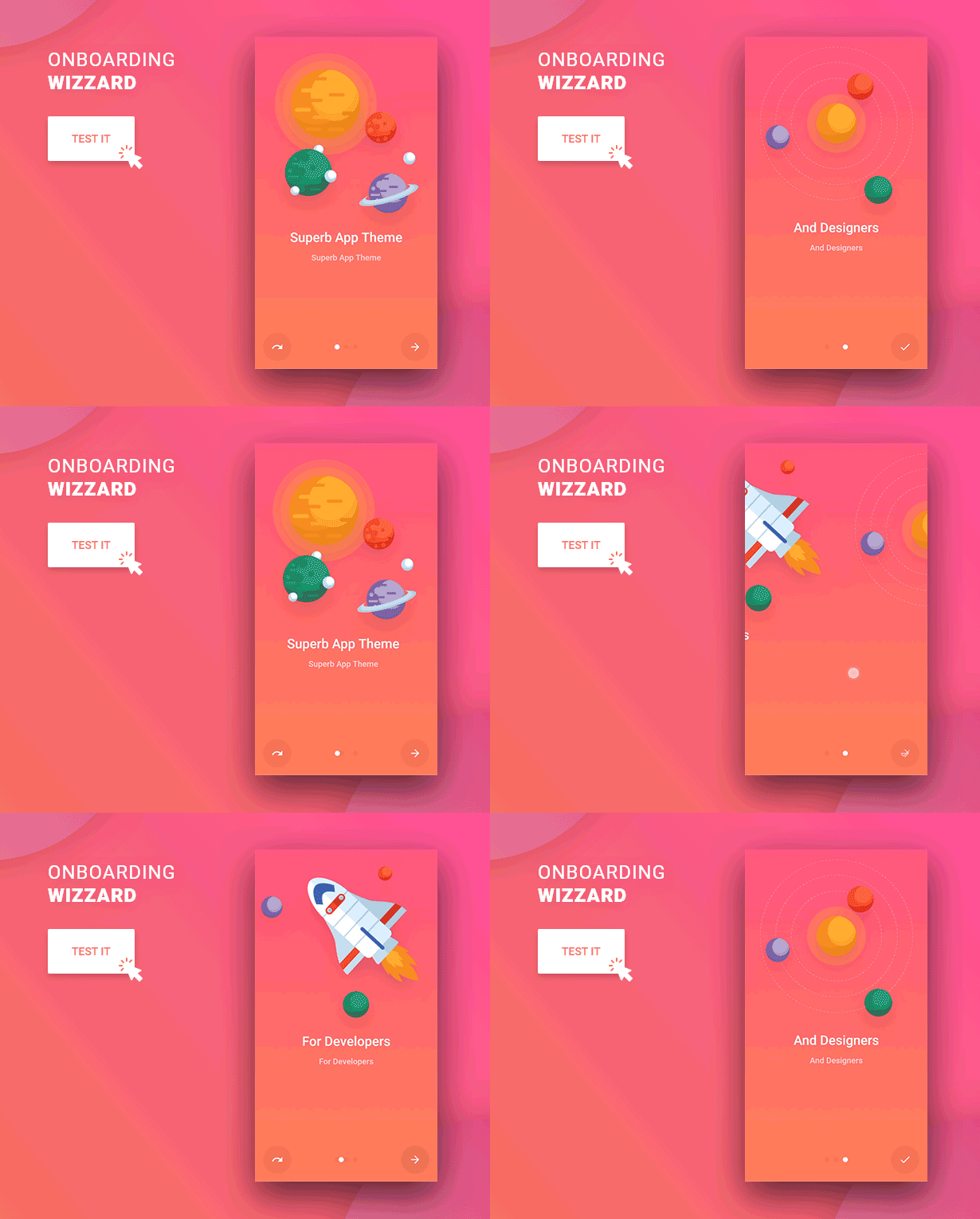
- Wizards – with 3 screens and horizontal parallax effect
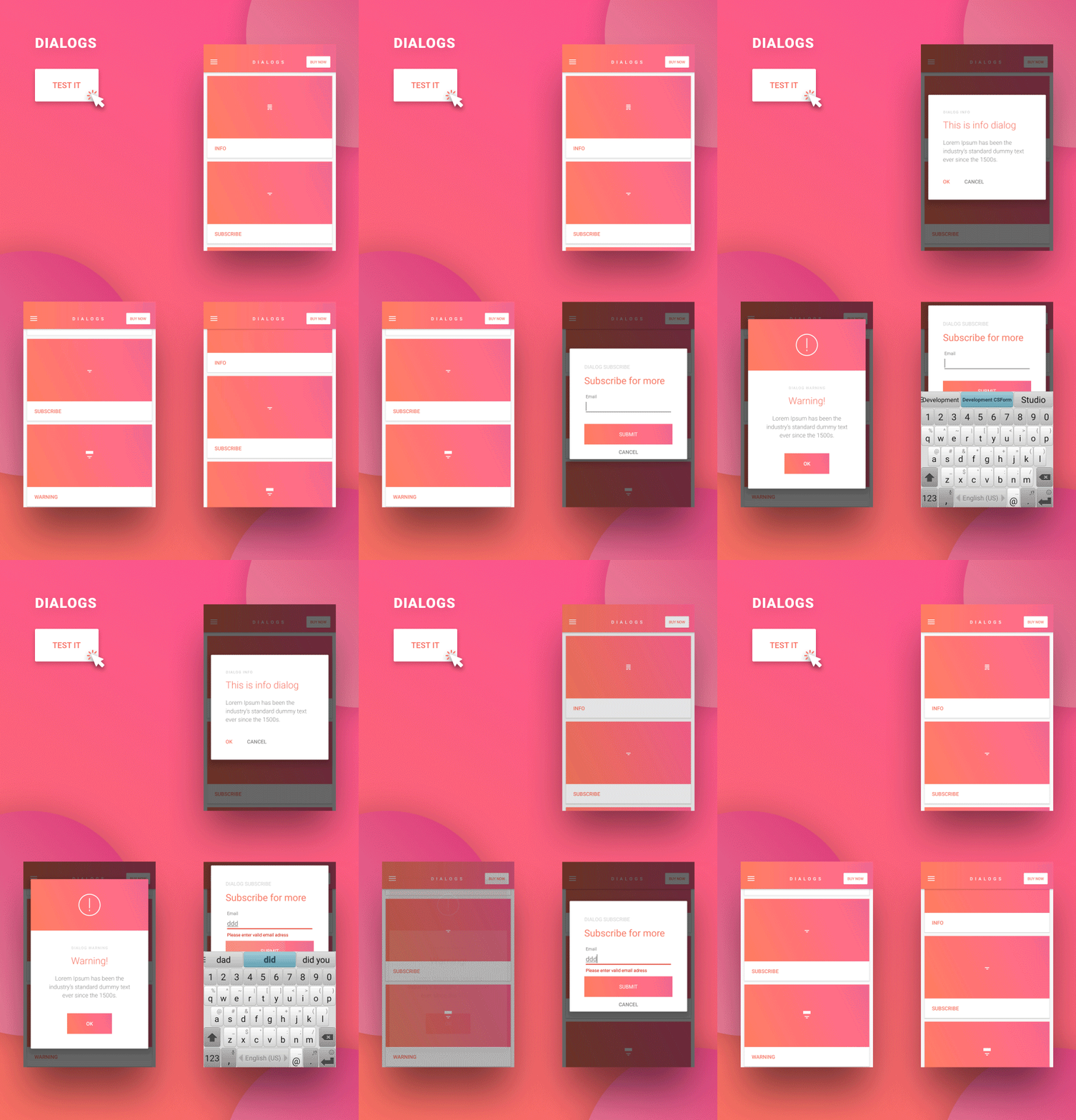
- Custom Dialogs – 3 versions: info, subscribe and warning
- Parallax Effect – 2 layouts: with header and with cards over header
- Left Menu – like in our demo>
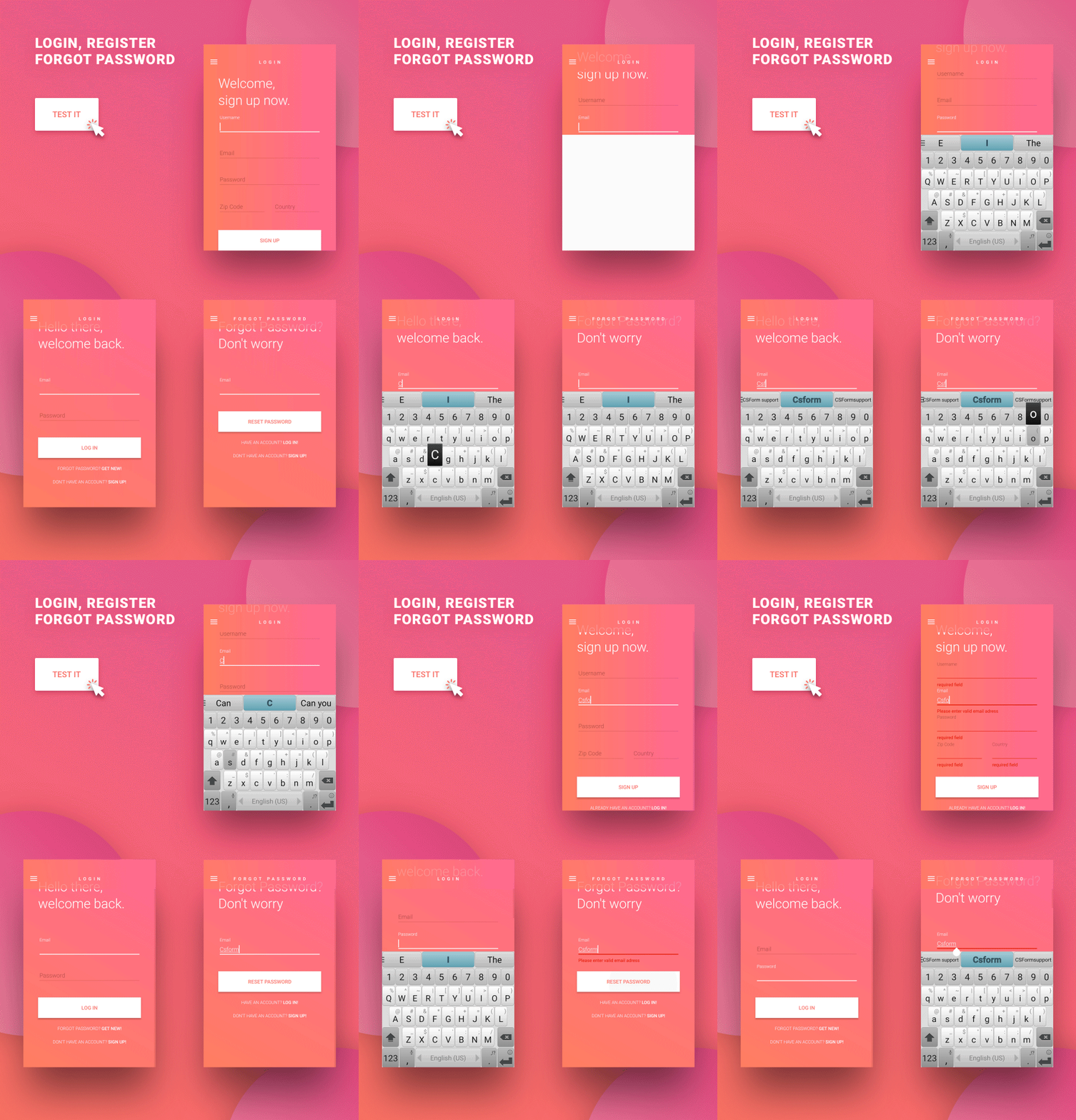
- Login Page – with field validation
- Register Page – with field validation
- Forgot Password Page – with field validation

- Full Image Gallery – full version with categories and automatically generated thumbs
- Progress Bar
- Seek bar
- Dropdown menu
- Check Buttons
- Radio Buttons
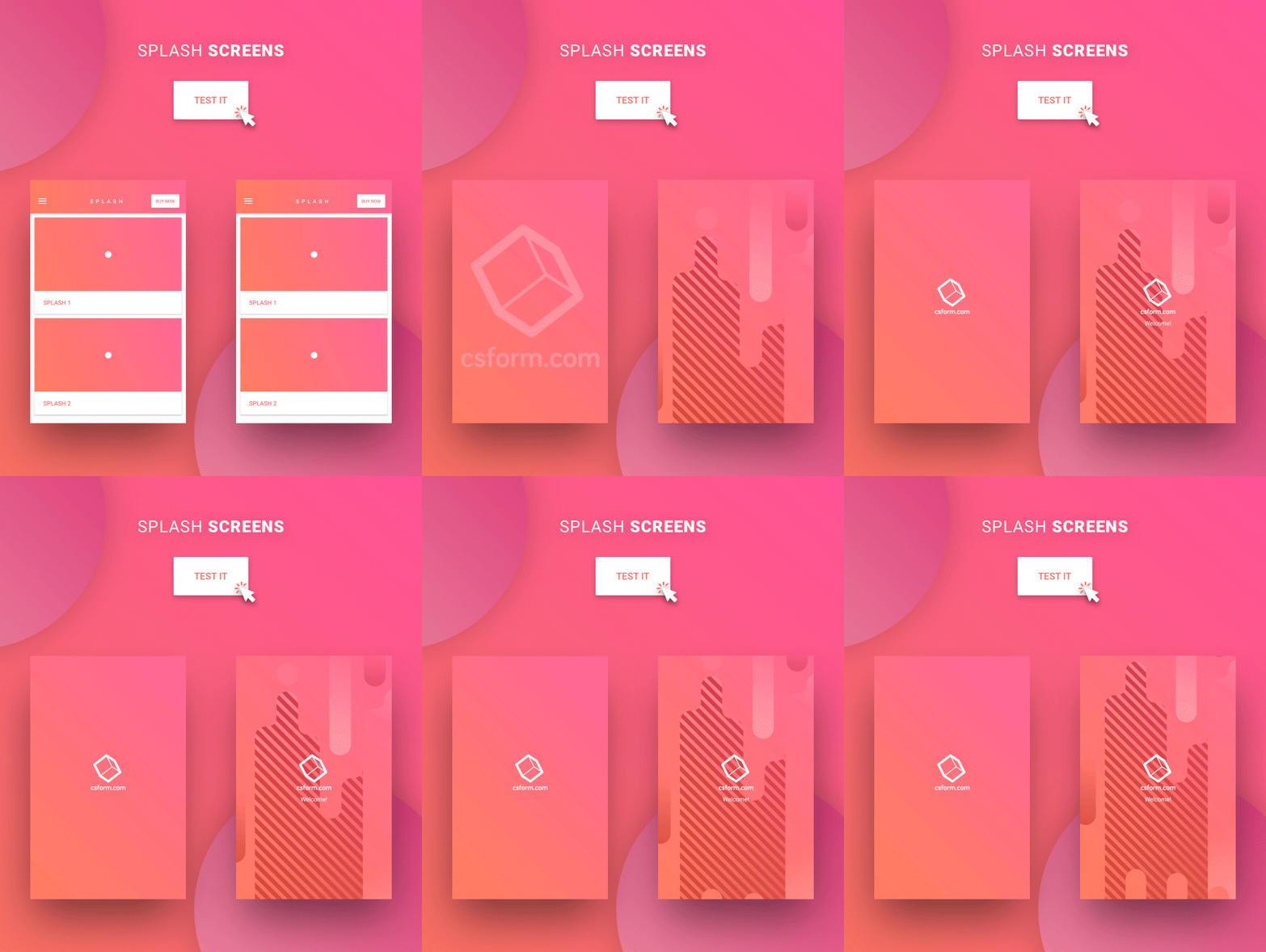
- Splash Screen – 2 versions with animations and Ken Burns effect
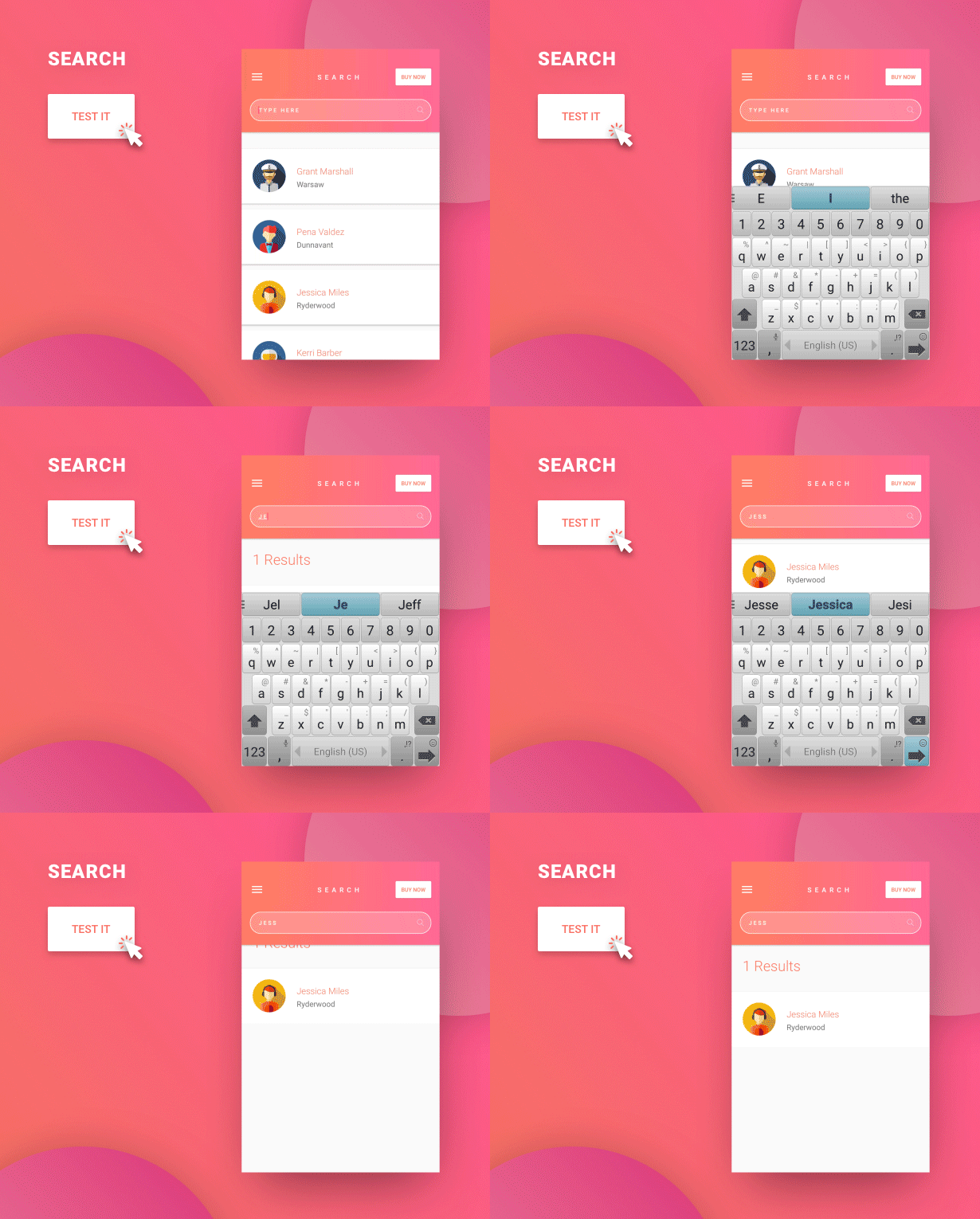
- Search bars – fully functional
With all this at your disposal, yours is just to code, we do the design.
More about our Android app UI template design features
One of the most common things with the majority of android app templates, regardless of how good their code is, is the fact that most of them lack an appealing design. We all know that functionalities and code should always come first, but in the end, average users tend to buy apps that look nice.
With this in mind, our goal with all of our products is to combine the best of both worlds – beautiful design and great code. And when it comes to designing Android apps, you can’t beat Google’s own Material design. It’s great looking, very intuitive and simply a perfect choice when it comes to user experience. Plus, Google is pushing it aggressively wherever possible, so you are getting one of the biggest corporation in the world promoting a design style that you use in your app.
So what it all means for you when you buy our Material Design UI Android Template App? Well here are some of the benefits you will get
Unified graphic – all graphic elements are designed following the instructions made by Google itself and all elements prepared in one color style to complete your app.
Easy colors changing - you will be able to customize all of the components to match your company colors, or any other color for that matter, by simply changing one line in the XML file. So as we already said, our Android app UI template will save you hours of coding.
Finished elements and layouts ready to use – all of the elements that you can see in our demo app will be available to you with complete XML files which you can instantly use in your app.
Animation and transparency – a lot of our components include beautiful transparent animations which are more and more popular. This will make your app look modern and slick, which will definitely bring more users.
Easy fonts – with our Android app template you won’t have to create fonts from assets folder anymore because you can define typefaces and fonts through XMLs
All elements and layouts work on older versions of Android too (starting from 4.4 version) and every element has its own AndroidMainfest.xml file with defined minSDK.
Material Design UI Android Template App components
We made sure that our app template includes all of the most popular and most used components that you can see in modern Android applications. Once you buy our template you will get access to all of them so you can feel free to use any or all of them.
Tabs
Our Android app template offers two predefined layouts of tabs as well as five new fragments, ready to use instantly in your app. They are a great choice to use in an e-commerce app for example to present different product categories, different genres in a media app, or different types of travel arrangements in your travel app. The possibilities are endless.
Wizards
Some apps require a certain explanation on how to use them or how get all the benefits that your app offers to users. Best and most common way to explain this to your users is with wizards. This is why our mobile app design template offers onboardin component with parallax effect.
Custom Dialogs
Dialogs are a great way to engage your users, whether it’s to choose a payment option, add a review, choose a destination in a travel app or simply to warn them about something. Material Design UI Android Template App offers three different types of custom dialogs that you can use anyway you like.
List Views
When you buy our app design template you will get five versions of List Views – Expandable list, Drag & Drop, Swipe-to-dismiss, Item details (on click) and mega-popular Expandable list + Drag & Drop + Swipe-to-dismiss . These can easily be customized and used for numerous purposes.
Parallax Effect
Parallax image effect is a great way to add more style to certain elements in your app. Most commonly it is used in list views to make them look more appealing. We offer two different parallax effect themes in our Android app UI template.
Login / Register / Forgot Password Page
A huge number of Android apps offers some additional features to users that are logged in, so login page is one of the components that’s always on top of the list when we ask our customers about the things they want to see in our app UI templates. In this mobile app template we offer three universal login/register/forgot password pages with field validation.
Image Gallery
Image galleries are a great tool to offer more information about a certain product or an offer like a travel destination. Users tend to react much better and accept offers more often if they have at least two or three photos that provide detailed information about the thing they are interested in. Material Design UI Android Template App comes with full image gallery for gallery, with brand new design and beautiful selector.
Progress Bars
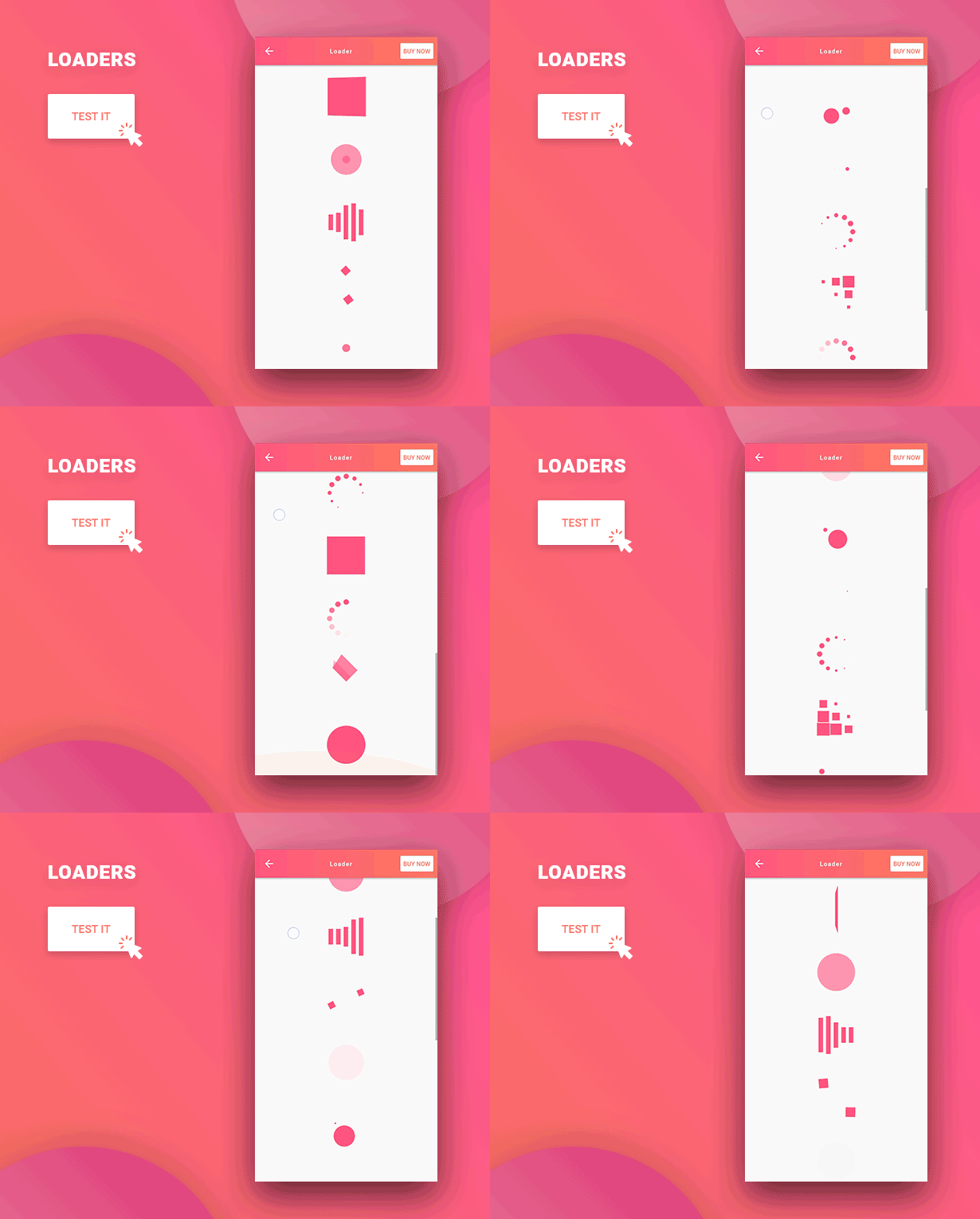
Progress bars are mostly used during downloads to show your users how much time will it take to finish or as loaders when a user is waiting for a certain section of an app to show up. With our clean progres bar we are sure you can find a lot more ways to use them than the ones we mentioned.
Checkboxes
Very versatile and commonly used component in almost every Android app out there. Check boxes are a must if your app has certain offers that can be customized to your users’ specific needs. Whether it’s choosing a type of notification, type of media to play or download, type of products they want to be shown on a screen, additional features for a selected service without checkboxes they will not be able to make any of these choices. We several types of checkboxes.
Splash Screens
Our Android app UI template offers three versions of beautiful designed and animated splash screens that are a perfect way to emphasize certain features or send specific information in your app. You can also simply use them as Welcome screens for your users.
Search bars
Search bars will help your users find what they want much faster and easier, which will drastically improve user experience in your Android app. There are several predefined themes and types of search bars that you’ll get when you buy our app template design, all of which include search suggestion.
Left menu
Last but not least, we also offer one versions of left menu. As all other components, left menus are also based on Google Material Design, so they are not only very useful but also great looking.
Why our customers love us?
“Solve all your doubts!” Emmarango, Material Design UI Ionic Template app
“Excellent. You saved me a lot of development effort. Great!” Alessandrotorres, Material Design UI Android Template app
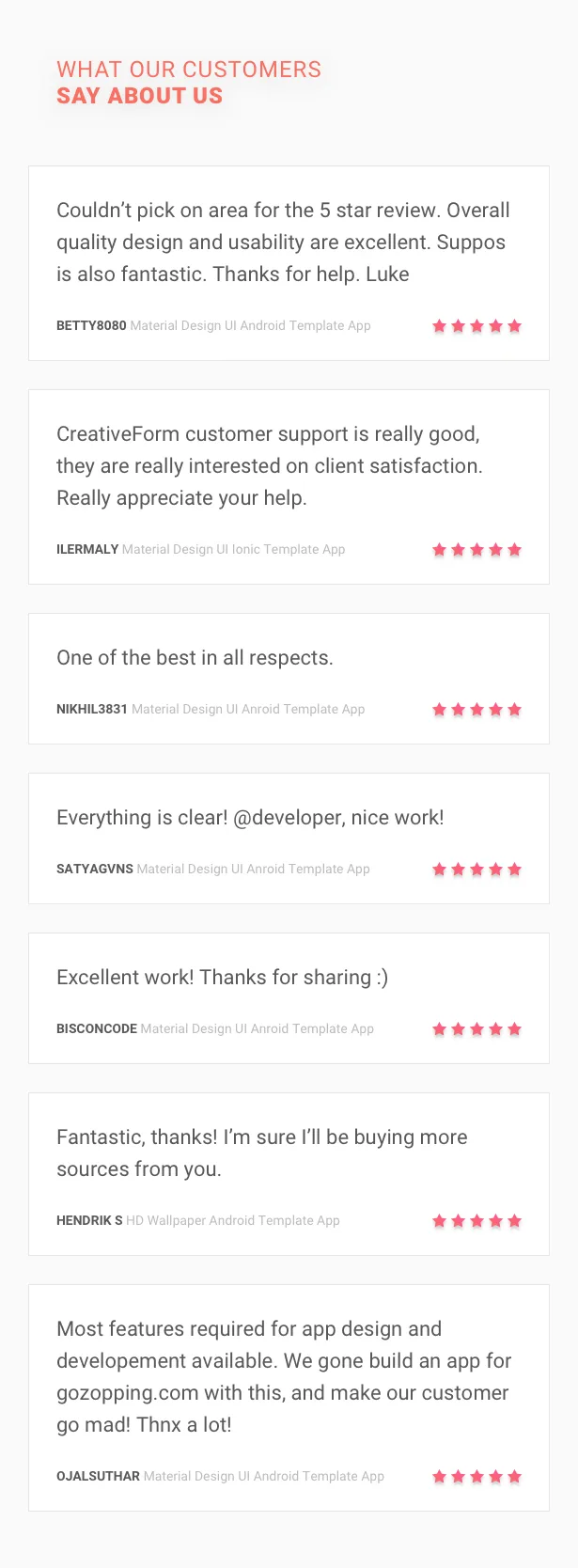
“Couldn’t pick one area for the 5 star review. Overall quality, design and usability are excellent. Support is also fantastic. Thanks for help. Luke” Betty8080, Material Design UI Android Template app<
“One of the best in all respects.” Nikhil3831, Material Design UI Android Template app
“Everything is clear. @developer, nice work” Satyagvns, Material Design UI Android Template app
“Excellent work. thanks for sharing :)” Bisoncode, Material Design UI Android Template app
“Most features required for app design and development available. We gone build an app for gozopping.com with this, and make our customer go mad.. thx a lot.” Ojalsuthar, Material Design UI Android Template app
“Absolutely amazing.” Vanduh, Material Design UI Android Template app
“Fantastic, thanks. I’m sure I’ll be buying more sources from you.” Henrik S., HD wallpaper Android Template App
“Great design quality!” Dedania23, HD wallpaper Android Template App
Excellent customer support
- We are offering FREE after sales support around. We care about your apps as much as you and we will help you in any way possible.
- FREE Lifetime Updates – get all the new features we add in each future update for free.
- Once you purchase, you can use our dedicated support where we quickly answer your questions.
- Includes great online documentation you can find and it’s constantly being updated with new material.
- Basic tutorials for newcomers about importing our template.
- Contact us at dev@csform.com
- Working hours: 09:00 – 16:00h, UTC+01:00. From Monday to Friday.
Credits
The images used in demos are not included in the downloaded ZIP file. All images belong to their rightful owners.
Categories
Tags
External listing. code.market does not sell this product and does not process payment for it. Pricing, payment, delivery, licensing, refunds, and support are handled by the third-party merchant on its own website. We may earn an affiliate commission from a referral. Details.
Products of the Week.
Submit🥇

STOP GUESSING WHAT TO POST
AI that learns your brand voice and builds a month of consistent, on-brand social content: carousels, posts and hooks that sound like you, not like everyone else's AI.
SaaS · 3,100 views · 28 clicksSaaS · Week 45 · 3,100 views · 28 clicks
🥈

Conversational Backlinks for Busy Founders
Place Backlink Relevant Conversation for your domain across Forums and Conversations
Website · 40,496 views · 216 clicksWebsite · Week 45 · 40,496 views · 216 clicks
🥉

upvote.club
Free Social Media Engagement that Helps Boost Your Content. Upvote Club supports 19 social networks with 100+ engagement actions in one dashboard. Add links to your posts and get free engagement from real users.
SaaS · 38,584 views · 110 clicksSaaS · Week 45 · 38,584 views · 110 clicks
#4

Substack Posting API
Onboard your Agent to Substack. Write Publish on Substack via API
SaaS · 57,626 views · 197 clicksSaaS · Week 45 · 57,626 views · 197 clicks
#5

Seenshot App
Free, Fast, MacOS Screenshot app. Make Screenshot cmd+shift+2 and send it via link
Desktop App · 27,057 views · 119 clicksDesktop App · Week 45 · 27,057 views · 119 clicks
#6

Hand-Placed Backlinks $9.99 per link. Flat rate.
Buy hand-placed forum, Q-A and directory backlinks. Flat $9.99 per link, no subscriptions — you only pay for approved listings.
Website · 2,994 views · 18 clicksWebsite · Week 45 · 2,994 views · 18 clicks
#7

Free Invoice Generator - PDF Invoices in Your Browser, No Sign-Up
A free invoice maker for freelancers and small businesses: fill in the invoice, check the live preview, and download a PDF that looks exactly like it. Any currency, tax per item, three templates, no sign-up, and nothing leaves your device.
1,689 views · 16 clicksWeek 45 · 1,689 views · 16 clicks
#8

Merge PDF Files Free - Combine PDFs in Your Browser, No Upload
A free PDF merger for office workers, students, and freelancers: combine PDFs and images into one file in the browser, reorder files and pages, pick page ranges, keep bookmarks, and open password-protected PDFs. Nothing is uploaded, no sign-up, no watermark.
1,581 views · 13 clicksWeek 45 · 1,581 views · 13 clicks