
Lockify - Stop Copycats WordPress Plugin
Description
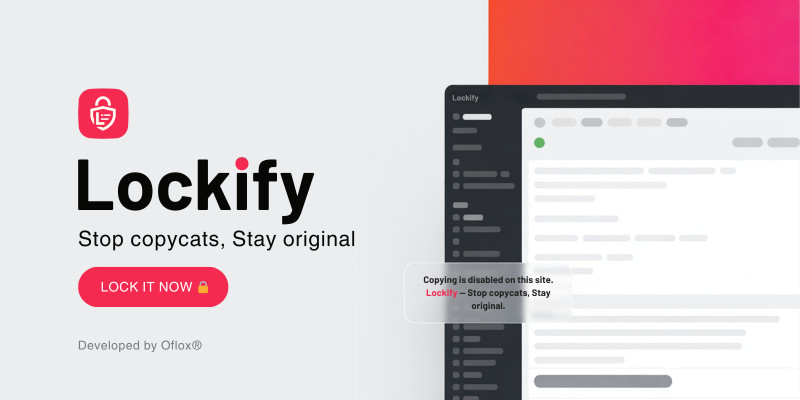
Lockify is a lightweight WordPress plugin that helps you protect your website content from casual copying. It disables right-click, blocks text selection and copy/cut/drag, and prevents common developer shortcuts like F12 or Ctrl/⌘+U. When a copy attempt is detected, a friendly warning message is shown to the visitor.
Developed by Oflox® – India’s #1 Trusted Digital Marketing Company. Website: https://www.oflox.com
Main Features
- Disable right-click and context menu
- Block text selection, copy, cut, and drag actions
- Prevent common shortcuts (F12, Ctrl/⌘+U, Ctrl/⌘+S/P, Ctrl/⌘+Shift+I/J)
- Site-wide protection for homepage, posts, pages, categories, and archives
- Customizable warning message (default: “Copying is disabled on this site by Lockify”)
- Exclude specific URLs or allow copy inside selected areas with the
lockify-exemptclass - Lightweight and performance-friendly
- Compatible with Gutenberg, Elementor, WPBakery, and major WordPress themes
- Regular updates and reliable support from the Oflox® team
How It Works
Lockify runs a small, optimized script on the frontend that intercepts context menu events, keyboard shortcuts, and drag actions. It prevents casual copying and displays a non-intrusive toast message to inform users that content is protected.
What’s Included
- Lockify plugin files (ZIP, ready to install)
- Documentation (HTML) with setup instructions
- Readme, changelog, and license
- Free lifetime updates and 6 months support
Requirements
- WordPress 5.2 or higher (tested up to 6.x)
- PHP 7.2 or higher
- Modern browsers: Chrome, Firefox, Safari, Edge
Installation
- Go to WordPress Dashboard → Plugins → Add New → Upload Plugin
- Upload the Lockify ZIP file and click Install Now
- Activate the plugin
- Open Settings → Lockify, configure your options, and save
Notes
Client-side protection is designed to deter casual copying. No solution can guarantee 100% prevention of content theft.
Credits
Lockify is proudly developed by Oflox®. Learn more at oflox.com.
Features
Disable right-click, text selection, copy, cut, and dragBlock common shortcuts (F12, Ctrl/⌘+U, Ctrl/⌘+S/P, Ctrl/⌘+Shift+I/J, etc.)Works site-wide: homepage, posts, pages, categories, and archivesCustomizable warning message when copy attempts are detectedOption to exclude certain pages or blocks from protectionFully compatible with Gutenberg, Elementor, WPBakery, and all major themesLightweight plugin with no performance impactEasy-to-use settings panel inside WordPress dashboardRegular updates and dedicated support by Oflox®Requirements
WordPress version 5.2 or higher (tested up to 6.x)PHP version 7.2 or higherBasic WordPress installation (no extra setup required)Works with all major browsers (Chrome, Firefox, Safari, Edge)Instructions
- Download the ZIP package from Codester.
- Go to your WordPress Admin Dashboard → Plugins → Add New → Upload Plugin.
- Upload the Lockify ZIP file and click Install Now.
- Activate the plugin after installation.
- Navigate to Settings → Lockify in your WordPress dashboard.
- Configure your preferred protection options (right-click disable, copy protection, custom warning message).
- Save changes and your site is now protected.
| Author | Oflox |
|---|---|
| Category | Plugins / WordPress / Miscellaneous |
| Price | $15 |
| Extended License | $45 |
| First Release | Sep 17, 2025 |
| Last Update | Sep 17, 2025 |
| Supported cms | WordPress 5.8, WordPress 5.9, WordPress 6.0, WordPress 6.1, WordPress 6.2, WordPress 6.3, WordPress 6.4, WordPress 6.5, WordPress 6.6, WordPress 6.7 |
| Files included | .php, .css, .html, JavaScript .js |
Categories
Tags
External listing. code.market does not sell this product and does not process payment for it. Pricing, payment, delivery, licensing, refunds, and support are handled by the third-party merchant on its own website. We may earn an affiliate commission from a referral. Details.