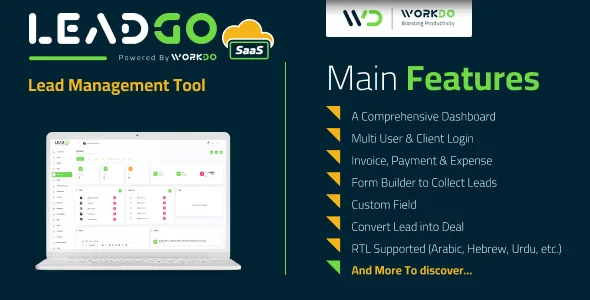
LeadGo SaaS - Lead Management Tool
Description
Overview
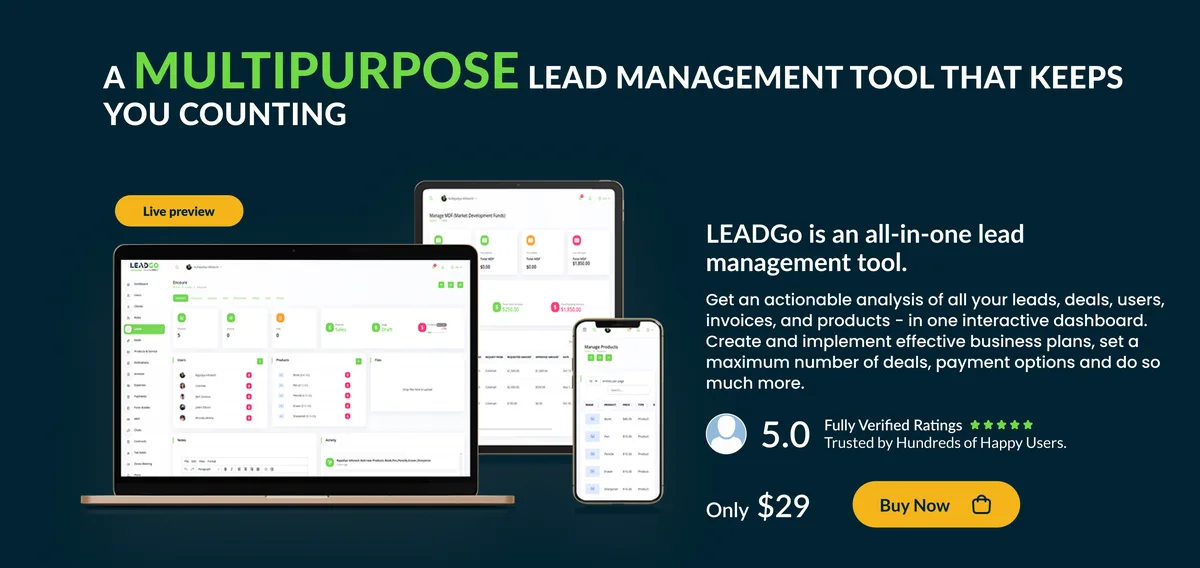
LeadGo SaaS is a Lead Management Tool for maintaining precision in managing multiple leads. Using this proficient tool you could manage the visibility of your leads across various stages in the pipeline. It guarantees improved efficiency with ease in allocating multiple resources to various leads simultaneously. With a SaaS version, create plans using a super admin login.


Demo
Url : Demo Link Login as Super Admin : superadmin@example.com / 1234 Login as Owner : owner@example.com / 1234 Login as Client : adams@example.com / 123456789 Login as User : coleman@example.com / 123456789



What to expect from LeadGo SaaS – Lead Management Tool
- An effective dashboard to get an overview of the required information
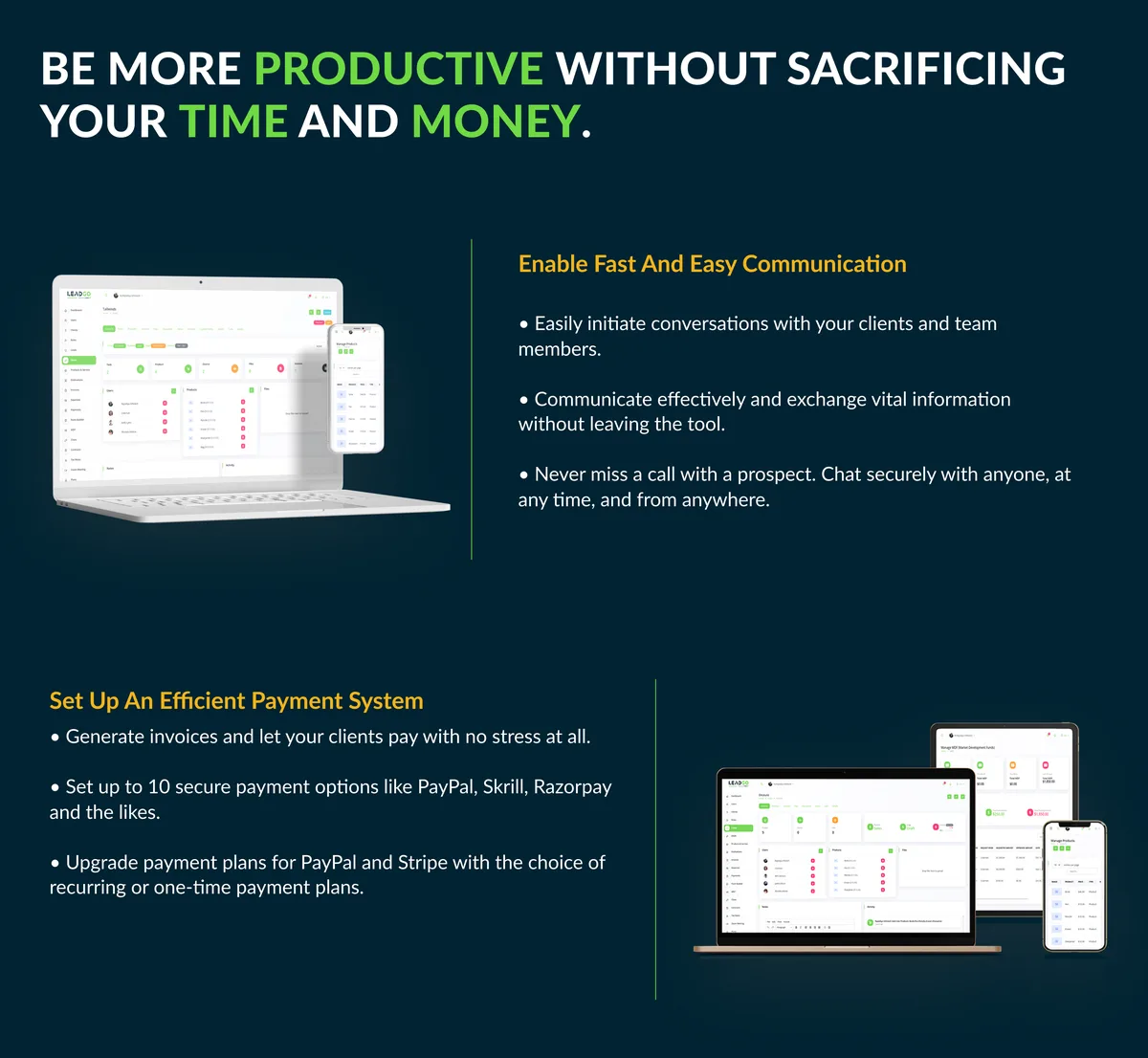
- Ease in adding payments and products on an invoice
- Convert Lead into Deal
- Restriction on client and user permissions. Assigning roles to users and managing their permission through multiple modules
- Availability in multiple languages makes it a tool accessible on global platforms
- Accessible by multiple users and clients
- Managing various pipelines and their stages to understand the true standing of deals and leads
- Kanban board management for managing the progress of deals and leads
- Calendars and notes to keep a tab on important matters
- Facilitates label creation and product addition
- Your client can pay invoices via Paypal and Stripe based on your setting
- Customization of field setup for deals, products, users, and clients
- Add Client and User Detail Page
- Slack Integration
- Zoom Integration
- Telegram Integration
- Upgrade Theme & Added Landing Page
- Add currencies according to the requirement as well as company profile setting for invoice purpose
- 10 attractive pdf templates and a color palette to customize your invoice
- A user-friendly RTL experience for the customers using Arabic, Hebrew, and Urdu-like languages
- Any of the plans’ payments can be done using 10 diverse payment gateways namely Stripe, PayPal, Paystack, Flutterwave, Razorpay, Paytm, Mollie, Skrill, Mercado Pago, CoinGate, Paymentwall
- Paypal and Stripe will have Recurring and One-Time purchase options on the upgrade plan
- Built with Laravel 8
Salient Features of an LeadGo SaaS – Lead Management Tool
Create Plans and get Payment – a special SaaS feature
With a Super Admin Login, create plans that are most feasible for your business model. Select appropriate pricing and duration for the created plan. You can allow users, clients, and a maximum number of deals. Get payment using various payment gateways. The plan would be disabled if not renewed after its expiry.An Efficient Dashboard
Get an overview of total clients, users, deals, and invoices along with a graphical representation of invoice – payment chart. A calendar for the management of deals and task deadlines makes it easier for firms to make informed decisions.Multi-User and Multi-Client
Appoint multiple users on various deals. You could assign roles to them and control their access to certain parameters by assigning permissions. Assign multiple clients on the same deal. Thus, the multi-user, multi-client feature facilitates ease in deal management.Customize the Roles and control Permissions for Users and Clients
Control access of users by assigning permissions on various modules for each role. Similarly, you could assign permissions to limit the client’s activity on assigned deals.Invoice Management
Create an invoice for deals by assigning due dates and tax rates. Edit existing invoices by adding products and changing the invoice status. Add payments through available payment modes. Your client can pay invoices via Paypal and Stripe based on your setting. They can also use QR codes.Expense Management
Manage new expenses by selecting from various categories on given deals. Assign the user to an expense and keep a clear tab on the amount and date on which the given expense occurred. A file could be attached to support the evidence. Update existing expenses in case of any change.Manage numerous products
Add new products to an already existing list of products. Add product descriptions and prices along with attaching files for each product.Slack Integration
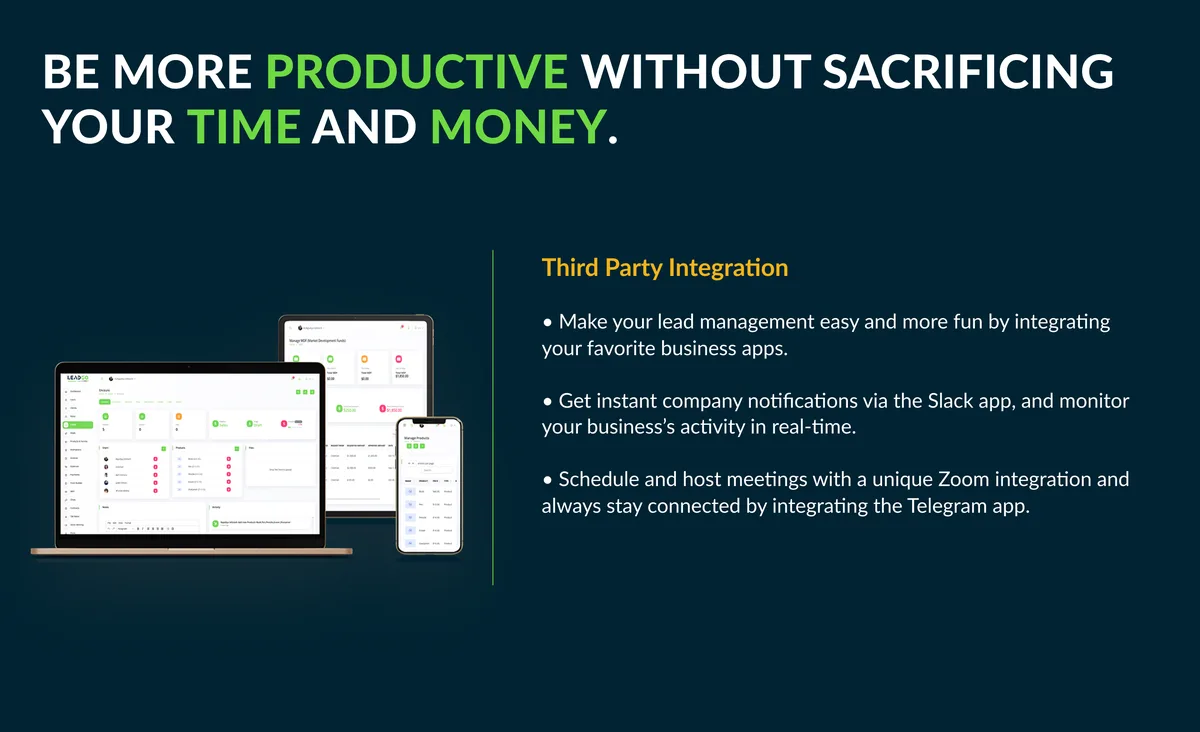
Receiving instant notifications of the company’s activities is one of the most painless ways to keep a tap on them. With the help of Slack Integration, you can get insight into the major actions through the specific channels as when they are performed. It also helps you to schedule the messages for future dates. Rectifying mistakes are also not burdensome.Zoom Integration
Virtual meetings are no new to us. The Zoom Integration provides a platform where you can create a zoom meeting after giving inputs of asked details like; Client, User(s), Meeting Time, Duration, and it generates a link through which people can join the meeting. You can create, View, Start, and Delete meetings with ease. Along with that, the zoom meeting created, will be synced with the calendar which will show the meeting details, as well as which are the people joining the meeting at what time. This calendar syncing feature helps to schedule meetings accordingly.Telegram Integration
Hassle-free and instant message is one of the absolute ways to stay in tune and connected with projects and activities of the projects. With the Telegram Integration, you can get the notification of the actions performed regarding anything which interests you. Staying in tune with the performing jobs is smooth with this feature.System Settings
Customize your system settings by adding currencies and selecting their symbols and positions. Choose the date and time format and assign a prefix to the invoice. Add company details along with your mail id to your system settings.Chat
Initiate conversations with users. Talk about important matters immediately without any hassles.Manage Setup
Create multiple pipelines and assign multiple stages and labels to them. Create sources of deal generation and add payment methods to your system. Manage various expense categories by adding them according to business needs.Customized Field Setup
Create custom fields on selected modules of product, deal, client, and user. Such customization facilitates ease in keeping a tab on the information.Lead Regulation
Kanban Board for Lead Management
Manage leads by easy drag and drop system. Easily relocate the leads to various stages through the Kanban board system.
Deal Regulation
Kanban Board for Deal Management
Manage deals by easy drag and drop system. Easily relocate the deals to various stages through the Kanban board system.
Create Deals
Create new deals by assigning resources like price, clients, products, and sources. Select the pipeline and its stage. You could also add notes to them.
Individual Deal Features
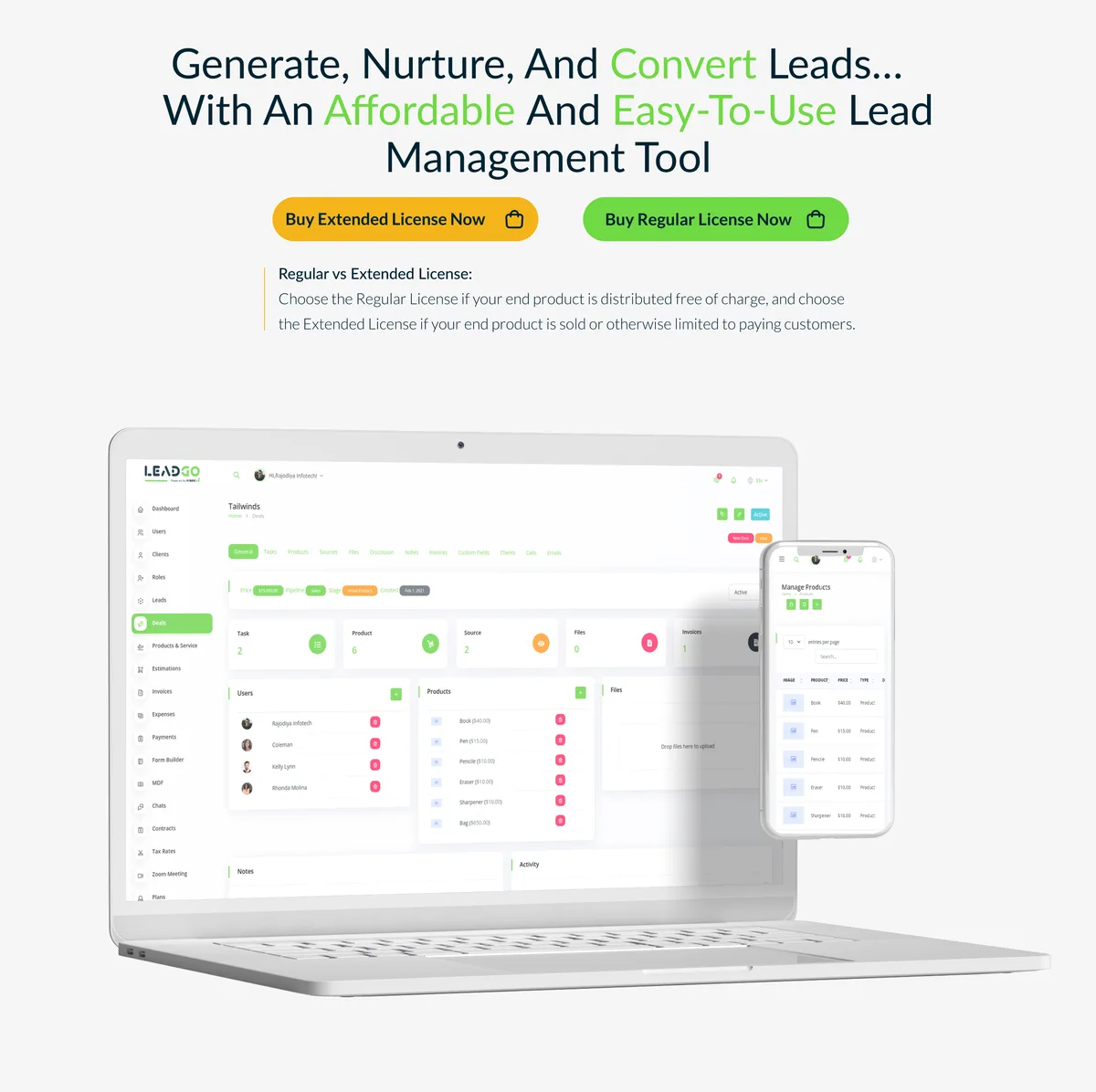
Add labels and tasks to a particular deal. Change the status of tasks and assign priority to them. Add relevant products, sources, and files to it. Converse with a discussion tab and take essential notes. Check the invoices on the given deal and restrict client permissions. Add or remove products and users on a given deal. An individual calendar for each deal and an activity tab make it easier to keep an eye on important matters.
Add Users and Clients on a Deal
This feature enables the user and clients to only see the particular deal as and when they log in.
Add Form builder module, using this provide create lead option
Create and manage various required forms with diverse form fields, like, Text, Email, Number, Date, and Description as per the business needs for leads.MDF (Market Development Funds) Module
MDF (Market Development Funds) is a resource that a vendor grants to its indirect sales channel partners to help the channel with sales and marketing programs. The MDF Module helps to request the funding amount and displays the various amounts like approved, the available amounts for transparency.Changelog
Here you can see what updates came out and did we bring new to the version. Check Changelog
Support
Please send support request here for any issues, questions or suggestions. To save time and get quick feedback, please don’t ask for support in comments section.



Categories
Tags
External listing. code.market does not sell this product and does not process payment for it. Pricing, payment, delivery, licensing, refunds, and support are handled by the third-party merchant on its own website. We may earn an affiliate commission from a referral. Details.
Products of the Week.
Submit🥇

STOP GUESSING WHAT TO POST
AI that learns your brand voice and builds a month of consistent, on-brand social content: carousels, posts and hooks that sound like you, not like everyone else's AI.
SaaS · 4,286 views · 38 clicksSaaS · Week 45 · 4,286 views · 38 clicks
🥈

Conversational Backlinks for Busy Founders
Place Backlink Relevant Conversation for your domain across Forums and Conversations
Website · 41,997 views · 223 clicksWebsite · Week 45 · 41,997 views · 223 clicks
🥉

upvote.club
Free Social Media Engagement that Helps Boost Your Content. Upvote Club supports 19 social networks with 100+ engagement actions in one dashboard. Add links to your posts and get free engagement from real users.
SaaS · 40,038 views · 117 clicksSaaS · Week 45 · 40,038 views · 117 clicks
#4

Substack Posting API
Onboard your Agent to Substack. Write Publish on Substack via API
SaaS · 59,048 views · 198 clicksSaaS · Week 45 · 59,048 views · 198 clicks
#5

Seenshot App
Free, Fast, MacOS Screenshot app. Make Screenshot cmd+shift+2 and send it via link
Desktop App · 28,422 views · 122 clicksDesktop App · Week 45 · 28,422 views · 122 clicks
#6

Hand-Placed Backlinks $9.99 per link. Flat rate.
Buy hand-placed forum, Q-A and directory backlinks. Flat $9.99 per link, no subscriptions — you only pay for approved listings.
Website · 4,257 views · 19 clicksWebsite · Week 45 · 4,257 views · 19 clicks
#7

Free Invoice Generator - PDF Invoices in Your Browser, No Sign-Up
A free invoice maker for freelancers and small businesses: fill in the invoice, check the live preview, and download a PDF that looks exactly like it. Any currency, tax per item, three templates, no sign-up, and nothing leaves your device.
2,934 views · 17 clicksWeek 45 · 2,934 views · 17 clicks
#8

Merge PDF Files Free - Combine PDFs in Your Browser, No Upload
A free PDF merger for office workers, students, and freelancers: combine PDFs and images into one file in the browser, reorder files and pages, pick page ranges, keep bookmarks, and open password-protected PDFs. Nothing is uploaded, no sign-up, no watermark.
2,710 views · 13 clicksWeek 45 · 2,710 views · 13 clicks