
Kunstwerk - Handycraft Marketplace WordPress Theme

Description








Meet a sophisticated and elegant Kunstwerk Multi-vendor Marketplace WordPress Theme that is focused on any kind of handmade business, such as arts, crafts, carpentry, pottery, ceramics, tailoring, leather, jewelry, furniture, etc..
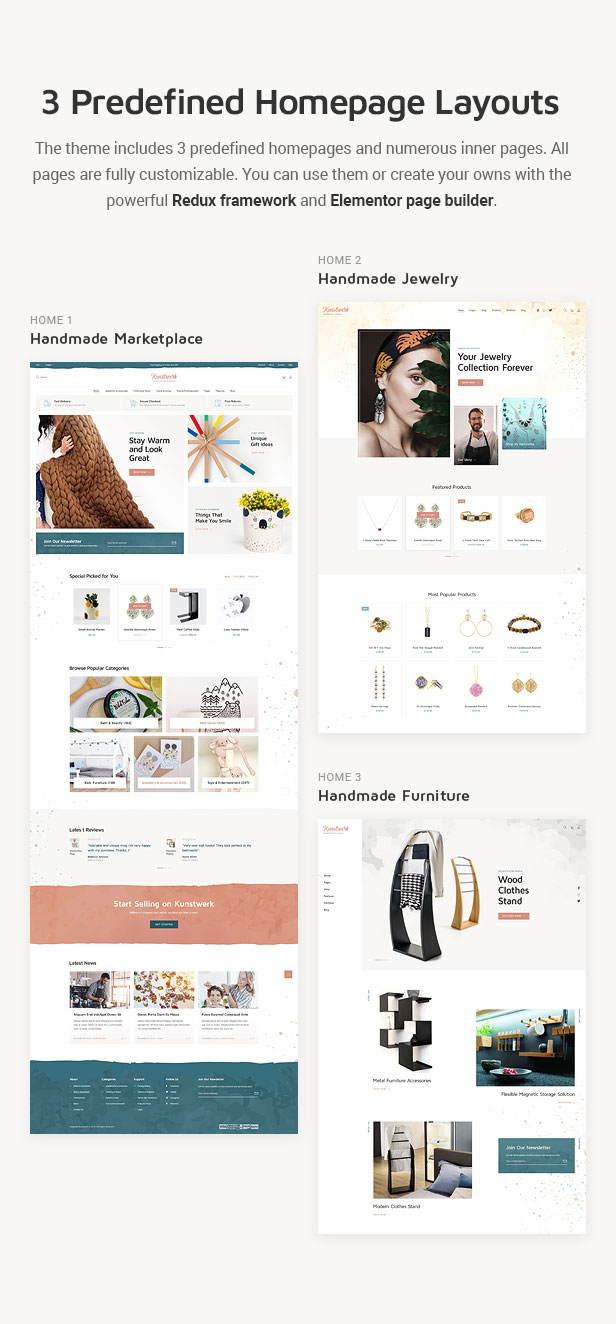
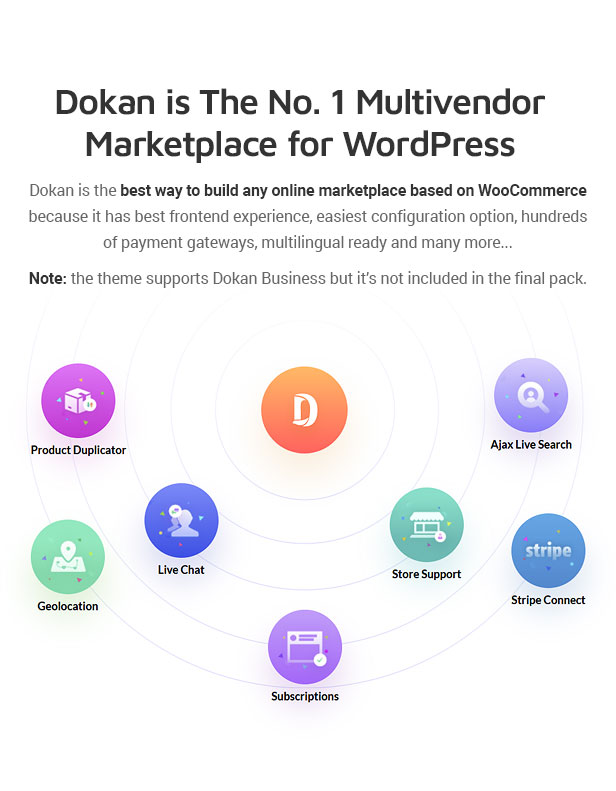
Our template includes 3 predefined homepages created by Elementor Page Builder. We designed Dokan MultiVendor Dashboard for Free and Paid versions.
Be professional! Start today with Kunstwerk.
All Features:
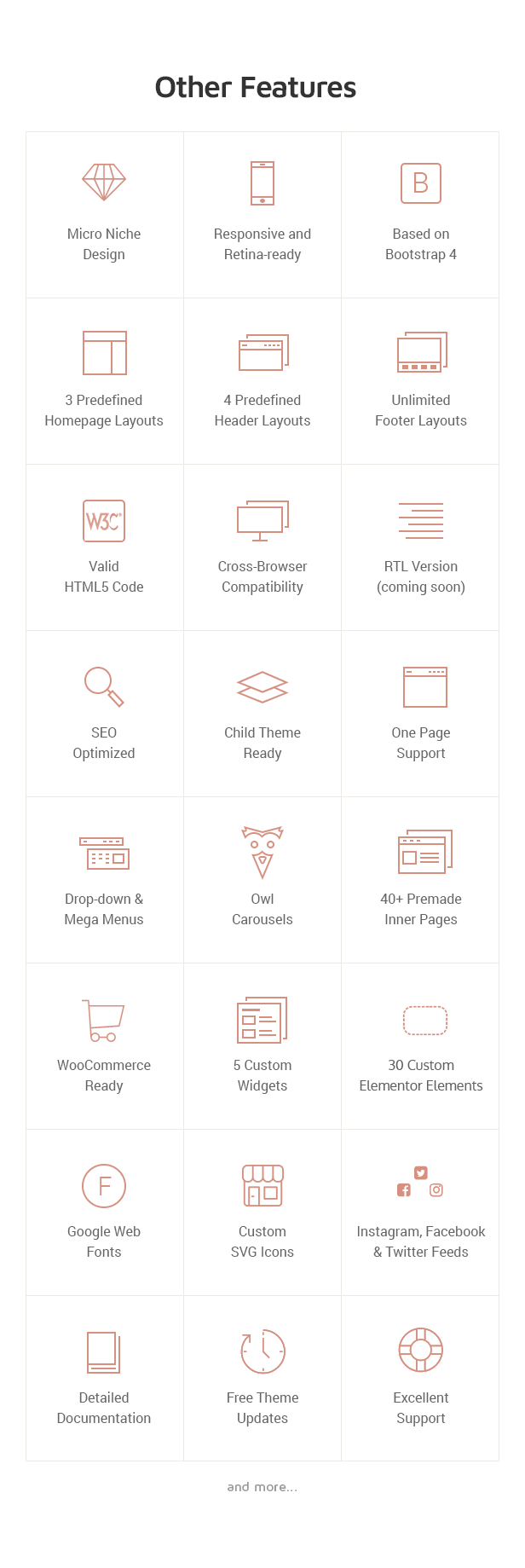
- Micro niche design;
- Based on Bootstrap 4 grid;
- Vertical rhythm;
- Responsive and retina-ready layout;
- Preloader and minimal css animation;
- Cross-browser compatibility (IE11+);
- Valid HTML5 code;
- 3 predefined Home Page layouts;
- Retina ready;
- Redux Theme settings;
- WPML ready;
- WooCommerce ready;
- Elementor Page Builder;
- MultiVendor Dokan Compatibility;
- Custom Dokan Dashboard Design;
- Dokan Business Compatibility (Paid Modules are not included);
- Carousels;
- Slider Revolution included;
- Sticky headers;
- 2 variants of About Us pages;
- Drop-down and mega menus;
- Unlimited footer layouts;
- 4 predefined header layouts;
- 30 custom Elementor elements;
- Typography pages;
- 2 variants of Contact page;
- 6 variants of Blog page;
- 2 variants of Portfolio page;
- 2 variants of Vendor Store page;
- Shop pages;
- Profile page;
- SVG custom icons;
- Icon fonts;
- Google web fonts;
- Facebook, Twitter and Instagram feeds;
- Contact form 7;
- Newsletter subscription form;
- 404 page;
- Coming soon page;
- RTL version compatibility
- Documentation;
Online Documentation:
https://velikorodnov.com/online-documentation/kunswerk/.Clipart:
Images for the preview were used from Studio3Sdesign, DepositPhotos, Unsplash, Pexels, Pixabay, ActiveFelt, Etsy and Judithbright and are not included in the final pack.Updates:
Version 2.5.1 – May 14, 2026 UPDATED: - plugins - demo data - license verificationVersion 2.5 – September 14, 2025
UPDATED:
- plugins
Version 2.4 – February 9, 2025
UPDATED:
- plugins

FIX:
- issue with the latest Elementor version
Version 2.3 – 19.10.2024
UPDATED:
- plugins
Version 2.2 – April 9, 2024
UPDATED:
- plugins
Version 2.1 – December 13, 2023
UPDATED:
- plugins
Version 2.0 – August 13, 2023
UPDATED:
- plugins

FIX:
-Minicart
Version 1.9 – November 10, 2022
UPDATED:
- plugins

FIXED:
- small issues
- save theme settings in firefox

REMOVED:
- twitter plugin
Version 1.8 – April 14, 2022
ADDED:
- WooCommerce Filter

UPDATED:
- plugins

FIXED:
- issue with Elementor
Version 1.7 – July 27, 2021
ADDED:
- WP5.8 compatibility

UPDATED:
- plugins

FIXED:
-small issues
Version 1.6 – January 9, 2021
ADDED:
- WiooCommerce Bulk editor plugin
Version 1.5 – December 24, 2020
FIXED:
- small issues

UPDATED:
- the latest Envato theme check
- Envato market
- Revslider
- WP5.6
- Woocommerce
Version 1.4 – June 15, 2020
FIXED:
- small issues
- Team members element
Version 1.3 – May 12, 2020
FIXED:
- small issues

NEW:
- Social Network login plugin
Version 1.2 – May 1, 2020
FIXED:
- small issues

NEW:
- Wishlist
- Ajax Login
Version 1.1 – April 24, 2020
ADDED:
- theme activation
Version 1.0
NEW:
- template release
If you like our product, don’t forget to rate it  Thank you
| Type | WooCommerce Theme |
|---|---|
| Author | Monkeysan |
| Category | Wordpress / Ecommerce / Woocommerce |
| Price | $69 |
| Sales | 170 |
| Rating | 4.57 from 7 ratings |
| Published | Apr 16, 2020 |
| Last Update | May 14, 2026 |
| Columns | 4+ |
| Compatible Browsers | IE11, Firefox, Safari, Opera, Chrome, Edge |
| Compatible Software | WordPress 7.0.x, WordPress 6.9.x, WordPress 6.8.x, WordPress 6.7.x, WordPress 6.6.x, WordPress 6.5.x, WordPress 6.4.x, WordPress 6.3.x, WordPress 6.2.x, WordPress 6.1.x, WordPress 6.0.x, WordPress 5.9.x, WordPress 5.8.x, WordPress 5.7.x, WordPress 5.6.x, WordPress 5.5.x, WordPress 5.4.x, WordPress 5.3.x |
| Compatible With | Elementor, Gravity Forms, WooCommerce 9.x.x, WooCommerce 8.x.x, WooCommerce 7.x.x, WooCommerce 6.x.x, WPML, Bootstrap 4.x |
| Documentation | Well Documented |
| Gutenberg Optimized | No |
| Layout | Responsive |
| Files Included | PHP Files, CSS Files, JS Files |
| Widget Ready | Yes |
| Key Features | Multivendor & Marketplace With, Custom Dokan Vendors Dashboard, Elementor Page Builder with WooCommerce |
Categories
Tags
External listing. code.market does not sell this product and does not process payment for it. Pricing, payment, delivery, licensing, refunds, and support are handled by the third-party merchant on its own website. We may earn an affiliate commission from a referral. Details.
Products of the Week.
Submit🥇

STOP GUESSING WHAT TO POST
AI that learns your brand voice and builds a month of consistent, on-brand social content: carousels, posts and hooks that sound like you, not like everyone else's AI.
SaaS · 4,306 views · 38 clicksSaaS · Week 45 · 4,306 views · 38 clicks
🥈

Conversational Backlinks for Busy Founders
Place Backlink Relevant Conversation for your domain across Forums and Conversations
Website · 42,032 views · 223 clicksWebsite · Week 45 · 42,032 views · 223 clicks
🥉

upvote.club
Free Social Media Engagement that Helps Boost Your Content. Upvote Club supports 19 social networks with 100+ engagement actions in one dashboard. Add links to your posts and get free engagement from real users.
SaaS · 40,076 views · 117 clicksSaaS · Week 45 · 40,076 views · 117 clicks
#4

Substack Posting API
Onboard your Agent to Substack. Write Publish on Substack via API
SaaS · 59,084 views · 198 clicksSaaS · Week 45 · 59,084 views · 198 clicks
#5

Seenshot App
Free, Fast, MacOS Screenshot app. Make Screenshot cmd+shift+2 and send it via link
Desktop App · 28,458 views · 122 clicksDesktop App · Week 45 · 28,458 views · 122 clicks
#6

Hand-Placed Backlinks $9.99 per link. Flat rate.
Buy hand-placed forum, Q-A and directory backlinks. Flat $9.99 per link, no subscriptions — you only pay for approved listings.
Website · 4,291 views · 19 clicksWebsite · Week 45 · 4,291 views · 19 clicks
#7

Free Invoice Generator - PDF Invoices in Your Browser, No Sign-Up
A free invoice maker for freelancers and small businesses: fill in the invoice, check the live preview, and download a PDF that looks exactly like it. Any currency, tax per item, three templates, no sign-up, and nothing leaves your device.
2,966 views · 17 clicksWeek 45 · 2,966 views · 17 clicks
#8

Merge PDF Files Free - Combine PDFs in Your Browser, No Upload
A free PDF merger for office workers, students, and freelancers: combine PDFs and images into one file in the browser, reorder files and pages, pick page ranges, keep bookmarks, and open password-protected PDFs. Nothing is uploaded, no sign-up, no watermark.
2,739 views · 13 clicksWeek 45 · 2,739 views · 13 clicks