
KeepBerry - Flutter Chat and Community App

Description
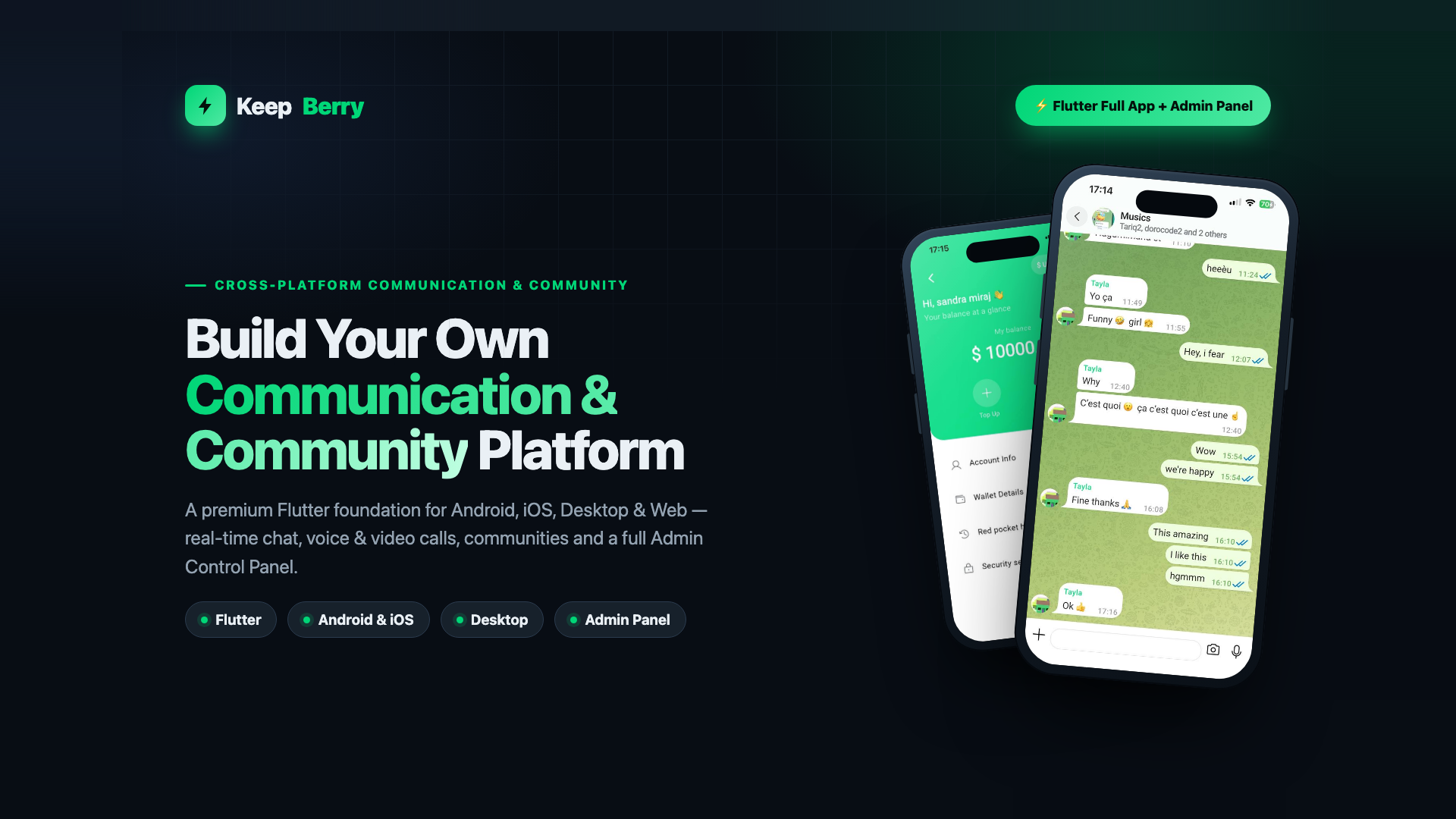 Flutter Full App • Android • iOS • Desktop • Web • Admin Panel
Build Your Own Communication & Community Platform
KeepBerry is a premium, production-ready Flutter foundation. Launch a modern messaging, social or community app on every screen — from one codebase, with a real backend and a full Admin Control Panel.
View Live Demo Please note — third-party services & possible ongoing costsReal-time audio/video calling is powered by LiveKit and WebRTC. These are external services: to run calling in production you will need your own LiveKit server or a LiveKit Cloud account, which may involve ongoing usage-based fees billed by those providers. The same applies to any other external infrastructure you connect (push notifications, object storage/CDN, SMS). This item's price covers the source code only — it does not include, and the author is not responsible for, any third-party subscription or usage charges. Text chat and the rest of the app run on your own backend with no such per-use fees.
1 Codebase Android, iOS, Desktop & Web Real-time Chat, calls & presence Admin Full control panel included Yours Rebrand & customise Honest positioning: KeepBerry gives users the modern messaging experience they already expect — real-time delivery, read receipts, media, groups and calls — in a foundation you own and control. It is not a clone of any existing product and contains no third-party brand assets.Demo Instructions
Sign in and try everything before you buy. No registration needed.
Demo URL https://community.keepberry.com/ Email demo@keepberry.com Password DemoPass2026How to use it: open the demo URL, choose Sign In, and enter the email and password above. You can then join a community, post to the feed, send messages, open the wallet and browse the marketplace exactly as a real user would.
This is a shared demo account on a live sandbox, so other people are signed in as it too and content is reset periodically. The Admin Control Panel is a separate application included in the download; it is not exposed on the public demo, and its screens are shown in the screenshots and documented in full.
Why start with KeepBerry?
Building real-time chat, calls, communities and an admin panel from scratch takes months. Start from a clean, modern foundation instead.
1 Faster time to market The hard parts already exist — messaging, calls, auth and admin. Focus on your product, not the plumbing. 2 One codebase, every screen A single Flutter project targets Android, iOS, Desktop (Windows & macOS) and Web, plus a matching admin app. 3 A real backend, not a mockup Node.js + Express + MongoDB + Redis with a Socket.IO real-time layer — wired and ready to deploy. Mobile application A polished experience on Android & iOS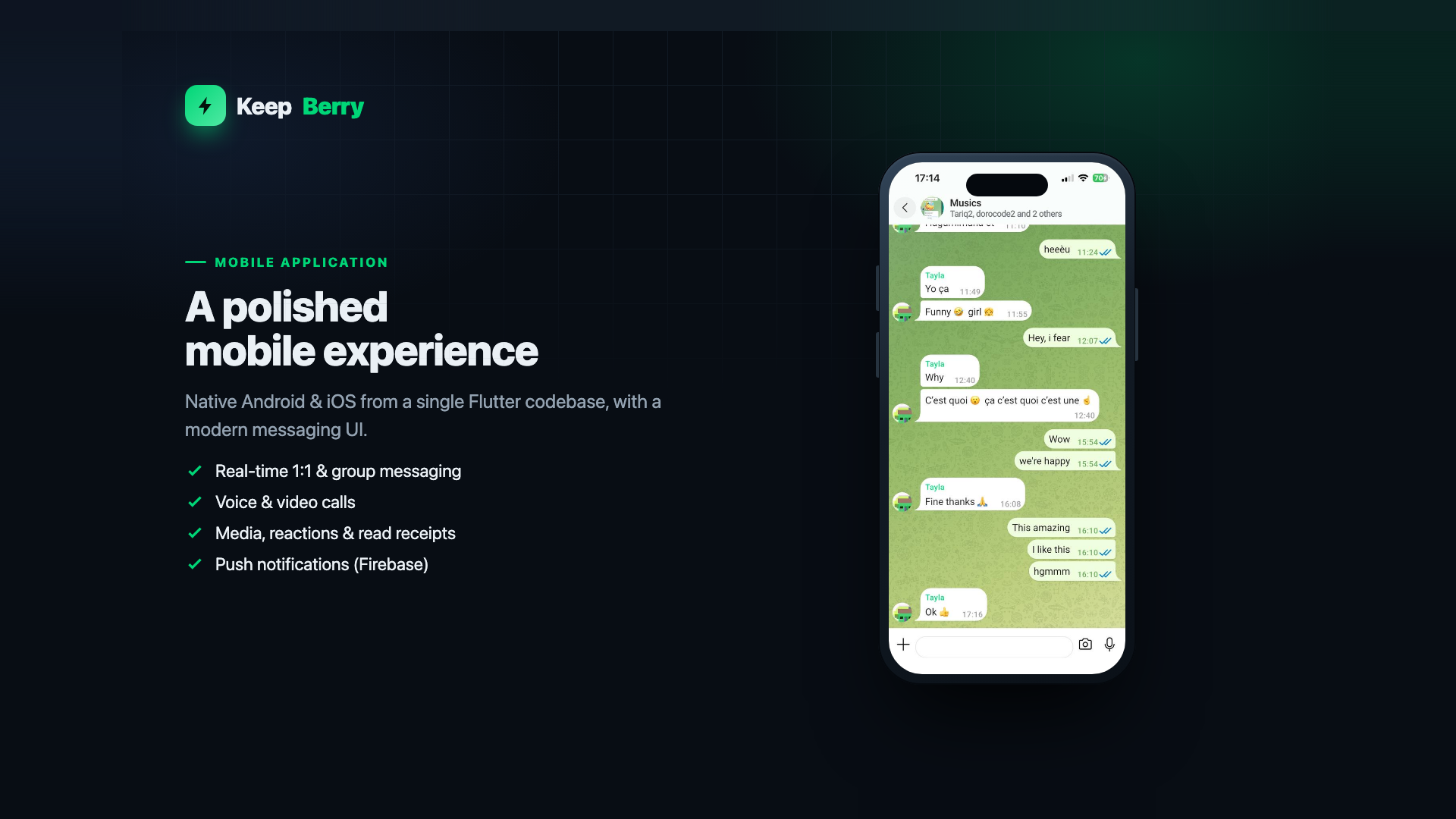
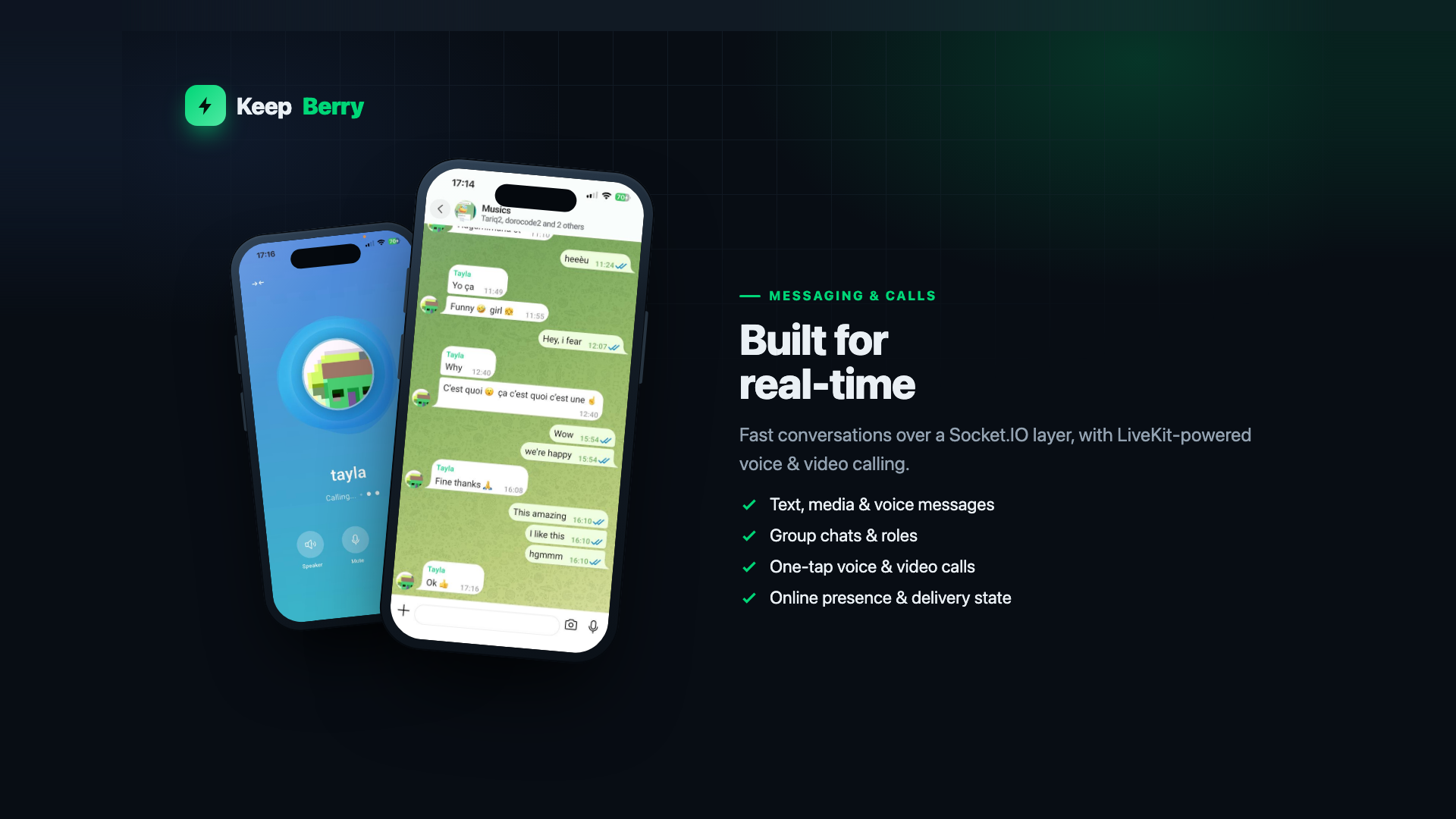
Everything a modern communication app needs
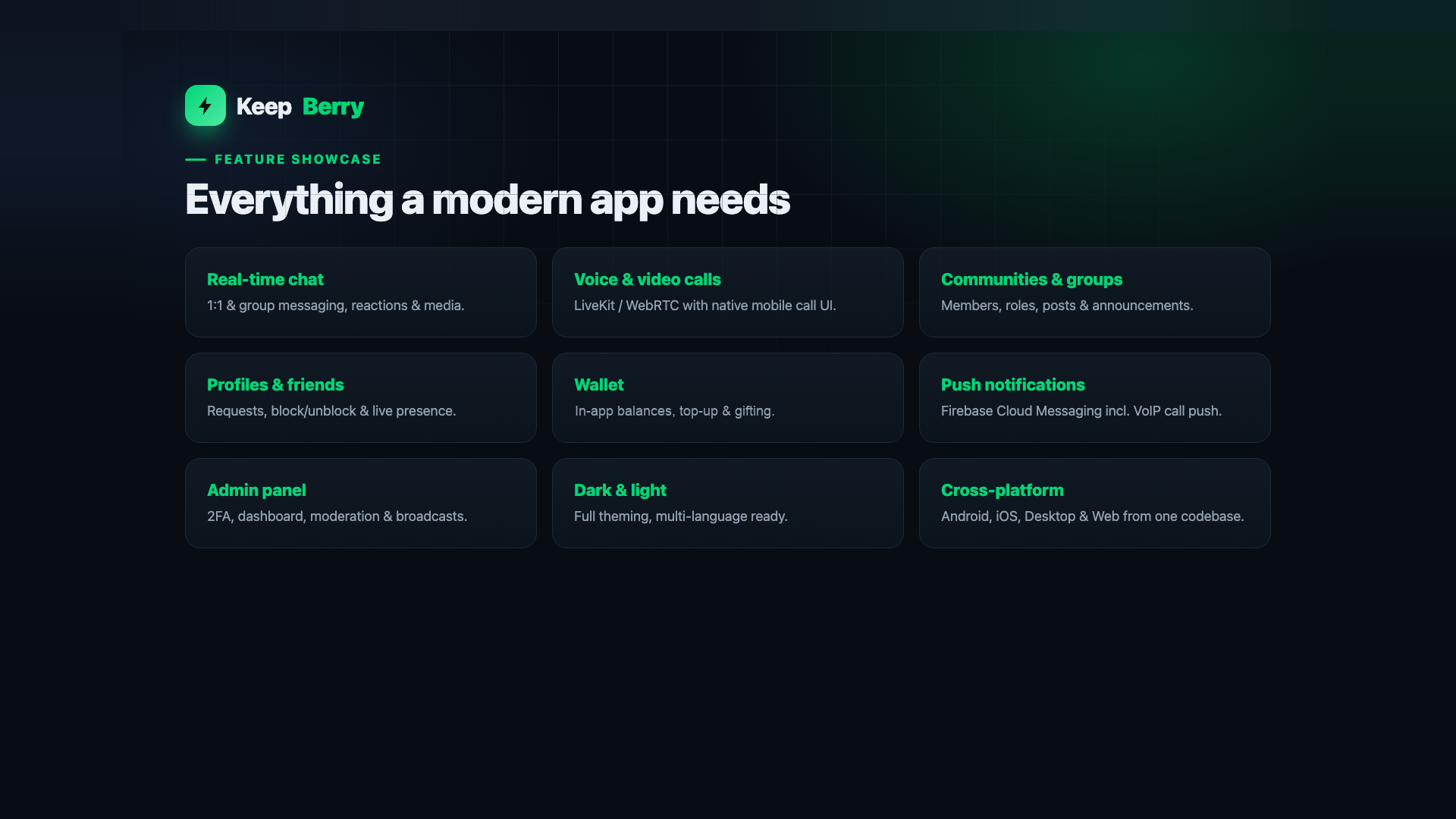
Every feature below is part of the product — verified in the source, no placeholders.
 Communication
Real-time messaging
1:1 & group chat, reactions, media & link previews over Socket.IO.
Communication
Voice & video calls
LiveKit / WebRTC calling with native call UI on mobile.
Communities
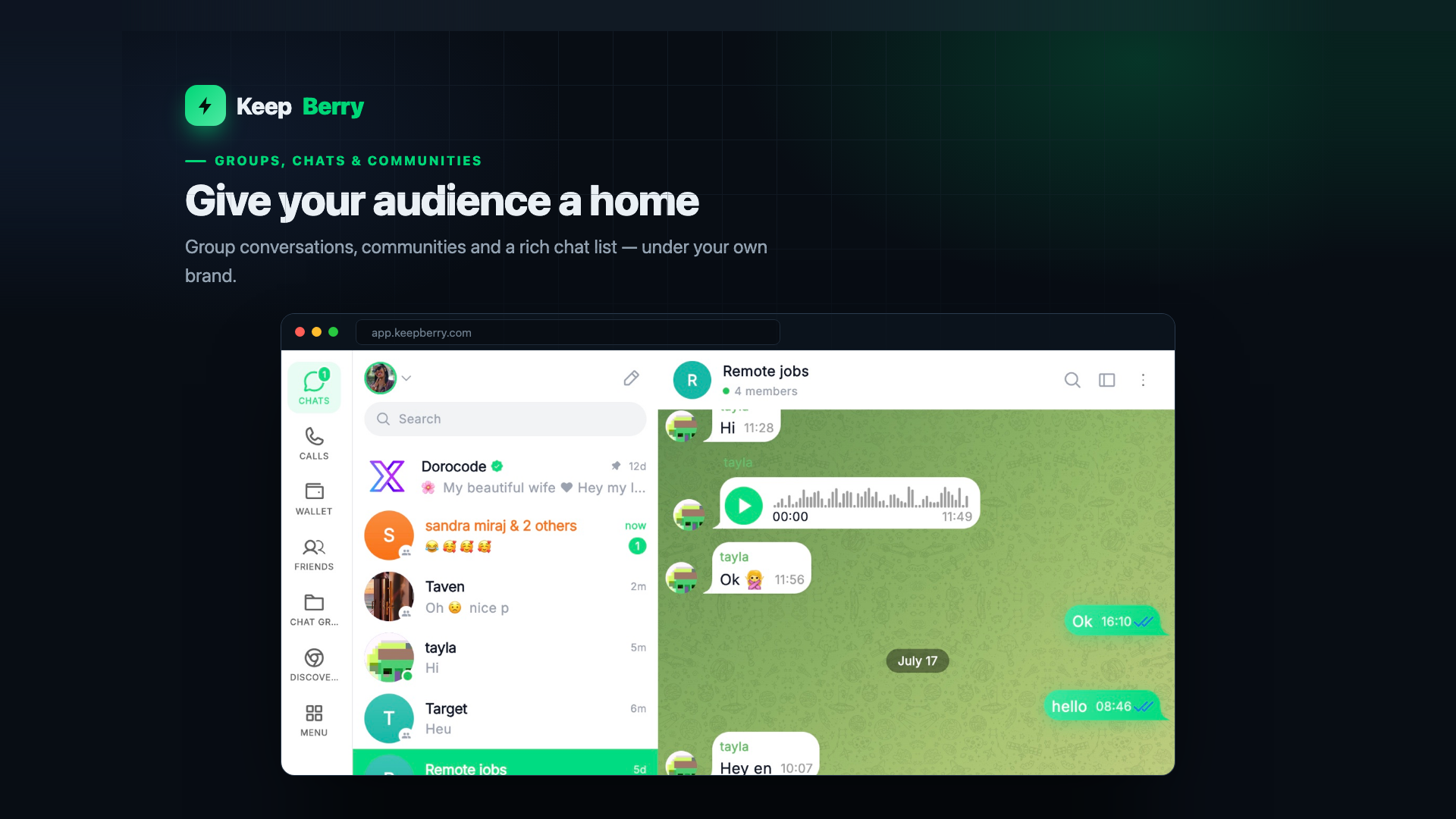
Communities & groups
Members, roles, posts, stories & announcements.
Profiles
Profiles & friends
Requests, block/unblock & real-time presence.
Growth
Wallet & invites
In-app balances, invite links & referral codes.
Notifications
Push notifications
Firebase Cloud Messaging, incl. VoIP push for calls.
Administration
Admin control panel
2FA login, dashboard, user & group moderation, broadcasts.
Experience
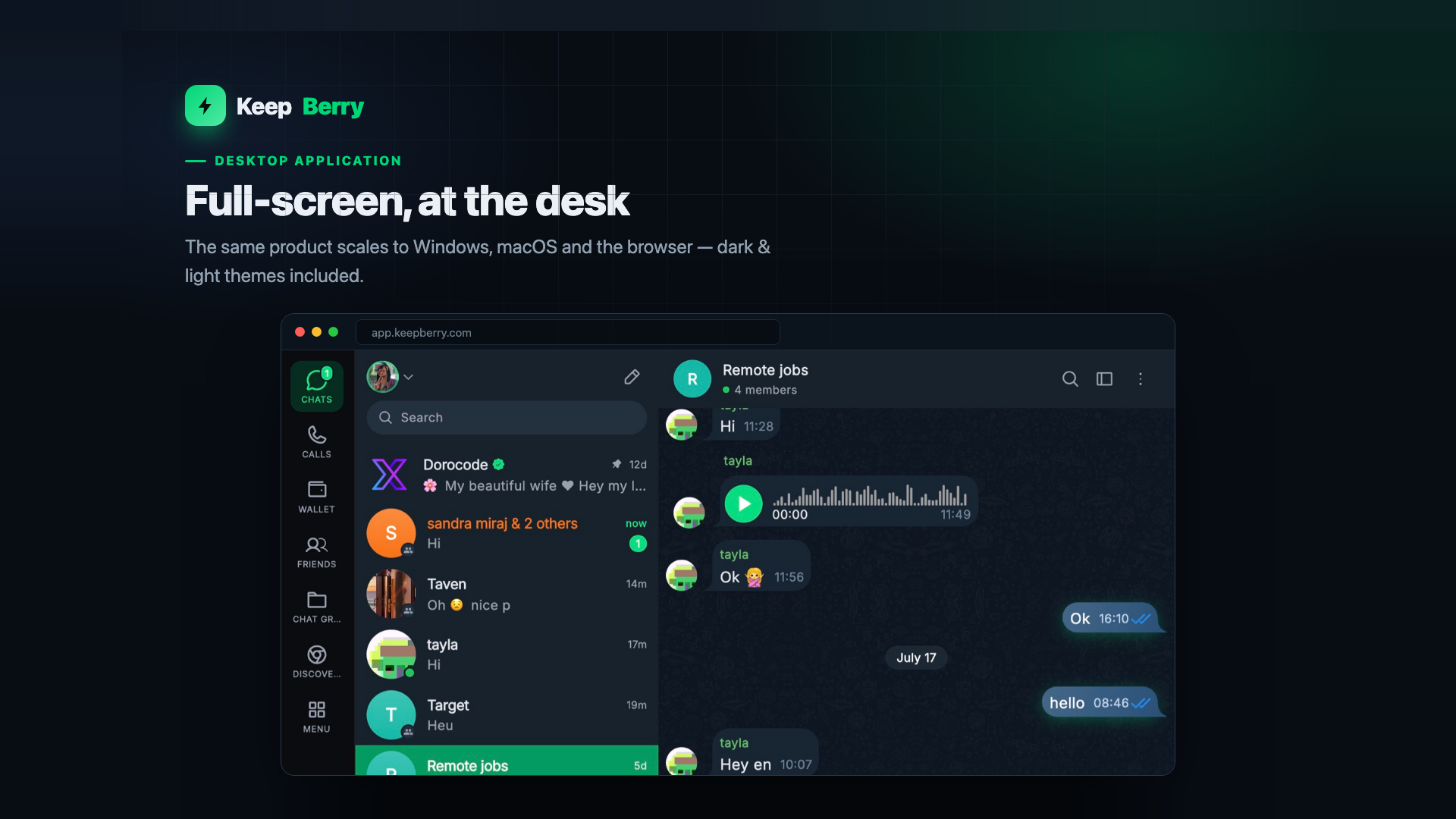
Dark & light + i18n
Full theming and multi-language (EN, FR, ZH included).
Cross-platform
One codebase
Android, iOS, Desktop & Web from a single Flutter project.
Communities, groups & desktop
Give your audience a home — on every device
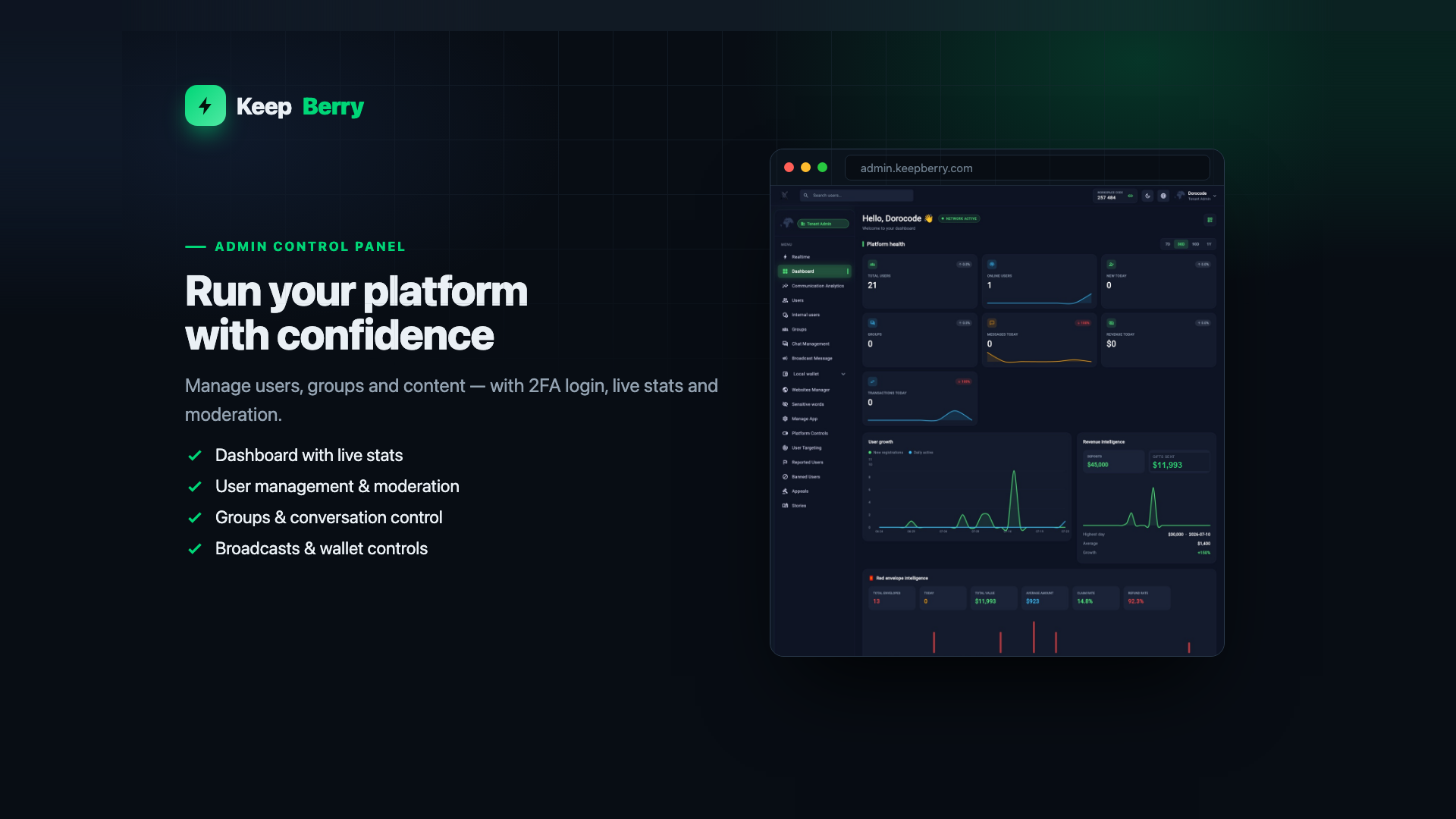
 Admin control panel
Run your platform with confidence
Secure 2FA login, a live-stats dashboard, full user management and moderation (ban, restrict, force-logout), group management, conversation control, wallet credit/debit and broadcast messages — everything you need once real users arrive.
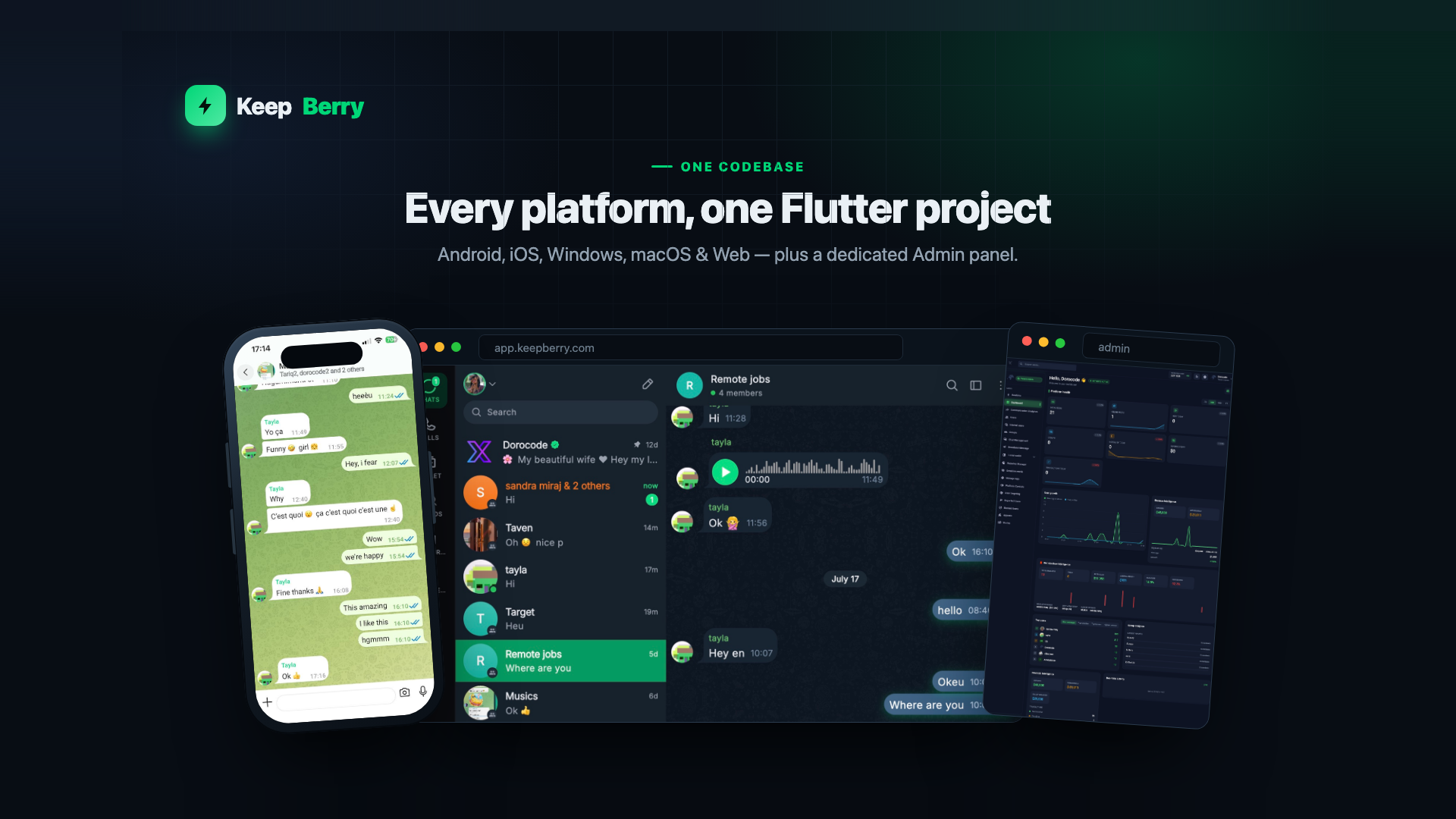
One codebase. Every platform.
Android, iOS, Windows, macOS & Web — plus a dedicated Admin panel.
 Android
iOS
Windows
macOS
Web
Admin Panel
Build it yourself vs. start with KeepBerry
Building everything yourself × Months building a real-time chat engine × Wiring voice & video call infrastructure × Re-implementing the UI per platform × Building an admin panel from zero × Weeks before you can even test the idea Starting with KeepBerry ✓ Real-time 1:1 & group chat ready ✓ Voice & video calls built in ✓ One Flutter codebase, every platform ✓ Full Admin Control Panel included ✓ Rebrand, customise & launch fasterOne foundation. Many products.
KeepBerry is a customisable base — point it at the audience and product you have in mind.
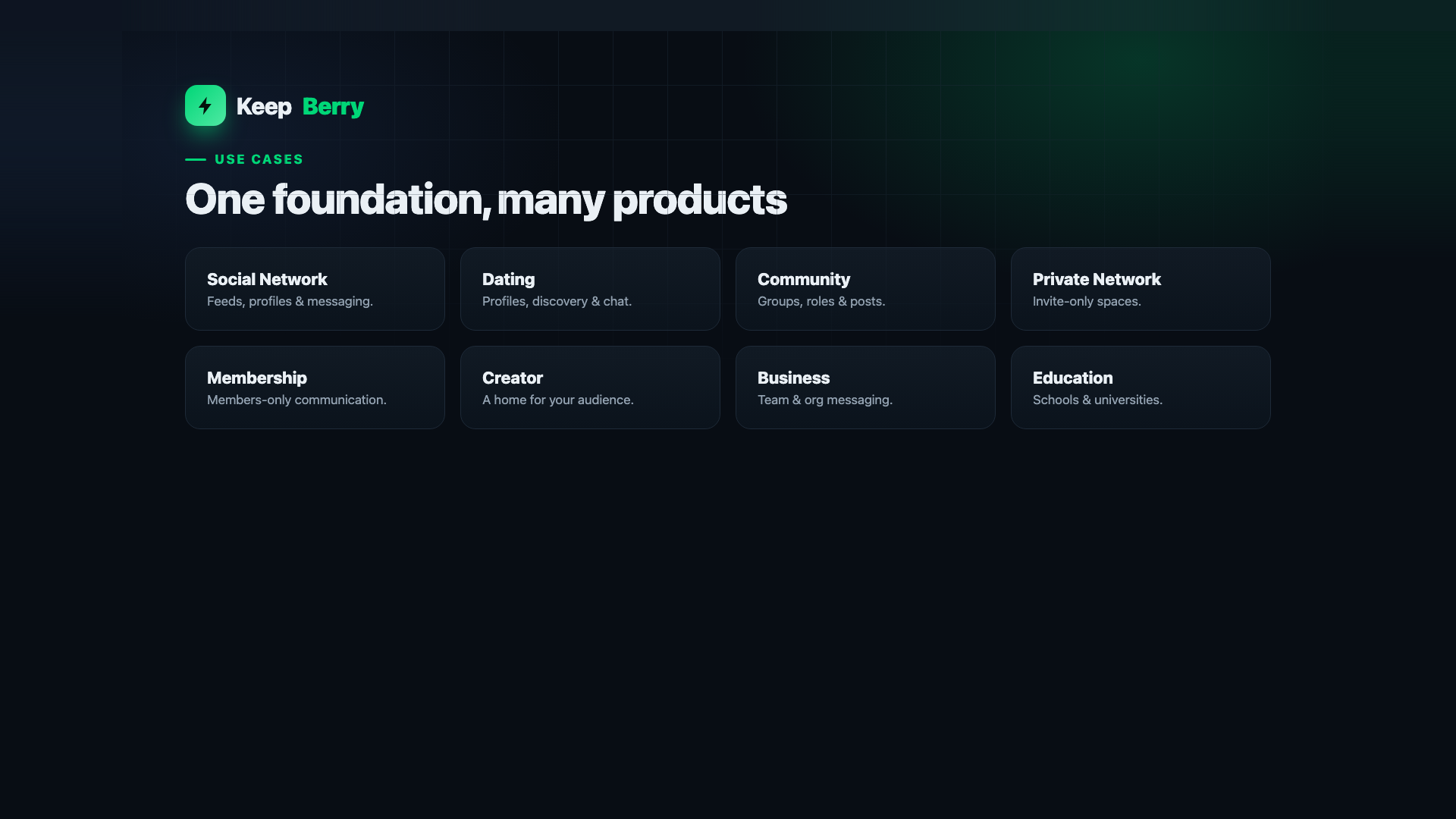 Social Network
Dating App
Community App
Private Network
Membership
Creator Space
Business Chat
Education
Built on proven technology
Flutter (Dart) Socket.IO LiveKit / WebRTC Firebase FCM Node.js + Express MongoDB + Redis Drift (SQLite) StripeWhat you get
✓ Flutter application source — Android, iOS, Desktop & Web ✓ Admin Control Panel — the dedicated management app ✓ Node.js backend API — the real server, ready to deploy ✓ Documentation — installation, configuration & customization Dependencies are installed by you (flutter pub get / npm install). Ships with no private keys — replace the clearly marked YOUR_... placeholders (Firebase, Stripe, storage) with your own.
Frequently asked questions
Is this a clone of an existing messaging app? No. It is an original, fully brandable foundation built from scratch, with no third-party assets or branding. Which platforms are supported? Android, iOS, Desktop (Windows & macOS) and Web from one Flutter codebase, plus a separate Admin panel. Can I rebrand it with my own name, logo and colours? Yes — brand name, logo, colours and target audience are all customisable. Do I need my own servers, Firebase and Stripe? Yes. Like any real application, you deploy the backend and connect your own Firebase (push) and, if you use payments, your own Stripe account. Steps are documented. Do you offer support? Yes — reach out before or after purchase; details on the item page. Your Platform. Your Brand. Your Community.
Launch a modern communication & community app on every screen — from a foundation, not a blank page.
View Live Demo
KeepBerry is a developer foundation sold as source code. It is not affiliated with, endorsed by, or a clone of any other company or product. All screenshots show KeepBerry's own interface. No third-party trademarks or brand assets are included. No specific revenue, ranking, user growth or success is implied or guaranteed.
Features
KeepBerry is a production-ready Flutter chat, social and community platform sold as full source code. One codebase covers mobile, desktop and web, and it ships with a real Node.js backend and an admin control panel — not a UI kit or a mockup.
Messaging
- Real-time one-to-one and group chat over WebSockets
- Text, photo, video, voice notes, files and link previews
- Typing indicators, read receipts, replies, reactions and message search
- Push notifications on iOS and Android
Voice & video calls
- One-to-one voice and video calling built on LiveKit and WebRTC
- Call history and in-app call screens
Communities & social
- Communities and groups with membership and roles
- Social feed with posts, media, likes and comments
- User profiles, followers and friend requests
- Blocking, reporting and moderation tools
Wallet & marketplace
- In-app coin wallet with a server-side ledger — balances are never trusted from the client
- Marketplace listings and creator storefronts
- Invite and referral flows
Admin control panel
- Separate Flutter admin app for users, communities, content and moderation
- Dashboards and platform statistics
- Broadcast messaging
- Role-based access enforced on the server, not in the UI
Platform & presentation
- Dark and light themes throughout
- Multi-language support (internationalised strings)
- Responsive layouts for phone, tablet, desktop and browser
- Rebrandable — your own name, logo, colours and bundle identifier
What is included
- tunnel_app — the Flutter mobile app (iOS and Android)
- tunnel_desktop_window — the Flutter desktop and web app (macOS, Windows, Web)
- tunnel_admin — the Flutter admin control panel
- Tunnel_API — the Node.js backend and real-time server
- Full HTML documentation with setup, configuration and an admin guide
Please note: real-time calling uses LiveKit and WebRTC, and push notifications use Firebase and Apple Push Notification service. These are external services with their own accounts and pricing. You supply your own credentials and are responsible for any usage charges. No API keys are included in the download — every credential is a clearly marked placeholder you replace with your own.
Requirements
KeepBerry is delivered as source code. You compile the apps yourself and run the backend on your own server, so you need a normal Flutter and Node.js development environment.
To build the apps
- Flutter SDK 3.8 or newer (Dart SDK 3.8.1 or newer)
- Xcode on a Mac — required for iOS and macOS builds
- Android Studio with the Android SDK — required for Android builds
- Visual Studio with the C++ desktop workload — required for Windows builds
- Any modern browser for the web build
To run the backend
- Node.js 18 or newer
- MongoDB — the main database
- Redis — used for sessions, presence and real-time state
- A Linux server (or any machine that runs Node.js) for production
Third-party accounts you supply
These are external services. You create your own accounts, add your own keys, and are responsible for any usage charges they bill you. Nothing is pre-configured and no keys are included.
- Firebase — push notifications on Android, and the Flutter client configuration
- Apple Developer account — APNs key for iOS push, and for publishing to the App Store
- LiveKit — required only if you enable voice and video calling
- SMTP provider — required for verification and notification email
- Payment provider — required only if you enable paid features
- Optional integrations for translation, currency rates and IP geolocation, each behind its own environment variable and each safe to leave unset
Skills assumed
- Comfortable running Flutter builds and installing packages
- Comfortable deploying a Node.js service and connecting it to MongoDB and Redis
- Basic command-line and DNS knowledge for putting the API behind your own domain
This is a developer product. It is not a no-code template and it does not install itself — expect to configure your own services before the apps will run against a live backend.
Instructions
Full documentation is included in the download at DOCUMENTATION/index.html. Open it in any browser — it covers installation, every configuration key, the architecture and the admin guide. The steps below are the short version.
1. Unpack and read first
- Extract the archive. You get four projects: Tunnel_API (backend), tunnel_app (mobile), tunnel_desktop_window (desktop and web) and tunnel_admin (admin panel).
- Read README.txt and KEEPBERRY_KEYS_TO_CONFIGURE.md — the second one lists every credential you need to supply.
2. Start the backend
- Make sure MongoDB and Redis are running.
- Go to the Tunnel_API folder and run npm install.
- Copy .env.example to .env.
- Fill in your database connection, Redis host, mail settings and any service keys you plan to use. Every value is documented in the file.
- Run npm start. The API and real-time server come up together.
3. Replace the placeholder credentials
For security, the download contains no real keys. These files ship as placeholders with obvious YOUR_ values, already in the correct location, so the projects compile before you edit them:
- tunnel_app/lib/firebase_options.dart
- tunnel_app/android/app/google-services.json
- tunnel_app/ios/Runner/GoogleService-Info.plist
- tunnel_app/vpn/wireguard/wg-client.conf
Create your own Firebase project, download its configuration files, and replace these with the real ones. Your Apple APNs key is referenced from .env by path — it is never stored inside the app.
4. Point the apps at your server
- In each Flutter project, run flutter pub get.
- Set the API base URL to your own backend address in the project's configuration file (the documentation names the exact file for each app).
5. Run and build
- Run on a device or simulator with flutter run.
- Release builds: flutter build apk or appbundle for Android, flutter build ios for iOS, flutter build macos or windows for desktop, flutter build web for the browser.
- Build tunnel_admin the same way and host it wherever you host the API.
6. Make it yours
- Change the application name, icon and colours.
- Change the Android applicationId and the iOS bundle identifier to your own before publishing to the stores.
- Create your first admin account and sign in to the admin panel to manage users and content.
If something does not build, check the Flutter and Node versions first — the documentation lists the exact versions this release was built and tested against.
| Author | vengamo |
|---|---|
| Category | App Templates / Flutter |
| Price | $505 |
| Extended License | $1,515 |
| First Release | Aug 20, 2026 |
| Last Update | Aug 20, 2026 |
| Files included | .swift, JavaScript .js |
| Operating systems | iOS 13.0, Android 11.0 |
Categories
Tags
External listing. code.market does not sell this product and does not process payment for it. Pricing, payment, delivery, licensing, refunds, and support are handled by the third-party merchant on its own website. We may earn an affiliate commission from a referral. Details.
Products of the Week.
Submit🥇

STOP GUESSING WHAT TO POST
AI that learns your brand voice and builds a month of consistent, on-brand social content: carousels, posts and hooks that sound like you, not like everyone else's AI.
SaaS · 3,096 views · 28 clicksSaaS · Week 45 · 3,096 views · 28 clicks
🥈

Conversational Backlinks for Busy Founders
Place Backlink Relevant Conversation for your domain across Forums and Conversations
Website · 40,486 views · 216 clicksWebsite · Week 45 · 40,486 views · 216 clicks
🥉

upvote.club
Free Social Media Engagement that Helps Boost Your Content. Upvote Club supports 19 social networks with 100+ engagement actions in one dashboard. Add links to your posts and get free engagement from real users.
SaaS · 38,578 views · 110 clicksSaaS · Week 45 · 38,578 views · 110 clicks
#4

Substack Posting API
Onboard your Agent to Substack. Write Publish on Substack via API
SaaS · 57,616 views · 197 clicksSaaS · Week 45 · 57,616 views · 197 clicks
#5

Seenshot App
Free, Fast, MacOS Screenshot app. Make Screenshot cmd+shift+2 and send it via link
Desktop App · 27,049 views · 119 clicksDesktop App · Week 45 · 27,049 views · 119 clicks
#6

Hand-Placed Backlinks $9.99 per link. Flat rate.
Buy hand-placed forum, Q-A and directory backlinks. Flat $9.99 per link, no subscriptions — you only pay for approved listings.
Website · 2,988 views · 18 clicksWebsite · Week 45 · 2,988 views · 18 clicks
#7

Free Invoice Generator - PDF Invoices in Your Browser, No Sign-Up
A free invoice maker for freelancers and small businesses: fill in the invoice, check the live preview, and download a PDF that looks exactly like it. Any currency, tax per item, three templates, no sign-up, and nothing leaves your device.
1,682 views · 16 clicksWeek 45 · 1,682 views · 16 clicks
#8

Merge PDF Files Free - Combine PDFs in Your Browser, No Upload
A free PDF merger for office workers, students, and freelancers: combine PDFs and images into one file in the browser, reorder files and pages, pick page ranges, keep bookmarks, and open password-protected PDFs. Nothing is uploaded, no sign-up, no watermark.
1,575 views · 13 clicksWeek 45 · 1,575 views · 13 clicks