
Grid - Photo Editing and Drawing - PhotoSplit Grid Maker - Grid Drawing - Grid Maker - GridPic

Description


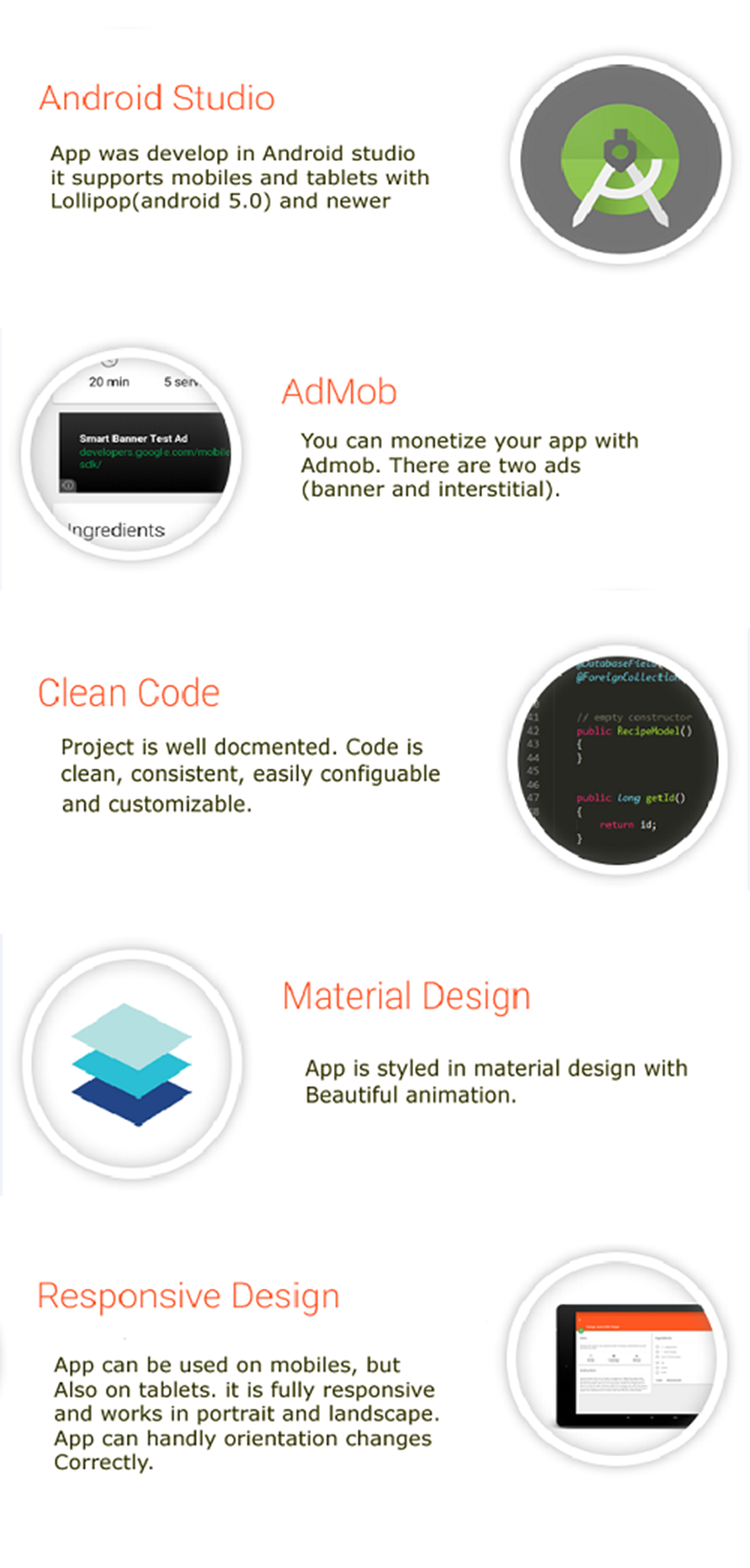





Grid – Photo Editing and Drawing – PhotoSplit Grid Maker – Grid Drawing – Grid Maker – GridPic
Grid drawing helps you understand the ratio of size on the reference picture. It also helps you draw with ease. Drawing in proportion is important and with adding grid to photos and drawing it help you achieve that.
App Main features :
- Add grid to any photo from your gallery or click a photo right away. - Set the number of rows and columns needed for the reference. - Adjust the color of the line that your are comfortable with. - Also set square grid drawing or diagonal grid drawing. - Add different effects on your photos. - You can also pick pixel color from your image. - Apply label on your grids. - Adjust the width of grid lines. - Lock image to your grids. - Also you can crop image with ratio. - And manage brightness, contrast, saturation or hue.
| Type | Android App |
|---|---|
| Author | Elveeinfotech |
| Category | Mobile / Android / Full Applications |
| Price | $29 |
| Sales | 0 |
| Published | Dec 11, 2023 |
| Last Update | Mar 12, 2024 |
| Compatible Software | Android 12.0, Android 11.0, Android 10.0, Android 9.0, Other |
| Mobile Files Included | .apk, .dex, .so, .dat, .db, .java, .xml, Layered PSD, Layered PNG |
Categories
Tags
External listing. code.market does not sell this product and does not process payment for it. Pricing, payment, delivery, licensing, refunds, and support are handled by the third-party merchant on its own website. We may earn an affiliate commission from a referral. Details.
Products of the Week.
Submit🥇

Perceptle
Perceptle is a daily browser-based game that challenges you to test your sensory intuition through five quick estimation and rhythm-based rounds.
Other · 1,489 views · 9 clicksOther · Week 47 · 1,489 views · 9 clicks
🥈

Free LinkedIn Likes From Real
Get free LinkedIn likes on your posts from real members who react by hand. No
SaaS · 1,632 views · 10 clicksSaaS · Week 47 · 1,632 views · 10 clicks
🥉

STOP GUESSING WHAT TO POST
AI that learns your brand voice and builds a month of consistent, on-brand social content: carousels, posts and hooks that sound like you, not like everyone else's AI.
SaaS · 9,176 views · 75 clicksSaaS · Week 47 · 9,176 views · 75 clicks
#4

aaas.market
407 reliable micro tools for solo founders, marketers and creators. They work in your browser
SaaS · 1,597 views · 5 clicksSaaS · Week 47 · 1,597 views · 5 clicks