
Frontend Publishing Pro - WordPress Post Submission Plugin

Description



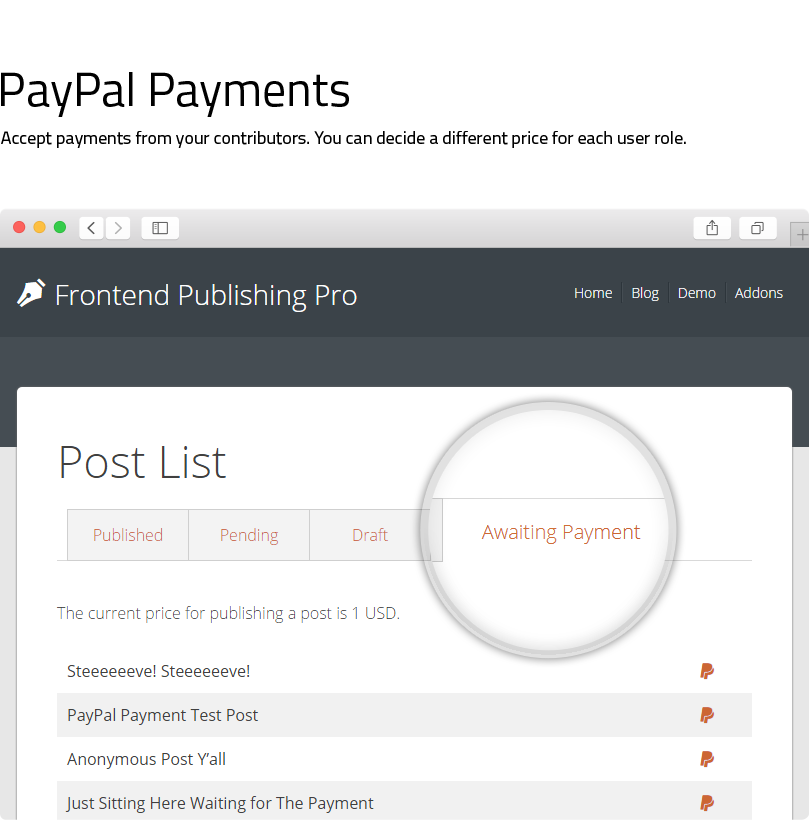
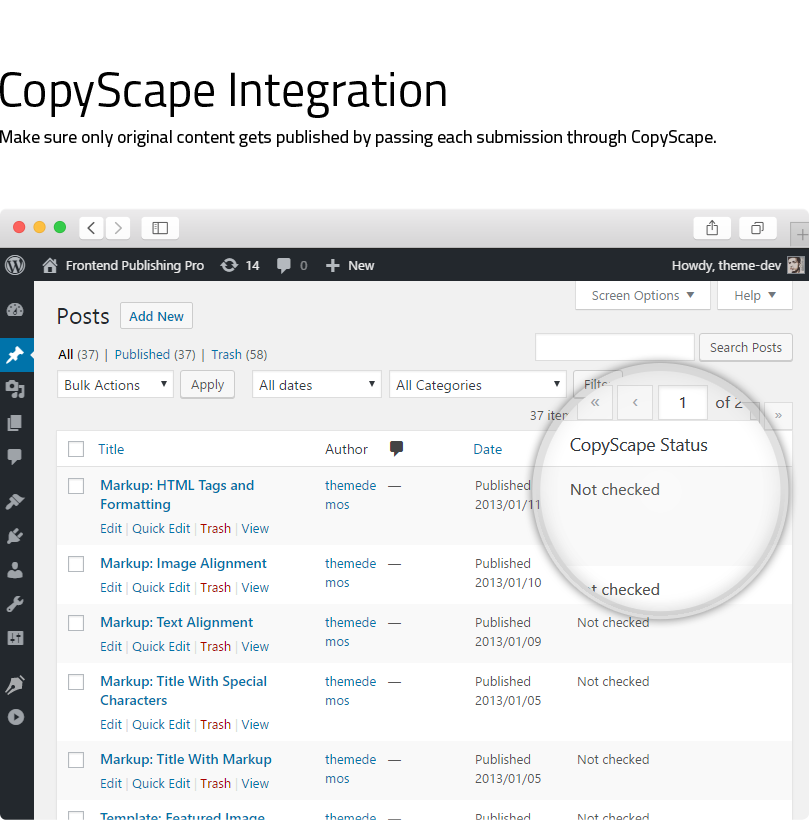
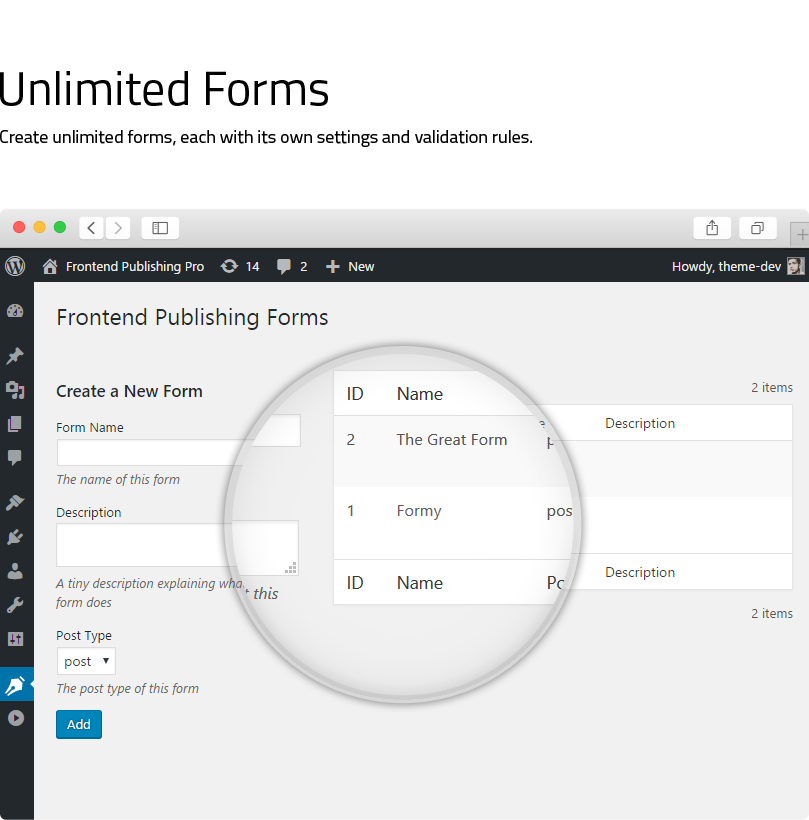
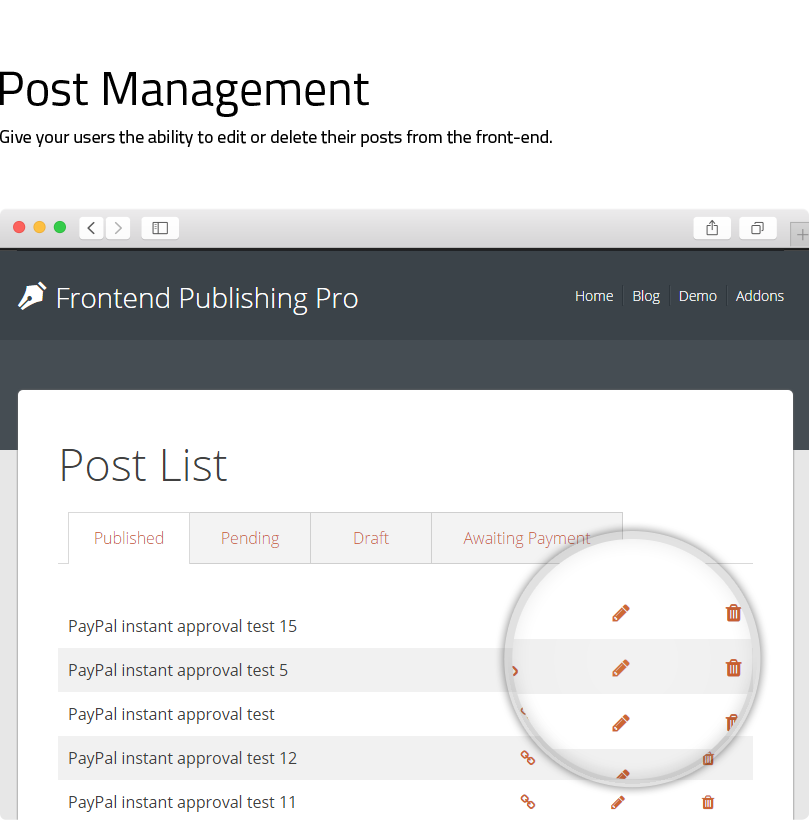
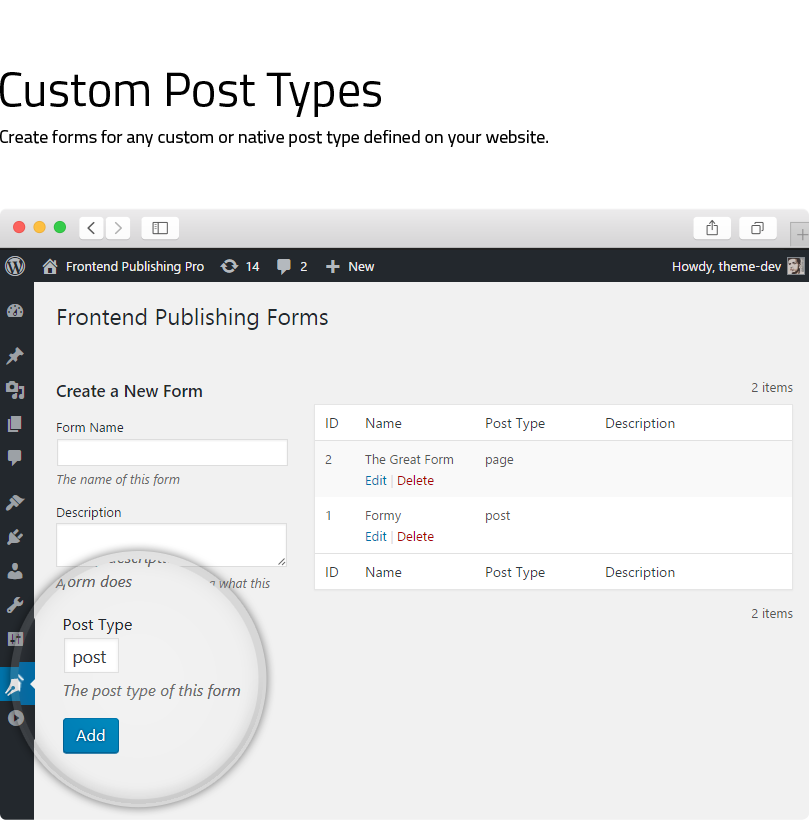
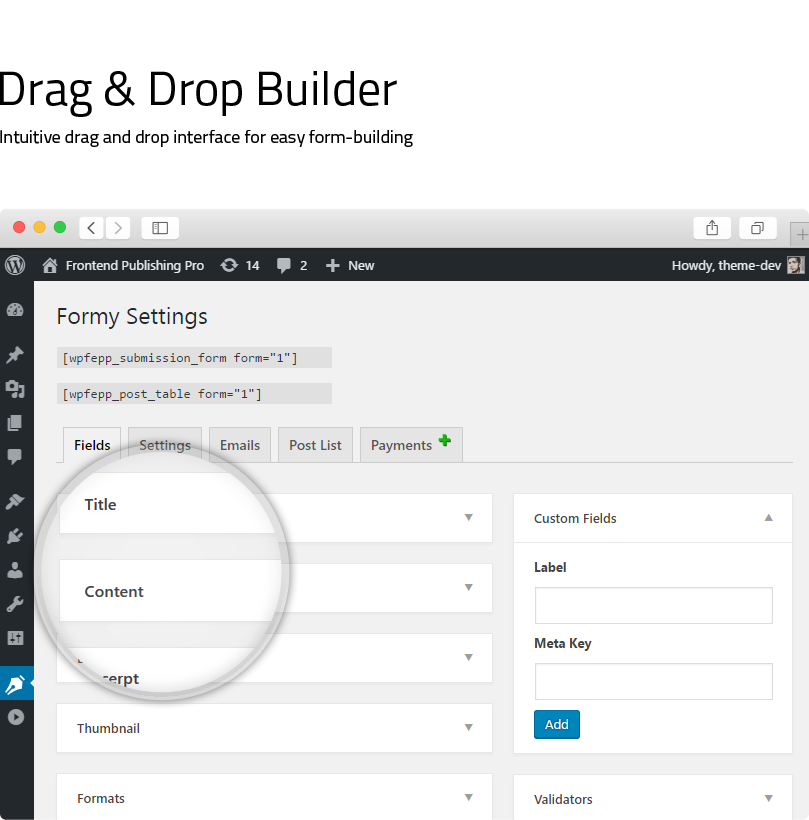
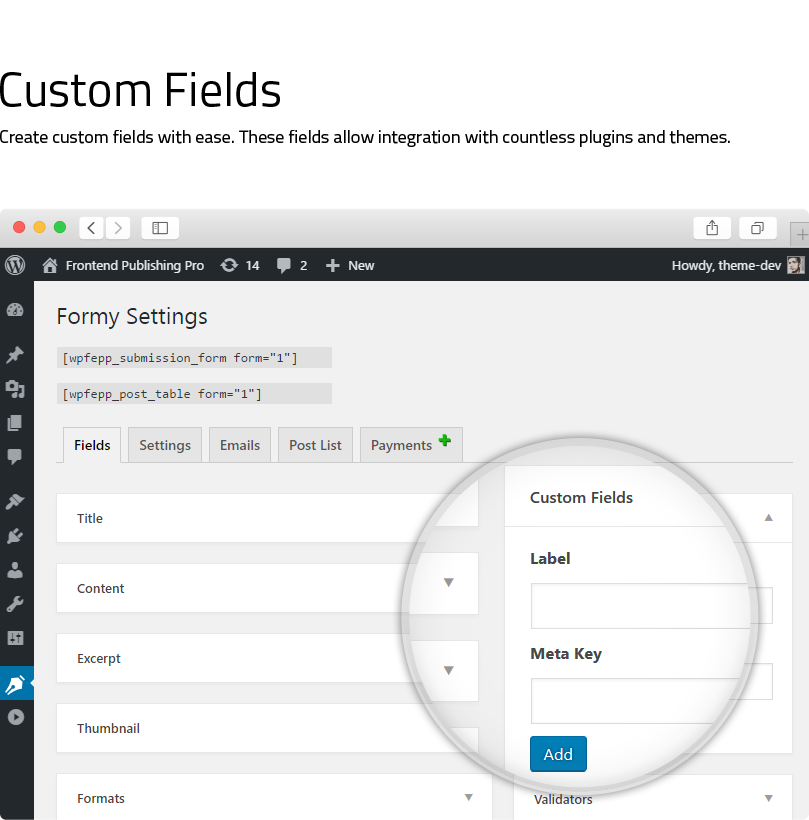
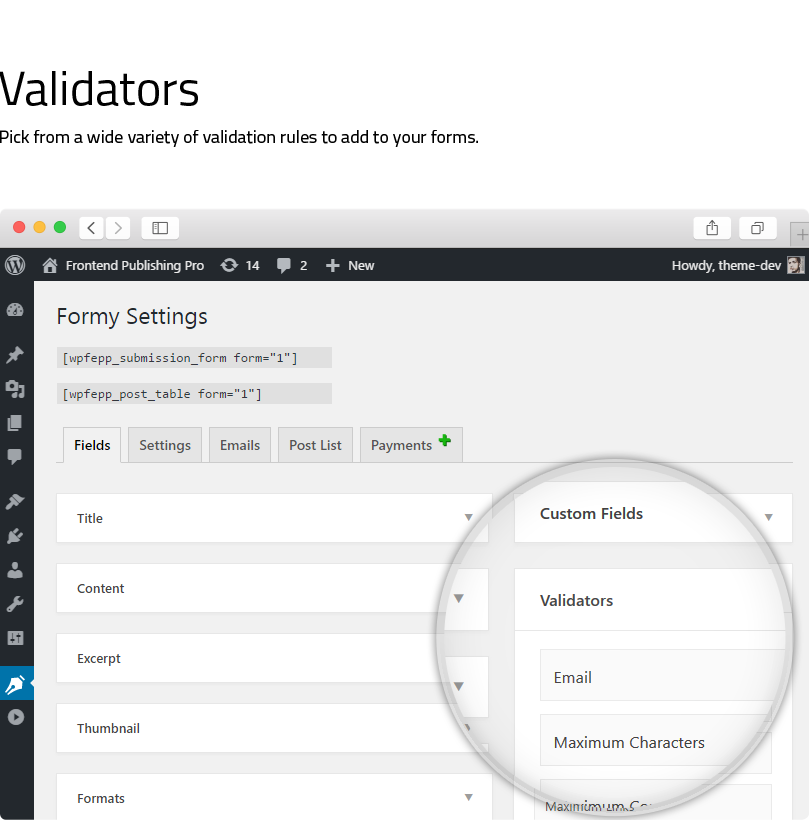
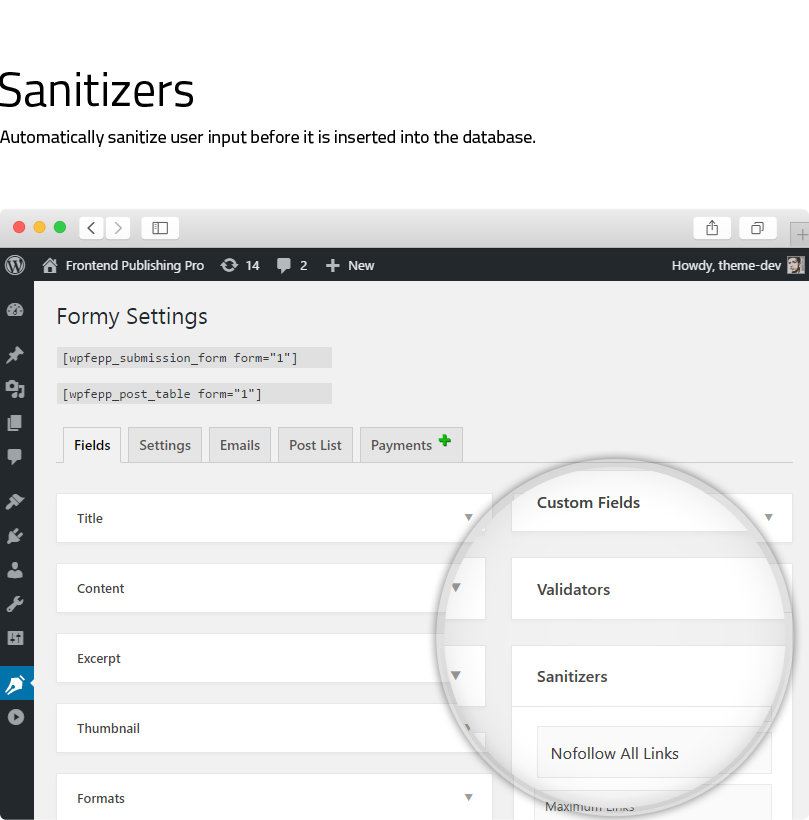
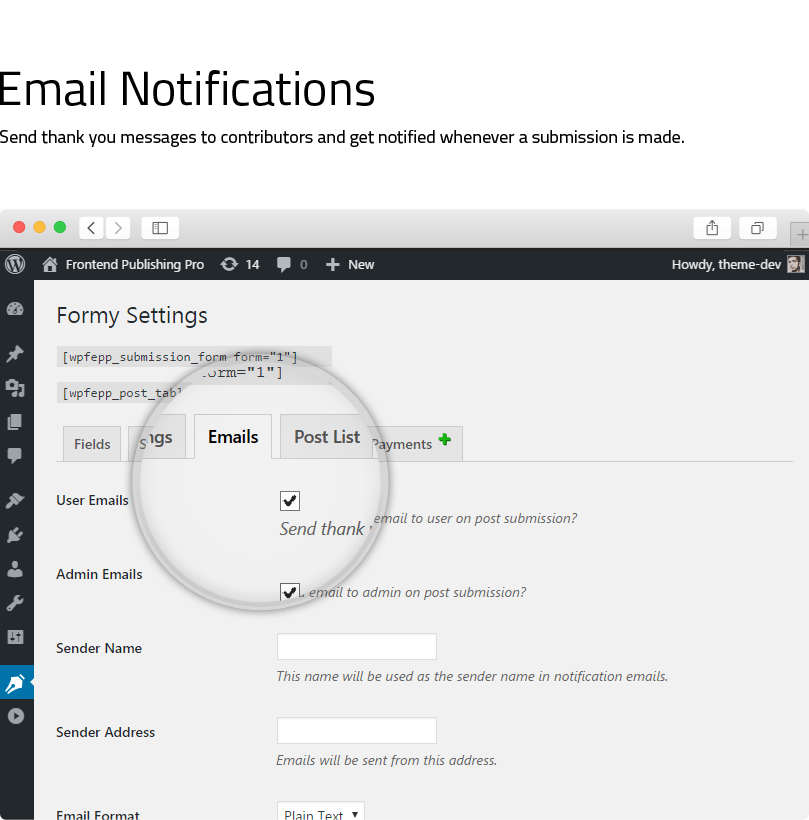
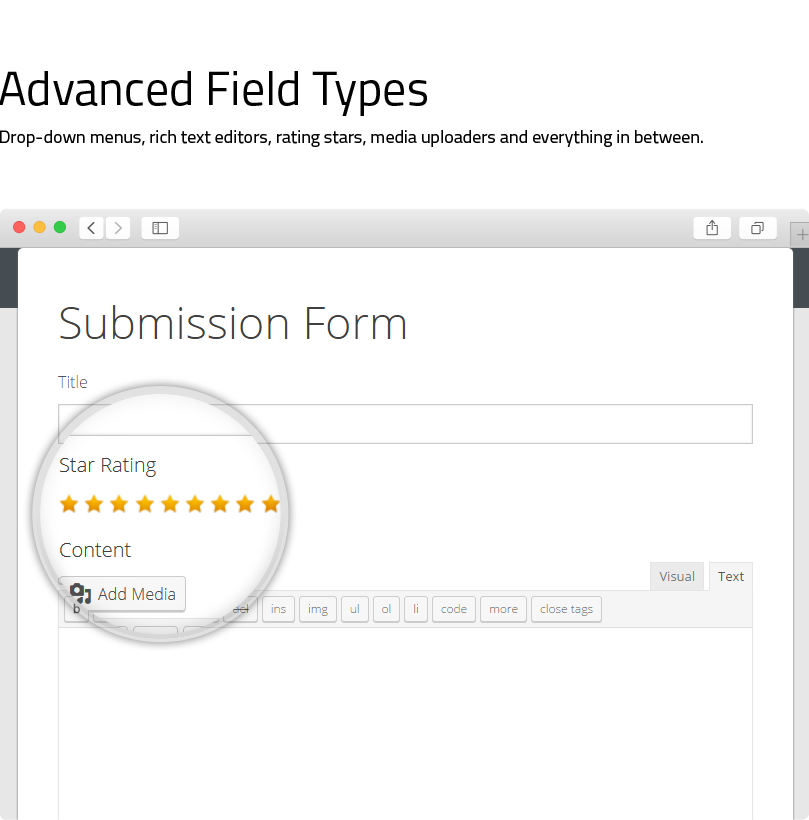
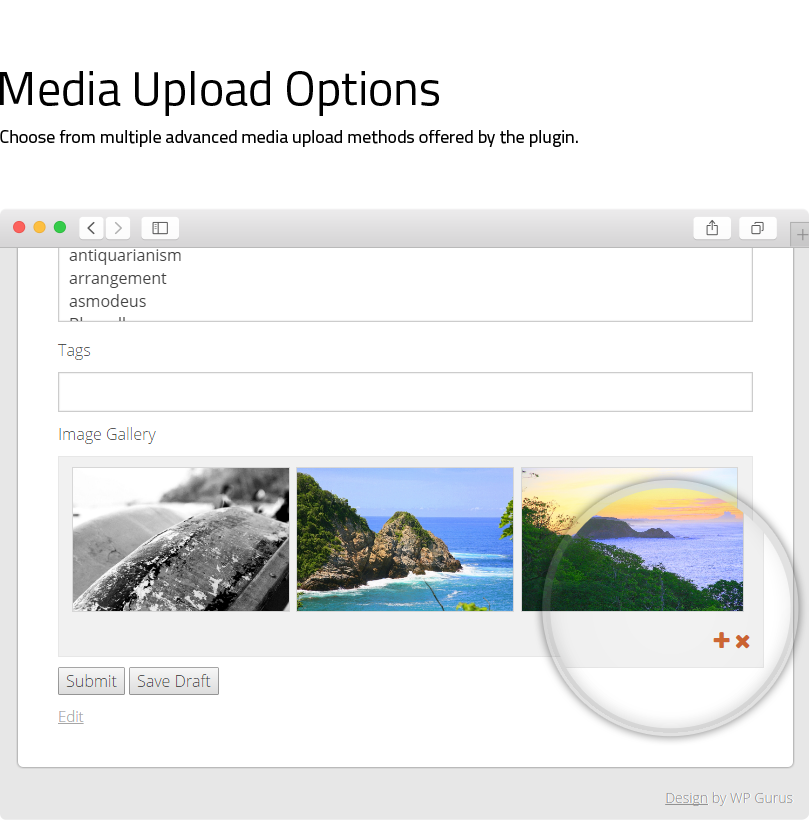
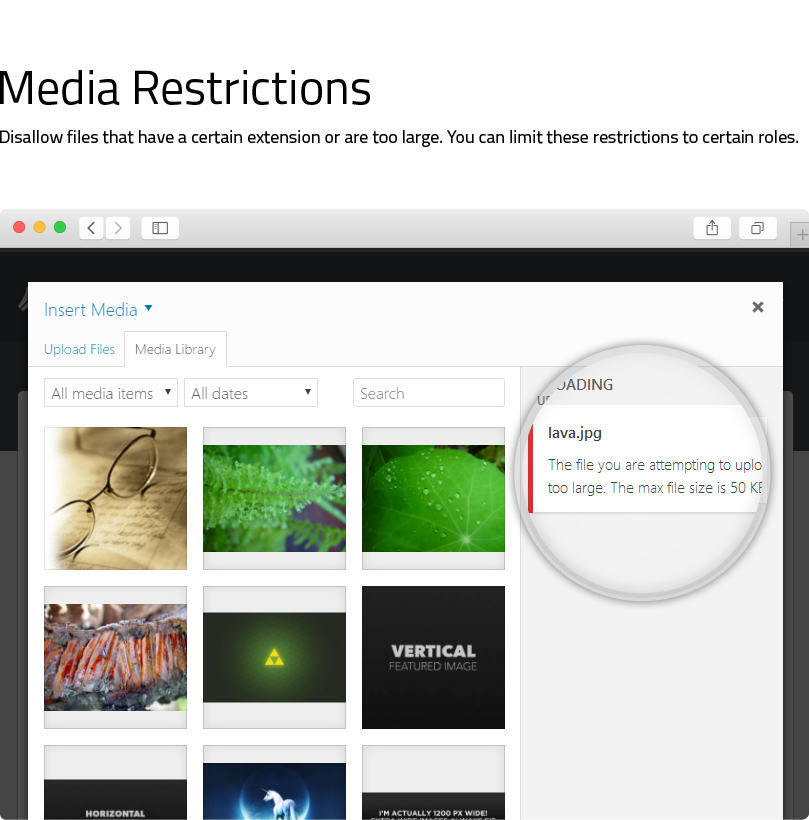
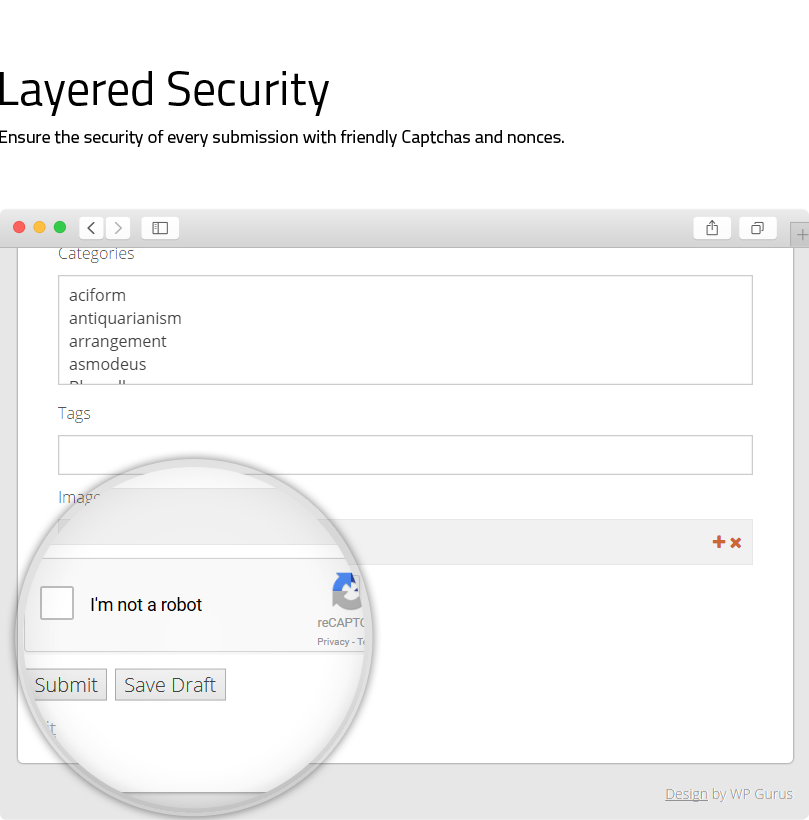
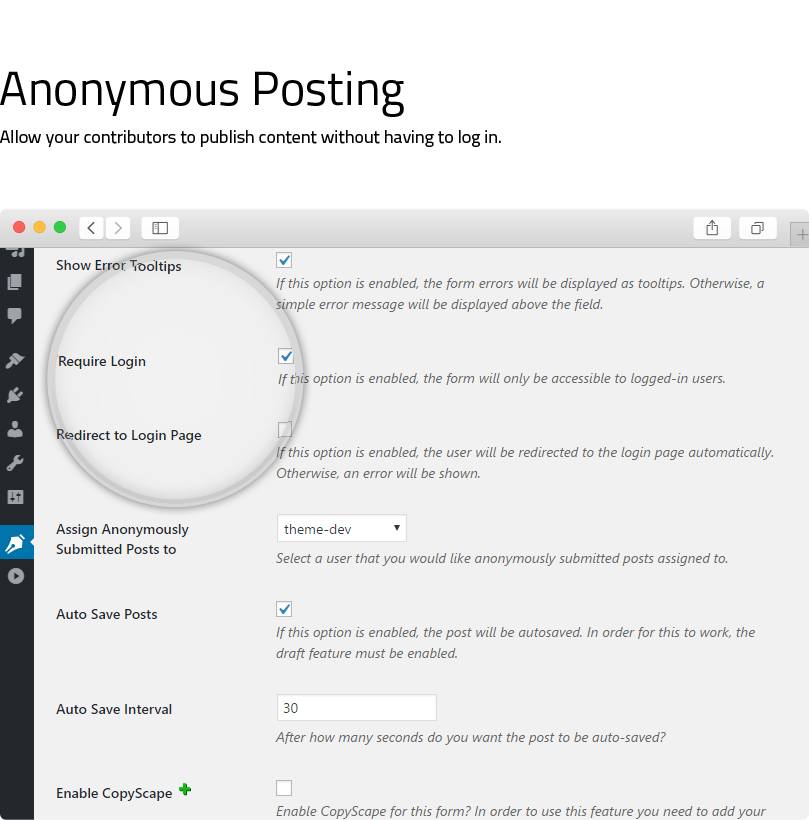
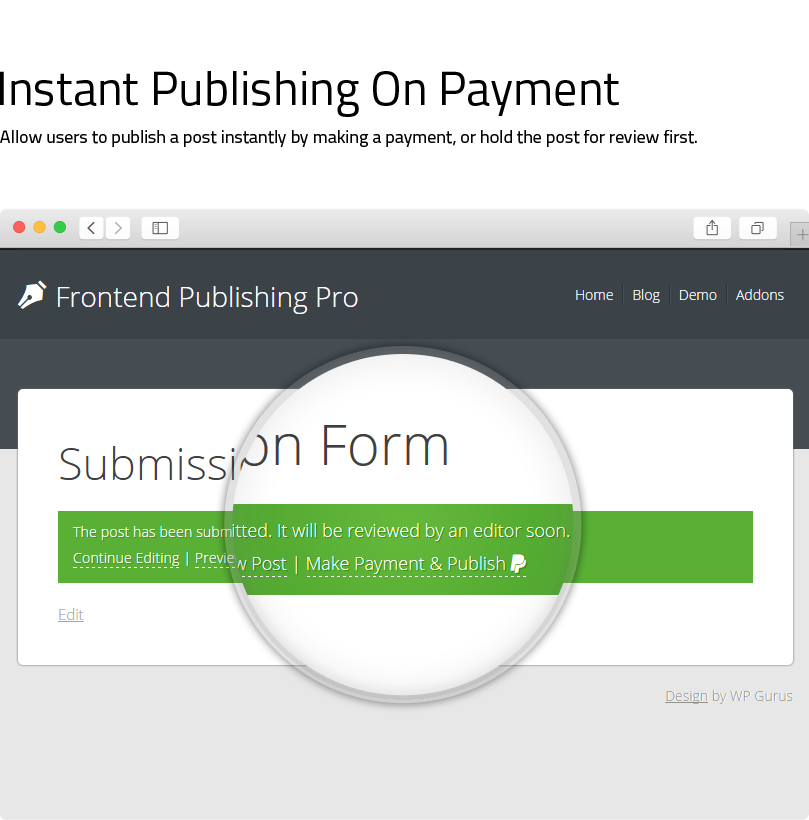
If you want to give your users the ability to create posts from the front-end area then Frontend Publishing Pro is the perfect solution for you. It works well with custom post types/taxonomies and comes with a simple drag and drop interface for easy form building. Thanks to the included shortcodes you can deploy this plugin on your WordPress website in just a few minutes.
You can use it to create WooCommerce product forms, guest post submission forms and much more.
Looking for a way to notify users when the status of one of their posts has changed? Give Post Status Notifier a try. It seems to work well with Frontend Publishing Pro.
Change Log
3.12.0
Improved: Compatibility with WP 6.x
Fix: PHP warnings during asset loading
3.11.0
New: Ability to use a custom permalink structure for post list
Improved: Compatibility check with WP 5.6
3.10.0
New: Send emails to users when their posts are published or declined
Improved: Compatibility check with the latest version of WP
3.9.0
New: when displaying non-image files under post content, link thumbnail to actual file
Improved: Updated included libraries
3.8.9
New: Post list setting to only display posts created from the current form
3.8.8
Fixed: PHP warning in the form when a taxonomy no longer exists
3.8.7
Allow capital letters in meta keys since many plugins use them
Fixed: User not shown success message when post deleted
Fixed: Older posts URL incorrect when no tab selected in post list
3.8.6
Compatibility check with WP 5.2
Added autocomplete to custom fields form
3.8.5
Compatibility check with WP 5.x
Fixed minor conflict
Code improvement
3.8.4
Better compatibility with WP MultiSite.
Fixed issue that was preventing media items other than images from showing up on the front-end.
Other minor fixes and improvements.
Compatibility check with WP 4.8.x
3.8.3
Fixed issue in custom fields that was causing numeric values to not work as keys in drop-downs.
Fixed issue that was preventing plugin options from being saved properly on multi-site.
Other minor fixes and improvements.
Compatibility check with WP 4.7.4
3.8.0
Made WP embeds work in automatically displayed custom fields.
Compatibility check with WP 4.7.3
3.7.0
Custom fields can now be shown on the post edit screen in the admin area.
Minor code improvements
3.6.0
Automatically insert custom field values in posts!
Code improvements
3.5.0
Added multi-site (WPMU) compatibility
Added ability to create new taxonomy terms from the front-end form
Fixed some minor bugs
3.4.2
Fixed an issue which was causing timeouts on some under-powered servers
3.4.1
Bug fixes and code improvements
Compatibility check with WordPress 4.7
3.4.0
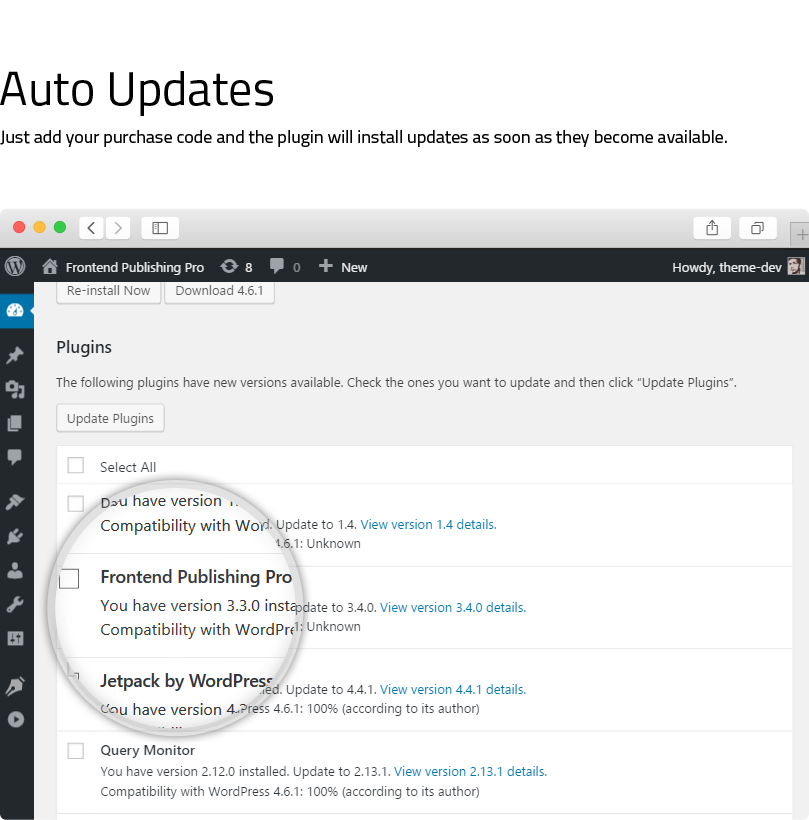
Auto-updates
Fully responsive UI
Several bug fixes and improvements
3.3.0
Made changes to support the new PayPal payments addon
Minor bug fixes and improvements
3.2.0
The option to override default WordPress edit links
Link between post and form
3.1.0
Code improvements
Made changes to support CopyScape addon
3.0.1
Option to make media restrictions global
Bug fixes
3.0.0
Anonymous posting
Flexible validation
Auto-drafts
New element types
Redirection to post after submission
Customizable post lists
Pretty URLs for post list tabs and edit/delete links
2.83
Compatibility checked with WP version 4.5
2.82
Tiny translation bug fixed
Compatibility checked with WP version 4.3
2.81
XSS vulnerability fixed
Conflicts with Options Tree removed
Compatibility checked with WP version 4.2
2.8
.pot file for translation
Compatibility checked with WP version 4.1
Code improvements
2.7
reCaptcha
Copyscape integration
Form importing
1 bug fixed
2.4
You can now include hierarchical taxonomy terms (e.g. categories) in addition to excluding them
Post types now work in multi-site as well
2 bug fixes
2.3
Translation ready New template tags<?php wpfepp_submission_form($form_id); ?>and<?php wpfepp_post_table($form_id); ?>
2.2
Dropdowns now display taxonomies hierarchically
Code improvements
2.1
New custom field type for images
2 Minor bug fixes
2.0
Email notifications on form submission
Save posts as drafts
New form elements for custom fields
Post format support
Subscribers & Contributors can now upload media
Custom error messages
5 bugs removed
Support
For support please use the contact form on my profile page or contact us @ WP Gurus.
| Type | WordPress Plugin |
|---|---|
| Author | khaxan |
| Category | Wordpress / Forms |
| Price | $30 |
| Sales | 2,623 |
| Rating | 4.82 from 142 ratings |
| Published | Aug 9, 2014 |
| Last Update | Jul 28, 2022 |
| Compatible Browsers | IE8, IE9, IE10, IE11, Firefox, Safari, Opera, Chrome, Edge |
| Compatible Software | WordPress 6.0.x, WordPress 5.9.x, WordPress 5.8.x, WordPress 5.7.x, WordPress 5.6.x, WordPress 5.5.x |
| Gutenberg Optimized | No |
| Source Files Included | JavaScript JS, CSS, PHP |
Categories
Tags
External listing. code.market does not sell this product and does not process payment for it. Pricing, payment, delivery, licensing, refunds, and support are handled by the third-party merchant on its own website. We may earn an affiliate commission from a referral. Details.
Products of the Week.
Submit🥇

STOP GUESSING WHAT TO POST
AI that learns your brand voice and builds a month of consistent, on-brand social content: carousels, posts and hooks that sound like you, not like everyone else's AI.
SaaS · 3,928 views · 35 clicksSaaS · Week 45 · 3,928 views · 35 clicks
🥈

Conversational Backlinks for Busy Founders
Place Backlink Relevant Conversation for your domain across Forums and Conversations
Website · 41,557 views · 222 clicksWebsite · Week 45 · 41,557 views · 222 clicks
🥉

upvote.club
Free Social Media Engagement that Helps Boost Your Content. Upvote Club supports 19 social networks with 100+ engagement actions in one dashboard. Add links to your posts and get free engagement from real users.
SaaS · 39,588 views · 114 clicksSaaS · Week 45 · 39,588 views · 114 clicks
#4

Substack Posting API
Onboard your Agent to Substack. Write Publish on Substack via API
SaaS · 58,621 views · 198 clicksSaaS · Week 45 · 58,621 views · 198 clicks
#5

Seenshot App
Free, Fast, MacOS Screenshot app. Make Screenshot cmd+shift+2 and send it via link
Desktop App · 28,005 views · 121 clicksDesktop App · Week 45 · 28,005 views · 121 clicks
#6

Hand-Placed Backlinks $9.99 per link. Flat rate.
Buy hand-placed forum, Q-A and directory backlinks. Flat $9.99 per link, no subscriptions — you only pay for approved listings.
Website · 3,866 views · 19 clicksWebsite · Week 45 · 3,866 views · 19 clicks
#7

Free Invoice Generator - PDF Invoices in Your Browser, No Sign-Up
A free invoice maker for freelancers and small businesses: fill in the invoice, check the live preview, and download a PDF that looks exactly like it. Any currency, tax per item, three templates, no sign-up, and nothing leaves your device.
2,544 views · 17 clicksWeek 45 · 2,544 views · 17 clicks
#8

Merge PDF Files Free - Combine PDFs in Your Browser, No Upload
A free PDF merger for office workers, students, and freelancers: combine PDFs and images into one file in the browser, reorder files and pages, pick page ranges, keep bookmarks, and open password-protected PDFs. Nothing is uploaded, no sign-up, no watermark.
2,365 views · 13 clicksWeek 45 · 2,365 views · 13 clicks