
FortPass - Password Manager And 2FA Auth

Description
🚀 FortPass — Enterprise-Grade Password Manager & Security Platform
FortPass is a complete next-generation digital security platform designed to protect, manage and monitor sensitive user information through a modern, secure and scalable architecture.
✔ Full Source Code • ✔ PHP • ✔ MySQL • ✔ SaaS Ready • ✔ 7 Languages • ✔ 2FA Authenticator • ✔ Encrypted Vault
📦 What You Get
- 💻 Complete PHP source code
- ⚙️ Modern PHP-based architecture
- 🗄️ MySQL database
- 🚀 SaaS-ready architecture
- 🌍 7 included languages
- 🔐 Encrypted digital vault
- 🔑 Passwordless authentication
- 🛡️ Integrated security and leak monitoring
- 🔐 Built-in 2FA authenticator
- 👨👩👧 Emergency contact and recovery system
- 💎 Flexible subscription system
- 🔎 SEO-ready public pages
- 🌙 Light & dark mode
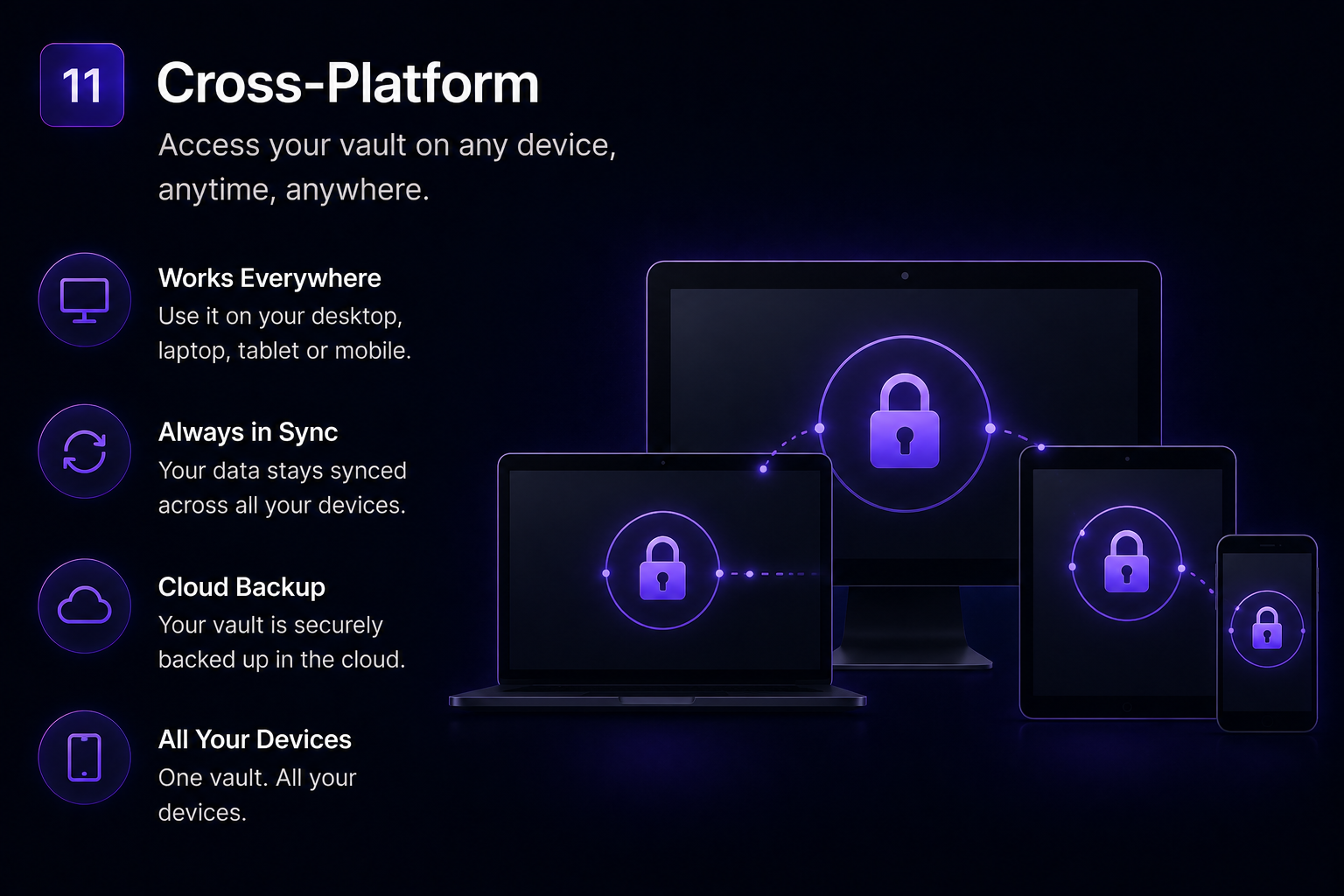
- 📱 Responsive interface
🚀 Enterprise-Grade Security
FortPass is built around modern cryptographic standards and multiple security layers designed to minimize risks and protect sensitive information against unauthorized access and common attack scenarios.
- 🔒 AES-256-CBC encryption for sensitive information such as accounts, cards, notes, documents and bank information
- 🔑 PBKDF2-SHA256 with 200,000 iterations for PIN protection and increased resistance against brute-force attacks
- 🍪 AES-256-GCM secure session encryption
- 🧠 Intelligent PIN rate limiting — 5 attempts per 60 seconds per IP and user
- ⏱️ Automatic security logout after 15 minutes of inactivity
- 🔐 Bcrypt password hashing with cost 11
Each security layer is designed to reduce the attack surface and provide multiple levels of protection throughout the application.
🧩 Passwordless Login
FortPass eliminates the need for traditional passwords by providing a modern passwordless authentication experience.
- Registration through social login or email
- Access using a verification code sent to the user's email
- Modern and frictionless authentication experience
- Reduced exposure to weak and reused passwords
Users only need their verified identity and secure PIN to access their vault.
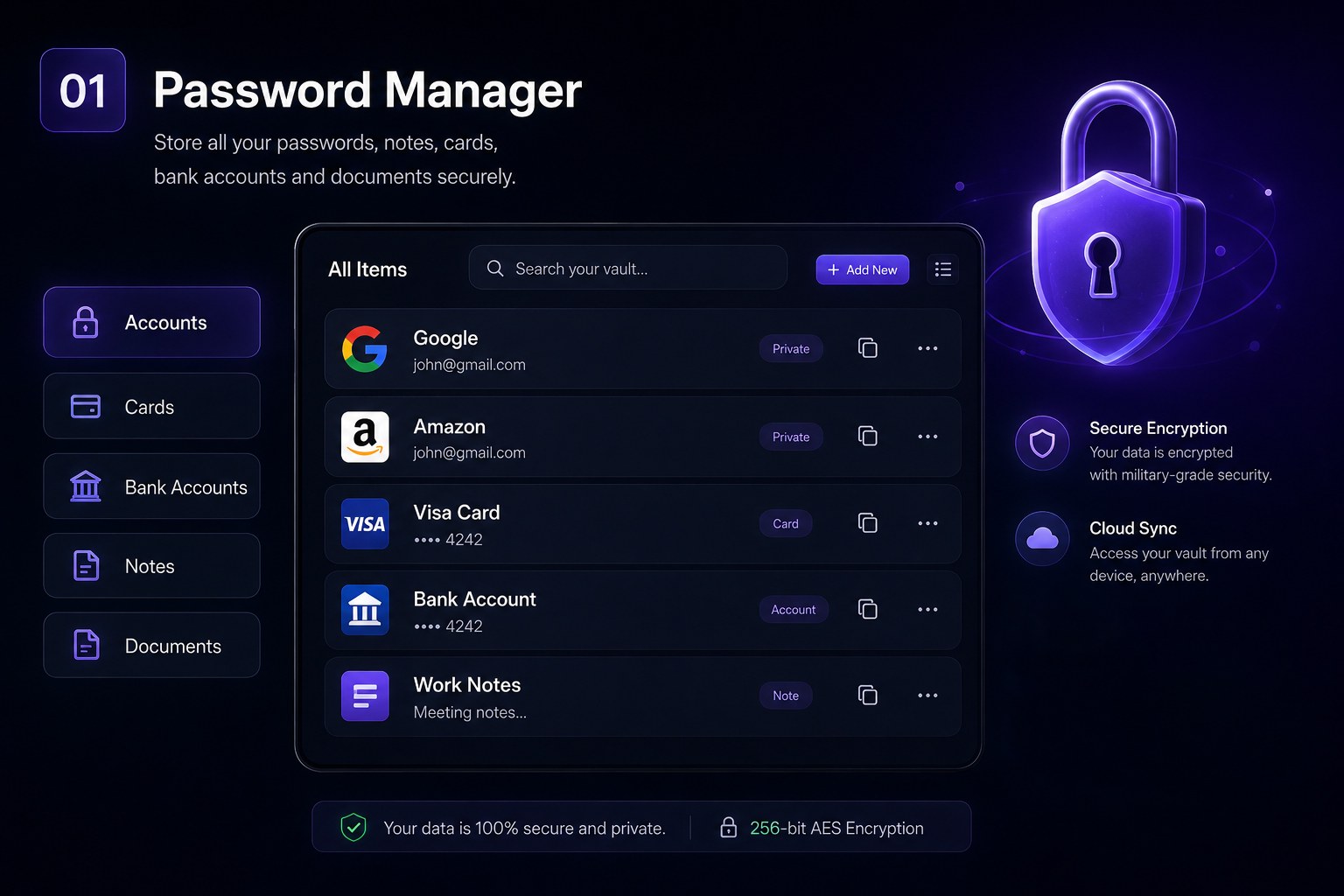
🧠 Encrypted Digital Vault
Users can securely manage different types of sensitive information from a single encrypted environment.
- 🔑 Account credentials
- 💳 Bank cards
- 🏦 Bank information
- 📝 Private notes
- 📁 Sensitive documents
Sensitive vault content is encrypted before being stored, providing a privacy-focused environment for storing and managing personal information.
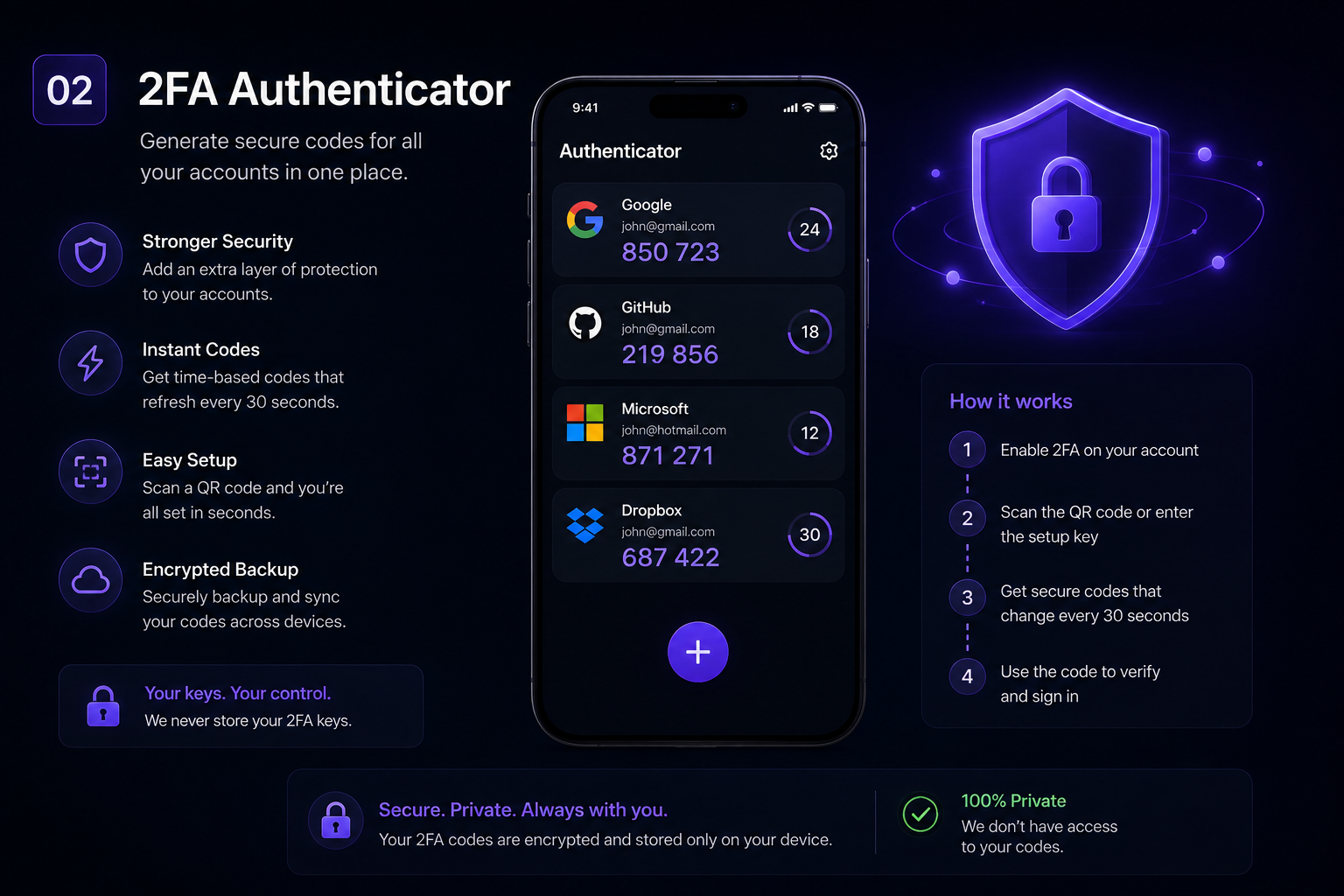
🔐 Integrated 2FA Authenticator
FortPass includes an integrated two-factor authentication system that allows users to manage their authentication codes directly from the platform.
- 🔢 TOTP code generation
- 👤 Support for multiple accounts
- ⚡ Fast and modern interface
- 🔐 Centralized 2FA management
Users can manage their two-factor authentication codes without depending on external authenticator applications.
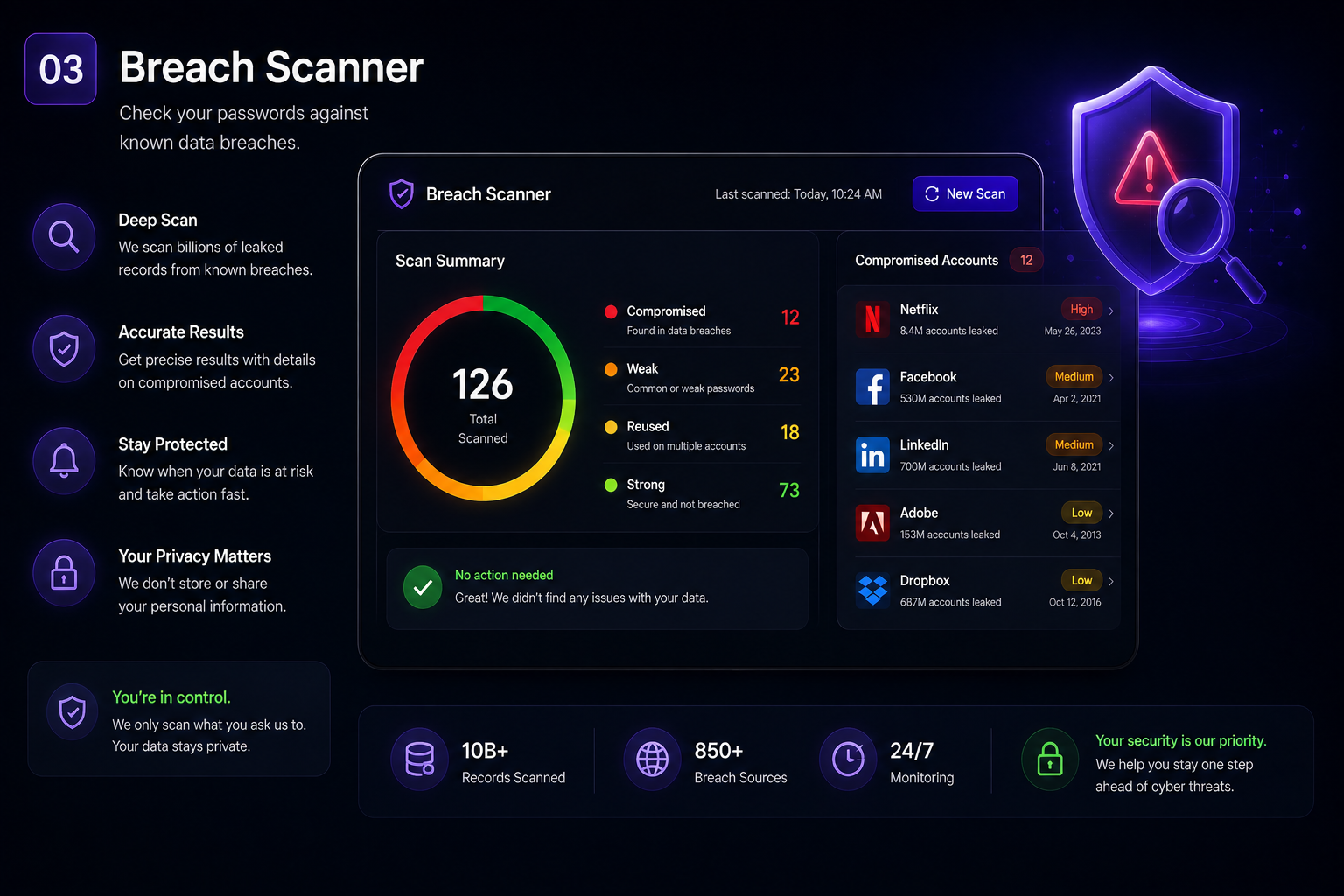
🛡️ Security & Leak Monitor
FortPass goes beyond password storage by actively monitoring account security and helping users identify potential risks.
📊 Leak Scanning
- Detects potentially leaked passwords
- Identifies repeated passwords
- Flags weak credentials
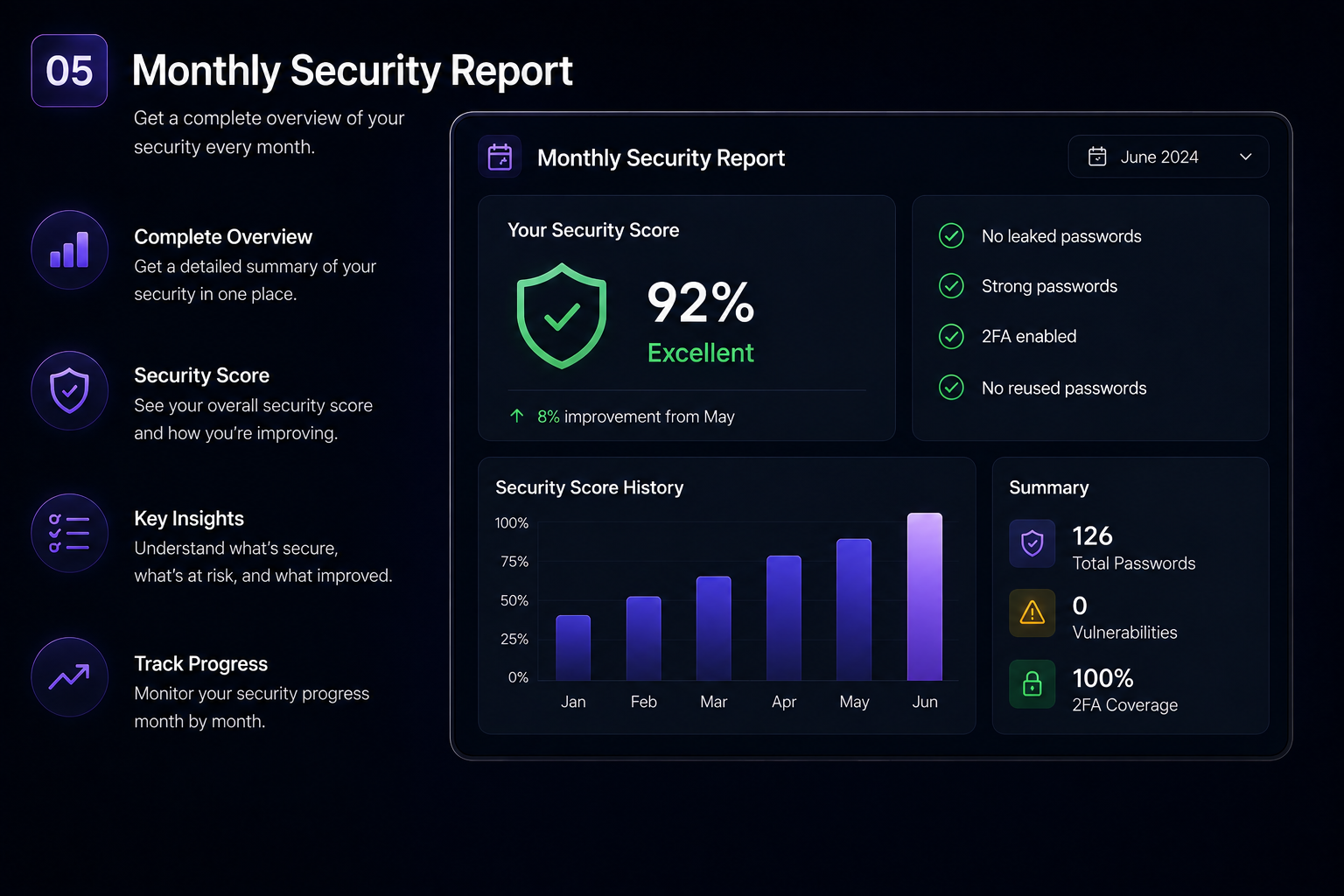
📅 Monthly Security Reports
- Complete account security summary
- Automatic security recommendations
- Alerts for detected risks
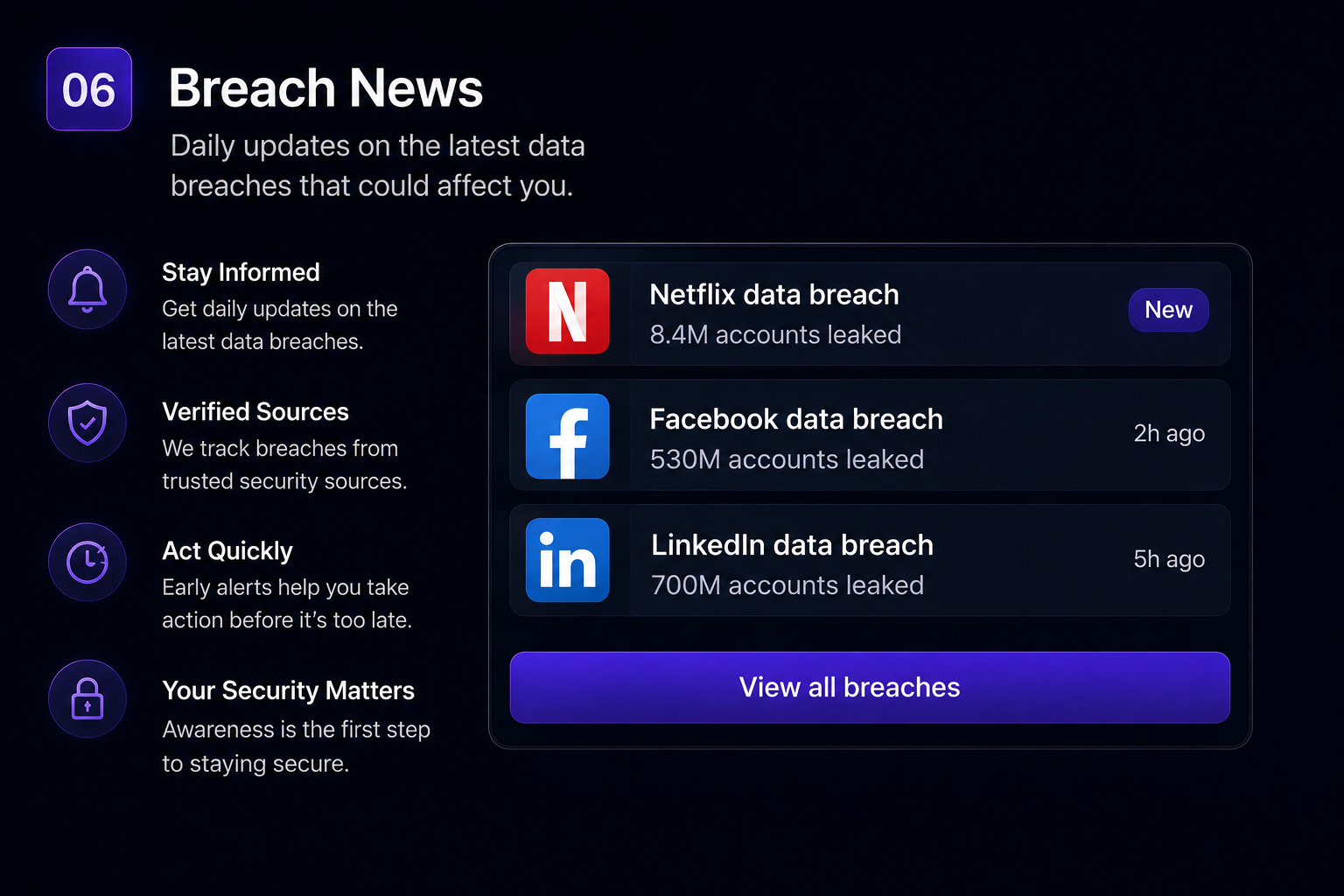
📰 Security Breach News
- Daily information about global security breaches
- Notifications about companies and services affected by breaches
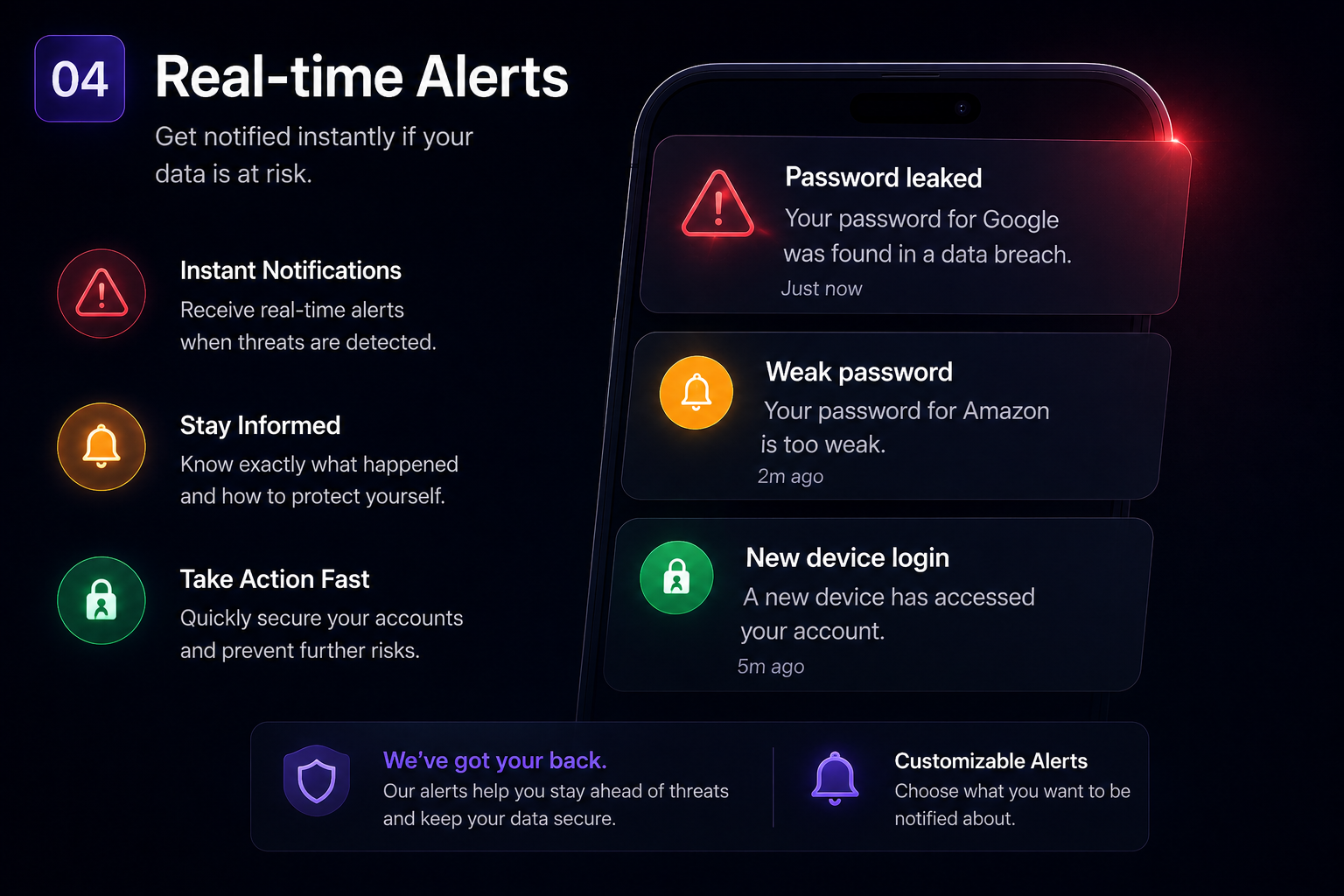
⚡ Real-Time Security Alerts
- Immediate notifications when compromised credentials are detected
- Proactive security monitoring
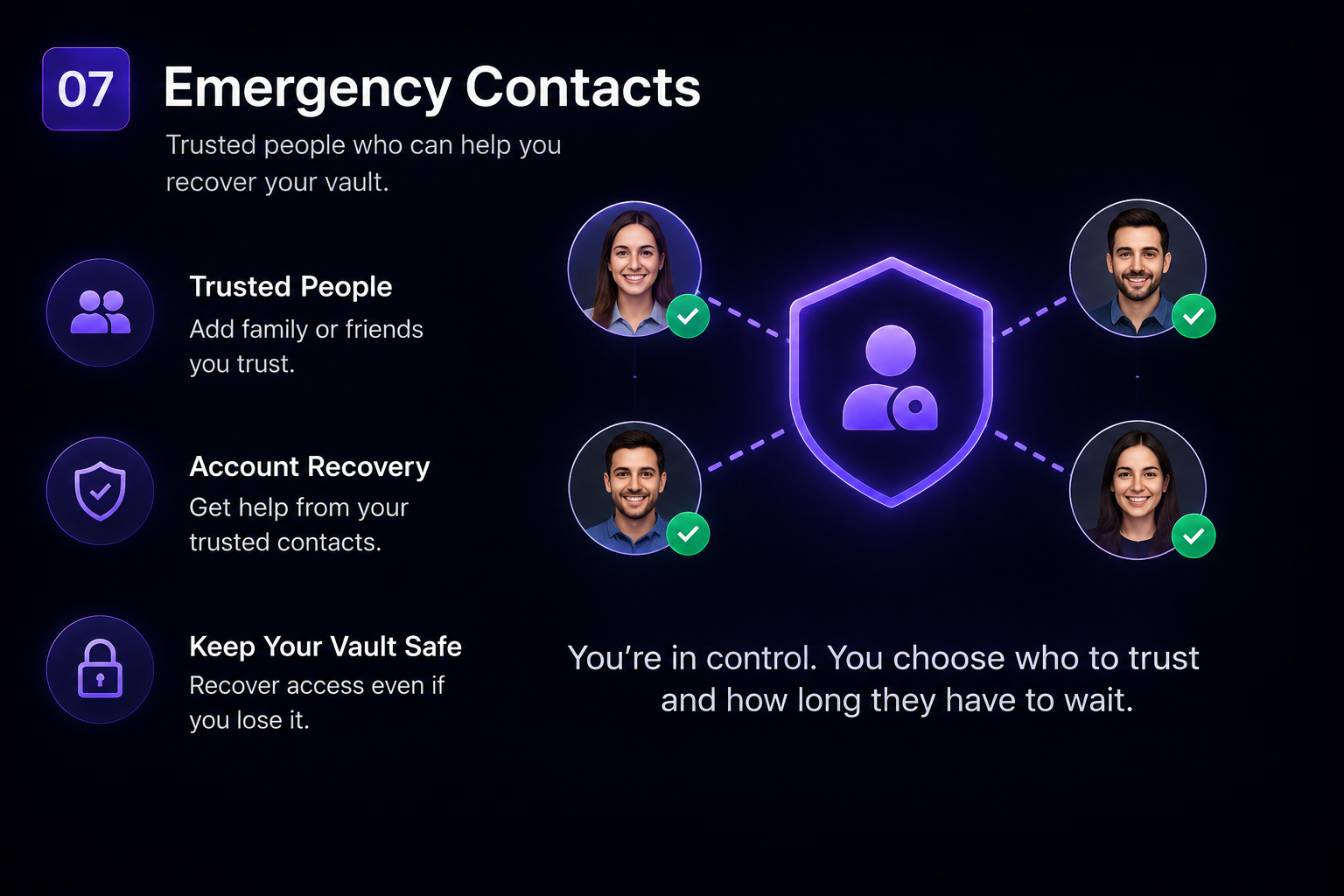
👨👩👧 Emergency Contact System
One of FortPass's most innovative features is its secure emergency recovery system. Users can assign trusted contacts who can help recover access to their vault in critical situations.
- Loss of account access
- Medical emergencies
- Accidents
- Death or permanent loss of access
🔄 How It Works
- The trusted contact requests access through a secure email link.
- A configurable waiting period begins, for example 7 days.
- The account owner can cancel the request at any time during the waiting period.
- If the request is not cancelled, the trusted contact receives access to the encrypted recovery mechanism.
The recovery system is designed to add an additional layer of protection against unauthorized recovery requests.
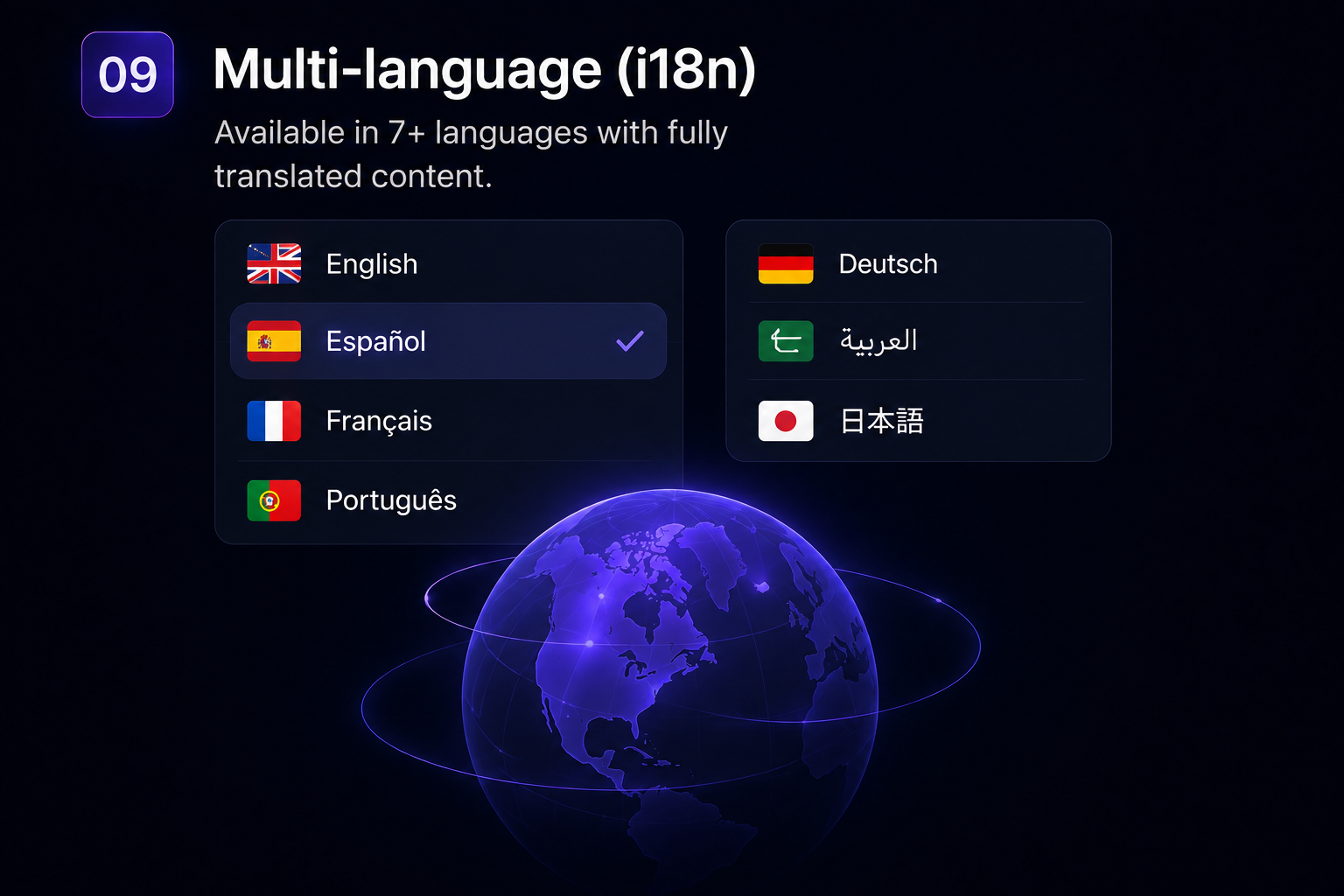
🌍 Advanced Multi-Language Support
FortPass is prepared for international SaaS businesses and global deployments.
- 🇪🇸 Spanish
- 🇬🇧 English
- 🇫🇷 French
- 🇵🇹 Portuguese
- 🇩🇪 German
- 🇸🇦 Arabic
- 🇯🇵 Japanese
The platform uses a complete internationalization system, including translated database content, allowing each supported language to provide a consistent and native experience.
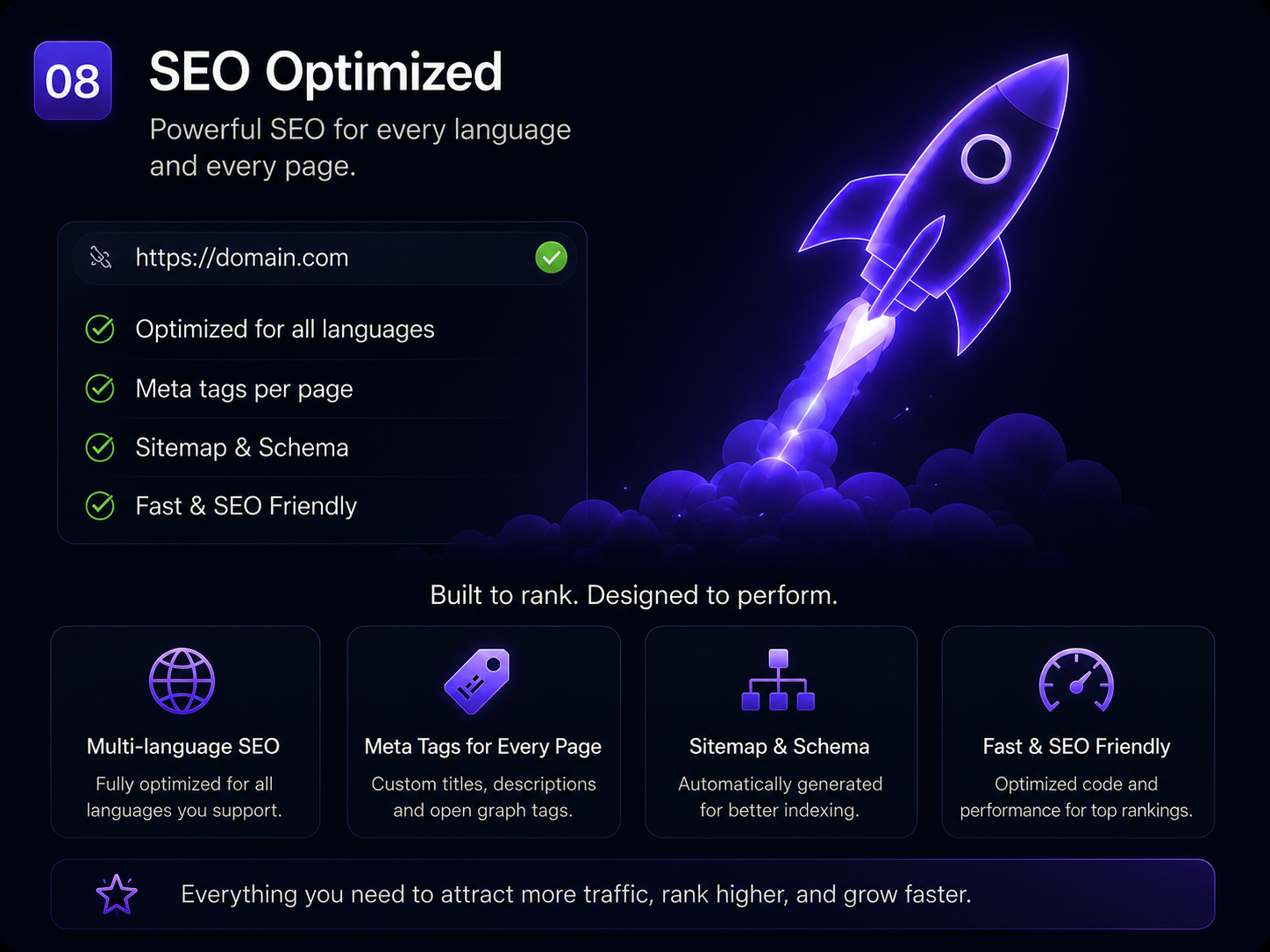
🔎 Advanced SEO Optimization
FortPass is not limited to being an internal application. The platform is also prepared for public-facing pages and international search engine optimization.
- Fully optimized SEO structure
- Language-specific SEO configuration
- Custom SEO configuration for public pages
- International SEO-ready architecture
- Scalable structure for global SaaS deployment
💎 Flexible Subscription System
FortPass includes a configurable subscription and plan management system designed to adapt to different SaaS business models.
- Unlimited subscription plans
- Customizable restrictions per plan and user
- SaaS monetization ready
- Scalable pricing architecture
- Flexible business model support
🎨 Modern & Futuristic Design
FortPass has been designed with a premium fintech and cybersecurity-inspired interface focused on usability, clarity and conversion.
- Modern cybersecurity / fintech UI
- Light and dark mode
- Animated interface components
- Responsive design
- Fluid and modern user experience
- Conversion-oriented public pages
⚙️ Technology & Architecture
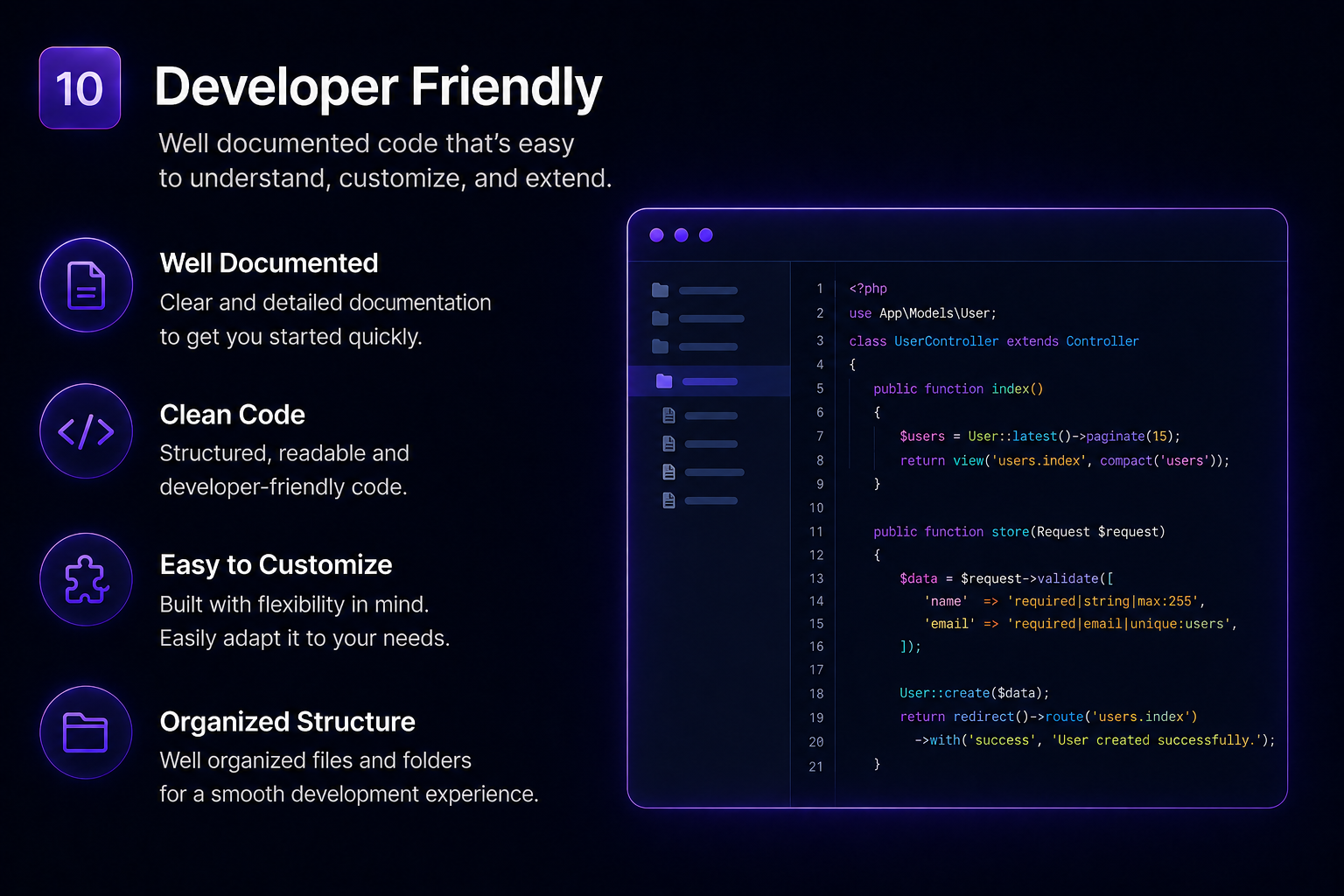
- Secure PHP backend
- Modern PHP-based architecture
- MySQL database
- Modular application structure
- Clean and production-oriented code
- High-performance architecture
- Scalable application structure
- Designed for SaaS deployment
🏆 More Than a Simple Script
FortPass is not a simple PHP script. It is a complete digital security platform designed to provide the foundations required to build a modern password manager, secure data management service or cybersecurity SaaS.
The source code can be used as the foundation for launching your own branded security platform, SaaS product, B2B security solution or premium data management service.
🎯 Ideal For
- 🔐 Password Manager SaaS
- 🛡️ Cybersecurity platforms
- 🚀 SaaS startups
- 🏢 B2B security solutions
- 💼 Premium data management services
- 👨💻 Developers looking for a complete PHP security platform
- 🌍 Companies launching international SaaS products
📸 Screenshots & Interface Preview
Explore the FortPass interface and discover the main features included in the platform.
🚀 Build Your Own Security SaaS
Launch your own branded password manager, encrypted vault or cybersecurity SaaS with FortPass as the foundation.
FortPass provides the source code, features and architecture needed to create and customize your own security-focused platform.
Features
✨ Key Features
- 🔐 Zero-Knowledge Encryption — AES-256-GCM encryption with PBKDF2-SHA256 and 200,000 iterations.
- 🔑 Advanced Password Vault — Organize credentials with folders, favicons and encrypted individual items.
- 🔢 Built-in 2FA / TOTP Authenticator — Generate SHA1, SHA256 and SHA512 TOTP codes with 6–8 digit support.
- 📁 Encrypted File Vault — Securely store documents, images and PDF files.
- 📝 Secure Data Storage — Store private notes, credit cards, bank accounts and credentials.
- 📧 Passwordless Authentication — Secure email verification combined with PIN unlock and recovery codes.
- 👨👩👧 Emergency Contact Recovery — Configurable dead-man's switch system for secure emergency access.
- 🛡️ Password Health & Breach Monitor — Detect weak, reused and potentially compromised passwords.
- ⚡ Real-Time Security Alerts — Proactive notifications for detected security risks and compromised credentials.
- 💎 Complete SaaS Subscription System — Create unlimited plans with customizable features and user restrictions.
- 💳 Multiple Payment Gateways — Integrated support for Stripe, PayPal and Coinbase payments.
- 👨💻 Full Administration Panel — Manage users, plans, SEO, blog content, settings and platform configuration.
- 🌍 Multi-Language System — Seven included languages with internationalization support.
- 🔎 Advanced SEO System — Language-specific SEO, customizable metadata and optimized public pages.
- 📱 PWA Support — Install FortPass as a Progressive Web App on desktop and mobile devices.
- ⚙️ One-Click Installer — Fast and guided installation through the built-in setup wizard.
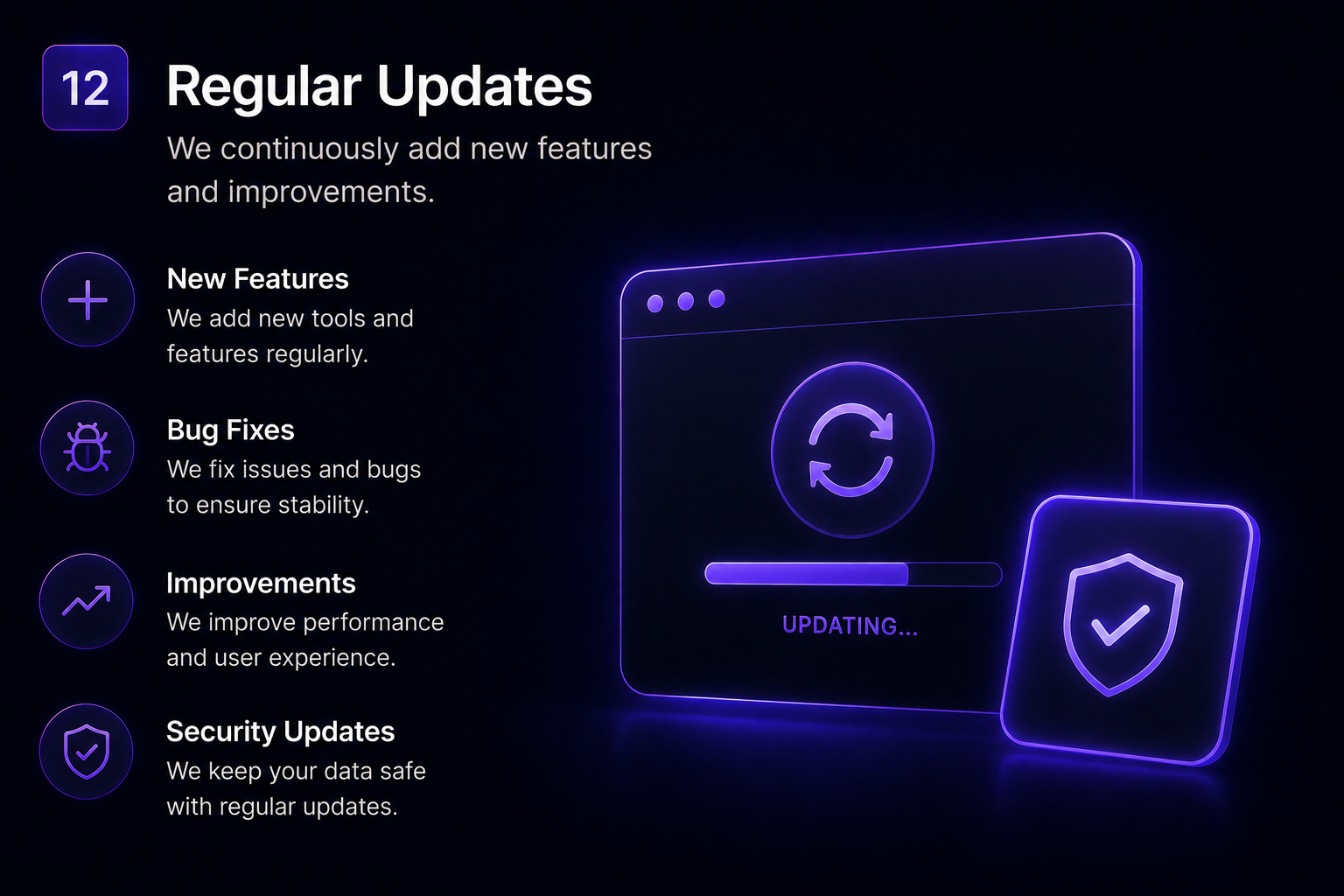
- 🔄 One-Click Auto Updater — Easily keep the application updated from the administration panel.
- 🛡️ Advanced Security Controls — Rate-limited PIN attempts, session protection and device limits.
- 🌙 Dark & Light Mode — Modern interface with customizable viewing preferences.
- 📱 Responsive Modern UI — Optimized user experience across desktop, tablet and mobile devices.
Requirements
⚙️ System Requirements
Before installing FortPass, make sure your server meets the following minimum requirements.
🖥️ Server Requirements
- 🐘 PHP 8.2 or newer
- 🗄️ MySQL 5.7+ or MariaDB 10.3+
- 🌐 Apache with
mod_rewriteenabled - 🌐 Nginx with equivalent rewrite rules
🧩 Required PHP Extensions
openssl— Encryption and secure cryptographic operationsmysqli— MySQL database connectivitymbstring— Multibyte string supportfileinfo— File type detection and validationgd— Image processing
💾 Storage Requirements
- Approximately 50 MB of disk space for the application
- Additional storage space recommended for user uploads and documents
🔐 Recommended Environment
For the best performance and security, we recommend using a modern hosting environment with a recent PHP version, HTTPS enabled and a properly configured database server.
Minimum PHP Version: 8.2 Database: MySQL 5.7+ / MariaDB 10.3+ Web Server: Apache or Nginx
Instructions
📥 Installation Instructions
Installing FortPass is simple and can be completed through the included web-based installation wizard.
1️⃣ Upload the Files
Extract the downloaded ZIP file and upload the application files to your web server document root or to a subdirectory of your choice.
2️⃣ Run the Installation Wizard
Open your browser and navigate to:
/install
Follow the installation wizard and provide the required information:
- 🔑 Enter your license key
- 🗄️ Enter your database host, username, password and database name
- ⚙️ The installer will create the required database tables automatically
- 🌐 Set your application name and URL
- 🕐 Configure your application timezone
- 👤 Create your administrator account
3️⃣ Configure Your Platform
Once the installation is complete, sign in to the administration panel and configure your platform.
- 💳 Go to Admin > Settings to configure your payment gateways
- 💰 Add your Stripe keys
- 🅿️ Add your PayPal credentials
- 🪙 Configure your Coinbase payment settings
- 📦 Go to Admin > Plans to create and configure your pricing tiers
📚 Full Documentation Included
Complete documentation is included with the purchase. You will find the full documentation inside the /docs folder included in the ZIP package.
That's it! Once the installation wizard is completed, FortPass is ready to be configured and customized for your own SaaS or security platform.
| Author | medel |
|---|---|
| Category | Scripts & Code / PHP Scripts / Security |
| Price | $34 |
| Extended License | $102 |
| Likes | 2 |
| First Release | Aug 15, 2026 |
| Last Update | Aug 21, 2026 |
| Files included | .php, .css, .sql, JavaScript .js |
| Software version | PHP 8.2, PHP 8.3, PHP 8.4 |
Categories
Tags
External listing. code.market does not sell this product and does not process payment for it. Pricing, payment, delivery, licensing, refunds, and support are handled by the third-party merchant on its own website. We may earn an affiliate commission from a referral. Details.
Products of the Week.
Submit🥇

Perceptle
Perceptle is a daily browser-based game that challenges you to test your sensory intuition through five quick estimation and rhythm-based rounds.
Other · 1 views · 0 clicksOther · Week 47 · 1 views · 0 clicks
🥈

Free LinkedIn Likes From Real
Get free LinkedIn likes on your posts from real members who react by hand. No
SaaS · 124 views · 2 clicksSaaS · Week 47 · 124 views · 2 clicks
🥉

STOP GUESSING WHAT TO POST
AI that learns your brand voice and builds a month of consistent, on-brand social content: carousels, posts and hooks that sound like you, not like everyone else's AI.
SaaS · 7,686 views · 71 clicksSaaS · Week 47 · 7,686 views · 71 clicks
#4

aaas.market
407 reliable micro tools for solo founders, marketers and creators. They work in your browser
SaaS · 122 views · 0 clicksSaaS · Week 47 · 122 views · 0 clicks