
FormCraft - Premium WordPress Form Builder

Description
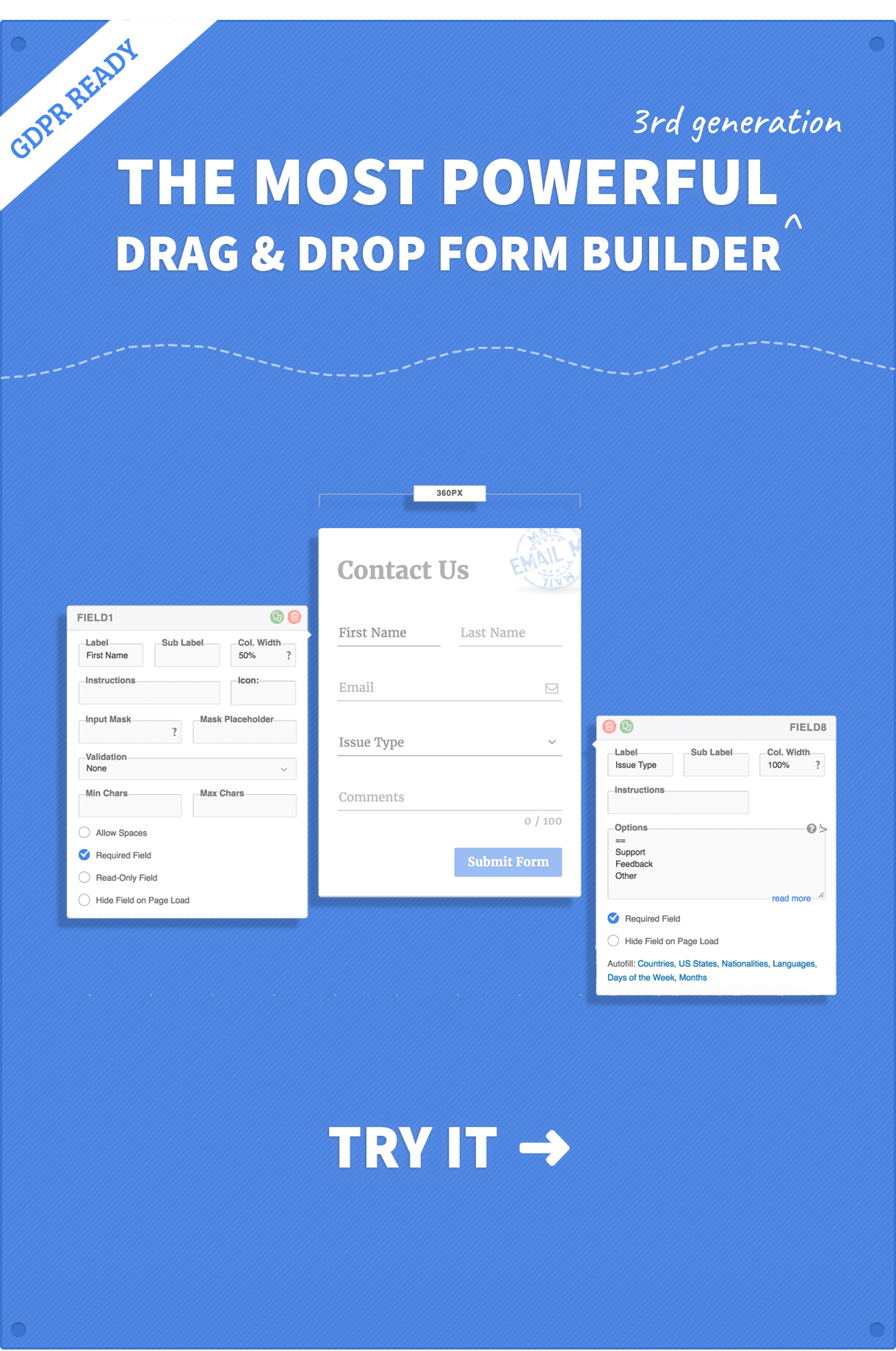
FormCraft is the most complete, flexible & customizable Drag & Drop Form Builder tool for WordPress on the market.
Powered by Drag & Drop Functionality
With the familiar drag & drop style of editing, FormCraft is a breeze to use. With a clean GUI to work in behind the scenes you simply drag the item you need from the menu and drop it in place on the form you have chosen. Everything is WYSIWYG so move it around with your cursor and drop it in place. Boom! Form built. It’s crazy simple to create complex, awesome forms.WordPress Familiarity
To create that compelling user experience we developed FormCraft to feel immediately familiar with the WordPress Dashboard. Once activated you will see a new menu item in WordPress and an easy to use dashboard with menu items that make building forms a breeze.Build items at the top, text fields in the nav to the right. Everything is drag & drop, and yet has that familiar WordPress feel to it so the learning curve is practically nil from the get-go.
Add-Ons Galore
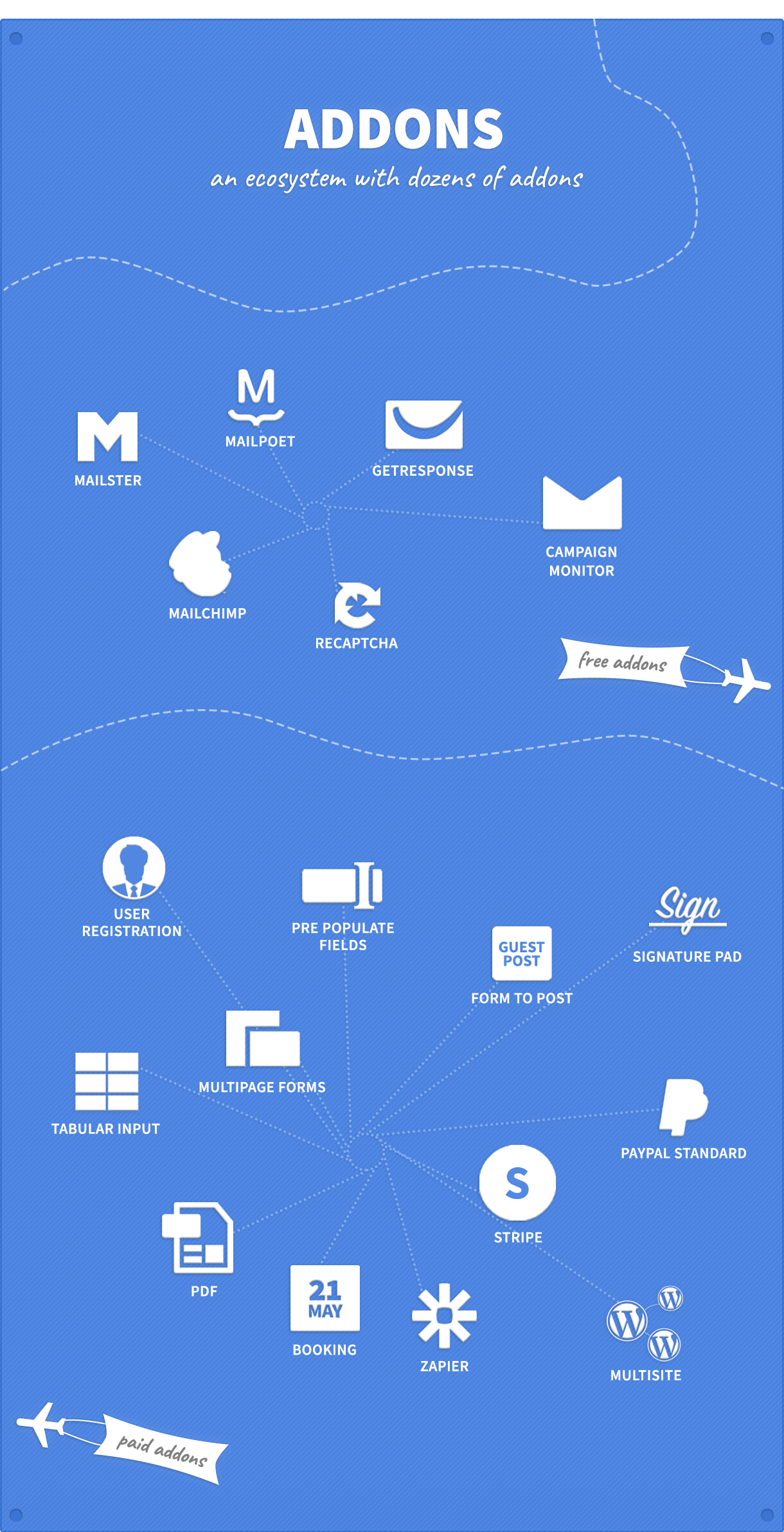
Extend functionality beyond the basic, or take your existing Payment Gateways and integrate them with your forms – everything is possible with a long list of Addons available including MailChimp, GetResponse and Campaign Monitor (FREE!).Style it Up
Who said forms had to be boring? Sick of trying to integrate a form so it doesn’t end up looking like MS DOS? Try FormCraft – we got you. With multiple layers of customization available within FormCraft, you can easily change fonts, update layouts, place your logo or even add custom CSS to really tweak the look and feel.Change the width, update the base color, or add an entire custom color scheme, even add a background image – there is a form with your name on it.
Responsive & Scalable
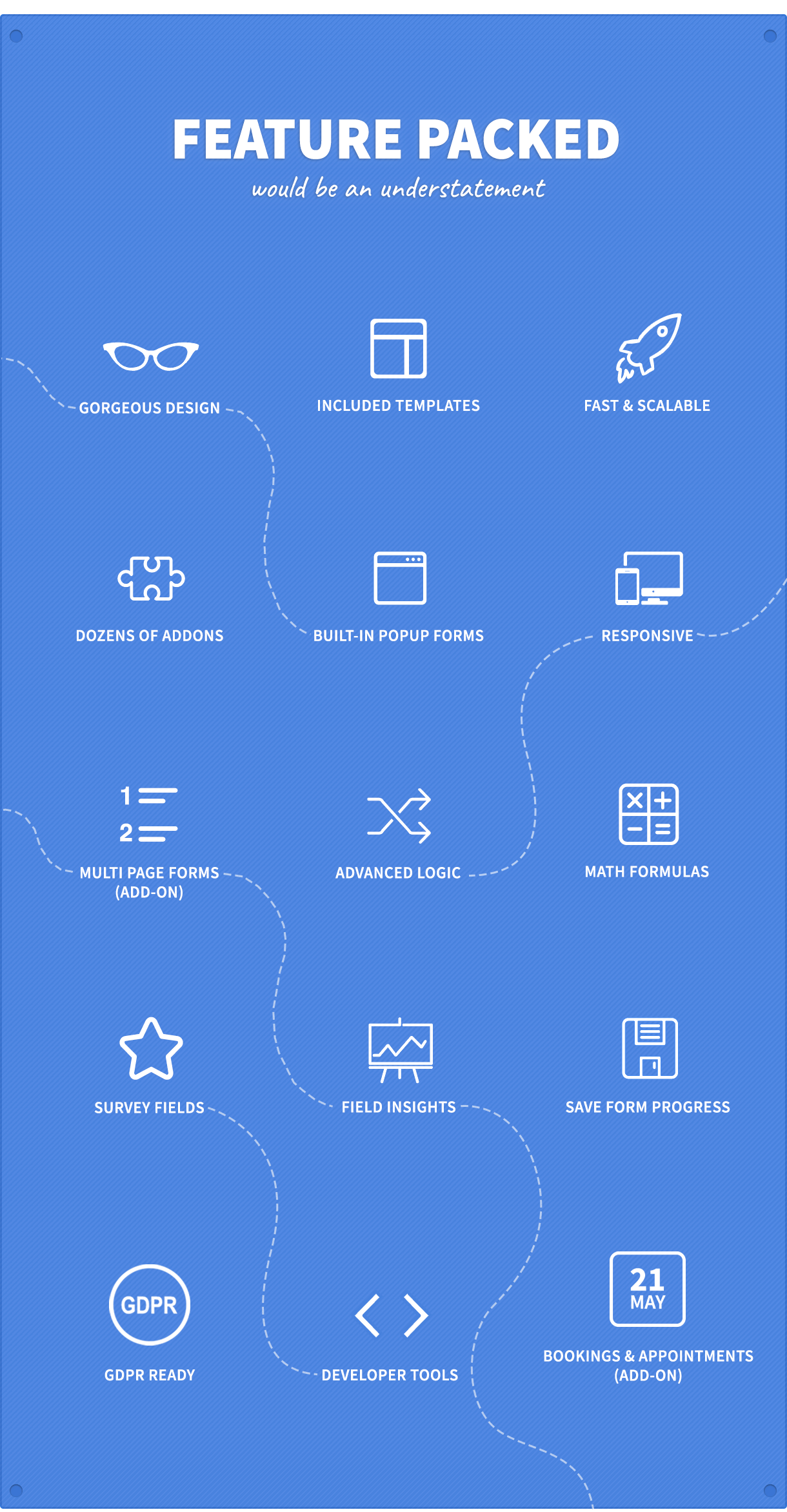
FormCraft has been designed and developed from the ground up with scalability and responsiveness at its core. No matter the device, FormCraft has a display resolution ready to take it on, whether it’s mobile, smartphone, tablet or even smartwatch your webforms will never have looked better. The code has been optimized so it’s lightweight and validated HTML5 sitting on a full AJAX framework so there are no page reloads necessary. Simply beautiful forms on every device.Triggers, Conditional Logic, Math Formulas
No stone has been left unturned in this latest fourth generation form builder platform, you can embed forms to ‘popup’ on any page or trigger a form using an existing element on a page. Go even further with conditional logic that allows you to show/hide fields, send emails or trigger integrations or use math expressions to update a live shopping cart.Analytics
New to FormCraft is real time web form analytics, your marketing crew are going to love this. You can view form views and submissions, check conversion rates and payment conversion rates – weekly, monthly, yearly or by custom periods.Full Documentation
Access dozens of tutorials, search help topics with real life examples and access everything without leaving the form editor. We have made sure the help files and tuts are all accessible from within the editor making it super easy to get help on the fly while you work.Support
We provide support and automatic updates for 6 / 12 months after purchase. Additional support and updates packs can be purchased.If you have a general query, you can use the comment section of the plugin. You can create a support ticket here
GDPR
FormCraft is prepared for GDPR. Read more here.10-Day Refunds
We offer a 10-day refund if you aren’t satisfied with our product. When we issue a refund your license will be cancelled. You can use this link to ask for a refund: http://themeforest.net/refund_requests/newRefunds are offered outside of the 10-day window as well, if the plugin was broken and we couldn’t fix it for you.
Multi-Site
FormCraft works on one standalone installation, or any one site on a WPMS installation. An add-on is required to use the plugin across all the sub-sites of a WordPress Multi-Site Installation.Recent Changelog
3.9.6 (20th March 2022)
1. Minor bug fixes
Detailed Changelog
http://formcraft-wp.com/changelog| Type | WordPress Plugin |
|---|---|
| Author | nCrafts |
| Category | Wordpress / Forms |
| Price | $25 |
| Sales | 21,679 |
| Rating | 4.46 from 1,094 ratings |
| Published | Aug 9, 2013 |
| Last Update | Aug 4, 2026 |
| Compatible Browsers | IE10, IE11, Firefox, Safari, Opera, Chrome, Edge |
| Compatible Software | WordPress 6.9.x, WordPress 6.8.x, WordPress 6.7.x, WordPress 6.6.x, WordPress 6.5.x, WordPress 6.4.x, WordPress 6.3.x, WordPress 6.2.x, WordPress 6.1.x, WordPress 6.0.x, WordPress 5.9.x, WordPress 5.8.x, WordPress 5.7.x, WordPress 5.6.x, WordPress 5.5.x, WordPress 5.4.x, WordPress 5.3.x, WordPress 5.2.x, WordPress 5.1.x, WordPress 5.0.x, WordPress 4.9.x |
| Gutenberg Optimized | Yes |
| Source Files Included | JavaScript JS, JavaScript JSON, HTML, CSS, PHP |
Categories
Tags
External listing. code.market does not sell this product and does not process payment for it. Pricing, payment, delivery, licensing, refunds, and support are handled by the third-party merchant on its own website. We may earn an affiliate commission from a referral. Details.
Products of the Week.
Submit🥇

STOP GUESSING WHAT TO POST
AI that learns your brand voice and builds a month of consistent, on-brand social content: carousels, posts and hooks that sound like you, not like everyone else's AI.
SaaS · 4,276 views · 38 clicksSaaS · Week 45 · 4,276 views · 38 clicks
🥈

Conversational Backlinks for Busy Founders
Place Backlink Relevant Conversation for your domain across Forums and Conversations
Website · 41,985 views · 223 clicksWebsite · Week 45 · 41,985 views · 223 clicks
🥉

upvote.club
Free Social Media Engagement that Helps Boost Your Content. Upvote Club supports 19 social networks with 100+ engagement actions in one dashboard. Add links to your posts and get free engagement from real users.
SaaS · 40,028 views · 117 clicksSaaS · Week 45 · 40,028 views · 117 clicks
#4

Substack Posting API
Onboard your Agent to Substack. Write Publish on Substack via API
SaaS · 59,037 views · 198 clicksSaaS · Week 45 · 59,037 views · 198 clicks
#5

Seenshot App
Free, Fast, MacOS Screenshot app. Make Screenshot cmd+shift+2 and send it via link
Desktop App · 28,409 views · 122 clicksDesktop App · Week 45 · 28,409 views · 122 clicks
#6

Hand-Placed Backlinks $9.99 per link. Flat rate.
Buy hand-placed forum, Q-A and directory backlinks. Flat $9.99 per link, no subscriptions — you only pay for approved listings.
Website · 4,247 views · 19 clicksWebsite · Week 45 · 4,247 views · 19 clicks
#7

Free Invoice Generator - PDF Invoices in Your Browser, No Sign-Up
A free invoice maker for freelancers and small businesses: fill in the invoice, check the live preview, and download a PDF that looks exactly like it. Any currency, tax per item, three templates, no sign-up, and nothing leaves your device.
2,927 views · 17 clicksWeek 45 · 2,927 views · 17 clicks
#8

Merge PDF Files Free - Combine PDFs in Your Browser, No Upload
A free PDF merger for office workers, students, and freelancers: combine PDFs and images into one file in the browser, reorder files and pages, pick page ranges, keep bookmarks, and open password-protected PDFs. Nothing is uploaded, no sign-up, no watermark.
2,703 views · 13 clicksWeek 45 · 2,703 views · 13 clicks