
Foodyman - Restaurant Self-ordering KIOSK App (iOS, Android)
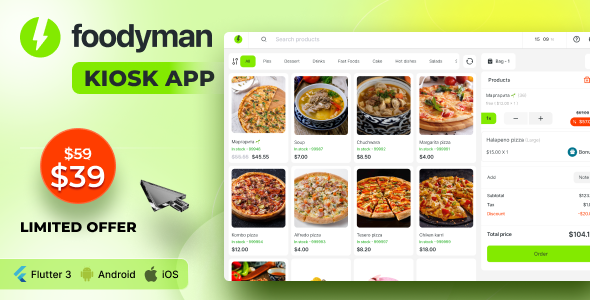
Description
Welcome to Foodyman Kiosk Application (iOS, Android)
Note: This is not a standalone app. It integrates seamlessly with both Foodyman – Multi-Restaurant Food and Grocery Ordering and Delivery Marketplace and Foodyman – Single (Multi-Branch) Restaurant & Grocery Food Ordering & Delivery Platform.
Unlock Your Business Potential with Foodyman Kiosk app




Enhance your restaurant’s customer experience and streamline operations with the Foodyman Kiosk app. Designed to optimize the self-ordering process, this app offers customers a user-friendly way to order their meals, improving both efficiency and satisfaction. Whether you’re managing a single location or a multi-branch operation, the Foodyman Kiosk integrates perfectly with the broader Foodyman platform, enhancing your service capabilities and customer experience.
Key Features and Functionality:
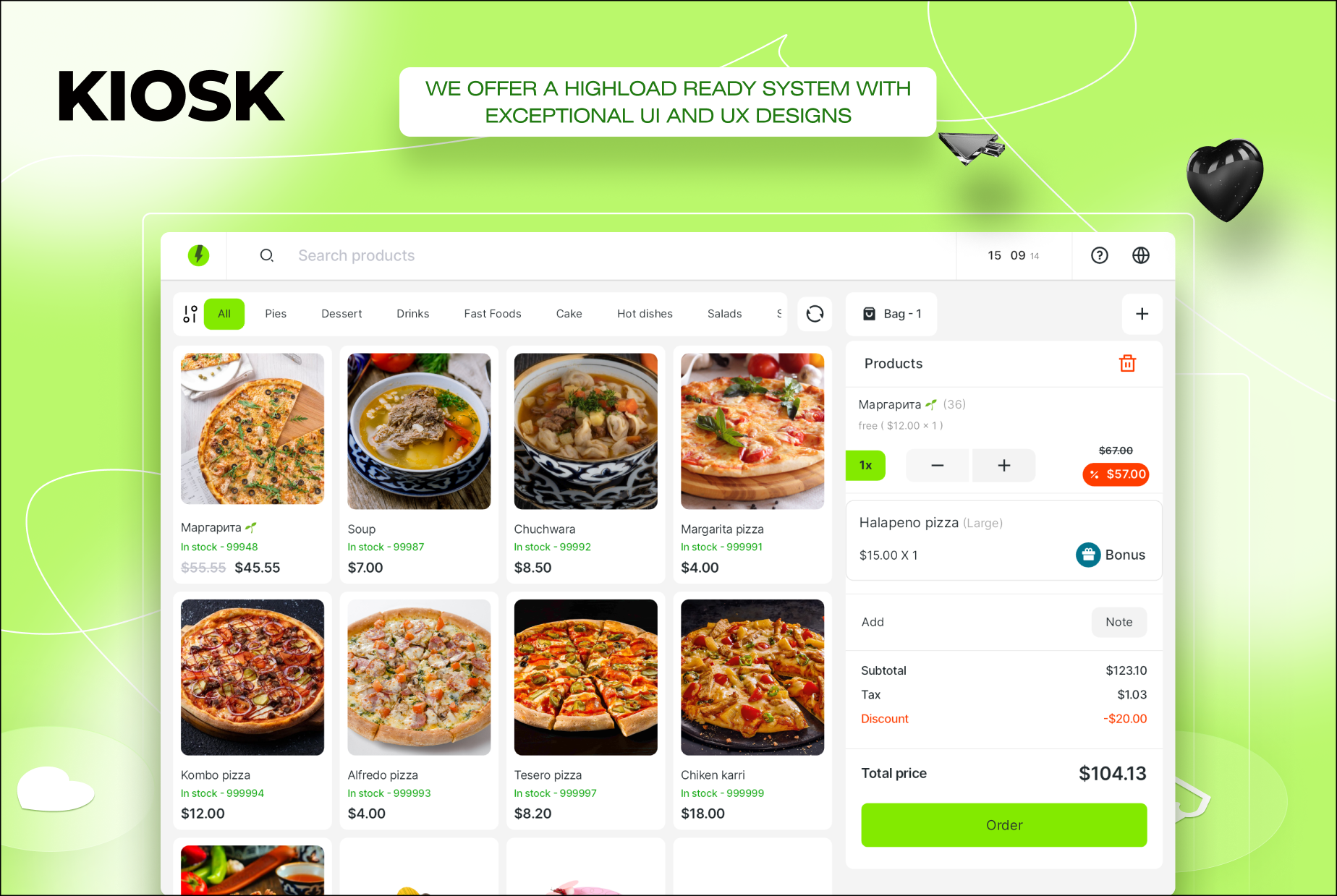
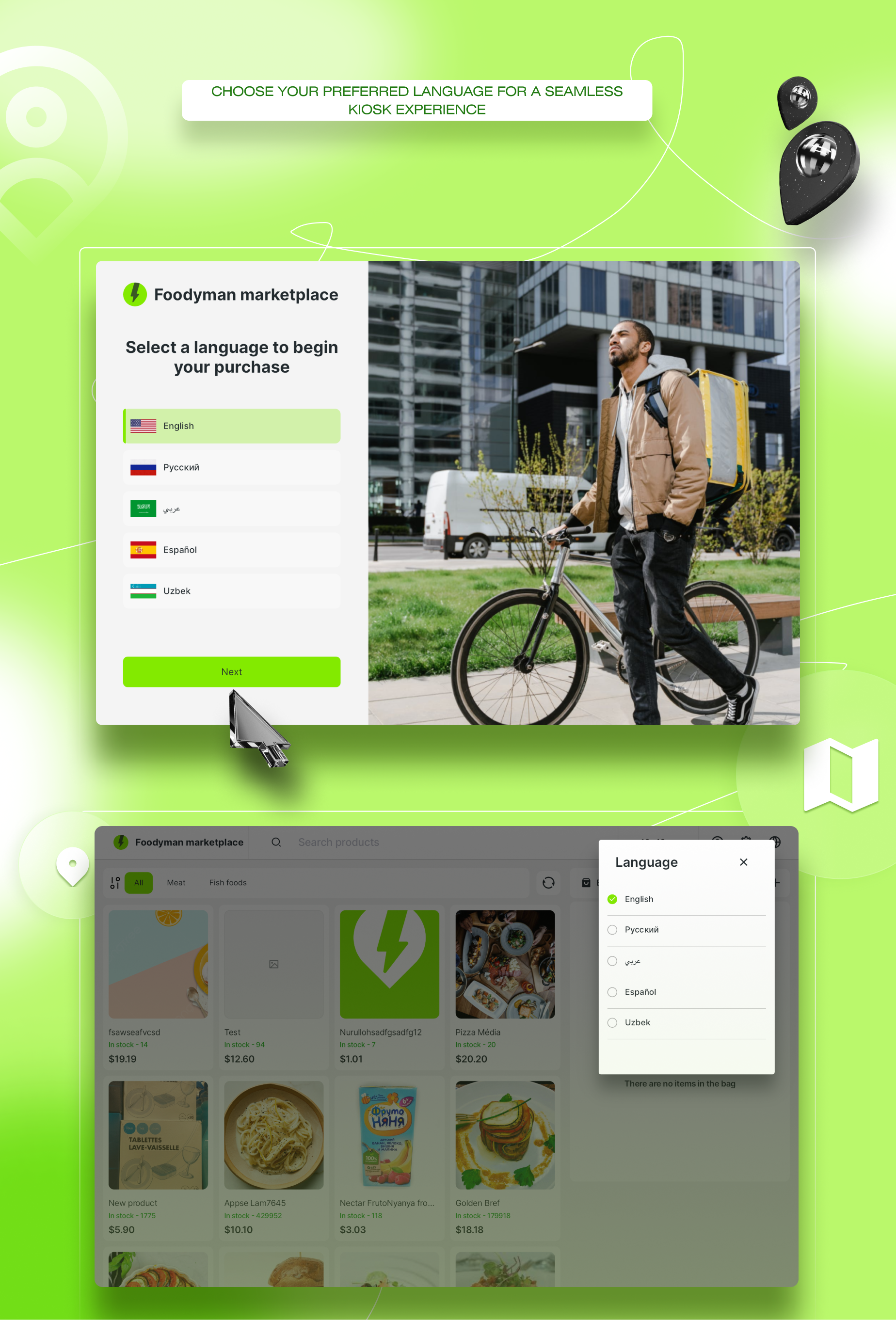
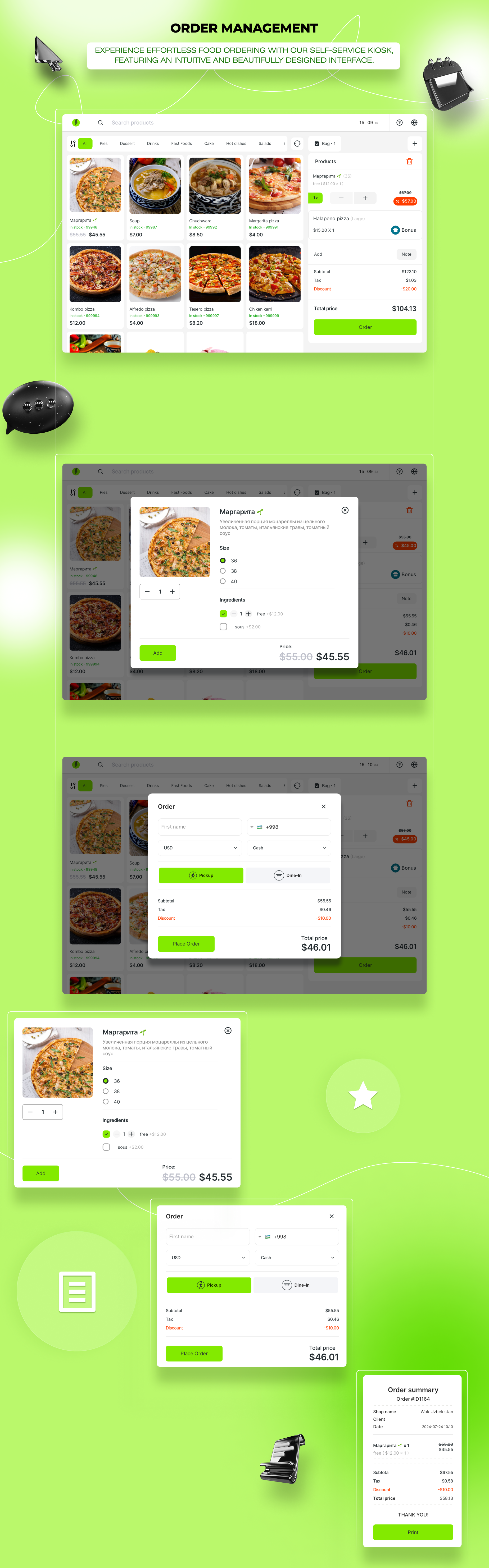
- Meal Selection: Customers browse the menu directly on the kiosk and choose their meals with a few simple taps.
- Order Type Selection: They can select whether the order is for dine-in or pick-up, tailoring the experience to their preference.
- Order Submission: Once the order is finalized, it’s submitted through the kiosk, generating an order ID and details for the customer.
- Order Processing: The order is instantly sent to the kitchen (admin) for preparation, ensuring a smooth and fast service.
- Order Pickup/Service: Customers receive their meals using the provided order ID, making the entire process hassle-free.
Integration Capabilities:
The Foodyman Kiosk app is designed to work seamlessly with multiple platforms. It can be integrated with Foodyman – Multi-Restaurant Food and Grocery Ordering and Delivery Marketplace or with Foodyman – Single (Multi-Branch) Restaurant & Grocery Food Ordering & Delivery Platform. This flexibility allows you to tailor the app to your specific needs.
In demo mode, the Foodyman Kiosk is currently connected to the Foodyman Multi-Restaurant platform, and all orders can be monitored and managed from the Foodyman Multi admin panel. Whether you choose to integrate it with the multi-restaurant platform or the single/ multi-branch solution, the Foodyman Kiosk app is a powerful tool to elevate your restaurant’s self-ordering experience.
Change Log-
31 December 2025 ( v. 2025 -01)
  - Flutter upgraded to v3.38.5
  - Added support for iOS 26
  - Dynamic theming via Admin Panel (primary color changes)
  - Product type filtering added (Single / Combo)
  - Bug fixes and code optimization
| Type | Flutter App |
|---|---|
| Author | githubit |
| Price | $39 |
| Sales | 21 |
| Rating | 0 (1) |
| Published | Sep 2, 2024 |
| Last Update | Dec 30, 2025 |
| Compatible Software | Flutter 3.x |
| Demo Url | https://drive.google.com/file/d/1CFvDwzzgaAWhmf61yaZjZulnChJAeTmX/view |
| Mobile Files Included | Dart, YAML, .java, .kotlin, .plist |
Categories
Tags
External listing. code.market does not sell this product and does not process payment for it. Pricing, payment, delivery, licensing, refunds, and support are handled by the third-party merchant on its own website. We may earn an affiliate commission from a referral. Details.