
Folio3D - 3D Flipbook Plugin for WordPress
Description
Folio3D: 3D Flipbook Plugin for WordPress
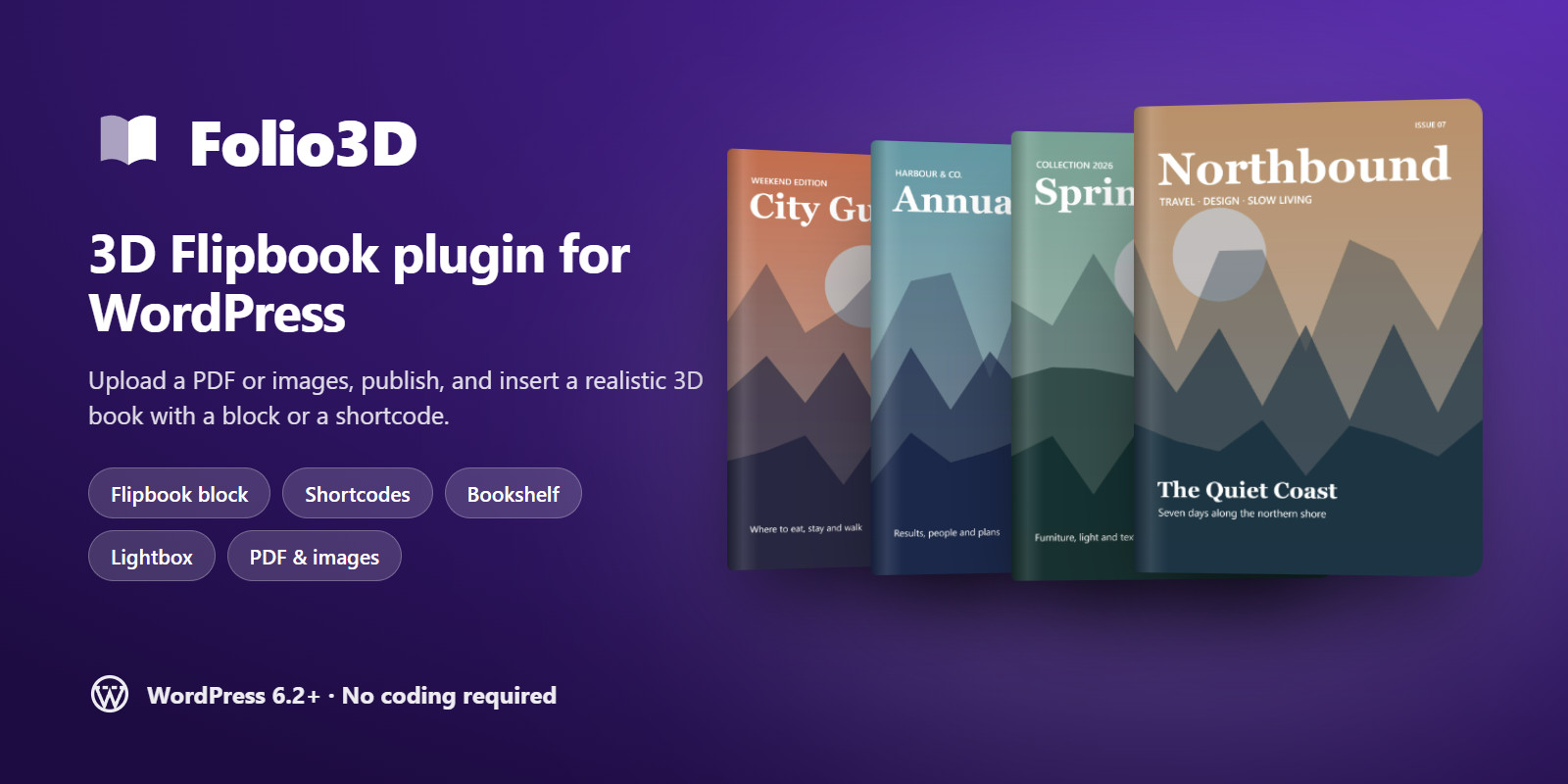
Turn your PDFs and images into realistic 3D flipbooks in a few clicks. Upload a catalog, magazine, brochure or report, publish it, and add it to any page with the Flipbook block or a shortcode. Visitors turn pages with a realistic 3D curl, search the text, jump through the contents and read comfortably on any device. No coding required.
Made for WordPress
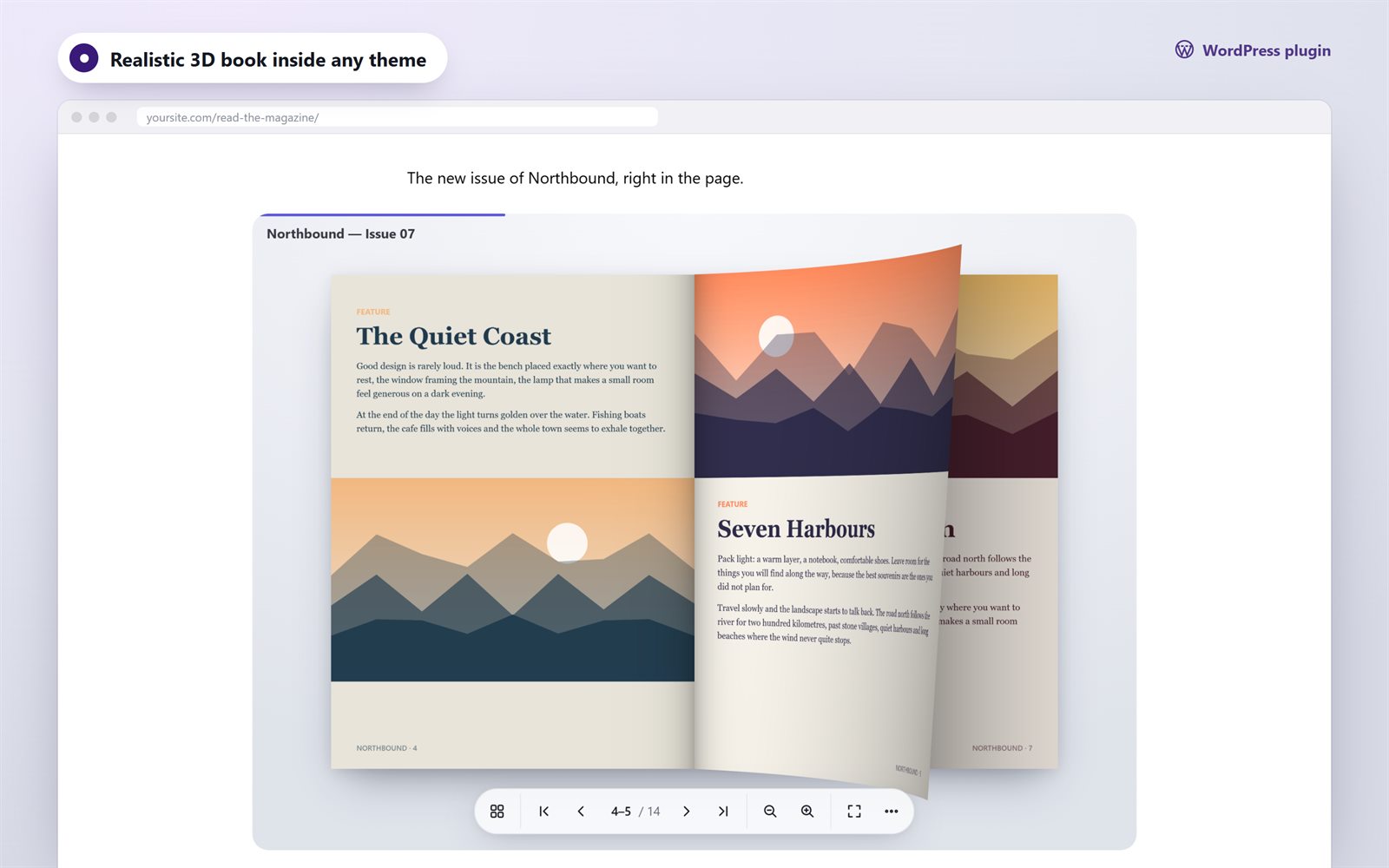
- Flipbooks section in the admin: choose a PDF from the Media Library, or upload images and drag pages into order
- Flipbook block for the block editor, plus shortcodes for the classic editor, widgets and page builders
- Four ways to show a book: inline viewer, 3D cover card, button, or text link that opens a full-screen lightbox
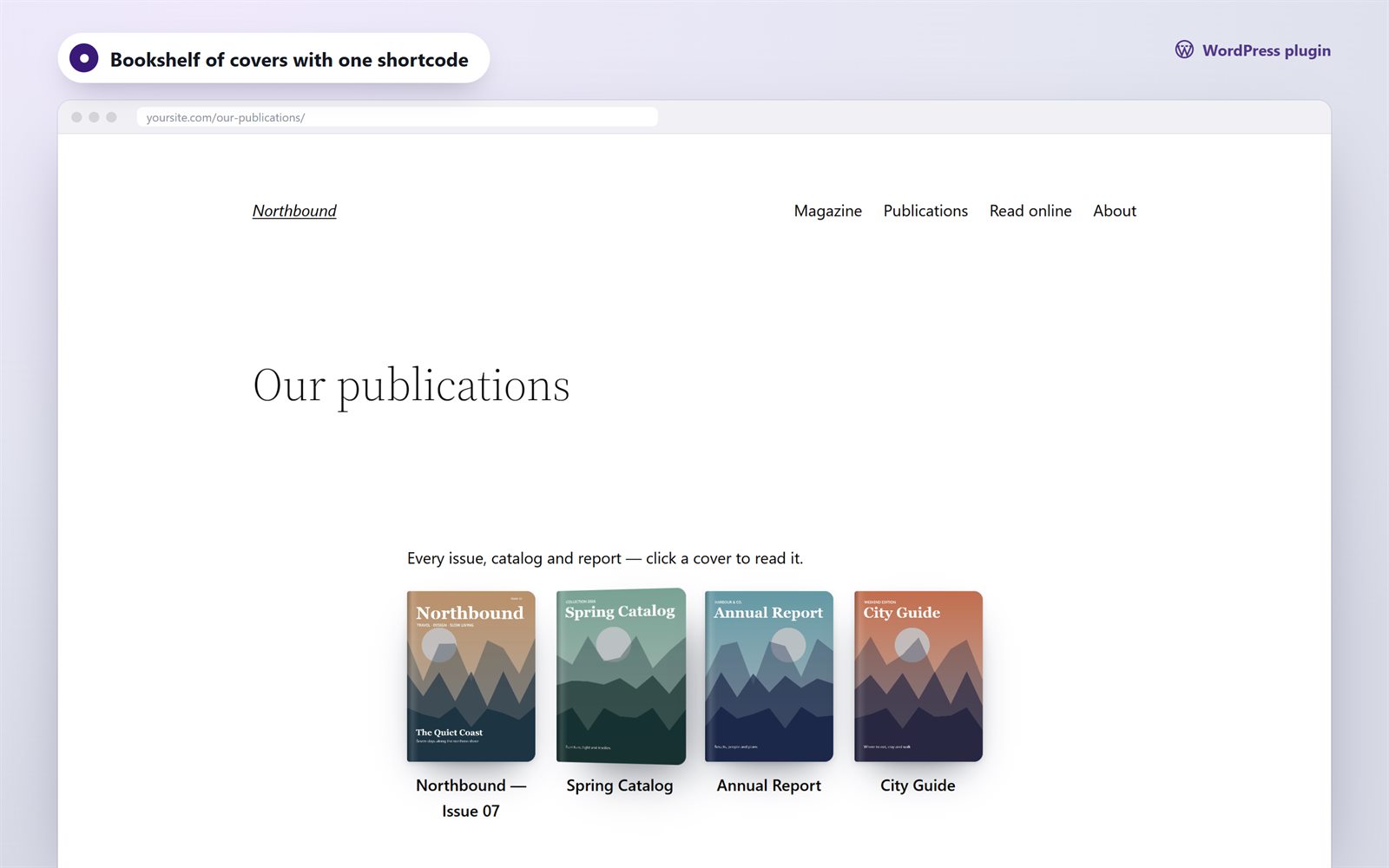
- Bookshelf: shows your publications as a grid of 3D covers
- Every book also gets its own page with a shareable link
- Global defaults with per-book overrides: view mode, layout, theme, accent color, height, start page, right-to-left reading, autoplay
- pdf.js bundled: no external CDN is needed, so it is privacy-friendly
- Assets load only on pages that show a book
- Translation-ready, with Russian included
A reading experience people enjoy
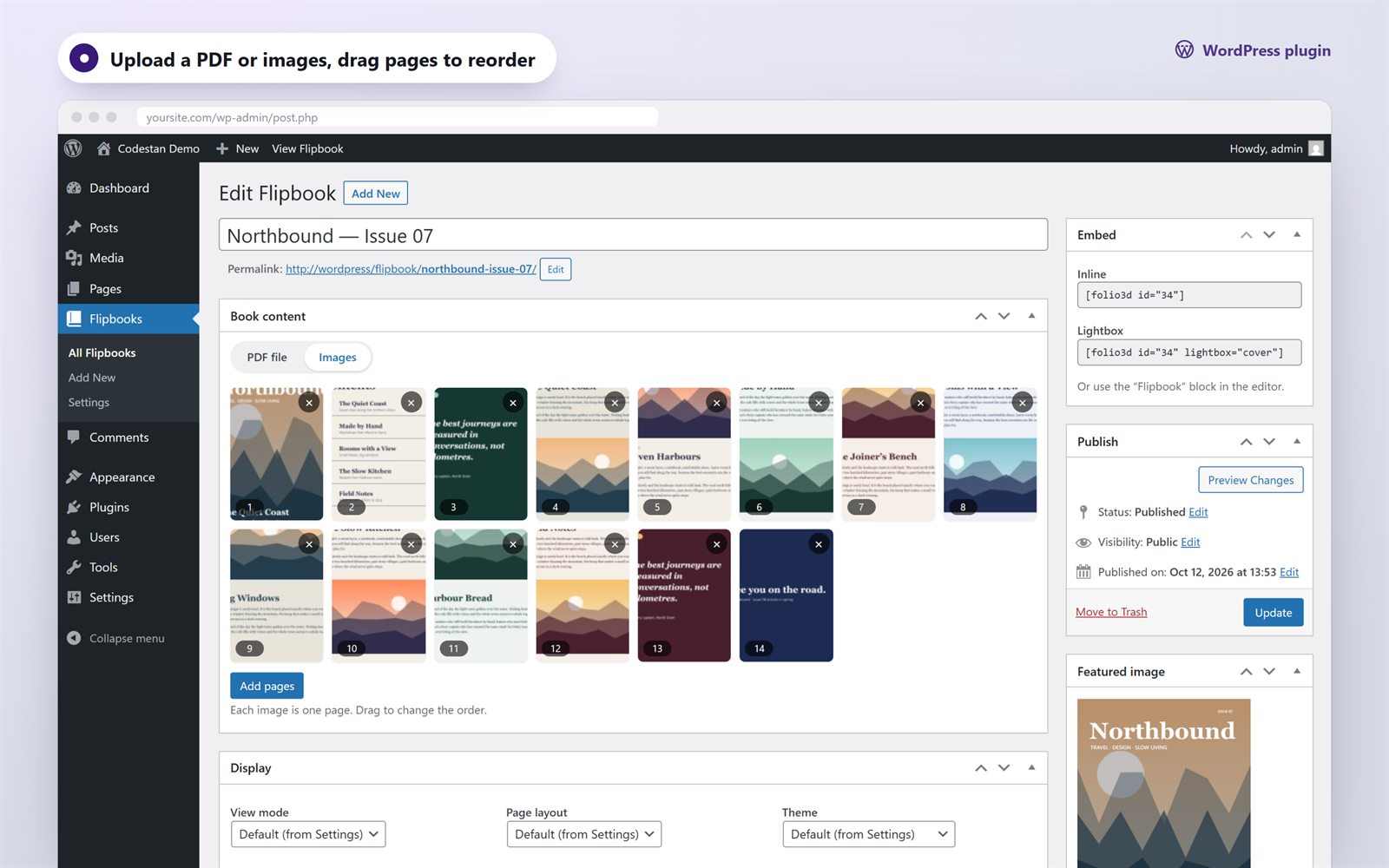
- Realistic WebGL page curl with lighting; you can drag a page by its corner
- Light 3D and Swipe modes for every device, with automatic fallback
- Full-text search with highlights on the page (PDF books)
- Table of contents from the PDF outline; links inside the PDF stay clickable
- Page thumbnails, bookmarks and “continue where you left off”
- Reader mode: page text in a comfortable column with adjustable size
- Zoom and pan (buttons, Ctrl + wheel, pinch), fullscreen
- Share panel, deep links to pages, download and print
- Light, dark and automatic themes, with your accent color
- Responsive: two-page spreads on desktop, single pages and swipe on phones
- Keyboard accessible, with screen reader labels and support for reduced motion
Built right
- Plain JavaScript viewer, with no jQuery and no frameworks
- WordPress coding standards: nonces, capability checks, sanitized input and escaped output
- Clean uninstall: removes its settings and keeps your books and media
- Developer filter
folio3d_book_optionsto customize any book
Shortcodes
Requirements
- WordPress 6.2 or newer
- PHP 8.0 or newer
- Visitors: current Chrome, Edge, Firefox or Safari (desktop, iOS 15+, Android)
Also available
Need the viewer outside WordPress? Folio3D is also available from Codestan as a vanilla JavaScript library for any website.
Credits
- pdf.js by Mozilla, Apache License 2.0, bundled to render PDF files
- Demo content, icons and the page-turn sound are original to this item
Changelog
1.0.0 — initial release
Features
Realistic 3D page curl (WebGL) with Light 3D and Swipe modes PDF or image books from the Media Library Flipbook block for the block editor Shortcodes for classic editor, widgets and page builders Inline viewer, 3D cover, button or link that opens a lightbox Bookshelf of covers with one shortcode Full-text search with highlights (PDF) Table of contents from the PDF outline, clickable PDF links Thumbnails, bookmarks and "continue reading" Reader mode for comfortable reading on phones Zoom, fullscreen, autoplay, page-turn sound Light, dark and automatic themes with accent color Global settings with per-book overrides Right-to-left books pdf.js bundled, no external CDN Translation-ready, Russian included Responsive and keyboard accessible No jQuery, readable source, no license checks
Requirements
WordPress 6.2 or newer PHP 8.0 or newer MySQL 5.7+ or MariaDB 10.x+ (any database supported by WordPress) Visitors: current Chrome, Edge, Firefox or Safari (desktop, iOS 15+, Android) WebGL for the realistic 3D mode (automatic fallback to Light 3D when unavailable)
Instructions
1. Unzip the download. Inside you will find folio3d.zip (the plugin) and Documentation/index.html (the full guide). 2. In WordPress go to Plugins → Add New → Upload Plugin, choose folio3d.zip and click Install Now, then Activate. 3. Go to Flipbooks → Add New, enter a title, choose a PDF or add images, and click Publish. 4. Copy the shortcode from the "Embed" box into any page, or add the "Flipbook" block in the block editor. 5. Adjust the defaults in Flipbooks → Settings.
Requirements: WordPress 6.2+, PHP 8.0+. If the upload fails with "The link you followed has expired", unzip folio3d.zip and upload the folio3d folder to wp-content/plugins/ by FTP.
| Author | codestan |
|---|---|
| Category | Plugins / WordPress / Gallery |
| Price | $54 |
| Extended License | $162 |
| First Release | Oct 13, 2026 |
| Last Update | Oct 13, 2026 |
| Supported cms | WordPress 6.2, WordPress 6.3, WordPress 6.4, WordPress 6.5, WordPress 6.6, WordPress 6.7, WordPress 6.8, WordPress 6.9, WordPress 7.0, WordPress 7.1 |
| Files included | .php, .css, .html, .json, JavaScript .js |
Categories
Tags
External listing. code.market does not sell this product and does not process payment for it. Pricing, payment, delivery, licensing, refunds, and support are handled by the third-party merchant on its own website. We may earn an affiliate commission from a referral. Details.
Products of the Week.
Submit🥇

Actionbook
It works inside the user's own browser with the accounts already signed in. The user describes the result they need, and the agent reads, clicks and types through the pages, then delivers a dashboard or report where each data links back to its source.
Other · 692 views · 9 clicksOther · Week 44 · 692 views · 9 clicks
🥈

Free social media tools for creators & solofounders
295 free tools for growing your social media: write, plan, grow on local AI models, 100% free forever, No sign-up required, No trial. Write, check and measure posts on LinkedIn, Instagram, TikTok, X, YouTube, Reddit, Product Hunt and more: a free social media scheduler for 17 networks, engagement rate calculators, character counters, best time to post, hook generators and follower growth calculators. No login anywhere, no API or credit usage.
662 views · 6 clicksWeek 44 · 662 views · 6 clicks
🥉

STOP GUESSING WHAT TO POST
AI that learns your brand voice and builds a month of consistent, on-brand social content: carousels, posts and hooks that sound like you, not like everyone else's AI.
SaaS · 1,911 views · 21 clicksSaaS · Week 44 · 1,911 views · 21 clicks
#4

Hand-Placed Backlinks $9.99 per link. Flat rate.
Buy hand-placed forum, Q-A and directory backlinks. Flat $9.99 per link, no subscriptions — you only pay for approved listings.
Website · 1,863 views · 17 clicksWebsite · Week 44 · 1,863 views · 17 clicks
#5

Conversational Backlinks for Busy Founders
Place Backlink Relevant Conversation for your domain across Forums and Conversations
39,323 views · 210 clicksWeek 44 · 39,323 views · 210 clicks
#6

Free Invoice Generator - PDF Invoices in Your Browser, No Sign-Up
A free invoice maker for freelancers and small businesses: fill in the invoice, check the live preview, and download a PDF that looks exactly like it. Any currency, tax per item, three templates, no sign-up, and nothing leaves your device.
604 views · 11 clicksWeek 44 · 604 views · 11 clicks
#7

Merge PDF Files Free - Combine PDFs in Your Browser, No Upload
A free PDF merger for office workers, students, and freelancers: combine PDFs and images into one file in the browser, reorder files and pages, pick page ranges, keep bookmarks, and open password-protected PDFs. Nothing is uploaded, no sign-up, no watermark.
546 views · 4 clicksWeek 44 · 546 views · 4 clicks