
Ecommerce Engine Cms - Support - Messenger - Addon
Description
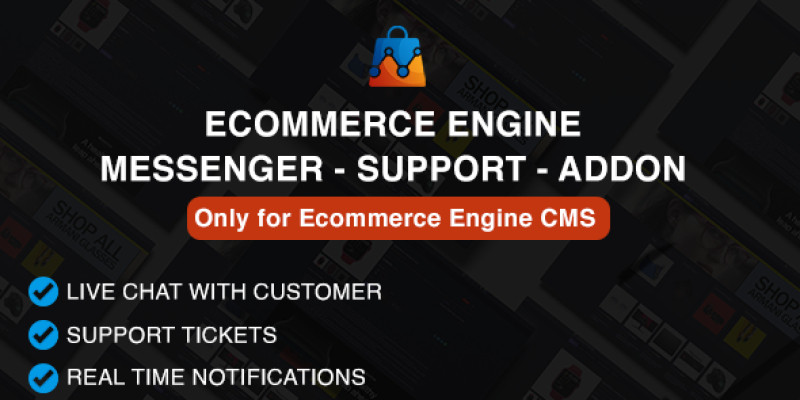
Ecommerce Engine - Support - Messenger - Addon
Note: This Messenger Addon is an extension for the Ecommerce Engine CMS and requires the main script to function. If you haven't purchased the Ecommerce Engine CMS yet, you can do so here.
Purchase today and enhance your ecommerce business with the Messenger Addon, exclusively designed for the efficient Ecommerce Engine CMS. Seamlessly integrate instant messaging functionality between customers and store admins, ensuring swift queries and support.
By using the Messenger Addon, you can:
- Facilitate instant messaging interface for customer support.
- Integrate messaging features seamlessly into backend and frontend.
- Customize views for both backend and frontend users.
- Utilize dedicated controllers for effective message management.
- Engage users with interactive chat functionalities.
- Receive real-time notifications for new messages.
- Provide a user-friendly interface for intuitive messaging experience.
- Access messaging features directly from the admin dashboard.
- Ensure compatibility across various devices and screen sizes with responsive design.
- Adjust messaging settings to meet specific requirements with customizable options.
Enhance communication processes and elevate user experience within your ecommerce platform with the Messenger Addon.

Live Demos
Frontend Demo: Frontend Demo Link
Super Admin Demo: Admin Demo Login Email: admin@ecommerce-engine.com Password: 123456
User Dashboard Demo: User Dashboard Email: customer@demo.com Password: 123456
Features
Features
- Live chat with customers
- Real-time messaging
- Unlimited support tickets
- Ajax-based chat for seamless interaction
- Track ticket status and manage inquiries efficiently
- Customizable chat interface
- Multi-platform compatibility
- Responsive design for mobile devices
- Quick setup and integration
Requirements
Requirements
- Ecommerce Engine Version: 1.0+
Instructions
Installation Instructions
- Ensure Ecommerce Engine CMS is pre-installed on your server.
- From your admin panel, navigate to the "Apps" section.
- Click on "Install Apps" and enter the purchase code provided with your Codester download folder.
- Upload the zip file for the Ecommerce Engine - Support - Messenger Addon and submit.
- That's it! You're all set up and ready to go.
| Author | ctechnologies |
|---|---|
| Category | Plugins / Miscellaneous |
| Price | $20 |
| Extended License | $60 |
| First Release | Mar 25, 2024 |
| Last Update | Mar 25, 2024 |
| Files included | .php, .css, .html, .sql, JavaScript .js |
Categories
Tags
External listing. code.market does not sell this product and does not process payment for it. Pricing, payment, delivery, licensing, refunds, and support are handled by the third-party merchant on its own website. We may earn an affiliate commission from a referral. Details.
Products of the Week.
Submit🥇

Perceptle
Perceptle is a daily browser-based game that challenges you to test your sensory intuition through five quick estimation and rhythm-based rounds.
Other · 1,489 views · 9 clicksOther · Week 47 · 1,489 views · 9 clicks
🥈

Free LinkedIn Likes From Real
Get free LinkedIn likes on your posts from real members who react by hand. No
SaaS · 1,632 views · 10 clicksSaaS · Week 47 · 1,632 views · 10 clicks
🥉

STOP GUESSING WHAT TO POST
AI that learns your brand voice and builds a month of consistent, on-brand social content: carousels, posts and hooks that sound like you, not like everyone else's AI.
SaaS · 9,176 views · 75 clicksSaaS · Week 47 · 9,176 views · 75 clicks
#4

aaas.market
407 reliable micro tools for solo founders, marketers and creators. They work in your browser
SaaS · 1,597 views · 5 clicksSaaS · Week 47 · 1,597 views · 5 clicks