
DreamsChat - WhatsApp Clone - Native IOS APP with Firebase Chat Application

Description


DreamsChat – Native iOS Real-Time Chat Application
DreamsChat is a fully functional native iOS real-time chat and messaging application built using modern iOS technologies and powered by Firebase. Designed with a WhatsApp-style user experience, DreamsChat helps developers and businesses quickly launch a secure, scalable, and high-performance messaging app.
The application delivers a smooth and responsive chat experience with support for private and group conversations, media sharing, and real-time message updates. Its clean and modular code structure makes customization and extension simple and efficient.
Why Choose DreamsChat?
Developing a real-time chat application from scratch can be complex and time-consuming. DreamsChat provides a ready-to-use native iOS solution that reduces development effort while ensuring reliability and scalability.
- Real-time message delivery using Firebase
- Native iOS performance with smooth user experience
- Clean, well-structured, and readable source code
- Easy to customize and extend for your own requirements
Key Features
Real-Time Messaging
Send and receive messages instantly with Firebase-powered real-time synchronization.
Private & Group Chats
Supports one-to-one conversations as well as group messaging functionality.
Media Sharing
Share images, videos, and files securely within chat conversations.
Voice & Video Calling
Integrated real-time voice and video calling features for enhanced communication.
Push Notifications
Receive instant notifications for new messages and chat activities.
User Profiles & Status
Manage user profiles, update personal details, and display online status.
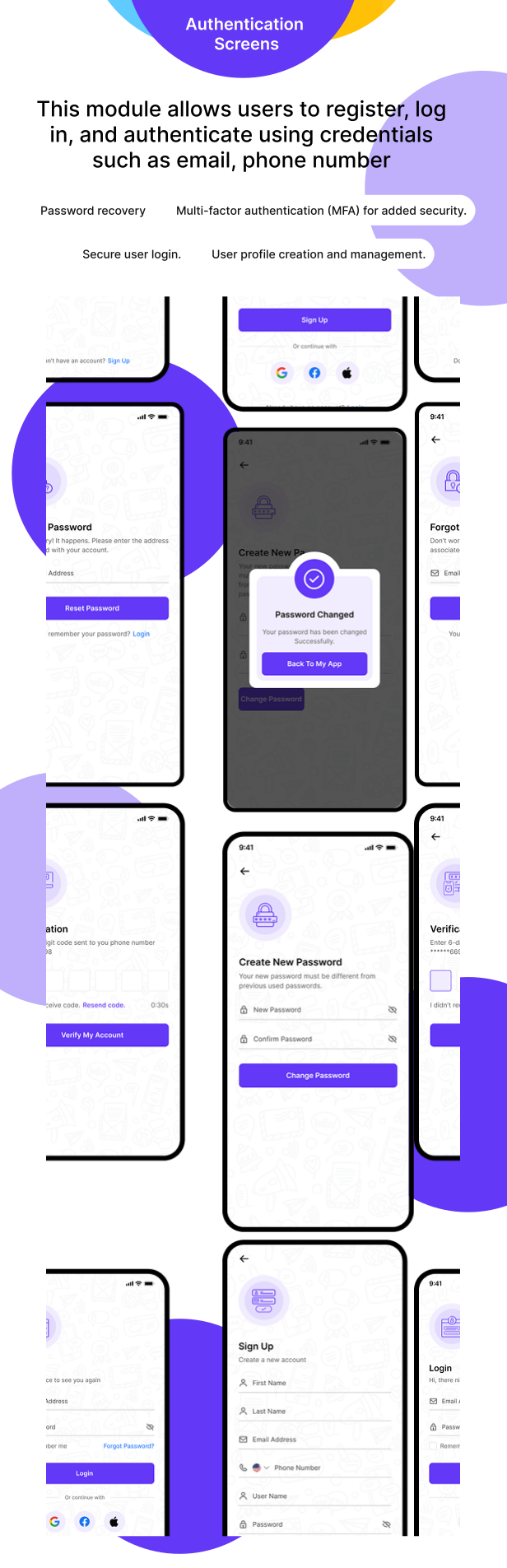
Secure Authentication
Firebase authentication ensures secure user login and access control.
Technology Stack
- Native iOS Development
- Swift
- Firebase Realtime Database / Firestore
- Firebase Authentication
- Firebase Cloud Messaging
Ideal For
- Developers building chat or messaging applications
- Startups launching social or communication platforms
- Businesses requiring internal messaging solutions
- Learning and extending real-time chat functionality in iOS
Demo Login
URL: https://testflight.apple.com/join/9UR8n06D Username: demouser@gmail.com Password: Demo@123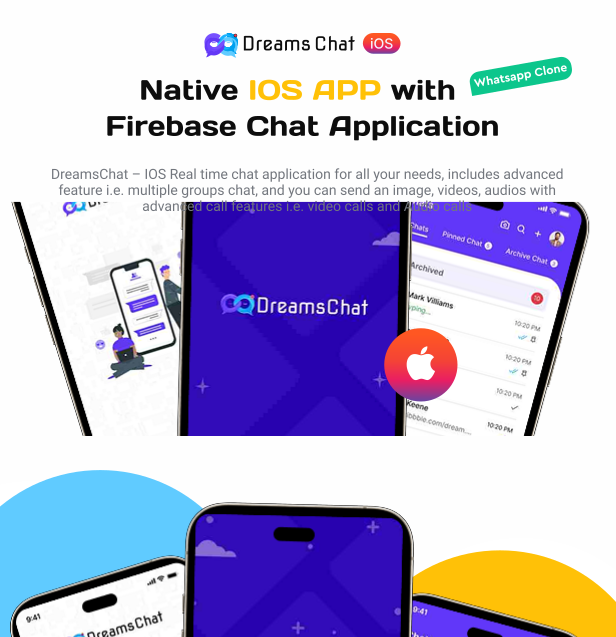


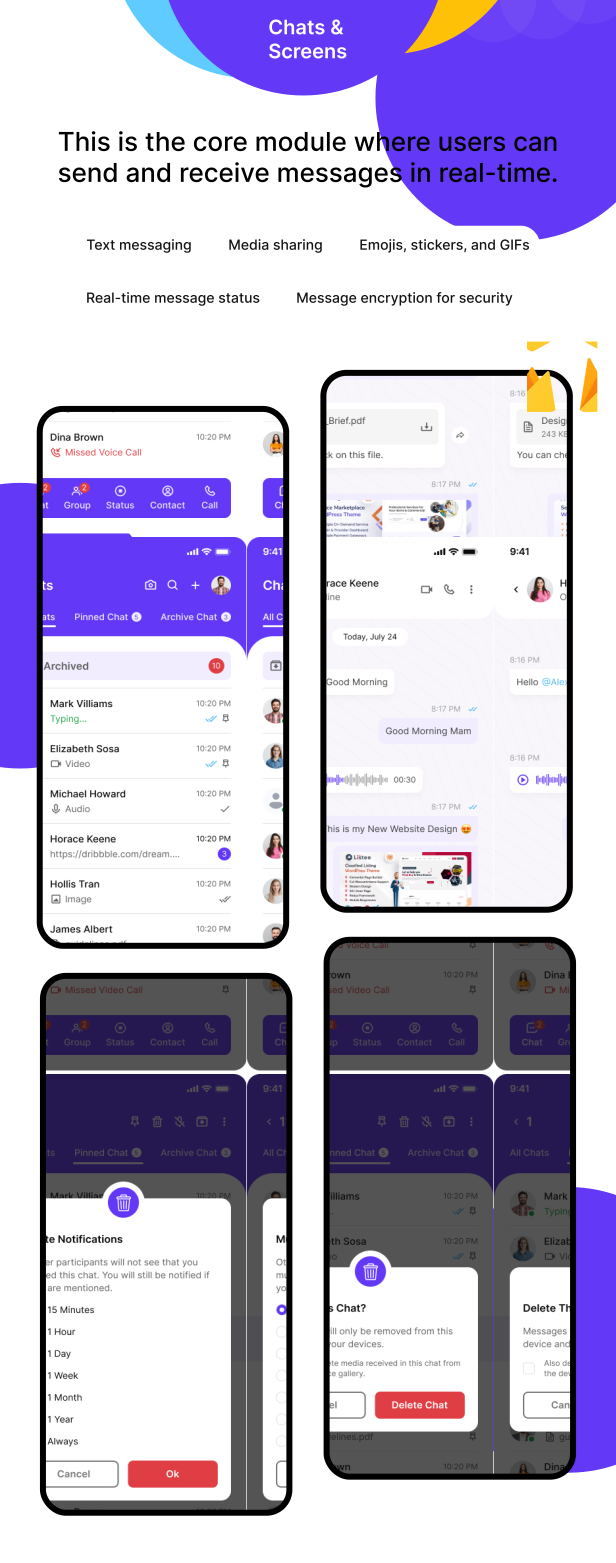
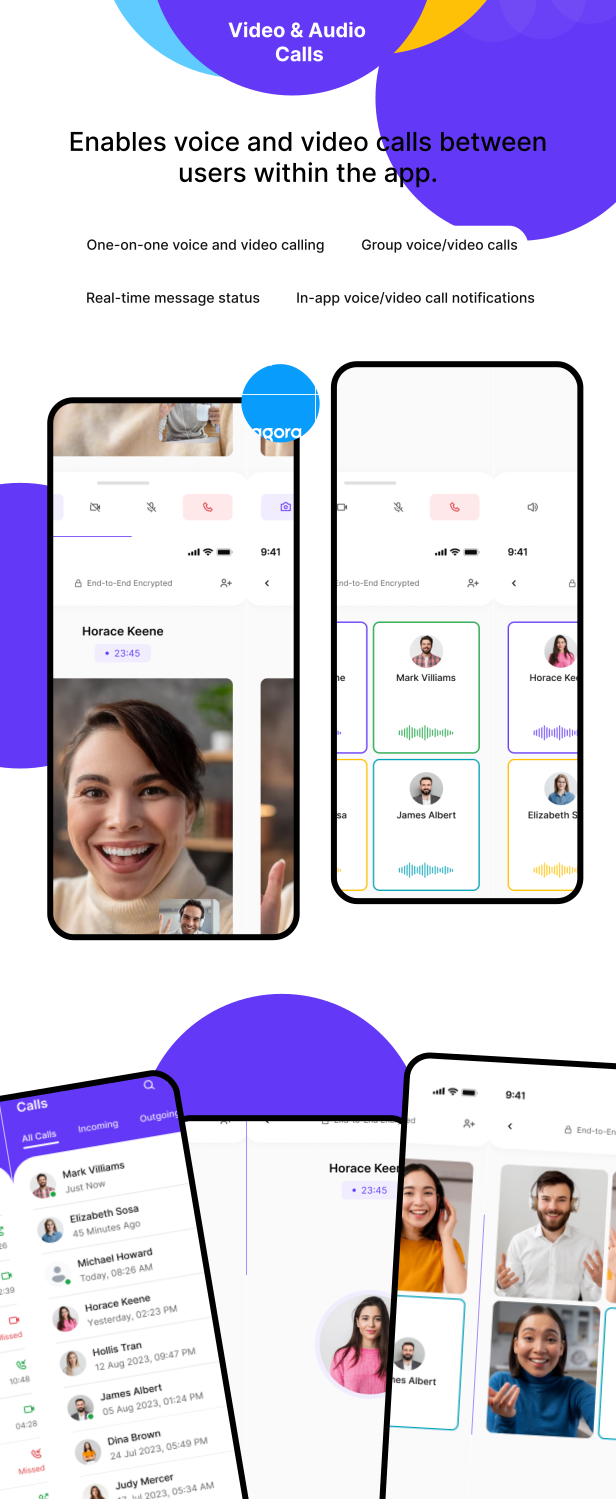
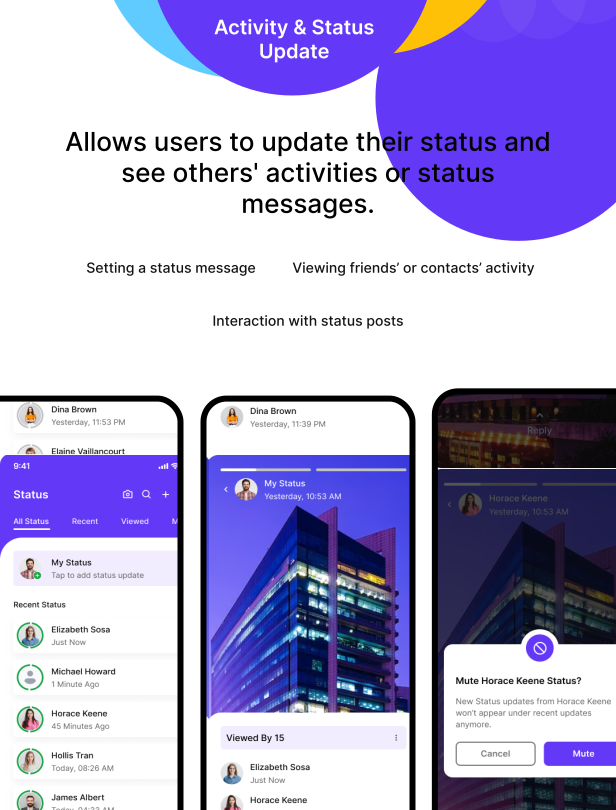
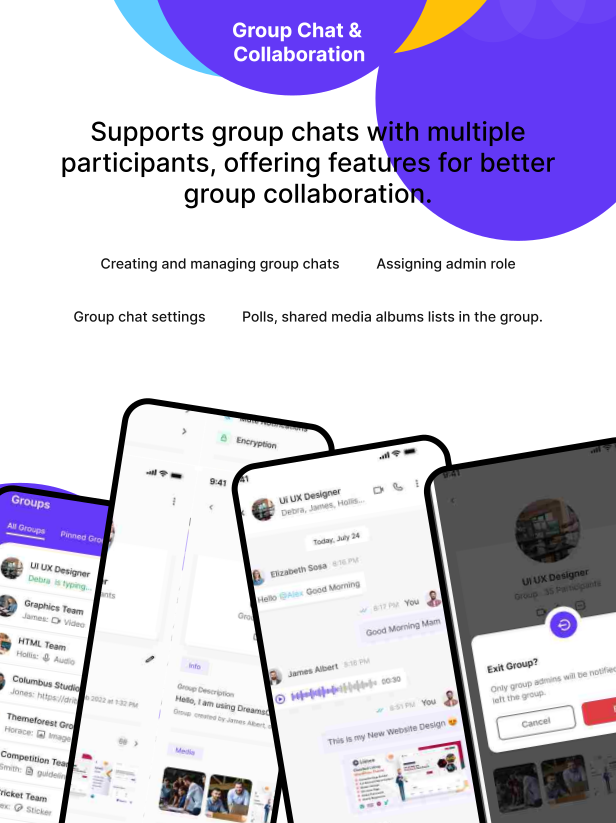
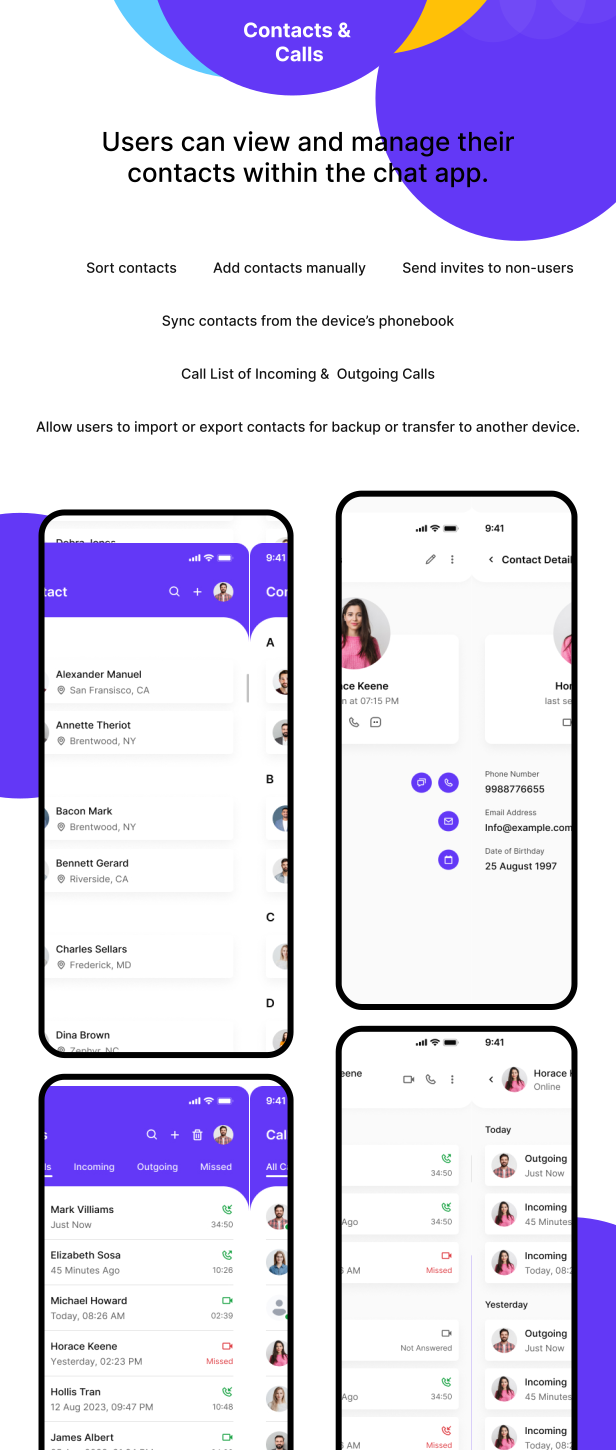
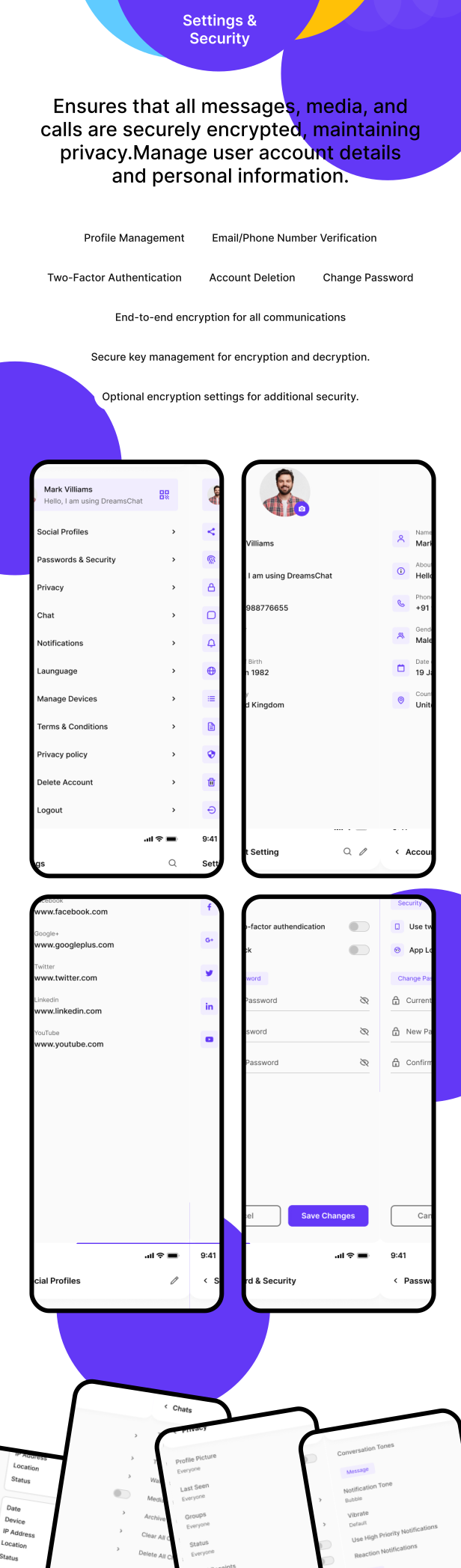
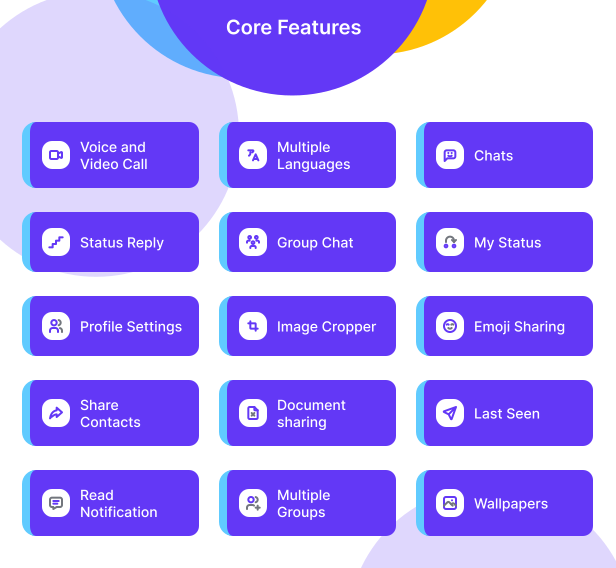








Main Features
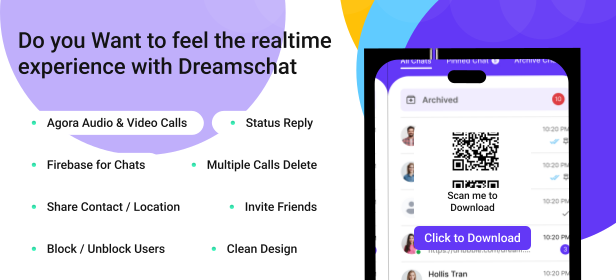
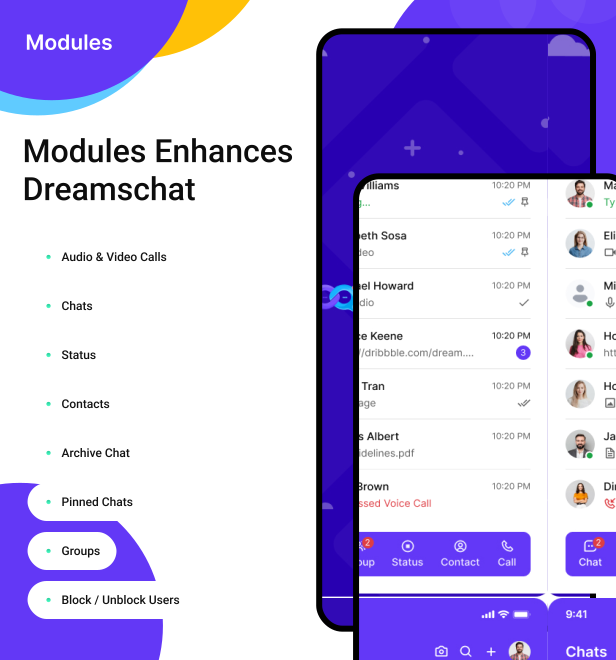
- One-to-one & Group Chat
- Status Updates with Reply
- Voice & Video Calls
- Share Media, Documents & Contacts
- Emoji Support
- Profile Settings & Wallpapers
- Last Seen & Read Notifications
- Create & Manage Multiple Groups
IMPORTANT:
As per Envato rules, you must purchase an Extended License if:
- You plan to sell your own version of this app as a paid app on the App Store.
- You are developing the app for a client.
- You plan to add In-App Purchases to your version.
- You plan to resell your version of this app (e.g. on Flippa or similar markets).
What You Get
- Complete iOS Source Code
- Step-by-step Documentation (HTML)
- Dedicated Technical Support
- Lifetime Free Updates
Support Information
- Support Time: Monday – Friday
- Response Time: within 24 hours (up to 48 hours on weekends)
- Timezone: GMT +05:30
Note
- No refund once the source code has been downloaded.
- Please check the description and version compatibility before purchase.
- Preview images are demo only (not included in the package).
- Custom code, design changes, or new features are outside the scope of item support.
- For queries, email support@dreamstechnologies.com.
Free Lifetime Updates
Your purchase includes ongoing free updates with new features and enhancements at no extra cost.





| Type | iOS App |
|---|---|
| Author | dreamstechnologies |
| Category | Mobile / Ios / Full Applications |
| Price | $41 |
| Sales | 52 |
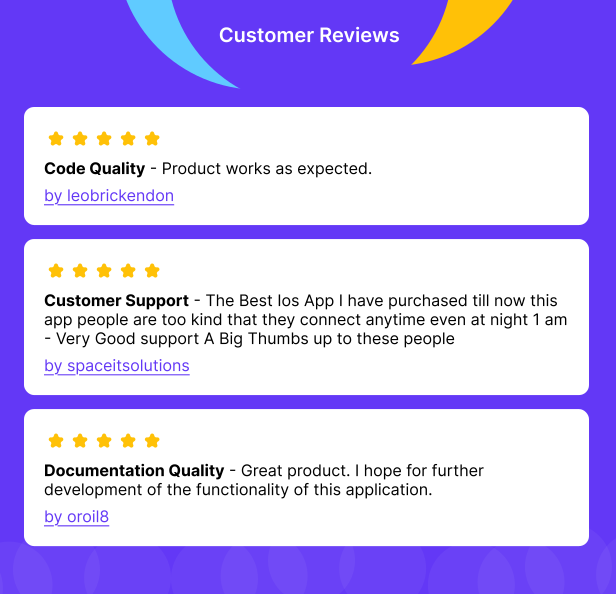
| Rating | 5.00 from 3 ratings |
| Published | Aug 26, 2020 |
| Last Update | Feb 13, 2026 |
| Compatible Software | Other |
| Compatible With | Swift |
| Mobile Files Included | .xib/.nib, JavaScript JS |
Categories
Tags
External listing. code.market does not sell this product and does not process payment for it. Pricing, payment, delivery, licensing, refunds, and support are handled by the third-party merchant on its own website. We may earn an affiliate commission from a referral. Details.
Products of the Week.
Submit🥇

STOP GUESSING WHAT TO POST
AI that learns your brand voice and builds a month of consistent, on-brand social content: carousels, posts and hooks that sound like you, not like everyone else's AI.
SaaS · 4,008 views · 35 clicksSaaS · Week 45 · 4,008 views · 35 clicks
🥈

Conversational Backlinks for Busy Founders
Place Backlink Relevant Conversation for your domain across Forums and Conversations
Website · 41,665 views · 222 clicksWebsite · Week 45 · 41,665 views · 222 clicks
🥉

upvote.club
Free Social Media Engagement that Helps Boost Your Content. Upvote Club supports 19 social networks with 100+ engagement actions in one dashboard. Add links to your posts and get free engagement from real users.
SaaS · 39,689 views · 114 clicksSaaS · Week 45 · 39,689 views · 114 clicks
#4

Substack Posting API
Onboard your Agent to Substack. Write Publish on Substack via API
SaaS · 58,717 views · 198 clicksSaaS · Week 45 · 58,717 views · 198 clicks
#5

Seenshot App
Free, Fast, MacOS Screenshot app. Make Screenshot cmd+shift+2 and send it via link
Desktop App · 28,101 views · 122 clicksDesktop App · Week 45 · 28,101 views · 122 clicks
#6

Hand-Placed Backlinks $9.99 per link. Flat rate.
Buy hand-placed forum, Q-A and directory backlinks. Flat $9.99 per link, no subscriptions — you only pay for approved listings.
Website · 3,958 views · 19 clicksWebsite · Week 45 · 3,958 views · 19 clicks
#7

Free Invoice Generator - PDF Invoices in Your Browser, No Sign-Up
A free invoice maker for freelancers and small businesses: fill in the invoice, check the live preview, and download a PDF that looks exactly like it. Any currency, tax per item, three templates, no sign-up, and nothing leaves your device.
2,634 views · 17 clicksWeek 45 · 2,634 views · 17 clicks
#8

Merge PDF Files Free - Combine PDFs in Your Browser, No Upload
A free PDF merger for office workers, students, and freelancers: combine PDFs and images into one file in the browser, reorder files and pages, pick page ranges, keep bookmarks, and open password-protected PDFs. Nothing is uploaded, no sign-up, no watermark.
2,450 views · 13 clicksWeek 45 · 2,450 views · 13 clicks