
Codeloft - Multi-Vendor Source Code Marketplace

Description

Codeloft - launch your own marketplace for source code
Codeloft is a complete multi-vendor marketplace for PHP scripts, WordPress themes and plugins, HTML templates, mobile apps, games and JavaScript projects. Developers open an author account and upload their work, buyers pay and download at once, and you review every upload, set the commission and run payouts from one responsive admin panel. Built on Laravel 13 with a browser installer.
Live demo — tap an image
Author demo login: email codeloom@demo.example.com / password Demo-pass-2026

Admin demo login: email demo@example.com / password demo-manager-2026


A home page that sells code
Featured, Popular, Flash Sale, Free Files and New Releases, a blog block and an offer banner. Every text can be edited and every section switched off in the admin panel.
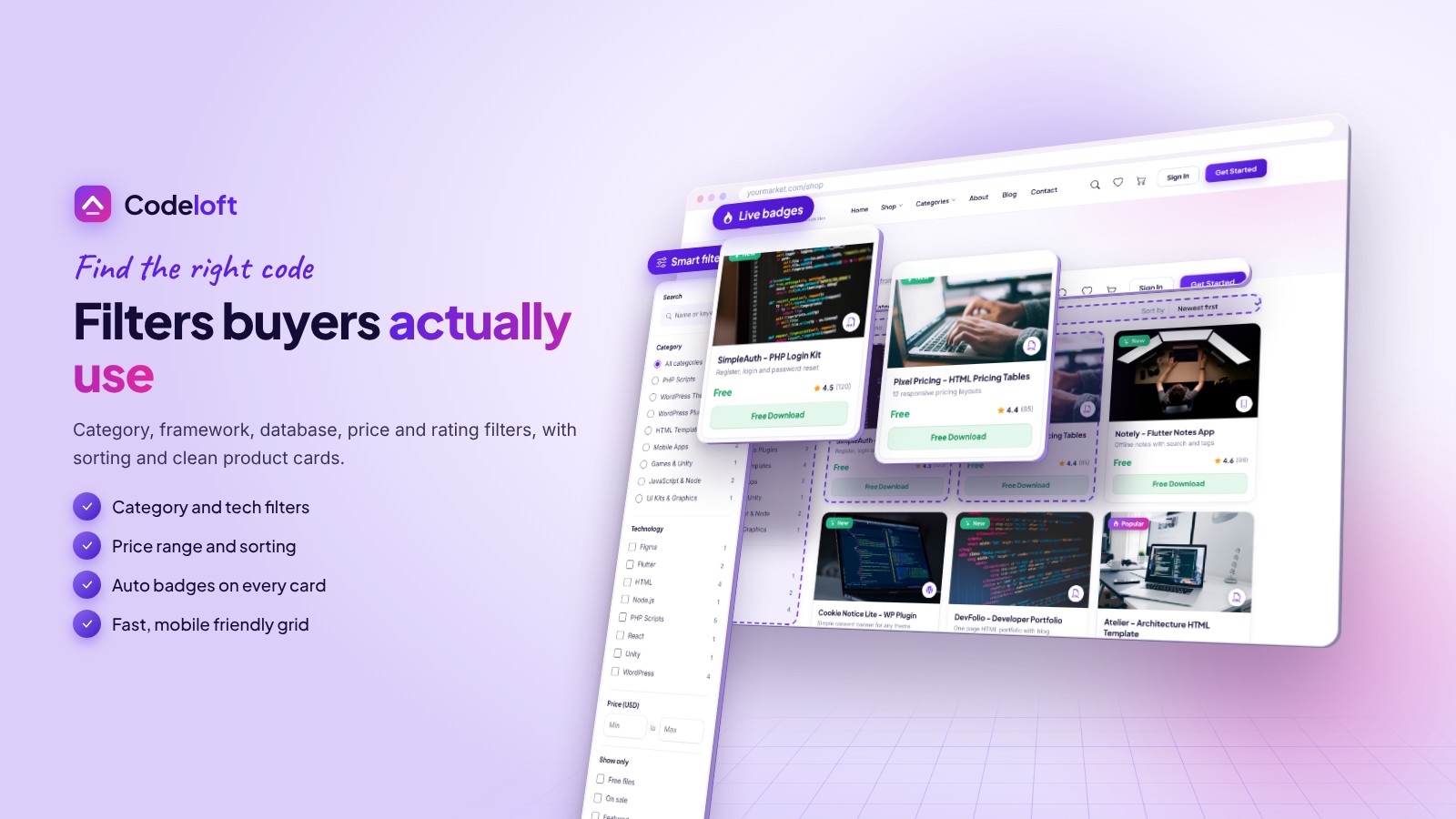
Filters buyers actually use
- Category, framework, database, price and rating filters with sorting
- Automatic Popular, Bestseller, Hot, New and Flash Sale badges

Product pages that convert
Gallery, live preview link, Regular and Extended license, reviews, author Q&A, change log and a support tab, with the buyer fee shown before checkout.
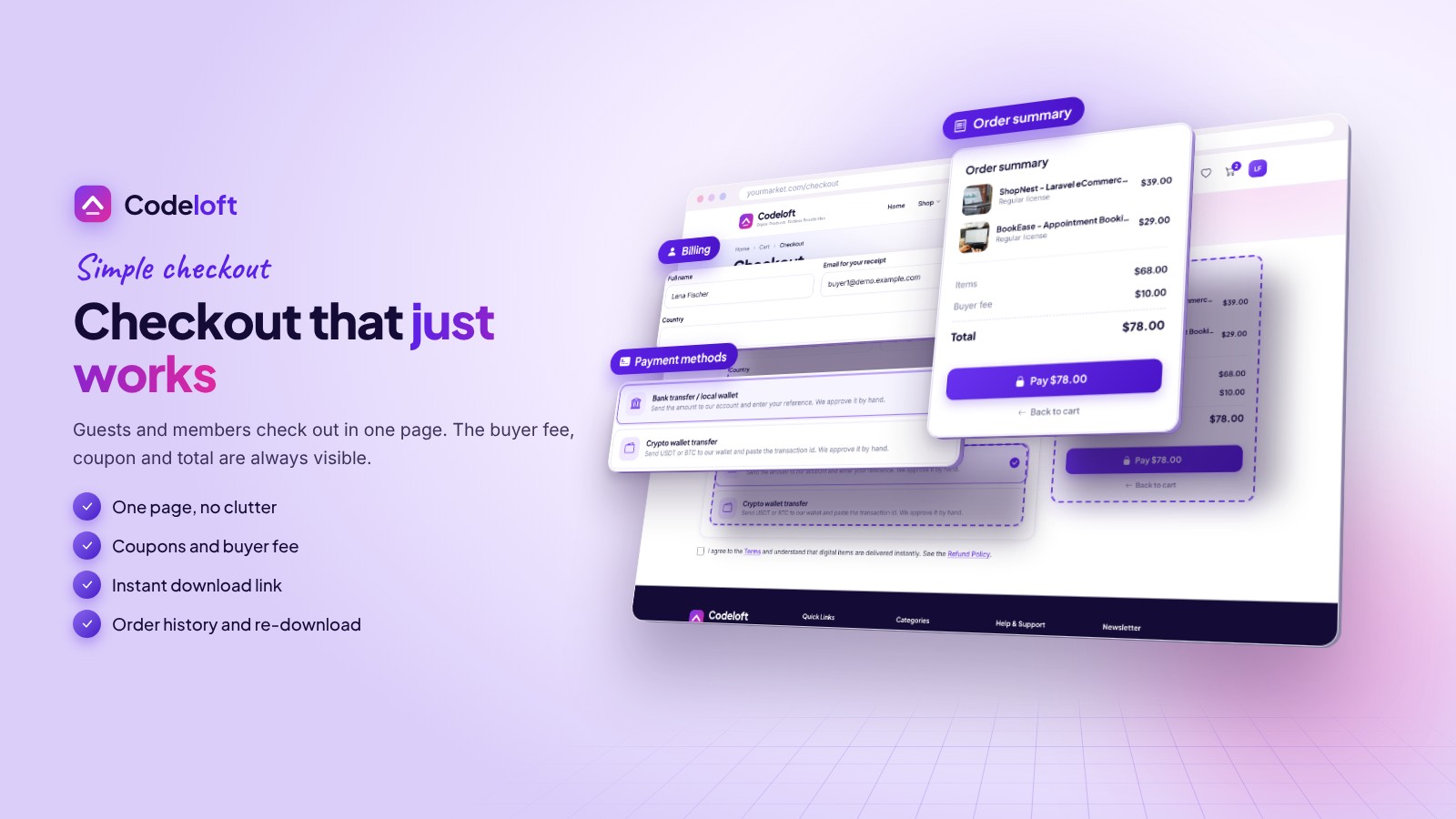
Simple checkout
One page for guests and members: coupons, order summary and your choice of payment methods. A personal license key is created for every purchase.
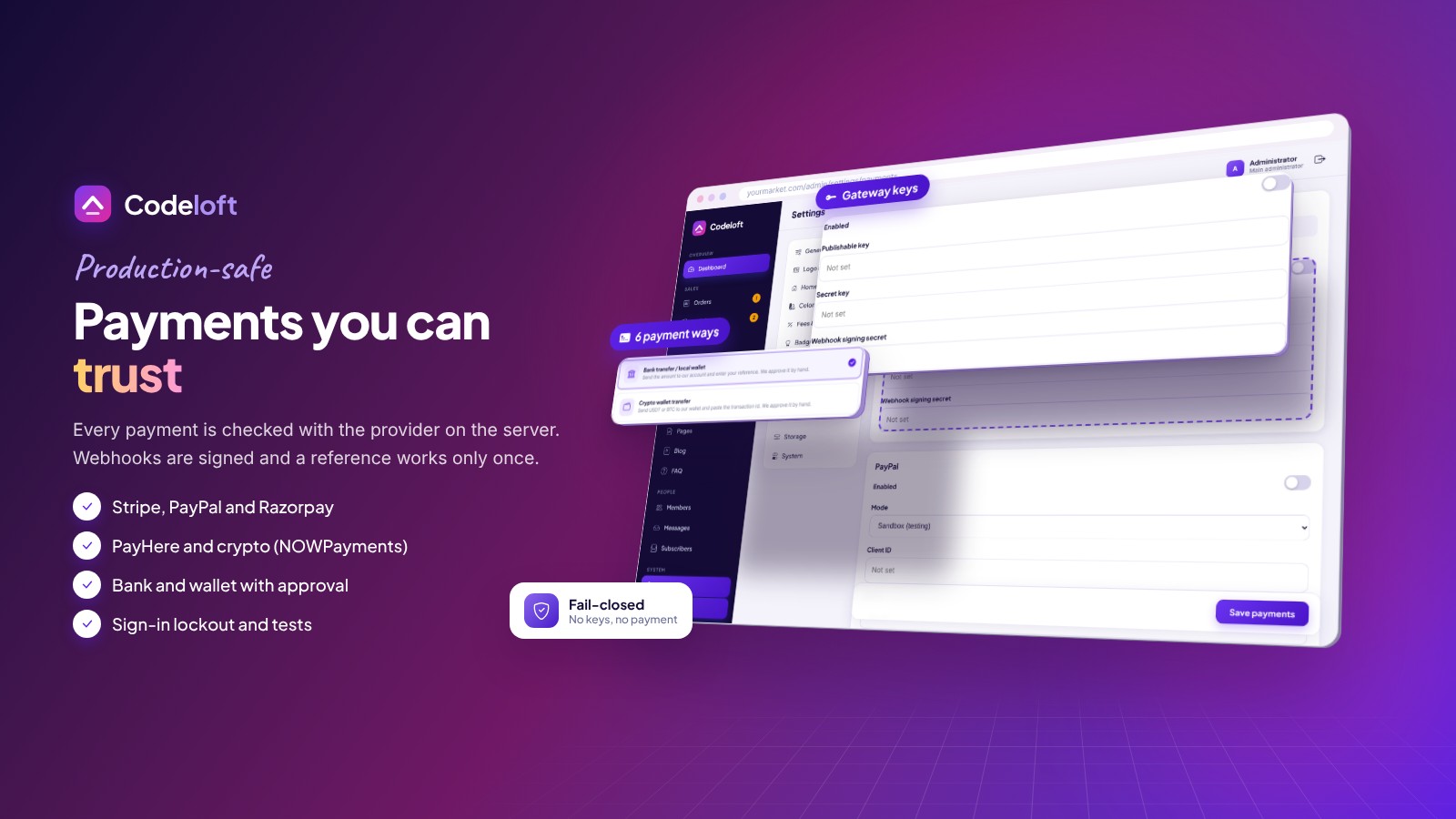
Payments you can trust
- Stripe, PayPal, Razorpay (UPI), PayHere, crypto (NOWPayments) and bank or wallet transfer
- Prices read from the database, signed webhooks, amount and currency checks

A dashboard authors love
Earnings and balance, sales chart, author levels 1 to 8, withdrawals by bank, PayPal or USDT, and a license check tool.
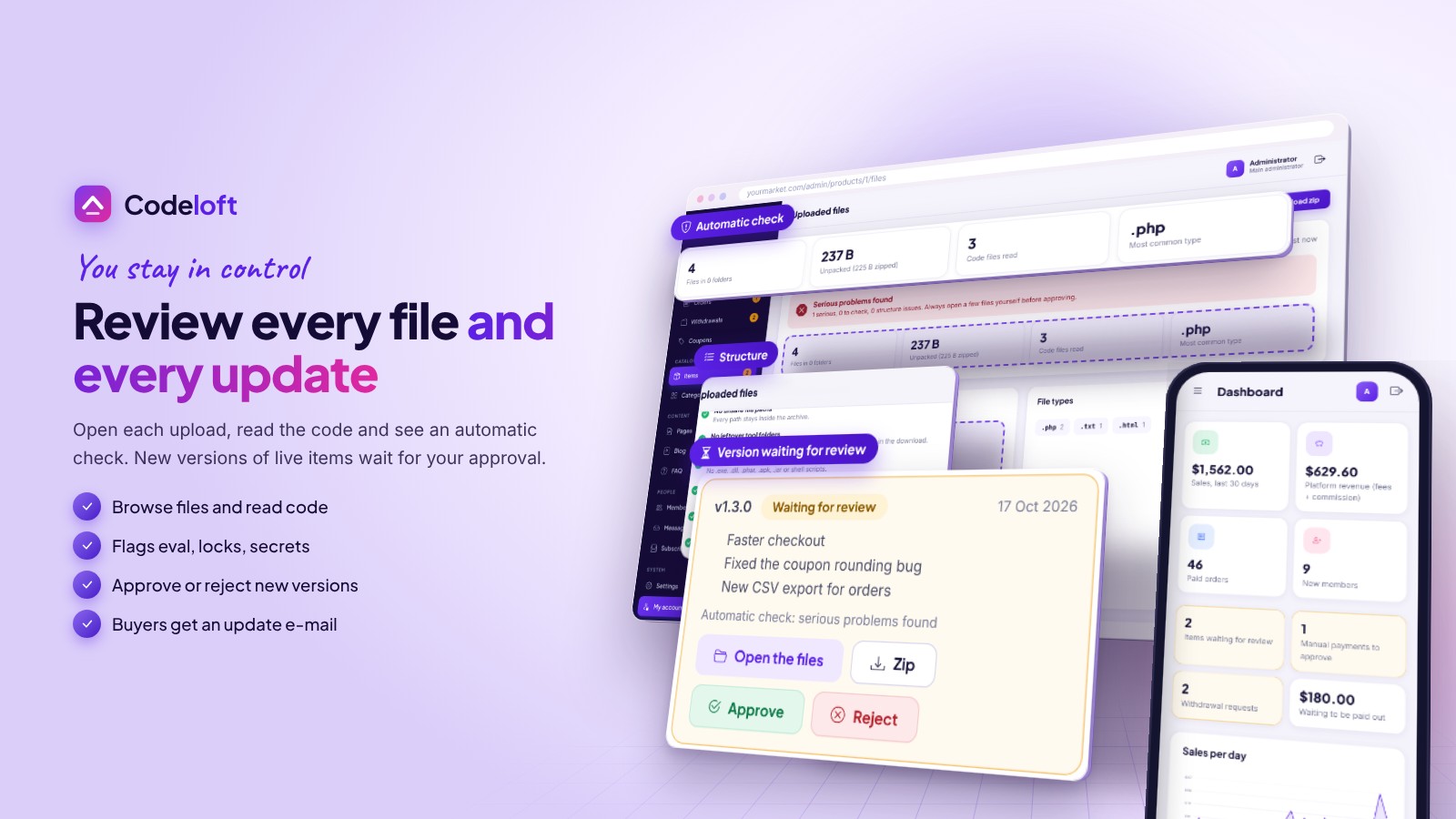
Open every file before it sells
Browse an author's zip as a folder tree, read the code in the browser and see automatic findings such as encoded code, domain locks or hard-coded secrets. Updates to items on sale wait in the same review, then buyers are e-mailed.
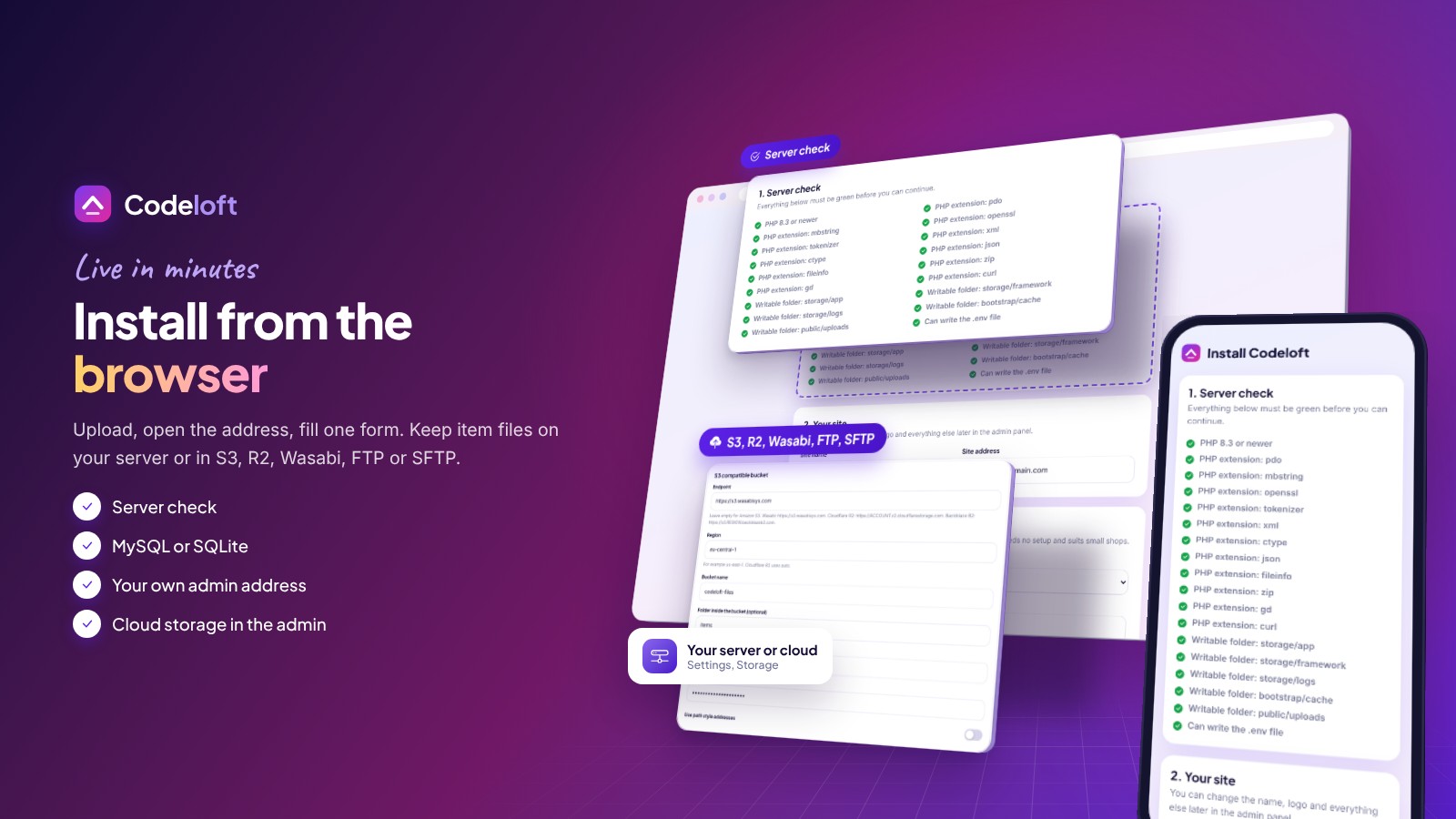
Install from the browser
Server check, database, administrator and your own admin address. MySQL or SQLite, optional sample data. Choose where item files live: this server, S3, Wasabi, Cloudflare R2, Backblaze, FTP or SFTP. No Composer, Node.js or SSH needed.
What you get
- The complete Laravel source with the vendor folder and all tests
- Illustrated documentation and a short START-HERE file
- Self-hosted fonts and icons, readable plain CSS and JavaScript, no build step
Support and updates
Support through the Codester item page covers installation, configuration and bugs in the item. Server administration and custom development are not included.
Demo note: the live demo runs in demo mode, so saving and deleting are disabled.
Features
Marketplace
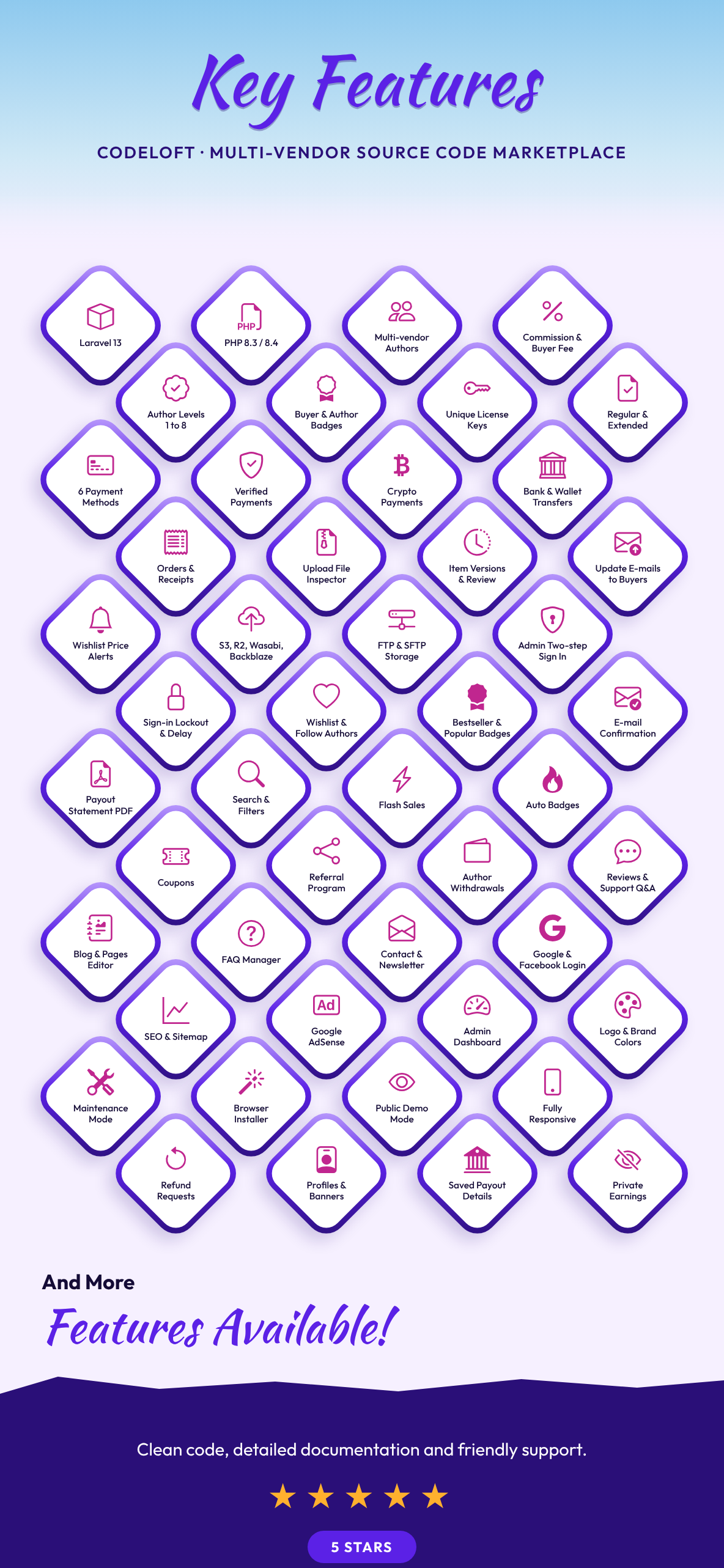
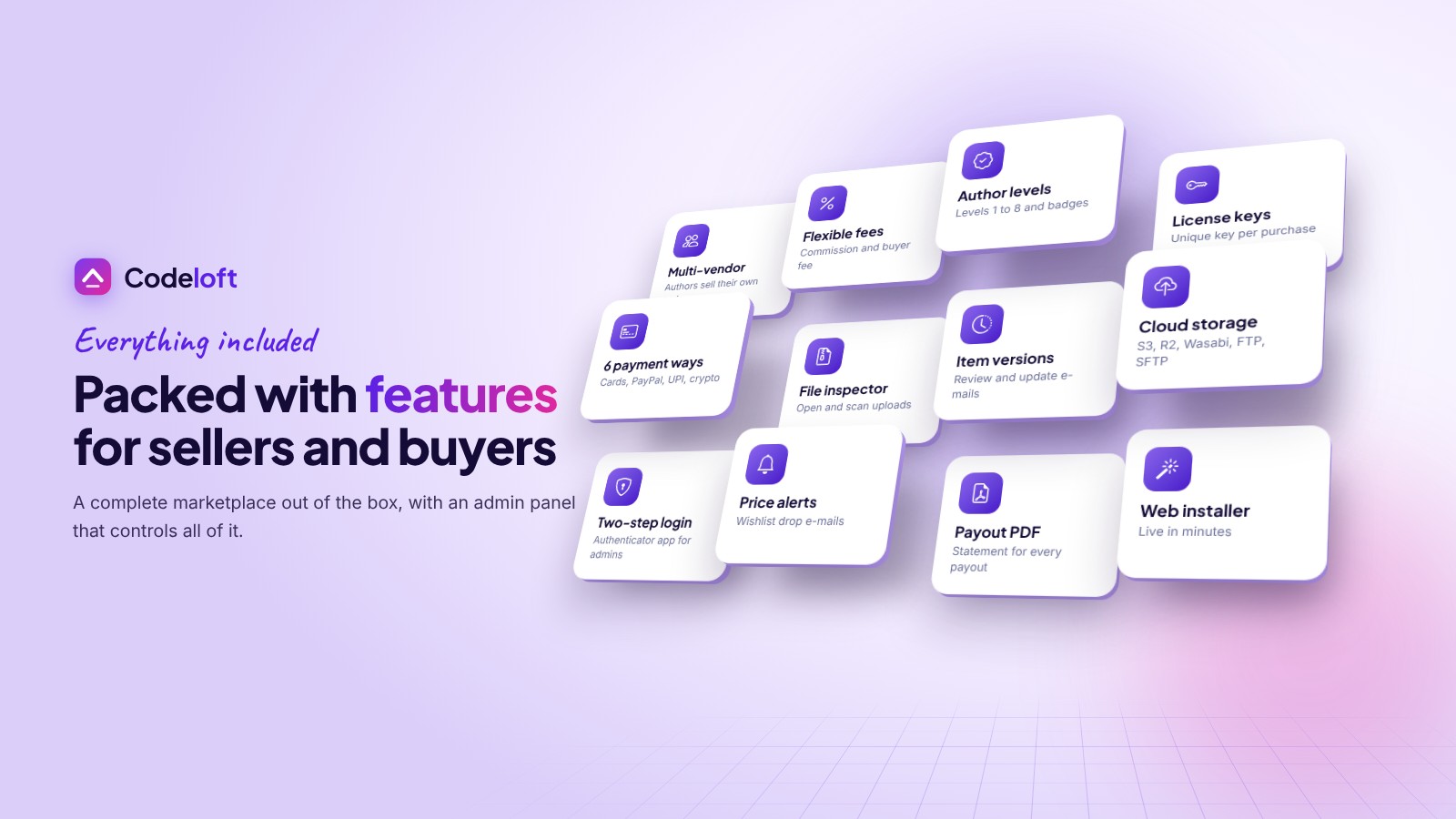
- Multi-vendor: any member can become an author and upload items with screenshots, live preview and documentation
- Admin review queue with approve or reject notes, plus a file inspector to read every uploaded file
- Automatic check of each zip: documentation, unsafe paths, executables, .env files, nested archives, encoded code, license locks, shell calls and secrets
- Commission per item, per author or one site default; optional buyer fee, fixed or percent
- Regular and Extended licenses and a unique license key for every purchase
- Author levels 1 to 8, achievement badges, followers, referral links
- Earnings ledger, hold period and withdrawals by bank, PayPal or USDT, with a PDF payout statement for every payment
- Item versions: authors upload updates, you review them, buyers are e-mailed and can download older versions
Storefront
- Home page with Featured, Popular, Flash Sale, Free Files, New Releases, blog and offer banner
- Automatic Popular, Bestseller, Hot, New, Flash Sale and Free badges
- Filters for category, framework, database, price and rating; wishlist; reviews and author Q&A
- Coupons with limits and dates; downloads and receipts for buyers
- Wishlist price-drop e-mails and optional e-mail confirmation for new members
Payments
- Stripe (cards), PayPal, Razorpay (UPI, cards, wallets), PayHere (Sri Lanka), crypto through NOWPayments, manual bank or wallet transfer with admin approval
- Fail-closed webhooks and server-side confirmation, covered by automated tests
Admin
- Dashboard, orders, items, members, withdrawals, coupons, categories, administrators with roles
- Pages, blog, FAQ, contact messages and newsletter subscribers
- Settings for logo, favicon, brand color, home texts, fees, badges, payments, social login, SEO, Google Analytics, AdSense, e-mail and maintenance mode
- Fully responsive admin panel with a changeable admin address and a read-only demo mode
- Two-step sign in for administrators (any authenticator app, recovery codes) and sign-in lockout with progressive delay
- Item files on this server, an S3 compatible bucket (Amazon S3, Wasabi, Cloudflare R2, Backblaze B2, Spaces, MinIO), FTP or SFTP, chosen in the admin panel
Technical
- Laravel 13, PHP 8.3+, MySQL, MariaDB or SQLite
- Browser installer with server check; sitemap, robots.txt and ads.txt generated for you
- Own CSS and vanilla JavaScript, self-hosted fonts and icons, security headers, no obfuscated code
Requirements
- Web hosting with PHP 8.3 or newer and MySQL 5.7+ / 8.x, MariaDB 10.4+ or SQLite 3
- PHP extensions: pdo (pdo_mysql or pdo_sqlite), mbstring, openssl, tokenizer, xml, ctype, json, fileinfo, zip, gd, curl
- Apache or LiteSpeed with mod_rewrite (cPanel, hPanel, Plesk, DirectAdmin) or Nginx
- No Composer, Node.js or SSH needed: all libraries are included
- Optional: an S3 compatible bucket or FTP/SFTP server for item files, SSL certificate (needed for live payments), SMTP account, accounts at the payment providers you switch on, Google and Facebook apps for social login
Instructions
Install
- Create an empty MySQL database and a user with all privileges in your hosting panel, and select PHP 8.3 or newer (or choose SQLite in the installer).
- Upload the contents of the product folder to your domain folder and extract it. Best: point the domain at the public folder.
- Open your domain. The web installer checks the server, creates the tables and your administrator account (optional sample data).
- Log in at the admin address you chose and set logo, colors, e-mail, fees and payment methods in Settings.
Updates
Back up, upload the new files over the old ones, then run php artisan migrate --force. The steps are in the documentation.
Documentation
Open documentation/index.html in the download.
| Author | anowhosting |
|---|---|
| Category | Scripts & Code / PHP Scripts / Marketplace |
| Price | $50 |
| Extended License | $150 |
| First Release | Oct 18, 2026 |
| Last Update | Oct 18, 2026 |
| Database | MySQL 5.7, MySQL 8.0, MySQL 8.4 LTS, MariaDB 10.x, MariaDB 11.x, SQLite 3.x |
| Files included | .php, .css, .html, .json, .svg, .md, .yml/.yaml, composer.json, .blade.php, JavaScript .js |
| Software version | PHP 8.3, PHP 8.4, PHP 8.5 |
| Html/css framework | Bootstrap |
| Software framework | Laravel |
| Javascript framework | Alpine.js |
| Programming language | PHP, JavaScript |
Categories
Tags
External listing. code.market does not sell this product and does not process payment for it. Pricing, payment, delivery, licensing, refunds, and support are handled by the third-party merchant on its own website. We may earn an affiliate commission from a referral. Details.
Products of the Week.
Submit🥇

Perceptle
Perceptle is a daily browser-based game that challenges you to test your sensory intuition through five quick estimation and rhythm-based rounds.
Other · 1,489 views · 9 clicksOther · Week 47 · 1,489 views · 9 clicks
🥈

Free LinkedIn Likes From Real
Get free LinkedIn likes on your posts from real members who react by hand. No
SaaS · 1,632 views · 10 clicksSaaS · Week 47 · 1,632 views · 10 clicks
🥉

STOP GUESSING WHAT TO POST
AI that learns your brand voice and builds a month of consistent, on-brand social content: carousels, posts and hooks that sound like you, not like everyone else's AI.
SaaS · 9,176 views · 75 clicksSaaS · Week 47 · 9,176 views · 75 clicks
#4

aaas.market
407 reliable micro tools for solo founders, marketers and creators. They work in your browser
SaaS · 1,597 views · 5 clicksSaaS · Week 47 · 1,597 views · 5 clicks