Chicken Leg Hunter (Free Reskin + Bbdoc Template + Admob +In App)
Description

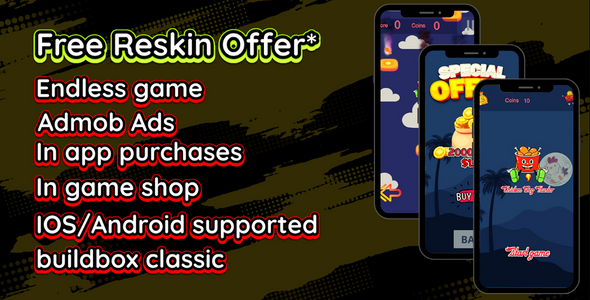
Chicken Leg Hunter is a simple 2D platformer arcade game template that anyone can enjoy! Tap on the screen to jump between the obstacles & collect chicken legs and coins. How far forward can you reach?
Key Features
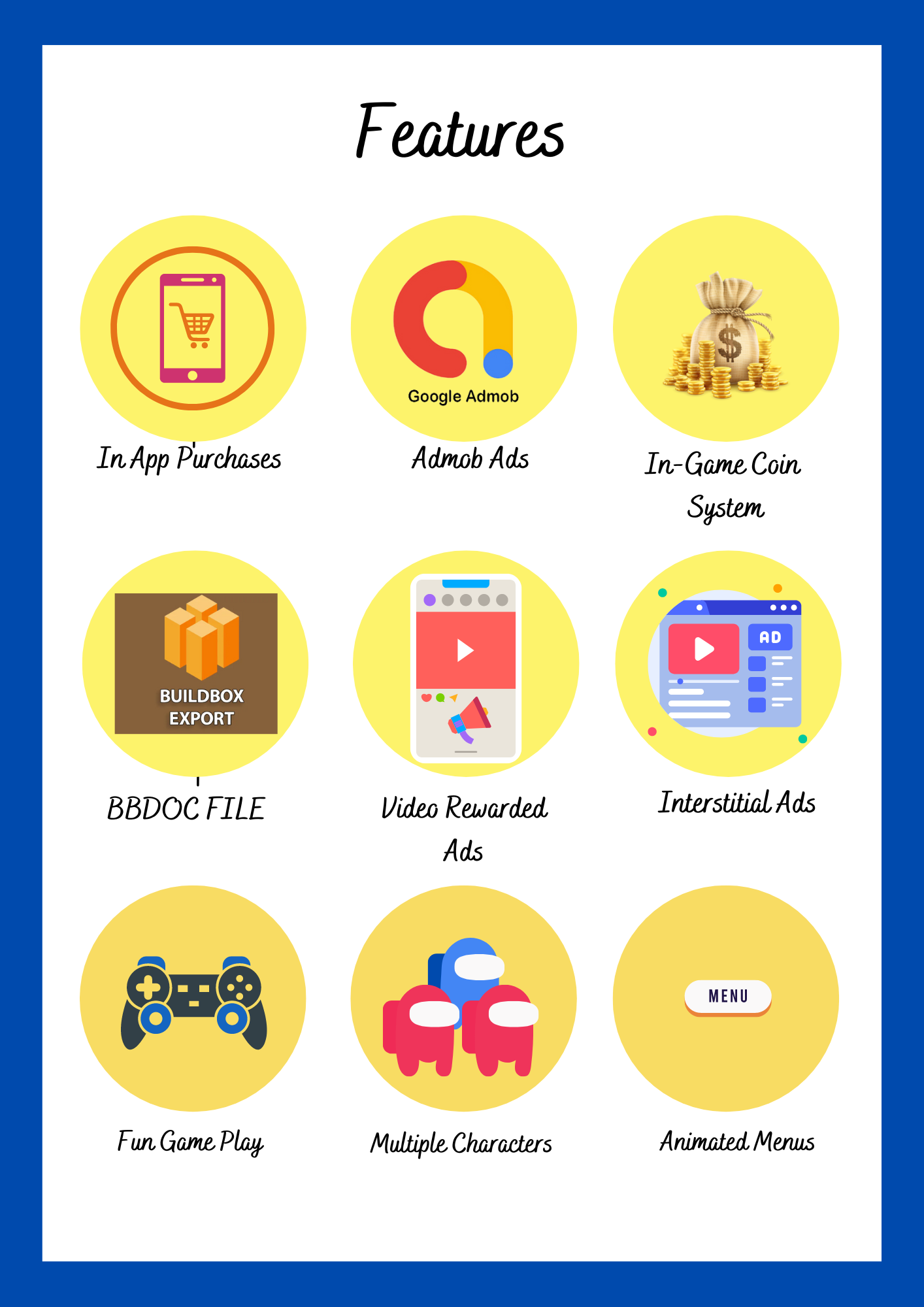
- Simple and Minimalistic - Addictive gameplay: tap on the screen to jump between obstacles - Endless and fast-paced gameplay - Visual effects: animations, are changing during gameplay - Score system - Coins system - In-App purchases - Admob ads - In-game shop - Buildbox Files & documentation
Looking for IOS Version? Click Here
BENEFITS
Easy to reskin. Ready to Publish
Made with Buildbox Classic
Click here to get BuildBox*Free Reskin Terms & Conditions.
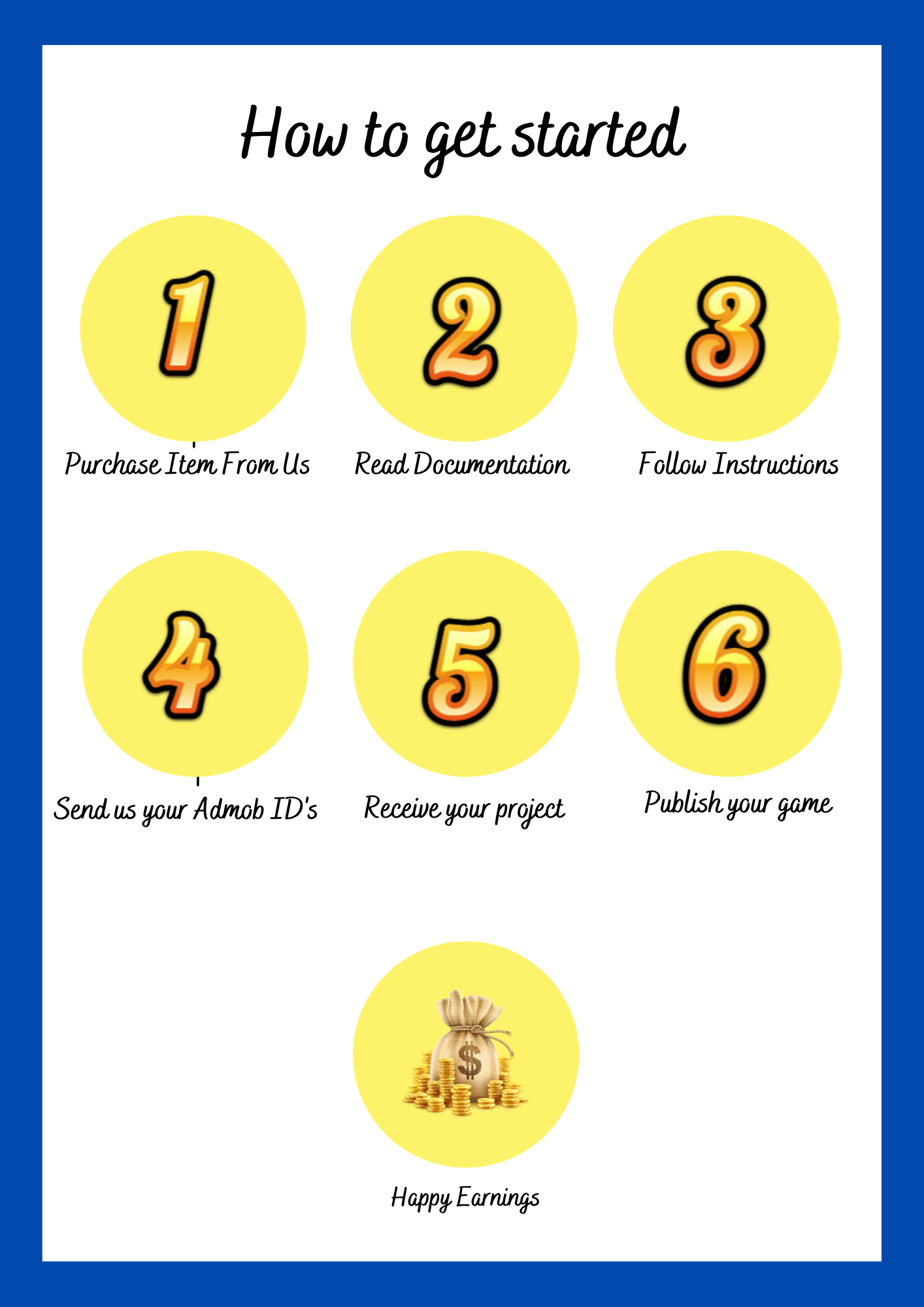
- All the required details must be submitted to us via Whatsapp or Email at once.
- Only once the project will be reskinned and APK will be generated for free.
- We will make sure the reskinned game is working before providing you the project files and APK.
- Once the free reskin session is done, if you require any more changes. There will be additional charges according to the work.
Try our updated APK
Categories
Tags
External listing. code.market does not sell this product and does not process payment for it. Pricing, payment, delivery, licensing, refunds, and support are handled by the third-party merchant on its own website. We may earn an affiliate commission from a referral. Details.
Products of the Week.
Submit🥇

Ecomz AI | Multi-Tenant SaaS
Launch your own branded AI e-commerce platform without building the software from scratch. Ecomz AI provides a white-label, source-code/business-in-a-box solution that lets you offer merchants online stores, branded mobile apps for each shop, AI-powered sales and support agents, a unified inbox, a customisable drag-and-drop page builder, Ecomz Appstore integrations, and subscription plans you control under your own SAAS brand/hosting/business.
Other · 385 views · 10 clicksOther · Week 43 · 385 views · 10 clicks
🥈

Whisper Notes - Best Offline
Whisper Notes turns speech into text entirely on your iPhone or Mac — no internet, no account, and your audio never leaves the device. Pick Whisper, Parakeet V3 or SenseVoice for 100+ languages, transcribe recordings and imported audio or video files with speaker labels, and on the Mac direct download hold Fn to dictate into any app. One-time purchase: $7.99 on iPhone, $14 on Mac, with 5,000 free words a week on Mac.
Other · 344 views · 7 clicksOther · Week 43 · 344 views · 7 clicks