
CheckoutPilot - WooCommerce Checkout Field Editor
Description
Your checkout, exactly as you need it. Classic or blocks.
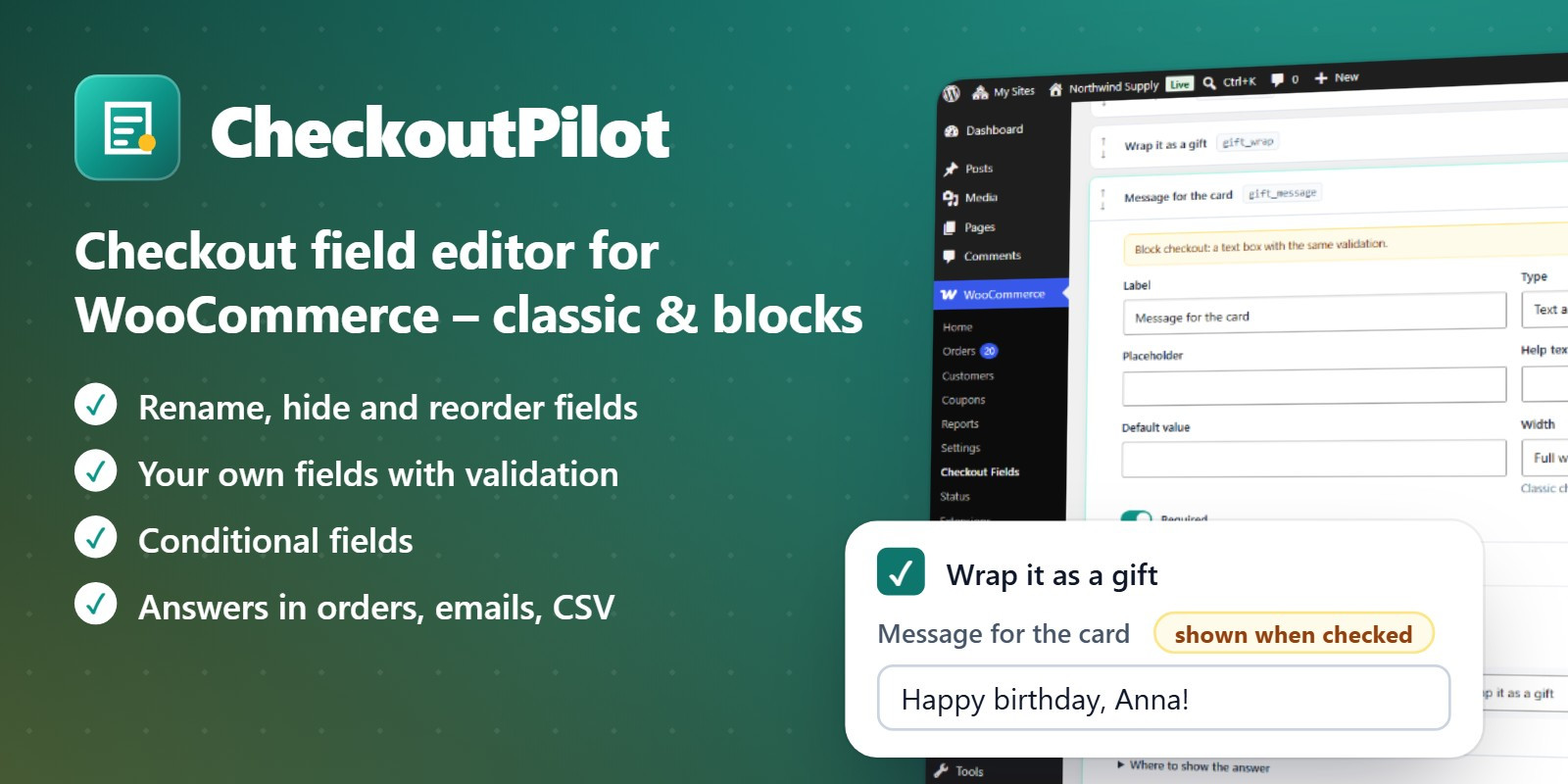
CheckoutPilot changes the WooCommerce checkout without code: rename, hide, reorder or make optional the standard fields, and add your own questions – a VAT number, a gate code, gift options, "How did you hear about us?" – that appear only when they are needed.
It works in the classic checkout and in the block checkout: your fields are registered with WooCommerce's own checkout fields system and their conditions become the checkout's own visibility rules. No license key, no external services, no tracking.
WooCommerce fields
- Rename any field and change its placeholder
- Make fields required or optional
- Hide the fields you do not need (company, second address line, phone…)
- Change the order and the width (full or half)
- Changes apply to every country, so labels stay when the customer changes country
- One click to go back to WooCommerce's defaults
Your own fields
- Text, text area, email, phone, number, date, drop-down, radio buttons, checkbox and headings
- In the billing, shipping or order section
- Help text, default value, placeholder, width, required
- A live preview of each section while you edit
Conditional fields
- Show a field only when all or any of its conditions match
- Product or category in the cart, shipping method, payment method, country, cart total, logged-in customer, the value of another field
- "Message for the card" after "Wrap it as a gift"; "Who picks it up?" only for store pickup
- Fields appear and disappear while the customer types
- Checked again when the order is placed: a hidden field is never required
Validation
- Email, phone, date and option checks
- Number ranges and text length
- Your own pattern (regular expression) and error message, for VAT numbers, IDs or postcodes
Answers where you need them
- Order screen, editable by the shop (with an order note)
- Order emails, thank-you page and My account – you choose per field
- Optional column in the orders list
- Answers screen with a CSV export for any period
- Billing and shipping answers remembered for returning customers
More
- Only virtual products in the cart: ask for name, email and country only
- Answers kept on the orders even if you delete a field or the plugin
Compatible
- Block checkout (conditions with WooCommerce 10 or newer) and classic checkout
- High-Performance Order Storage (HPOS) and classic storage
- Multisite, translation ready (Spanish included)
Requirements
- WordPress 6.5 or newer
- WooCommerce 8.9 or newer
- PHP 7.4 or newer
Features
- WooCommerce fields: Rename any field and change its placeholder; Make fields required or optional; Hide the fields you do not need (company, second address line, phone…); Change the order and the width (full or half); Changes apply to every country, so labels stay when the customer changes country; One click to go back to WooCommerce's defaults
- Your own fields: Text, text area, email, phone, number, date, drop-down, radio buttons, checkbox and headings; In the billing, shipping or order section; Help text, default value, placeholder, width, required; A live preview of each section while you edit
- Conditional fields: Show a field only when all or any of its conditions match; Product or category in the cart, shipping method, payment method, country, cart total, logged-in customer, the value of another field; "Message for the card" after "Wrap it as a gift"; "Who picks it up?" only for store pickup; Fields appear and disappear while the customer types; Checked again when the order is placed: a hidden field is never required
- Validation: Email, phone, date and option checks; Number ranges and text length; Your own pattern (regular expression) and error message, for VAT numbers, IDs or postcodes
- Answers where you need them: Order screen, editable by the shop (with an order note); Order emails, thank-you page and My account – you choose per field; Optional column in the orders list; Answers screen with a CSV export for any period; Billing and shipping answers remembered for returning customers
- More: Only virtual products in the cart: ask for name, email and country only; Answers kept on the orders even if you delete a field or the plugin
- Compatible: Block checkout (conditions with WooCommerce 10 or newer) and classic checkout; High-Performance Order Storage (HPOS) and classic storage; Multisite, translation ready (Spanish included)
Requirements
- WordPress 6.5 or newer
- WooCommerce 8.9 or newer
- PHP 7.4 or newer
Instructions
- Unzip the downloaded package.
- In WordPress go to Plugins → Add New → Upload Plugin and choose checkoutpilot.zip (not the whole package).
- Activate the plugin and open WooCommerce → Checkout Fields.
The full documentation is in Documentation/index.html inside the package.
| Author | melopo |
|---|---|
| Category | Plugins / WooCommerce |
| Price | $40 |
| Extended License | $120 |
| First Release | Oct 20, 2026 |
| Last Update | Oct 20, 2026 |
| Supported cms | WooCommerce 8.x, WordPress 6.5, WooCommerce 9.x, WordPress 6.6, WordPress 6.7, WordPress 6.8, WordPress 6.9, WordPress 7.0, WordPress 7.1, WooCommerce 10.x, WooCommerce 11.x |
| Files included | .php, .css, .html, JavaScript .js |
Categories
Tags
External listing. code.market does not sell this product and does not process payment for it. Pricing, payment, delivery, licensing, refunds, and support are handled by the third-party merchant on its own website. We may earn an affiliate commission from a referral. Details.
Products of the Week.
Submit🥇

Actionbook
It works inside the user's own browser with the accounts already signed in. The user describes the result they need, and the agent reads, clicks and types through the pages, then delivers a dashboard or report where each data links back to its source.
Other · 717 views · 9 clicksOther · Week 44 · 717 views · 9 clicks
🥈

Free social media tools for creators & solofounders
295 free tools for growing your social media: write, plan, grow on local AI models, 100% free forever, No sign-up required, No trial. Write, check and measure posts on LinkedIn, Instagram, TikTok, X, YouTube, Reddit, Product Hunt and more: a free social media scheduler for 17 networks, engagement rate calculators, character counters, best time to post, hook generators and follower growth calculators. No login anywhere, no API or credit usage.
686 views · 6 clicksWeek 44 · 686 views · 6 clicks
🥉

STOP GUESSING WHAT TO POST
AI that learns your brand voice and builds a month of consistent, on-brand social content: carousels, posts and hooks that sound like you, not like everyone else's AI.
SaaS · 1,932 views · 21 clicksSaaS · Week 44 · 1,932 views · 21 clicks
#4

Hand-Placed Backlinks $9.99 per link. Flat rate.
Buy hand-placed forum, Q-A and directory backlinks. Flat $9.99 per link, no subscriptions — you only pay for approved listings.
Website · 1,884 views · 17 clicksWebsite · Week 44 · 1,884 views · 17 clicks
#5

Conversational Backlinks for Busy Founders
Place Backlink Relevant Conversation for your domain across Forums and Conversations
39,342 views · 211 clicksWeek 44 · 39,342 views · 211 clicks
#6

Free Invoice Generator - PDF Invoices in Your Browser, No Sign-Up
A free invoice maker for freelancers and small businesses: fill in the invoice, check the live preview, and download a PDF that looks exactly like it. Any currency, tax per item, three templates, no sign-up, and nothing leaves your device.
624 views · 11 clicksWeek 44 · 624 views · 11 clicks
#7

Merge PDF Files Free - Combine PDFs in Your Browser, No Upload
A free PDF merger for office workers, students, and freelancers: combine PDFs and images into one file in the browser, reorder files and pages, pick page ranges, keep bookmarks, and open password-protected PDFs. Nothing is uploaded, no sign-up, no watermark.
566 views · 4 clicksWeek 44 · 566 views · 4 clicks