
Casino - Minimal Shopping PrestaShop Theme

Description

Casino Theme – Overview
Casino is a beautiful Minimalist Shopping Electronics, Fashion, Furniture and Beauty PrestaShop Theme with a modern color and refined style in design could increase your product’s values and increase sales by showing off your online products such as bags, book store, camera, clothes shop, cosmetic store, digital technology store, fashion, watches store, perfume, jewelries, shoes store… Customers might feel they have a wonderful, perfect comfortable life.
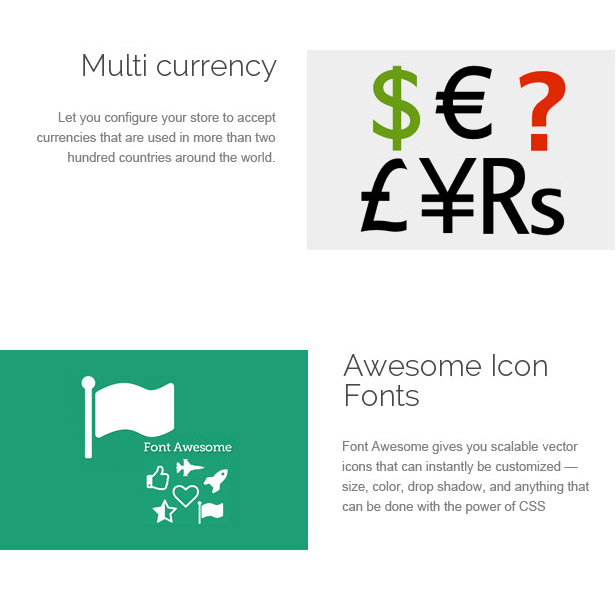
Home page is designed eye-catching with large slideshows above and below Mega Menu. Slideshow is great with smooth transitions of texts and nice images. Besides, Casino Theme is designed with a modern and new style and new web technologies: Font Awesome 4, W3C, CSS3, HTML5 helping customers to display products professionally.
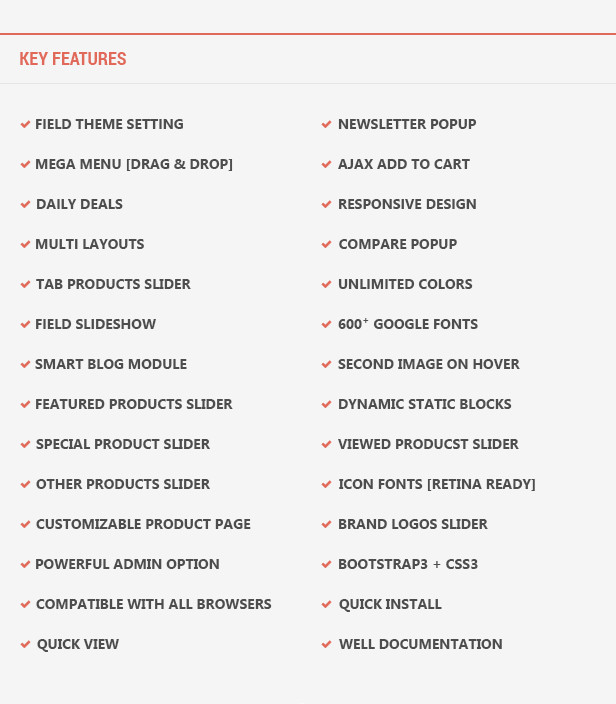
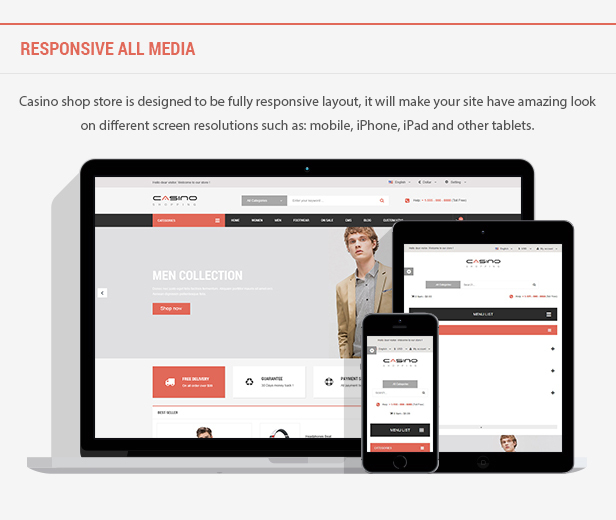
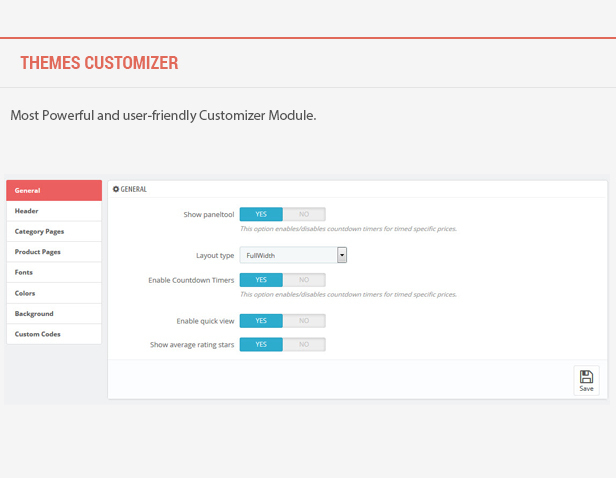
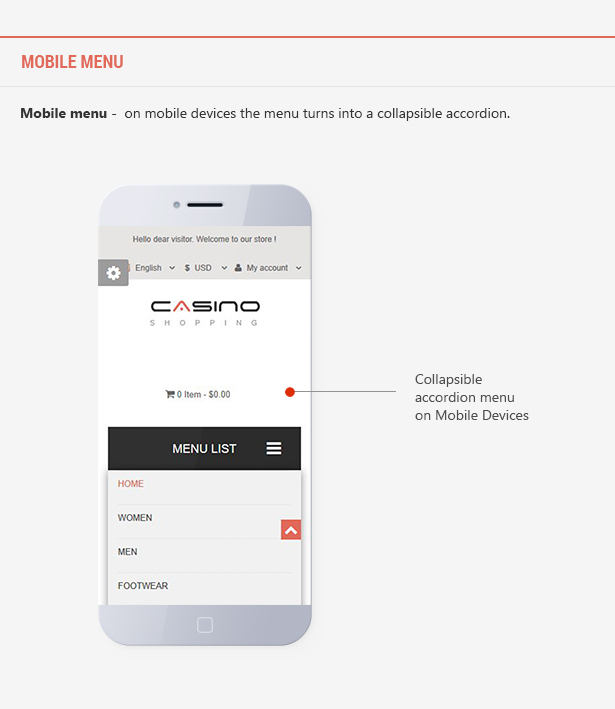
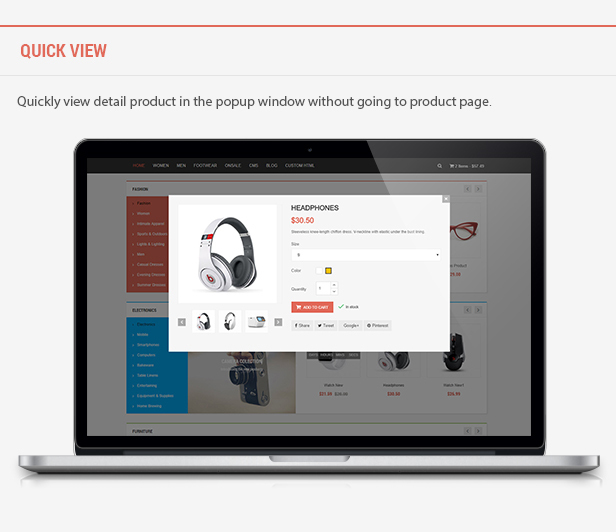
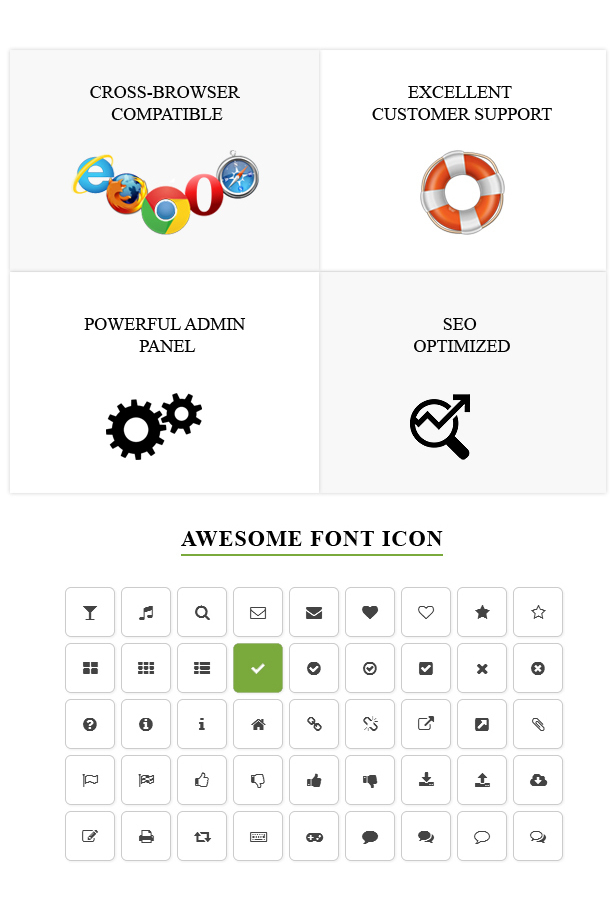
This responsive theme featured with 8 Homepage layouts, Mobile Optimized Design, Ajax Live Search & Filters, powerful ThemeCustomizer, Drag & Drop MegaMenu, List and Grid products view, Product Quick view and Product Image Zoom,.. In addition, powerful ThemeCustomizer with flexible settings, fast loading, premium modules, fast support and much more. The theme is built with latest web technologies and SEO optimized to make it friendly with search engines.



CHANGELOG
Version 2.0 – Jan 15, 2022UPDATED: Ajax Builder in Shopping CartVersion 1.9 – Nov 3, 2021
NEW: PrestaShop 1.7.8.x compatibility
FIXED: Could not be found modules on Addons when install theme
Version 1.8 – Dec 29, 2020
NEW: PrestaShop 1.7.7.x compatibility
FIXED: Conditions of the account registration form
FIXED: Title section filter in the page product category
FIXED: Effect when changing the page product category
FIXED: Bug on BackOffice Megamenu Editor
FIXED: Ajax builder in Megamenu Editor
UPDATED: Module Field Product Comment latest version
Version 1.7 – May 4, 2020
UPDATED: PrestaShop 1.7.6.5, 1.7.6.x compatibilityVersion 1.6 – Mar 19, 2020
UPDATED: PrestaShop 1.7.6.4 compatibilityVersion 1.5 – Feb 4, 2020
NEW: PrestaShop 1.7.6.3 compatibility
FIXED: Custom CSS does not work.
FIXED: "count() parameter must be an array or an object that implements countable" when install and uninstall modules.
Version 1.4 – Sept 18, 2019
FIXED: HTTP 500 Internal Server Error in Back Office to compatible with latest PrestaShop versions 1.7.6.x, 1.7.5.x
FIXED: Compile Error: Declaration of AdminFieldMegamenuController::setMedia() must be compatible with AdminControllerCore::setMedia($isNewTheme = false)
FIXED: PHP Warning: sizeof() when enable debug mode
FIXED: PHP Warning: count() Parameter must be an array or an object that implements Countable
FIXED: Pagination in category page does not work
FIXED: PHP Notice: Undefined index smartshowhomepost_maxitems
Version 1.3 – Aug 2, 2018
Fully compatible with latest versions PrestaShop 1.7.4.x, 1.7.3.xVersion 1.2.3 – Sept 03, 2017
- Fixed Security issue on the FieldVmegamenu module.Version 1.2.2 – Aug 16, 2017
- Compatible with the latest versions of PrestaShop 1.7.2.x
- Fixed Security issue on the VMegamenu module.
- Fixed error img in the FieldBannerslider module.
- Fixed bug CSS in the Check Out page.
- Fixed bug responsive Size Chart pop-up.
- Fixed bug JS MegaMenu.
- Fixed bug translate syntax error in the search & my account pages.
- Fixed bug unlink img in the SlideShow & BannerSlider modules.
Version 1.2.1 – July 20, 2017
- Updated documentation.Version 1.2 – Jun 17, 2017
- Added new 4 layouts from Homepage5 to Homepage8
- Fixed bug Ajax Search to compatible with PrestaShop 1.7.1.2
Version 1.1 – May 11, 2017
- Compatible with PrestaShop 1.7.1.x
- Fixed Module FieldNewproduct, FieldSpeciaproduct: Edit functions to get products.
- Fixed Module FieldStacticfooter: Edit function getStaticfooterLists().
- Fixed Admin Module FieldMegamenu.
- Fixed File layer-both-column.tpl: Fixed an error when debug mode enabled.
- Fixed Module FieldTabcategories: Delete default products cause errors not show module on Homepage.
- Fixed Module FieldThemecustomize: Change function getTabs() to different from PrestaShop default.
- Fixed Module FieldSmartcode : Change class SmartyLazyRegister to FieldSmartCodesProcessor to different from PrestaShop default.
Version 1.0 – Mar 25, 2017
Initial Release
| Type | PrestaShop Theme |
|---|---|
| Author | fieldthemes |
| Category | Ecommerce / Prestashop / Shopping |
| Price | $69 |
| Sales | 55 |
| Rating | 5.00 from 4 ratings |
| Published | Mar 24, 2017 |
| Last Update | Apr 25, 2025 |
| Columns | 4+ |
| Compatible Browsers | IE9, IE10, IE11, Firefox, Safari, Opera, Chrome, Edge |
| Compatible Software | PrestaShop 9.1, PrestaShop 9.0, PrestaShop 8.2, PrestaShop 8.1, PrestaShop 8.0, PrestaShop 1.7.8.x, PrestaShop 1.7.7.x, PrestaShop 1.7.6.x, PrestaShop 1.7.5.x, PrestaShop 1.7.4.x, PrestaShop 1.7.3.x, PrestaShop 1.7.2.x, PrestaShop 1.7.1.x, PrestaShop 1.7.0.x |
| Compatible With | Bootstrap 4.x |
| Documentation | Well Documented |
| Layout | Responsive |
| Files Included | Layered PSD, PHP Files, CSS Files, JS Files, PSD |
| Key Features | Electronics, Fashion, Furniture and Beauty, Handbags Shopping, Shoes & Watches store, Mobile Optimized Design, 247 Reliable Support |
Categories
Tags
External listing. code.market does not sell this product and does not process payment for it. Pricing, payment, delivery, licensing, refunds, and support are handled by the third-party merchant on its own website. We may earn an affiliate commission from a referral. Details.
Products of the Week.
Submit🥇

STOP GUESSING WHAT TO POST
AI that learns your brand voice and builds a month of consistent, on-brand social content: carousels, posts and hooks that sound like you, not like everyone else's AI.
SaaS · 3,989 views · 35 clicksSaaS · Week 45 · 3,989 views · 35 clicks
🥈

Conversational Backlinks for Busy Founders
Place Backlink Relevant Conversation for your domain across Forums and Conversations
Website · 41,636 views · 222 clicksWebsite · Week 45 · 41,636 views · 222 clicks
🥉

upvote.club
Free Social Media Engagement that Helps Boost Your Content. Upvote Club supports 19 social networks with 100+ engagement actions in one dashboard. Add links to your posts and get free engagement from real users.
SaaS · 39,663 views · 114 clicksSaaS · Week 45 · 39,663 views · 114 clicks
#4

Substack Posting API
Onboard your Agent to Substack. Write Publish on Substack via API
SaaS · 58,692 views · 198 clicksSaaS · Week 45 · 58,692 views · 198 clicks
#5

Seenshot App
Free, Fast, MacOS Screenshot app. Make Screenshot cmd+shift+2 and send it via link
Desktop App · 28,074 views · 122 clicksDesktop App · Week 45 · 28,074 views · 122 clicks
#6

Hand-Placed Backlinks $9.99 per link. Flat rate.
Buy hand-placed forum, Q-A and directory backlinks. Flat $9.99 per link, no subscriptions — you only pay for approved listings.
Website · 3,932 views · 19 clicksWebsite · Week 45 · 3,932 views · 19 clicks
#7

Free Invoice Generator - PDF Invoices in Your Browser, No Sign-Up
A free invoice maker for freelancers and small businesses: fill in the invoice, check the live preview, and download a PDF that looks exactly like it. Any currency, tax per item, three templates, no sign-up, and nothing leaves your device.
2,609 views · 17 clicksWeek 45 · 2,609 views · 17 clicks
#8

Merge PDF Files Free - Combine PDFs in Your Browser, No Upload
A free PDF merger for office workers, students, and freelancers: combine PDFs and images into one file in the browser, reorder files and pages, pick page ranges, keep bookmarks, and open password-protected PDFs. Nothing is uploaded, no sign-up, no watermark.
2,428 views · 13 clicksWeek 45 · 2,428 views · 13 clicks