
Bookt | WordPress Appointment Booking & Scheduler

Description
With Bookt, Your Schedule Just Got Organized.
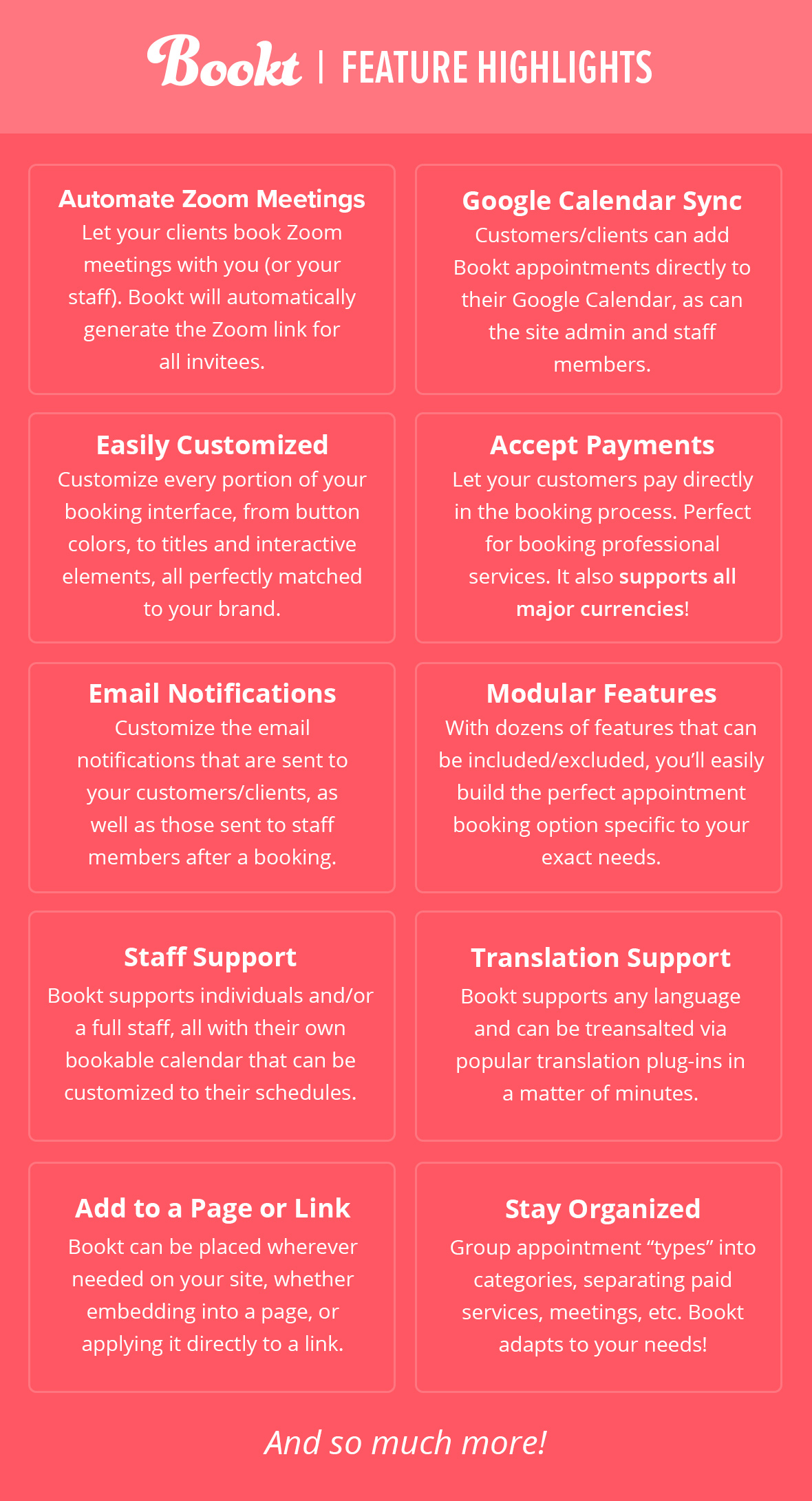
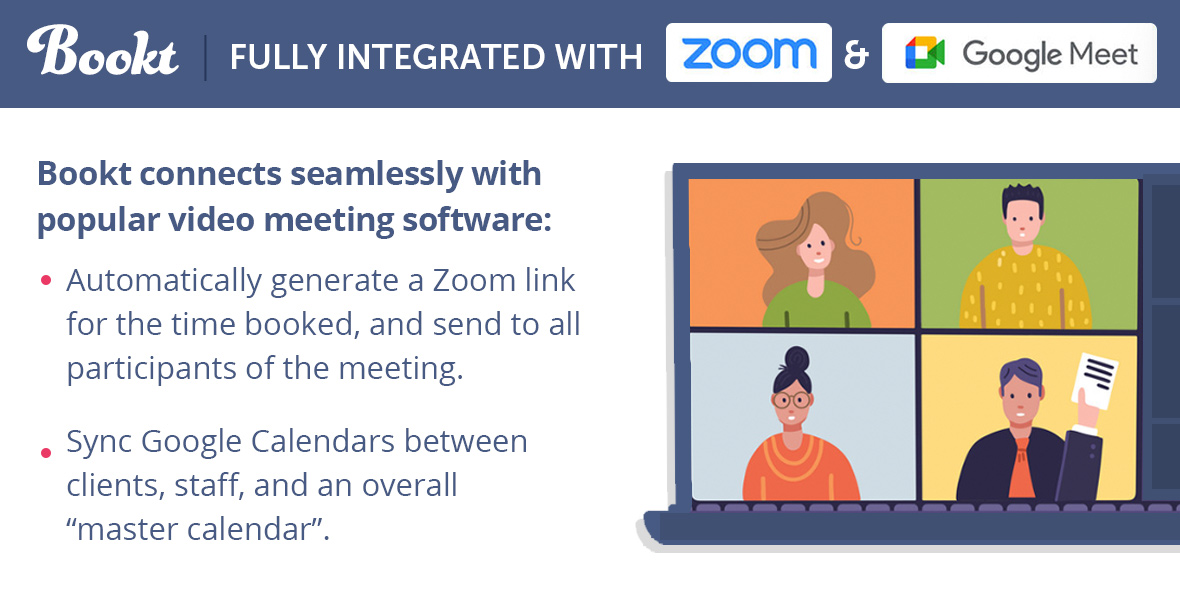
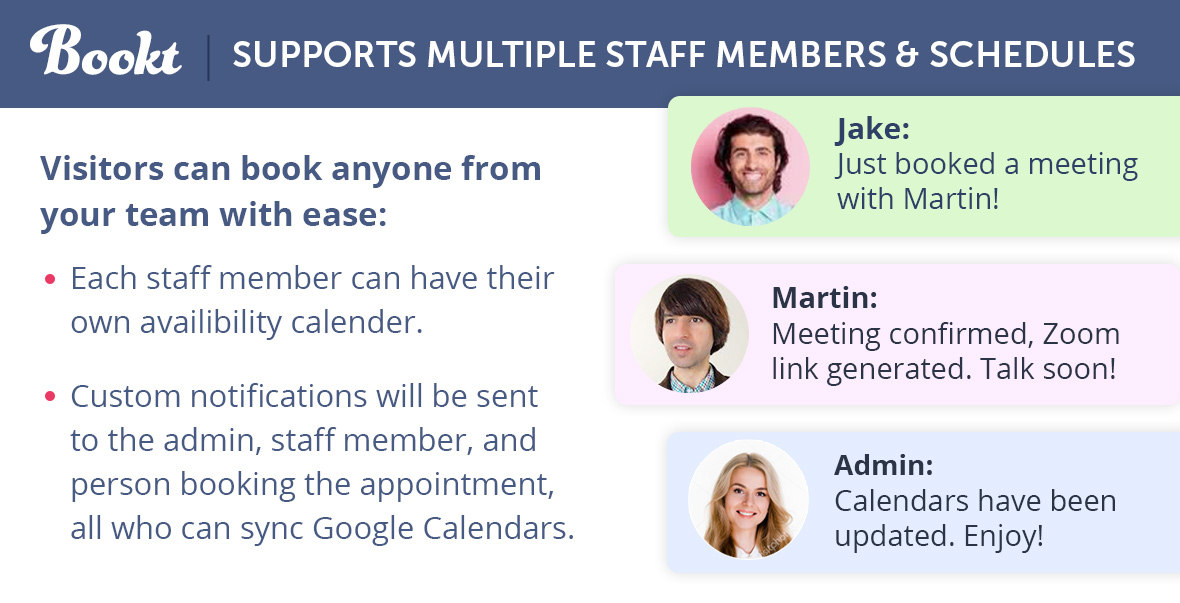
Bookt is a custom crafted WordPress Plugin designed to fully automate scheduling for you and your team. Whether booking online Zoom meetings (and automatically generating a meeting link for everyone involved), or offering paid services—which can be paid for directly within the booking process—BooktPro has you covered. Check out the main features below:
Optimize your response time, boost your reputation, and keep your customers/clients happy!
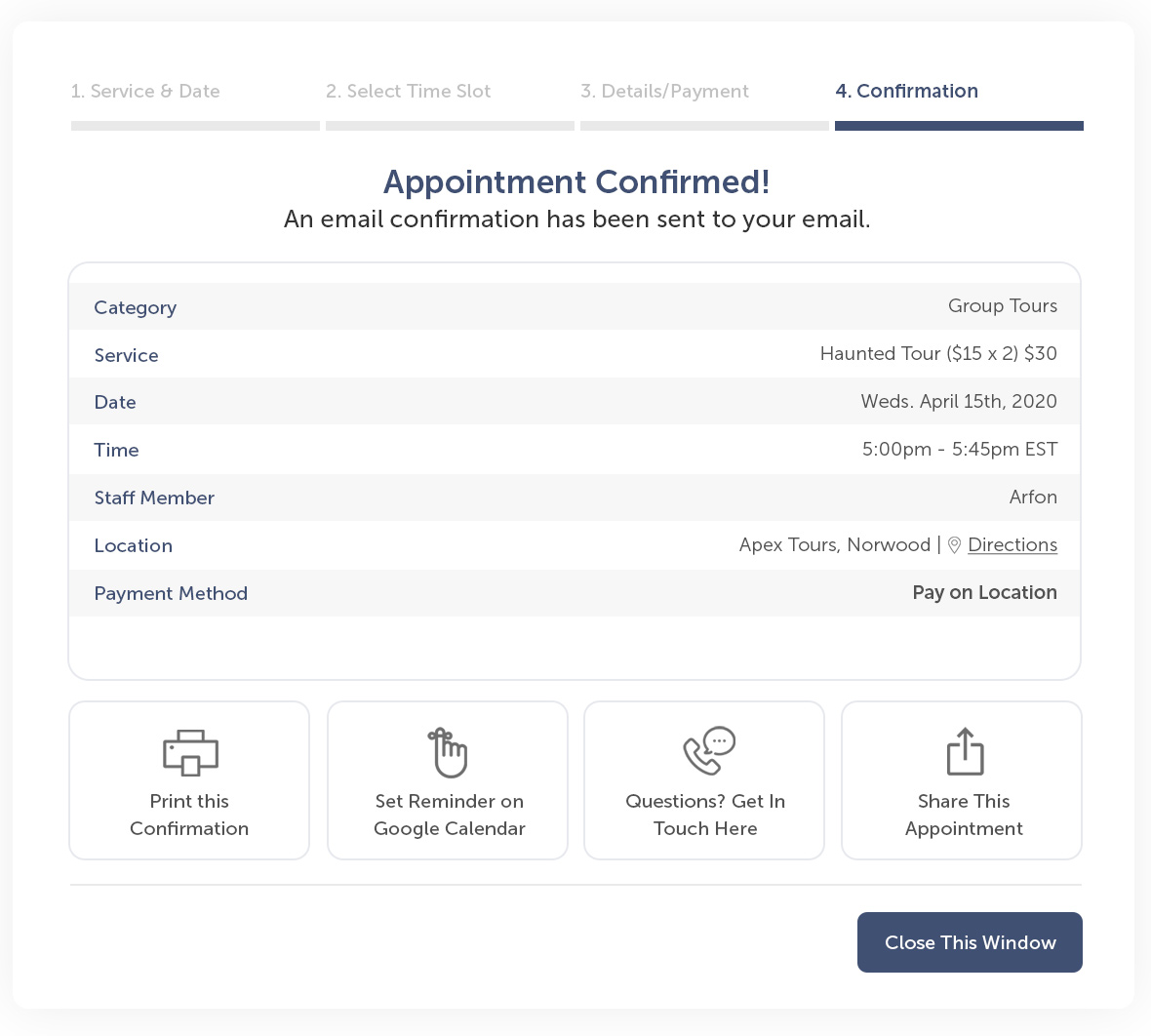
Organize Your Schedule Sync your calendar, generate Zoom meetings, and never double book. Our reliable features organize your schedule like never before.
Improve Client Relationships Online reviews and reputation will grow as you become a master of reliability.
Boost Your Response Times Easy scheduling for you and your clients/customers means saving time, while avoiding conflicts and delays.
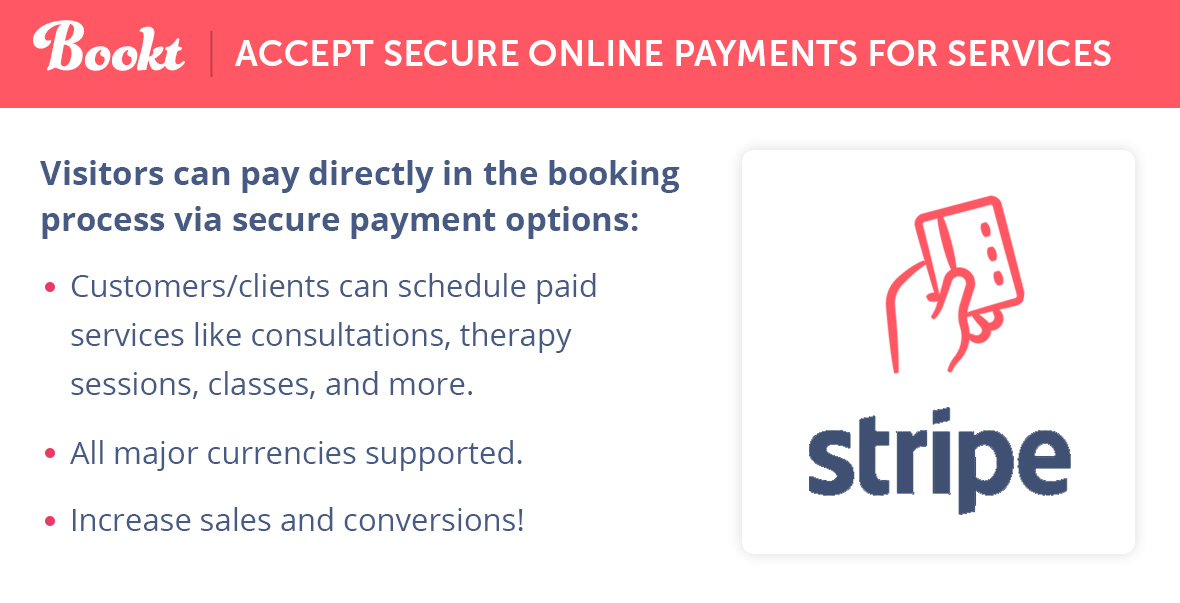
Boost your bottom line with payment processing Bookt supports secure online payments directly in the booking process, allowing you to charge for your paid services.
Turn visitors into paying clients Reliable scheduling means reliable business, and you’ll soon be turning client ideas into paid (and organized) projects.
Streamline your conversion pipeline You and your team will tackle customer/client issues like a well-oiled machine, boosting client retention, overall happiness, and word of mouth.
Incredibly Powerful, yet Simple to Use. You’ll Deploy Your Scheduler in Minutes
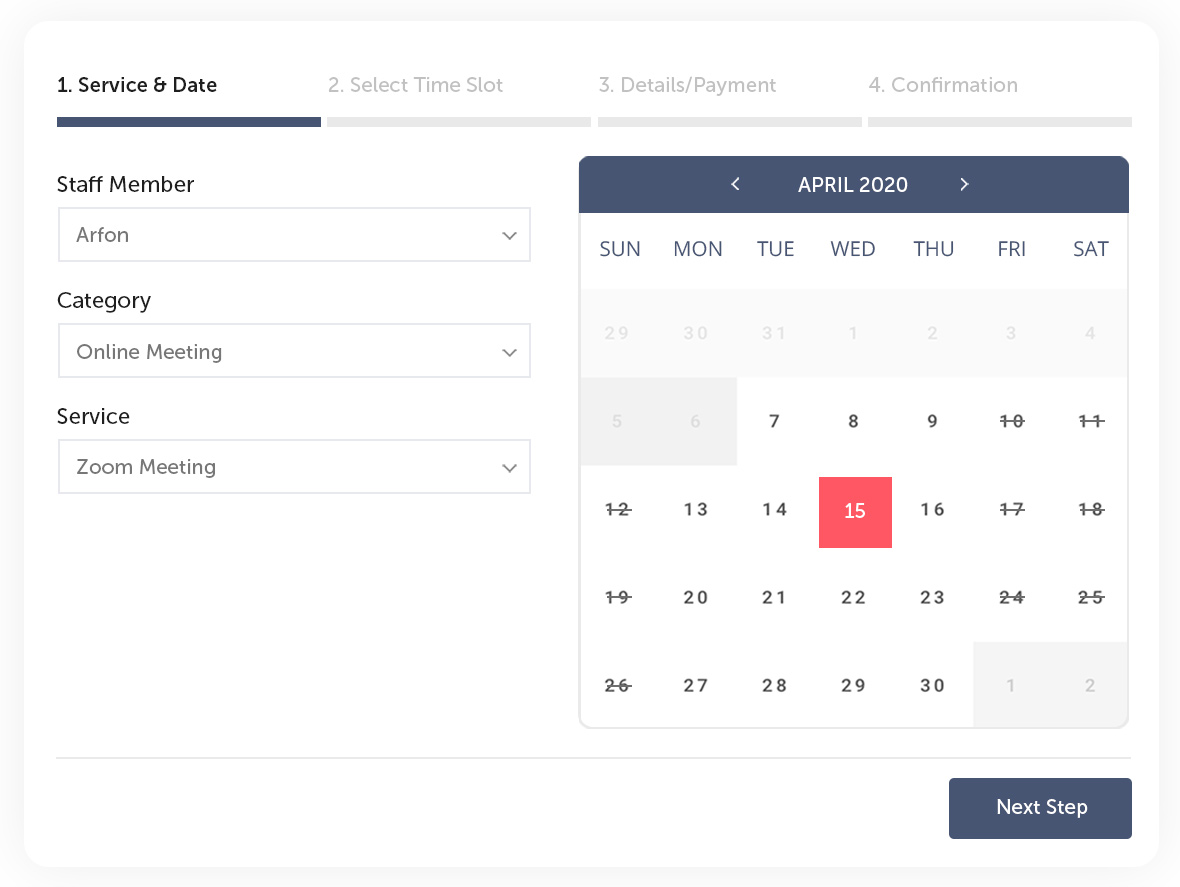
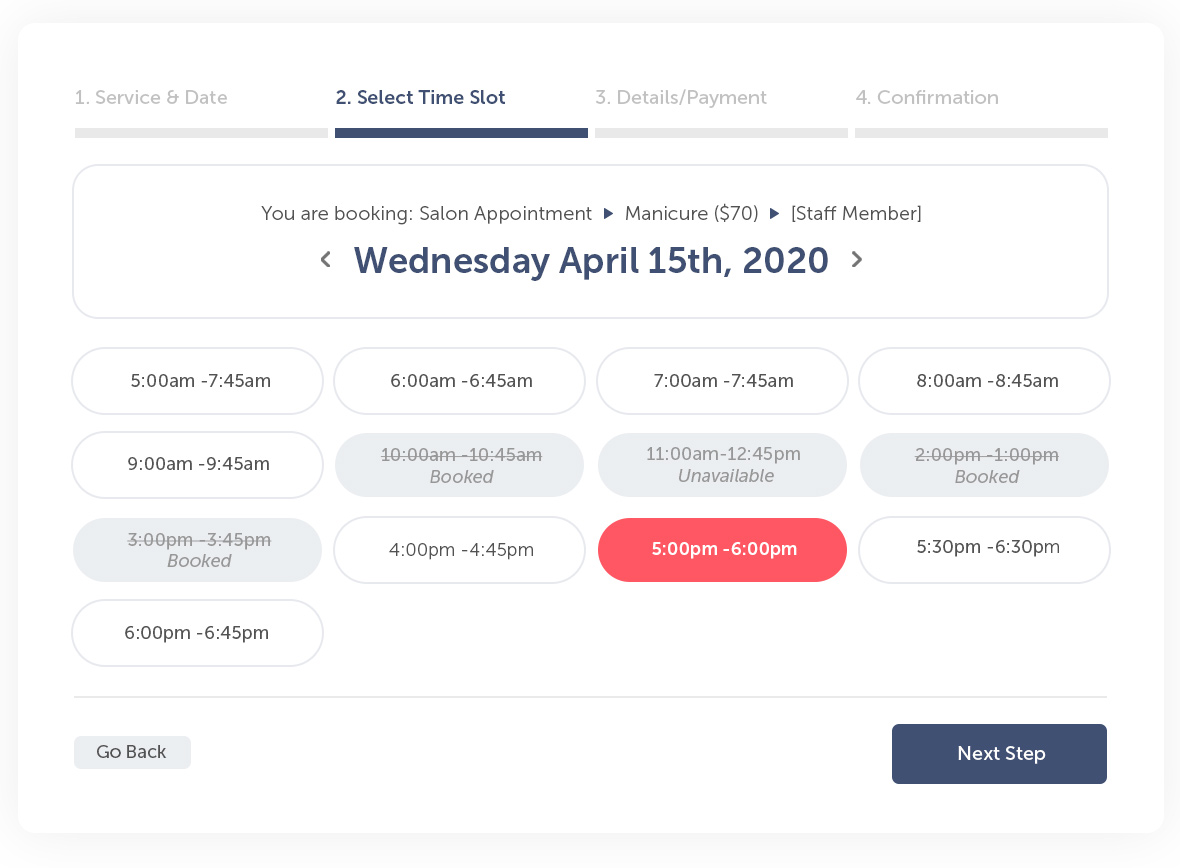
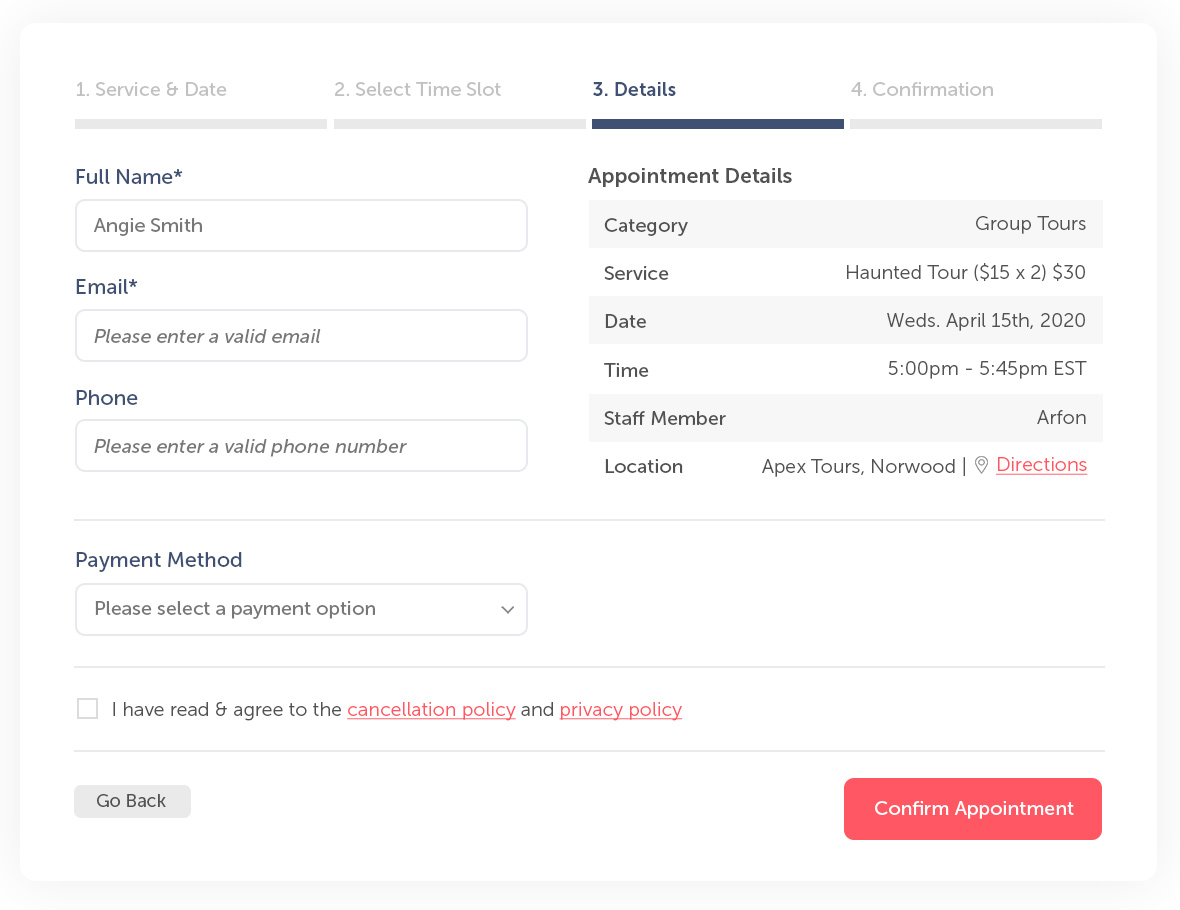
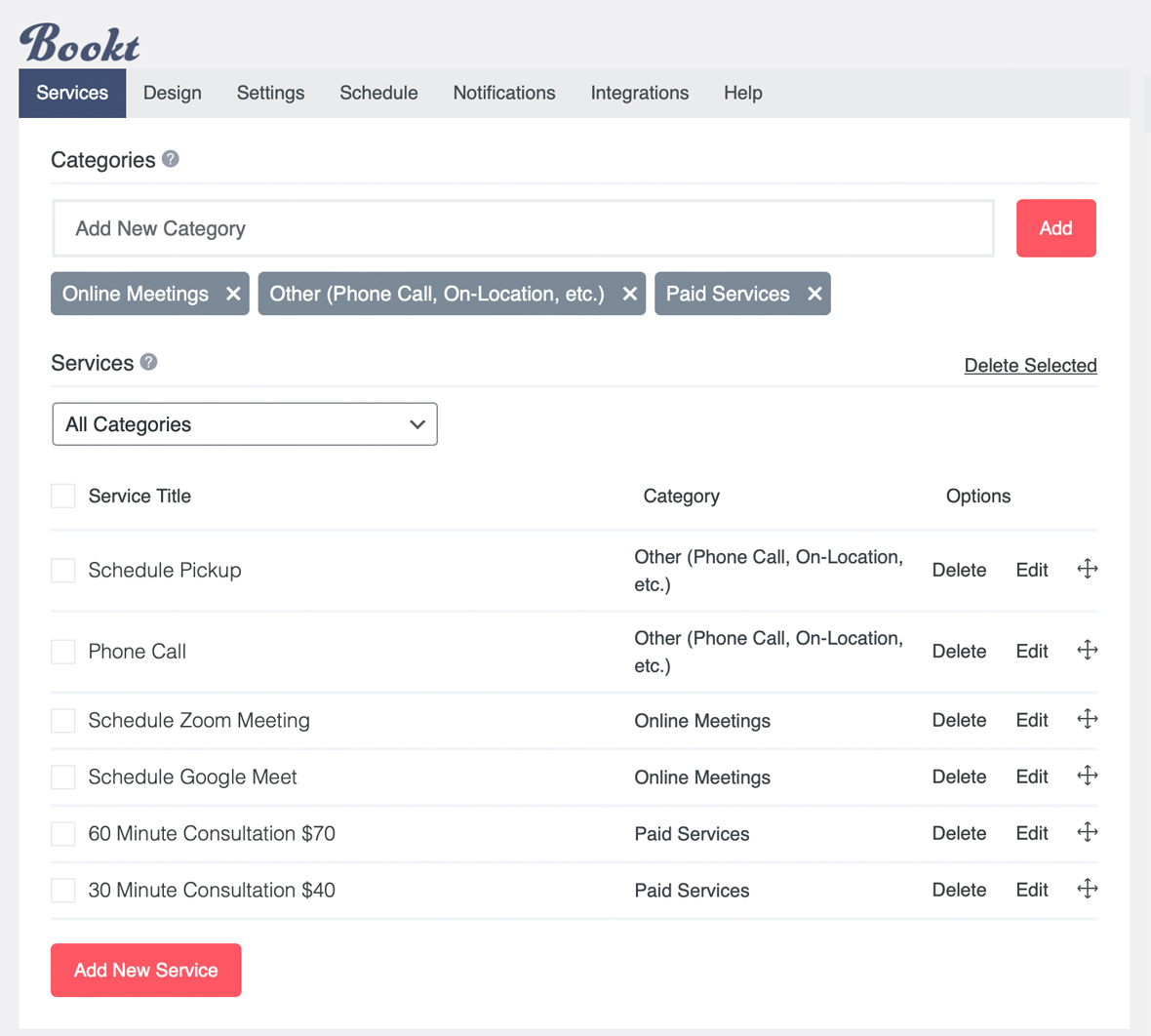
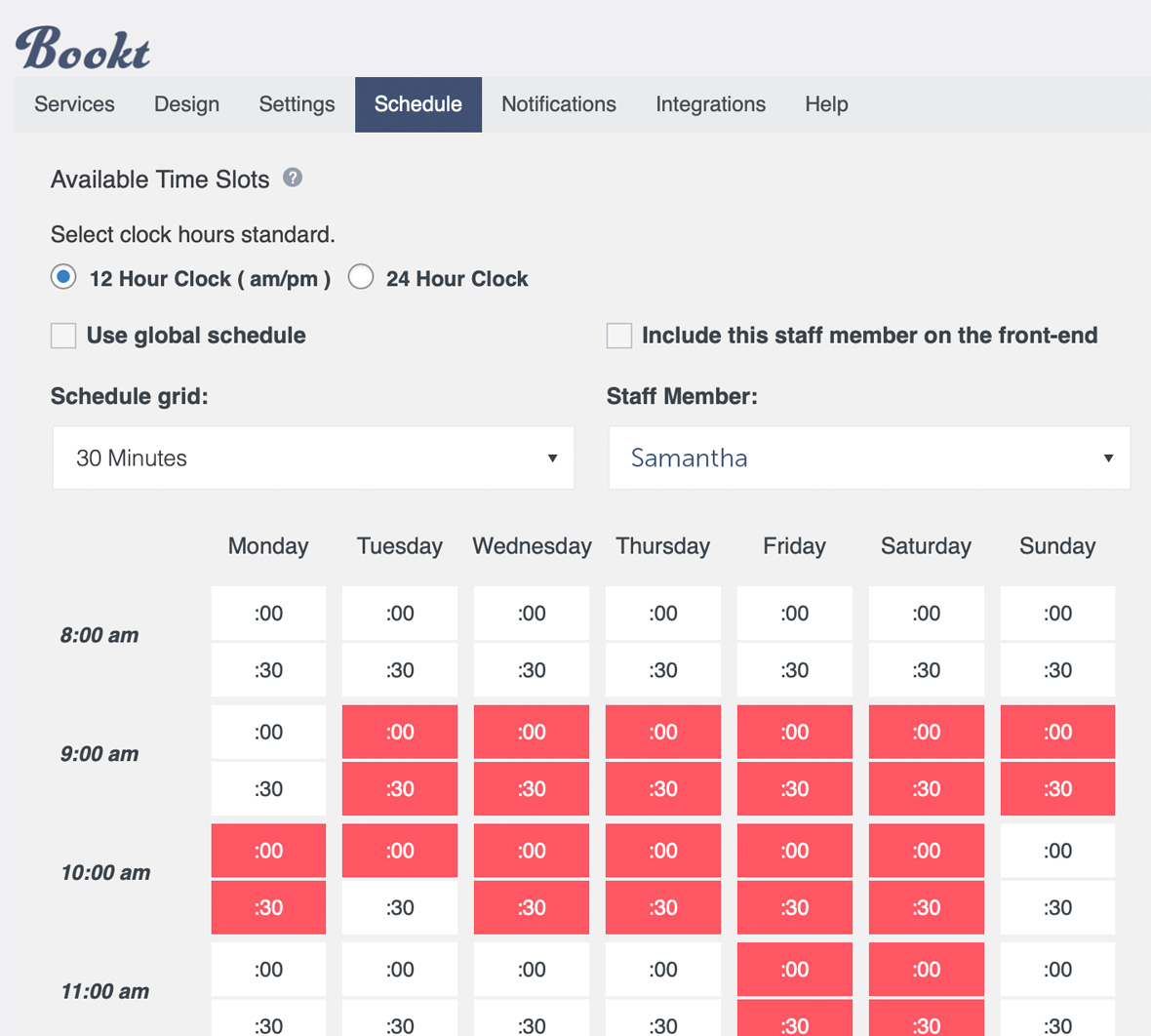
Fully Customizable Via a Powerful, Intuitive Admin
Bookt’s features are nearly all modular, letting you build the perfect booking interface for your specific goals. Customize colors, build your schedule, add categories and services… you’ll be up and running in a matter of minutes.
| Type | WordPress Plugin |
|---|---|
| Author | BooktPro |
| Category | Wordpress / Calendars |
| Price | $34 |
| Sales | 28 |
| Rating | 0.00 from 2 ratings |
| Published | Sep 29, 2023 |
| Last Update | Mar 28, 2024 |
| Compatible Software | WordPress 6.1.x |
| Compatible With | Block Editor |
| Gutenberg Optimized | No |
| Source Files Included | JavaScript JS, JavaScript JSON, HTML, CSS |
| Video Preview Resolution | 1920x1080 |
Categories
Tags
External listing. code.market does not sell this product and does not process payment for it. Pricing, payment, delivery, licensing, refunds, and support are handled by the third-party merchant on its own website. We may earn an affiliate commission from a referral. Details.
Products of the Week.
Submit🥇

STOP GUESSING WHAT TO POST
AI that learns your brand voice and builds a month of consistent, on-brand social content: carousels, posts and hooks that sound like you, not like everyone else's AI.
SaaS · 4,296 views · 38 clicksSaaS · Week 45 · 4,296 views · 38 clicks
🥈

Conversational Backlinks for Busy Founders
Place Backlink Relevant Conversation for your domain across Forums and Conversations
Website · 42,016 views · 223 clicksWebsite · Week 45 · 42,016 views · 223 clicks
🥉

upvote.club
Free Social Media Engagement that Helps Boost Your Content. Upvote Club supports 19 social networks with 100+ engagement actions in one dashboard. Add links to your posts and get free engagement from real users.
SaaS · 40,059 views · 117 clicksSaaS · Week 45 · 40,059 views · 117 clicks
#4

Substack Posting API
Onboard your Agent to Substack. Write Publish on Substack via API
SaaS · 59,068 views · 198 clicksSaaS · Week 45 · 59,068 views · 198 clicks
#5

Seenshot App
Free, Fast, MacOS Screenshot app. Make Screenshot cmd+shift+2 and send it via link
Desktop App · 28,444 views · 122 clicksDesktop App · Week 45 · 28,444 views · 122 clicks
#6

Hand-Placed Backlinks $9.99 per link. Flat rate.
Buy hand-placed forum, Q-A and directory backlinks. Flat $9.99 per link, no subscriptions — you only pay for approved listings.
Website · 4,277 views · 19 clicksWebsite · Week 45 · 4,277 views · 19 clicks
#7

Free Invoice Generator - PDF Invoices in Your Browser, No Sign-Up
A free invoice maker for freelancers and small businesses: fill in the invoice, check the live preview, and download a PDF that looks exactly like it. Any currency, tax per item, three templates, no sign-up, and nothing leaves your device.
2,952 views · 17 clicksWeek 45 · 2,952 views · 17 clicks
#8

Merge PDF Files Free - Combine PDFs in Your Browser, No Upload
A free PDF merger for office workers, students, and freelancers: combine PDFs and images into one file in the browser, reorder files and pages, pick page ranges, keep bookmarks, and open password-protected PDFs. Nothing is uploaded, no sign-up, no watermark.
2,726 views · 13 clicksWeek 45 · 2,726 views · 13 clicks