
Inventory and stock management system
Description
What is BH-Inventory And GST Account Management Software?
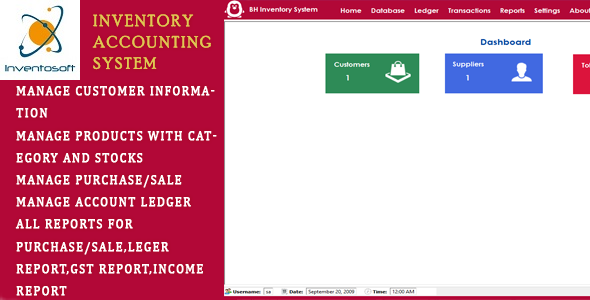
BH-Inventory And Account Management Software – is Stock Inventory Management System with Sales/Purchase POS Management and GST-Account Management System.
- Software have faciliy for muliple company stock management.
- Software Manage All Customer and Supplier Information
- Software will Manage Products With Category Wise and Unit Conversion System
- Software will show Current Stock OF Products Reports
- Software will Manage Purchase Products from Suppliers
- Software will Manage Sell Products to Customers
- Software have faciliy for Purchase and Sales Invoices with GST
- Software have faciliy for Purchase and Sales Invoices with GST
- Software Will Manage All ledger Types, Opening Balance
- Software Will Manage Customer payment recipt, Supplier paid Amount Entry.
- Software Will Manage Customer payment recipt, Supplier paid Amount Entry.
Getting Started
After Registration Licence , Start Software, software start with below screen
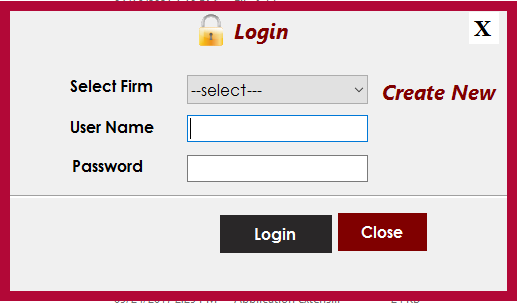
- Select Default Firm “MyCompany”
- User Name :sa
- Password: sa
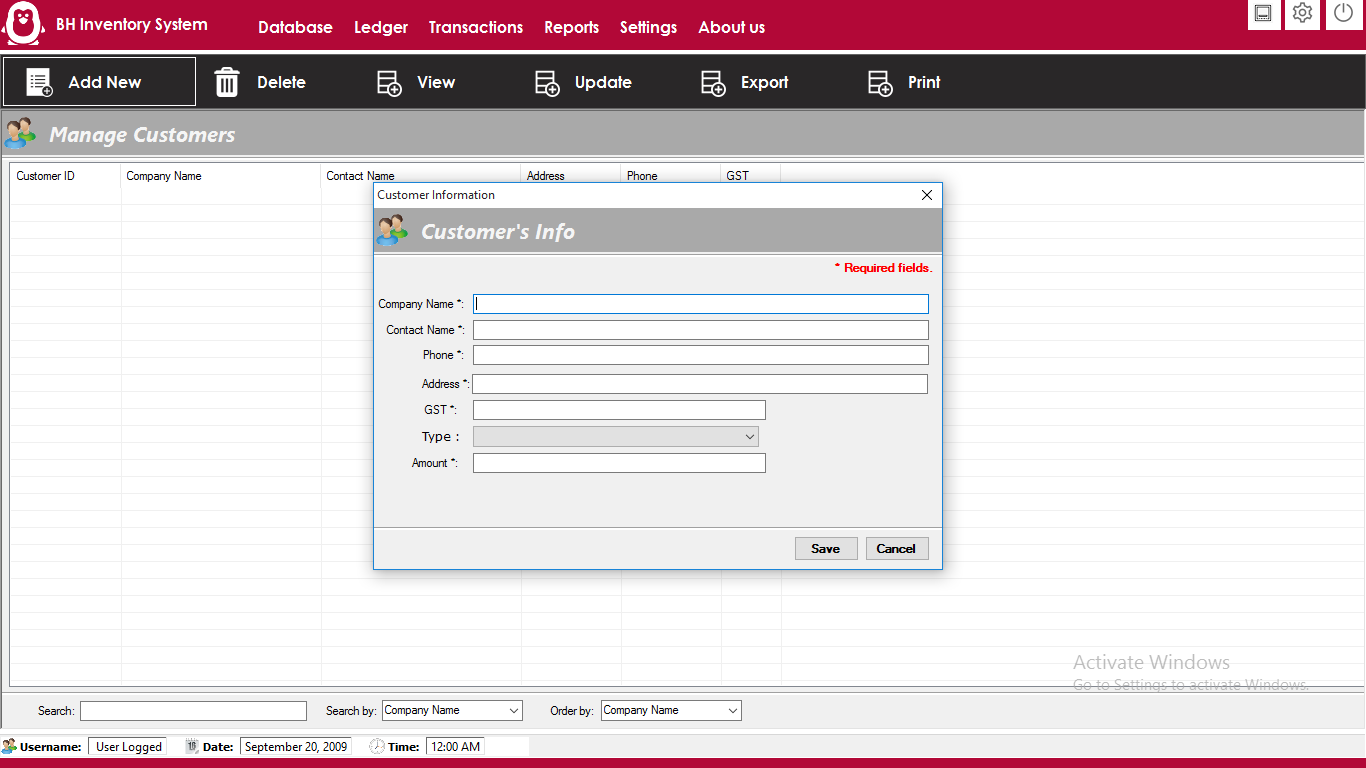
- For Add Customer Click on Database >Manage Customers
- You can manage all Customers infomration with there name ,email,mobiles. you can edit ,delete and export all detail
- For add Customers information, Click on Add button
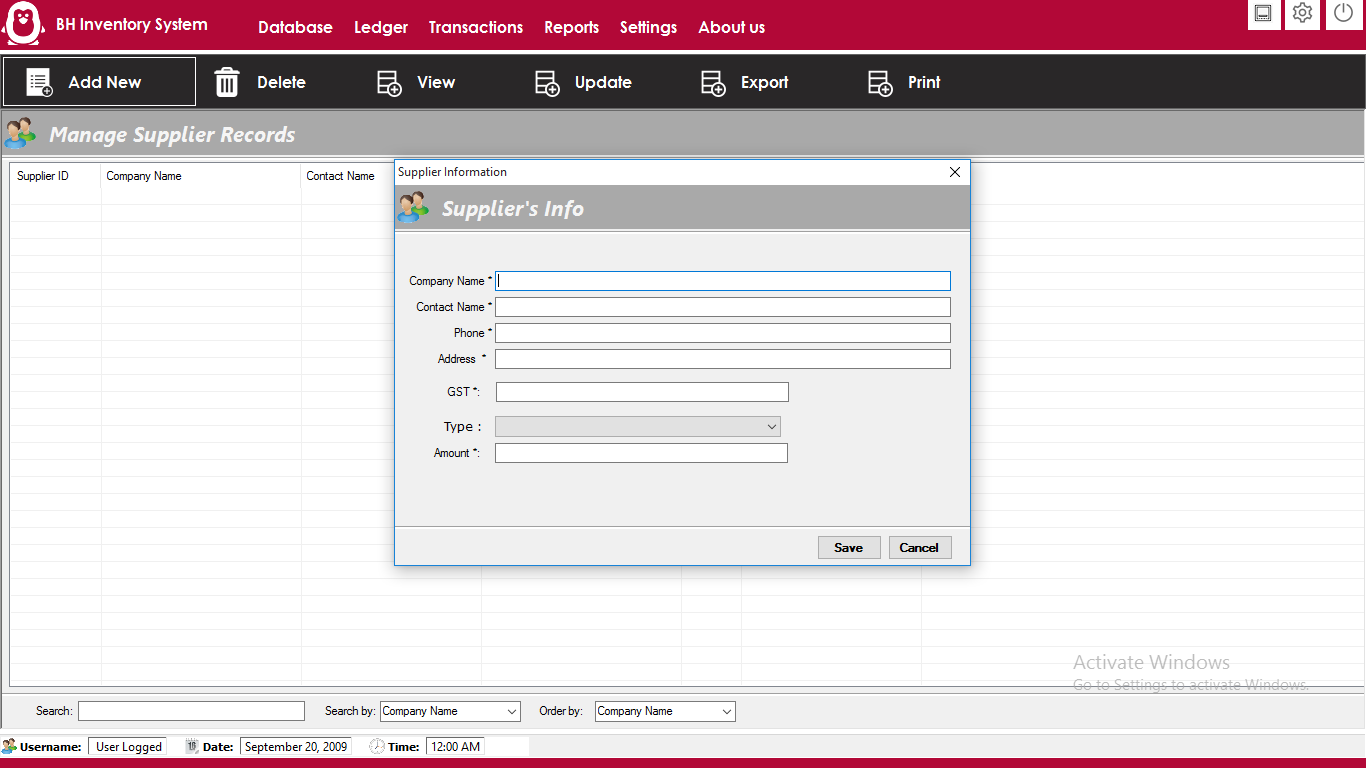
- For Add Supplier Information,Click on Database >Manage Suppliers
- You can manage all supplier information. you can edit ,delete and export all detail
- For add supplier information, Click on Add button
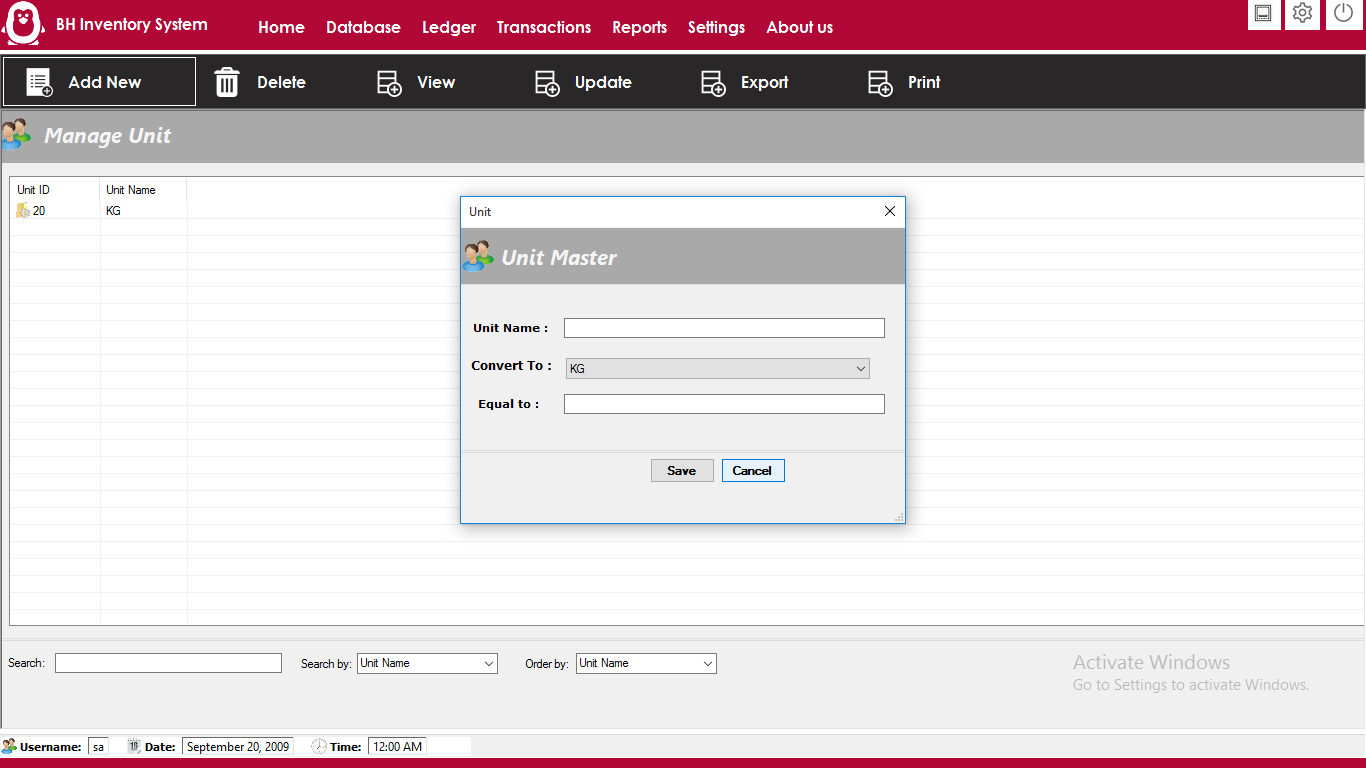
- For Manage Product unit like KG, Liter, Gram ,Click on Menu >Manage Units
- For add New Units , Click on Add button
- For Manage Product Category,Click on Database >Manage Category
- For add New Category , Click on Add button
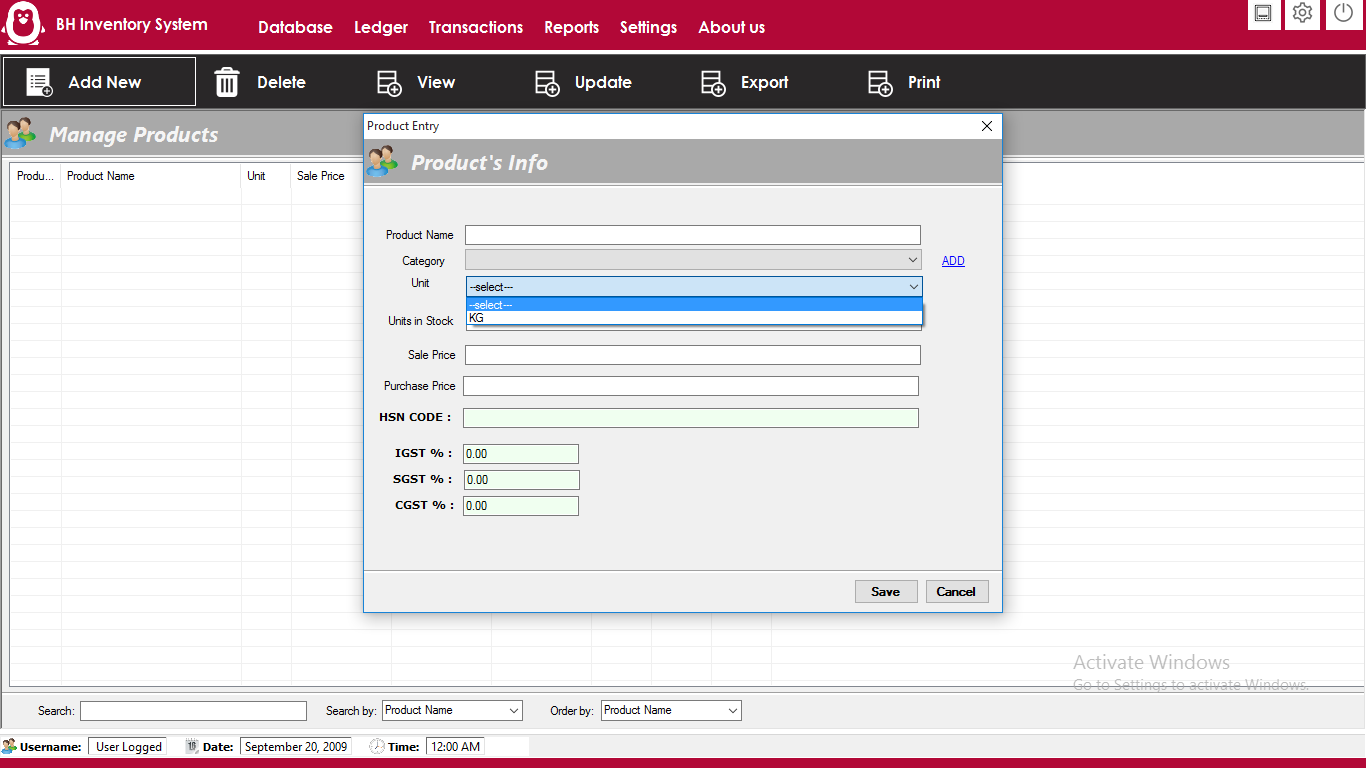
- For Manage Product infomration,Click on Database >Manage Products
- For add New Product , Click on Add button
- Here , you can product name, product purchase price,sale price, current stocks etc information
- For Manage Sales Transaction,Click on Transactions >Sales
- You will show all sales transaction with filter options
- For add New Sale , Click on Add button
- Here , you can select customer name, with multiple product details
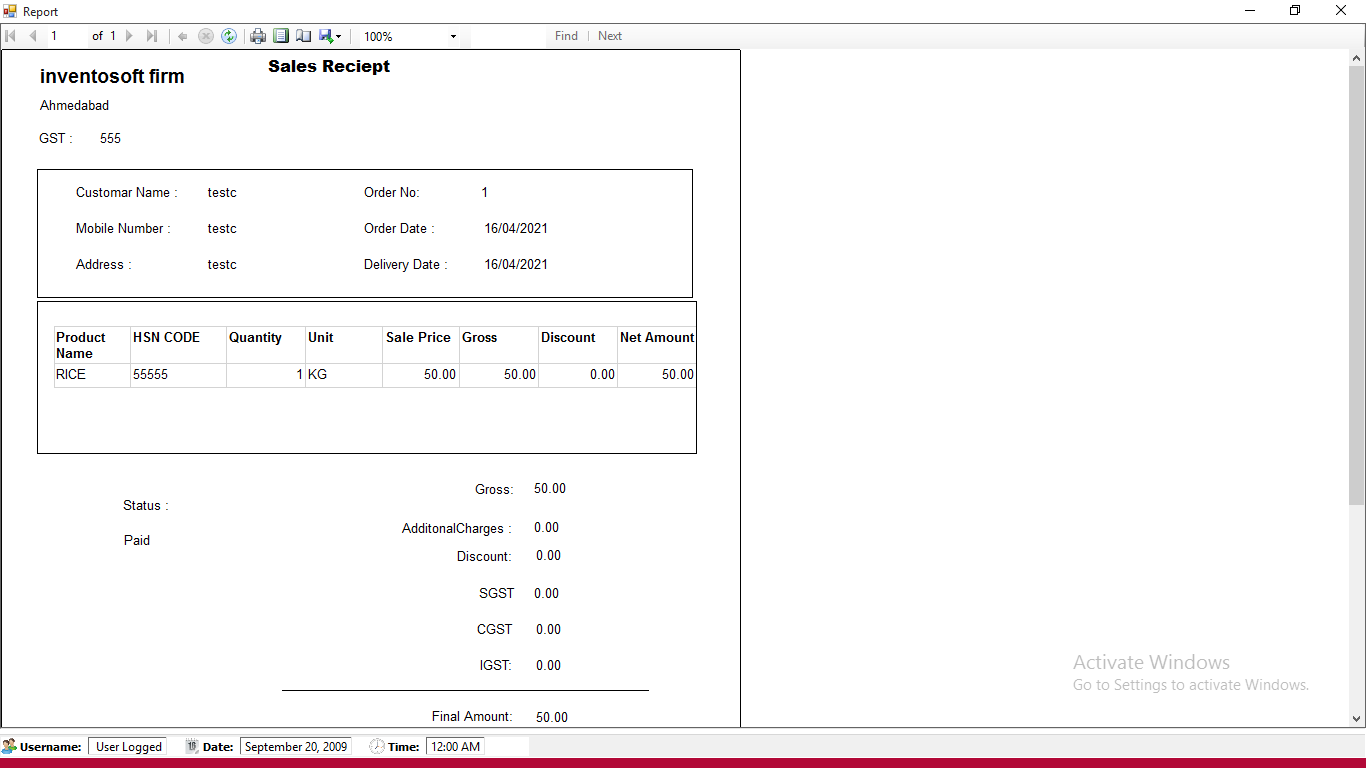
- Salse invoice also generate As per GST Requirement, you can print any time using print button
- For Manage Purchase Transaction,Click on Transactions >Purchase
- You will show all Purchase transaction with filter options
- For add New Purchase , Click on Add button
- Here , you can select supplier name, with multiple product details
- purchase invoice also generate As per GST Requirement, you can print any time using print button
- For Manage Account Ledger Type,Click on Ledger >Create Ledger
- For add New Ledger Type , Click on Add button
- For add Opening Balance for Every Ledger Account , Click on Ledger >Opening Balance
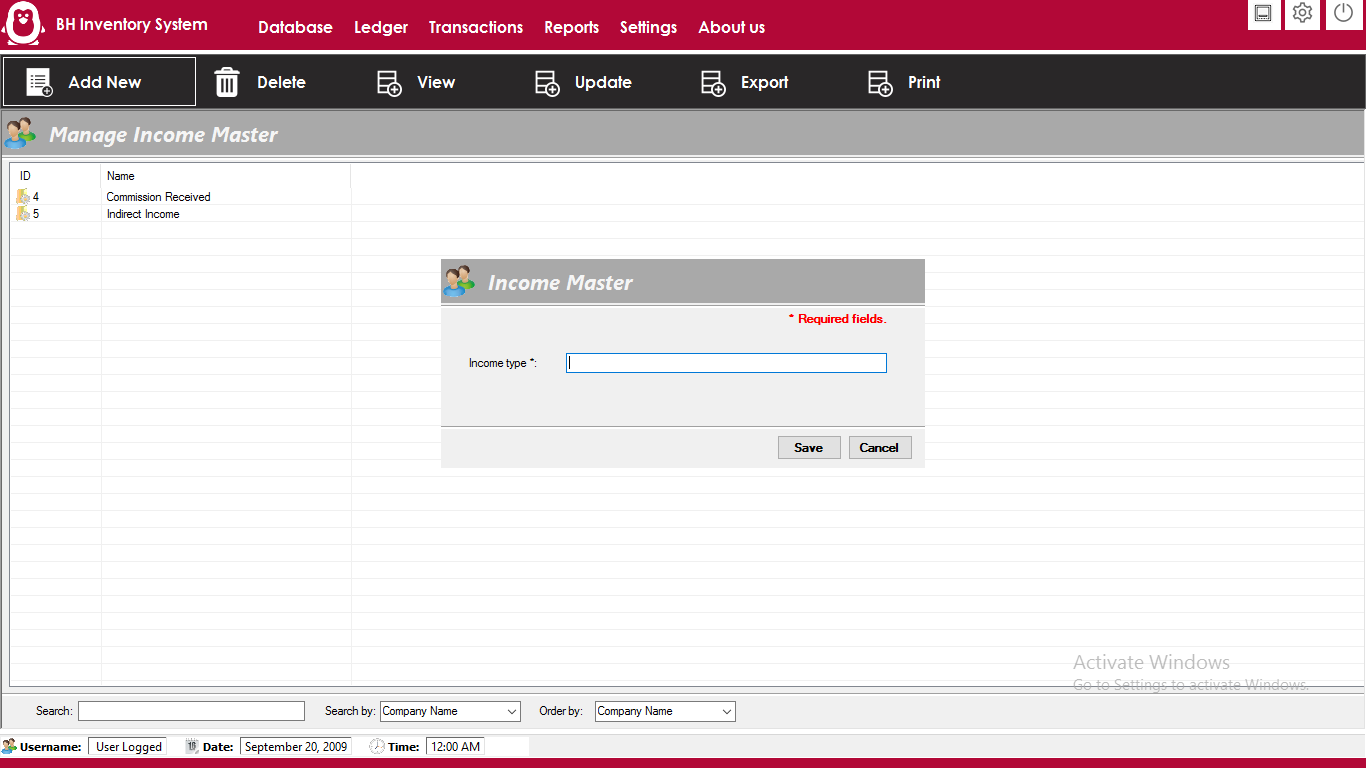
- For Manage All Income Type, Click on Ledger>Income Master Head
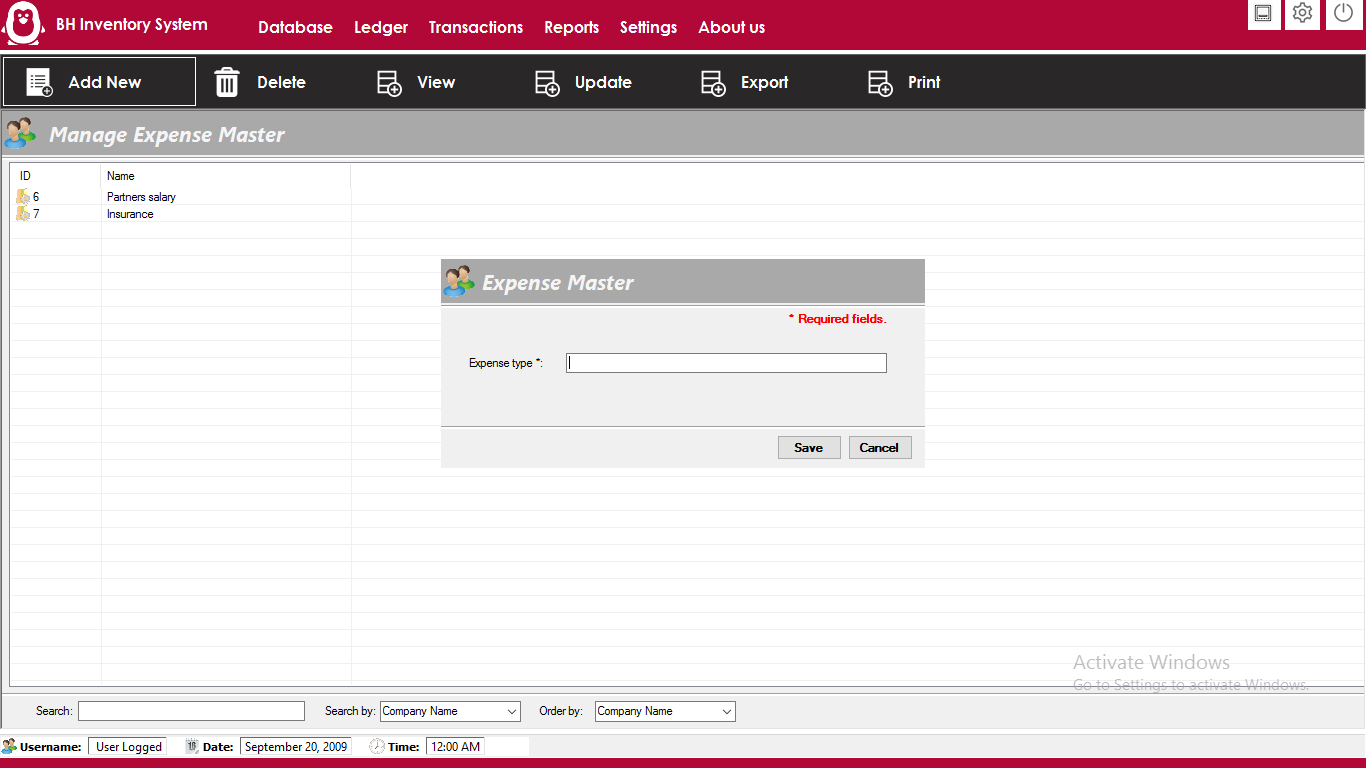
- For Manage All Income Type, Click on Ledger>Expense Master Head
- For Ledger Entery in Expense and Income Head , Click on Ledger>Ledger Entry
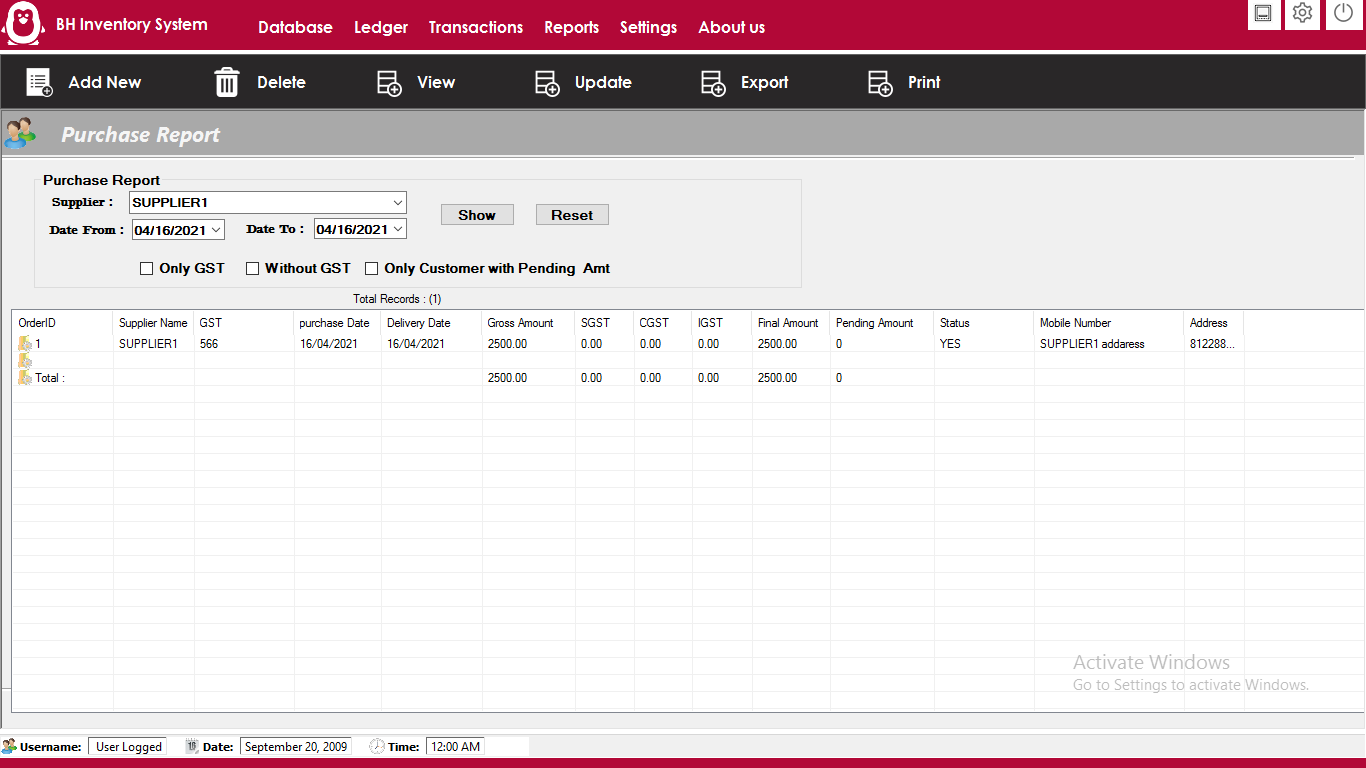
- For getting Purchase report, Click on Menu>Reports>Purchase Report
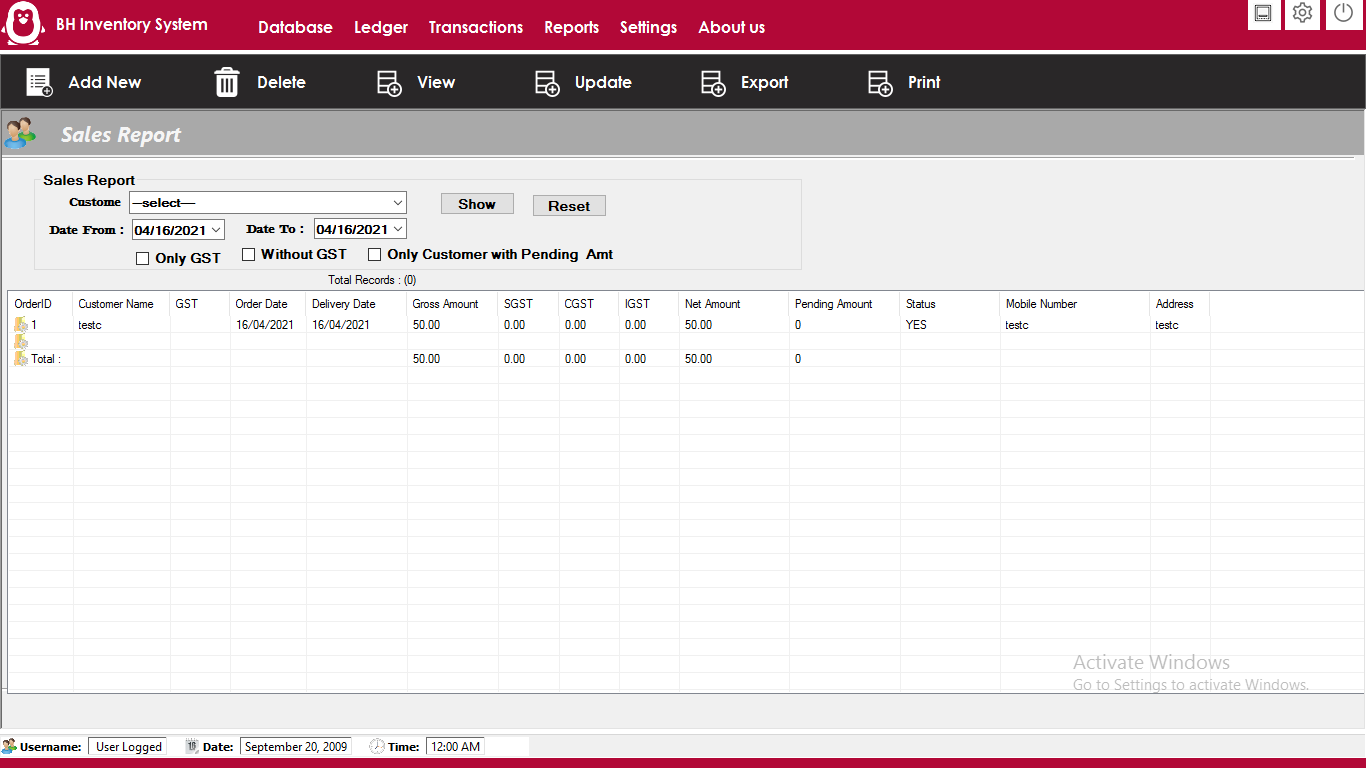
- For getting Sales report, Click on Menu>Reports>Sales Report
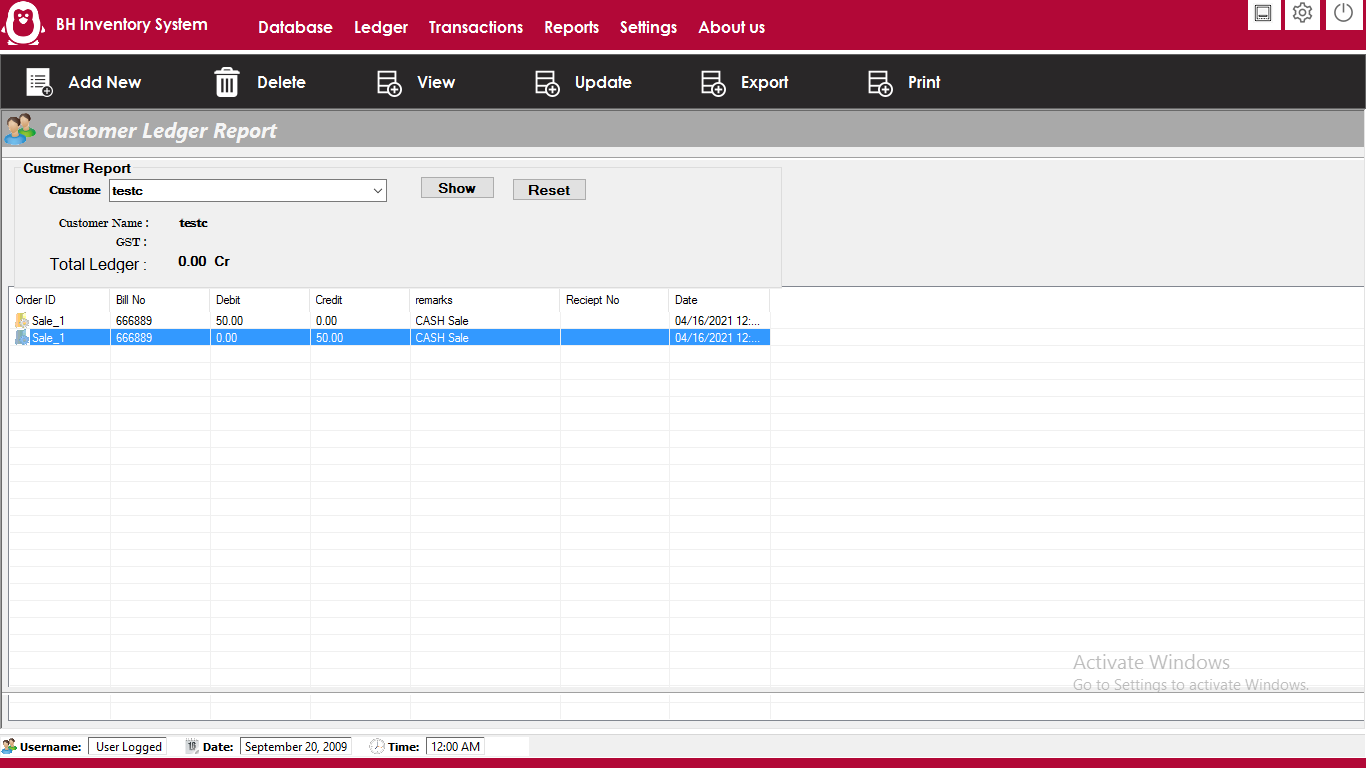
- For getting Customer report, Click on Menu>Reports>Customer Report
- For getting Supplier report, Click on Menu>Reports>Supplier Report
- For getting GST report, Click on Menu>Reports>GST Report
- For getting All Ledger report, Click on Menu>Reports>Ledger Report
- For Database Backup, Click on Menu>Settings>Database Backup
- For change Company Firm name and other setting click on Setting Icon on Top Bar ,

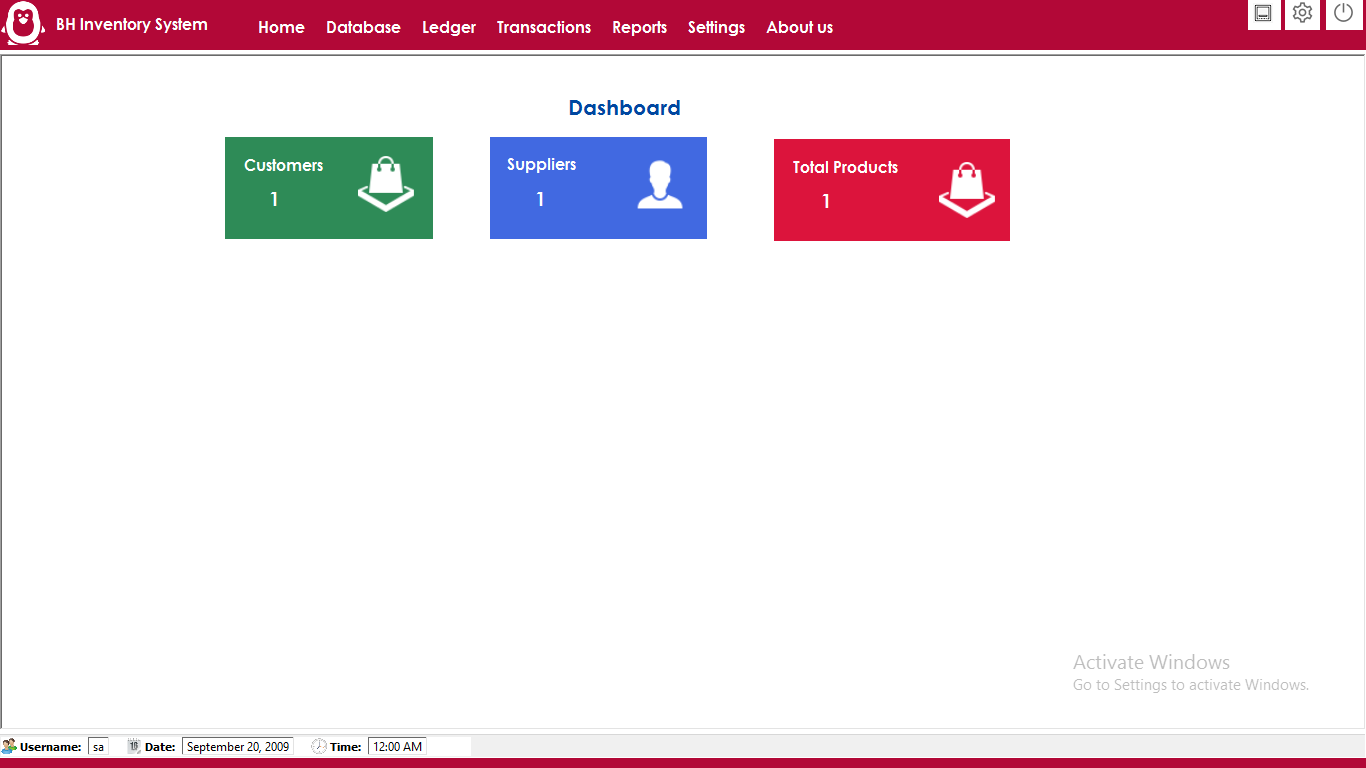
After Login Dashboard will show
Add Customer information
Add Supplier Information
Add Product Unit
Add Product Category

Add Product Infomration
Add Sales Transaction for customer

Add Purchase Transaction from Supplier
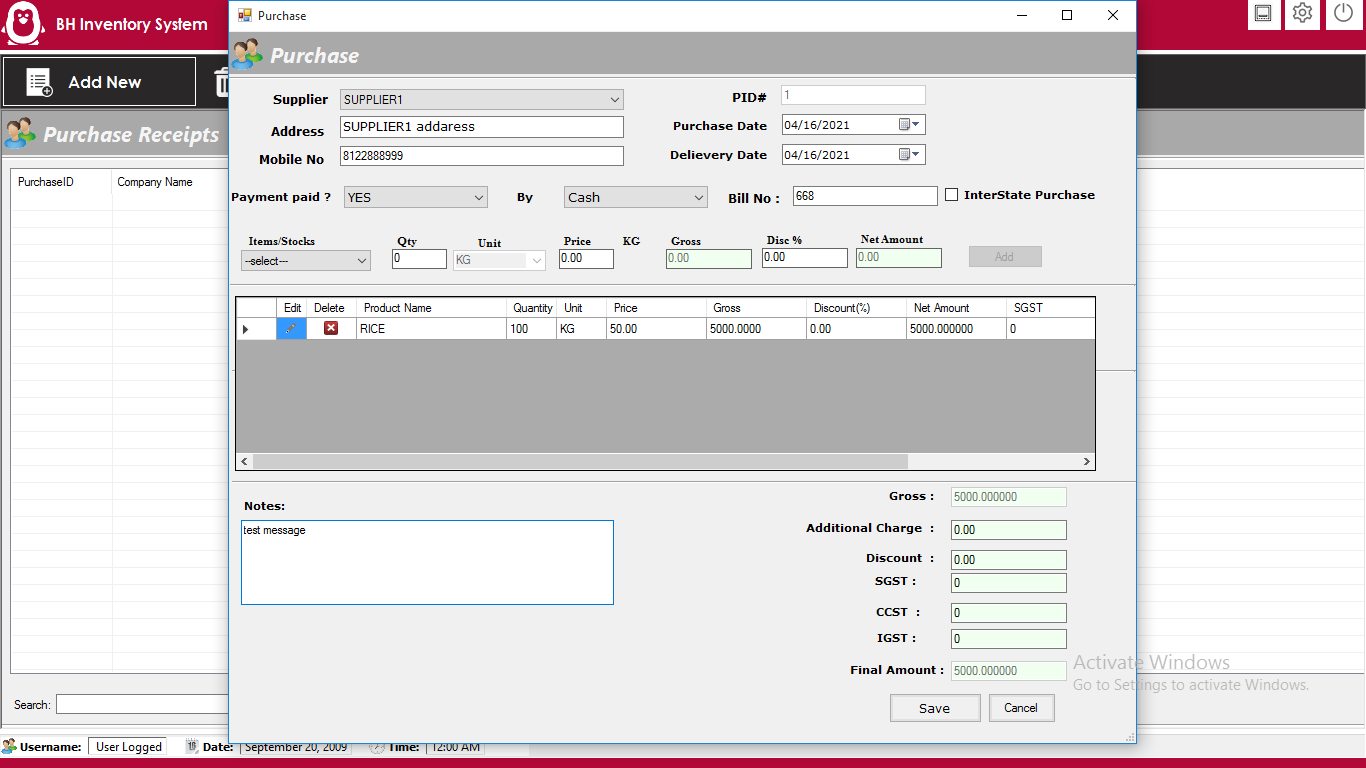
Account Management
Add Account Ledger Type Like Cash, Bank Ledger

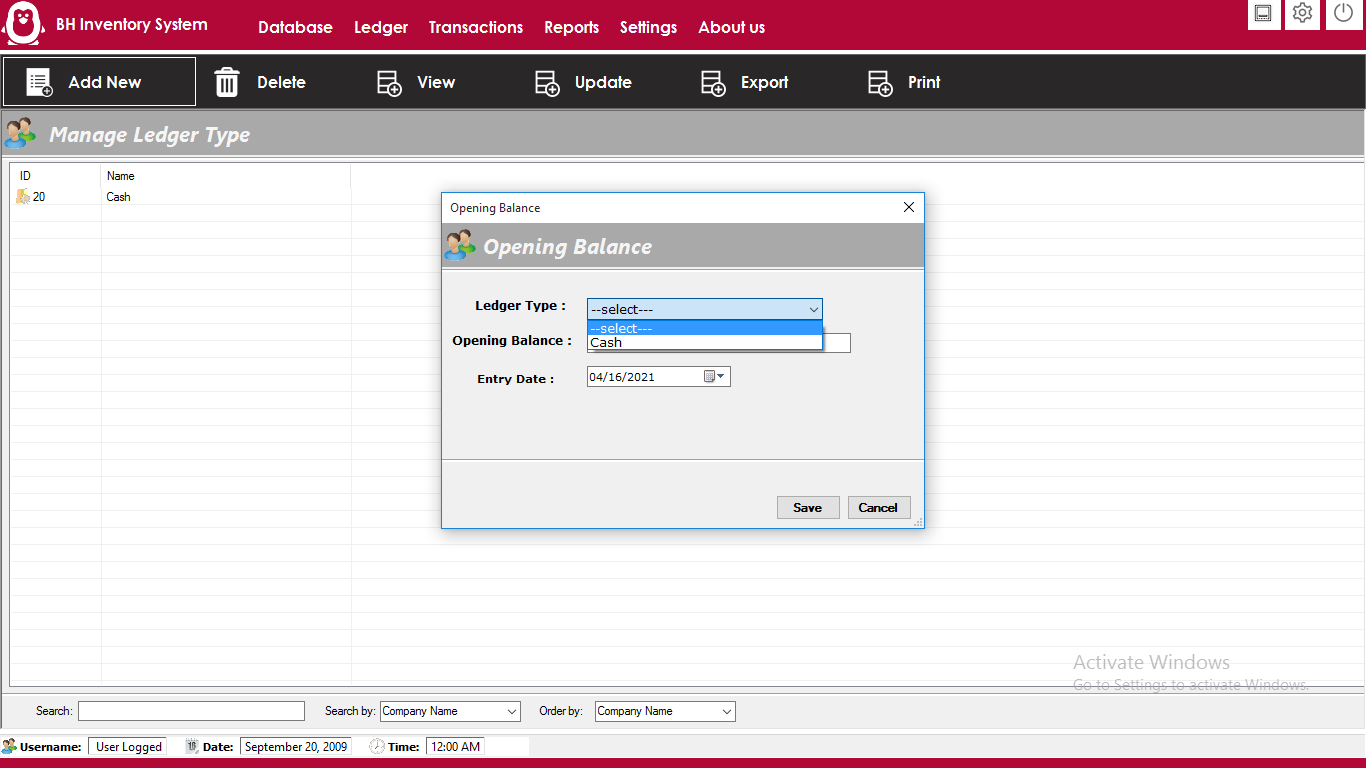
Manage Income Type Head
Manage Expense Type Head
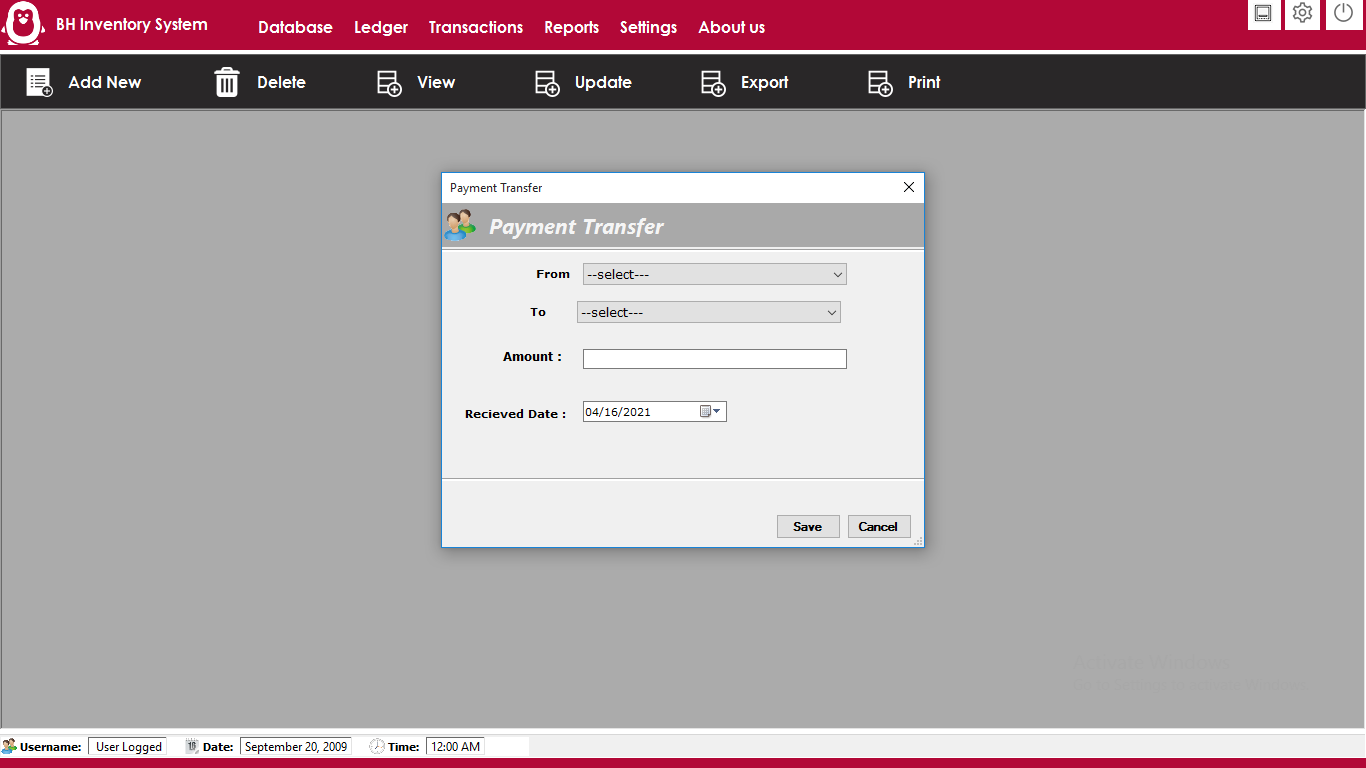
For Ledger Entery in Expense and Income Head
Purchase Report
Sales Report
Customer Report
Supplier Report
GST Report
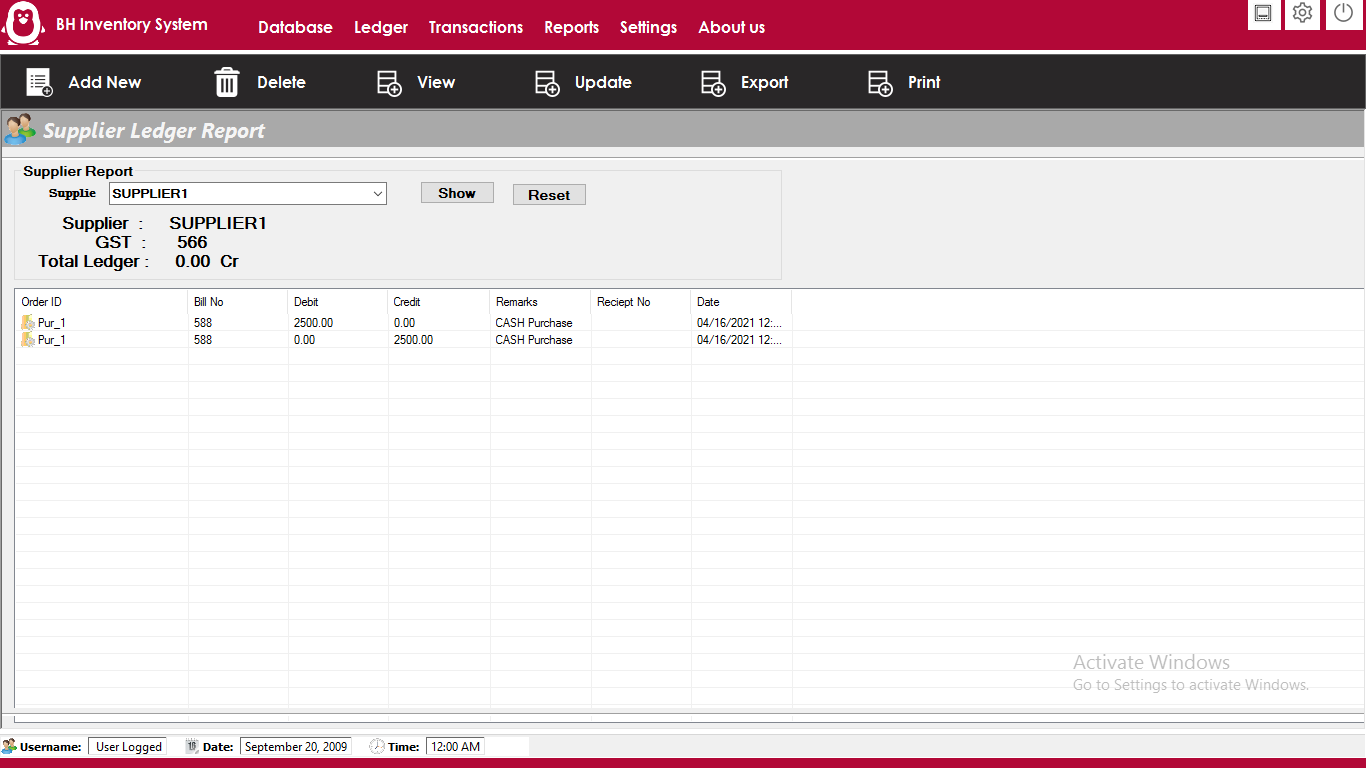
Ledger Report
Database Backup
For change Company Firm name and other setting click on

| Type | Windows App |
|---|---|
| Author | bhansalisoft |
| Price | $52 |
| Sales | 0 |
| Rating | 0 (0) |
| Published | Apr 21, 2021 |
| Last Update | Jun 17, 2026 |
| Application Runtime | .NET 4 |
| High Resolution | No |
| Operating System Versions | Windows 10, Windows 8 Metro, Windows 8 Desktop, Windows 7, Windows Vista, Windows XP |
Categories
Tags
External listing. code.market does not sell this product and does not process payment for it. Pricing, payment, delivery, licensing, refunds, and support are handled by the third-party merchant on its own website. We may earn an affiliate commission from a referral. Details.
Products of the Week.
Submit🥇

STOP GUESSING WHAT TO POST
AI that learns your brand voice and builds a month of consistent, on-brand social content: carousels, posts and hooks that sound like you, not like everyone else's AI.
SaaS · 7,360 views · 67 clicksSaaS · Week 46 · 7,360 views · 67 clicks
🥈

Conversational Backlinks for Busy Founders
Place Backlink Relevant Conversation for your domain across Forums and Conversations
Website · 46,643 views · 232 clicksWebsite · Week 46 · 46,643 views · 232 clicks
🥉

upvote.club
Free Social Media Engagement that Helps Boost Your Content. Upvote Club supports 19 social networks with 100+ engagement actions in one dashboard. Add links to your posts and get free engagement from real users.
SaaS · 44,583 views · 127 clicksSaaS · Week 46 · 44,583 views · 127 clicks
#4

Substack Posting API
Onboard your Agent to Substack. Write Publish on Substack via API
SaaS · 63,471 views · 206 clicksSaaS · Week 46 · 63,471 views · 206 clicks
#5

Seenshot App
Free, Fast, MacOS Screenshot app. Make Screenshot cmd+shift+2 and send it via link
Desktop App · 32,720 views · 127 clicksDesktop App · Week 46 · 32,720 views · 127 clicks
#6

Hand-Placed Backlinks $9.99 per link. Flat rate.
Buy hand-placed forum, Q-A and directory backlinks. Flat $9.99 per link, no subscriptions — you only pay for approved listings.
Website · 8,340 views · 19 clicksWebsite · Week 46 · 8,340 views · 19 clicks
#7

Free Invoice Generator - PDF Invoices in Your Browser, No Sign-Up
A free invoice maker for freelancers and small businesses: fill in the invoice, check the live preview, and download a PDF that looks exactly like it. Any currency, tax per item, three templates, no sign-up, and nothing leaves your device.
6,966 views · 29 clicksWeek 46 · 6,966 views · 29 clicks
#8

Merge PDF Files Free - Combine PDFs in Your Browser, No Upload
A free PDF merger for office workers, students, and freelancers: combine PDFs and images into one file in the browser, reorder files and pages, pick page ranges, keep bookmarks, and open password-protected PDFs. Nothing is uploaded, no sign-up, no watermark.
6,446 views · 18 clicksWeek 46 · 6,446 views · 18 clicks