
Axis | Perps Terminal - Flutter App for On-Chain Futures Trading
Description
AI tools were used to assist with parts of the code, documentation and graphics of this item. AXIS is an independent client and is not affiliated with, endorsed by, sponsored by or supported by Hyperliquid or its operators.
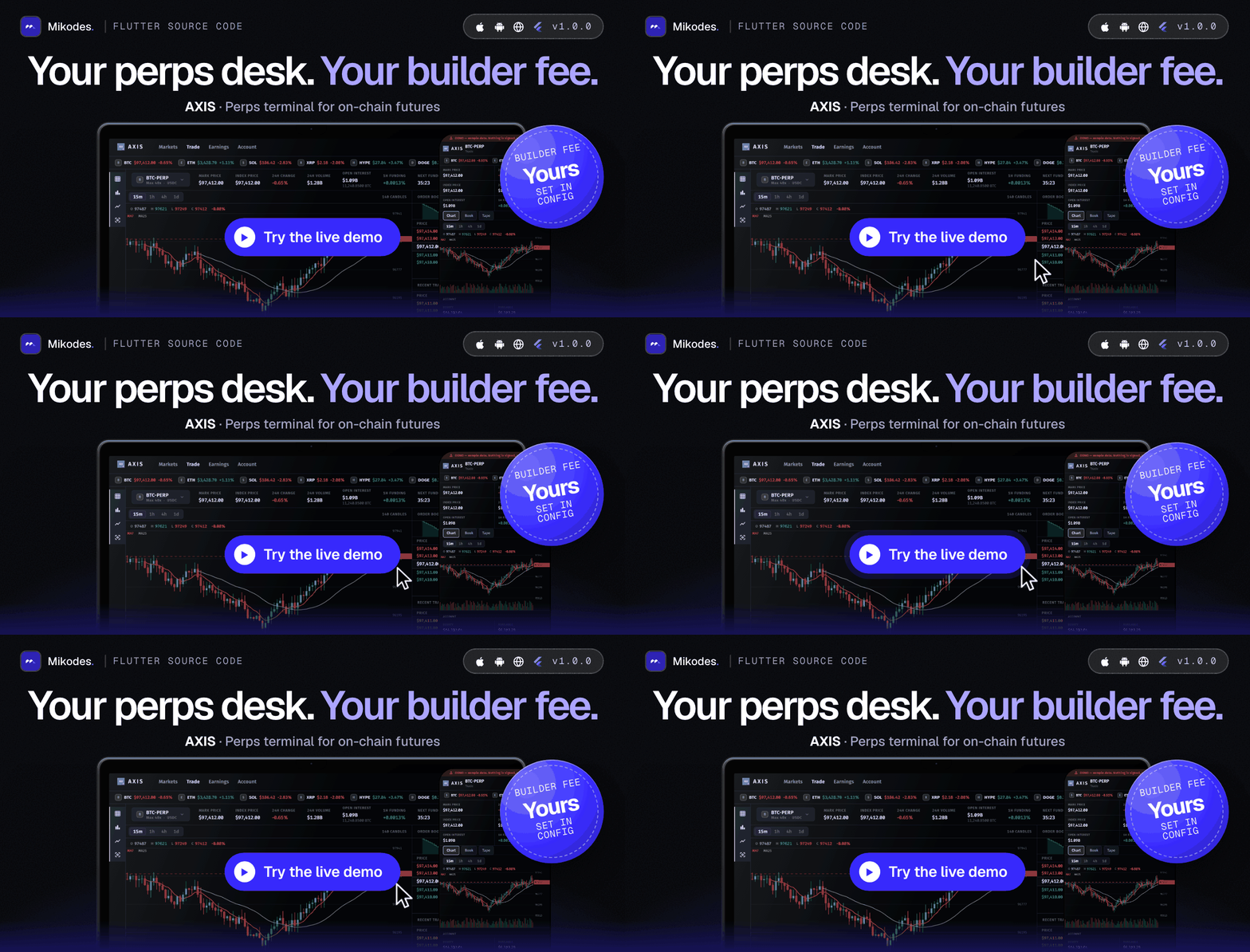
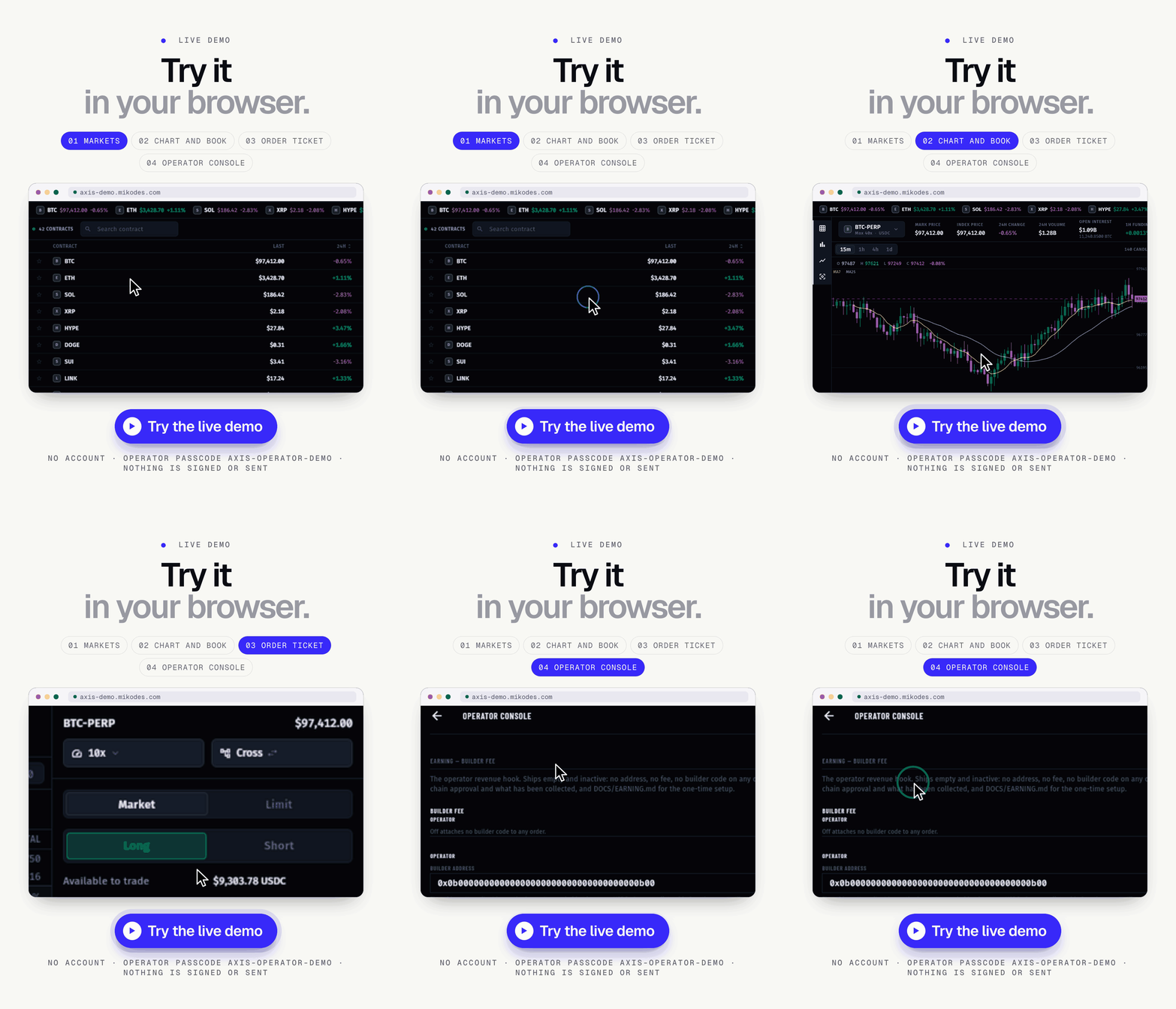
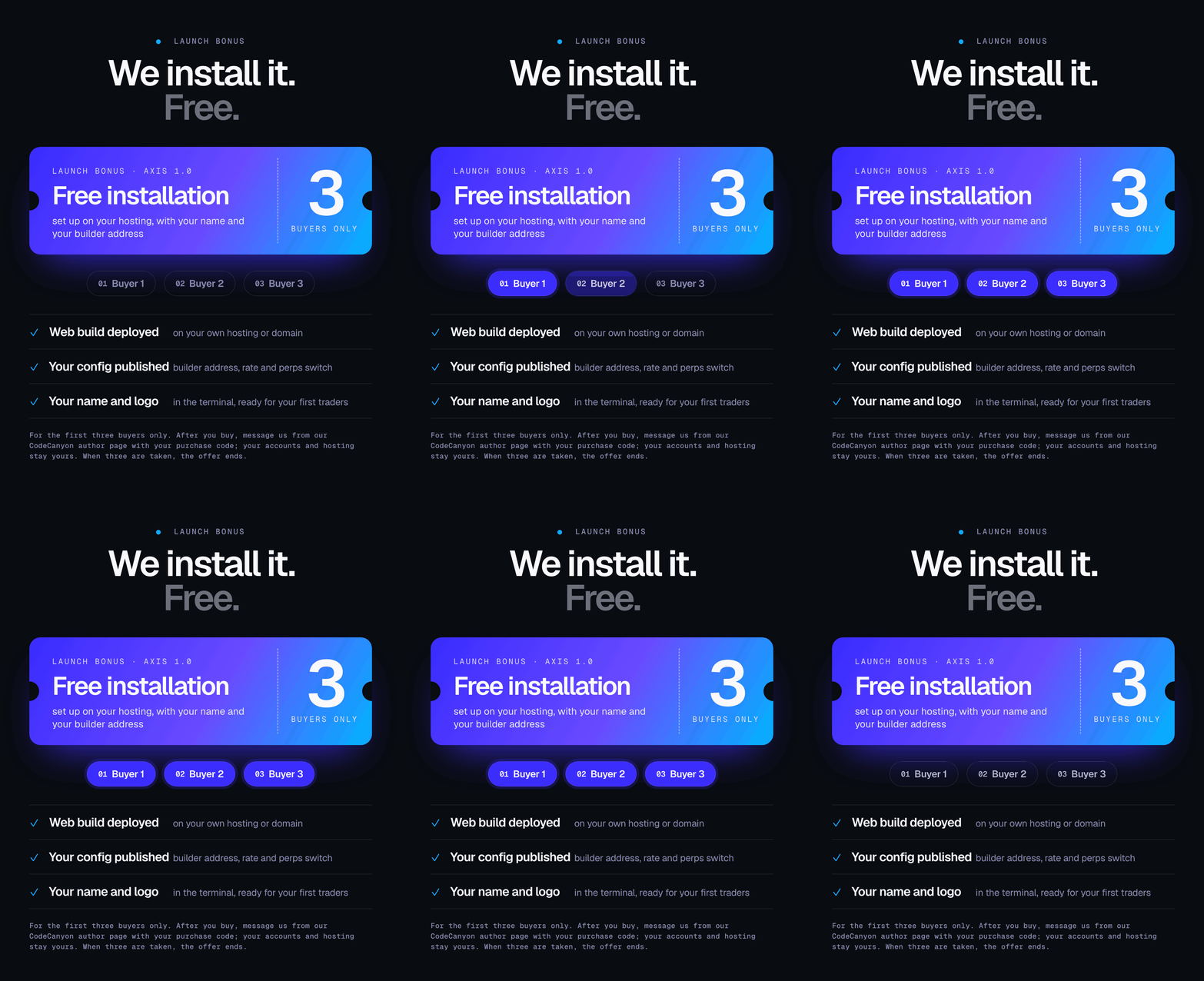
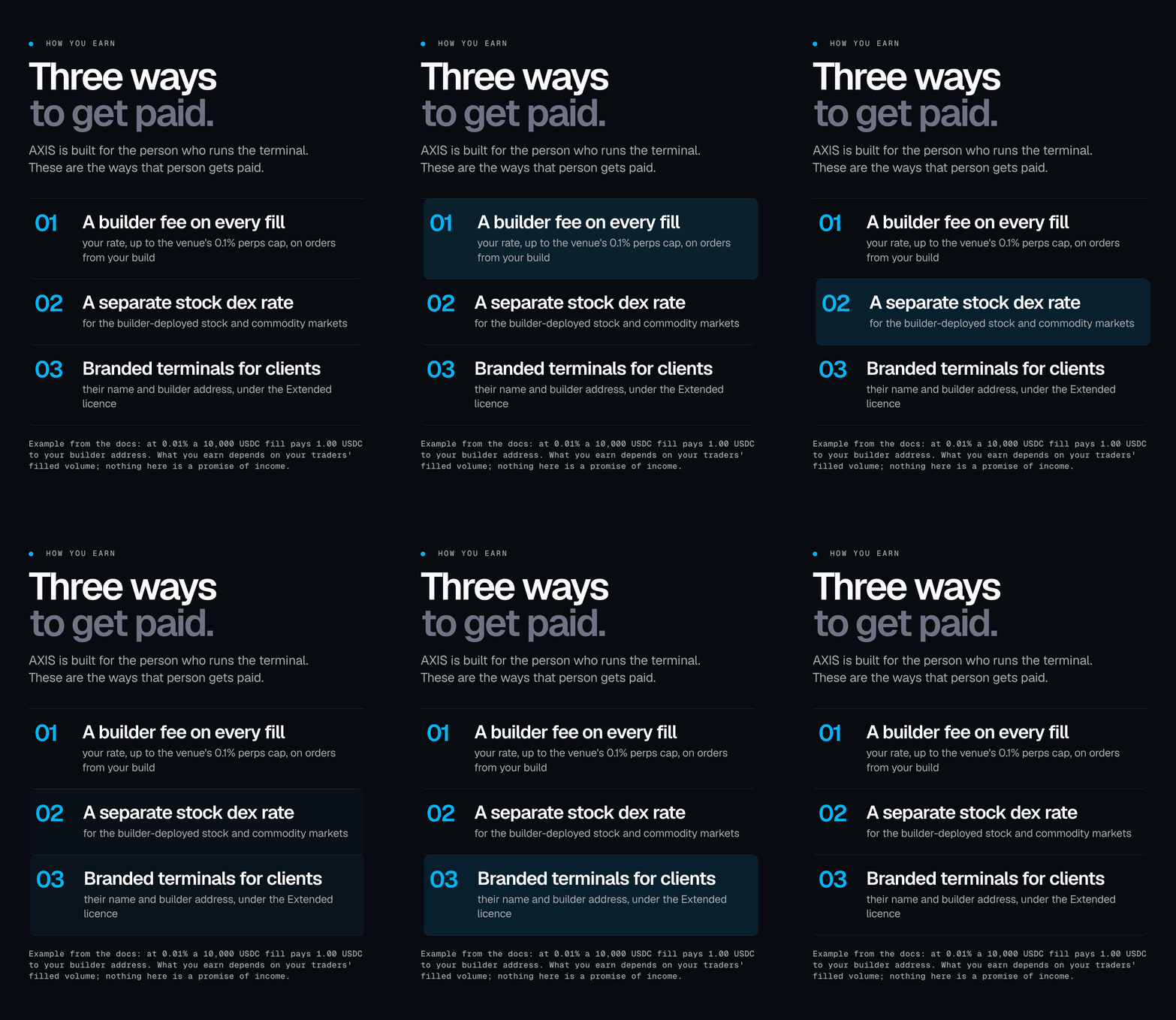
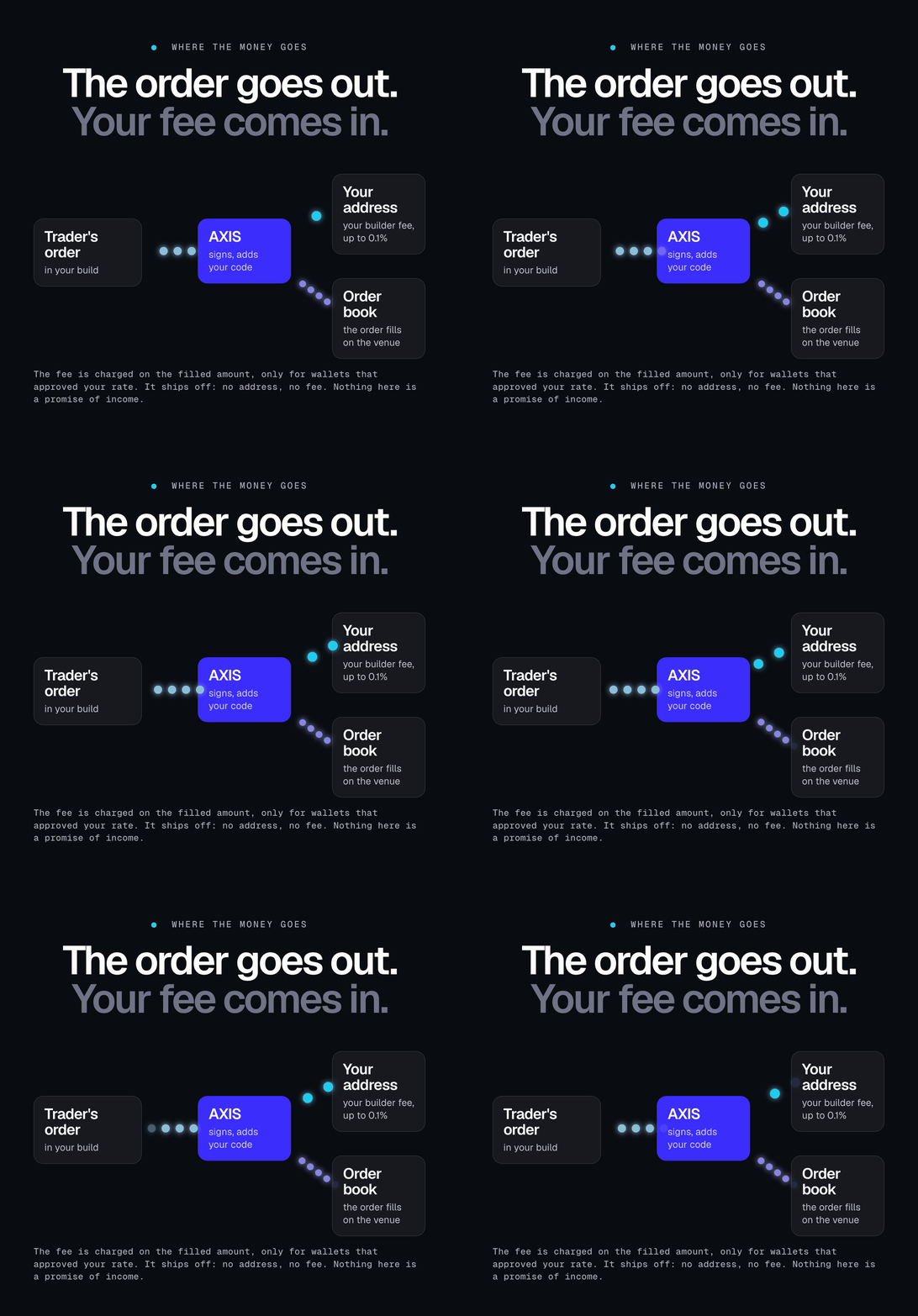
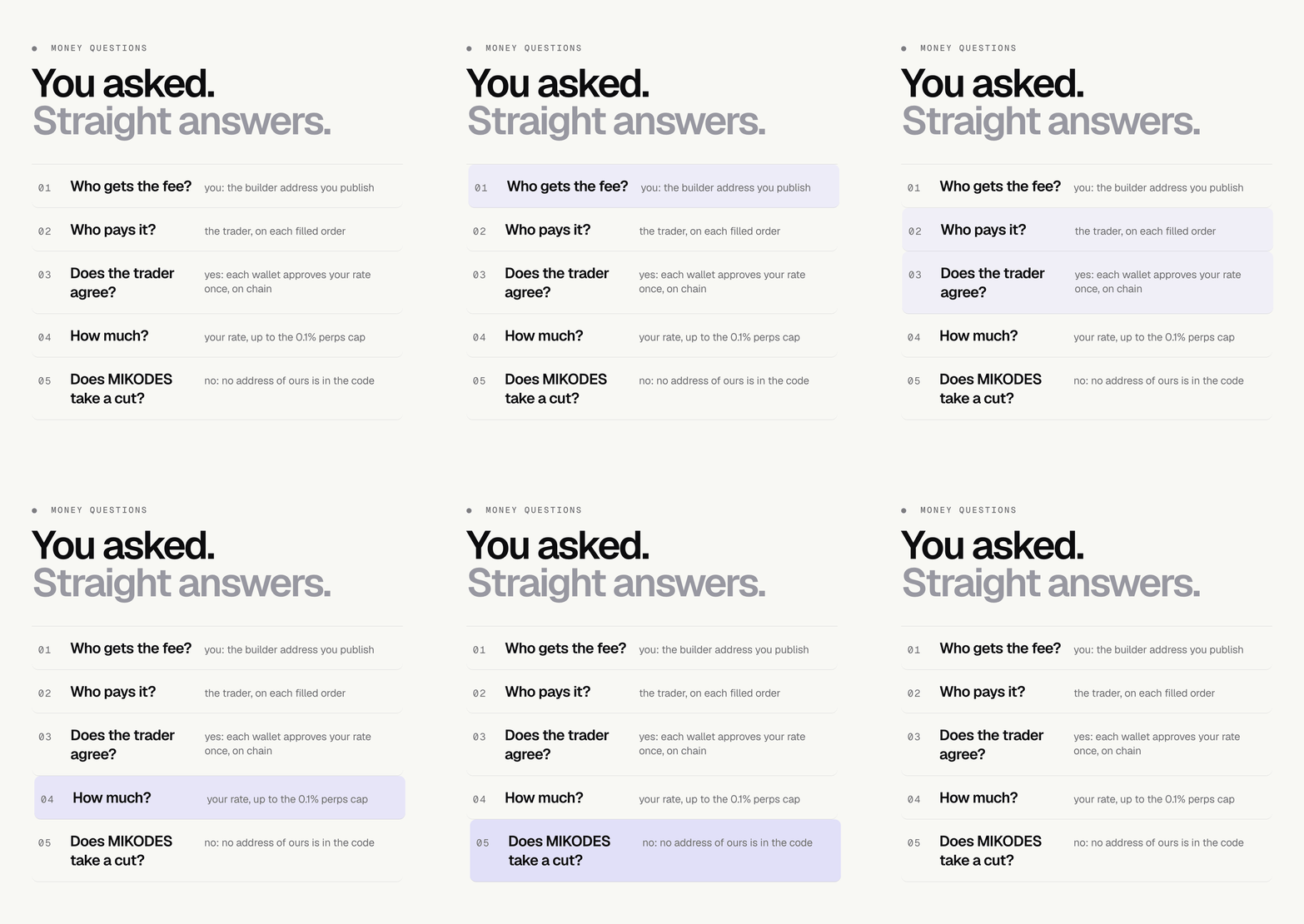
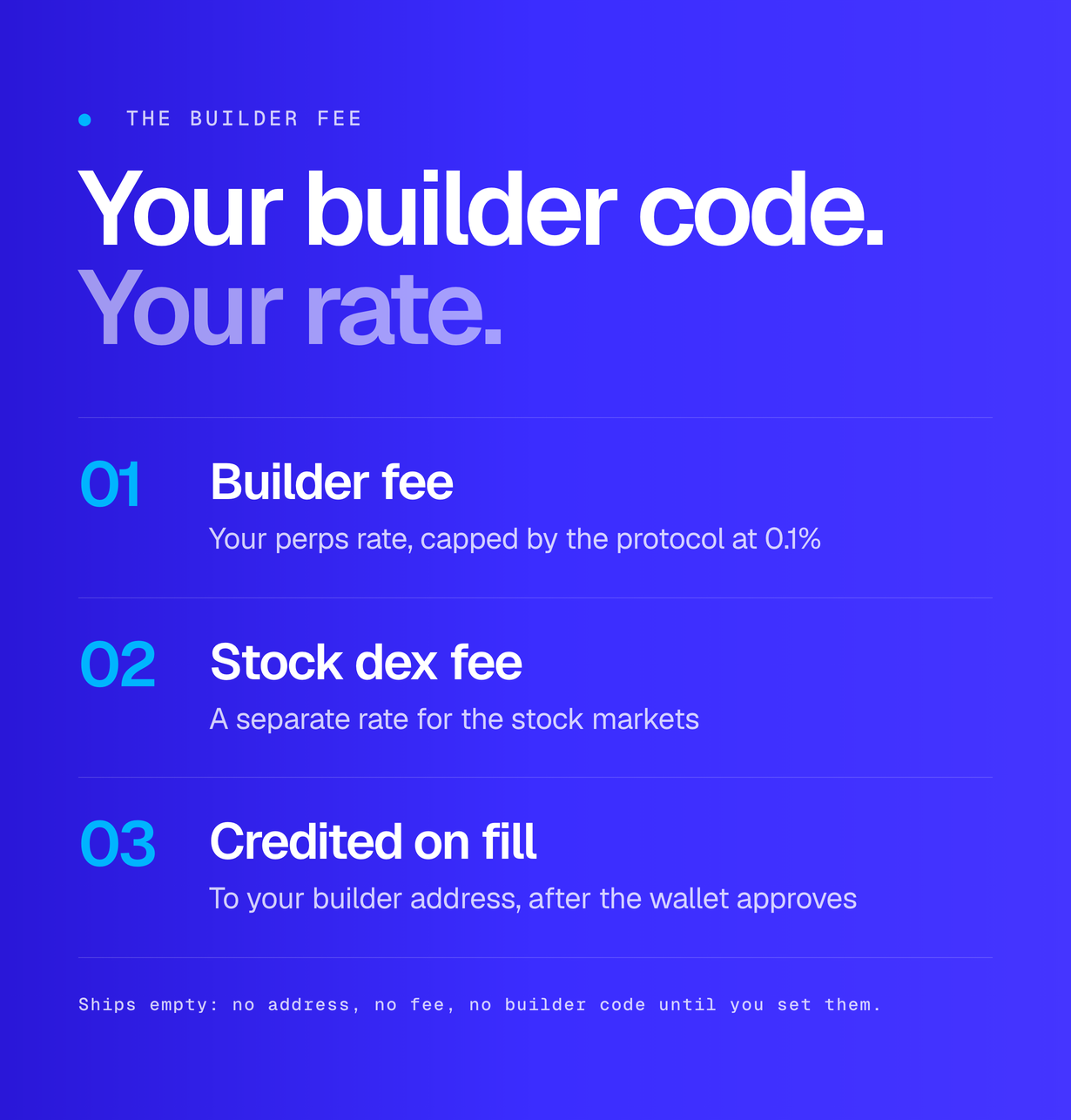
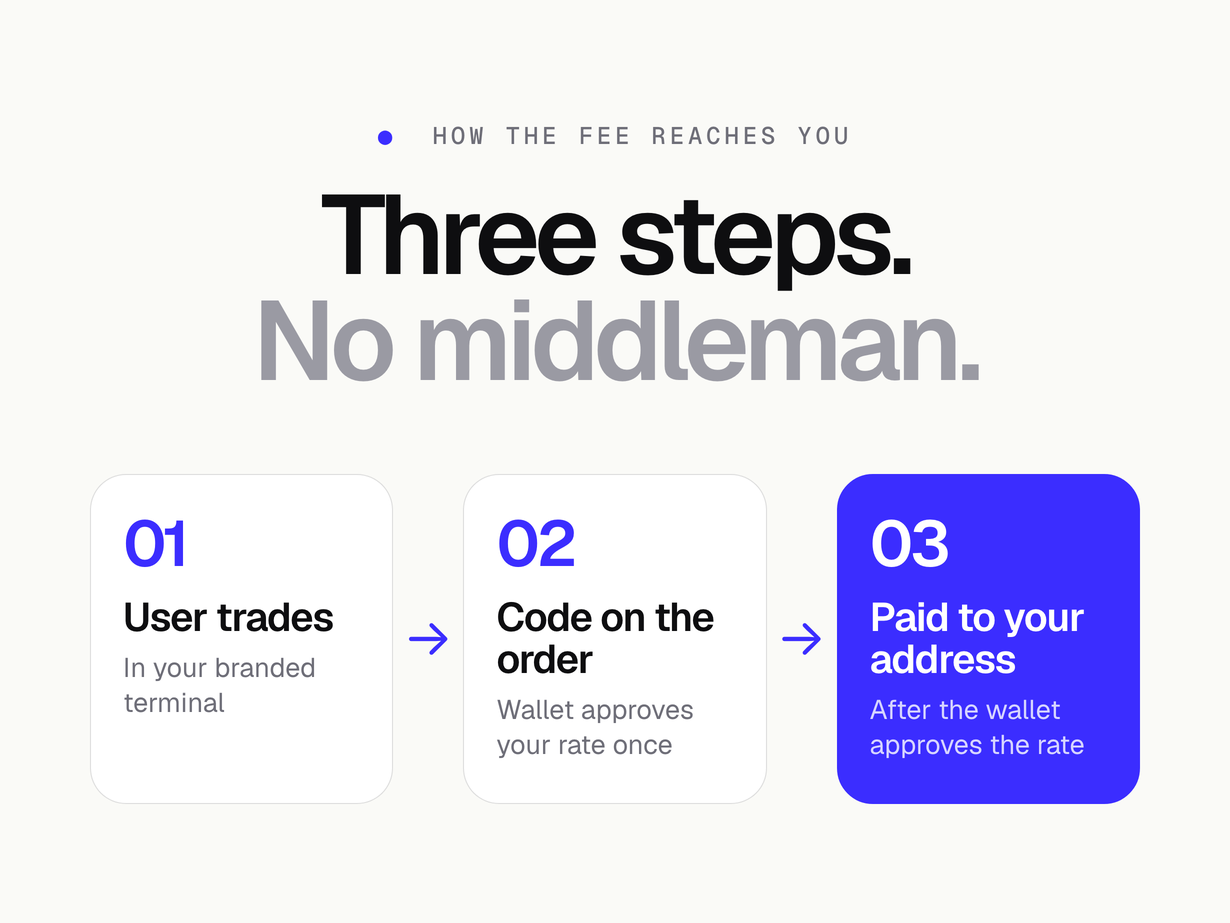
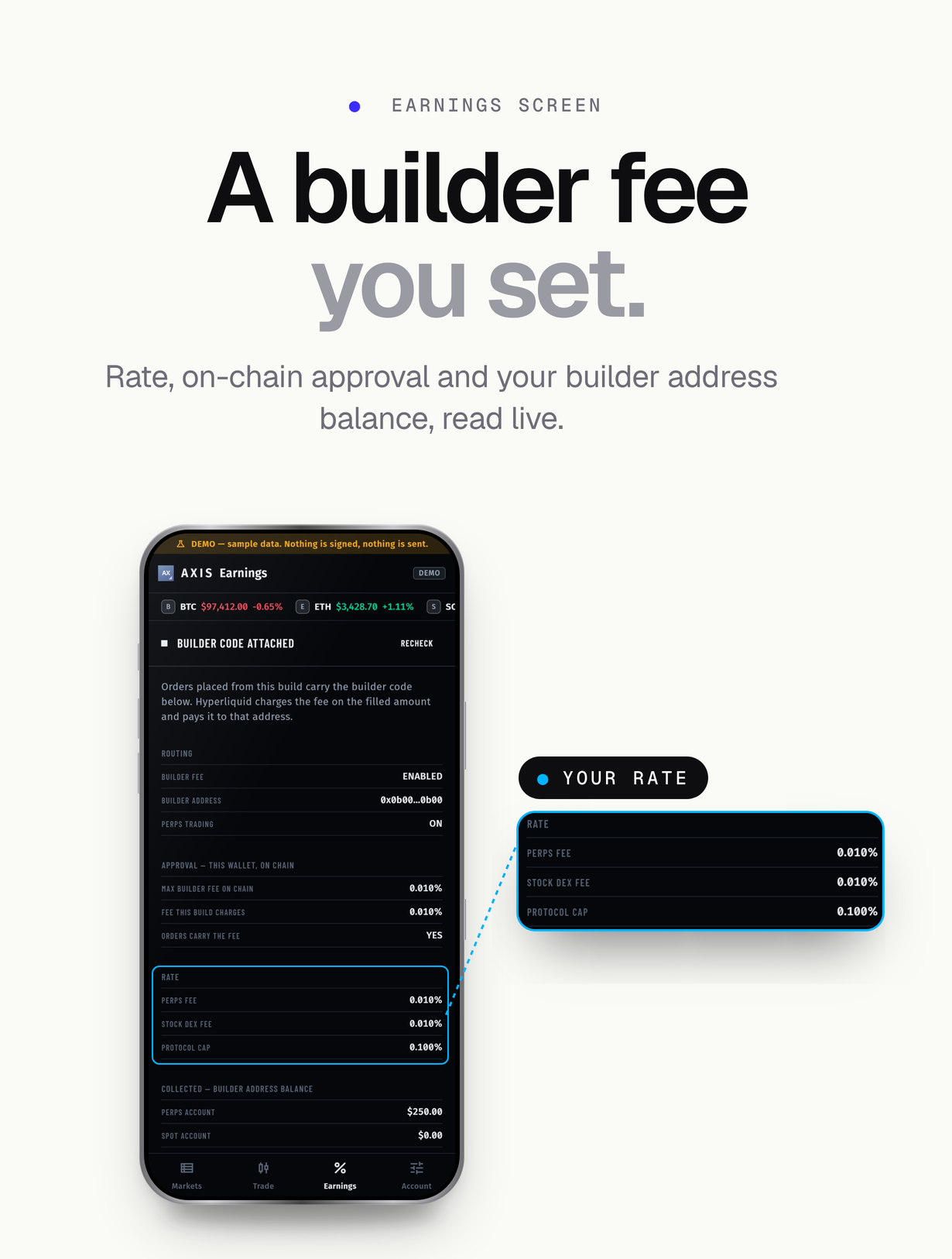
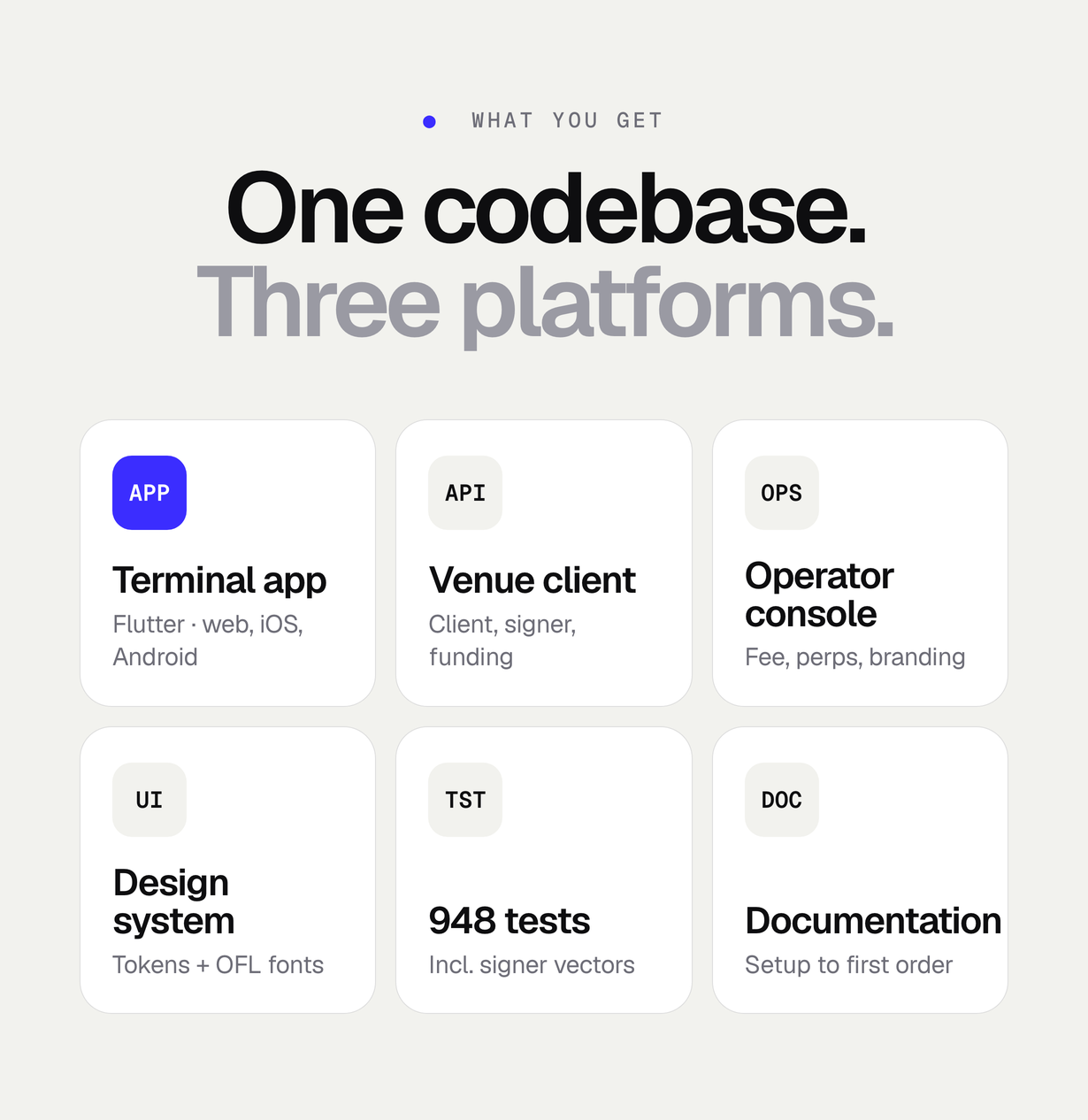
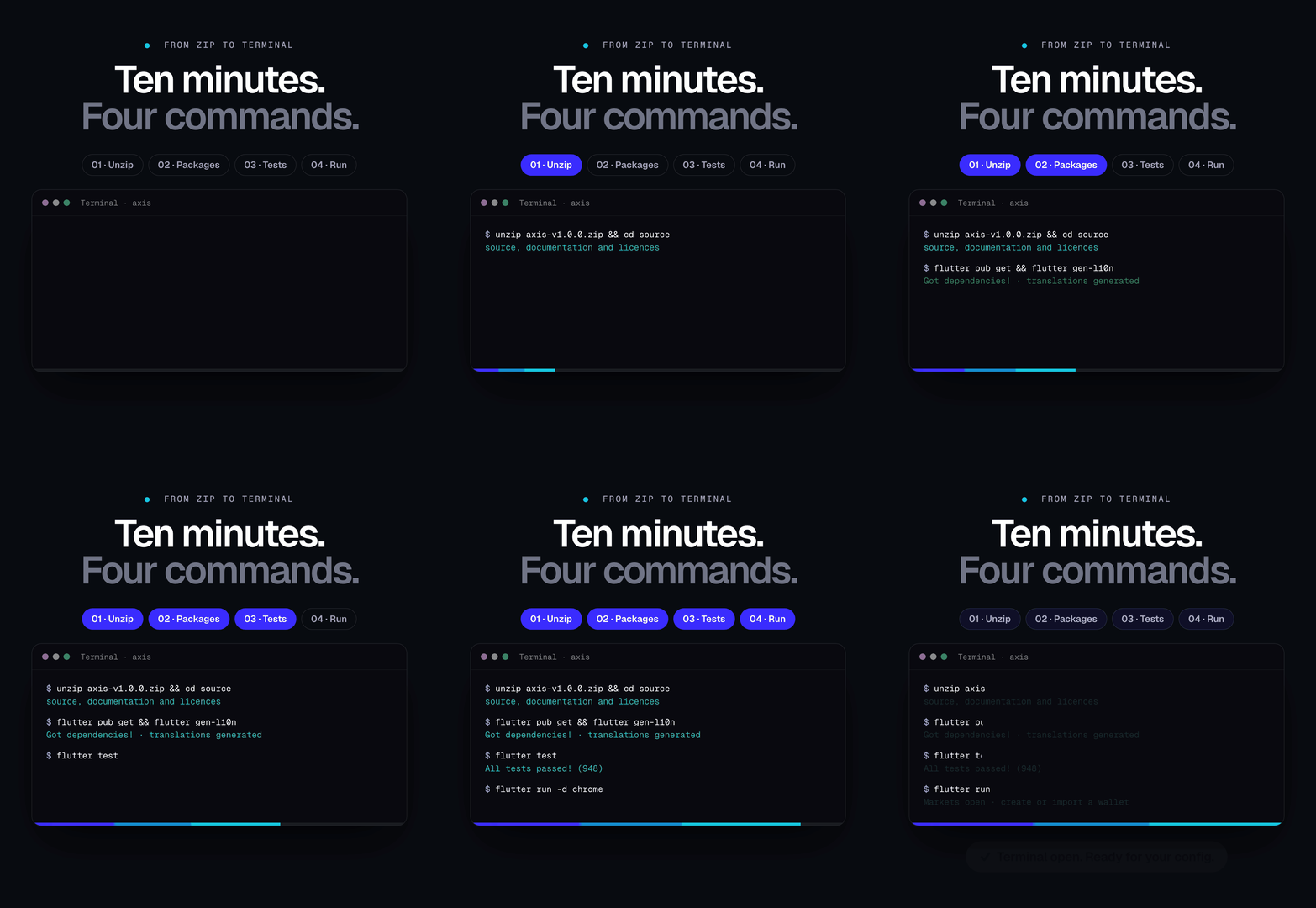
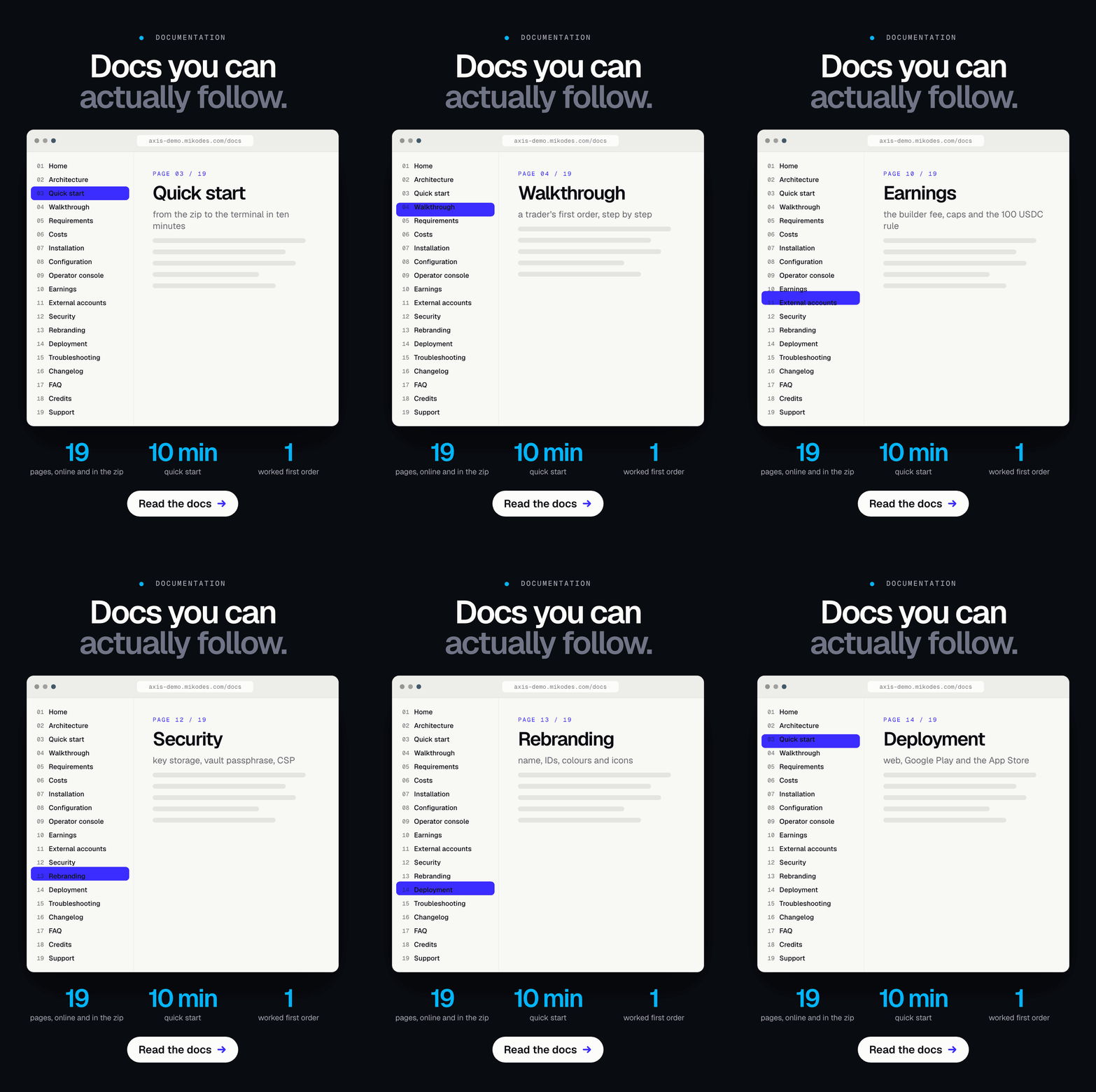
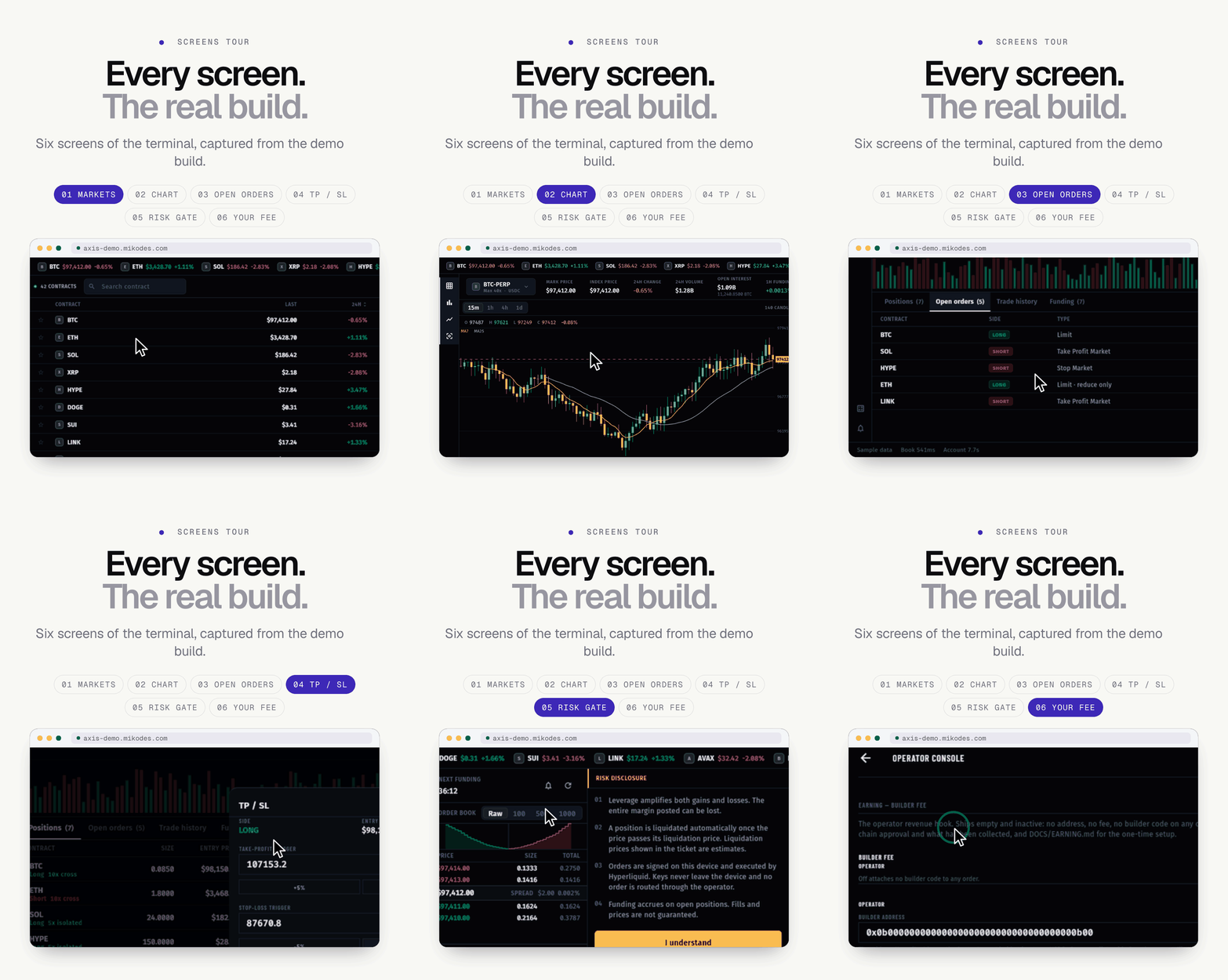
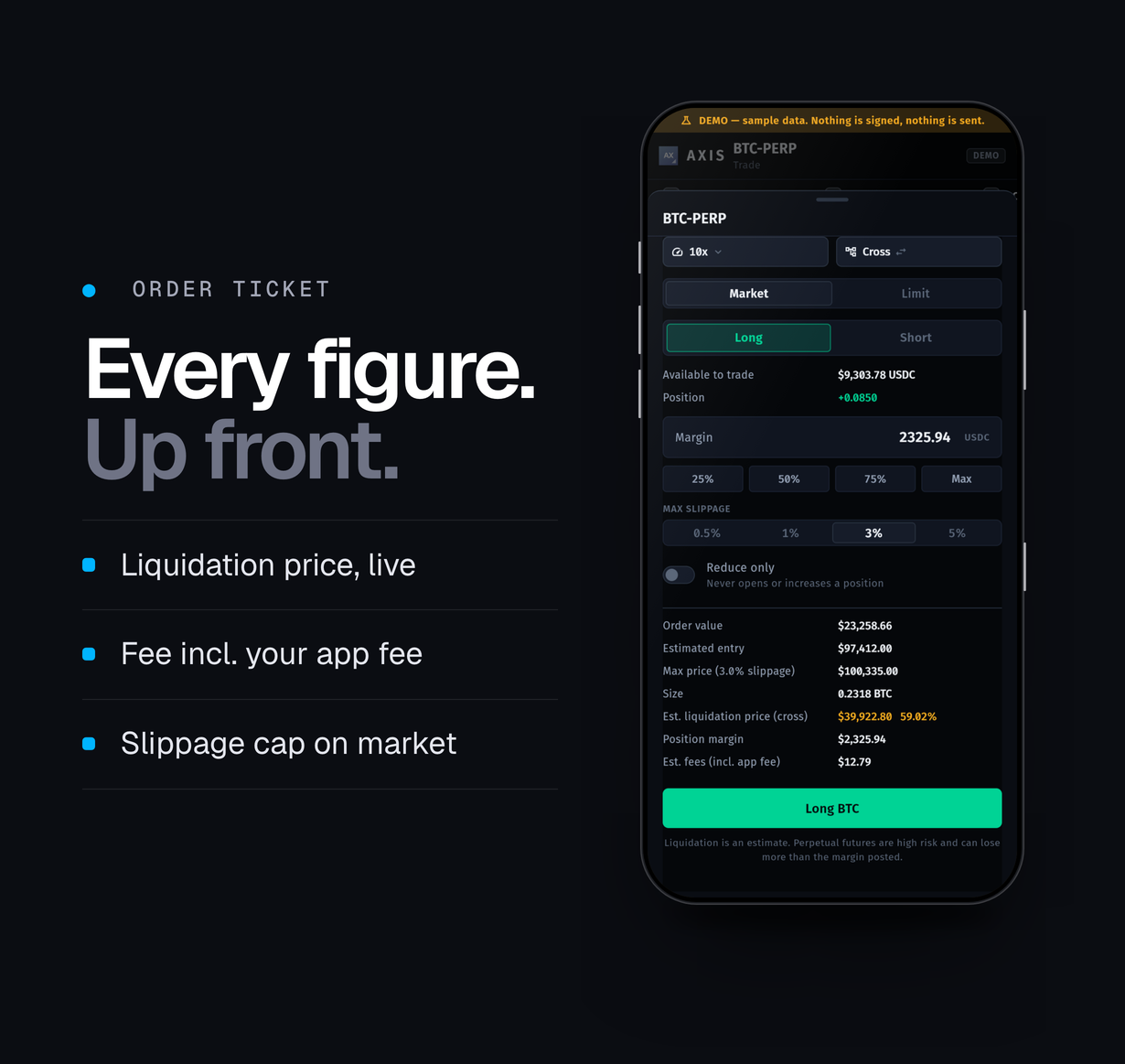
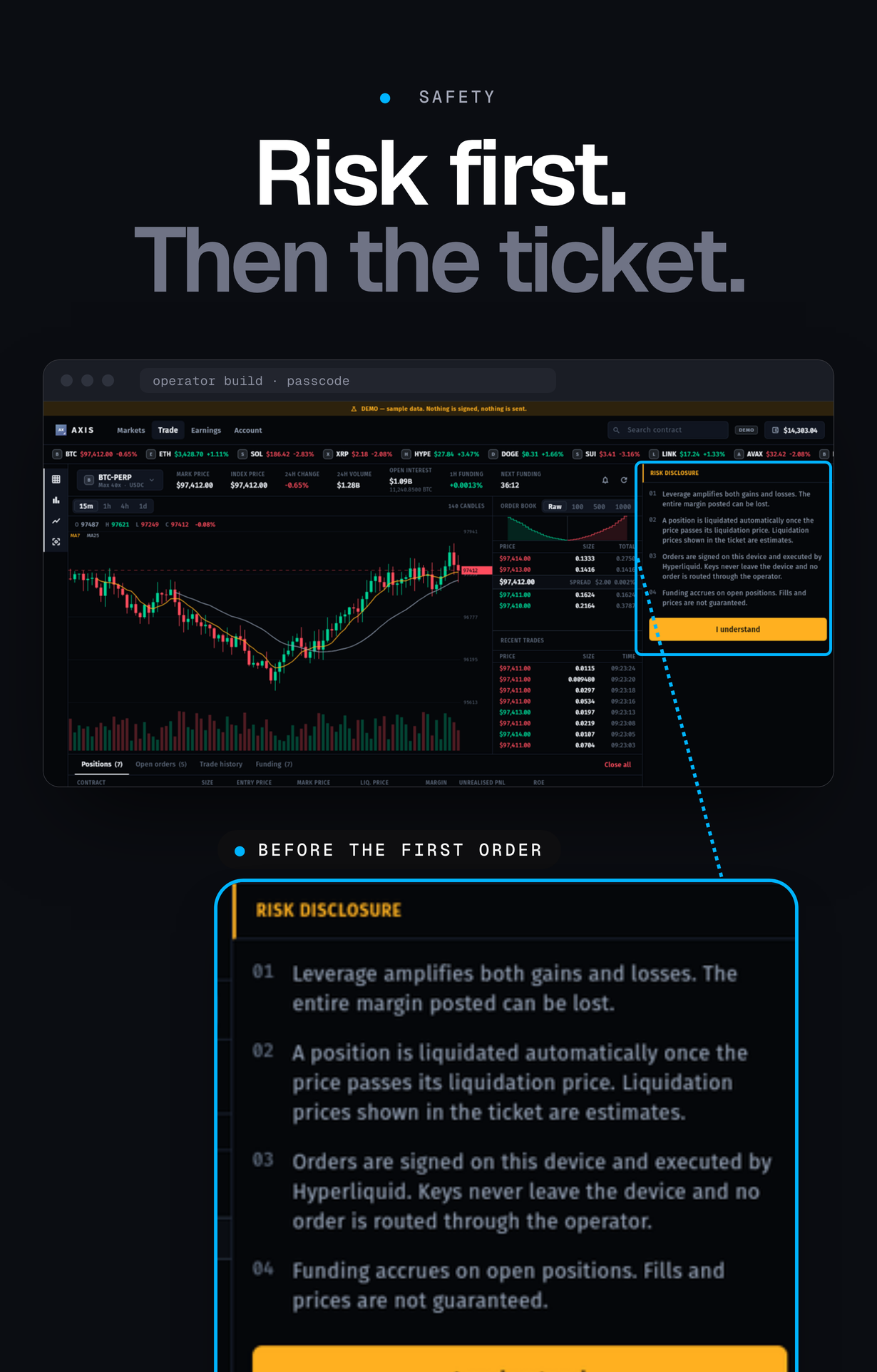
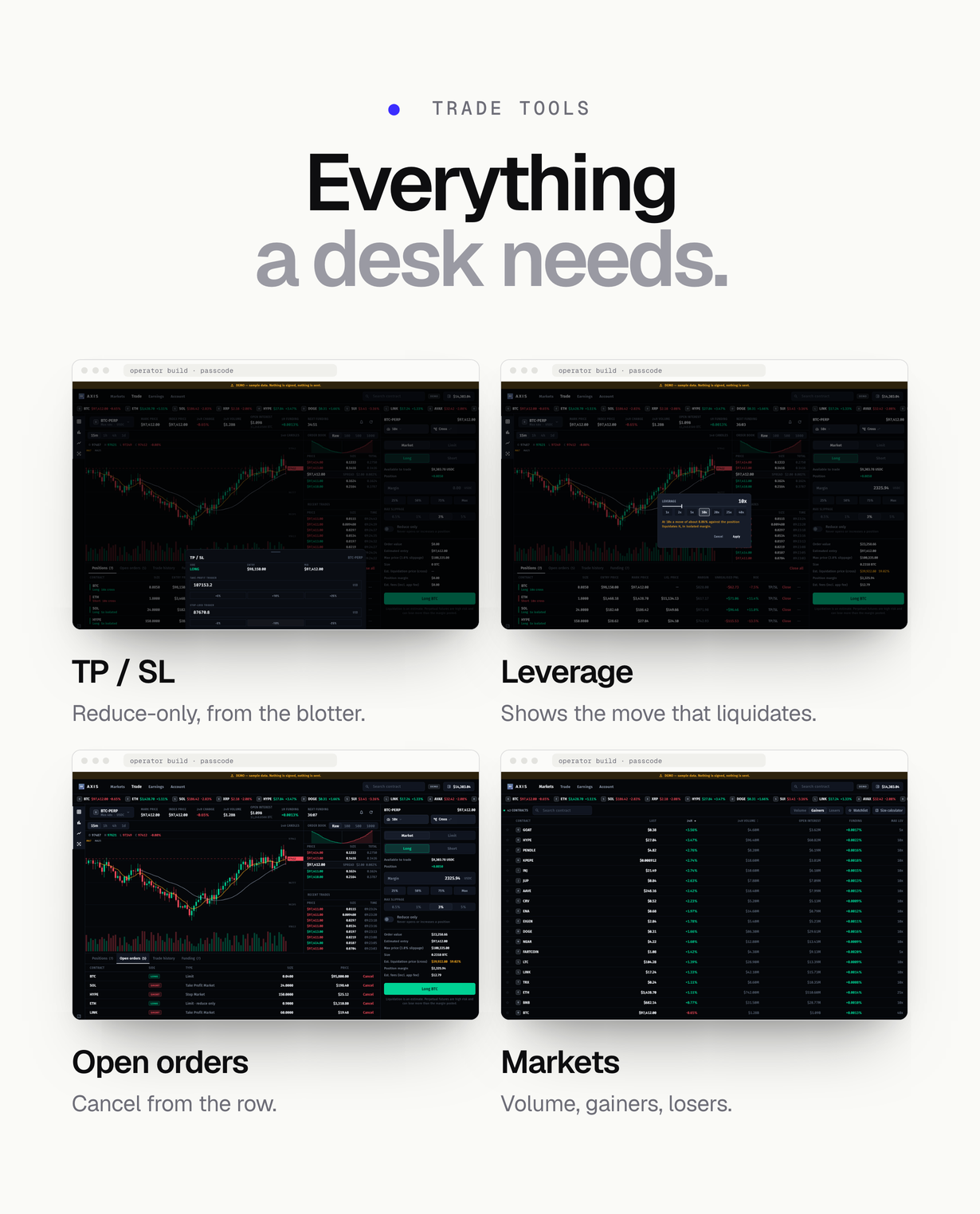
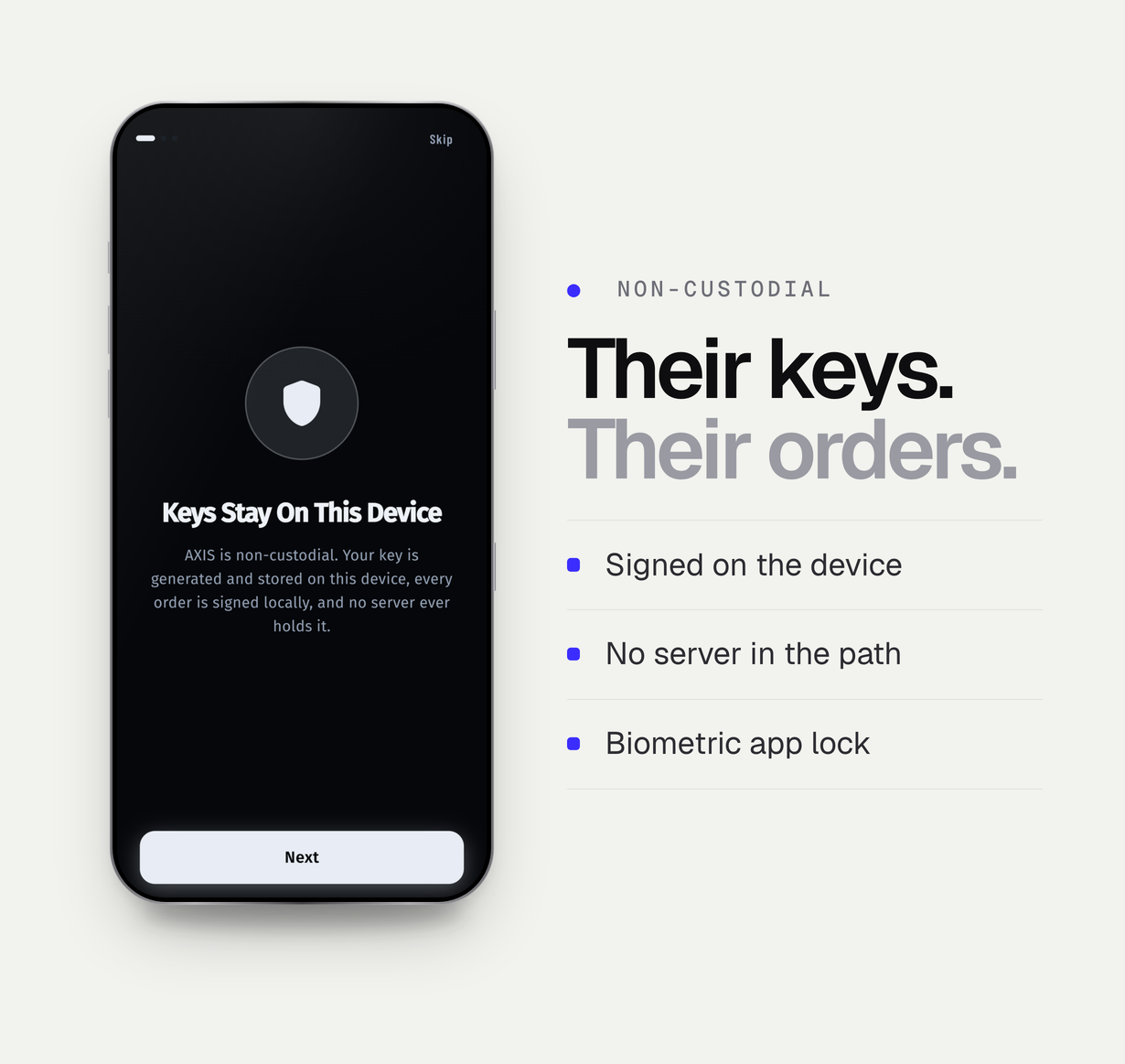
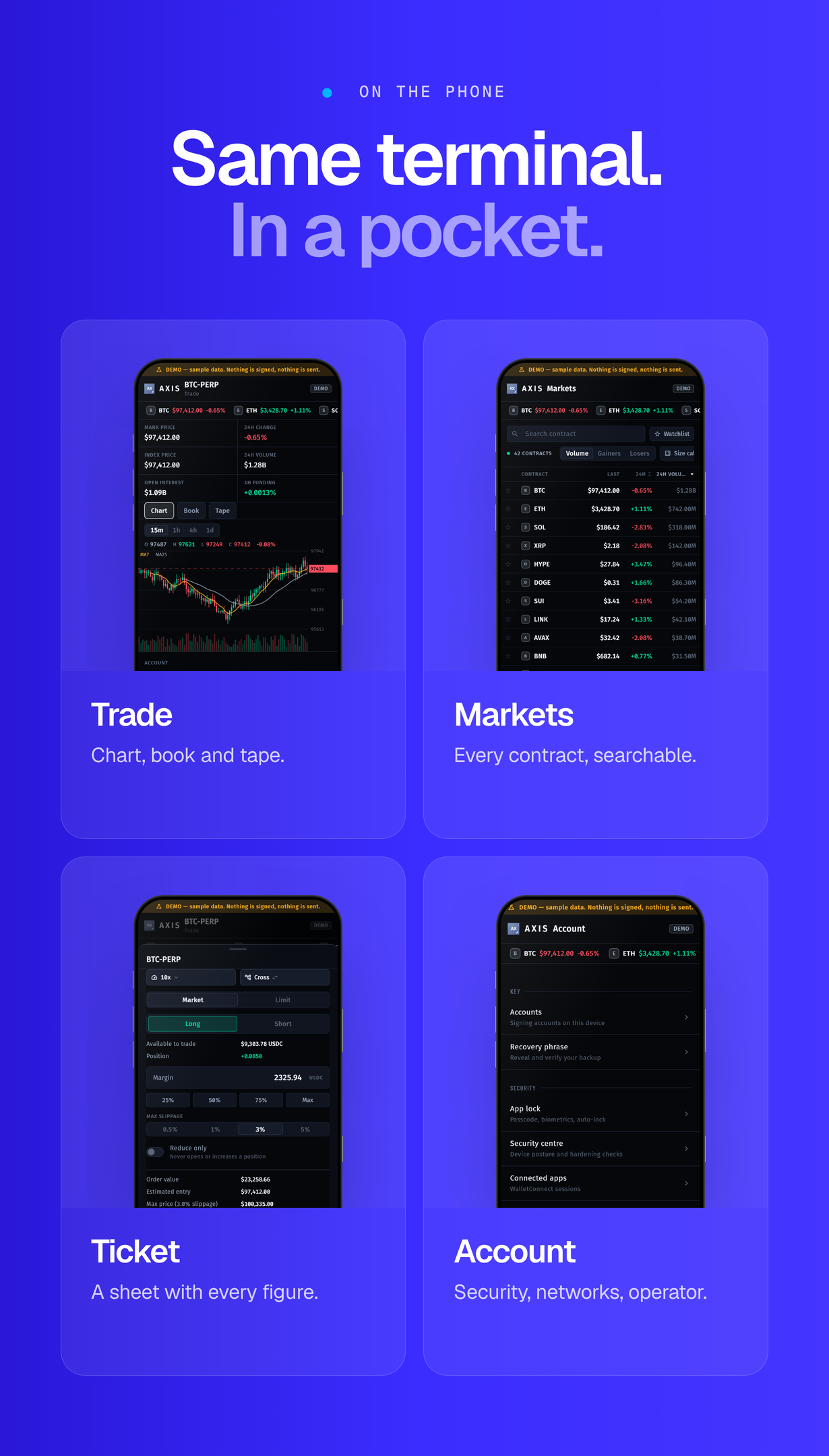
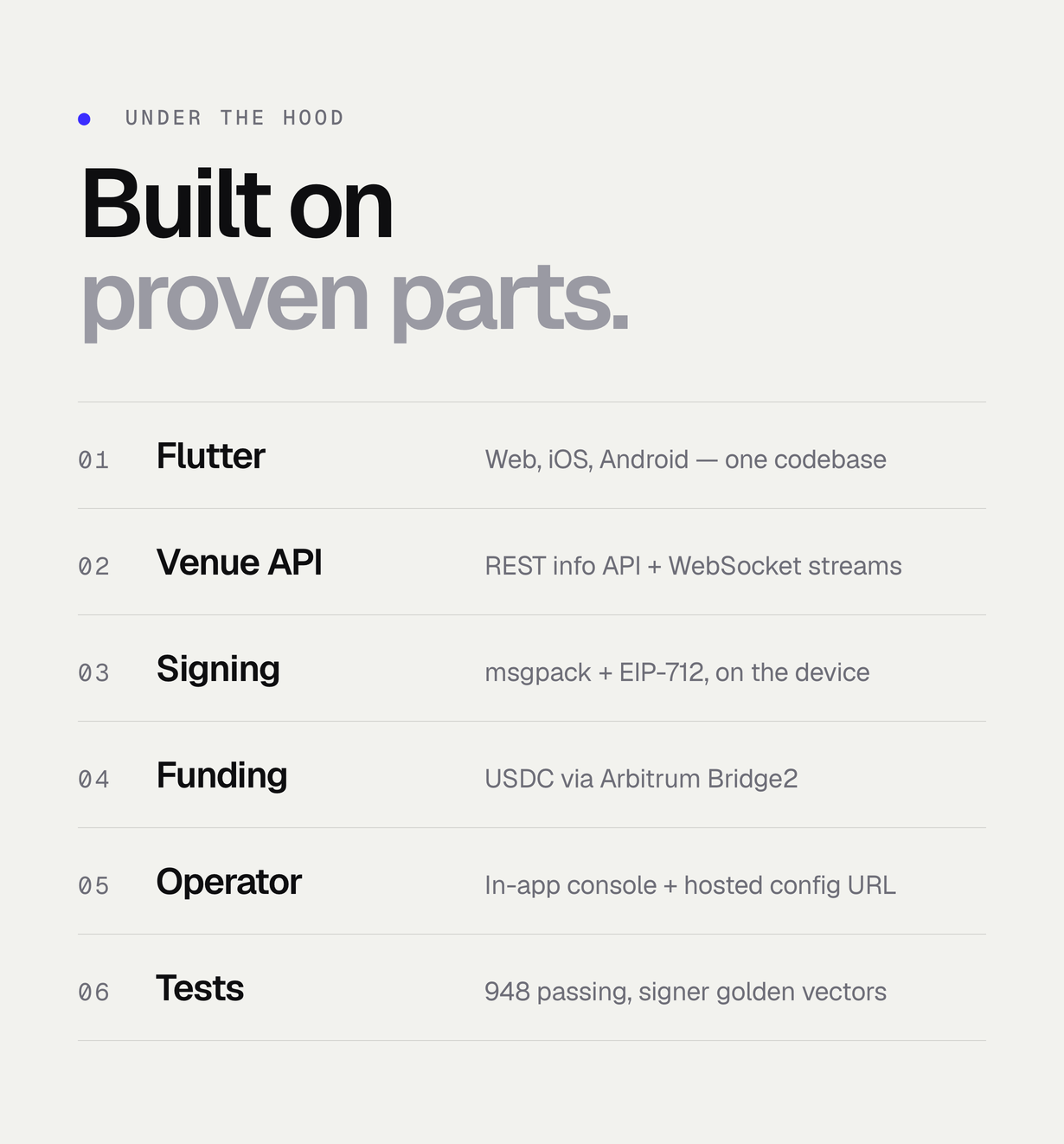
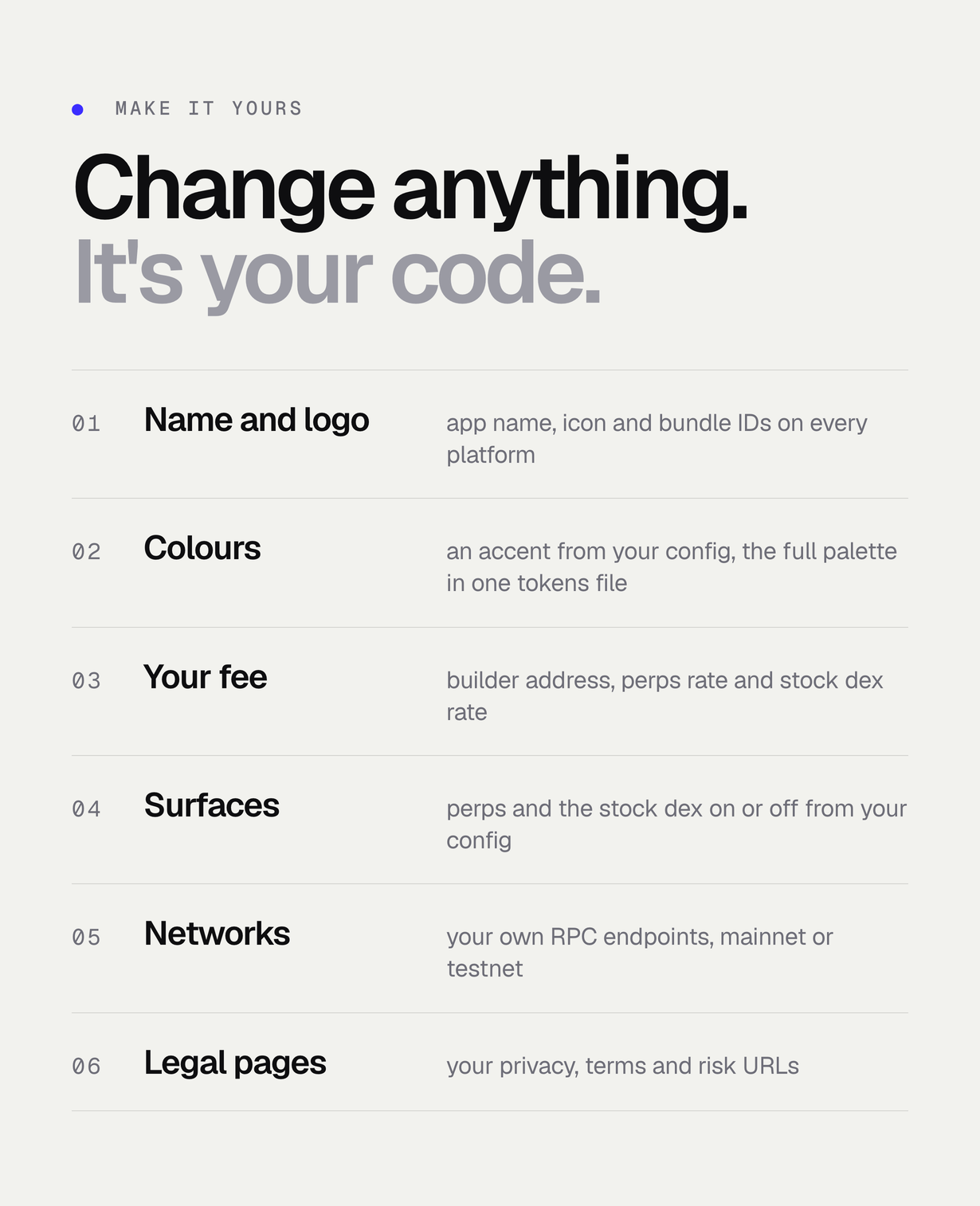

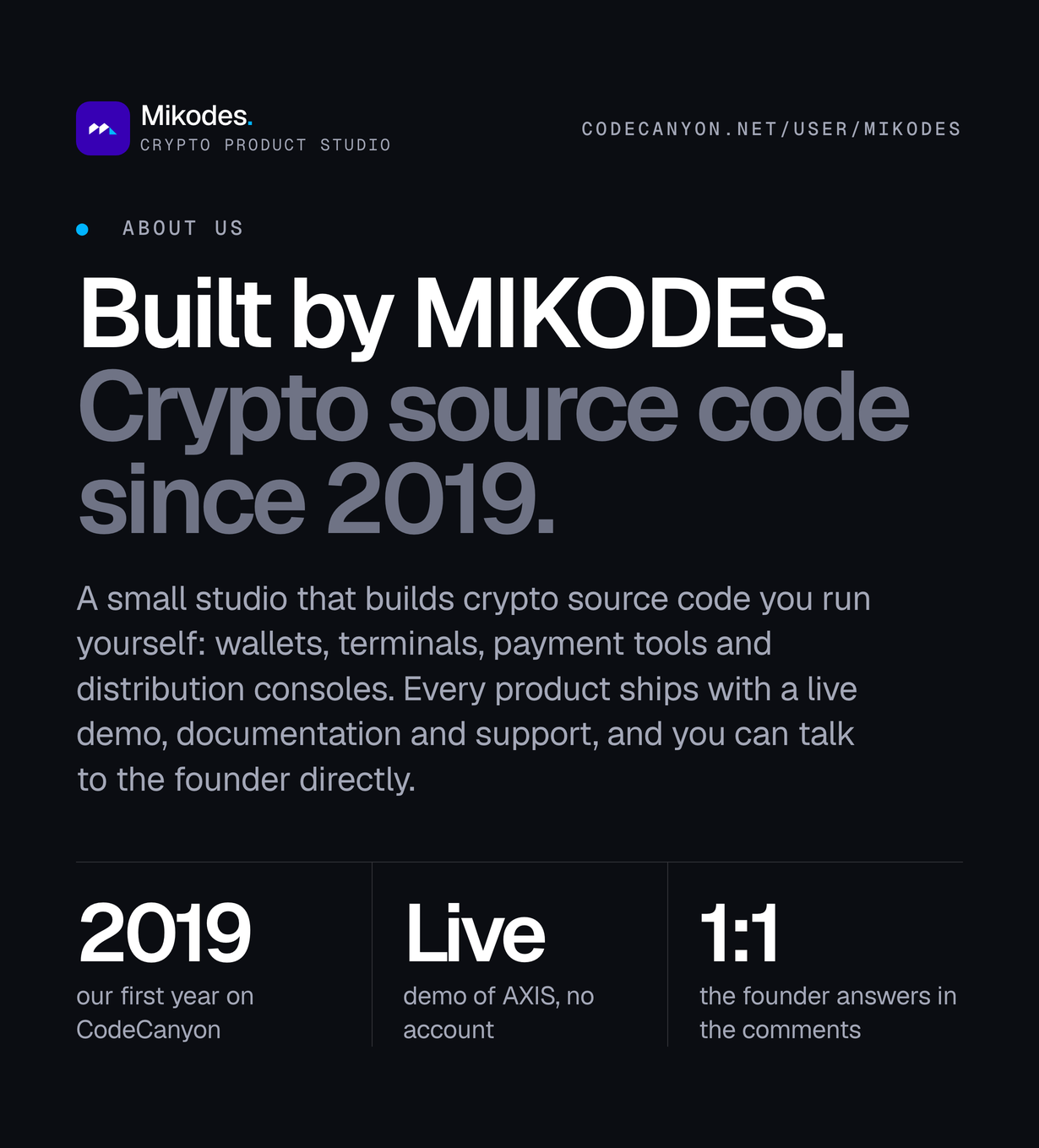
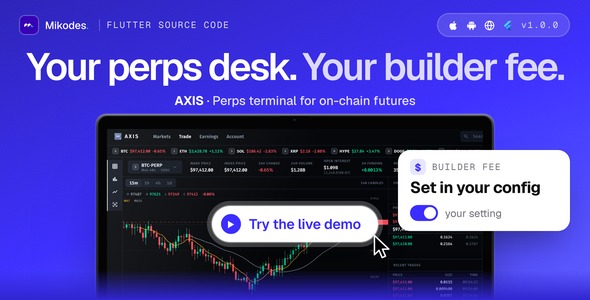
AXIS is complete Flutter source code for your own non-custodial perpetual futures terminal on Hyperliquid’s public API: markets, a chart with order book and trade tape, an order ticket with leverage, take-profit and stop-loss, positions, and USDC funding through Arbitrum, for web, iOS and Android. Orders from your build can carry your builder code, so you earn a builder fee of up to 0.1% on filled orders from wallets that approved your rate. It ships with no fee address and perps switched off until you configure them. Keys stay on the user’s device; there is no server of ours in the path. AI tools were used to assist with parts of the code, documentation and graphics of this item.
Live demo
| App | Link | Access |
|---|---|---|
| AXIS web terminal | axis-demo.mikodes.com | The terminal in your browser, in demo mode: sample market data and a sample address with no key, so nothing is signed or sent. No wallet to create, no passphrase to set. |
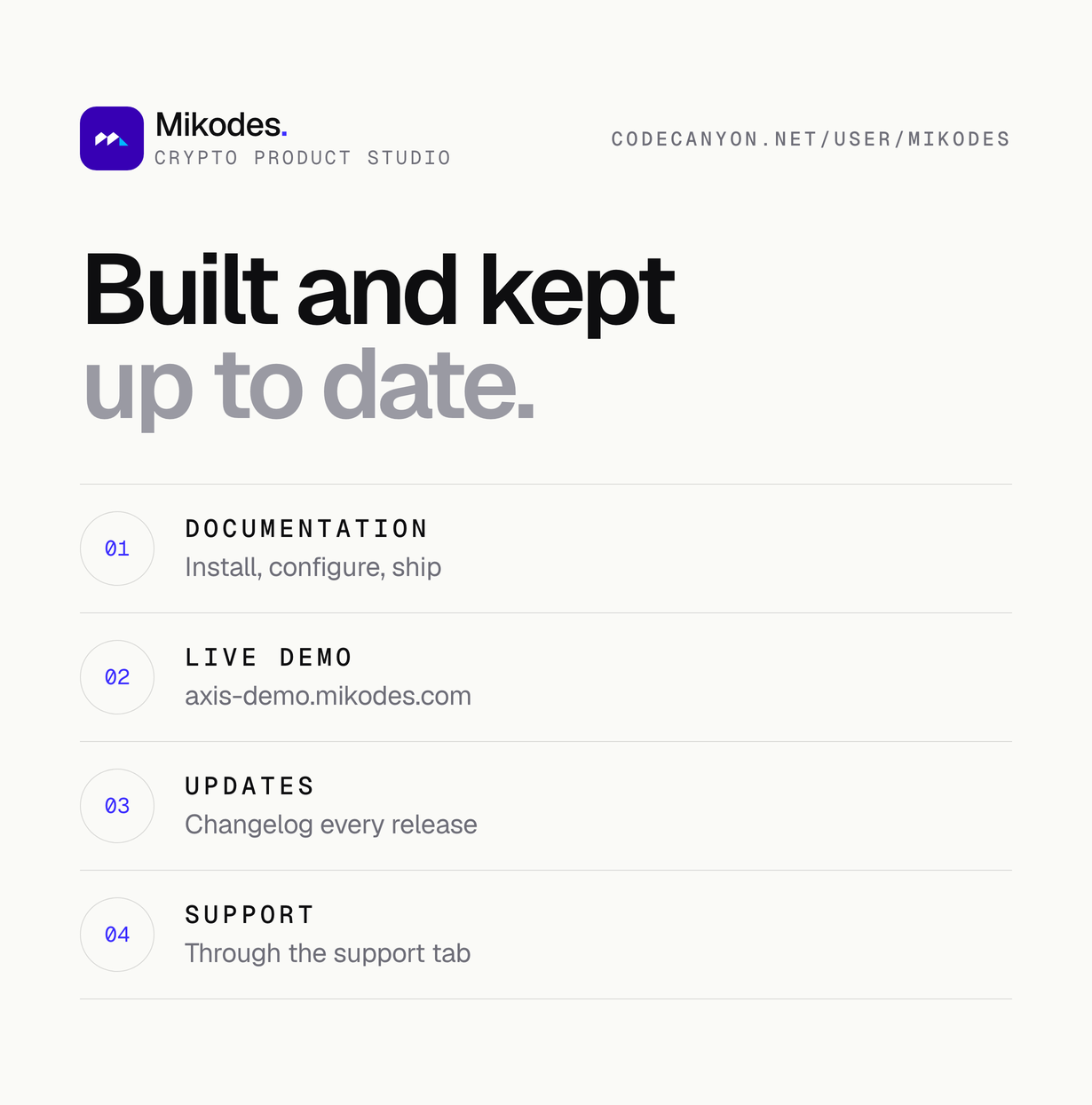
| Documentation | axis-demo.mikodes.com/docs/ | Public, no purchase needed. |
Demo instructions
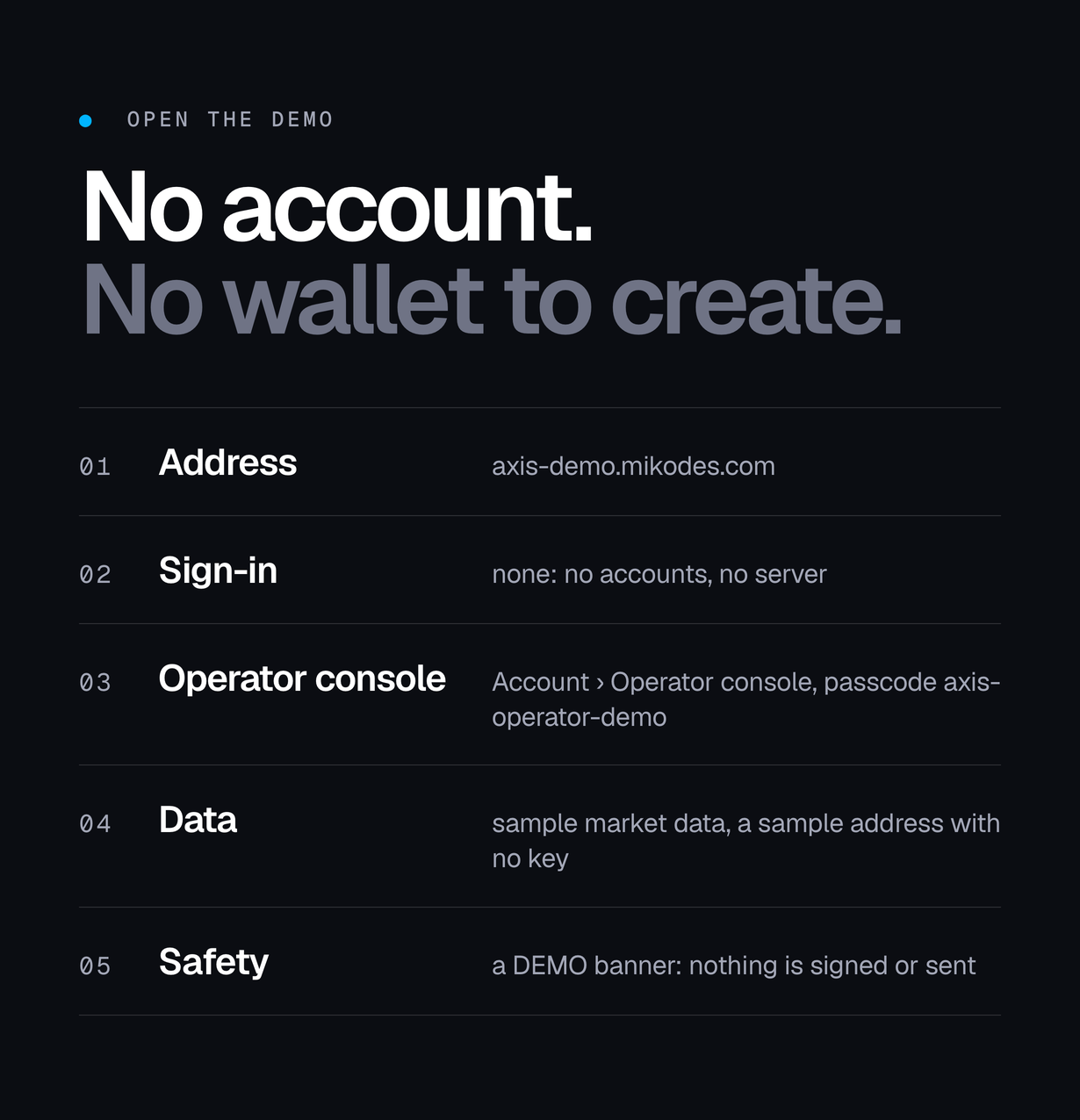
Open the live demo at axis-demo.mikodes.com. It is the full terminal built in demo mode (AXIS_DEMO=true): every screen is there, the market data is sample data, and a DEMO banner says that nothing is signed and nothing is sent. The source you download trades on Hyperliquid mainnet once you build it without that flag and switch hyperliquid_perps_enabled on in your published config.
- Email and password: none – the app has no accounts and no server to sign in to. The demo opens straight on the markets desk with a sample address that has no key and no vault, so it never asks you to create a wallet or set a passphrase. There is no login screen to pass.
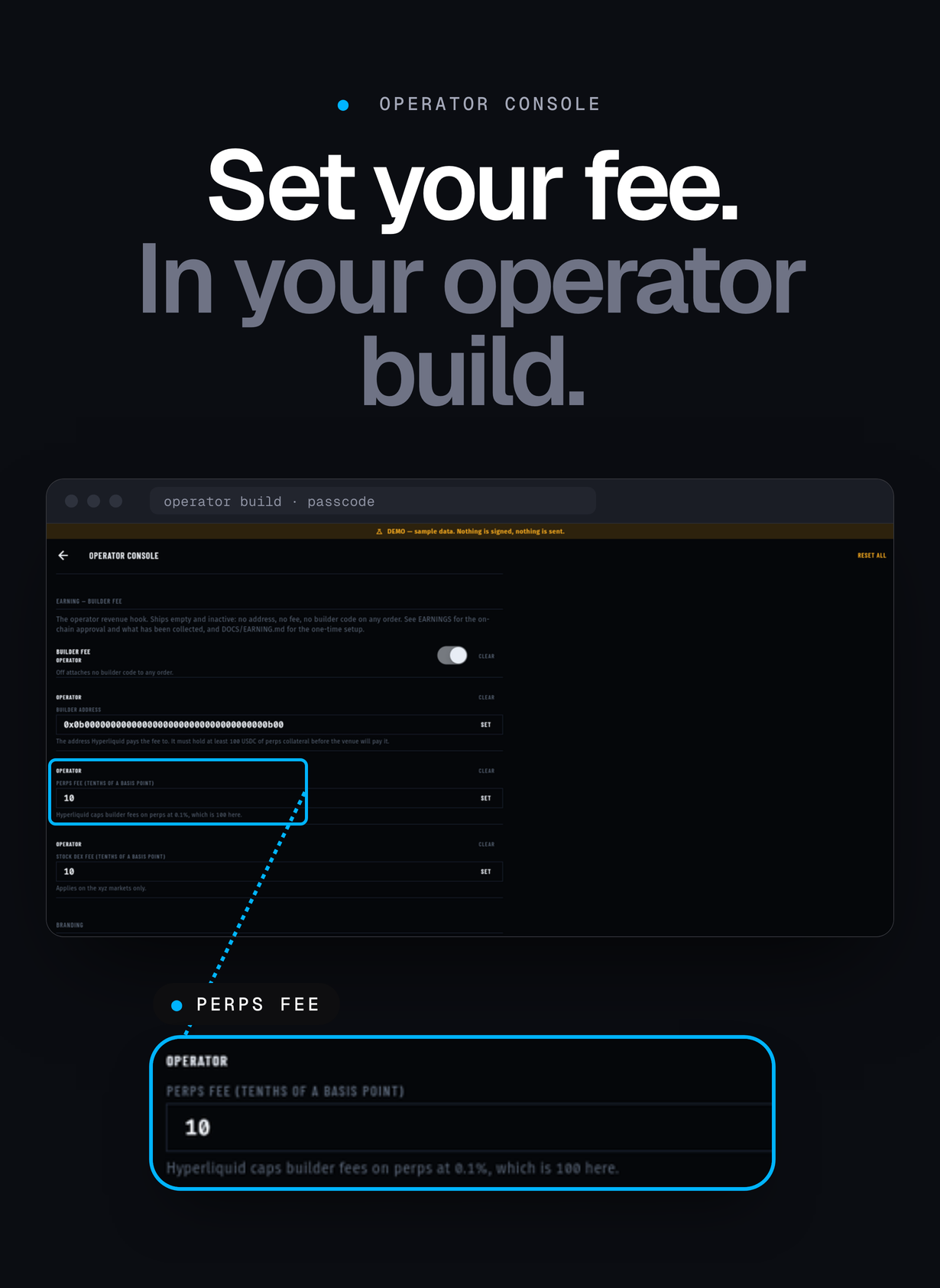
- Operator console passcode: axis-operator-demo – type it in Account > Operator console in the demo build. The console is the operator surface (network, open surfaces, builder address and fee); a build published without a passcode has no operator console at all.
- Recovery phrase / app lock: not asked in the demo, which has no wallet of its own. In a regular build the wallet is created on the user’s device at first start; on web the app then asks for a vault passphrase (at least 10 characters) that encrypts the recovery phrase in the browser.
- Trading with funds: not possible in the demo and not needed to review the item. The demo shows the markets, the order book, the order ticket, positions and the operator console on sample data, without any deposit. Placing a real order needs your own build without AXIS_DEMO and USDC in your own Hyperliquid account.
Documentation is public at axis-demo.mikodes.com/docs/ – no purchase key needed.
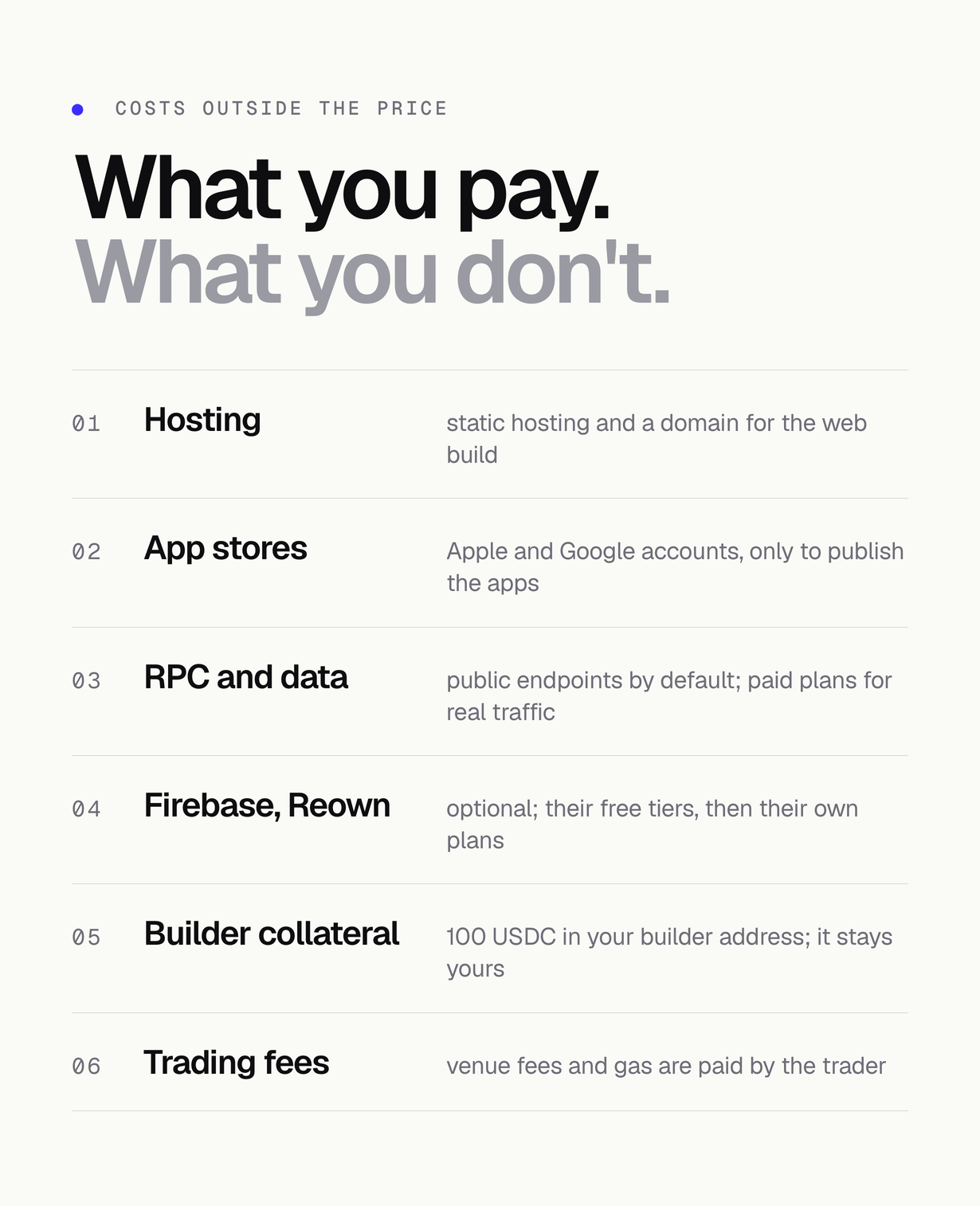
Costs not included in the price
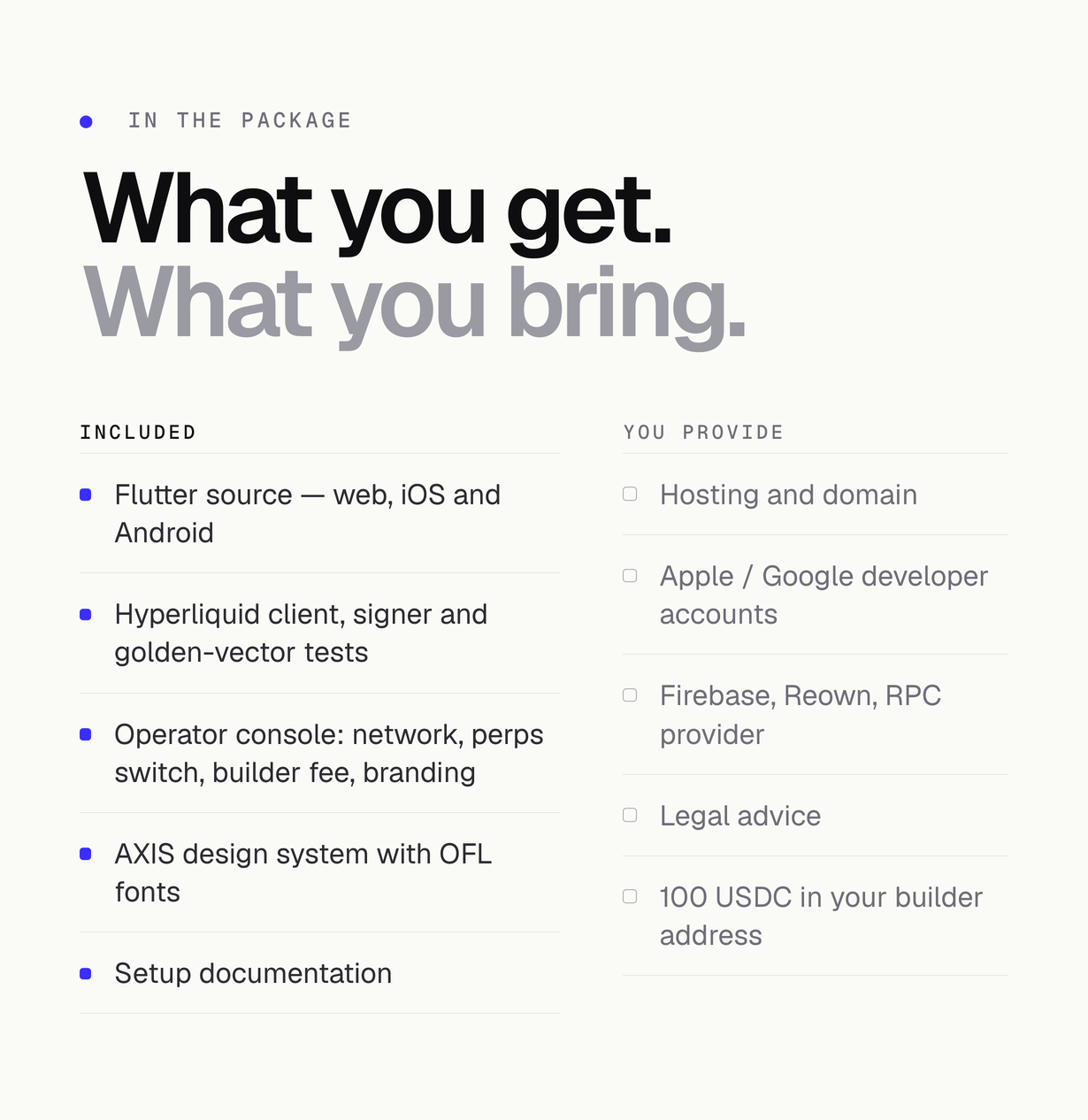
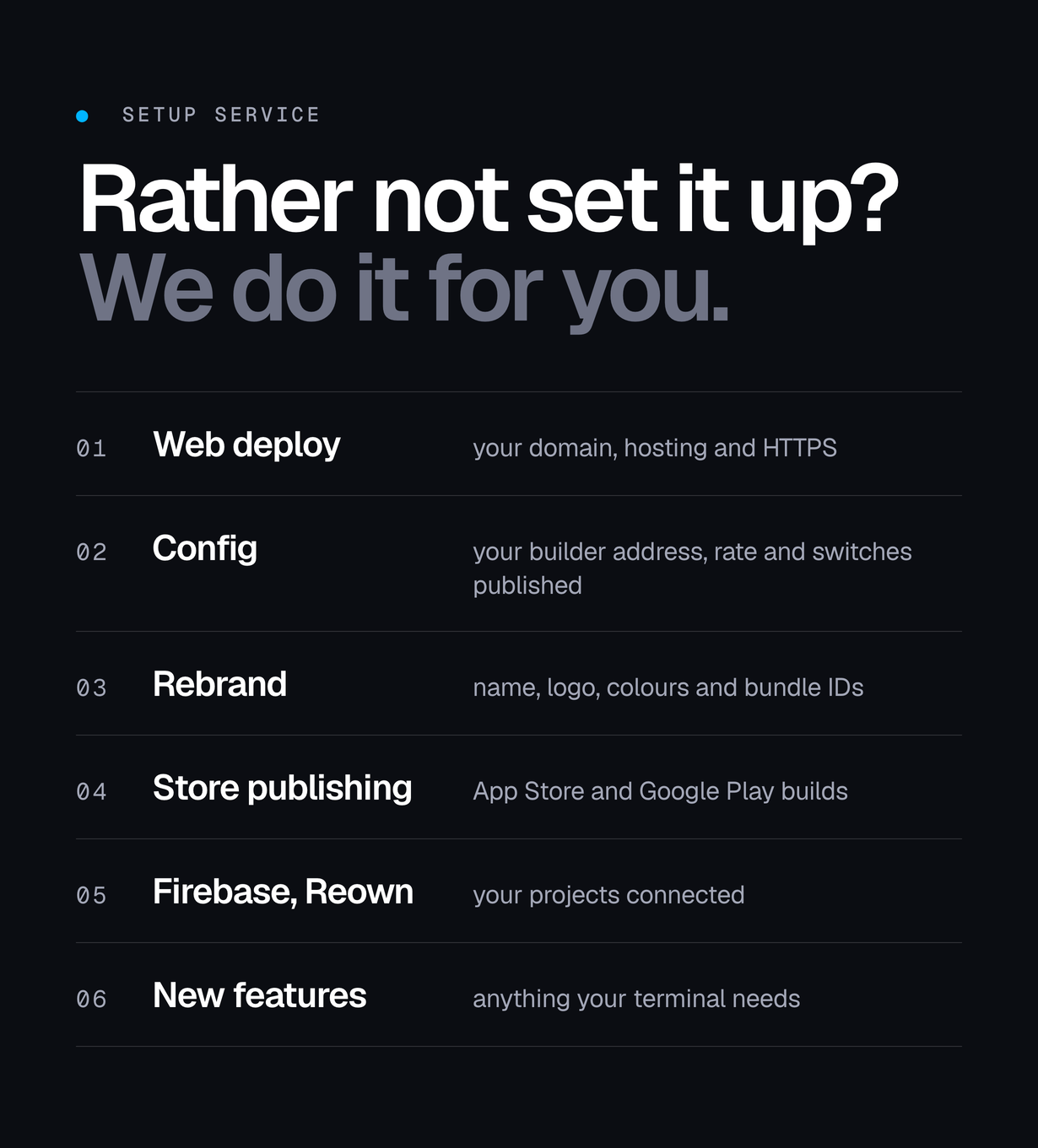
The item price covers the source code, the operator console and the documentation. These third-party services are billed separately, by their providers, on your own accounts or on your traders’. Check each provider’s current pricing.
- Static web hosting for the web build (and your config.json) and a domain: paid by you, the operator.
- Apple Developer Program (yearly membership) and Google Play Console (one-time registration fee) to publish the iOS and Android apps: paid by you.
- Firebase (optional: second config channel, push, crash reports): usage beyond the free quota is billed by Google to you.
- Reown (WalletConnect) project ID (optional): Reown’s own plans apply, paid by you.
- RPC and data providers: the app uses public RPC endpoints by default. A production app with real traffic should use paid plans from providers such as Alchemy (EVM), Helius (Solana), the Etherscan-family explorer APIs, CoinGecko (a free demo key has rate limits; production use usually needs a paid plan), Birdeye, Moralis or Covalent, billed by each provider to you.
- Transak (fiat on-ramp) and 1inch (swap aggregator API): AXIS 1.0.0 does not use them. The code only carries empty, optional key slots for both (TRANSAK_API_KEY, ONEINCH_API_KEY), and with them empty nothing is called or billed. If you build a feature on them, you need your own Transak partner account and 1inch API key: 1inch’s API plans are billed by 1inch to you, and Transak’s processing fees are charged by Transak to the person buying crypto.
- Hyperliquid trading fees, Arbitrum network gas for deposits and Hyperliquid’s withdrawal fee: paid by the trader on each action.
- To receive the builder fee, your builder address must hold at least 100 USDC of perps collateral on Hyperliquid: your own funds, and they stay yours.
- Legal and regulatory advice for offering leveraged trading where you operate: paid by you.
Features
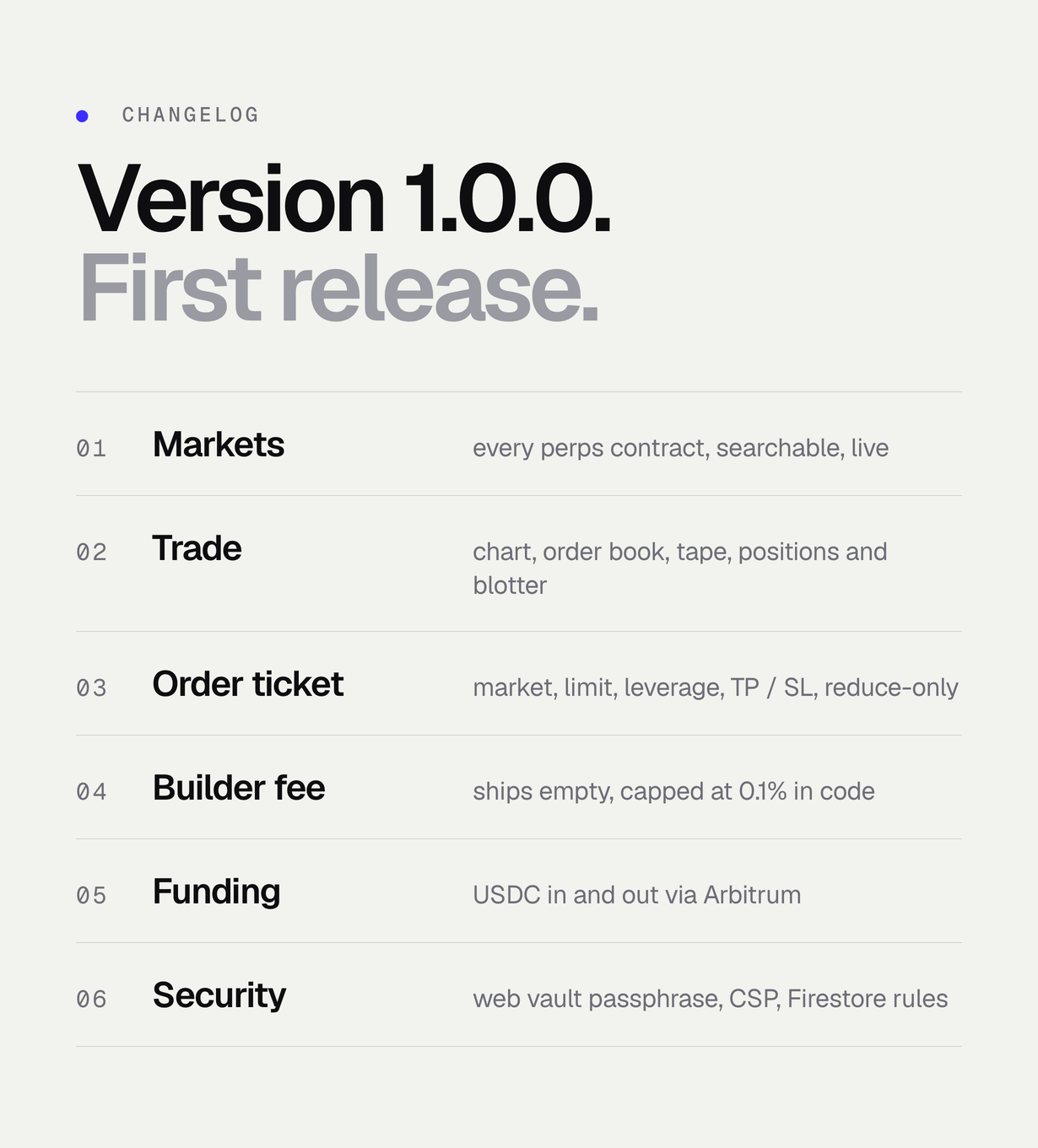
- Every Hyperliquid contract in one searchable table with live prices, with the builder-deployed stock and commodity markets behind their own switch
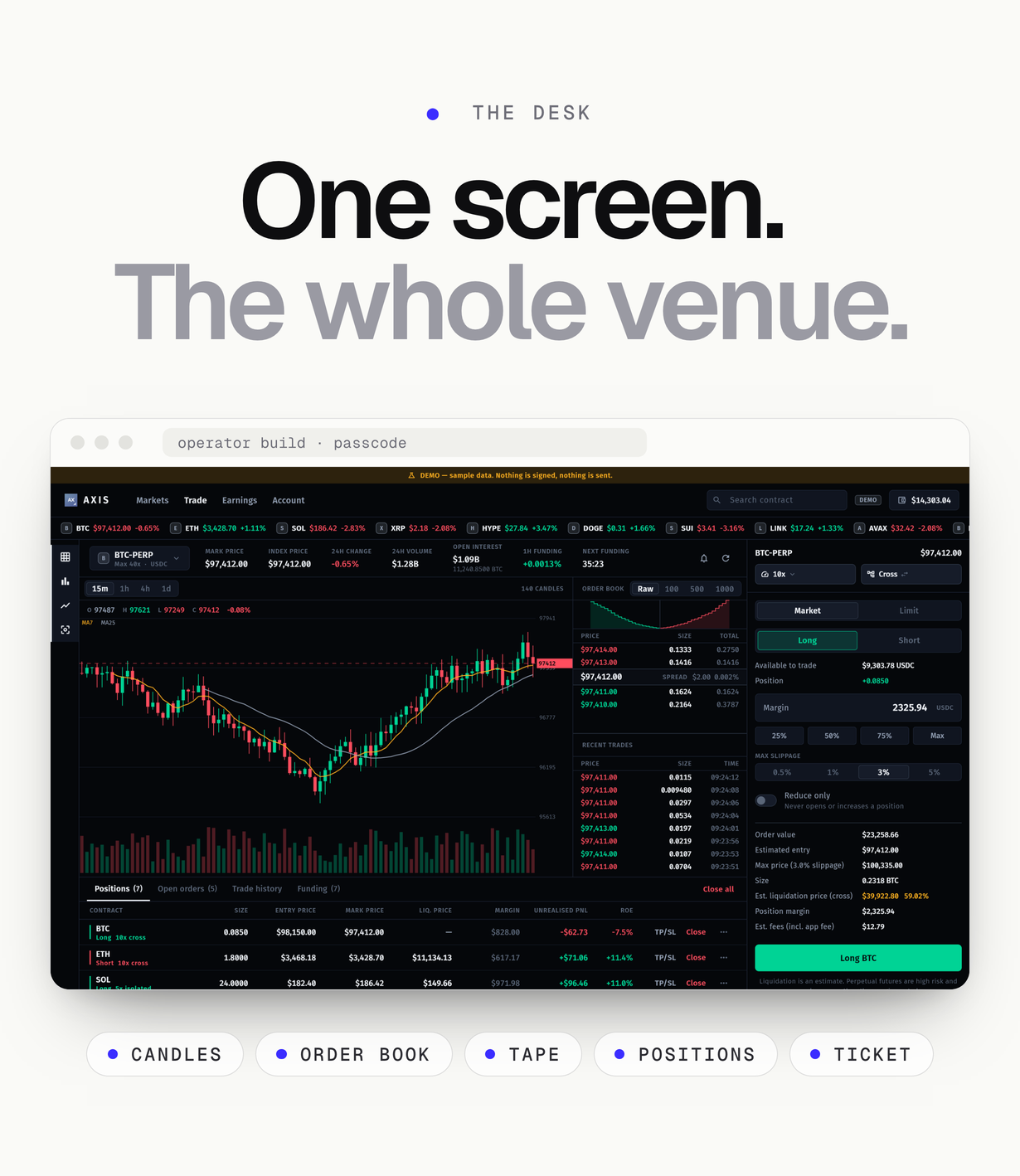
- Trade screen: candle chart, order book with depth grouping, live trade tape, and a positions and open-orders dock
- Order ticket: long or short, market or limit, leverage, reduce-only, take-profit and stop-loss
- A size calculator that shows margin, fees and the estimated liquidation level before anything is signed
- Funding: USDC in and out through the Hyperliquid bridge on Arbitrum, from the same screen
- Earnings tab, read-only: routing, this wallet’s on-chain approval, your rate against the venue cap, the builder address balance and how many actions went out without the code
- An operator console, only in a build you compile with your own passcode; your users get your published configuration
- Keys are generated and held on the device and never sent anywhere: in the Keychain / Keystore on iOS and Android, and in the browser encrypted under a vault passphrase the user sets (PBKDF2-SHA256, 600,000 iterations, AES-256-GCM), which is asked for again before the recovery phrase is shown, a backup is exported or funds are moved
- Web hosting config included: firebase.json with a Content-Security-Policy without ‘unsafe-inline’ or ‘unsafe-eval’ and security headers, the same policy for Netlify / Cloudflare Pages / Vercel, and firestore.rules (operator config read-only, per-user writes only)
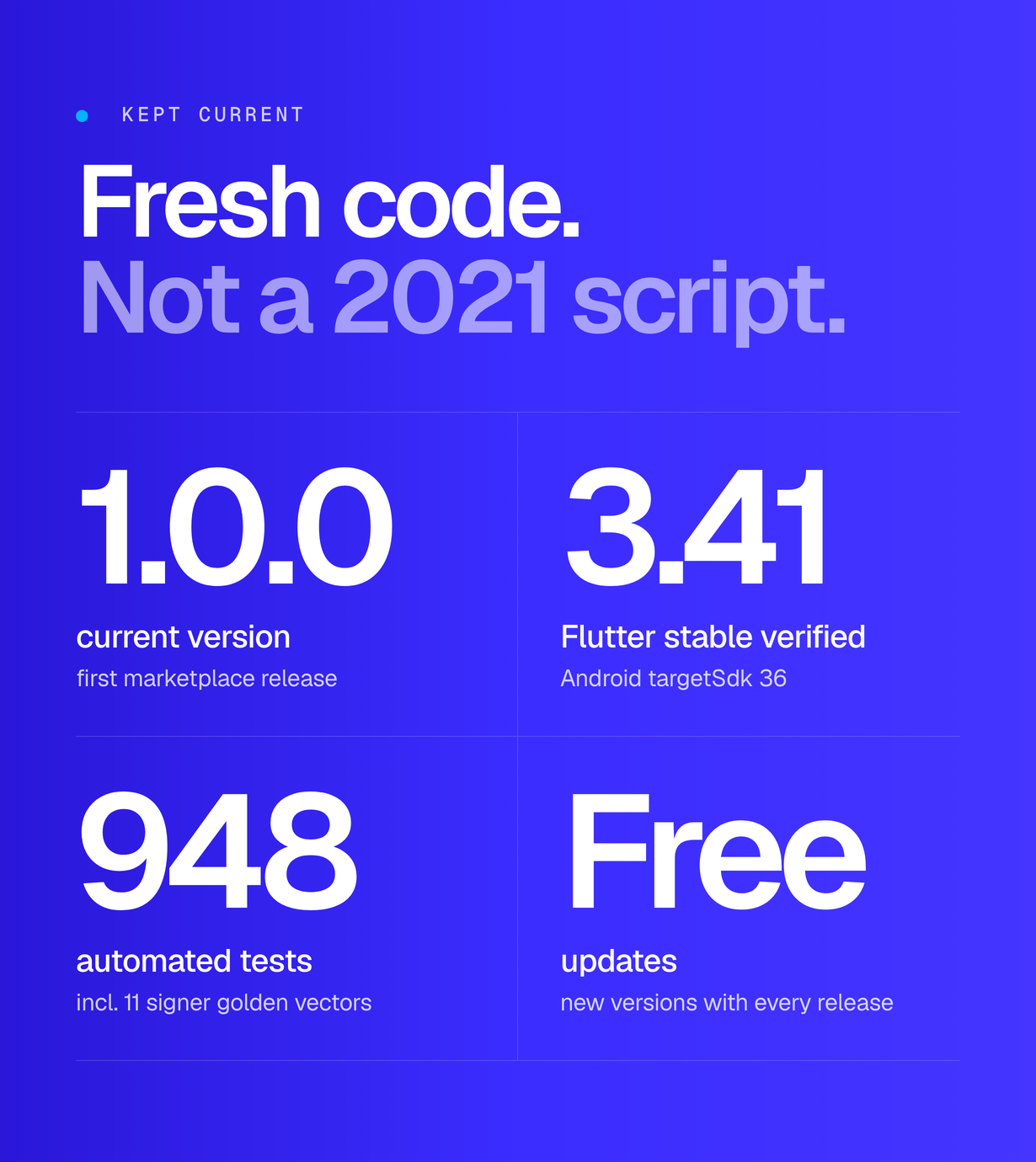
- Actions are signed locally as EIP-712 typed data, checked against the golden vectors of the official Hyperliquid Python SDK (11 golden-vector signature tests in test/hyperliquid_signer_test.dart)
- Perpetual trading is an operator switch (hyperliquid_perps_enabled): off refuses new positions, while closing a position and withdrawing stay available
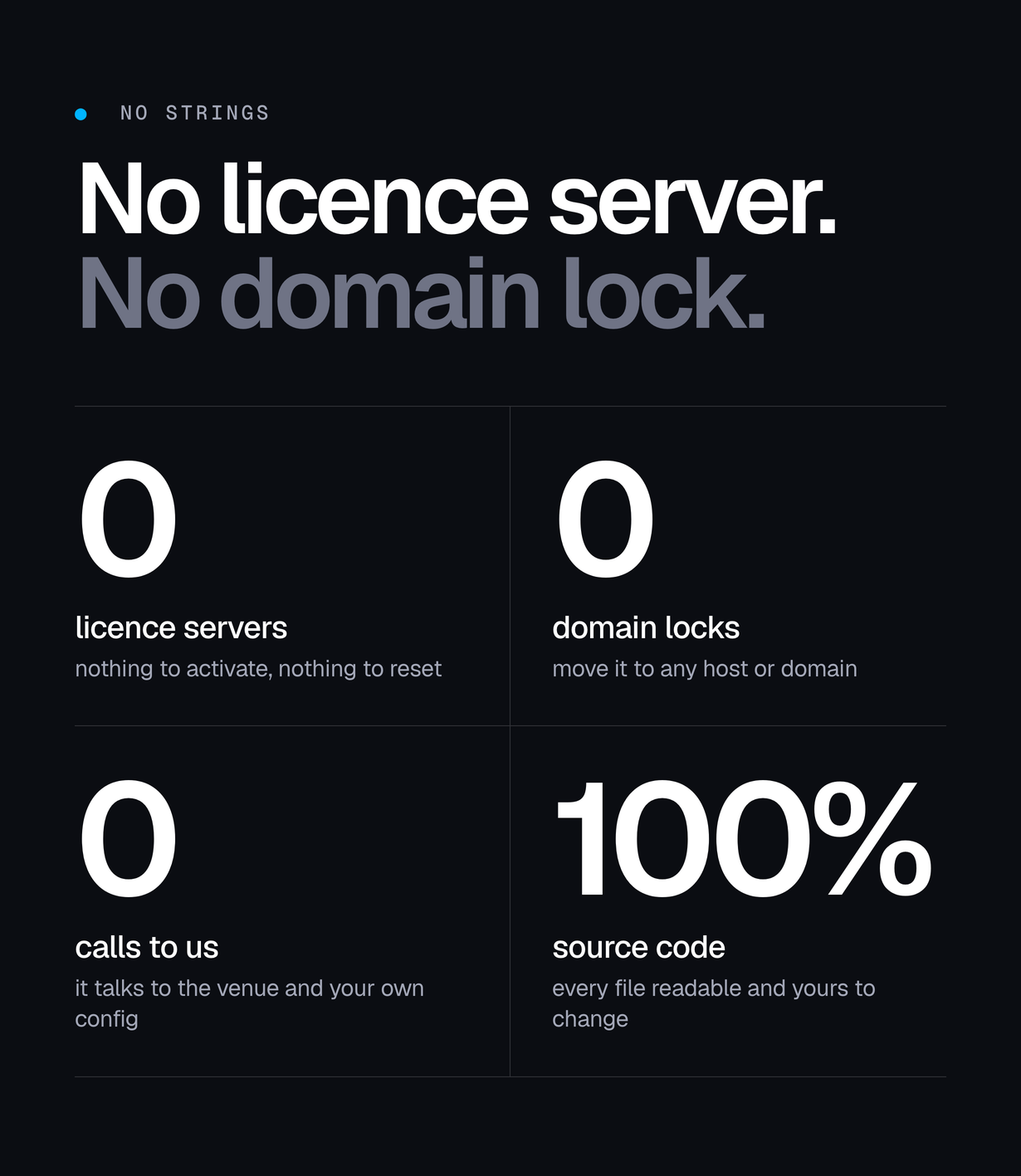
- No builder address, API key, Firebase project or analytics account of ours ships in the source: a fresh build is inert until you configure it
- Wallet creation and import, app lock, WalletConnect (Reown) sessions, price alerts and share cards
- One Flutter codebase for web, iOS and Android, with a desktop layout that folds into a phone layout; flutter analyze reports no issues and the bundled test suite passes
Screenshots and preview images show the demo build (AXIS_DEMO=true) with sample market data and a sample address that has no key; the onboarding screens are from a regular web build, where the wallet is created on the device. They are presentation material, are not part of the download, and no figure in them is a promise of a result. Device frames are illustrations.
Good to know before you buy
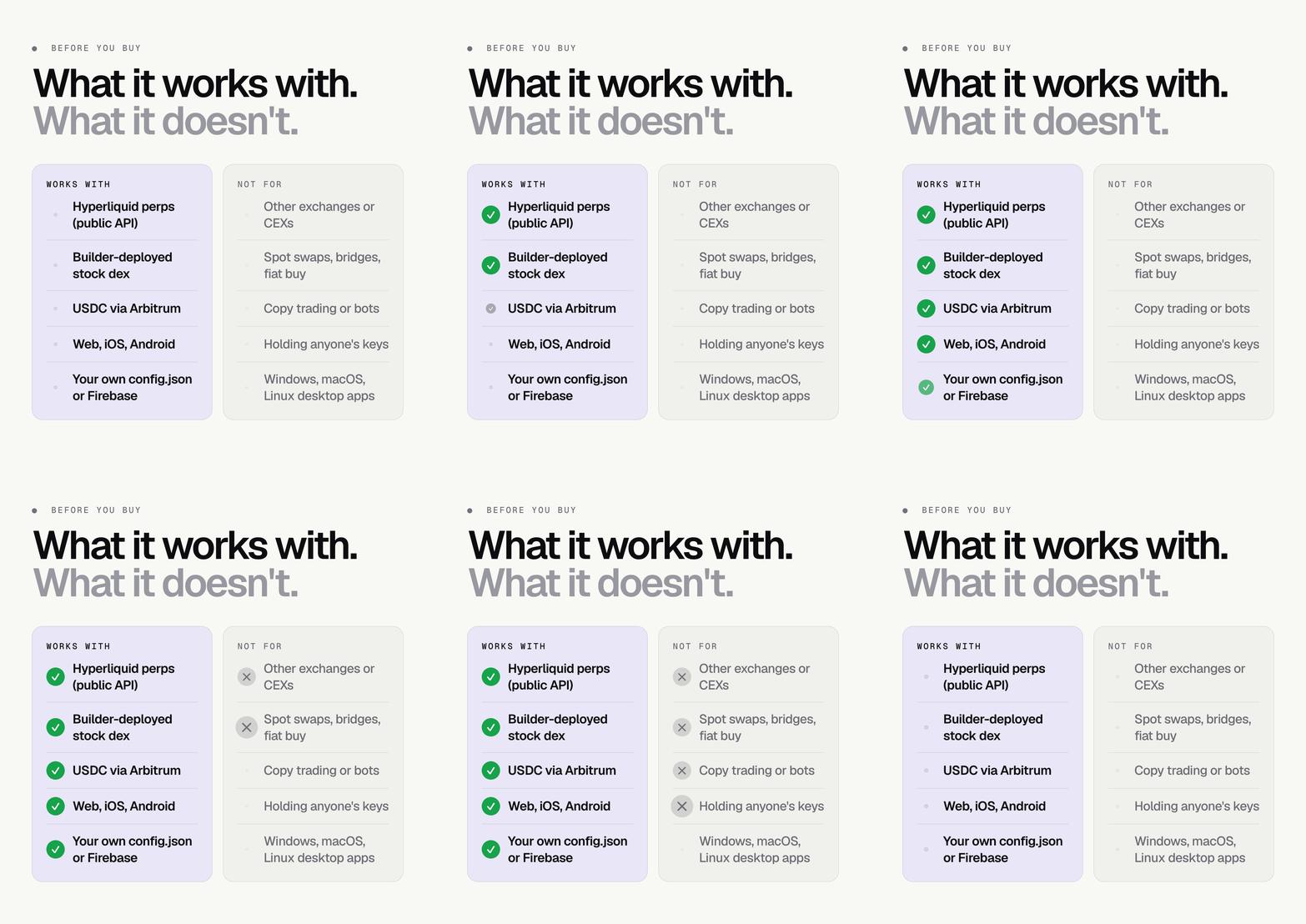
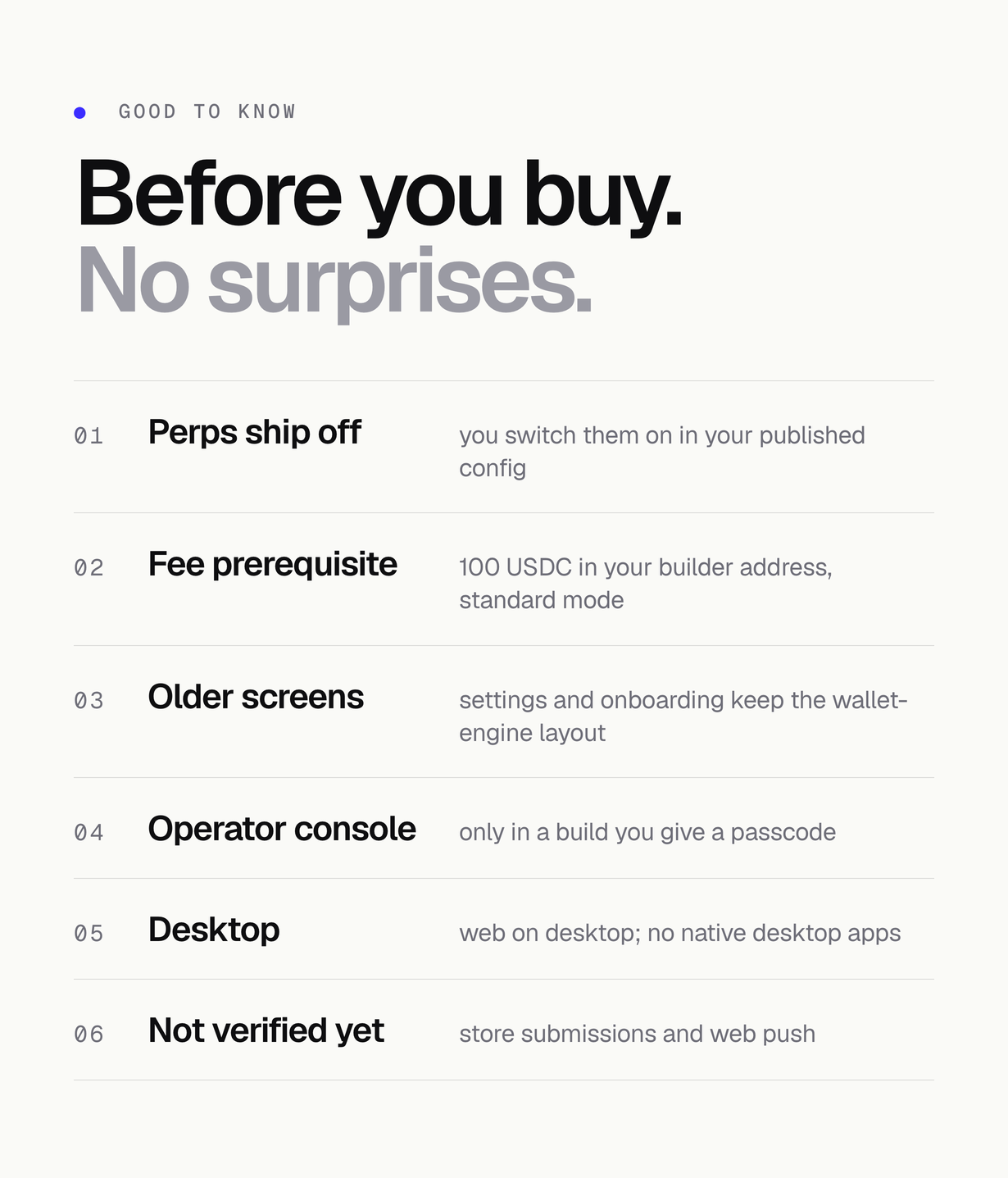
- Perpetual trading ships switched off (hyperliquid_perps_enabled false) and no builder address is set: a fresh build never trades or charges a fee until you publish your own config.
- Builder fees are credited only to an address holding at least 100 USDC of perps collateral in standard account mode. Those are your own funds and stay yours.
- Settings, onboarding, the security centre, notifications, WalletConnect and the QR screens keep the layout of the wallet engine AXIS grew from: they work, but are not yet drawn in the terminal style.
- The operator console exists only in a build compiled with your own AXIS_OPERATOR_PASSCODE and changes only that device; your users get your published config.
- Targets are web, iOS and Android. There are no native Windows, macOS or Linux desktop apps; desktop users use the web build.
- The web release build is verified; App Store and Google Play submissions and web push are not verified in this version.
FAQ
How does the builder fee work?
Publish your builder address and rate in your hosted config (config.json or Firebase); you can try them first in the operator console of a passcode build. Orders from your build carry your builder code; once the trader’s wallet has approved the rate on chain, the fee is credited to that address. The fee is off until you set an address. The builder address also needs at least 100 USDC in its Hyperliquid perps account and standard account mode, or no fee arrives. The protocol caps perps builder fees at 0.1%.
What does Hyperliquid require from the builder?
At least 100 USDC in the builder’s perps account and the standard account-abstraction mode. Each user’s wallet approves your fee once, on chain.
Is it custodial?
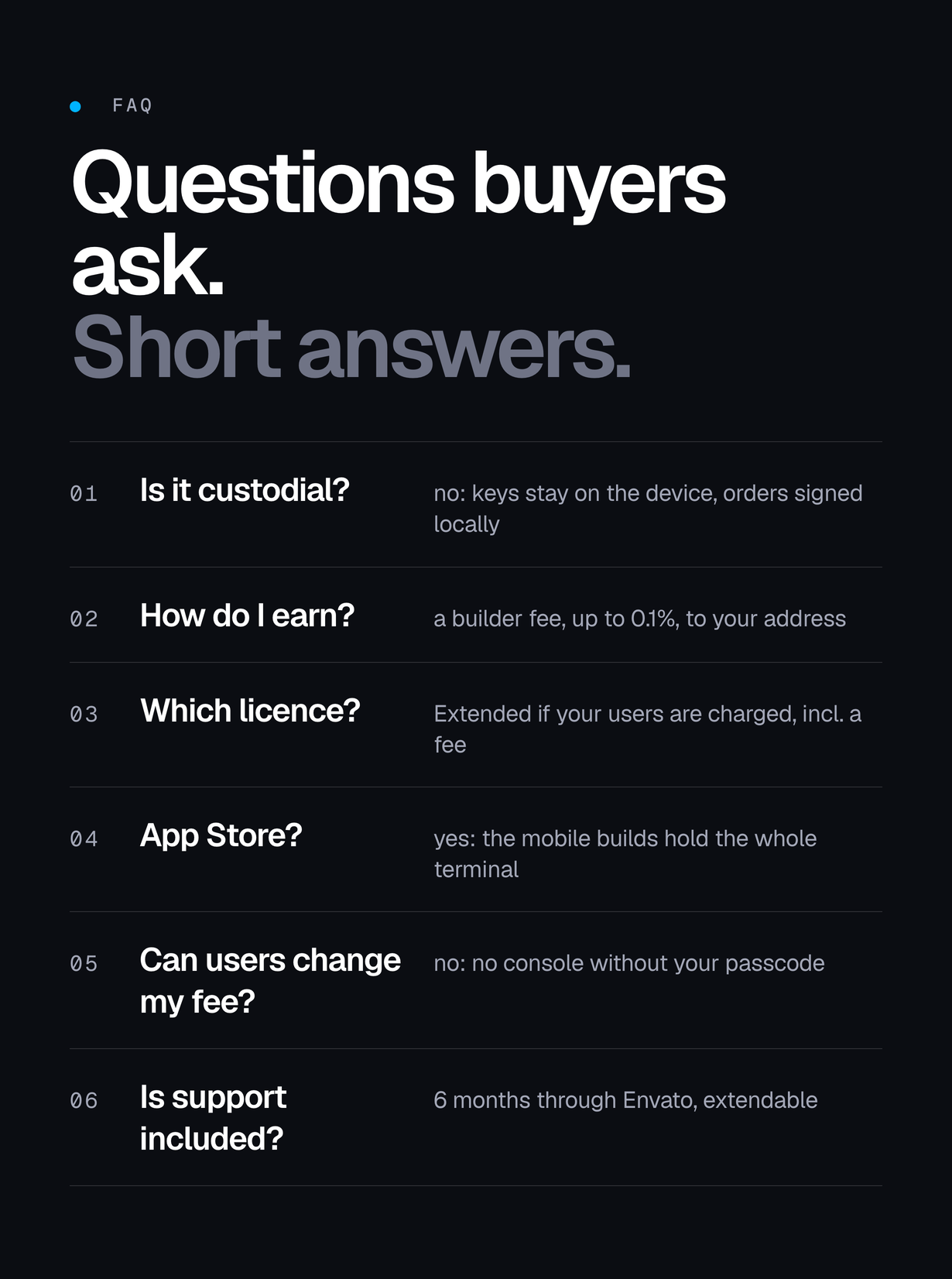
No. Keys stay on the device and every order is signed locally. No server routes, batches or submits orders.
Can I ship it to the App Store?
Yes, and the mobile builds contain the whole terminal: markets, trade, order ticket, positions, deposits and withdrawals. hyperliquid_perps_enabled is an operator switch, not a hidden feature – it is on for a build that offers perps and off for one that must not, for example a jurisdiction you do not serve or a maintenance window, and when it is off the app says so on screen. Closing a position and withdrawing stay available with it off, so nobody’s collateral is trapped. Submit the build with the configuration your users will get, and choose your countries in the store consoles. Leveraged trading apps have their own store rules; meeting them in your market is your responsibility.
What are the limits of this version?
Settings, onboarding, the security centre, notifications, WalletConnect and the QR screens keep the layout of the wallet engine AXIS grew from: they work, but they are not yet drawn in the terminal style. Swap, bridge, buy and sell from that engine are not part of AXIS and are not offered in the console. The operator console exists only in a build given AXIS_OPERATOR_PASSCODE, opens only behind that passcode and changes only the device it is used on; published settings are how you reach every user. The app icon is a provisional mark to replace during rebranding. The web release build is verified; store submissions and web push are not verified in this version.
What is not included?
Hosting and a domain, the Apple and Google developer accounts, optional Firebase and Reown usage, a paid RPC provider for production traffic, legal advice, and the 100 USDC of perps collateral your builder address must hold – all paid by you. Hyperliquid trading fees, Arbitrum gas and Hyperliquid’s withdrawal fee are paid by the trader. None of this is included in the item price; see ‘Costs not included in the price’ above.
Regular or Extended licence?
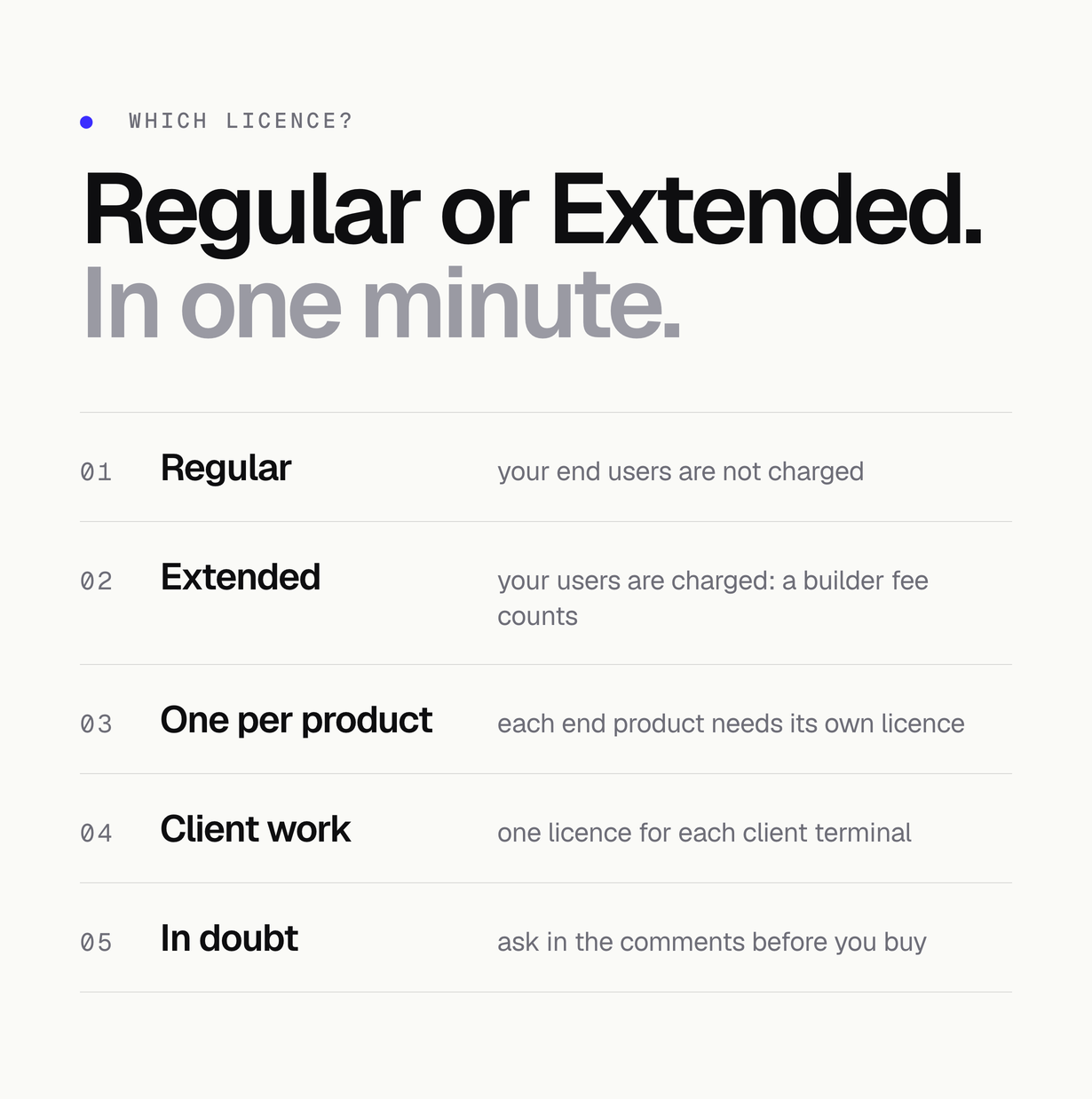
The Regular licence covers an end product your end users are not charged to access. If your end users are charged – switching the builder fee on is one such case – the Extended licence is the one that applies. The terms shown on this item page decide.
How long is support?
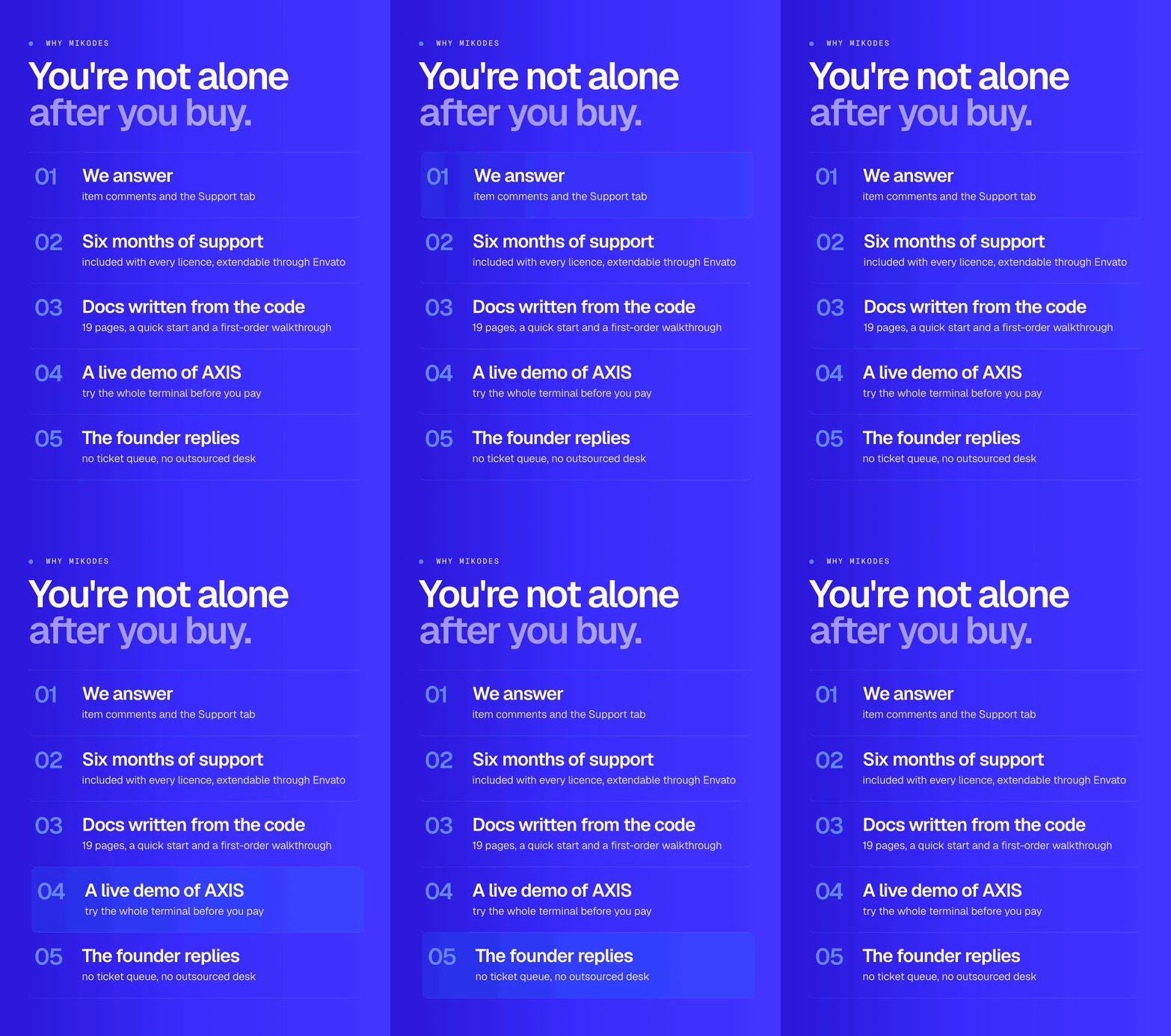
Support follows Envato’s item support policy: six months are included with your purchase and can be extended through Envato.
Can users of my build change the settings?
No. A build without an operator passcode has no operator console at all – the entries are not listed and no screen reaches them, so your users cannot change the network, the open surfaces or your builder fee. You build your own copy with—dart-define=AXIS_OPERATOR_PASSCODE=... when you want the console on your own device.
Declarations
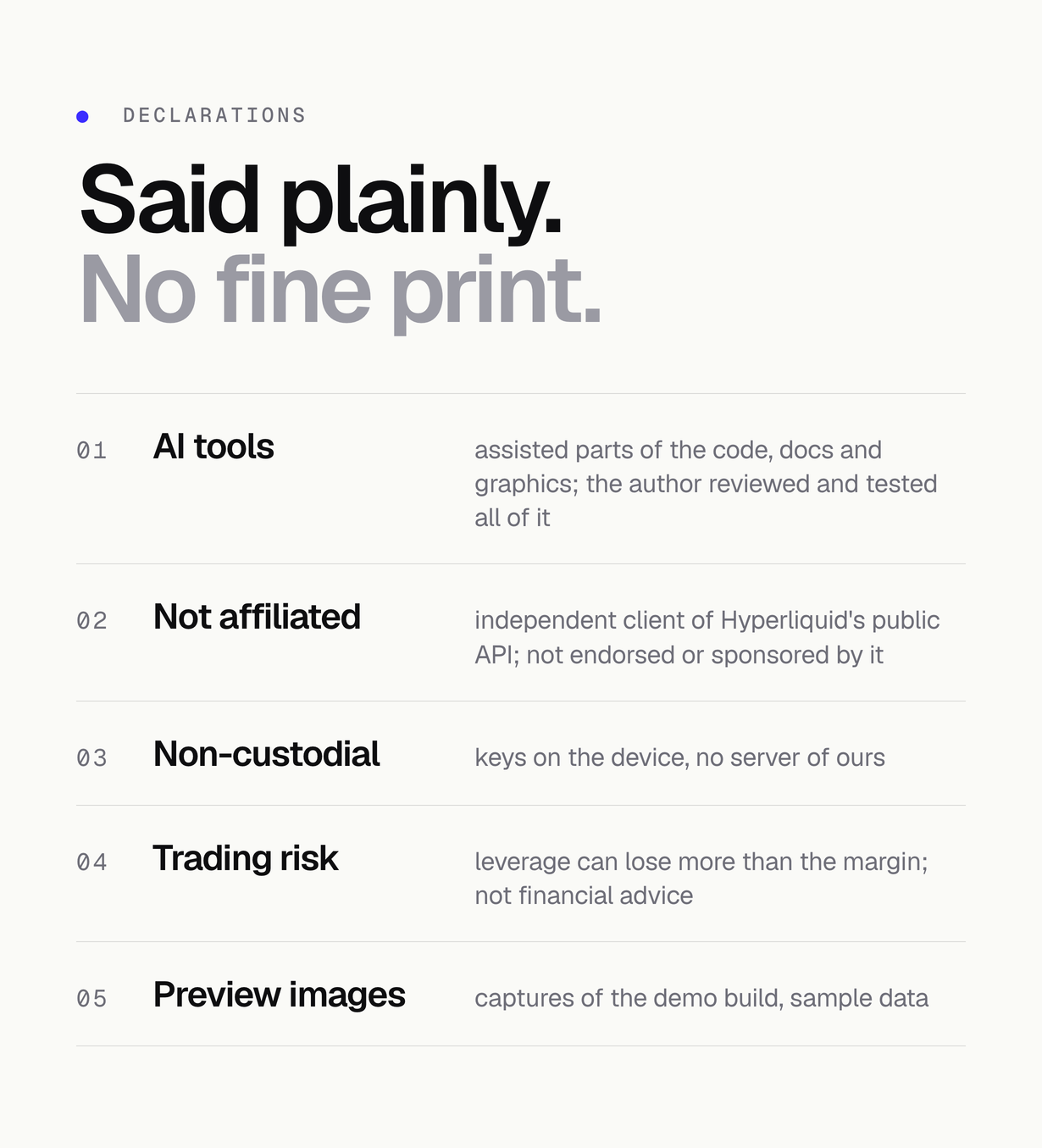
- AI tools: AI tools were used to assist with parts of the code, documentation and graphics of this item. Every file was read and tested by the author before release: flutter analyze reports no issues and the bundled test suite passes. The dependencies are the public packages listed in pubspec.yaml and licenses/THIRD-PARTY-LICENSES.md.
- Not affiliated with Hyperliquid: this is an independent client built on Hyperliquid’s public API and its open signing scheme. It is not an official Hyperliquid product and is not affiliated with, endorsed by, sponsored by or supported by Hyperliquid or its operators. Hyperliquid and any other product names here belong to their respective owners and are used only to say what this app connects to.
- Trading risk: leveraged perpetual futures can lose more than the collateral posted. This item is software, not financial advice, and the author is not responsible for any trade made with it. Nothing here promises a return.
Requirements
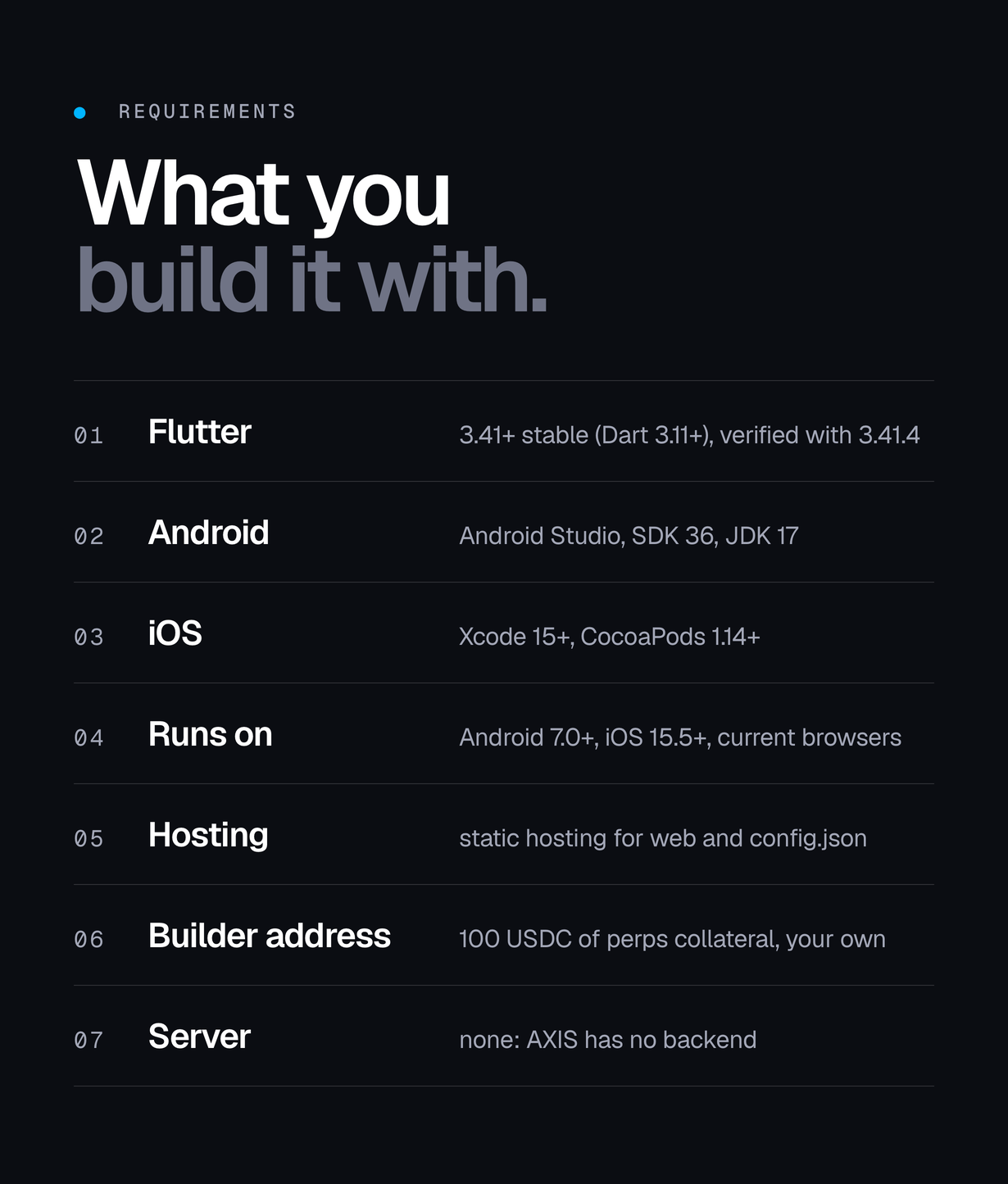
- Flutter 3.41.0 or newer, stable channel (pubspec.yaml: flutter >=3.41.0, Dart SDK >=3.11.0 <4.0.0); verified with Flutter 3.41.4
- Android Studio 2024.3.1+ with Android SDK Platform 36 and JDK 17; Xcode 15+ and CocoaPods 1.14+ for iOS
- Node.js 20+ only for the optional Firebase CLI
- Android 7.0 (API 24) and up, iOS 15.5 and up, current browsers for the web build
- Static hosting for the web build and, optionally, for your config.json (paid by you)
- To publish the apps: an Apple Developer Program membership and a Google Play Console account (paid by you)
- To receive the builder fee: a Hyperliquid builder address with at least 100 USDC of perps collateral, in standard account-abstraction mode (your own funds)
- Optional: a Firebase project (second config channel, push, crash reports) and a Reown (WalletConnect) project ID; usage beyond free tiers is billed to you by Google and Reown
- For production traffic: a paid RPC or data provider is recommended (billed to you by that provider)
Changelog
v1.0.0 (first release)
- First marketplace release.
| Author | Mikodes |
|---|---|
| Price | $499 |
| Sales | 0 |
| Rating | 0 (0) |
| Published | Nov 4, 2026 |
| Last Update | Nov 4, 2026 |
| Compatible Software | Flutter 3.x |
| Demo Url | https://axis-demo.mikodes.com |
| Mobile Files Included | Dart, .java, .kotlin, .swift |
Categories
Tags
External listing. code.market does not sell this product and does not process payment for it. Pricing, payment, delivery, licensing, refunds, and support are handled by the third-party merchant on its own website. We may earn an affiliate commission from a referral. Details.
Products of the Week.
Submit🥇

Perceptle
Perceptle is a daily browser-based game that challenges you to test your sensory intuition through five quick estimation and rhythm-based rounds.
Other · 1 views · 0 clicksOther · Week 47 · 1 views · 0 clicks
🥈

Free LinkedIn Likes From Real
Get free LinkedIn likes on your posts from real members who react by hand. No
SaaS · 124 views · 2 clicksSaaS · Week 47 · 124 views · 2 clicks
🥉

STOP GUESSING WHAT TO POST
AI that learns your brand voice and builds a month of consistent, on-brand social content: carousels, posts and hooks that sound like you, not like everyone else's AI.
SaaS · 7,686 views · 71 clicksSaaS · Week 47 · 7,686 views · 71 clicks
#4

aaas.market
407 reliable micro tools for solo founders, marketers and creators. They work in your browser
SaaS · 122 views · 0 clicksSaaS · Week 47 · 122 views · 0 clicks