
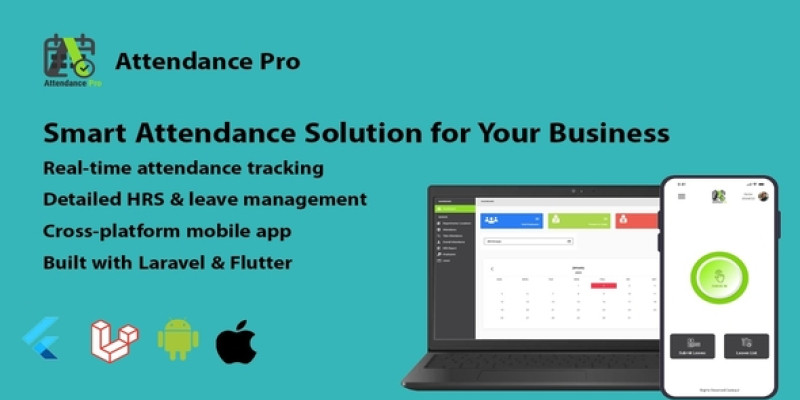
Attendancepro Smart system for your Business
Description

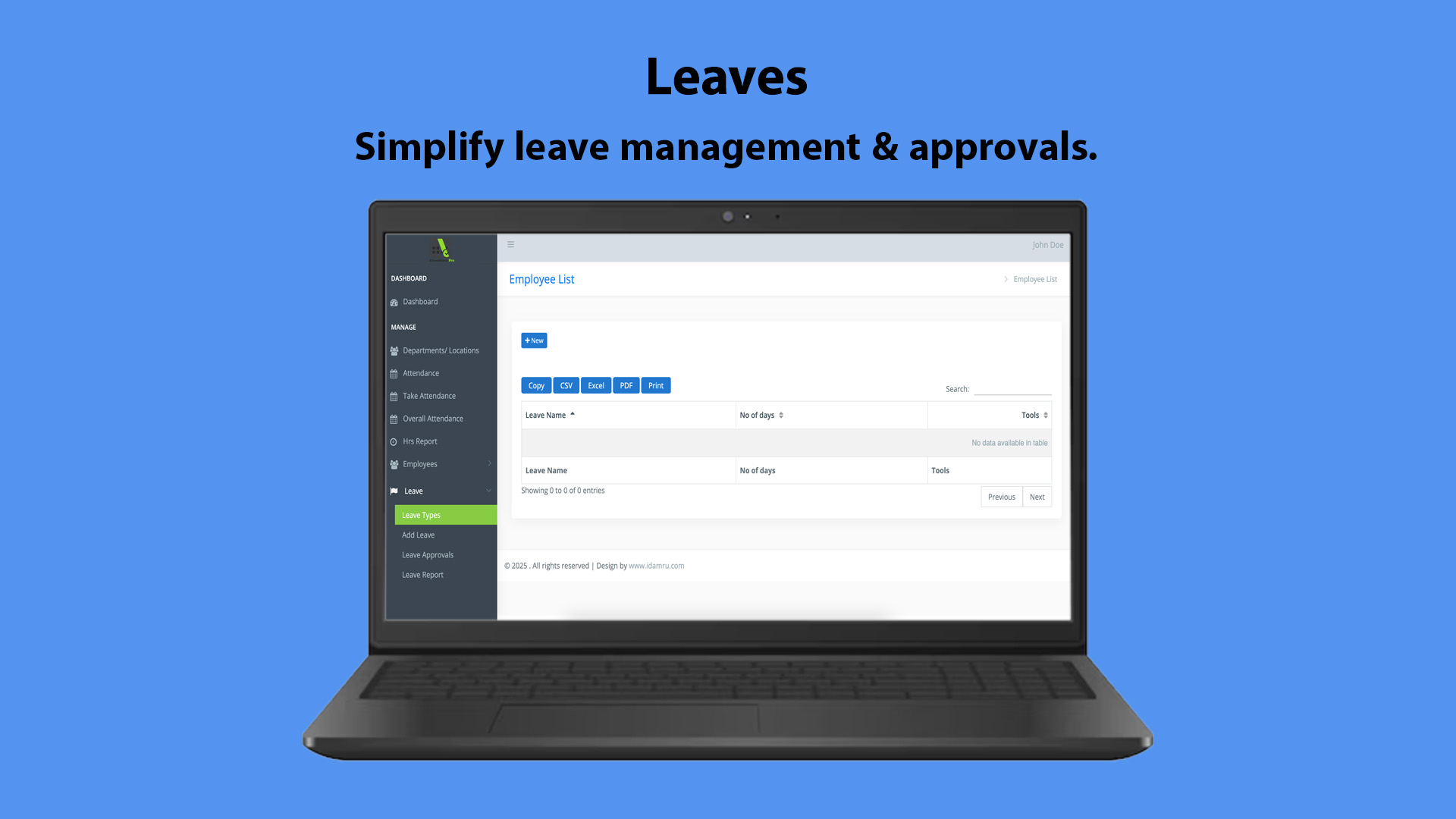
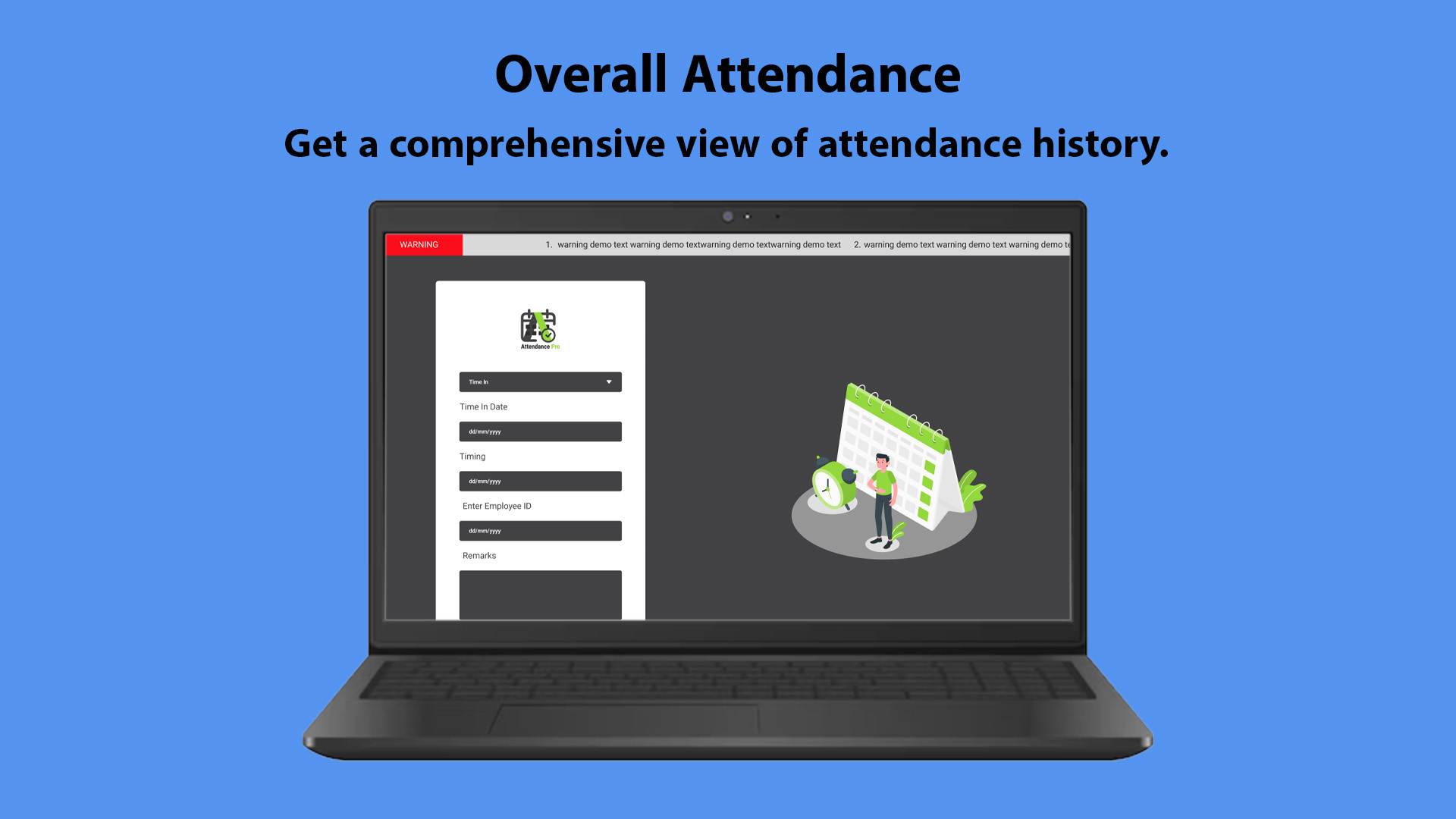
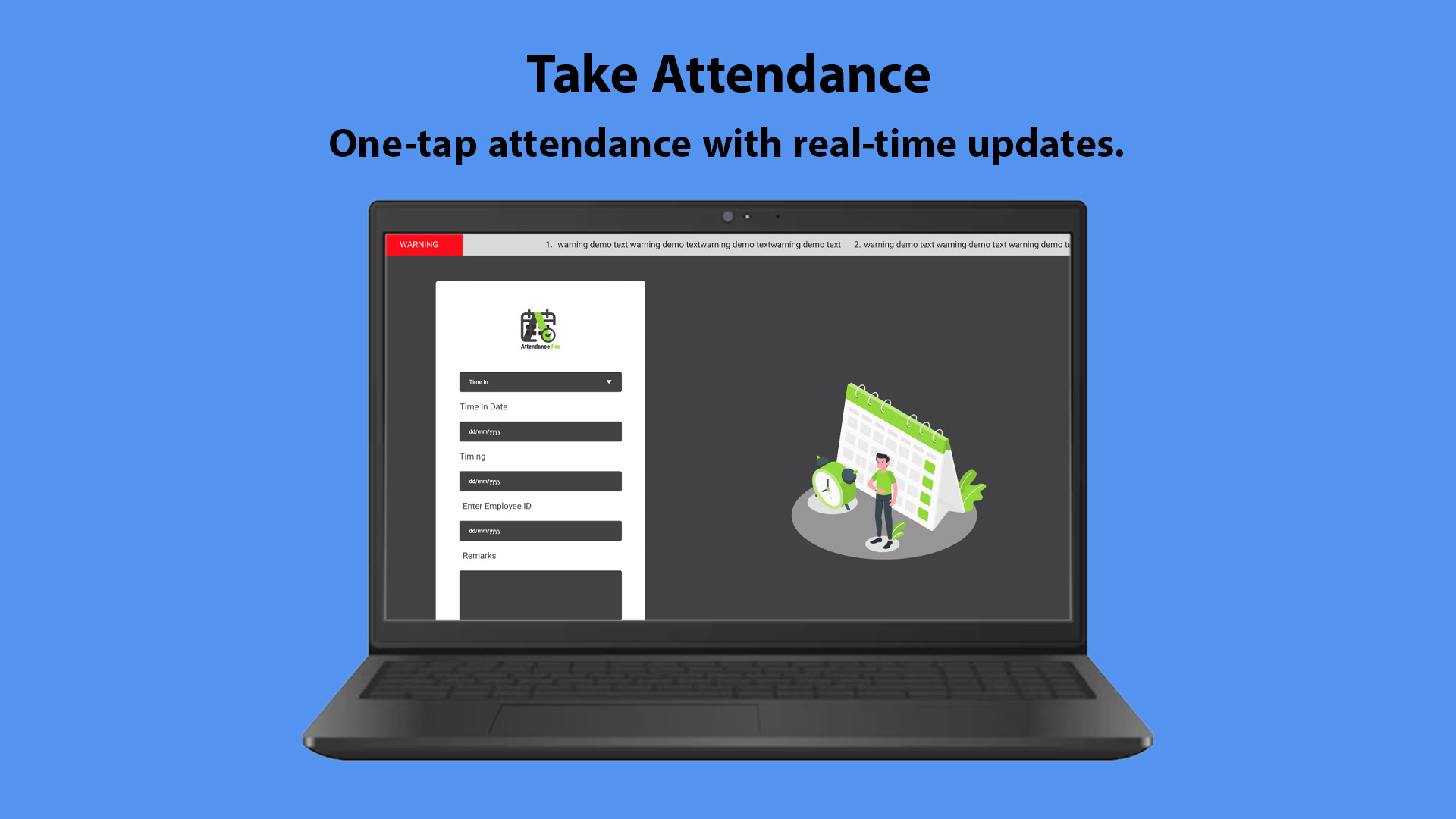
Demo Links:
- Front Employee Panel: https://attendancepro.codepul.store/
- Admin Panel: https://attendancepro.codepul.store/admin
- Admin Login Details: Email:
test@codepul.store, Password:12345678
- Admin Login Details: Email:
- Mobile APK: Download APK
https://drive.google.com/file/...
Features
Features List:
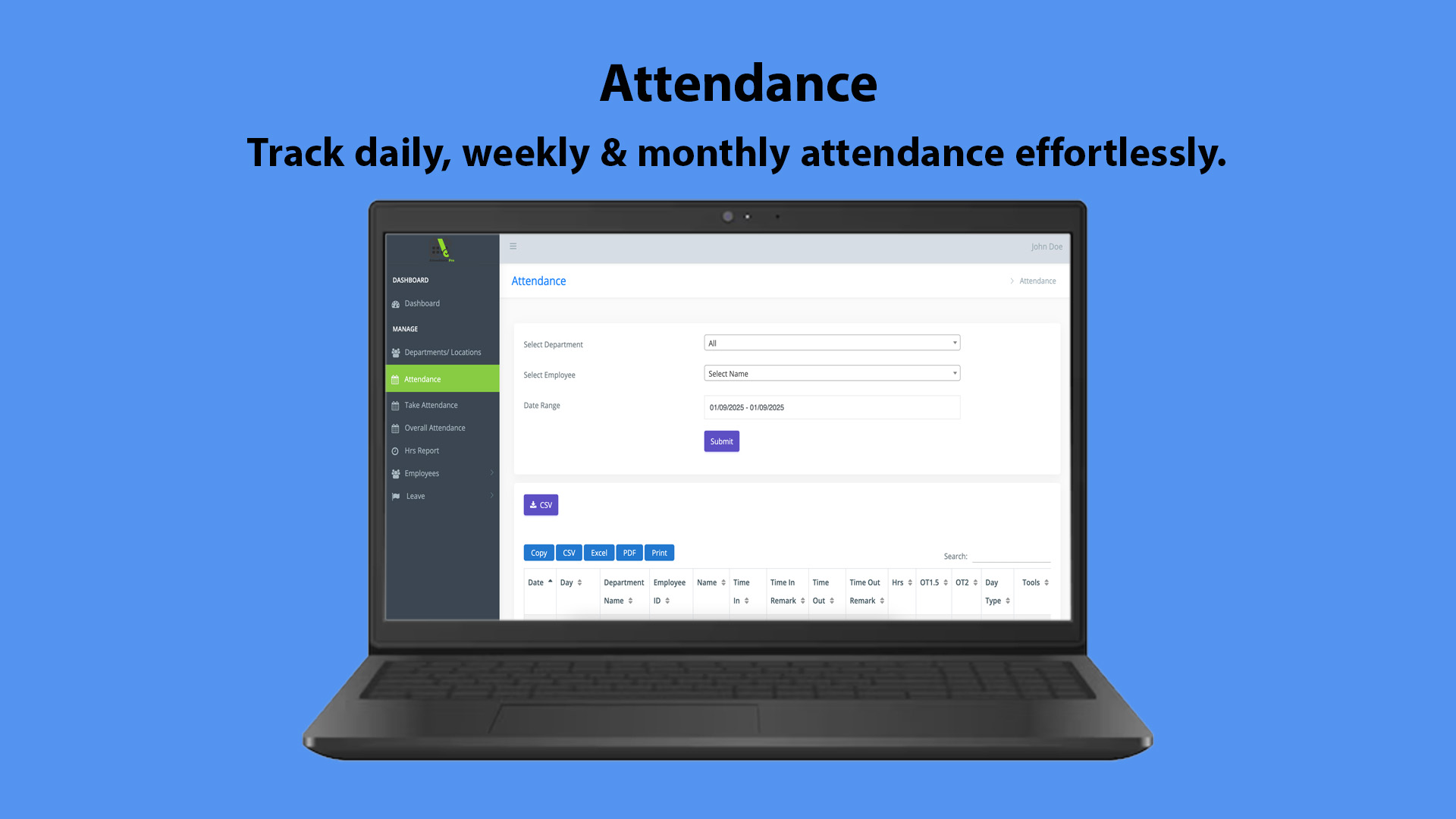
- Comprehensive attendance management system
- Easy-to-use mobile UI with intuitive features
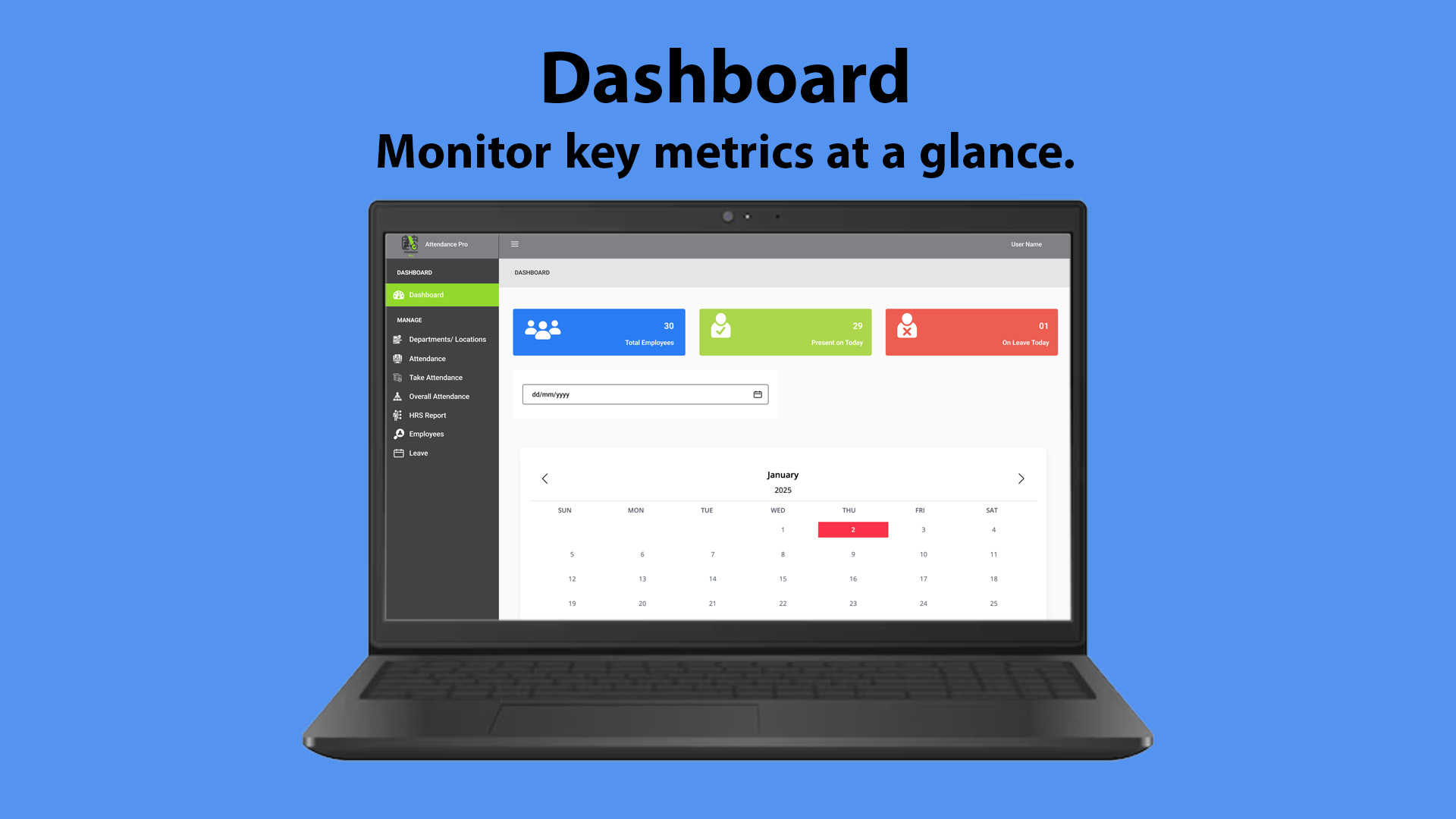
- Detailed dashboard with key performance indicators
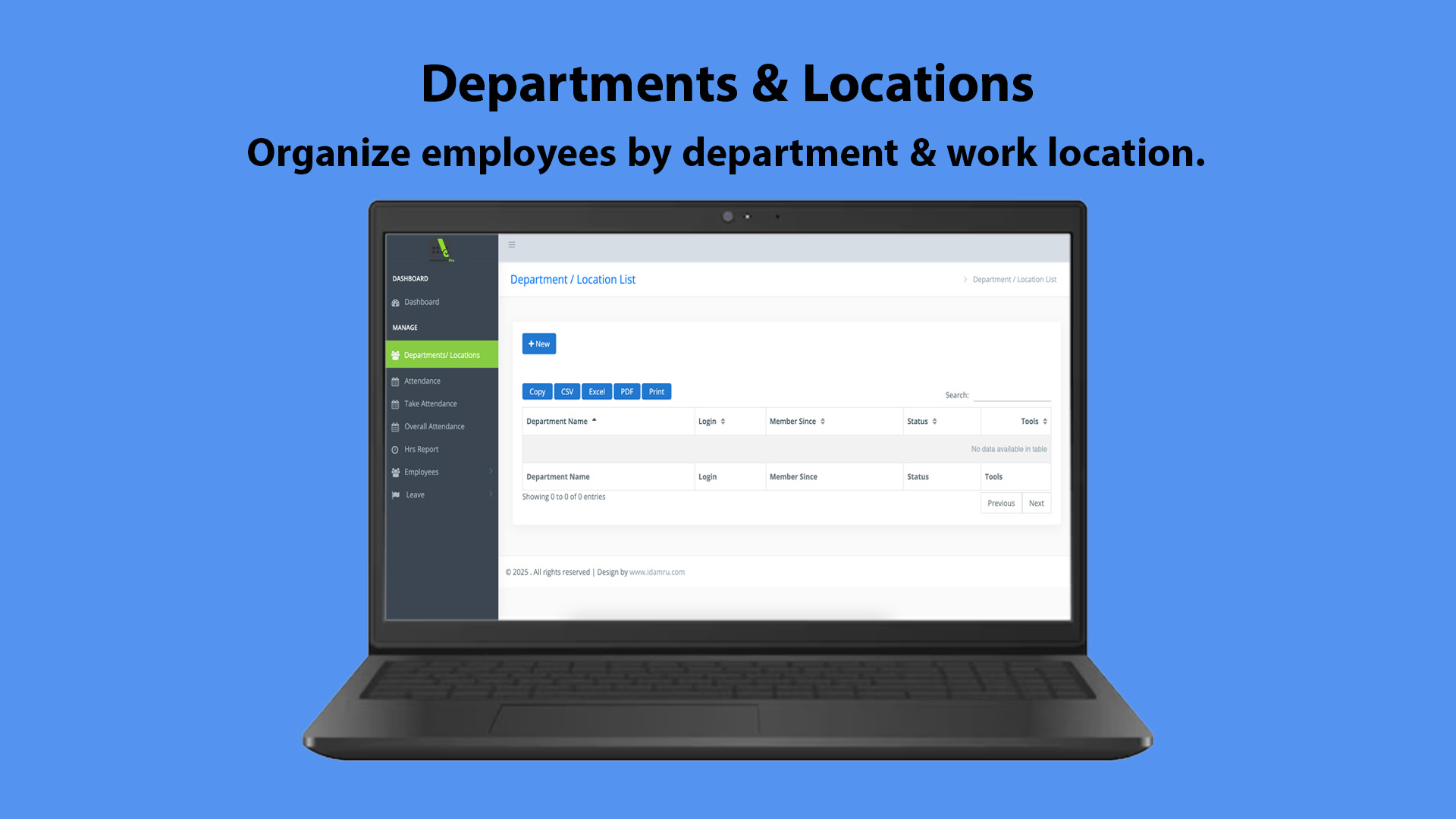
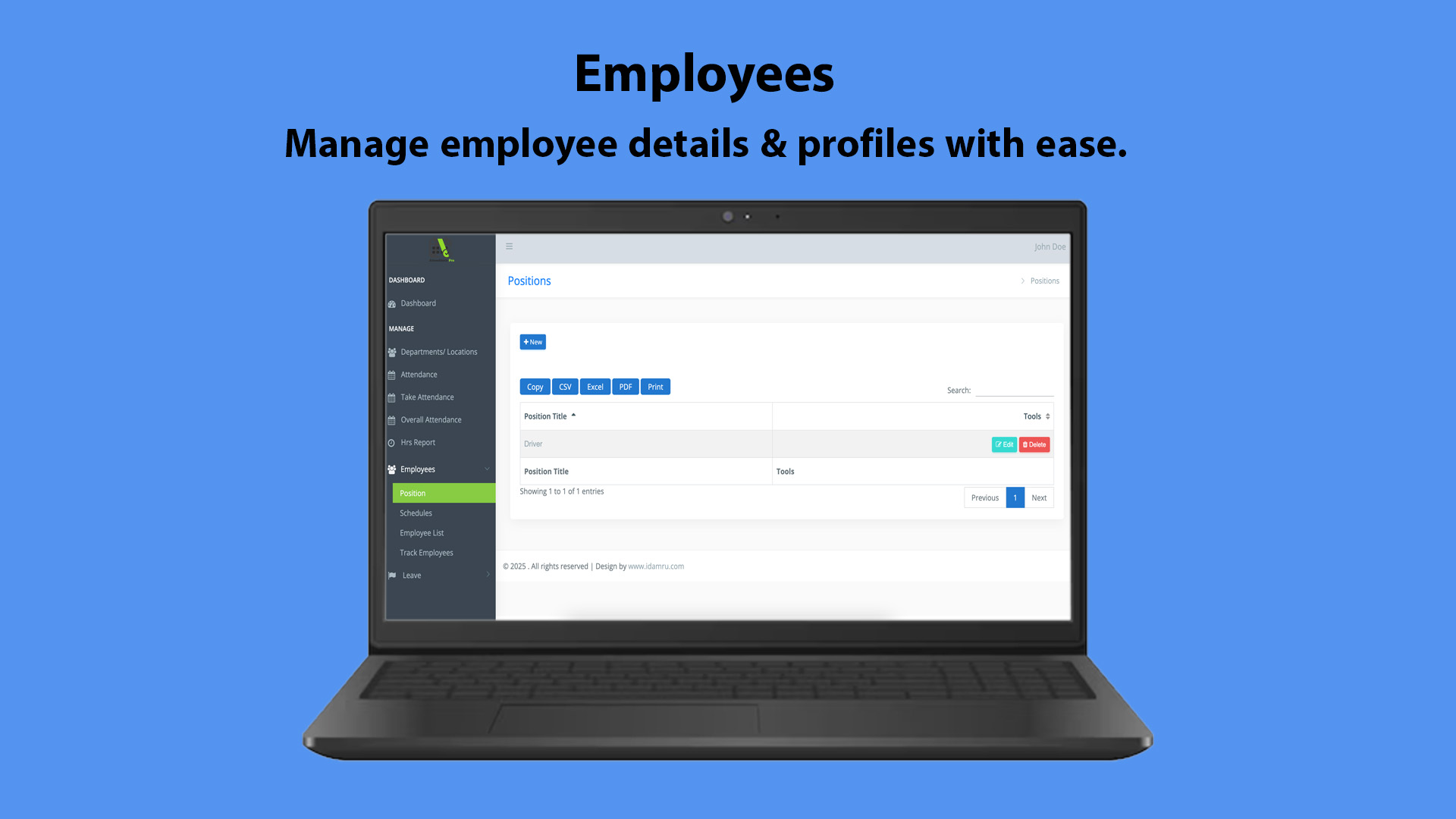
- Manage departments, locations, and employees efficiently
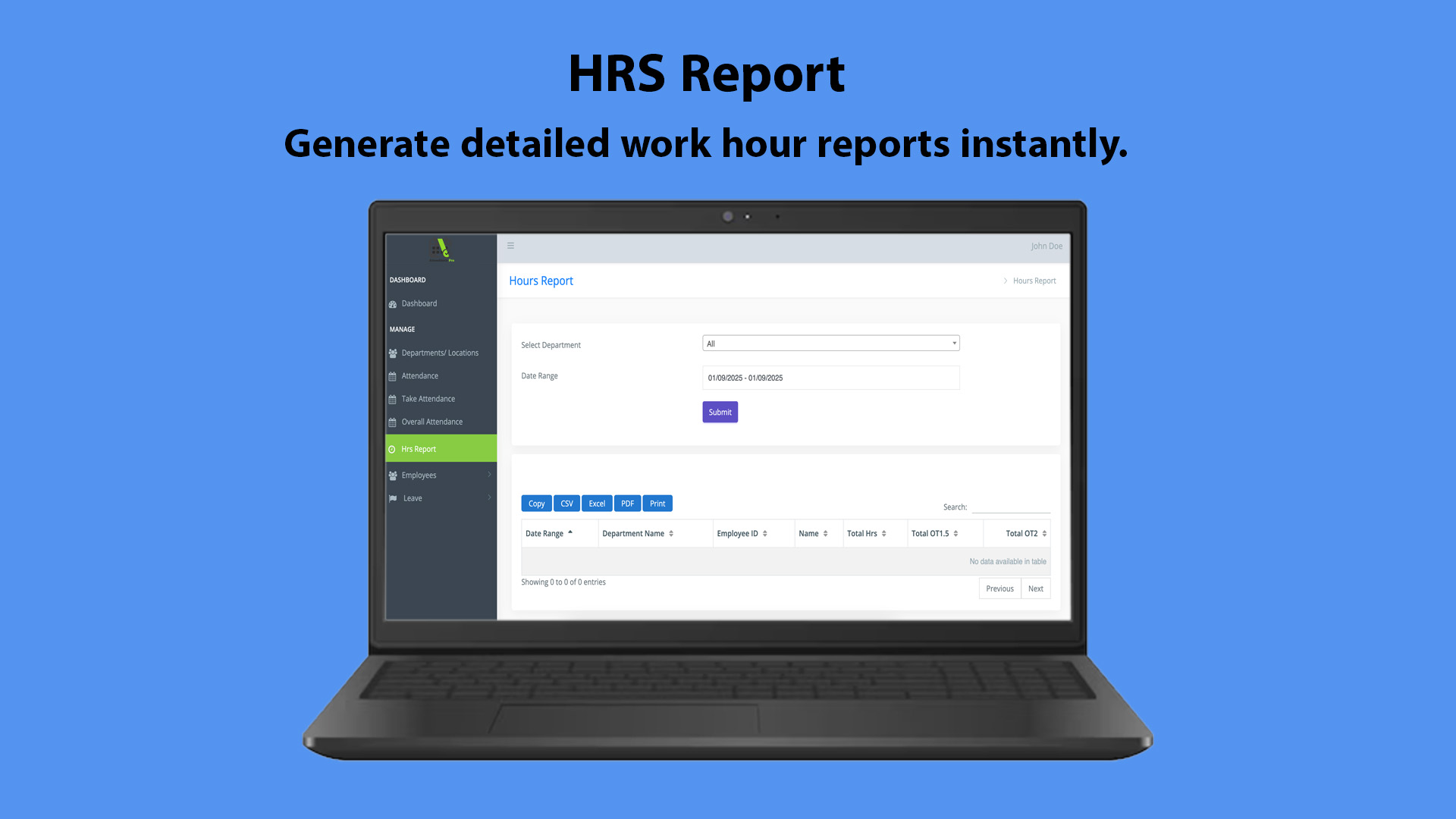
- Generate accurate reports for HR and management
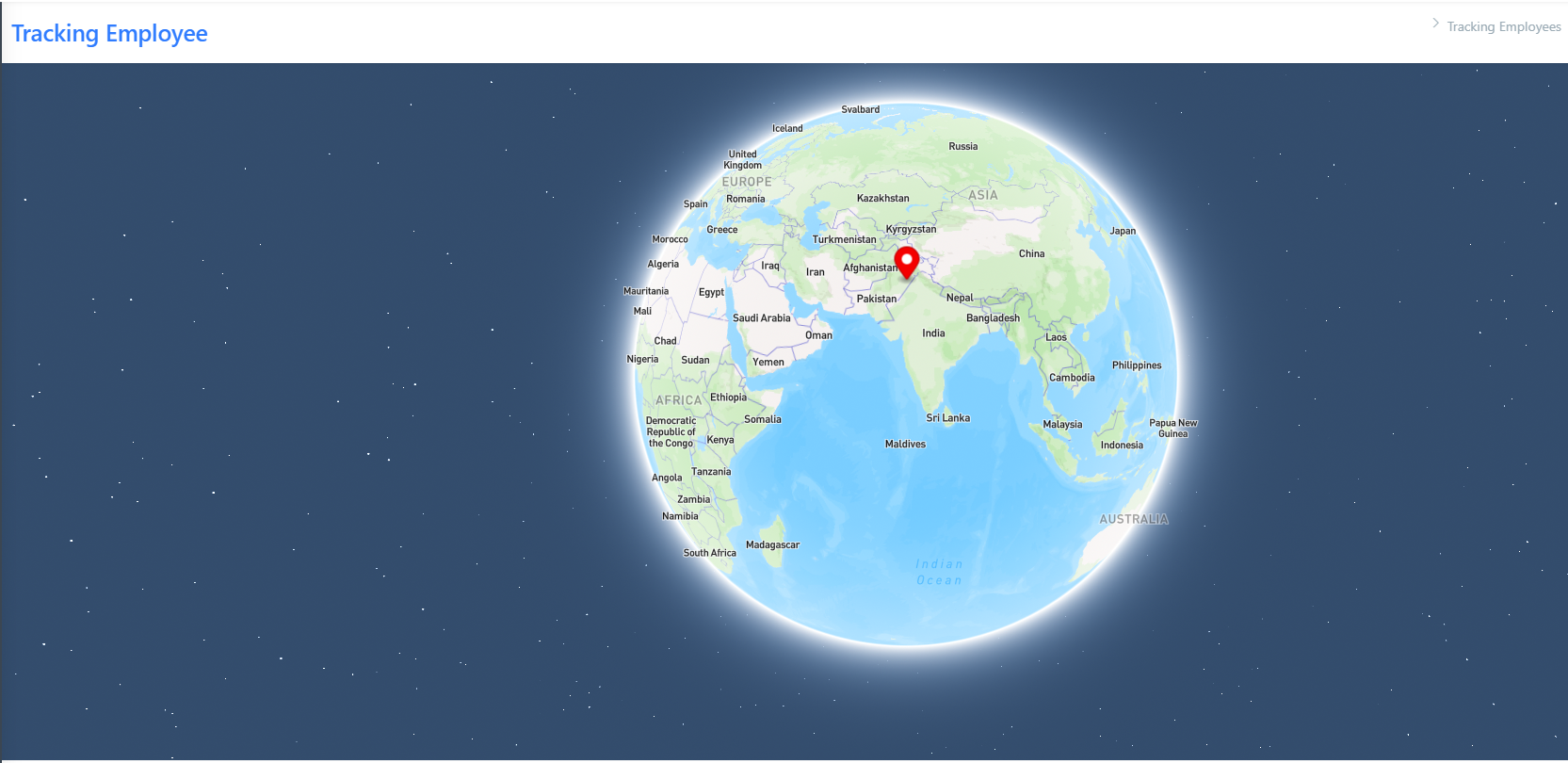
- Track employee leaves and overall attendance
- Real-time data synchronization and reporting
- Secure and scalable architecture for enterprise use
Requirements
Server Requirements (For PHP & MySQL System)
- Web Server: Apache/Nginx
- PHP Version: 7.4 or later (Recommended: PHP 8.0+)
- Database: MySQL 5.7 or later / MariaDB
- Extensions Required:
- cURL
- MBString
- OpenSSL
- PDO
- GD
- Fileinfo
- Zip
- Hosting Type: VPS / Dedicated Server (Recommended), Shared Hosting (Supported)
- Storage: Minimum 2GB Free Space
- Memory Limit: 256MB (Recommended: 512MB)
Development Requirements (For Local Installation)
- XAMPP / WAMP / LAMP Server
- Composer Installed (For Dependency Management)
- Node.js (For Build Processes if Required)
Instructions
System Requirements
Server Requirements (For PHP & MySQL System)
- Web Server: Apache/Nginx
- PHP Version: 7.4 or later (Recommended: PHP 8.0+)
- Database: MySQL 5.7 or later / MariaDB
- Extensions Required:
- cURL
- MBString
- OpenSSL
- PDO
- GD
- Fileinfo
- Zip
- Hosting Type: VPS / Dedicated Server (Recommended), Shared Hosting (Supported)
- Storage: Minimum 2GB Free Space
- Memory Limit: 256MB (Recommended: 512MB)
Development Requirements (For Local Installation)
- XAMPP / WAMP / LAMP Server
- Composer Installed (For Dependency Management)
- Node.js (For Build Processes if Required)
2. Setting Up the Flutter Mobile App
Step 1: Install Flutter
Ensure Flutter is installed on your system:
- Download from https://flutter.dev
- Run
flutter doctorto verify setup
Step 2: Configure API URL
- Open the Flutter project in VS Code / Android Studio
- Navigate to
lib/constants/api.dart(or equivalent file) - Update the API Base URL:
dart
CopyEdit


const String BASE_URL = "https://yourdomain.com/api/";
- Save the file
Step 3: Install Dependencies
Run the following command inside the Flutter project folder:
sh
CopyEdit


flutter pub get
Step 4: Run on Emulator or Device
- Android: Run
flutter runor use Android Studio - iOS: Ensure Xcode is installed, then run
flutter run
Step 5: Build the APK / iOS App
To generate the release APK:
sh
CopyEdit


flutter build apk --release
For iOS:
sh
CopyEdit


flutter build ios --release
Final Notes
- Ensure CORS is enabled on the API server if accessing from a different domain.
- Update Google Maps API Keys / Firebase Credentials if used.
- For production, use HTTPS and secure database credentials.
Let me know if you need further details! 🚀
| Author | codepul |
|---|---|
| Category | Scripts & Code / PHP Scripts / Miscellaneous |
| Price | $49 |
| Extended License | $147 |
| First Release | Mar 12, 2025 |
| Last Update | Mar 12, 2025 |
| Files included | .php, .css, .html, JavaScript .js |
Categories
Tags
External listing. code.market does not sell this product and does not process payment for it. Pricing, payment, delivery, licensing, refunds, and support are handled by the third-party merchant on its own website. We may earn an affiliate commission from a referral. Details.
Products of the Week.
Submit🥇

Perceptle
Perceptle is a daily browser-based game that challenges you to test your sensory intuition through five quick estimation and rhythm-based rounds.
Other · 1,489 views · 9 clicksOther · Week 47 · 1,489 views · 9 clicks
🥈

Free LinkedIn Likes From Real
Get free LinkedIn likes on your posts from real members who react by hand. No
SaaS · 1,632 views · 10 clicksSaaS · Week 47 · 1,632 views · 10 clicks
🥉

STOP GUESSING WHAT TO POST
AI that learns your brand voice and builds a month of consistent, on-brand social content: carousels, posts and hooks that sound like you, not like everyone else's AI.
SaaS · 9,176 views · 75 clicksSaaS · Week 47 · 9,176 views · 75 clicks
#4

aaas.market
407 reliable micro tools for solo founders, marketers and creators. They work in your browser
SaaS · 1,597 views · 5 clicksSaaS · Week 47 · 1,597 views · 5 clicks